How do I use the Abstract Fine-Art Editorial Portrait template?
Choose the primary action to open PicX Studio with the available template settings. Review the model and format, personalize the creative direction, and generate when ready.
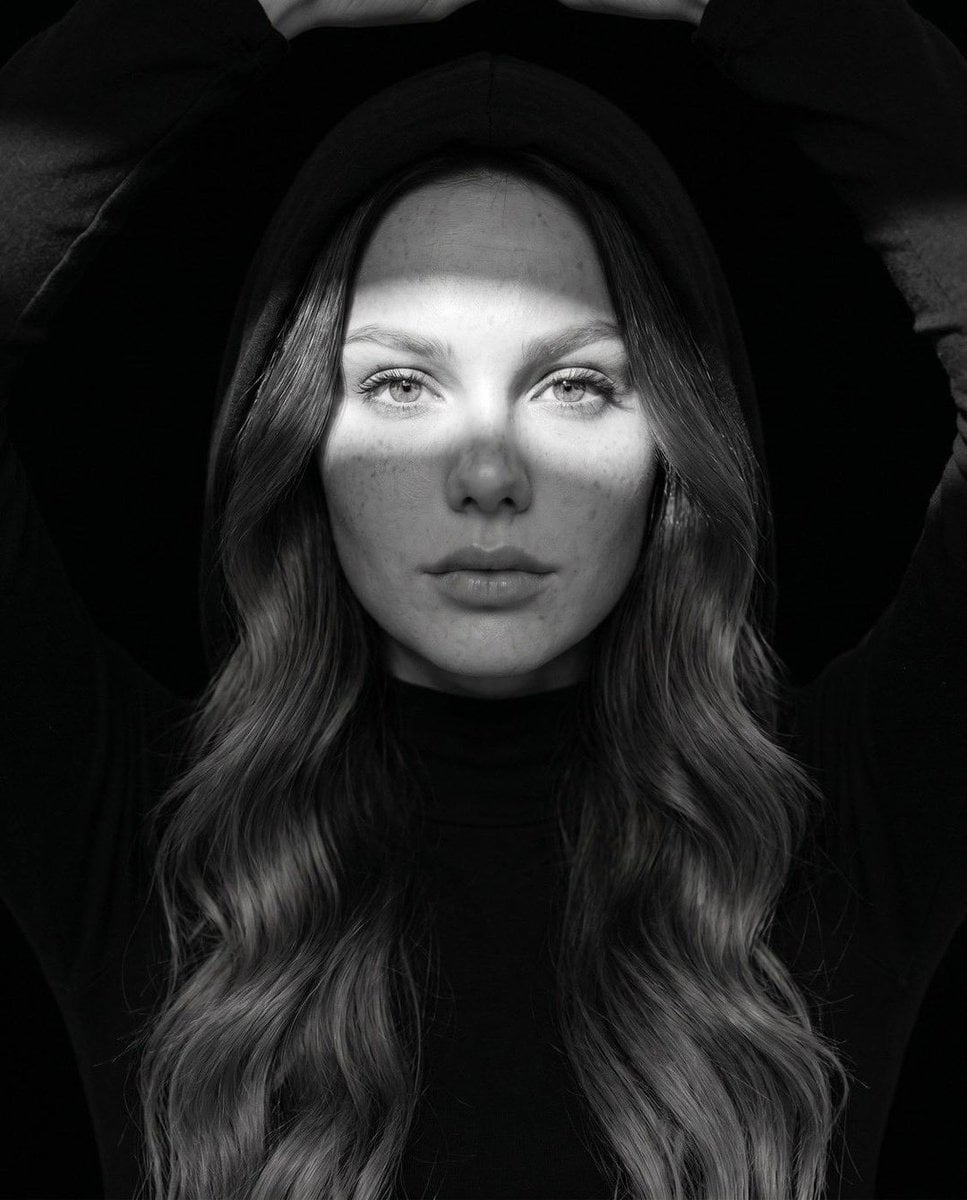
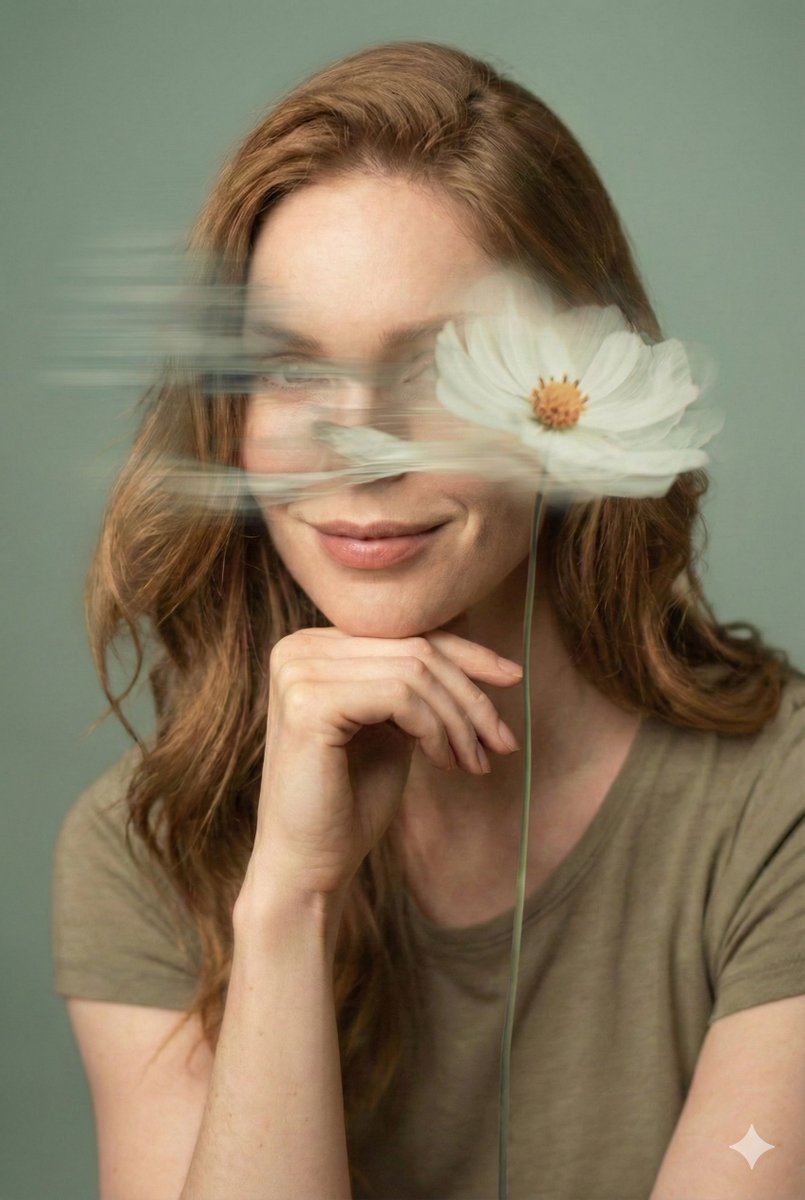
Generates a high-end monochrome portrait layered with vibrant, fluid abstract paint splashes for a luxury fashion aesthetic.
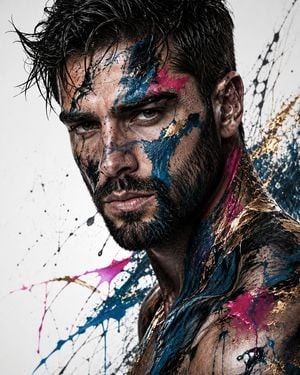
Create a high-end fine-art editorial portrait of a striking young man use image for face reference with beard also with {argument name="hair style" default="tousled, wet-looking dark hair"}, intense light eyes, defined cheekbones, strong jawline, and subtle stubble. Tight close-up, three-quarter angle, dramatic expression, cinematic studio lighting, ultra-realistic skin texture, highly detailed eyes. The portrait is predominantly monochrome black, white, and silver, with dramatic abstract paint splashes layered across the face, neck, and upper torso. Use {argument name="main paint color" default="deep teal/blue"} paint as the dominant accent, with {argument name="accent paint color" default="vivid magenta/pink"} splashes and luxurious metallic gold streaks. Paint should appear fluid, organic, and expressive, with realistic drips, splatters, brush strokes, and translucent layers partially revealing the face beneath. Minimal white background with energetic abstract paint marks around the subject. Sophisticated fashion-art aesthetic, luxury magazine editorial, contemporary fine-art photography, high contrast, dramatic shadows, sculptural lighting, atmospheric depth, extremely detailed, photorealistic, 8K, sharp focus, premium composition, vertical portrait, no text, no watermark.
Choose the primary action to open PicX Studio with the available template settings. Review the model and format, personalize the creative direction, and generate when ready.
Yes. You can change the subject, setting, lighting, mood, format, and available model controls before creating your image.
This template is free to open and customize. Generation usage is shown in PicX Studio before you create.
Start with GPT Image 2, which is the model associated with this template. You can compare another compatible model for a different finish.
Follow a topic to a crawlable collection of related PicX Studio templates.