
Modest Fashion Studio Editorial Prompt
A cinematic prompt for generating modest fashion photography in a minimal studio setting with warm lighting and premium branding.
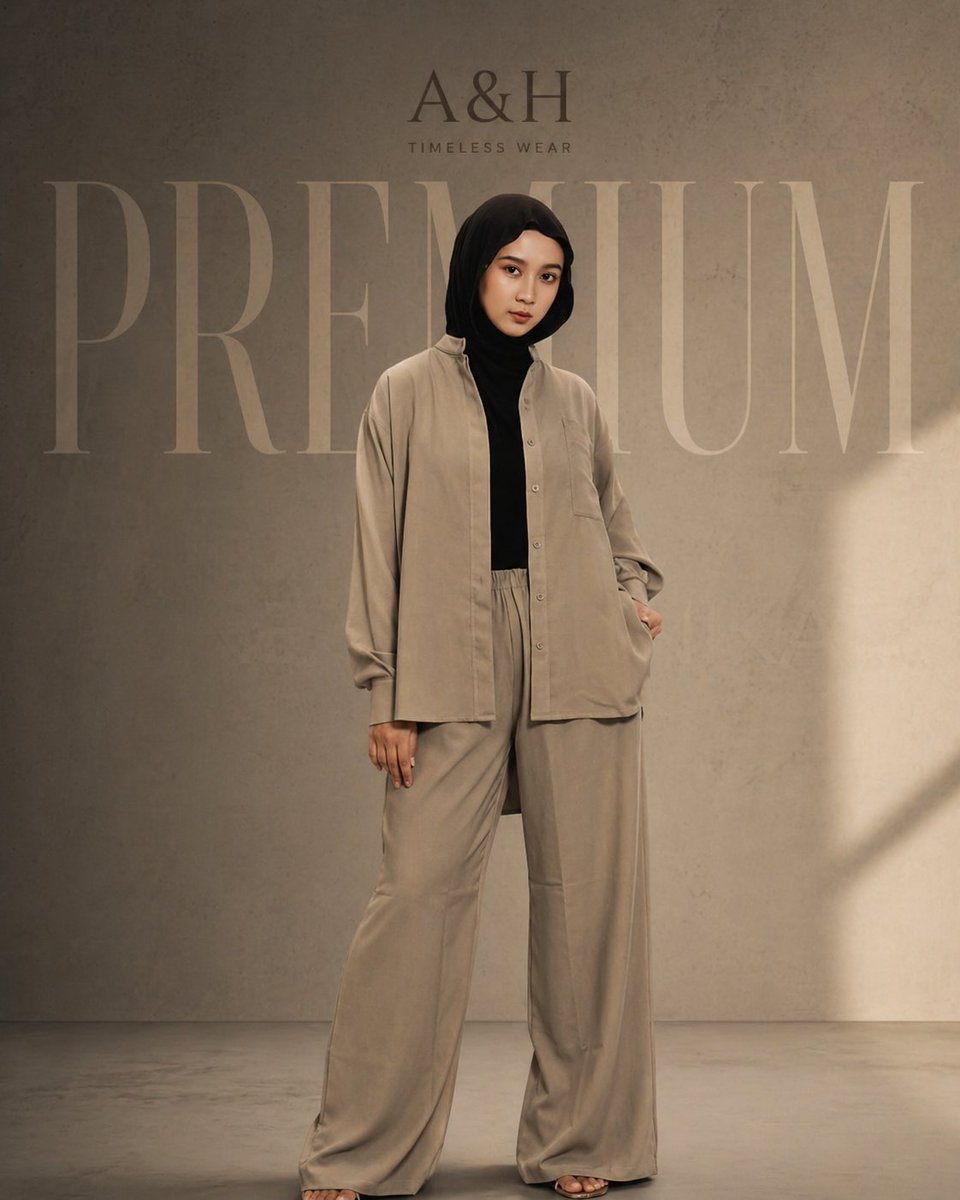
- Prompt included
- Model and format preset
- Free template
The prompt behind this image
Copy the exact prompt behind Modest Fashion Studio Editorial Prompt, or open it in the studio and make it yours.
A cinematic fashion editorial shot of a modest female model wearing a {argument name="outfit" default="loose tunic set and hijab"}, standing confidently in a minimal studio. Keep the same pose, front-facing, relaxed stance. Outfit in aesthetic neutral tones (soft beige / warm taupe). Background is {argument name="background" default="textured concrete"} with dim, moody lighting and soft shadows for a premium cinematic feel. Remove all original text and branding. Add elegant branding: “{argument name="brand" default="A&H"}” at the top in a luxury serif font. Add very large, faded word “PREMIUM” in the background behind the model (low opacity, wide spacing). Color grading should be warm, slightly desaturated, high-end fashion look. Soft light falloff, subtle vignette, editorial style, ultra clean composition, high resolution.
How to use Modest Fashion Studio Editorial Prompt in 3 steps
- 1Upload ImagePNG, JPG or paste
Add your photo
Upload the photo the template builds on. The prompt, model and format are already set.
- 2…a portrait of your subject in softgolden-hour light, 85mm…
Personalize
Edit the subject and creative details for your destination.
- 3Generate
Generate
Press Generate — your image is created in PicX Studio, so you can compare it with the original and refine one variable at a time.
More like this
Templates with the same subject, style or setup. Open one to see its prompt.

Luxury Black-and-White Fashion Contact Sheet

Gpt Image 2 Fashion Portrait

Futuristic Studio Neon Ring Minimalist Portrait

untitled

Google Gemini Nano Banana Pro

Conceptual Fashion Portrait in Spider We

01 Skincare Split Portrait — Nano Banana 2

24 The Getty Center — California Series

21 Glass Floor Skyscraper — California Series

19 Luxury Helicopter Travel — California Series

08 Rodeo Drive Luxury Exit — California Series

03 Beverly Hills Convertible — California Series
Make it yours
Modest Fashion Studio Editorial Prompt works as-is. These are the safest ways to change it without losing the look.
Change one field
Copy a single group, rewrite it, and generate again so you can see what that field is doing.
Keep the frame, change the subject
Hold the composition and light of Modest Fashion Studio Editorial Prompt, then swap wardrobe, props or the person for a new take.
| If the result… | Why | Fix |
|---|---|---|
| The result drifts from the preview | Too many fields changed at once. | Reuse Modest Fashion Studio Editorial Prompt as-is first, then change one group — subject, light, or setting. |
| The model over-stylizes the scene | The prose prompt leaves finish and camera underspecified. | Add one camera or lighting sentence and stay on GPT Image 2. |
More GPT Image 2 templates
Other prompts made for GPT Image 2.

Six VTuber Japanese Logo Sheet

Realistic Portrait of Woman and Deer

The Vista Modular Condo Poster

AI Model Routing Comparison Infographic

2.5D Anime Art Board

Isometric Productivity Desk Scene

New York Double Exposure Poster

Four-Panel AI Landscape Comparison

Japanese Tatami Lifestyle Magazine Cover

NESCAFÉ Coffee Map Poster
More image prompts
Fresh picks from across the catalog.
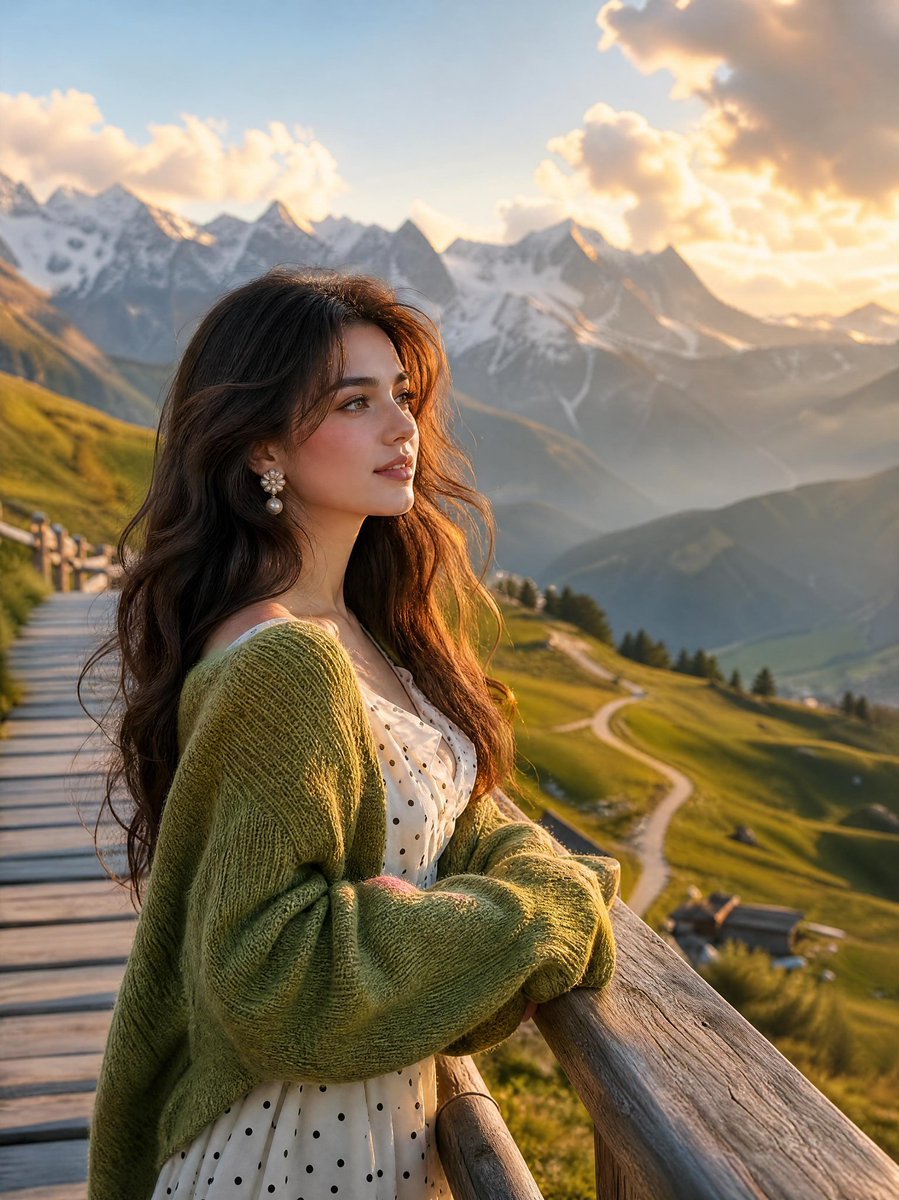
Alpine Landscape Mountain Boardwalk Portrait
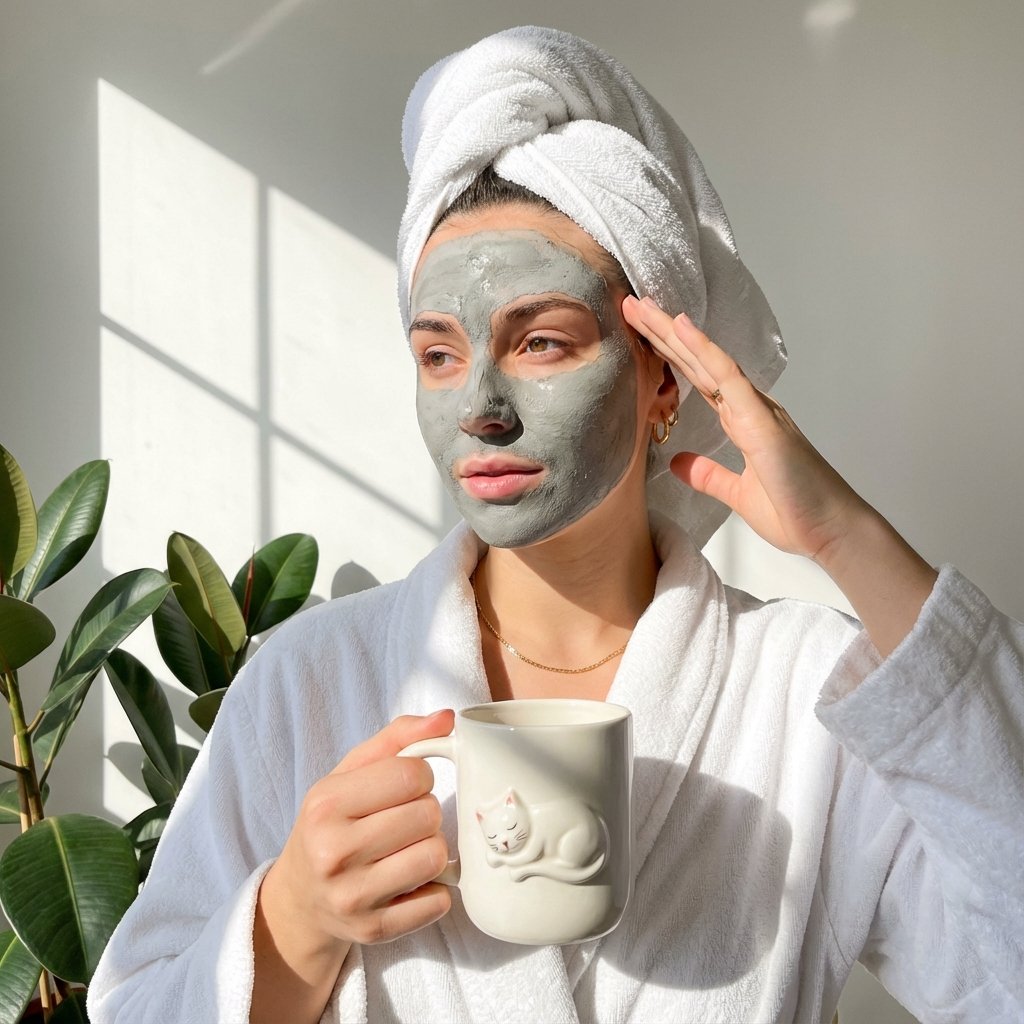
Self-Care Morning Routine Portrait
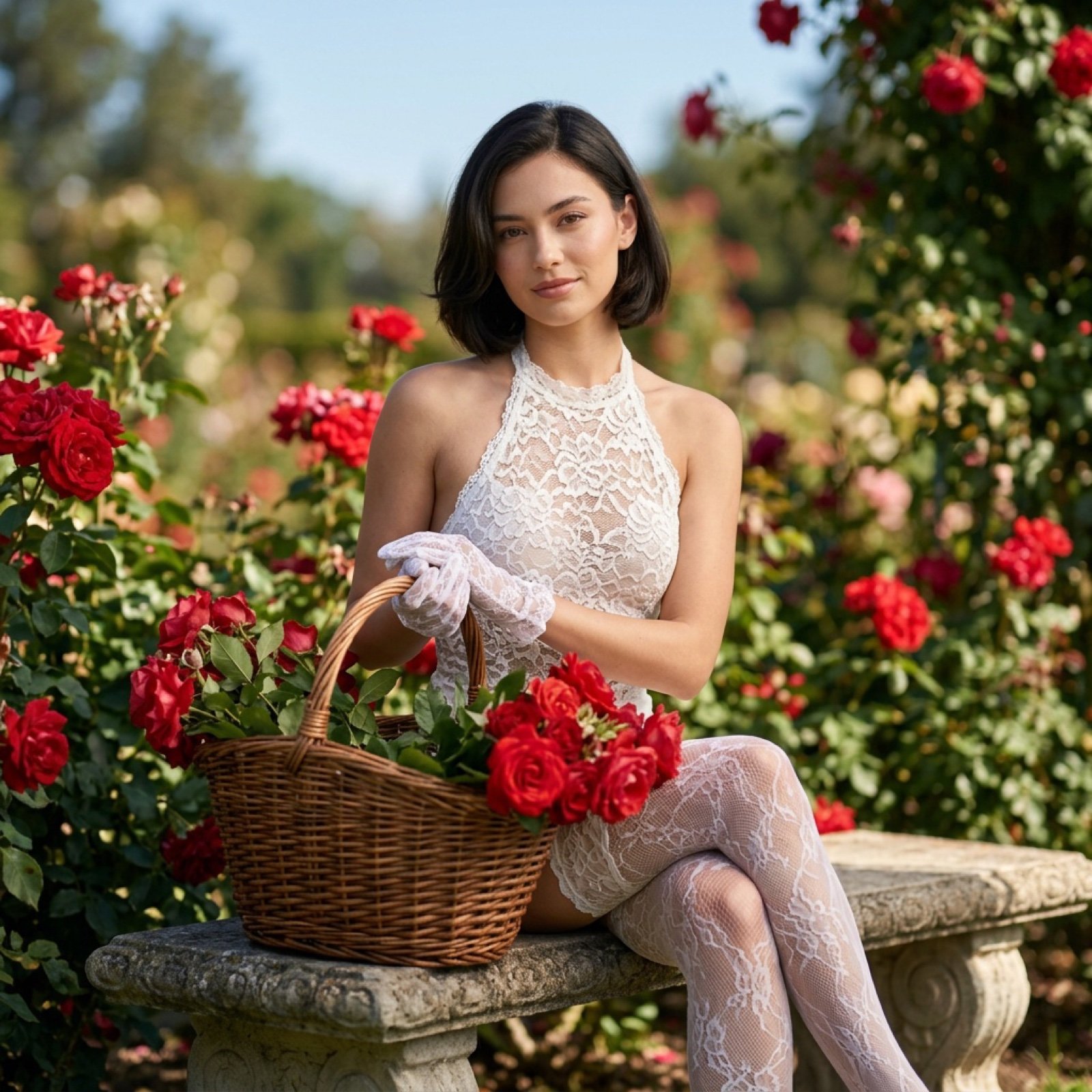
Reference Image Consistency Prompt Template
Nano Banana Pro brand hero image (with later edit request)
Low Light iPhone Realism Hoodie Portrait Prompt for Nano Banana 2
Goshuin Style Character Illustration
Golden Hour Portrait on a Boardwalk
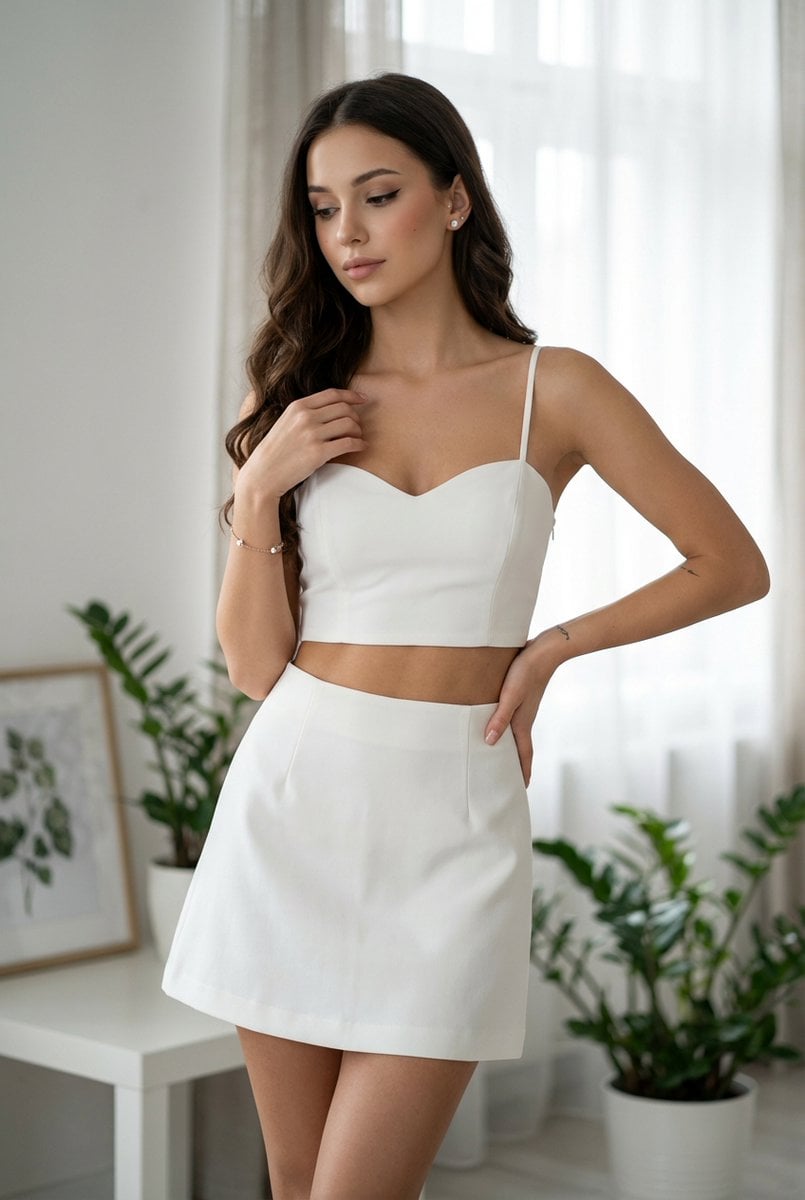
Chic White Outfit Fashion Editorial Prompt
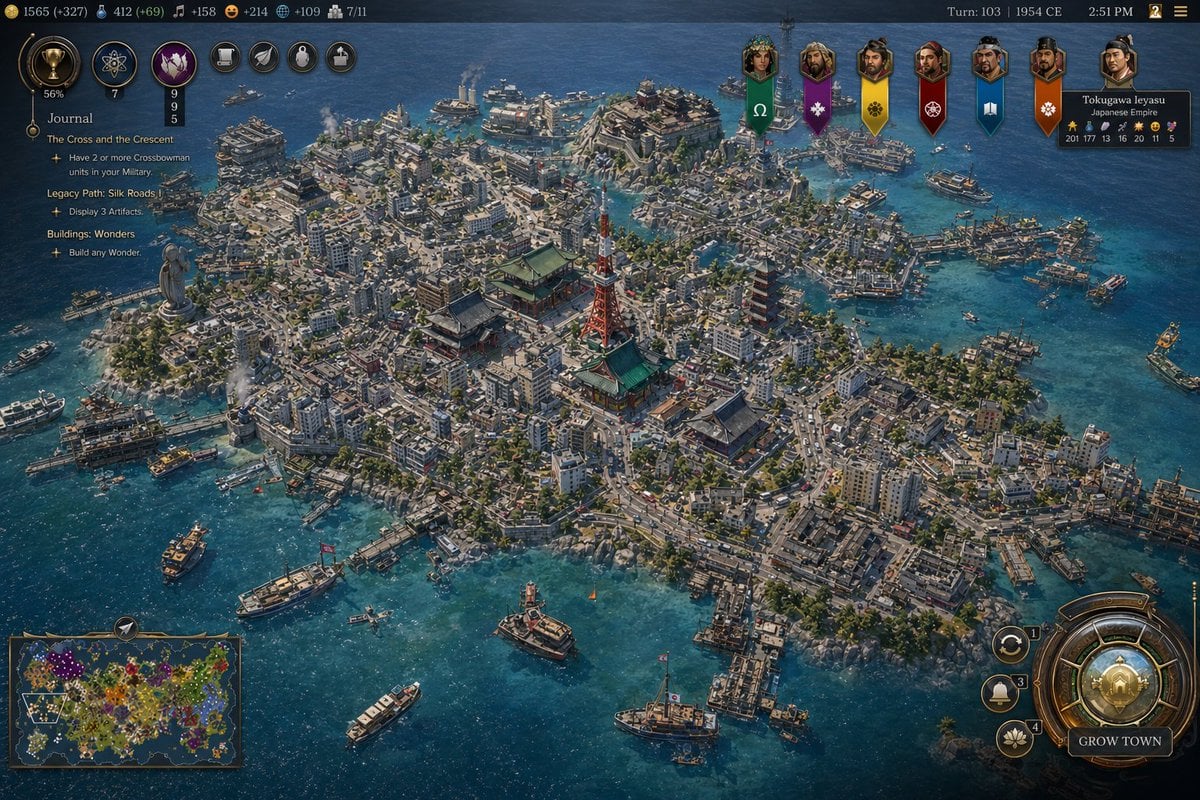
Civ-Style 1954 Tokyo Harbor Screenshot
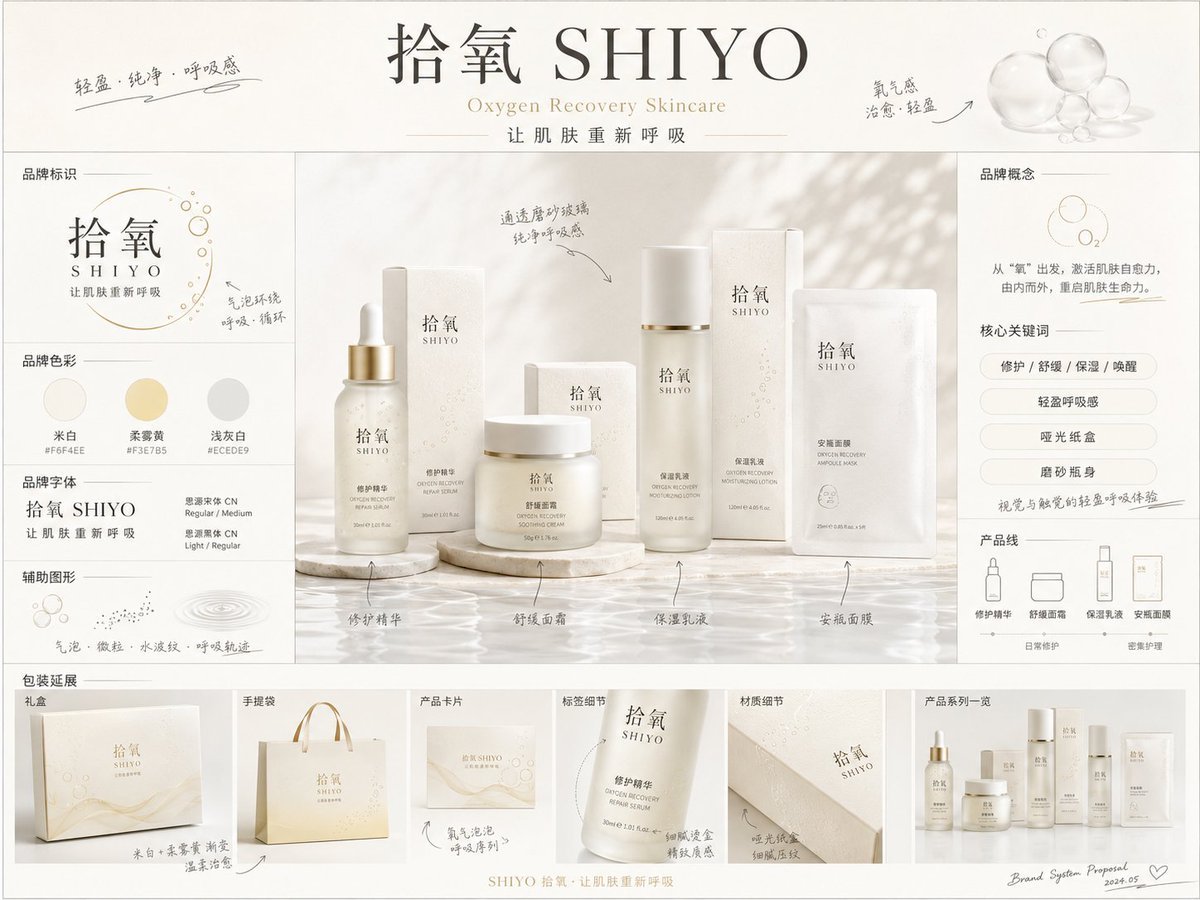
《品牌概念提案板》提示词: 请生成一张【画幅比例】的高完成度「品牌全案概念提案板 / Brand
Browse template categories
Modest Fashion Studio Editorial Prompt questions
How do I use the Modest Fashion Studio Editorial Prompt template?
Add your photo if the template asks for one, edit the prompt if you like — the template's model and format are already selected — and press Generate. Your version opens in PicX Studio.
Can I customize the Modest Fashion Studio Editorial Prompt template?
Yes. You can change the subject, setting, lighting, mood, format, and available model controls before creating your image.
Is the Modest Fashion Studio Editorial Prompt template free?
Opening and editing this template is free. Generating uses credits, shown on the Generate button when you are signed in.
Which AI model should I use?
Start with GPT Image 2, which is the model associated with this template. You can compare another compatible model for a different finish.
Looking for something else? Browse all templates.

Your photo, any look
Thousands of ready templates for every top image and video model, from one credit balance.