
Civ-Style 1954 Tokyo Harbor Screenshot
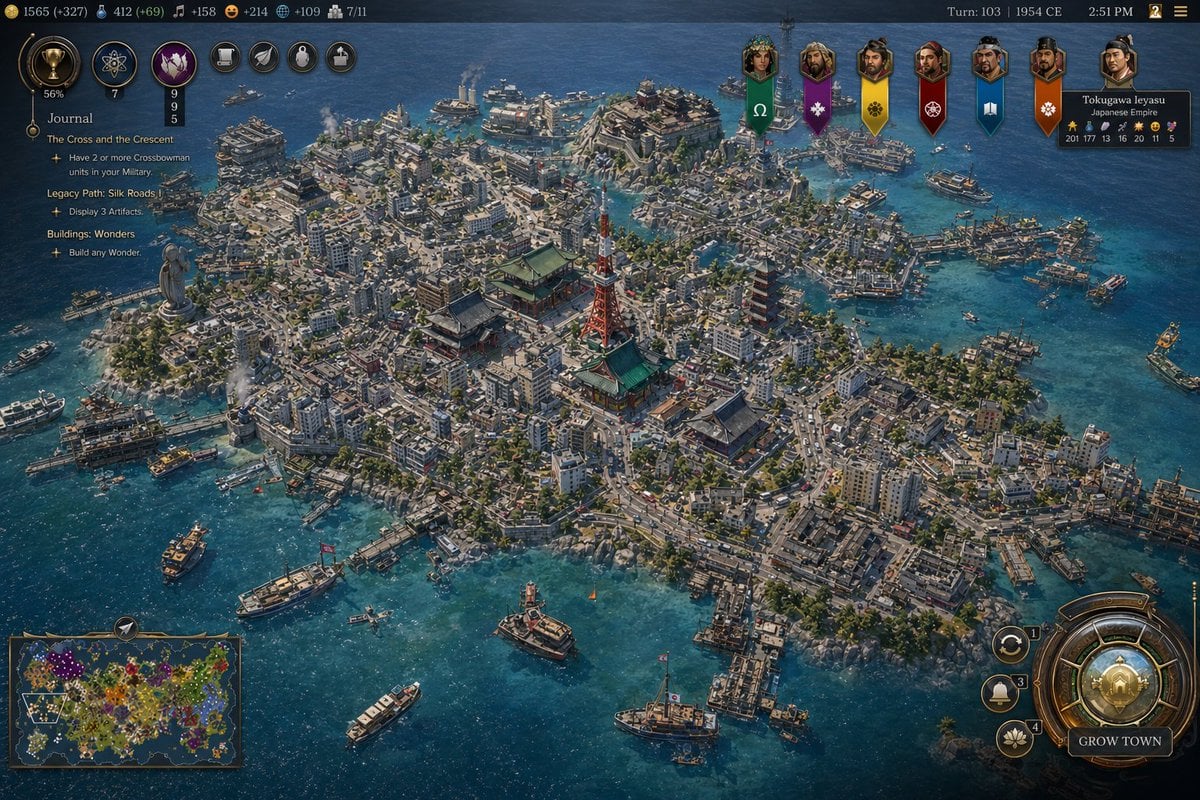
This prompt generates a polished Civilization-style strategy game screenshot of a dense mid-century Japanese harbor city with a full 4X game interface, ideal for fictional historical game mockups and location-guessing…
- Prompt included
- Model and format preset
- Free template
The prompt behind this image
Copy the exact prompt behind Civ-Style 1954 Tokyo Harbor Screenshot, or open it in the studio and make it yours.
A high-detail grand strategy game screenshot in the style of a modern Civilization VII interface, showing an isometric aerial view of a dense coastal island metropolis inspired by {argument name="city location" default="Tokyo, Japan"} in {argument name="year" default="1954 CE"}. The city fills a compact island and several connected reclaimed islets in a bright blue harbor, with intricate urban density, narrow streets, mid-century low- and mid-rise concrete buildings, docks, ferries, cargo boats, patrol vessels, and small ships scattered across the water. At the visual center, include a cluster of iconic Japanese landmarks: a red-and-white lattice broadcast tower resembling Tokyo Tower, a large traditional temple complex with green roofs, and a multi-tier pagoda, surrounded by tightly packed neighborhoods. Add a large waterfront statue on the left side of the island, industrial smoke stacks near the shoreline, bridges, piers, seawalls, and layered districts climbing gentle hills. The architecture should mix postwar urban Japan with traditional shrines and temples, conveying a believable historical city simulation with accurate transportation details and harbor infrastructure. Use crisp strategy-game rendering, cinematic sunlight, realistic water reflections, tiny moving vehicles and ships, and rich texture detail across roads, rooftops, trees, and coastlines. Overlay a complete 4X strategy game UI: a dark top bar with resource counters on the left, exactly 7 circular action or technology icons near the upper left, turn and date text at the top right reading {argument name="turn label" default="Turn: 103 | 1954 CE"}, and a small time readout. On the left side, add a journal panel titled {argument name="journal title" default="Journal"} with 3 visible quest sections: "The Cross and the Crescent", "Legacy Path: Silk Roads", and "Buildings: Wonders", each with short objective lines beneath. Across the upper center-right, place exactly 7 vertical civilization banners with portrait medallions. On the upper right, include a leader info card for "Tokugawa Ieyasu" and "Japanese Empire" with small stat values. On the bottom left, include a minimap framed in bronze showing a colorful world map. On the bottom right, add a large ornate circular command dial with smaller adjacent buttons and a prominent button labeled "GROW TOWN". The whole image should look like an authentic in-game screenshot rather than concept art, with polished UI, readable but small text, and the composition focused on the spectacular cityscape and harbor.
How to use Civ-Style 1954 Tokyo Harbor Screenshot in 3 steps
- 1Upload ImagePNG, JPG or paste
Add your photo
Upload the photo the template builds on. The prompt, model and format are already set.
- 2…a portrait of your subject in softgolden-hour light, 85mm…
Personalize
Edit the subject and creative details for your destination.
- 3Generate
Generate
Press Generate — your image is created in PicX Studio, so you can compare it with the original and refine one variable at a time.
More like this
Templates with the same subject, style or setup. Open one to see its prompt.
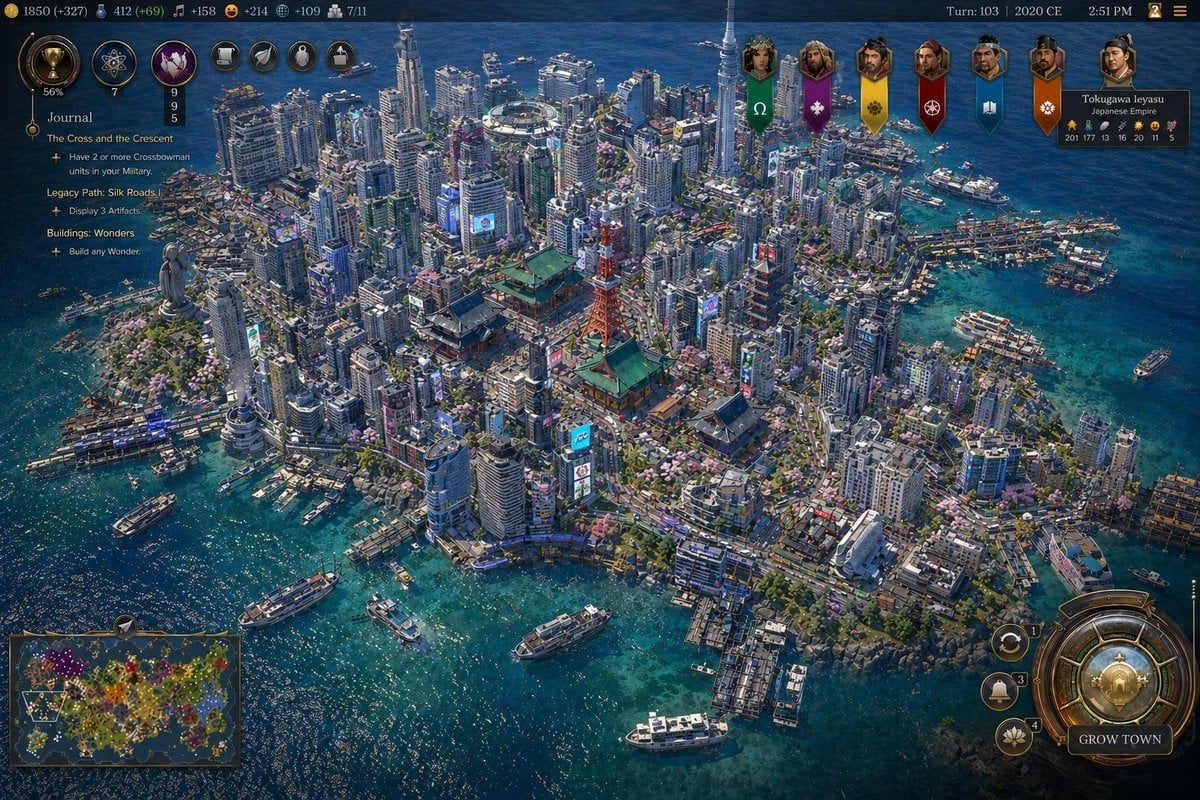
Civ-Style Tokyo Island Megacity Screenshot

Minecraft Next-Gen Voxel World Screenshot
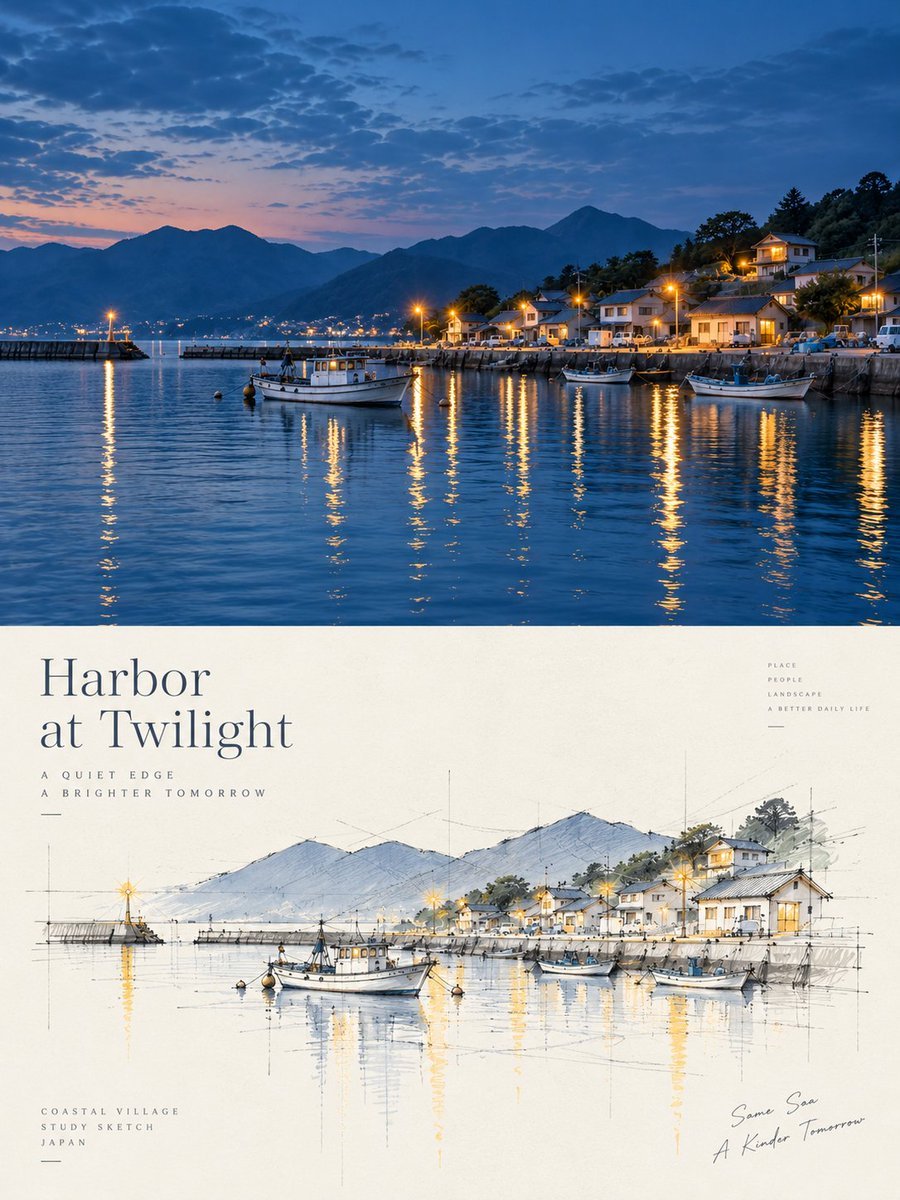
Harbor Twilight Photo Sketch Poster
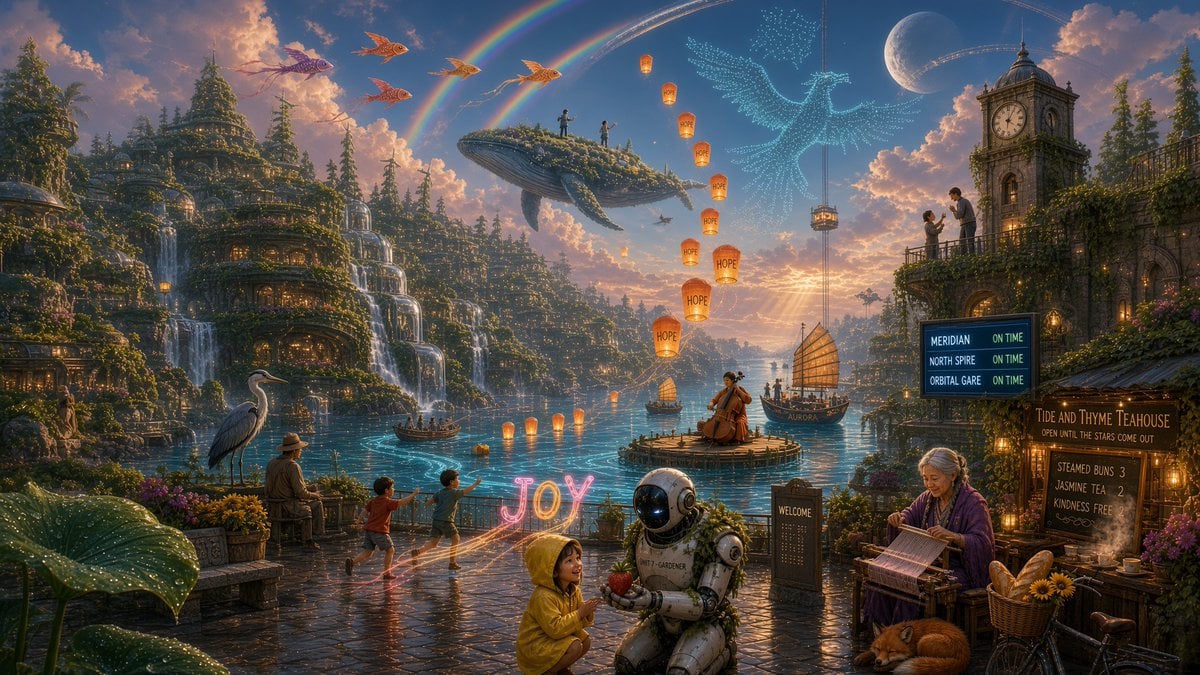
Solarpunk Harbor of Joy
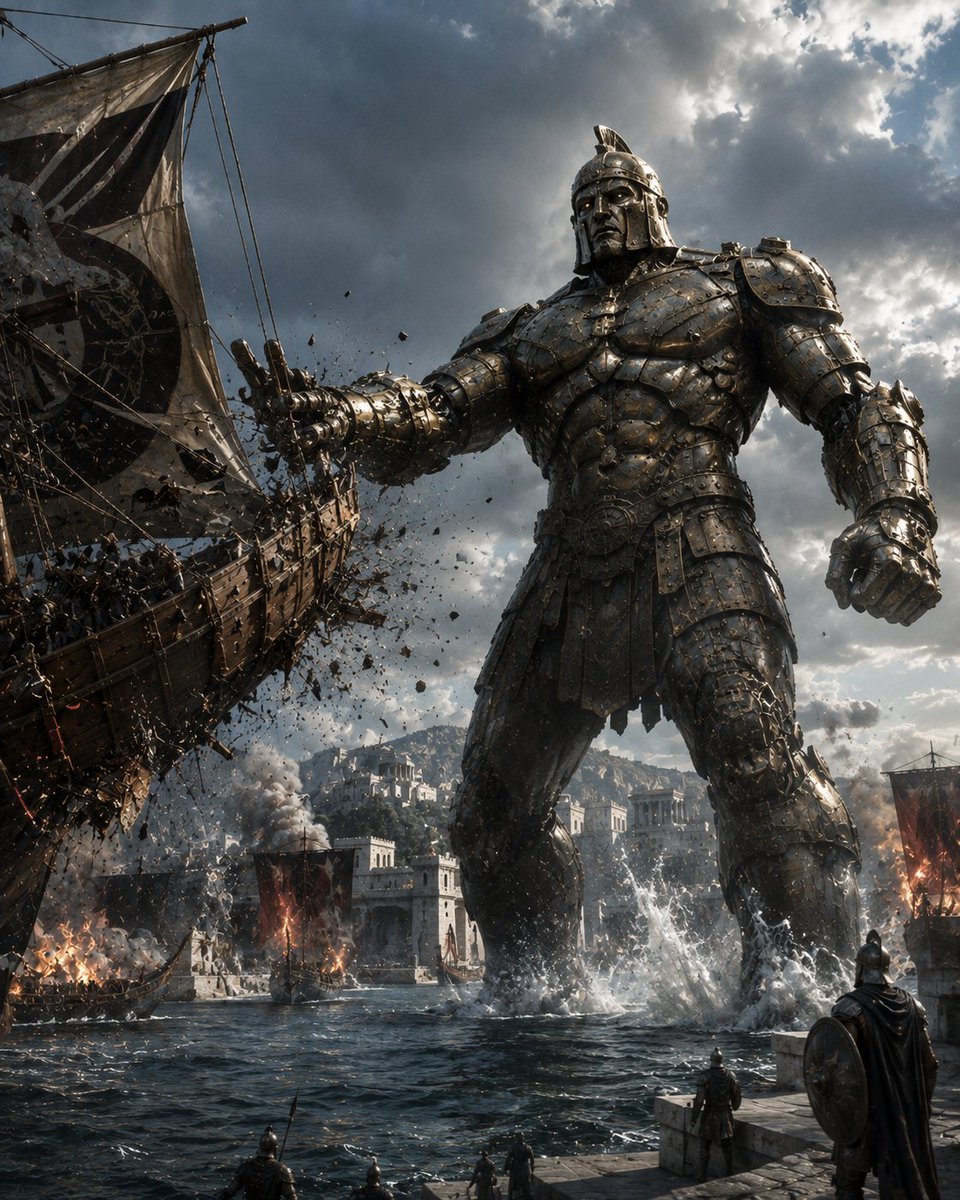
Bronze Talos Harbor Defense
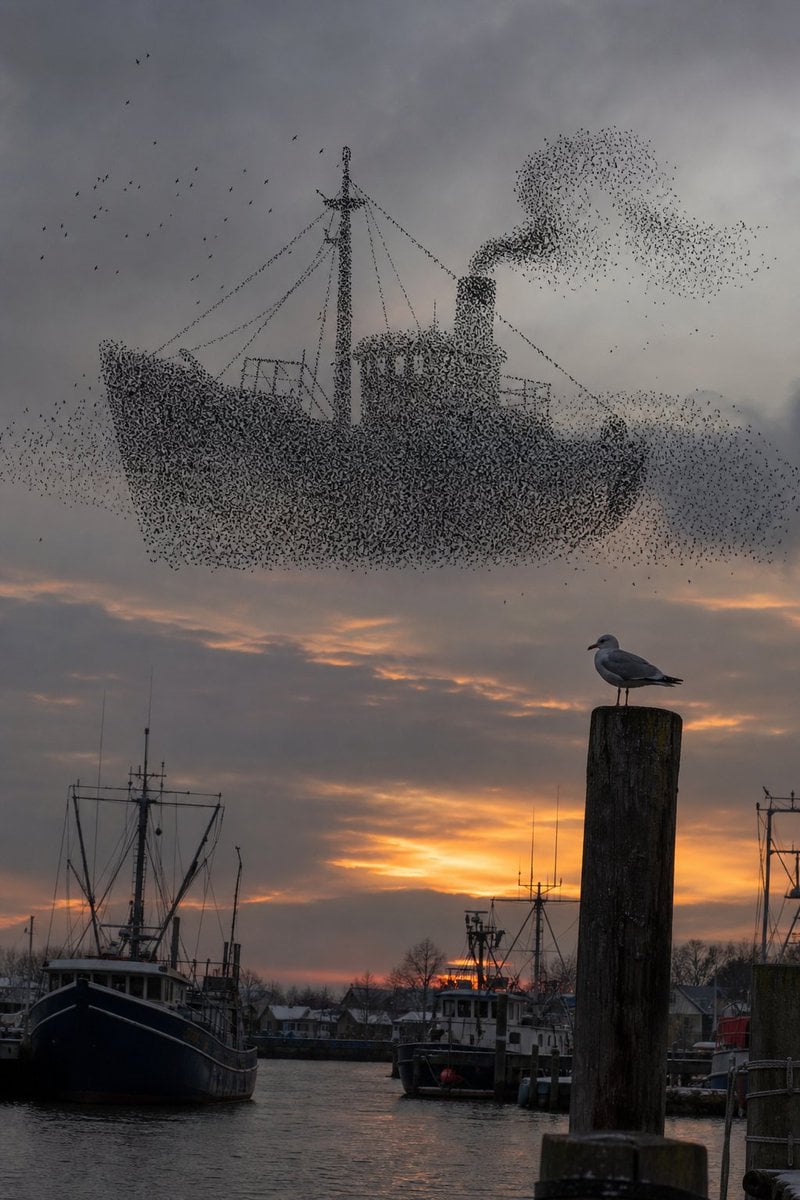
Harbor Murmuration Silhouette
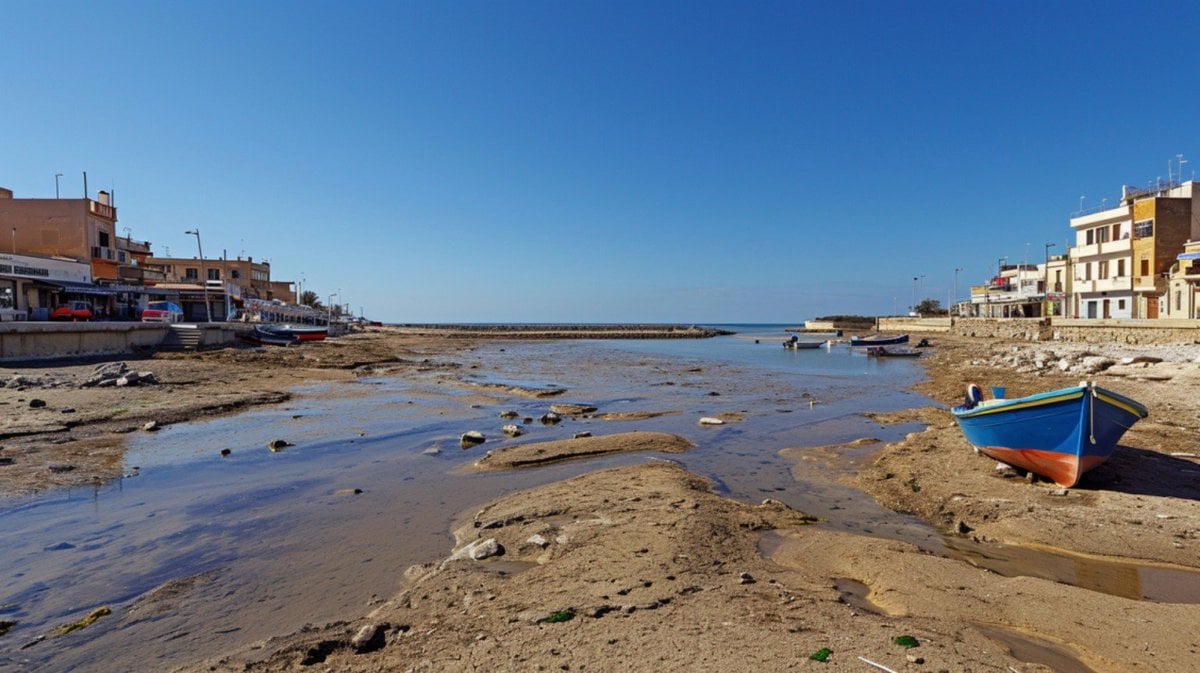
Mediterranean Low Tide Harbor
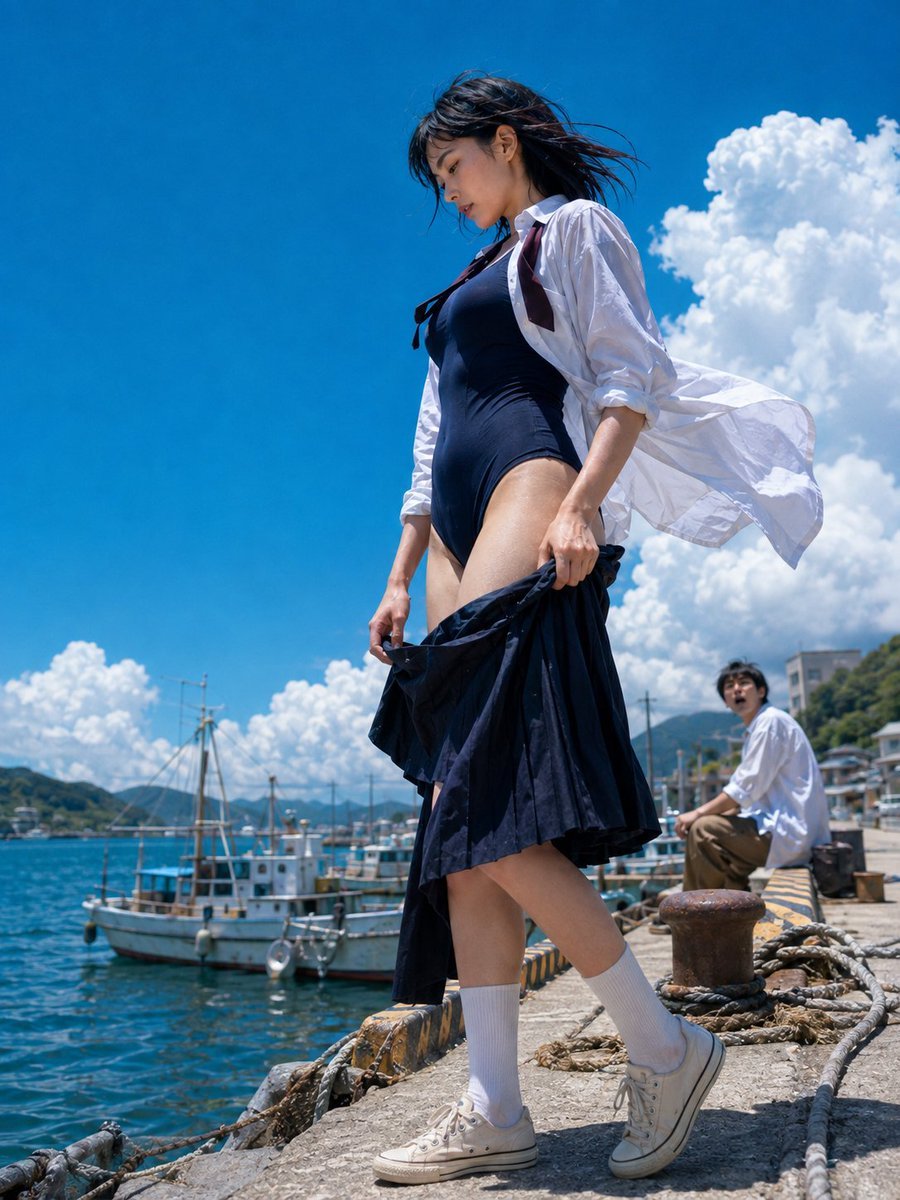
Sea Breeze Harbor Portrait
Tokyo Night Crosswalk Fashion Portrait
Rainy Norwegian Fjord Harbor
Anime Girl in Rainy Tokyo Alley
Lonely Sci-Fi Harbor Wallpaper
Make it yours
Civ-Style 1954 Tokyo Harbor Screenshot works as-is. These are the safest ways to change it without losing the look.
Change one field
Copy a single group, rewrite it, and generate again so you can see what that field is doing.
Keep the frame, change the subject
Hold the composition and light of Civ-Style 1954 Tokyo Harbor Screenshot, then swap wardrobe, props or the person for a new take.
| If the result… | Why | Fix |
|---|---|---|
| The result drifts from the preview | Too many fields changed at once. | Reuse Civ-Style 1954 Tokyo Harbor Screenshot as-is first, then change one group — subject, light, or setting. |
| The model over-stylizes the scene | The prose prompt leaves finish and camera underspecified. | Add one camera or lighting sentence and stay on GPT Image 2. |
More GPT Image 2 templates
Other prompts made for GPT Image 2.

Six VTuber Japanese Logo Sheet

Realistic Portrait of Woman and Deer

The Vista Modular Condo Poster

AI Model Routing Comparison Infographic

2.5D Anime Art Board

Isometric Productivity Desk Scene

New York Double Exposure Poster

Four-Panel AI Landscape Comparison

Japanese Tatami Lifestyle Magazine Cover

NESCAFÉ Coffee Map Poster
More image prompts
Fresh picks from across the catalog.
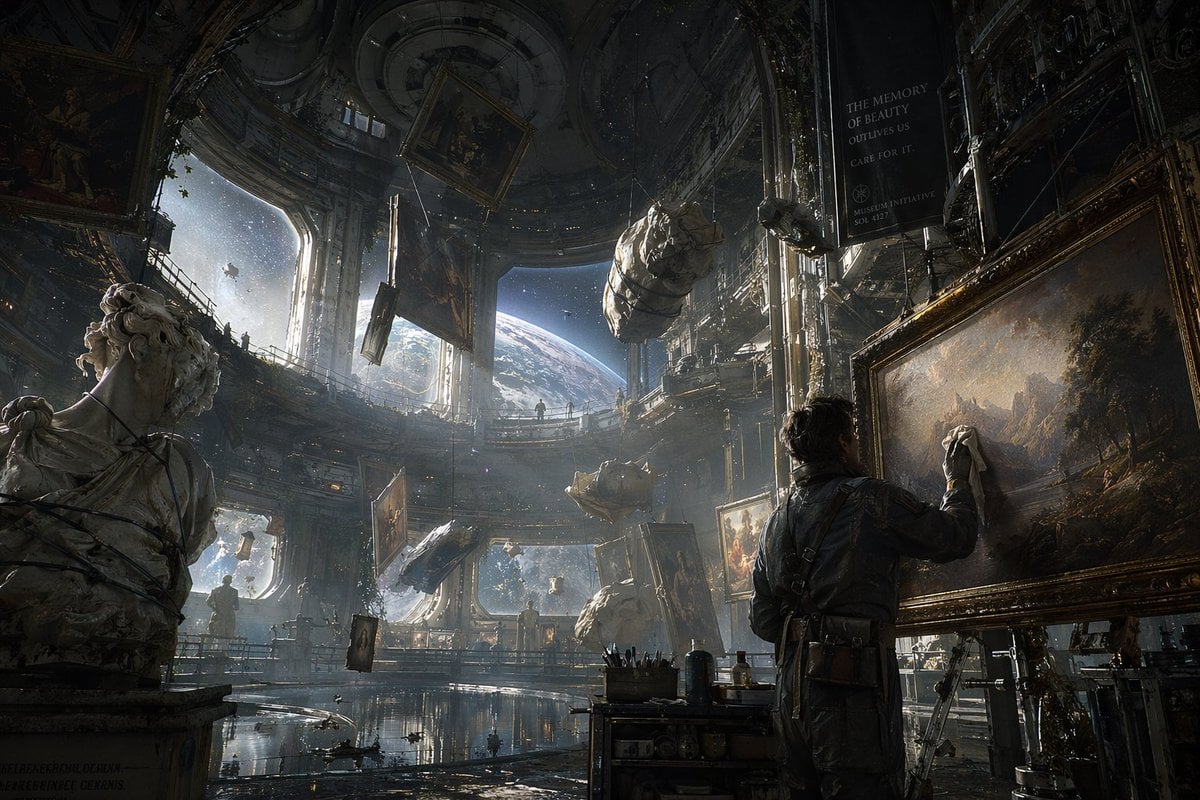
Sci-Fi Orbital Art Museum
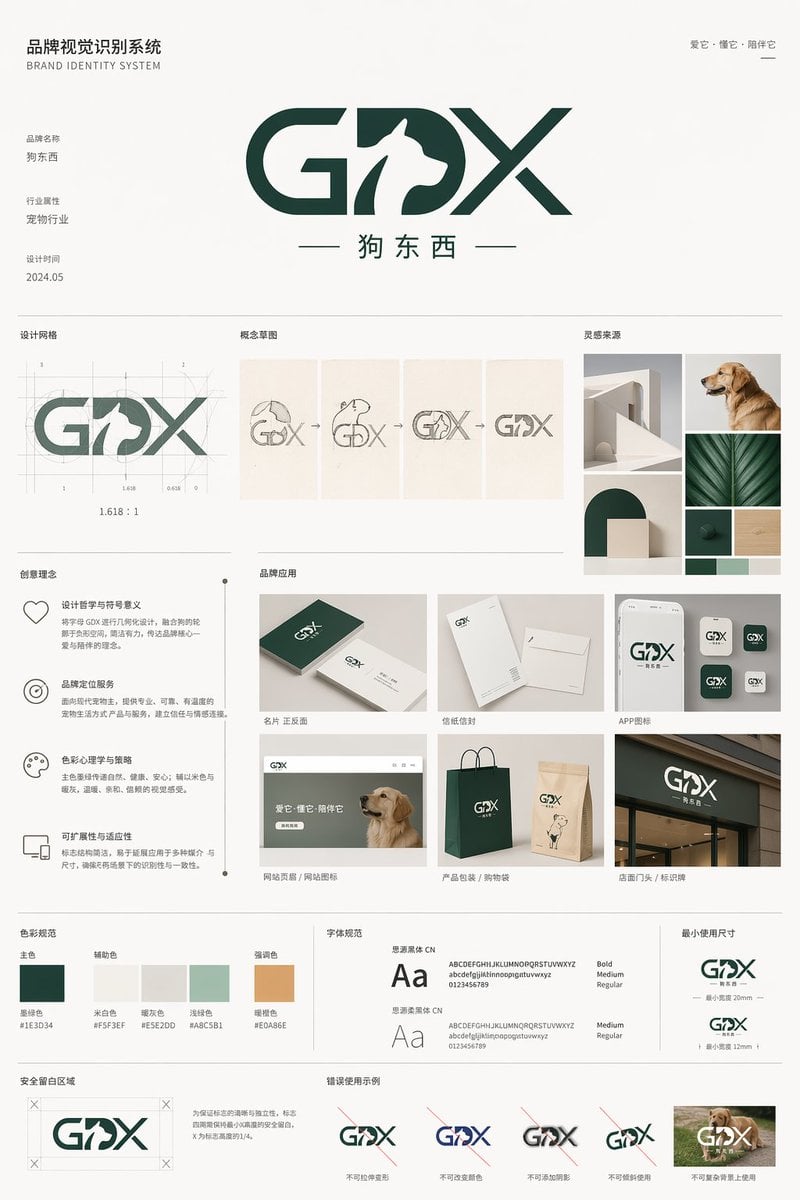
Pet Brand Identity System Board
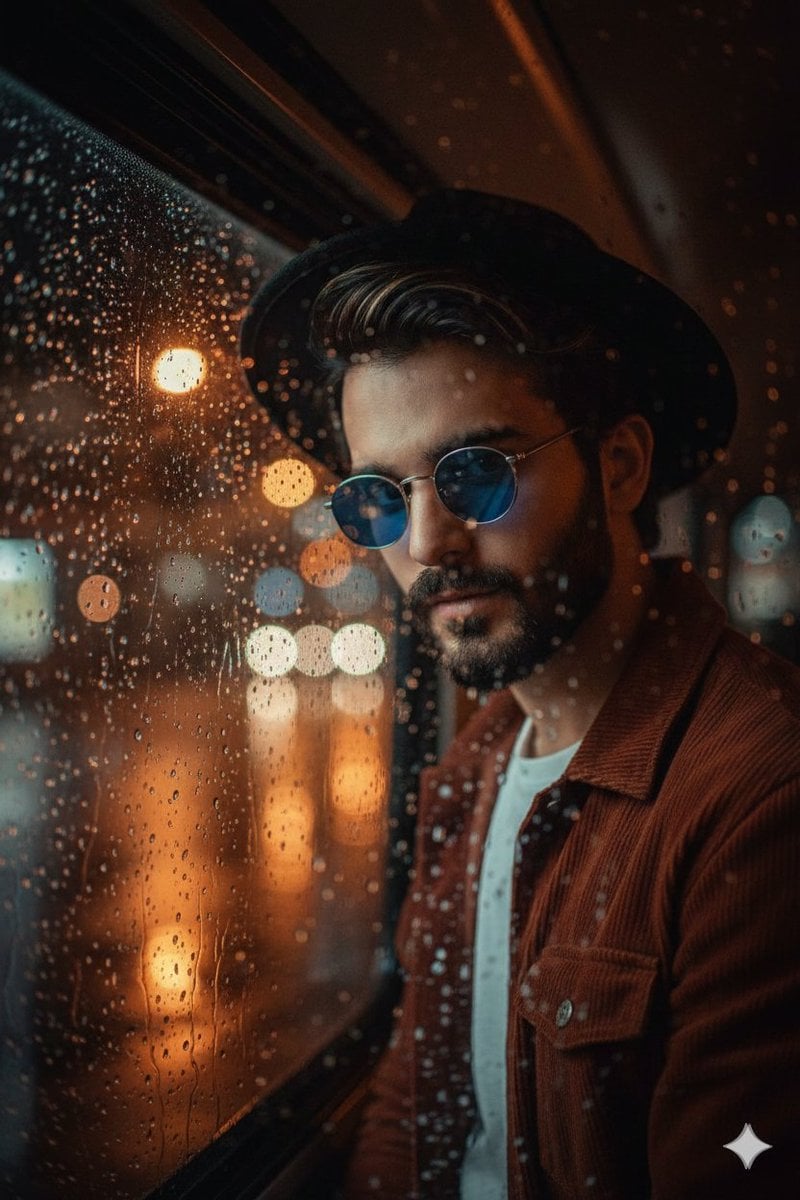
Cinematic Portrait Through Rain-Streaked Window Prompt
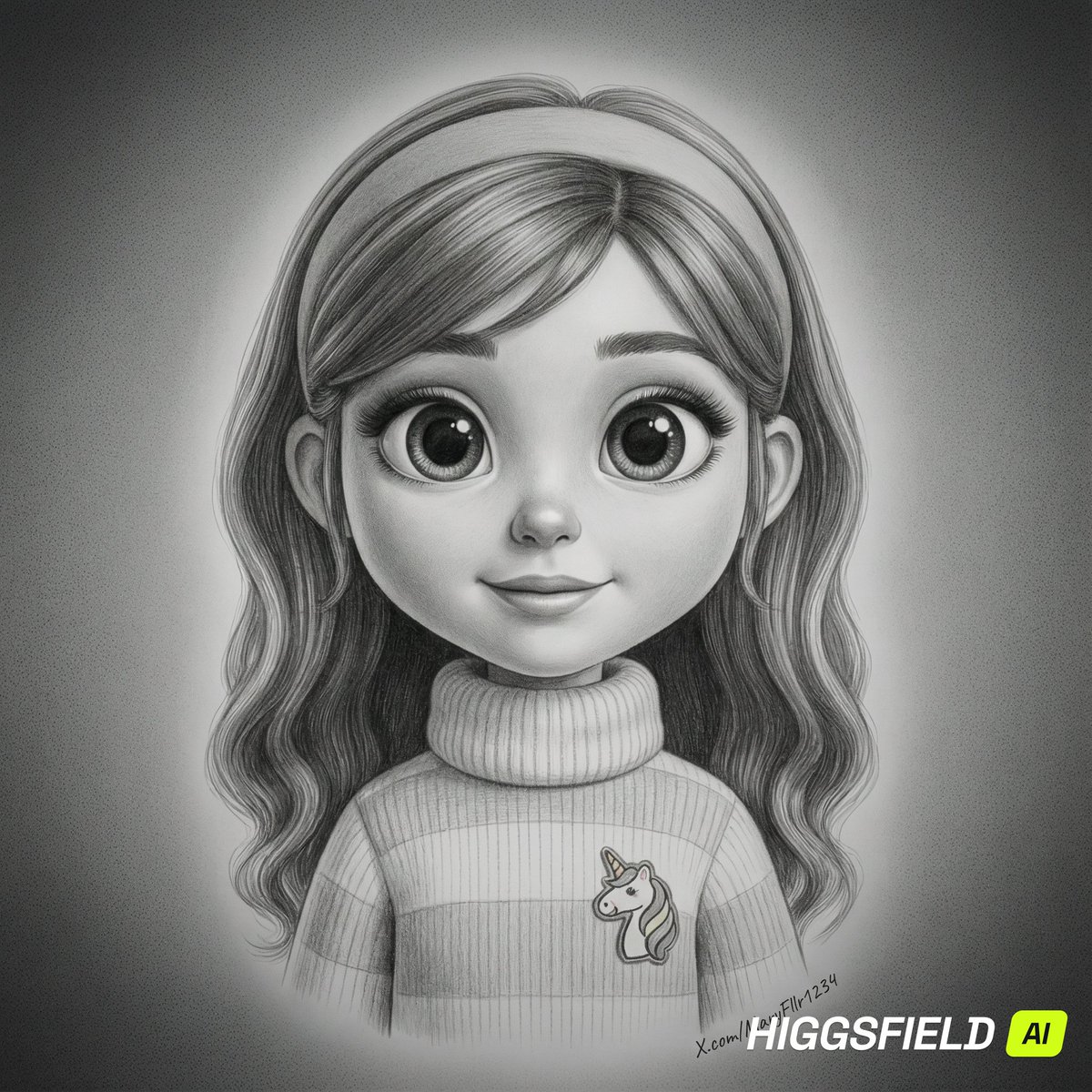
Hyper-Realistic Pencil Sketch Portrait Prompt

Photorealistic Cinematic Portrait with M
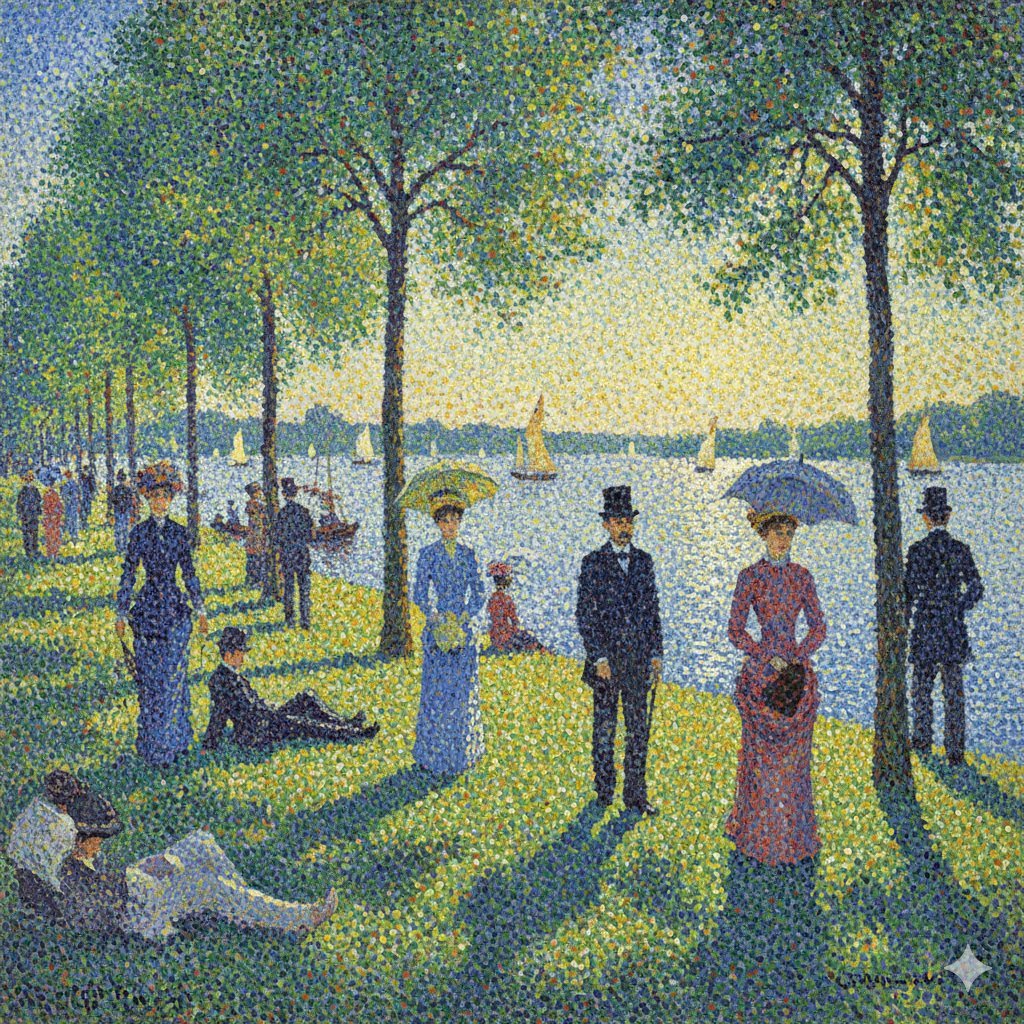
Seurat-style Pointillism Image Generation
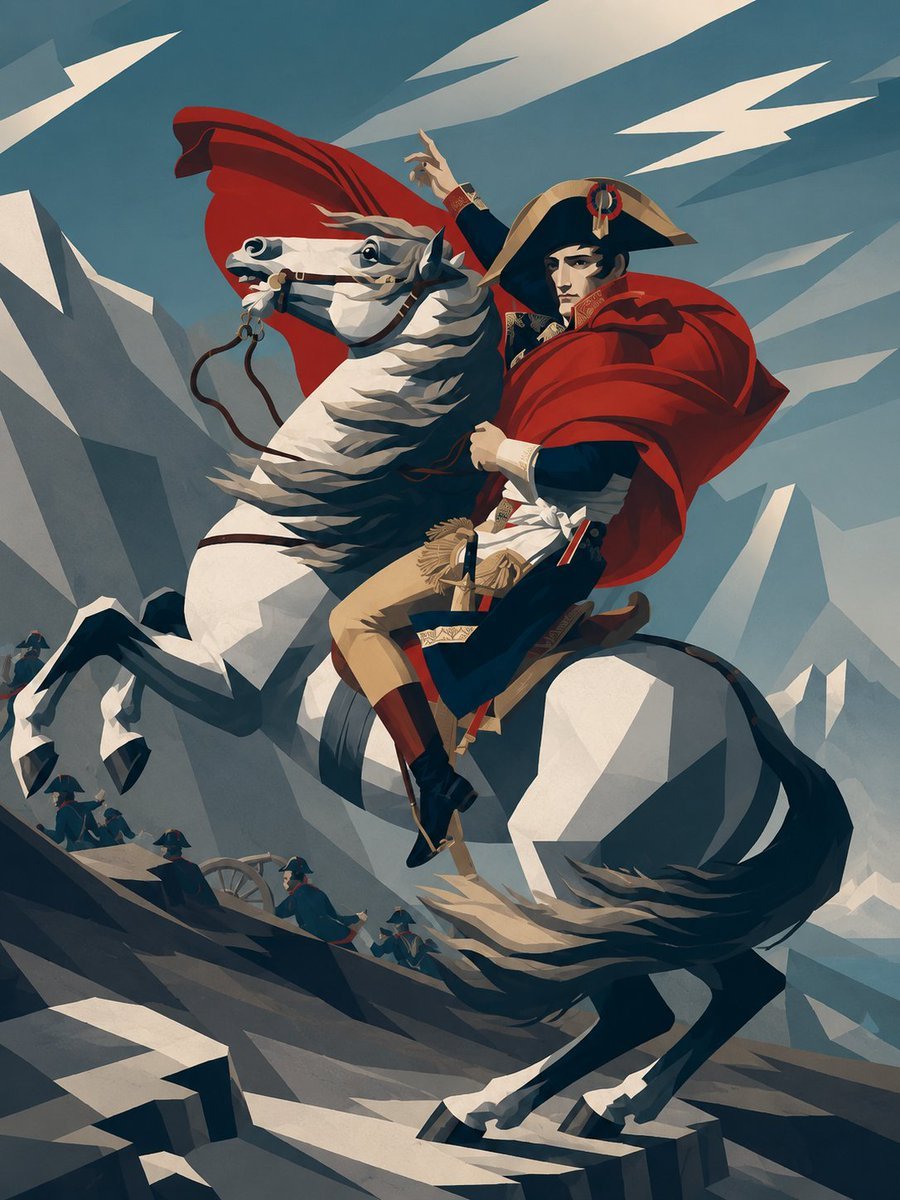
Minimalist Geometric Napoleon Portrait

Photorealistic 4K Coffee Image Prompt
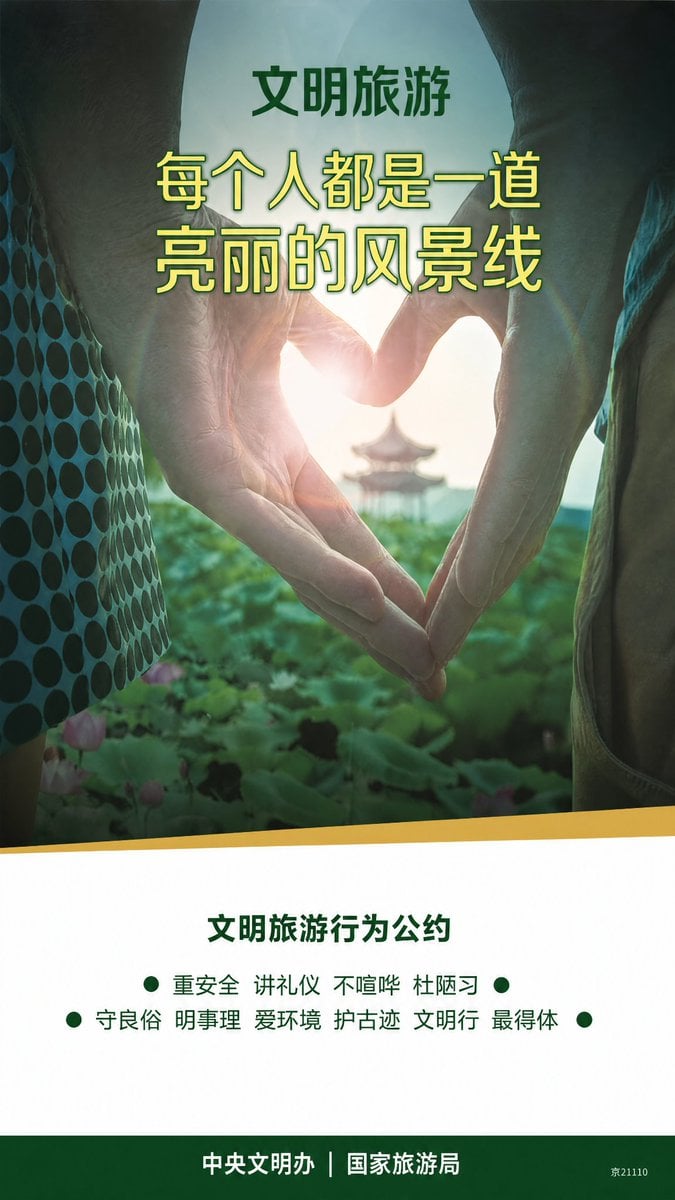
Clean Metro Tourism Poster Recreation
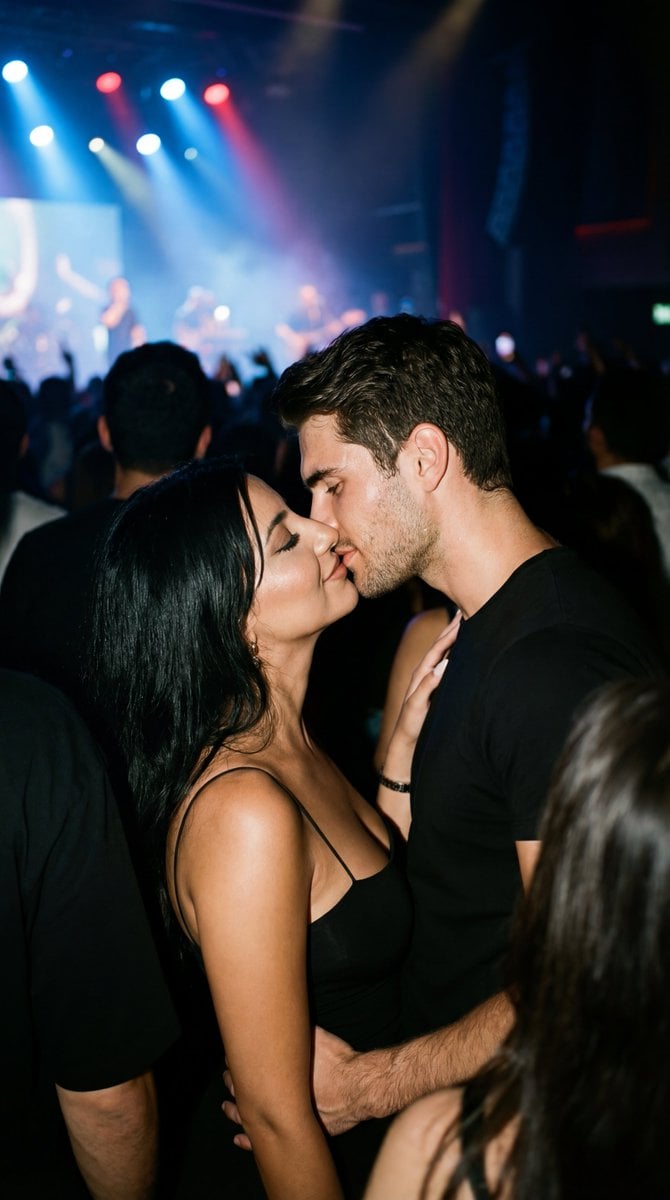
Candid 35mm Concert Romance Film Still
Browse template categories
Civ-Style 1954 Tokyo Harbor Screenshot questions
How do I use the Civ-Style 1954 Tokyo Harbor Screenshot template?
Add your photo if the template asks for one, edit the prompt if you like — the template's model and format are already selected — and press Generate. Your version opens in PicX Studio.
Can I customize the Civ-Style 1954 Tokyo Harbor Screenshot template?
Yes. You can change the subject, setting, lighting, mood, format, and available model controls before creating your image.
Is the Civ-Style 1954 Tokyo Harbor Screenshot template free?
Opening and editing this template is free. Generating uses credits, shown on the Generate button when you are signed in.
Which AI model should I use?
Start with GPT Image 2, which is the model associated with this template. You can compare another compatible model for a different finish.
Looking for something else? Browse all templates.

Your photo, any look
Thousands of ready templates for every top image and video model, from one credit balance.