
Clean Metro Tourism Poster Recreation
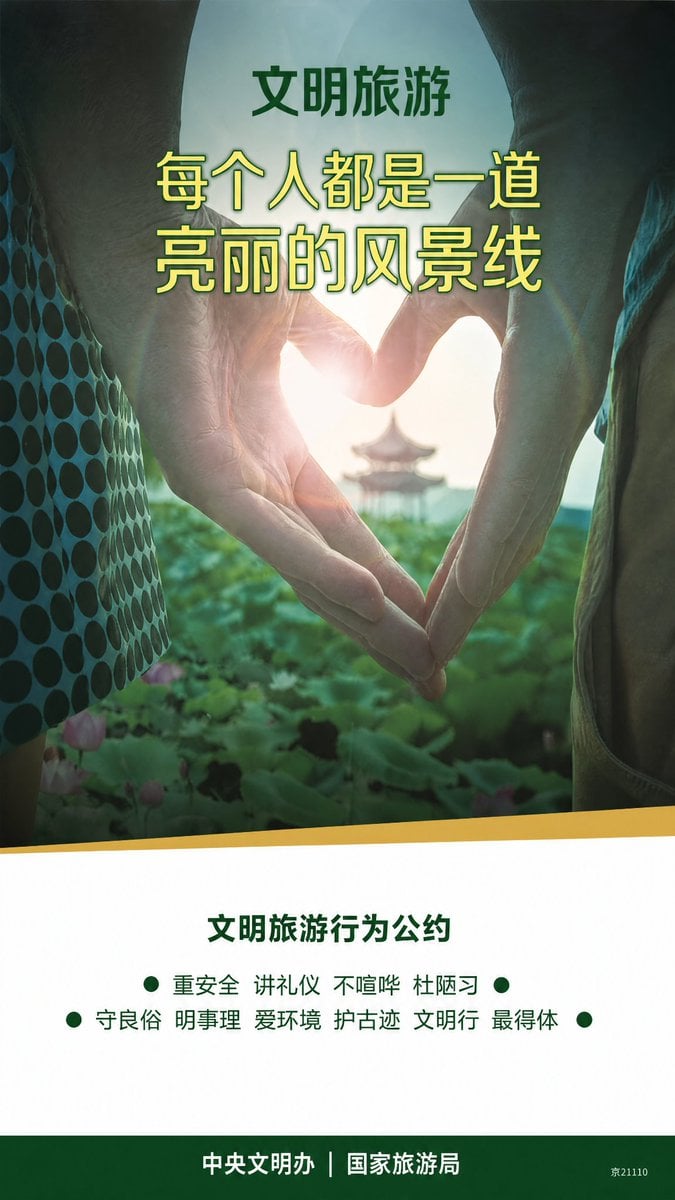
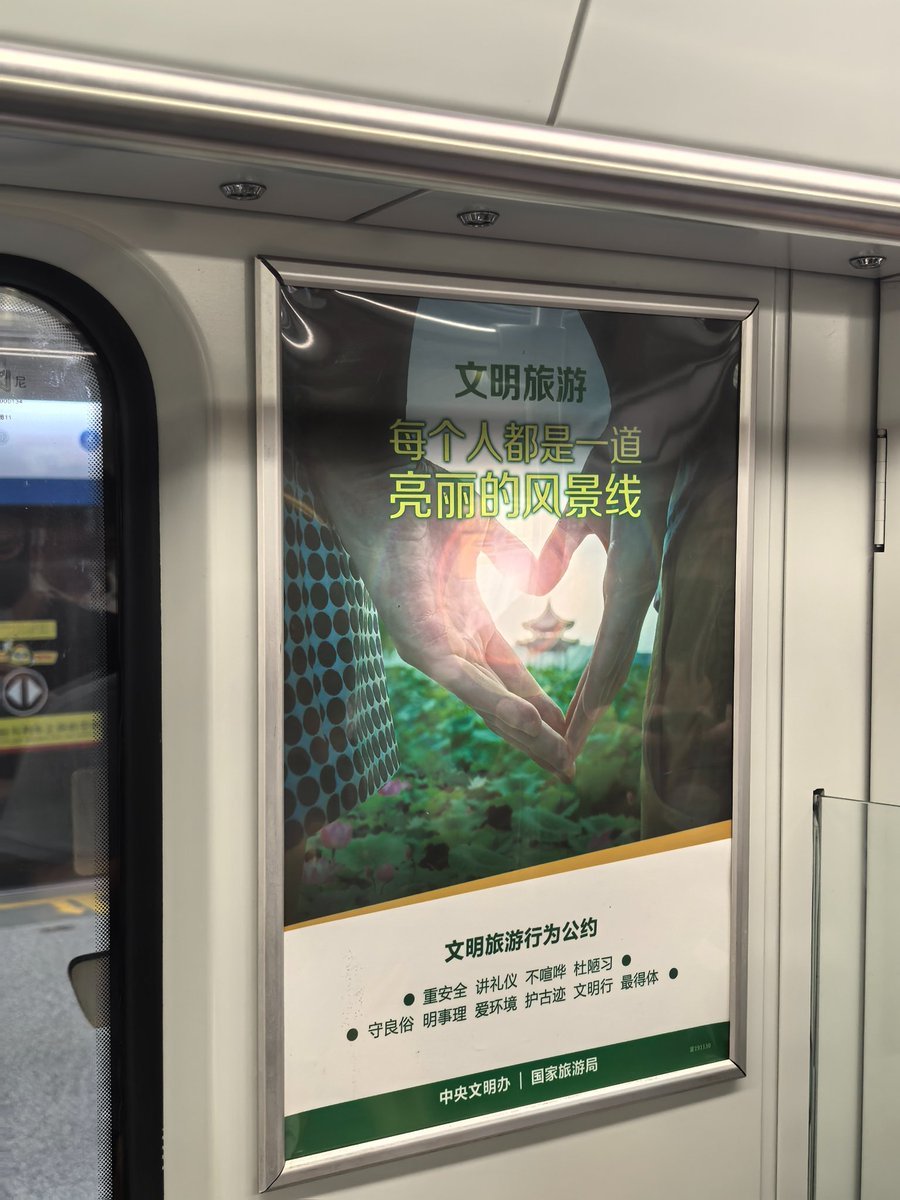
Creates a straightened, print-ready version of a photographed Chinese subway tourism poster while preserving its original text and layout.
- Prompt included
- Model and format preset
- Free template
The prompt behind this image
Copy the exact prompt behind Clean Metro Tourism Poster Recreation, or open it in the studio and make it yours.
Using REFERENCE_0, extract and faithfully recreate only the tourism poster artwork as a clean, flat, front-facing subway-ad poster. Remove the surrounding train interior, metal frame, glare, wrinkles, perspective skew, and reflections. Straighten the poster into a vertical 9:16 composition and enhance it into a polished print-ready public-service advertisement while preserving the same visual concept: hands forming a heart around the sun, green lotus scenery, distant pavilion, and the same green/yellow/white color scheme. Text: Keep the Chinese typography and hierarchy from the reference, making it sharp and legible. Use the top label {argument name="top label" default="文明旅游"}, the main headline {argument name="headline text" default="每个人都是一道\n亮丽的风景线"}, the section heading {argument name="pledge heading" default="文明旅游行为公约"}, and the footer {argument name="footer text" default="中央文明办|国家旅游局"}. Recreate exactly 4 visible green bullet dots in the pledge area: 1 dot before the first line, 1 dot at the end of the first line, 1 dot before the second line, and 1 dot at the end of the second line. Include the small bottom-right code {argument name="bottom right code" default="京21110"}. Layout: Make the upper image area dominate the poster, with the headline centered over the hands. Add a clean white lower information panel separated by a slanted golden band, and a dark green footer strip at the bottom. Keep the design like an official Chinese metro public-interest poster, with no train surroundings, no frame, no watermark, and no extra text.
Reference images included
Clean Metro Tourism Poster Recreation needs input media to work. They load alongside the prompt when you open it in the studio.
How to use Clean Metro Tourism Poster Recreation in 3 steps
- 1Upload ImagePNG, JPG or paste
Add your photo
Upload the photo the template builds on. The prompt, model and format are already set.
- 2…a portrait of your subject in softgolden-hour light, 85mm…
Personalize
Edit the subject and creative details for your destination.
- 3Generate
Generate
Press Generate — your image is created in PicX Studio, so you can compare it with the original and refine one variable at a time.
More like this
Templates with the same subject, style or setup. Open one to see its prompt.

Clean Minimalist Player Editorial Poster

Premium Vintage Travel Poster Landscape

Japan Travel Brochure Poster

Cartoon TV Show Poster Pack

Trendy Cafe Drink Promo Poster

Urban Fashion Editorial Collage Streetwear Poster

Premium Fashion Editorial Cover Layout System

Polo Ralph Lauren Luxury American Heritage Fashion Campaign

Monochrome Halftone Editorial Fashion Poster

Retro Mirror Luxury Fashion Campaign Poster

Luxury Fashion Campaign Typography Poster System

Premium Fashion Editorial Campaign Poster System
Make it yours
Clean Metro Tourism Poster Recreation works as-is. These are the safest ways to change it without losing the look.
Change one field
Copy a single group, rewrite it, and generate again so you can see what that field is doing.
Keep the frame, change the subject
Hold the composition and light of Clean Metro Tourism Poster Recreation, then swap wardrobe, props or the person for a new take.
| If the result… | Why | Fix |
|---|---|---|
| The result drifts from the preview | Too many fields changed at once. | Reuse Clean Metro Tourism Poster Recreation as-is first, then change one group — subject, light, or setting. |
| The model over-stylizes the scene | The prose prompt leaves finish and camera underspecified. | Add one camera or lighting sentence and stay on GPT Image 2. |
More GPT Image 2 templates
Other prompts made for GPT Image 2.

Six VTuber Japanese Logo Sheet

Realistic Portrait of Woman and Deer

The Vista Modular Condo Poster

AI Model Routing Comparison Infographic

2.5D Anime Art Board

Isometric Productivity Desk Scene

New York Double Exposure Poster

Four-Panel AI Landscape Comparison

Japanese Tatami Lifestyle Magazine Cover

NESCAFÉ Coffee Map Poster
More image prompts
Fresh picks from across the catalog.

Image-to-Character Christmas Tree Prompt
Technical exploded view diagram of a device
Geometric Clay Figures
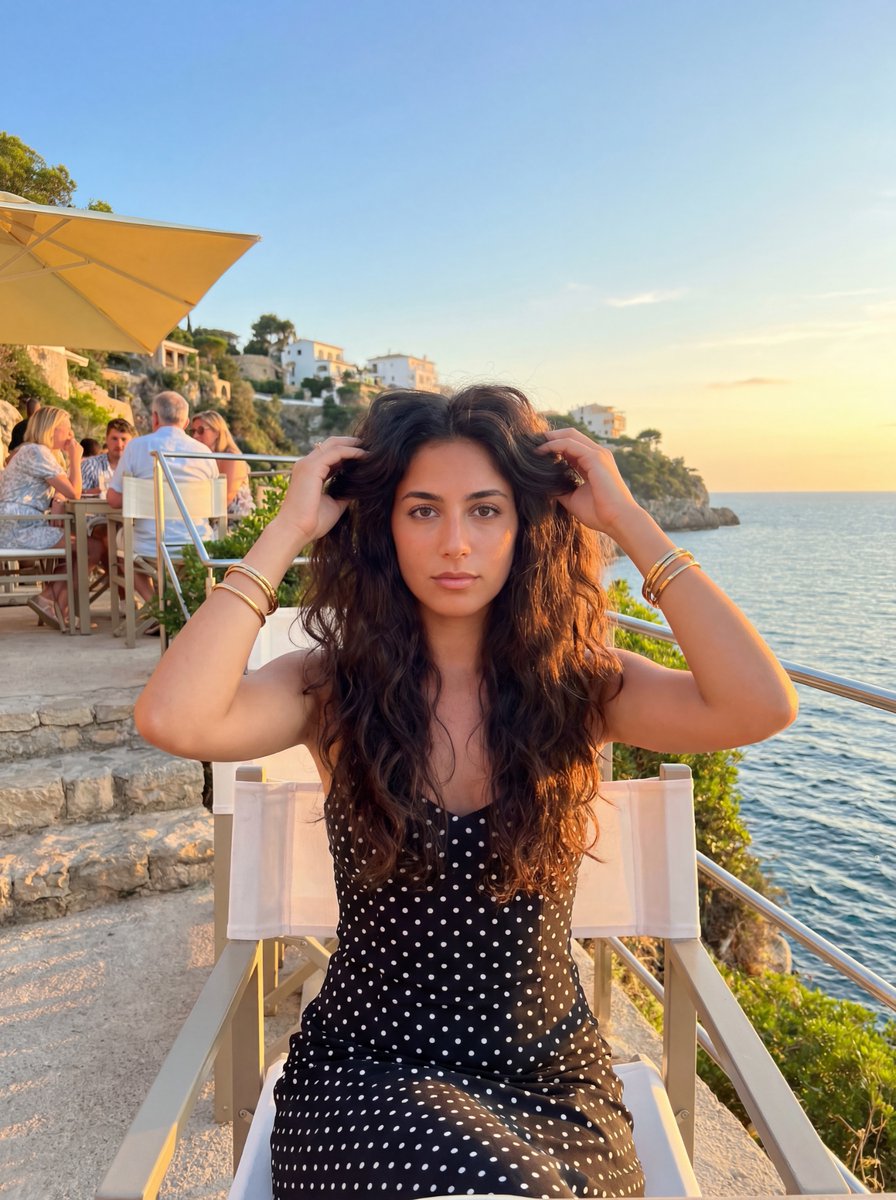
Golden Hour Coastal Lifestyle Photo Prompt
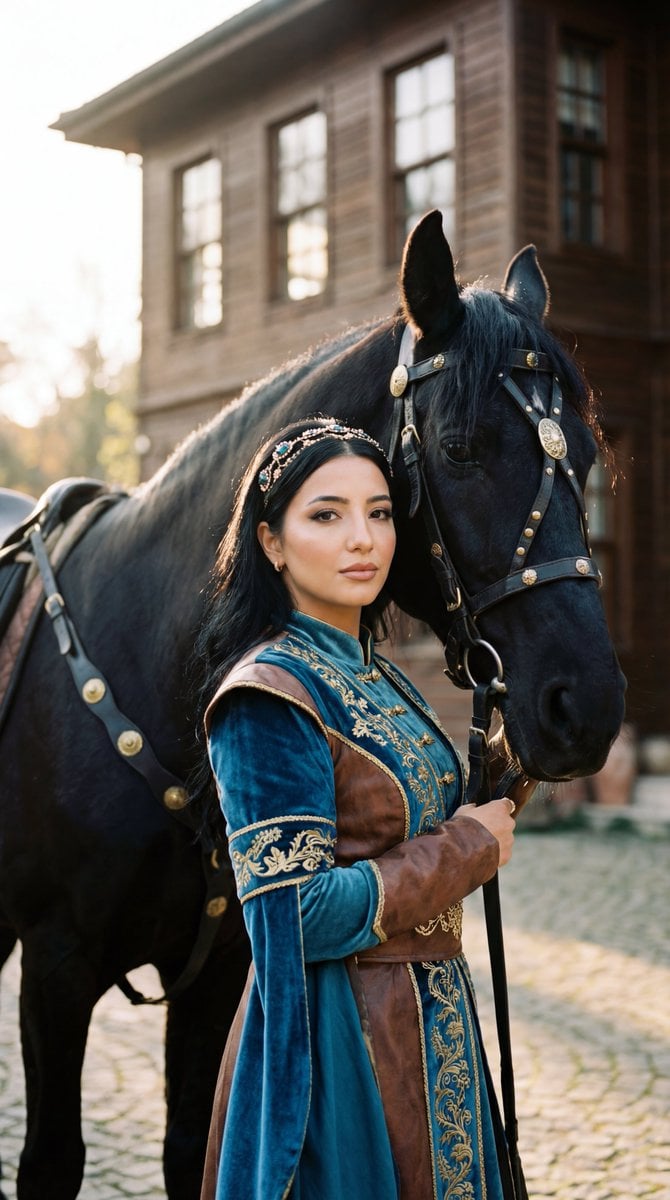
Photorealistic Historical Turkish Woman with Black Horse
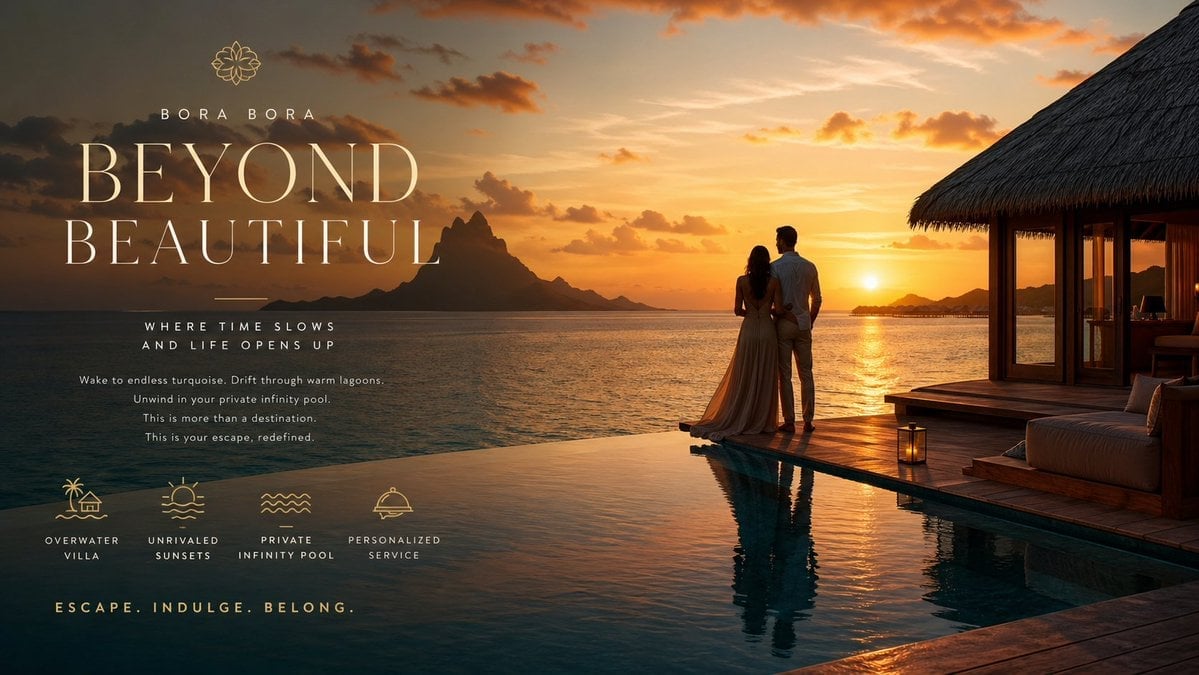
Luxury Resort Paradise Advertisement

High-End Matcha Product Photography Prompt for Nano Banana 2

untitled
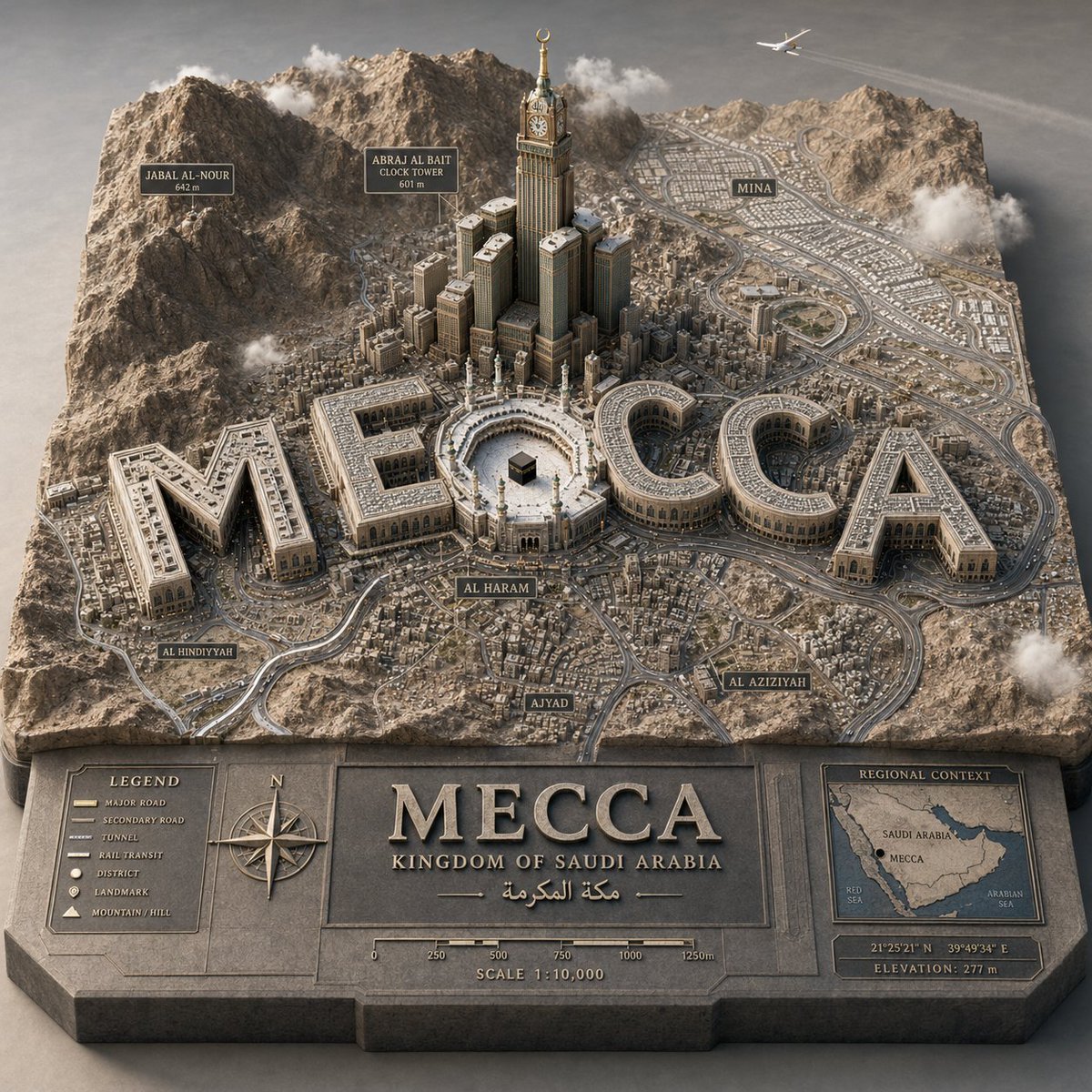
3D Cartographic City Diorama
Woman Floating in Reflective Water
Browse template categories
Clean Metro Tourism Poster Recreation questions
How do I use the Clean Metro Tourism Poster Recreation template?
Add your photo if the template asks for one, edit the prompt if you like — the template's model and format are already selected — and press Generate. Your version opens in PicX Studio.
Can I customize the Clean Metro Tourism Poster Recreation template?
Yes. You can change the subject, setting, lighting, mood, format, and available model controls before creating your image.
Is the Clean Metro Tourism Poster Recreation template free?
Opening and editing this template is free. Generating uses credits, shown on the Generate button when you are signed in.
Which AI model should I use?
Start with GPT Image 2, which is the model associated with this template. You can compare another compatible model for a different finish.
Looking for something else? Browse all templates.

Your photo, any look
Thousands of ready templates for every top image and video model, from one credit balance.