
3D Cartographic City Diorama
A complex parametric scene graph prompt for generating high-end 3D urban relief maps with monumental typography integrated into the architecture.
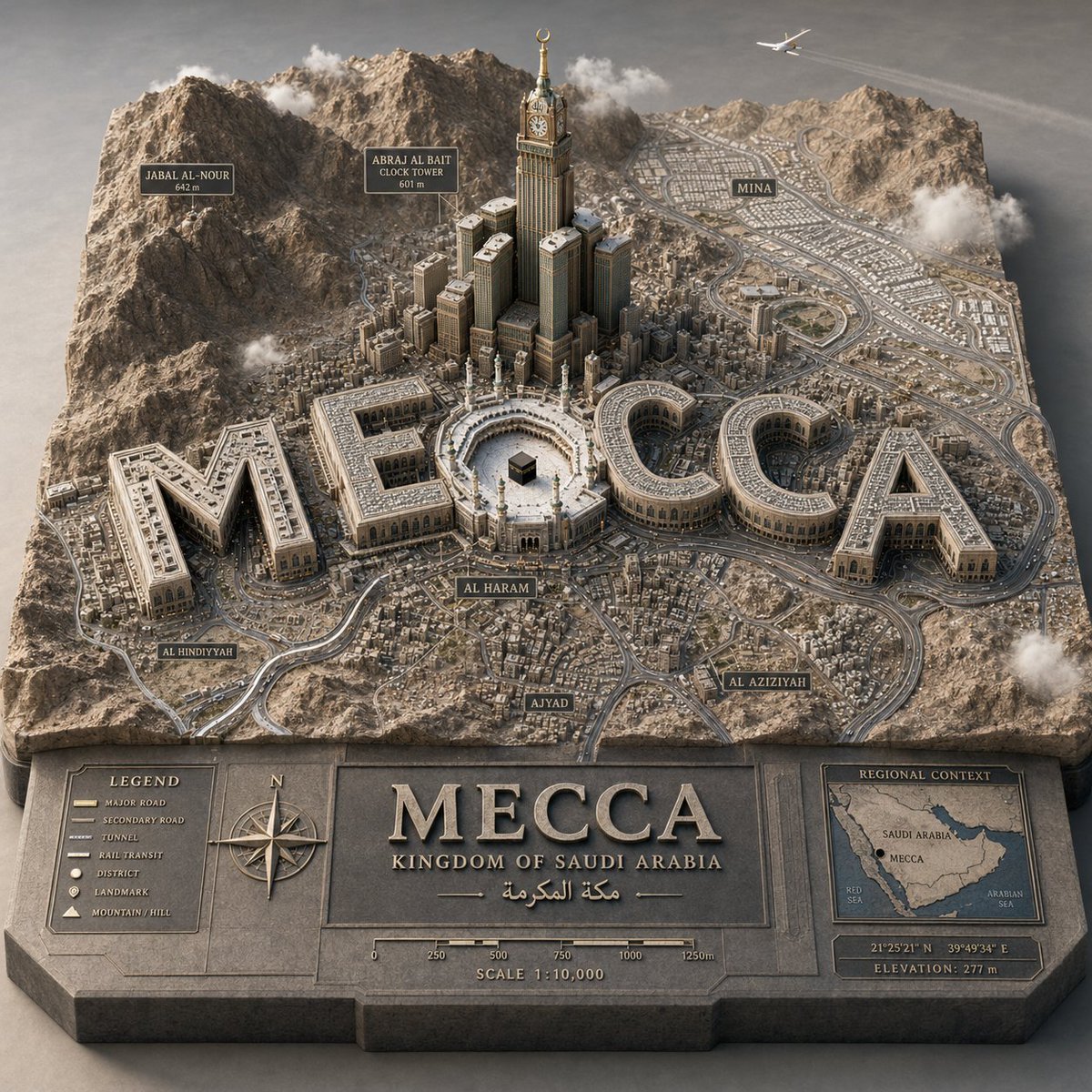
- Prompt included
- Model and format preset
- Free template
The prompt behind this image
Copy the exact prompt behind 3D Cartographic City Diorama, or open it in the studio and make it yours.
PYTHON_SCENE_GRAPH :: PARAMETRIC_CITY_RELIEF class Variables: city = "{argument name="city" default="[CITY]"}" city_name_text = "{argument name="city name" default="literal city name from input"}" region_context = "infer country, terrain, climate, culture, urban identity" topography = "infer mountains, rivers, coastlines, plains, islands, deserts, hills" urban_grid = "infer district density, roads, transit corridors, urban pattern" landmarks = "infer landmark_set(city)" signature_core = "infer most symbolic central landmark or public space" style = "luxury 3D cartographic city model" class TerrainSlab: form = "thick raised cutout map base" surface = Variables.topography edges = "engraved title panel, legend, compass, scale, inset regional map" material = "matte stone/plaster/cartographic model material" class CityTypography: text = Variables. city_name_text form = "monumental 3D letters" function = "each letter is an inhabitable building mass" placement = "integrated into city map, not floating" rule = "word must remain readable from aerial view" class UrbanLayer: roads = Variables.urban_grid districts = "infer neighborhoods and density zones" landmarks = Variables.landmarks core = Variables.signature_core labels = "derive place labels from city geography" class Atmosphere: camera = "elevated three-quarter macro" lighting = "soft premium studio daylight" details = "vehicles, clouds, aircraft, trees, people only if appropriate" def render(): return """ Render {argument name="target city" default="[CITY]"} as a raised terrain-map diorama where the city name becomes monumental architecture, surrounded by inferred geography, landmarks, labels, roads, and atlas-style cartographic details. """
How to use 3D Cartographic City Diorama in 3 steps
- 1
Open
The prompt is already in the box next to the preview, with the template's model and format selected.
- 2…a portrait of your subject in softgolden-hour light, 85mm…
Personalize
Edit the subject and creative details for your destination.
- 3Generate
Generate
Press Generate — your image is created in PicX Studio, so you can compare it with the original and refine one variable at a time.
More like this
Templates with the same subject, style or setup. Open one to see its prompt.

Cozy Knit Sweater Window Portrait

Minimalist Hand-Drawn Doodle Portrait

Layered Paper Cut Forest Diorama

Soft Handcrafted Paper-Cut Layered Illustration

Isometric Process Educational Diorama

Isometric Brand Store Diorama

FIFA World Cup — Brazil National Pass Diorama

敦煌纸雕飞天 — 3D Layered Paper Cutout

Nano Banana Pro 2.0 — 3x3 Travel Profile Grid
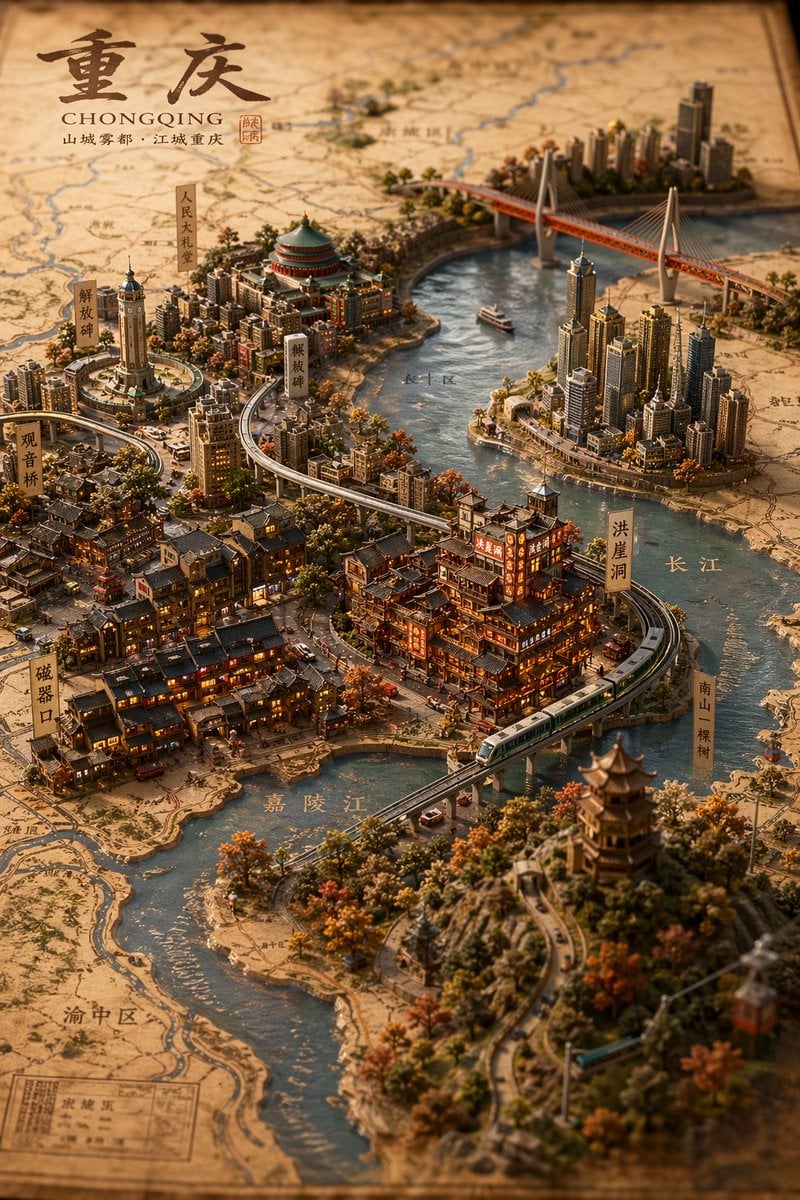
Miniature 3D City Diorama Map
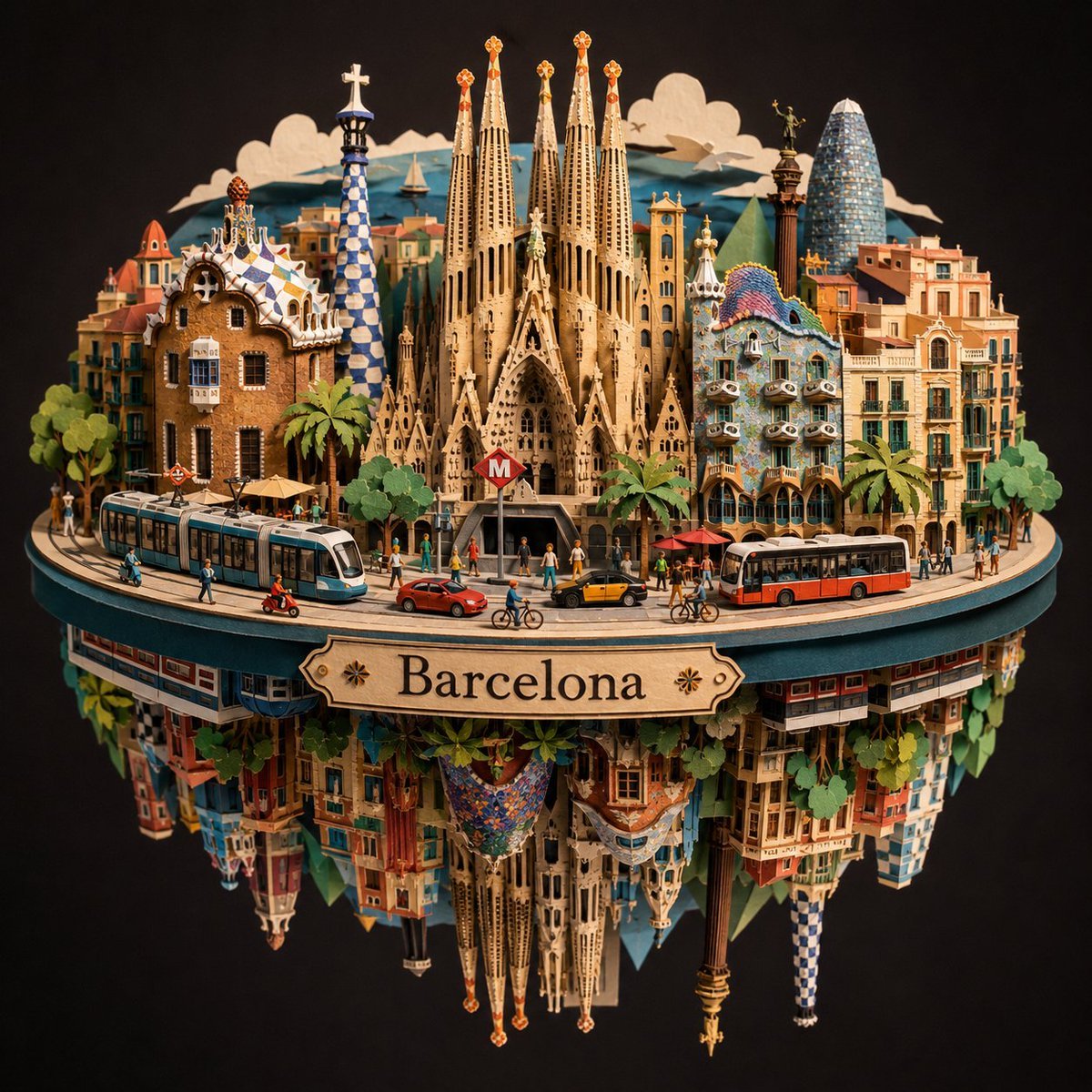
Barcelona Spherical Paper City Diorama

Miniature Sick Day Diorama
Make it yours
3D Cartographic City Diorama works as-is. These are the safest ways to change it without losing the look.
Change one field
Copy a single group, rewrite it, and generate again so you can see what that field is doing.
Keep the frame, change the subject
Hold the composition and light of 3D Cartographic City Diorama, then swap wardrobe, props or the person for a new take.
| If the result… | Why | Fix |
|---|---|---|
| The result drifts from the preview | Too many fields changed at once. | Reuse 3D Cartographic City Diorama as-is first, then change one group — subject, light, or setting. |
| The model over-stylizes the scene | The prose prompt leaves finish and camera underspecified. | Add one camera or lighting sentence and stay on GPT Image 2. |
More GPT Image 2 templates
Other prompts made for GPT Image 2.

Six VTuber Japanese Logo Sheet

Realistic Portrait of Woman and Deer

The Vista Modular Condo Poster

AI Model Routing Comparison Infographic

2.5D Anime Art Board

Isometric Productivity Desk Scene

New York Double Exposure Poster

Four-Panel AI Landscape Comparison

Japanese Tatami Lifestyle Magazine Cover

NESCAFÉ Coffee Map Poster
More image prompts
Fresh picks from across the catalog.

J.Crew Mascot Fashion Editorial
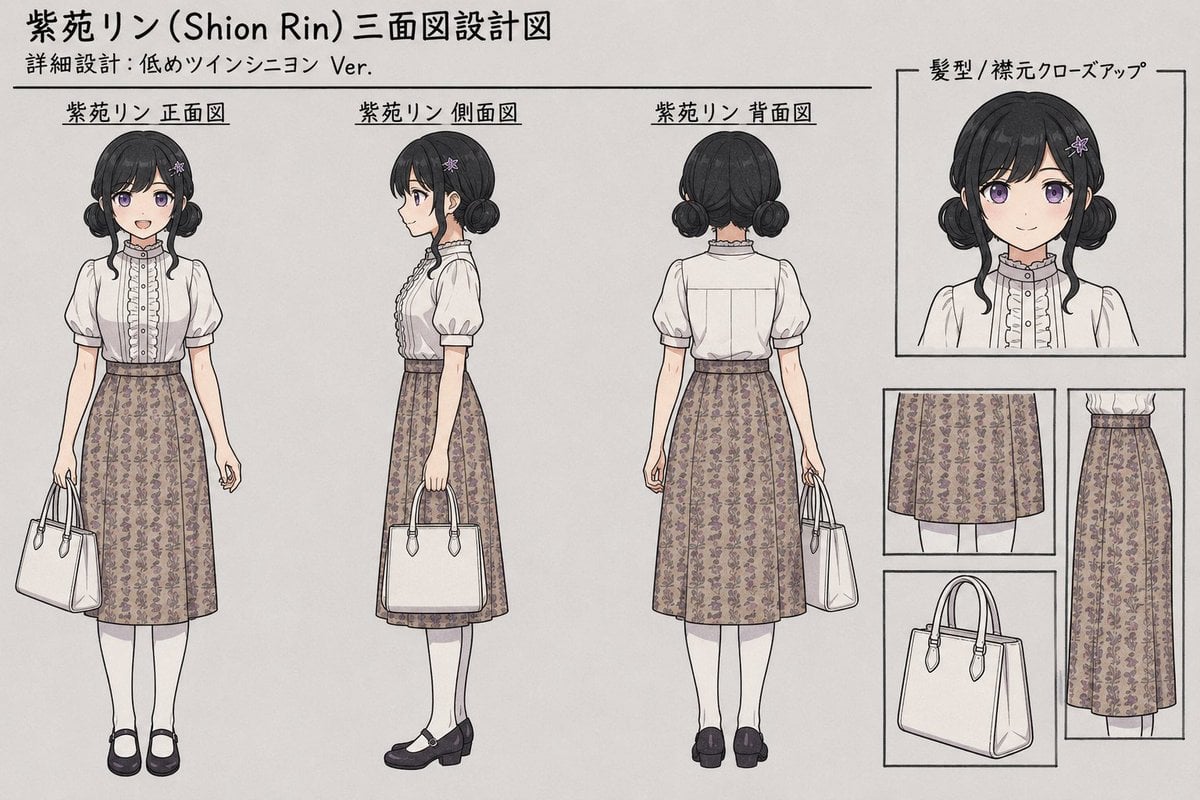
Shion Rin Three-View Design Sheet
Otter Scientist Presentation Slide

Neo-Noir Character Design Board
Cinematic Motion Blur Silhouette Portrait
Seedance - Arrow Microscopic Battle

Japanese 4-Panel Ad Collage

Surreal Woman at a Weathered Window
Photorealistic iPhone street café scene in Málaga

Cozy Lifestyle Scene with Character and Cat
Browse template categories
3D Cartographic City Diorama questions
How do I use the 3D Cartographic City Diorama template?
Add your photo if the template asks for one, edit the prompt if you like — the template's model and format are already selected — and press Generate. Your version opens in PicX Studio.
Can I customize the 3D Cartographic City Diorama template?
Yes. You can change the subject, setting, lighting, mood, format, and available model controls before creating your image.
Is the 3D Cartographic City Diorama template free?
Opening and editing this template is free. Generating uses credits, shown on the Generate button when you are signed in.
Which AI model should I use?
Start with GPT Image 2, which is the model associated with this template. You can compare another compatible model for a different finish.
Looking for something else? Browse all templates.

Your photo, any look
Thousands of ready templates for every top image and video model, from one credit balance.