
Cozy Lifestyle Scene with Character and Cat
A detailed JSON prompt for Gemini Nano Banana Pro to generate a cozy, Instagram-aesthetic lifestyle image.
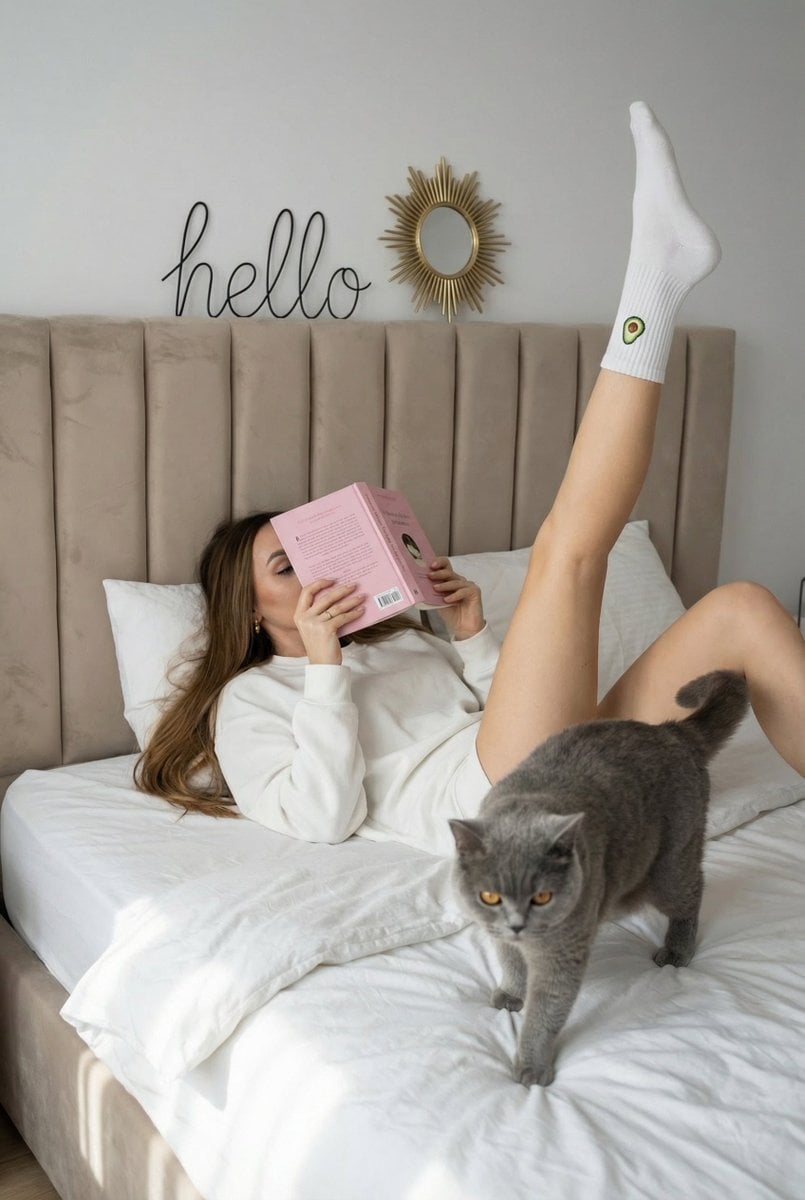
- Prompt included
- Model and format preset
- Free template
The prompt behind this image
Copy the exact prompt behind Cozy Lifestyle Scene with Character and Cat, or open it in the studio and make it yours.
{ "image": { "main_description": "A playful and cozy lifestyle scene featuring a character lying on a bed with one leg extended vertically in the air, reading a pink book, accompanied by a grey cat.", "characters": { "main_reference_character": { "identity_anchor": "The character based on the provided reference photo, preserving strictly the user's identity source.", "ethnicity_and_phenotype": "Determined by the user provided reference photo.", "face_and_skin": "Skin texture and lighting interaction consistent with the scene, but facial features are strictly derived from the reference.", "expression": "Micro-expressions matching the input style image, though the face is largely obscured by the book.", "hair": "Hair worn loose, naturally spread across the white pillow.", "body_and_pose": "Lying supine on a bed. The right leg is extended strictly vertical towards the ceiling with toes pointed; the left leg is relaxed. Both hands are holding an open pink book in front of the face.", "outfit": "An oversized white crewneck sweatshirt. White ribbed socks, the right sock features a small embroidery of an avocado near the cuff." }, "supporting_characters": [ { "role": "Pet companion", "description": "A fluffy British Shorthair cat with solid grey/blue fur and bright amber eyes.", "interaction": "Walking across the rumpled white duvet in the foreground, looking directly at the camera." } ] }, "text_elements": { "content": "{argument name="wall text" default="hello"}", "typography": "Black cursive wire art style.", "placement": "Mounted on the beige wall centered above the headboard.", "integration": "Physical wall decor object." }, "environment": { "location": "A modern, minimalist bedroom.", "elements": "A tall beige velvet tufted headboard. Messy white linens and duvet. A black and white windowpane check pillow. A small gold sunburst mirror on the wall above the wire sign.", "atmosphere": "Relaxed, domestic, lazy Sunday morning vibe." }, "cinematography": { "lighting_setup": "Soft, natural daylight coming from the left, creating gentle gradients on the wall and bedding.", "color_grading": "Soft neutrals (creams, whites, beiges) with accents of pastel pink and grey.", "shadows_and_highlights": "Soft, diffused shadows indicating large window lighting.", "reflections": "Subtle reflection in the small mirror on the wall." }, "camera_and_tech": { "framing": "Medium shot, eye-level, capturing the full vertical extension of the leg and the width of the bed.", "optics": "Sharp focus on the subject and cat, standard focal length.", "visual_fidelity": "High-resolution social media lifestyle photography." }, "style_and_mood": { "aesthetic": "Instagram aesthetic, cozycore, clean girl aesthetic.", "emotio" } }
How to use Cozy Lifestyle Scene with Character and Cat in 3 steps
- 1Upload ImagePNG, JPG or paste
Add your photo
Upload the photo the template builds on. The prompt, model and format are already set.
- 2…a portrait of your subject in softgolden-hour light, 85mm…
Personalize
Edit the subject and creative details for your destination.
- 3Generate
Generate
Press Generate — your image is created in PicX Studio, so you can compare it with the original and refine one variable at a time.
More like this
Templates with the same subject, style or setup. Open one to see its prompt.

Delicate Japanese Café Lifestyle Illustration
Delicate Japanese Café Lifestyle Illustration

Parisian Outdoor Café Silver-Hair Portrait

Cozy Food Flat Lay Doodle Labels
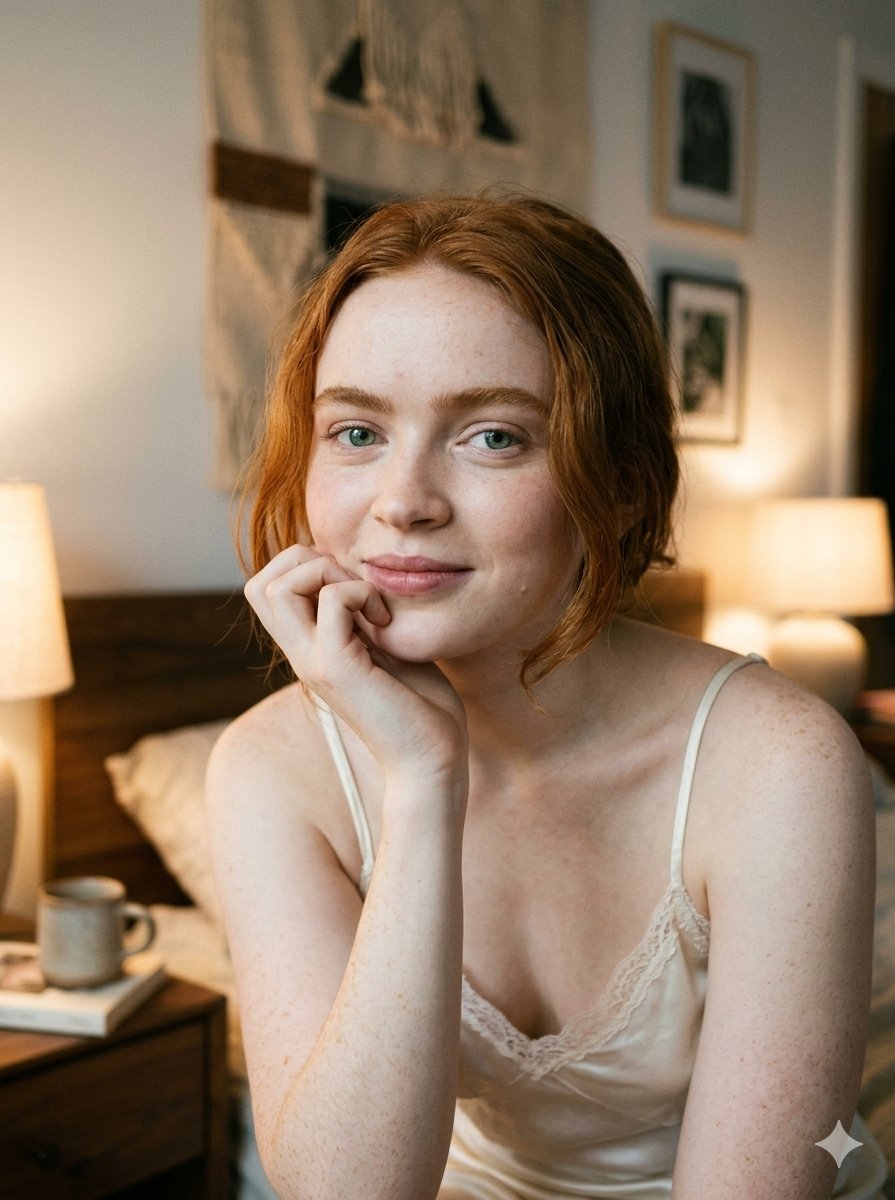
Google Nano Banana 2 — Cozy Bedroom Editorial
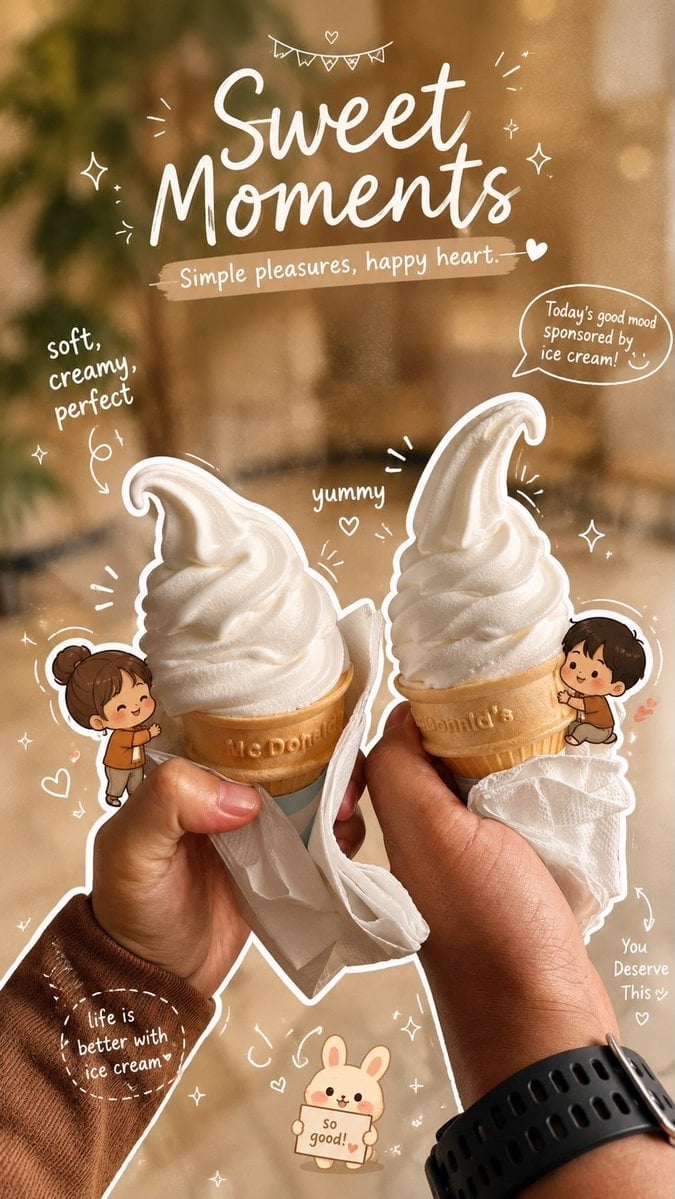
Cozy Café Ice Cream Hands Close-Up

Mirror Selfie Chibi Characters Pixar Style

Surreal Cat Astronaut — Humanoid Face Freefall

A k.pop idol on the stage with mic
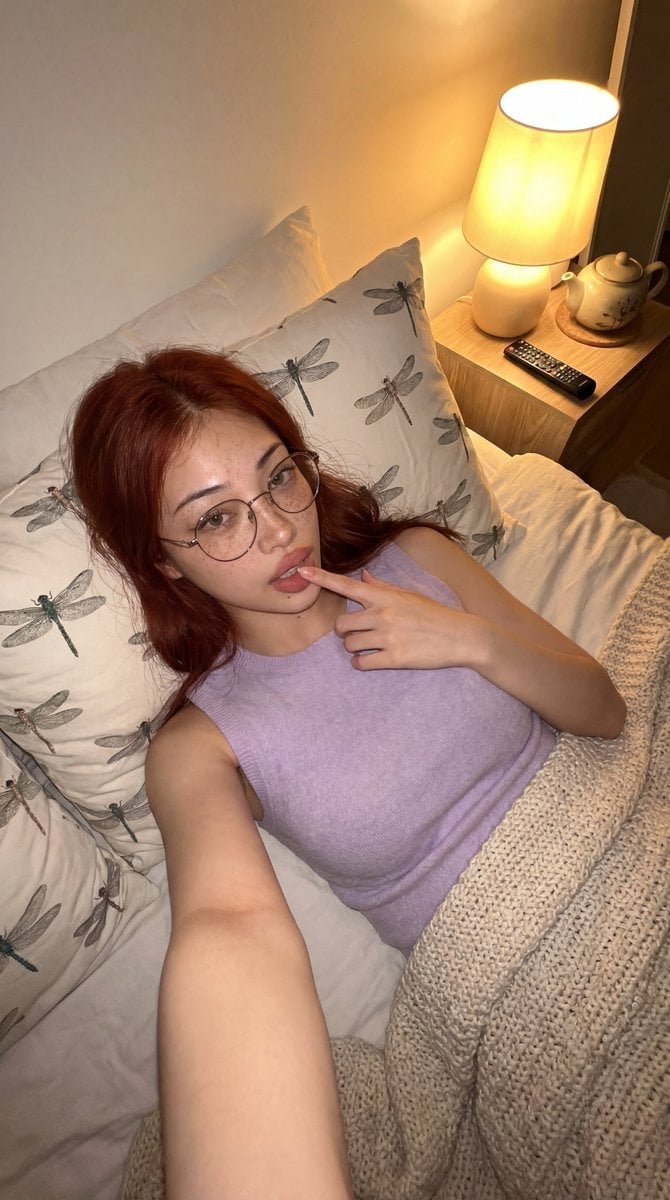
Cozy Bedroom Lifestyle Selfie
Cozy Indoor Lifestyle Portrait
Cozy Indoor Bedroom Lifestyle Portrait
Make it yours
Cozy Lifestyle Scene with Character and Cat works as-is. These are the safest ways to change it without losing the look.
Change one field
Copy a single group, rewrite it, and generate again so you can see what that field is doing.
Keep the frame, change the subject
Hold the composition and light of Cozy Lifestyle Scene with Character and Cat, then swap wardrobe, props or the person for a new take.
| If the result… | Why | Fix |
|---|---|---|
| The result drifts from the preview | Too many fields changed at once. | Reuse Cozy Lifestyle Scene with Character and Cat as-is first, then change one group — subject, light, or setting. |
| The model over-stylizes the scene | The prose prompt leaves finish and camera underspecified. | Add one camera or lighting sentence and stay on Nano Banana 2. |
More Nano Banana 2 templates
Other prompts made for Nano Banana 2.

Photorealistic Leaf Shaped Like a Dragon

K-Pop Idol Portrait Grid for Rapid Selection

Poetic Rain Forest Portrait During Golden Hour

Urban Street Portrait with Cartoon Inner Self Duo

Candid Nighttime Photo with Cat Prompt

High-Concept 3D Diorama Generation Prompt

Cinematic Futuristic Studio Portrait Template

Skincare Editorial Photography Collage Prompt

Hyper-Realistic Commercial Product Photography (Splash Effect)

Hyper-Realistic Nightclub Portrait Prompt
More image prompts
Fresh picks from across the catalog.
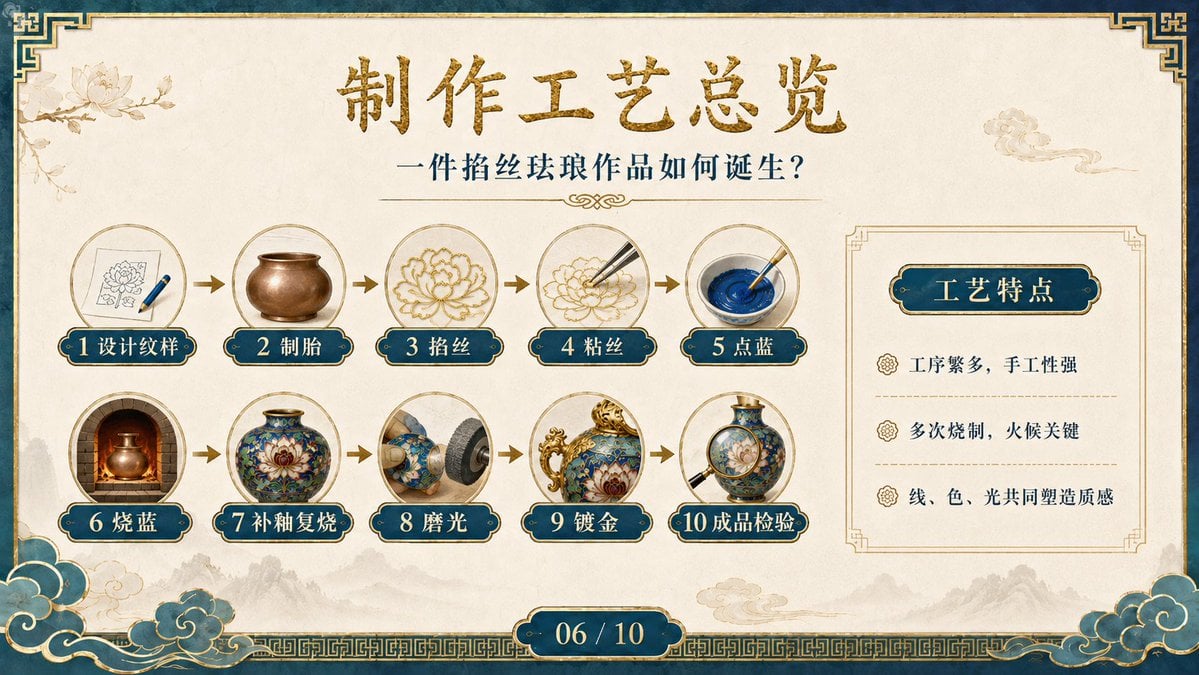
Cloisonné Craft Process PPT Slide

Luxury Mechanical Watch Commercial Photography Prompt

Photorealistic Street Photography of a Woman on a Motorcycle in Europe

Landing Page Design for Leather Journals (Split Screen)

Sticker Art Style - Rainbow Girl v2

Cinematic Portrait with Dramatic Red Lighting

High-Key Fashion Product Photography
Cat to Human Portrait Transformation
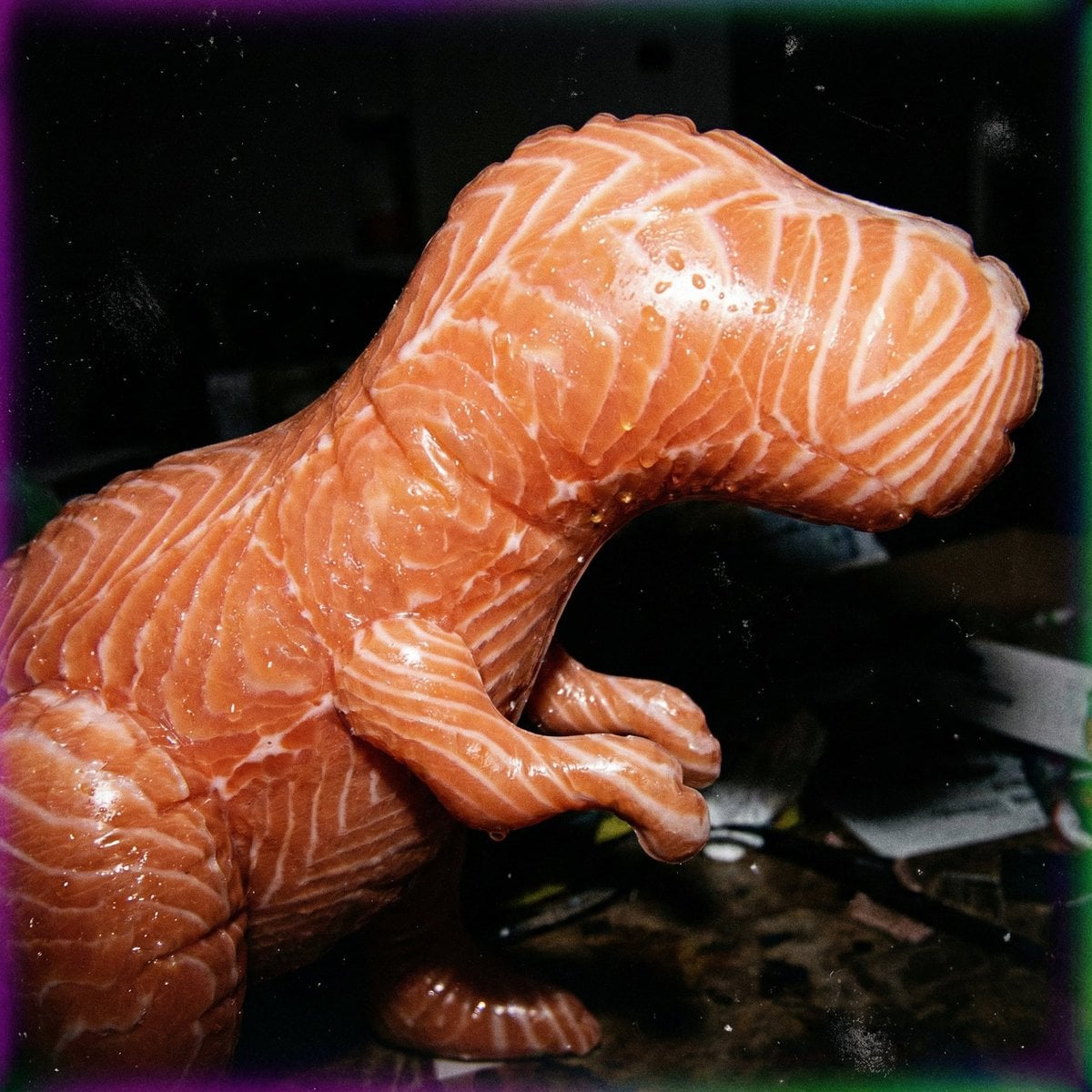
Macro Food Horror Prompt
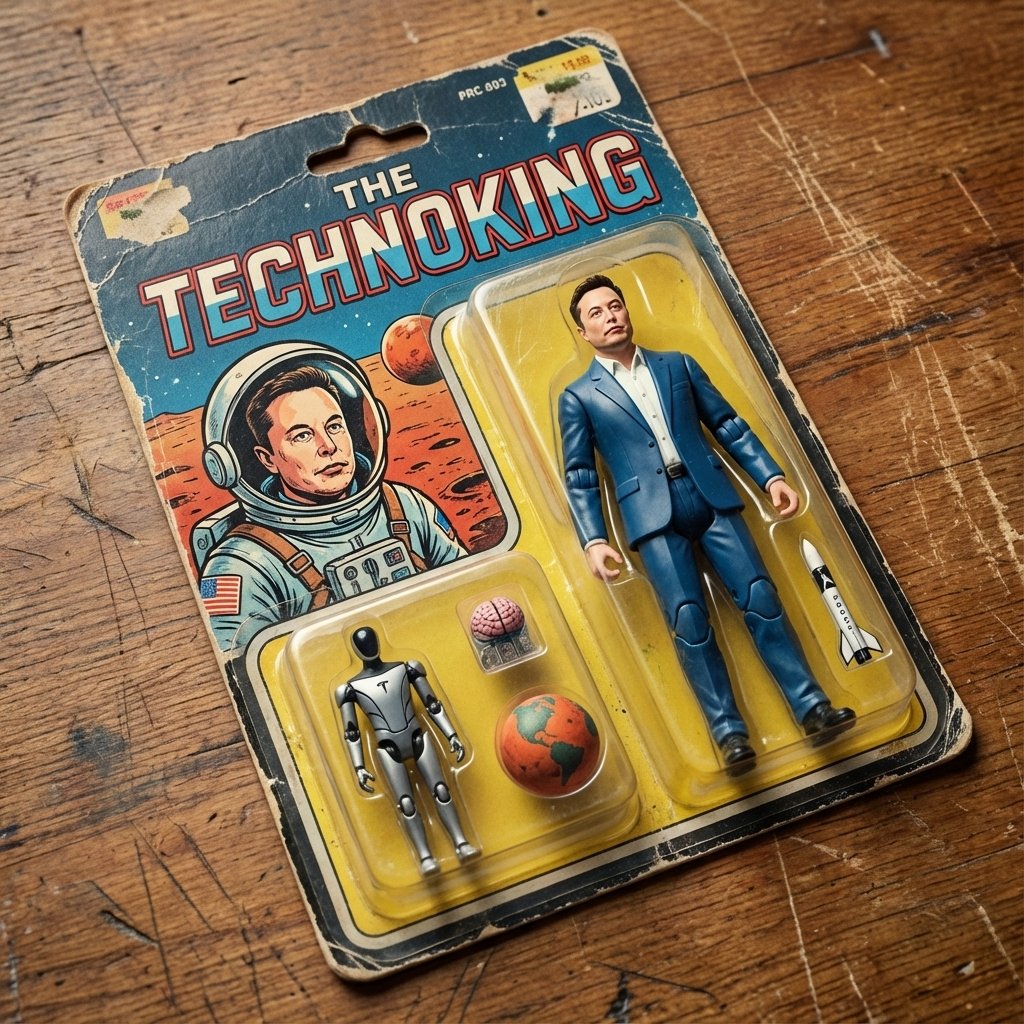
Vintage Action Figure Packaging Generator
Browse template categories
Cozy Lifestyle Scene with Character and Cat questions
How do I use the Cozy Lifestyle Scene with Character and Cat template?
Add your photo if the template asks for one, edit the prompt if you like — the template's model and format are already selected — and press Generate. Your version opens in PicX Studio.
Can I customize the Cozy Lifestyle Scene with Character and Cat template?
Yes. You can change the subject, setting, lighting, mood, format, and available model controls before creating your image.
Is the Cozy Lifestyle Scene with Character and Cat template free?
Opening and editing this template is free. Generating uses credits, shown on the Generate button when you are signed in.
Which AI model should I use?
Start with Nano Banana 2, which is the model associated with this template. You can compare another compatible model for a different finish.
Looking for something else? Browse all templates.

Your photo, any look
Thousands of ready templates for every top image and video model, from one credit balance.