How do I use the Cozy Indoor Bedroom Lifestyle Portrait template?
Choose the primary action to open PicX Studio with the available template settings. Review the model and format, personalize the creative direction, and generate when ready.
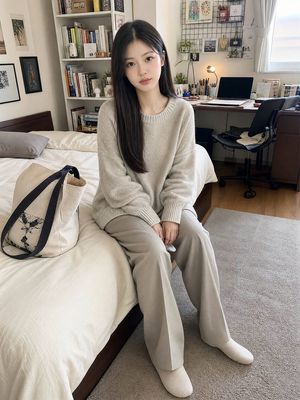
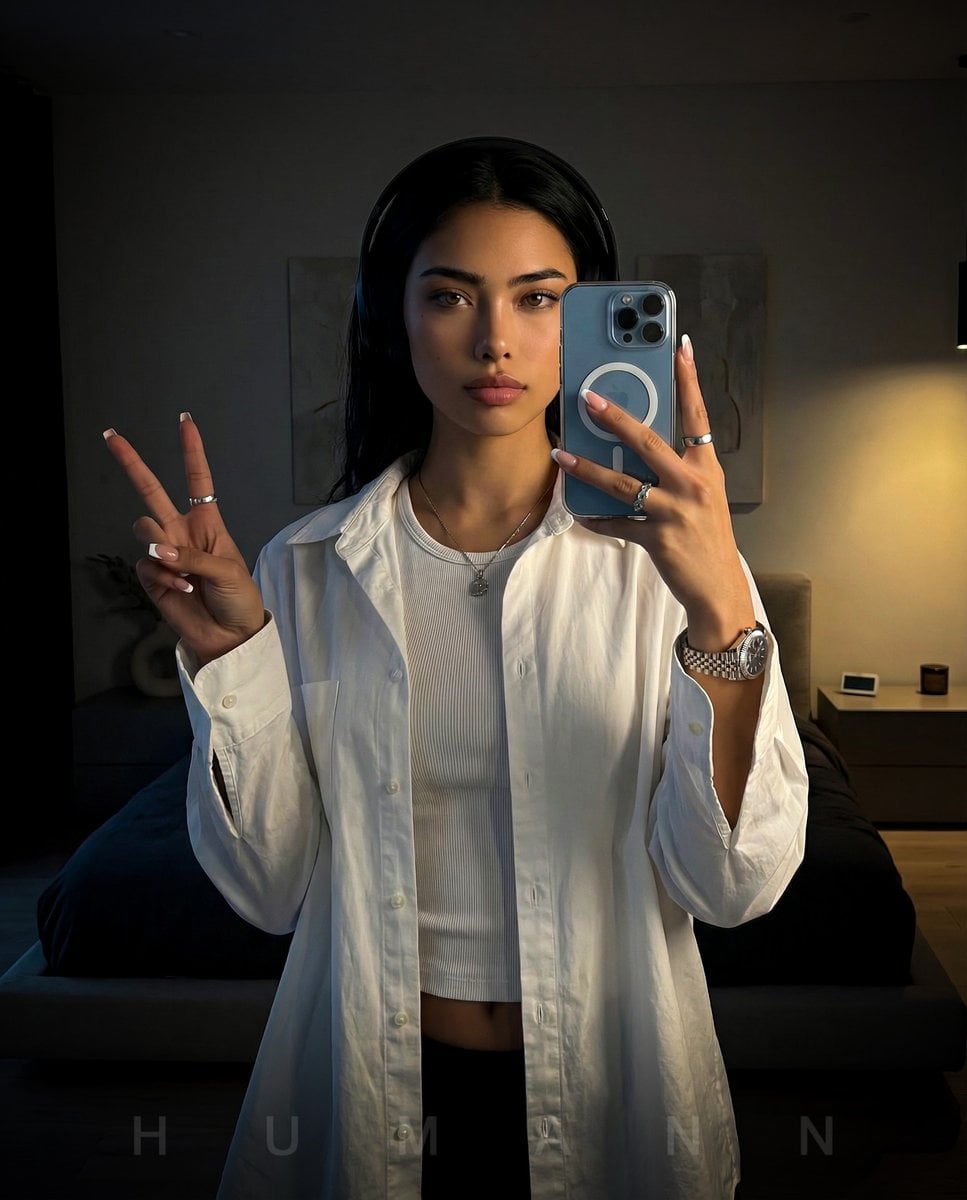
A detailed scene description for an intimate, cozy indoor bedroom photo featuring a woman kneeling on a bed with soft natural lighting.
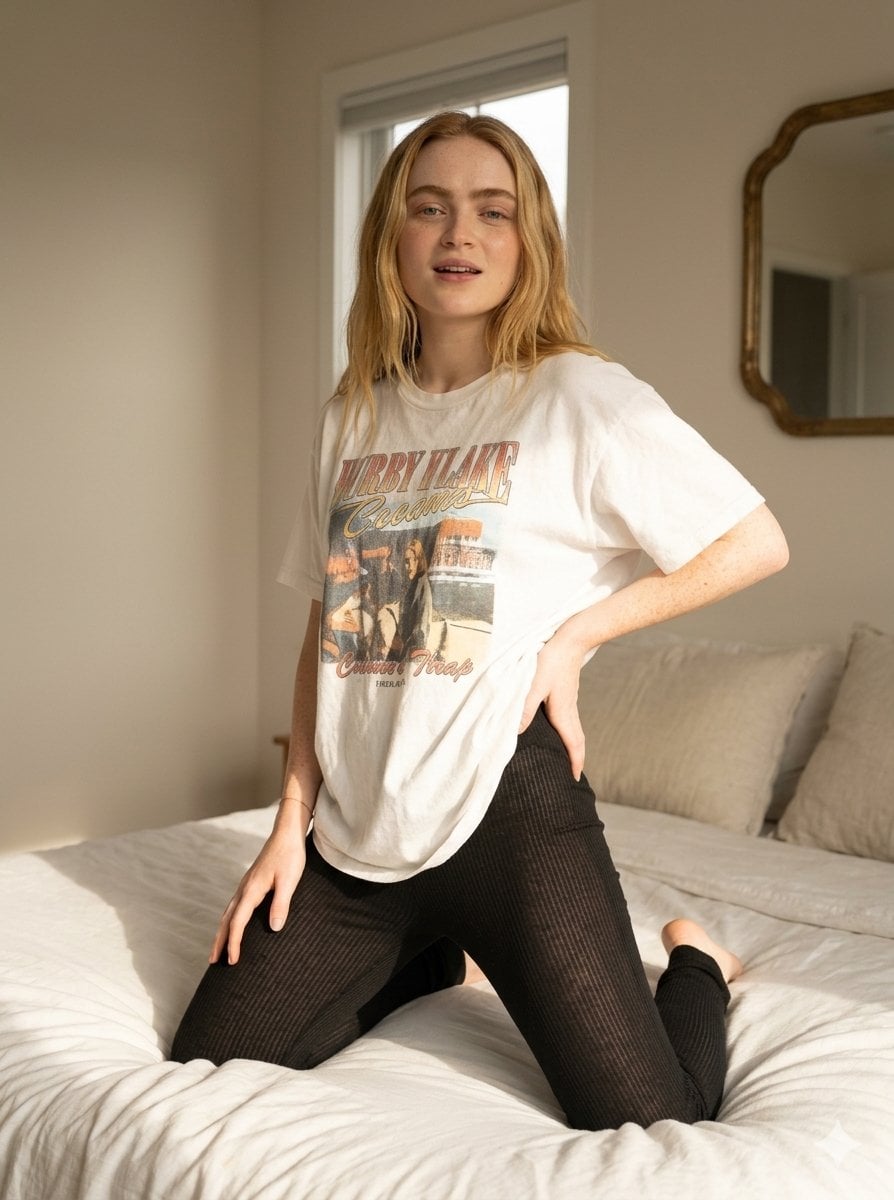
{ "scene": { "setting": "indoor bedroom", "background": "{argument name="background" default="minimal modern bedroom with soft neutral walls, white bedding and pillows, subtle decorative wall mirror with abstract shape, clean and cozy aesthetic"}", "lighting": "soft warm indoor lighting with gentle highlights on skin, slightly diffused light creating a cozy and intimate atmosphere, balanced exposure with soft shadows" }, "subject": { "type": "female", "pose": "kneeling on a bed with legs folded under, torso slightly twisted to the side, one hand resting on hip and the other relaxed, leaning slightly forward", "expression": "confident and slightly playful expression with parted lips, relaxed facial muscles and direct engaging gaze", "face": "Use uploaded reference image, keep identity exact, natural facial proportions, realistic skin texture with visible pores and subtle imperfections, soft warm highlights", "hair": "Use uploaded reference image, keep identity exact, long with natural shine, slightly tousled with strands falling across face", "eyes": "Use uploaded reference image, keep identity exact, natural eye color with soft reflections", "skin": "natural warm skin tone with realistic texture, subtle variations and soft glow from lighting" }, "clothing": { "outfit": "{argument name="outfit" default="oversized white graphic t-shirt with black printed design"}, paired with {argument name="bottoms" default="thin semi-sheer black leggings"} that fit closely to the legs with slight transparency and soft fabric stretch, natural folds and tension", "accessories": "minimal jewelry including rings and bracelet" }, "environment_details": { "props": "bed with soft white sheets and pillows, decorative wall mirror", "textures": "soft fabric bedding, cotton t-shirt texture, lightweight leggings material, realistic skin and hair detail" }, "camera": { "angle": "slightly low angled perspective", "framing": "mid-body framing focusing on torso and upper legs", "focus": "sharp focus on subject with softly blurred background", "lens": "portrait lens with natural depth of field" }, "style": { "realism": "ultra realistic lifestyle photography", "color_tone": "warm neutral tones with soft contrast", "effects": "subtle diffusion, realistic lighting falloff, natural shadows", "details": "high detail skin texture, natural imperfections preserved, no beautification" } }
Choose the primary action to open PicX Studio with the available template settings. Review the model and format, personalize the creative direction, and generate when ready.
Yes. You can change the subject, setting, lighting, mood, format, and available model controls before creating your image.
This template is free to open and customize. Generation usage is shown in PicX Studio before you create.
Start with Nano Banana 2, which is the model associated with this template. You can compare another compatible model for a different finish.
Follow a topic to a crawlable collection of related PicX Studio templates.