How do I use the Intimate Lifestyle Bedroom Portrait template?
Choose the primary action to open PicX Studio with the available template settings. Review the model and format, personalize the creative direction, and generate when ready.
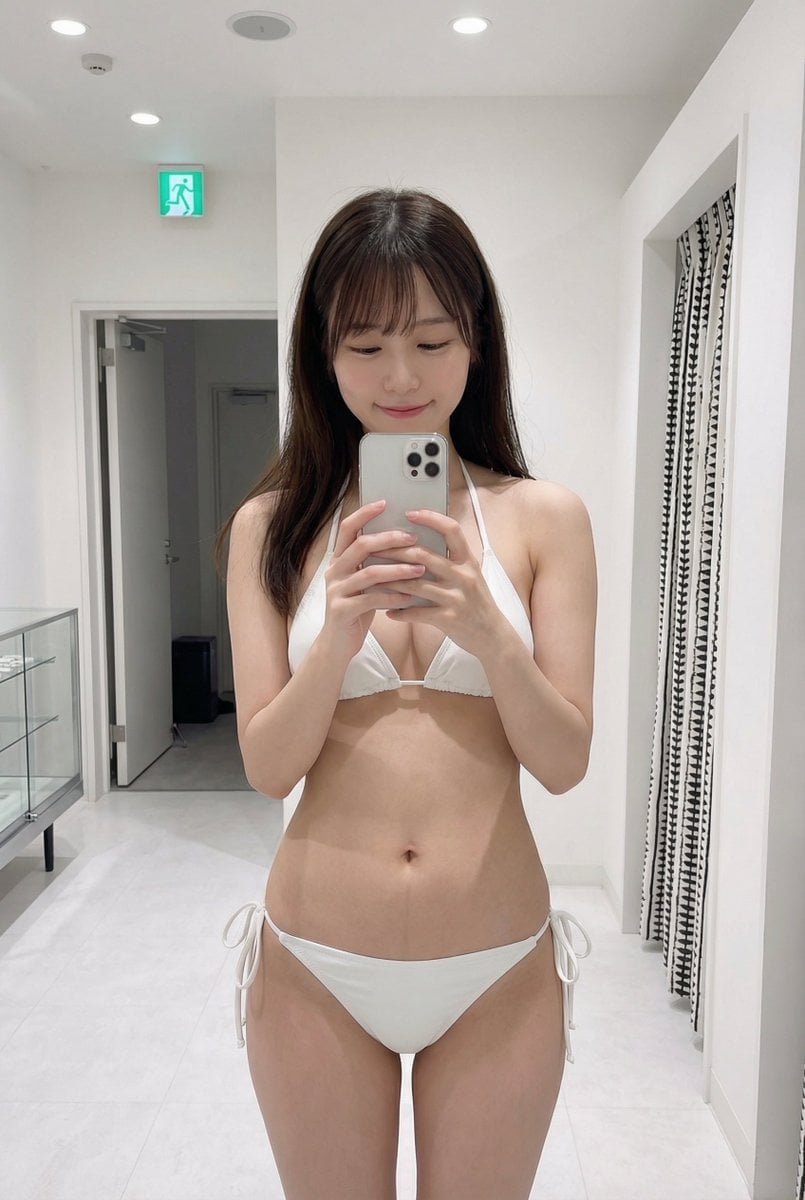
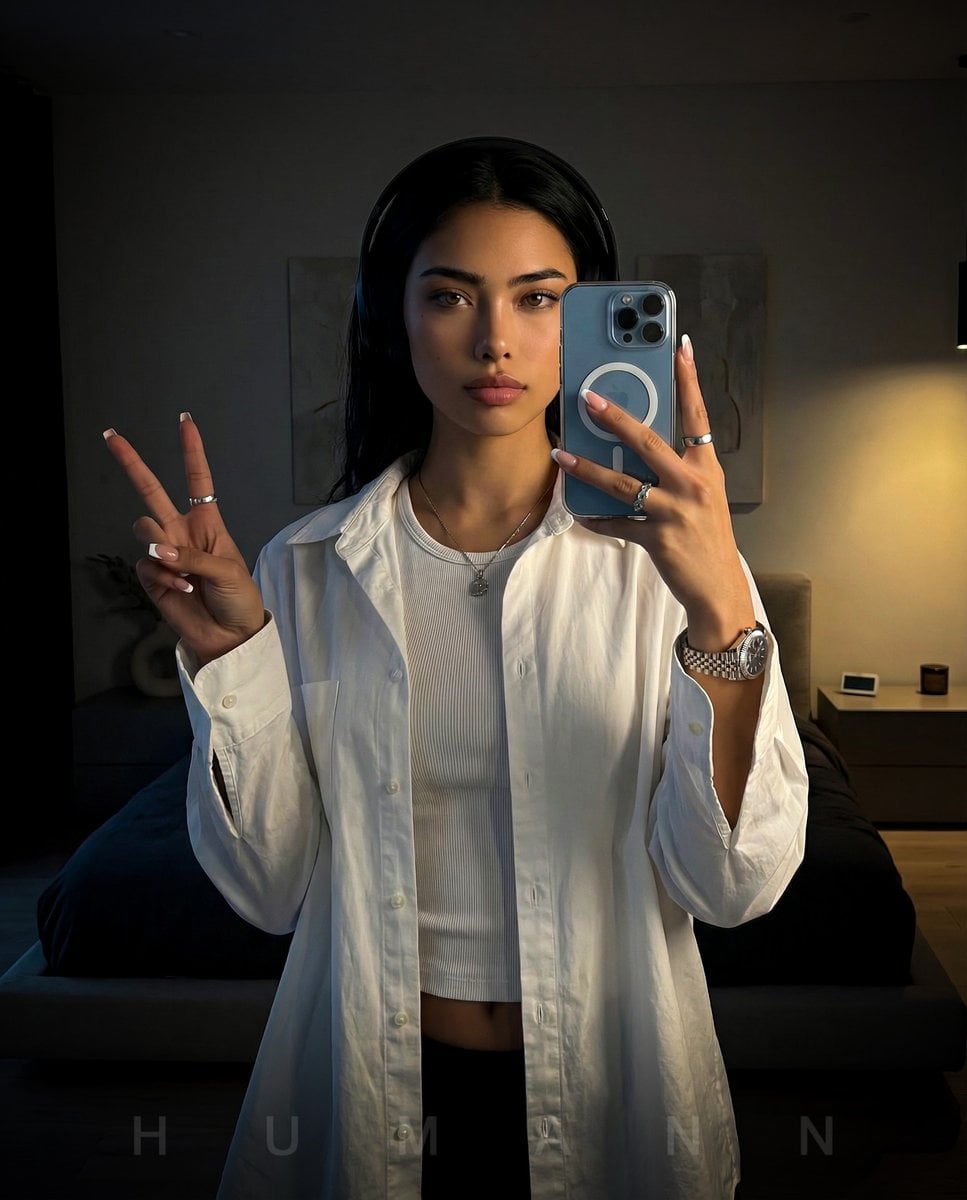
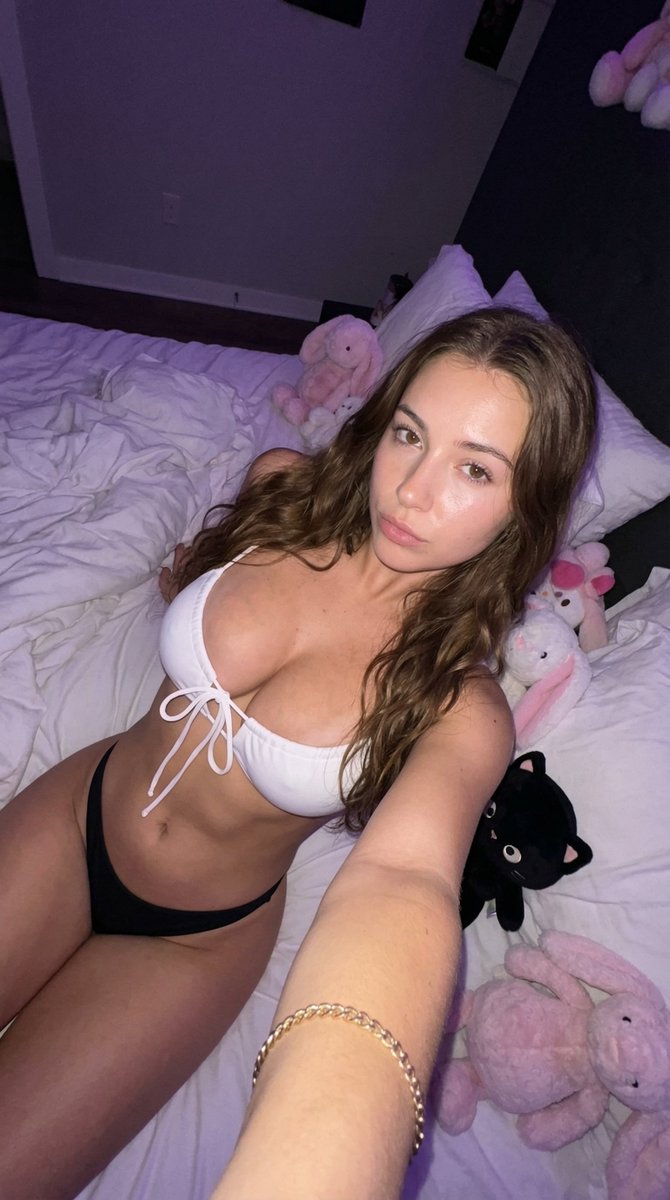
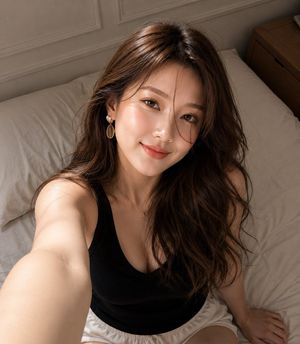
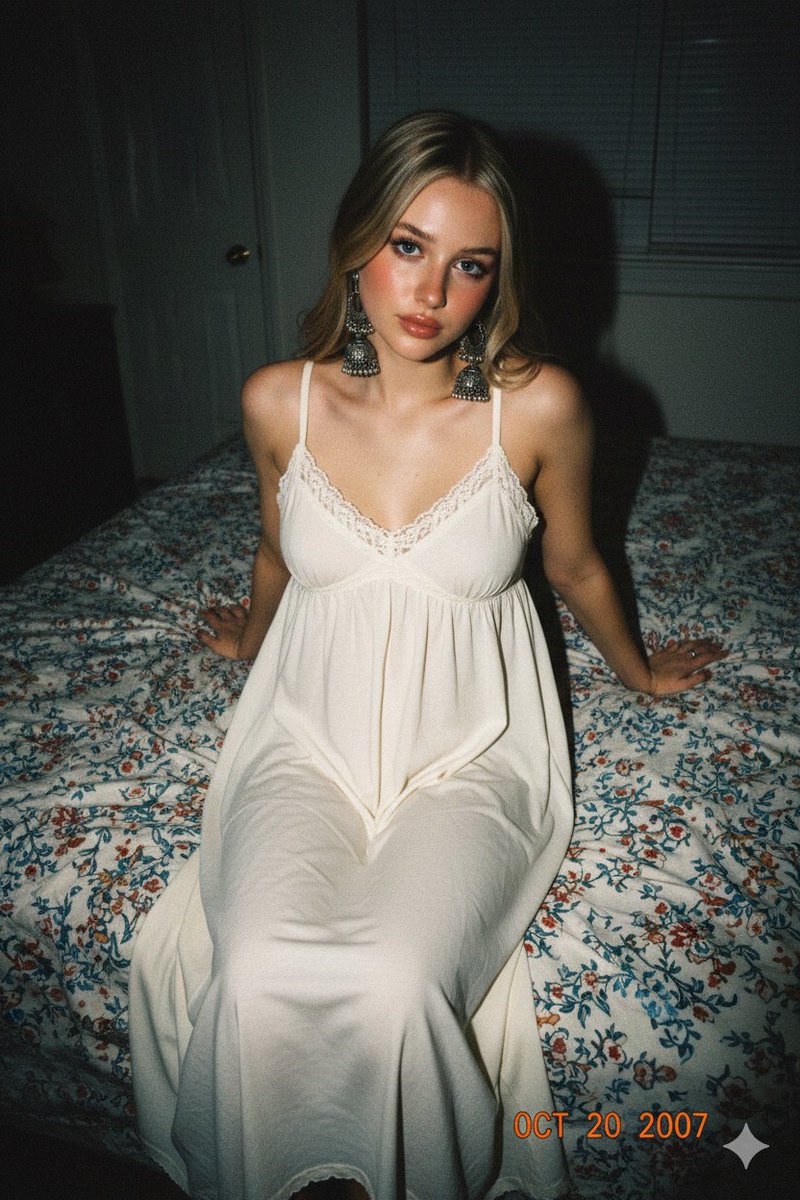
A lifestyle photography prompt featuring a subject in a floral dress, utilizing frontal flash lighting to create a spontaneous, domestic atmosphere.
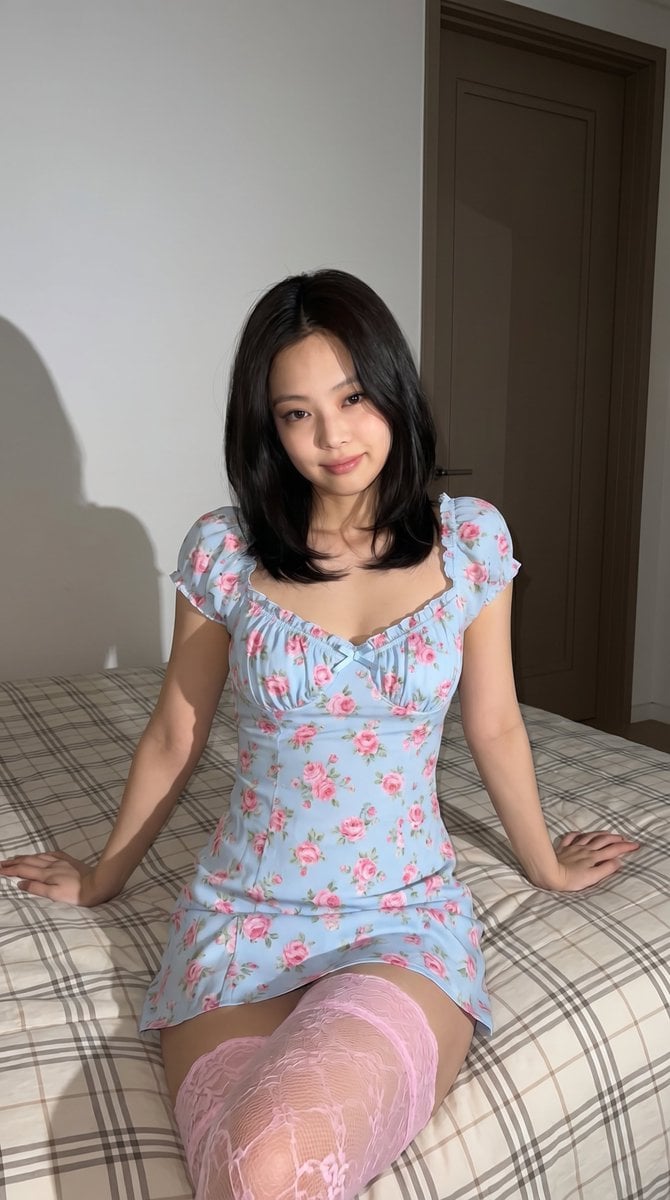
{ "type": "image_prompt", "description": { "subject": { "identity": "{argument name="name" default="Jennie Kim"}", "appearance": "Shoulder-length hair parted in the middle with soft face-framing layers, gentle natural smile, relaxed expression, looking at the camera", "details": "Minimal natural makeup, glossy pink lips" }, "clothing": "{argument name="outfit" default="Short light blue dress with soft pink rose floral pattern, sweetheart ruffled neckline, short ruffled sleeves, delicate bow at the bust"}", "body_type": "Curvy, soft and feminine body with harmonious proportions", "pose": "Sitting comfortably on a bed, leaning slightly backward with arms extended behind for support, hands on the bed, bent legs facing the camera, one leg lightly crossed over the other", "setting": "Indoor bedroom with plain white walls, closed brown door, made bed with neutral plaid comforter and wrinkled bedding", "props": [ "Plaid comforter", "White pillows", "Brown interior door" ], "lighting": "Strong direct frontal flash-style lighting, bright crisp illumination on the subject, sharp hard shadows on wall and door behind, strong contrast with darker environment", "mood": "Casual, relaxed, intimate, spontaneous, domestic portrait", "technical": { "camera": "Medium shot, modern smartphone, eye-level angle, framed from mid-calf upward", "style": "Photorealistic lifestyle photography with flash aesthetic", "quality": "Highly detailed, sharp focus, realistic lighting and shadows, professional high resolution", "aspect_ratio": "9:16" } } }
Choose the primary action to open PicX Studio with the available template settings. Review the model and format, personalize the creative direction, and generate when ready.
Yes. You can change the subject, setting, lighting, mood, format, and available model controls before creating your image.
This template is free to open and customize. Generation usage is shown in PicX Studio before you create.
Start with Nano Banana 2, which is the model associated with this template. You can compare another compatible model for a different finish.
Follow a topic to a crawlable collection of related PicX Studio templates.