How do I use the Cozy Korean Bedroom Portrait template?
Edit the prompt in the box under the preview — the template's model and format are already selected — and press Generate. Your version appears right on this page.
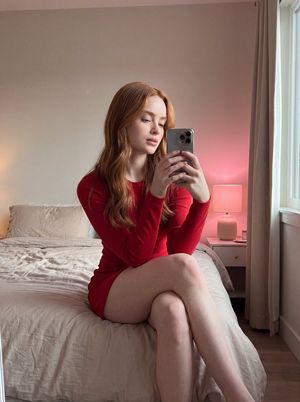
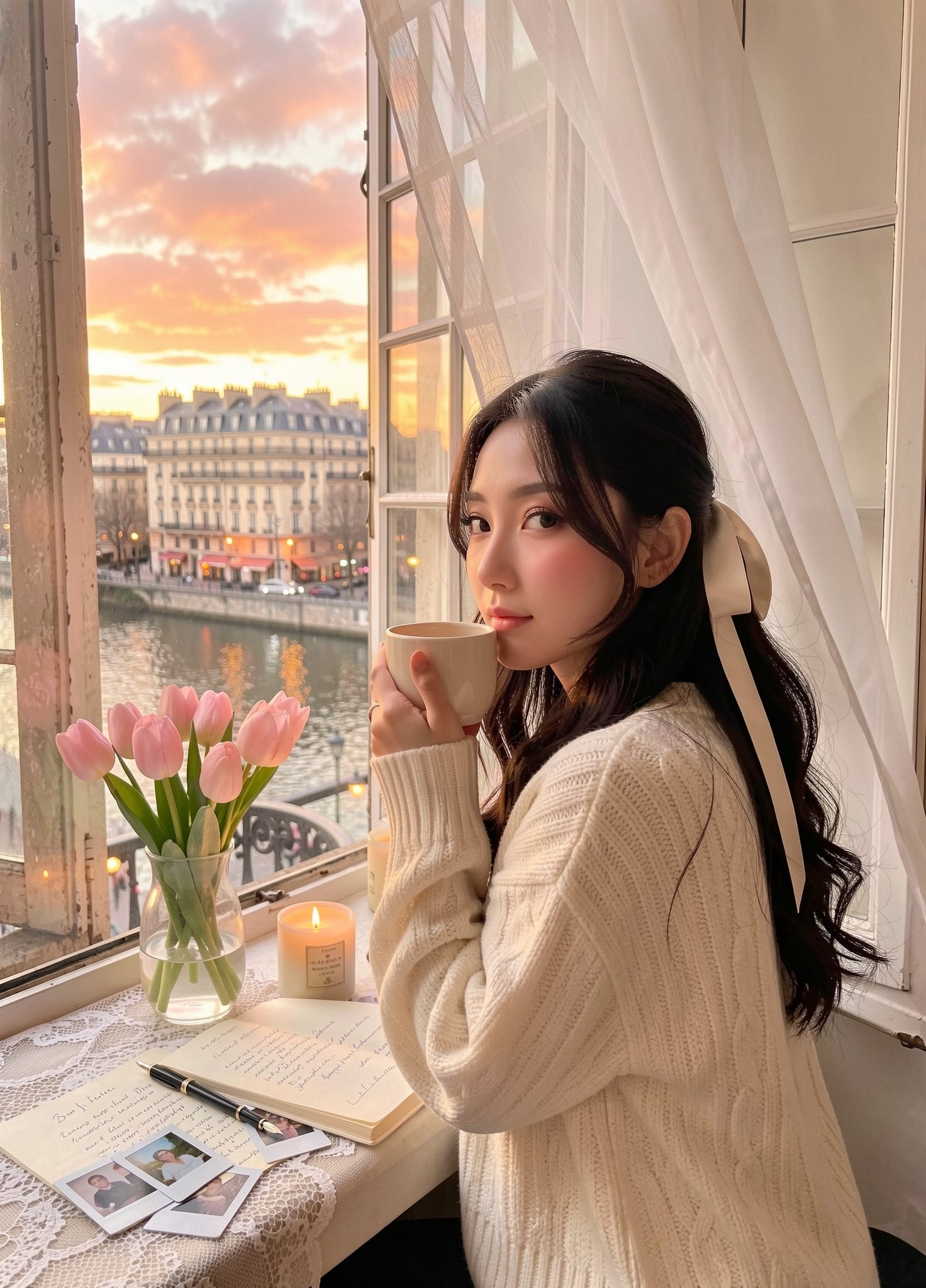
Generates a warm, photorealistic scene of a woman lounging in a modern Korean-style bedroom at night.

Photorealistic cozy late-night bedroom portrait of a {argument name="subject" default="gorgeous Korean woman"} lounging on her bed, casually facing the camera with a calm, sleepy look. Hair in a loose messy bun, soft loose strands framing her face, glossy eyes, light blush makeup, smooth lifelike skin, dreamy youthful Korean beauty. She wears an {argument name="outfit" default="oversized cream hoodie"} with long sleeves half-swallowing her hands, giving off a warm late-night feel. Relaxed posture, leaning slightly forward on the bed, one hand softly resting on her cheek, the other arm near an open notebook and a lit candle on the blanket. Warm ambient glow from a bedside lamp, fairy lights, and candlelight produces cinematic golden highlights and soft realistic shadows across the room. Modern {argument name="setting" default="Korean bedroom"} styling, fluffy cream bedding, soft blankets, cozy decor, a small bookshelf, aesthetic posters, framed photos, flowers in a vase, candles, a notebook, a coffee mug, and city lights twinkling through the big window. Romantic slice-of-life mood, feminine cozy aesthetic, intimate late-night atmosphere, shallow depth of field, cinematic framing, highly detailed photorealism, soft warm glow, DSLR-style photography, luxury lifestyle editorial feel, calming nighttime ambiance.
Photorealistic cozy late-night bedroom portrait of a {argument name="subject" default="gorgeous Korean woman"} lounging on her bed, casually facing the camera with a calm, sleepy look. Hair in a loose messy bun, soft loose strands framing her face, glossy eyes, light blush makeup, smooth lifelike skin, dreamy youthful Korean beauty. She wears an {argument name="outfit" default="oversized cream hoodie"} with long sleeves half-swallowing her hands, giving off a warm late-night feel. Relaxed posture, leaning slightly forward on the bed, one hand softly resting on her cheek, the other arm near an open notebook and a lit candle on the blanket. Warm ambient glow from a bedside lamp, fairy lights, and candlelight produces cinematic golden highlights and soft realistic shadows across the room. Modern {argument name="setting" default="Korean bedroom"} styling, fluffy cream bedding, soft blankets, cozy decor, a small bookshelf, aesthetic posters, framed photos, flowers in a vase, candles, a notebook, a coffee mug, and city lights twinkling through the big window. Romantic slice-of-life mood, feminine cozy aesthetic, intimate late-night atmosphere, shallow depth of field, cinematic framing, highly detailed photorealism, soft warm glow, DSLR-style photography, luxury lifestyle editorial feel, calming nighttime ambiance.
Edit the prompt in the box under the preview — the template's model and format are already selected — and press Generate. Your version appears right on this page.
Yes. You can change the subject, setting, lighting, mood, format, and available model controls before creating your image.
Opening and editing this template is free. Generating uses credits, shown on the Generate button when you are signed in.
Start with GPT Image 2, which is the model associated with this template. You can compare another compatible model for a different finish.
Follow a topic to a crawlable collection of related PicX Studio templates.