
Moody Fashion Editorial Rainy Night Prompt
A highly specific prompt for a moody, high-contrast fashion editorial snapshot taken on a rainy night, emphasizing raw, unedited realism and hard smartphone flash.
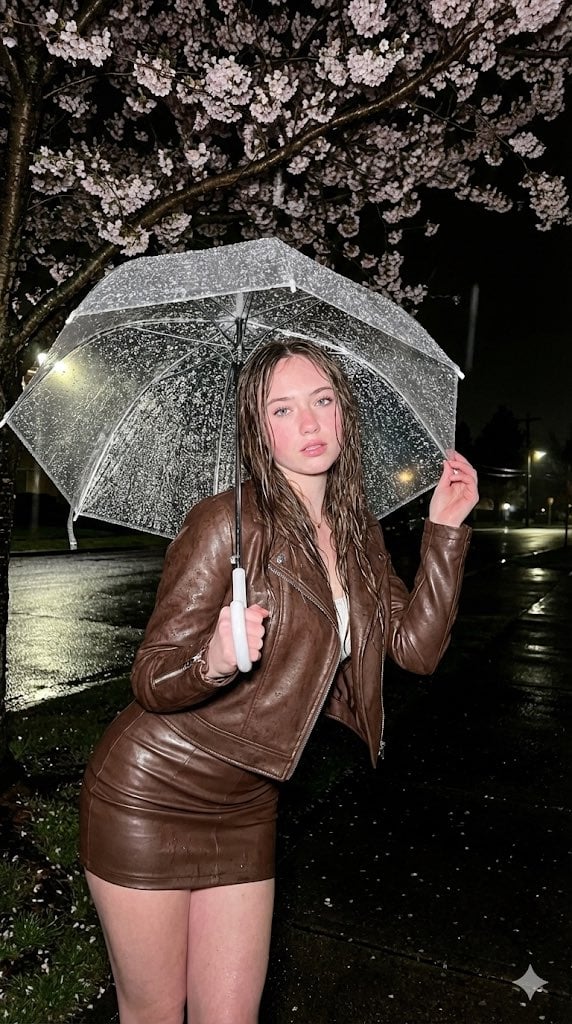
- Prompt included
- Model and format preset
- Free template
The prompt behind this image
Copy the exact prompt behind Moody Fashion Editorial Rainy Night Prompt, or open it in the studio and make it yours.
(Vertical 9:16 smartphone aspect ratio). A raw, high-contrast [Moody Fashion Editorial] snapshot taken with an iPhone 17 Pro on a rainy night. DIRECT HARD SMARTPHONE FLASH. NO ARTIFICIAL BOKEH. Everything is SHARP and in focus from the frozen raindrops to the distant blossoms. Subject & Identity Locking: Identity: Strictly preserve the exact face and unique features of the woman in Image 1 (Selfie). Bio-Fidelity: Render high-fidelity "TrueLens" skin physics: visible micro-pores, natural "satin-finish" night hydration (mixed with rainwater), and a healthy cold-induced rosy flush on the cheeks. Fine vellus hair is visible along the jawline. Hair: Wet-look chestnut hair, slightly wavy and clumping naturally into strands that frame her face and neck. Silhouette Calibration: Amplify the dominant structural bust volume and the substantial, thick-toned leg presence. Focus on the aggressive hourglass structural tapering at the waist, highlighted by the cropped fit of the jacket. Outfit & Textural Interaction: Clothing: A minimalist {argument name="jacket color" default="Chocolate Brown"} Leather Moto Jacket (worn slightly open) and a matching High-Waisted Leather Micro-Mini Skirt. Tension: The stiff leather shows extreme material tension over her fit form, with realistic micro-cracks in the grain and high-key highlights from the flash. Matter Physics: The subject holds a transparent clear umbrella covered in heavy, crystalline raindrops. The flash freezes the "story" of every drop in mid-air. Pose & Composition: Pose: Standing outdoors under a blooming cherry blossom tree. She is leaning slightly toward the lens, reaching one hand out to touch the edge of the umbrella, creating a sense of intimate depth and anatomical volume. Perspective: Handheld smartphone POV, captured at a medium-distance to showcase her fit silhouette and the atmospheric environment. Environment & Lighting: Lighting: Hard Direct Smartphone Flash. The flash creates a brilliant "halo" effect on the wet cherry blossoms and reflects intensely off the transparent umbrella, casting a sharp, pitch-black shadow of her form into the dark night. Background (SHARP): A dark, moody outdoor setting. The detailed textures of the pink cherry blossoms, the wet asphalt of the street, and the distant streetlights are all perfectly IN FOCUS. No artificial blur. Quality: Raw unedited social-media leak aesthetic, high dynamic range, visible digital grain in the deep shadows (ISO 1600 style), 8k resolution.
How to use Moody Fashion Editorial Rainy Night Prompt in 3 steps
- 1Upload ImagePNG, JPG or paste
Add your photo
Upload the photo the template builds on. The prompt, model and format are already set.
- 2…a portrait of your subject in softgolden-hour light, 85mm…
Personalize
Edit the subject and creative details for your destination.
- 3Generate
Generate
Press Generate — your image is created in PicX Studio, so you can compare it with the original and refine one variable at a time.
More like this
Templates with the same subject, style or setup. Open one to see its prompt.

Blue Backdrop Luxury Fashion Portrait Campaign

Luxury Black-and-White Fashion Contact Sheet

untitled

Google Gemini Nano Banana Pro

Conceptual Fashion Portrait in Spider We

01 Skincare Split Portrait — Nano Banana 2

24 The Getty Center — California Series

21 Glass Floor Skyscraper — California Series

19 Luxury Helicopter Travel — California Series

08 Rodeo Drive Luxury Exit — California Series

03 Beverly Hills Convertible — California Series

Gpt Image 2 Fashion Portrait
Make it yours
Moody Fashion Editorial Rainy Night Prompt works as-is. These are the safest ways to change it without losing the look.
Change one field
Copy a single group, rewrite it, and generate again so you can see what that field is doing.
Keep the frame, change the subject
Hold the composition and light of Moody Fashion Editorial Rainy Night Prompt, then swap wardrobe, props or the person for a new take.
| If the result… | Why | Fix |
|---|---|---|
| The result drifts from the preview | Too many fields changed at once. | Reuse Moody Fashion Editorial Rainy Night Prompt as-is first, then change one group — subject, light, or setting. |
| The model over-stylizes the scene | The prose prompt leaves finish and camera underspecified. | Add one camera or lighting sentence and stay on Nano Banana 2. |
More Nano Banana 2 templates
Other prompts made for Nano Banana 2.

Photorealistic Leaf Shaped Like a Dragon

K-Pop Idol Portrait Grid for Rapid Selection

Poetic Rain Forest Portrait During Golden Hour

Urban Street Portrait with Cartoon Inner Self Duo

Candid Nighttime Photo with Cat Prompt

High-Concept 3D Diorama Generation Prompt

Cinematic Futuristic Studio Portrait Template

Skincare Editorial Photography Collage Prompt

Hyper-Realistic Commercial Product Photography (Splash Effect)

Hyper-Realistic Nightclub Portrait Prompt
More image prompts
Fresh picks from across the catalog.
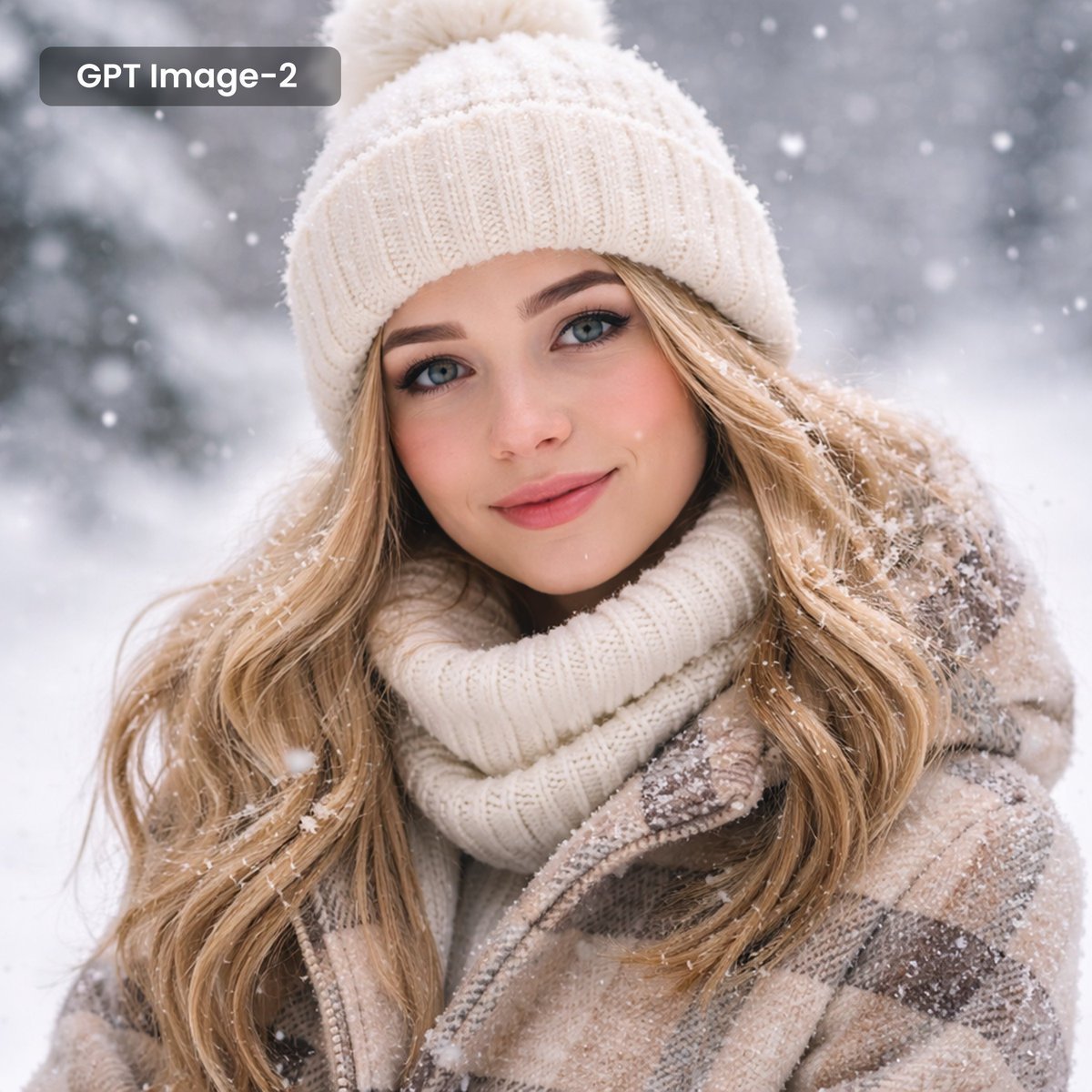
Photorealistic Winter Portrait with Snowflakes

Gemini Nano Banana 2 Isometric 3d City D
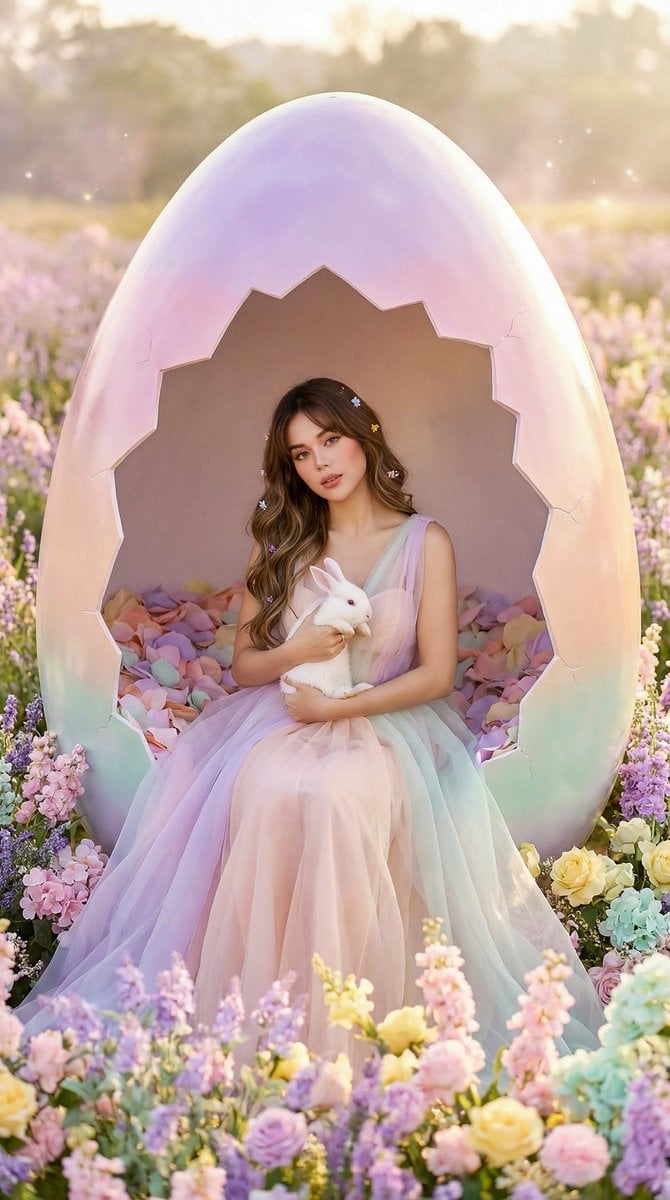
Easter Egg Edition: Monumental Egg with Seated Subject
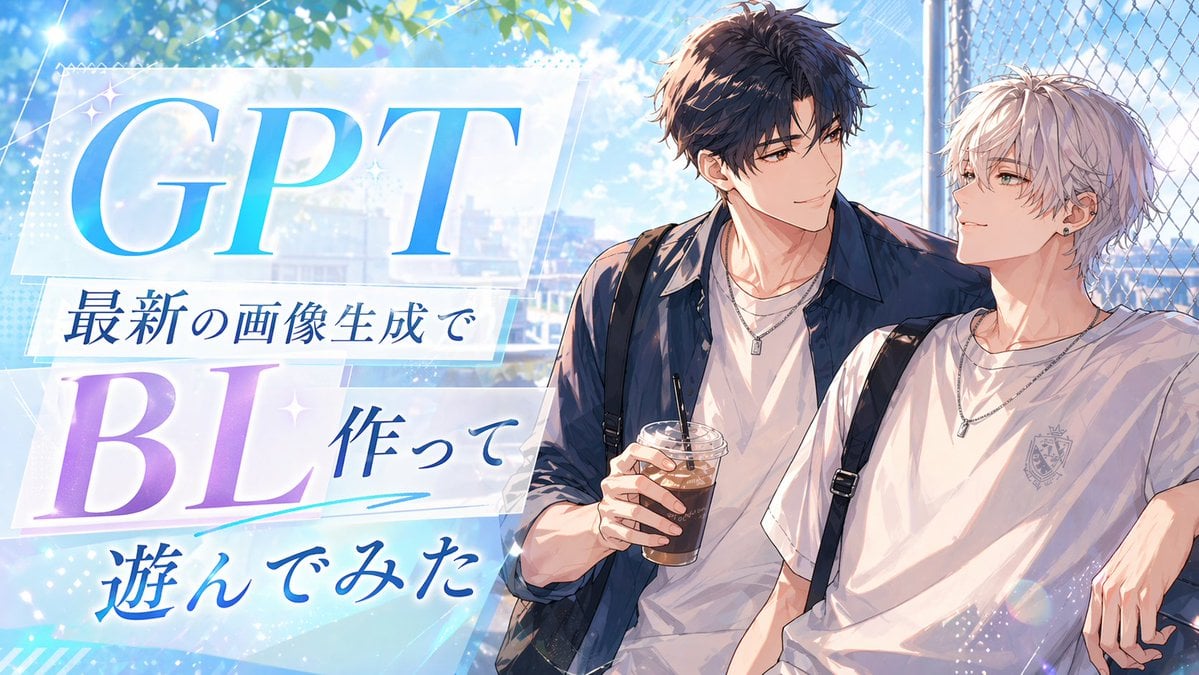
Gpt2 Youtube Thumbnail Anime Bl Promo Thumbnail
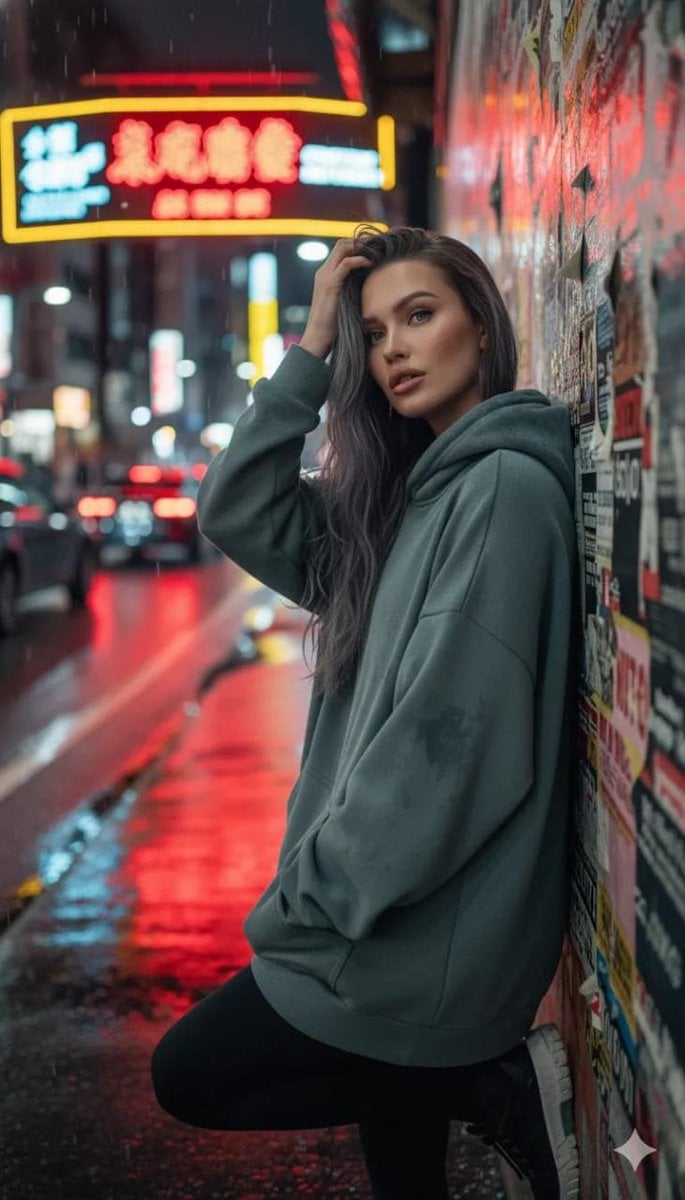
Cinematic Night Urban Portrait Prompt
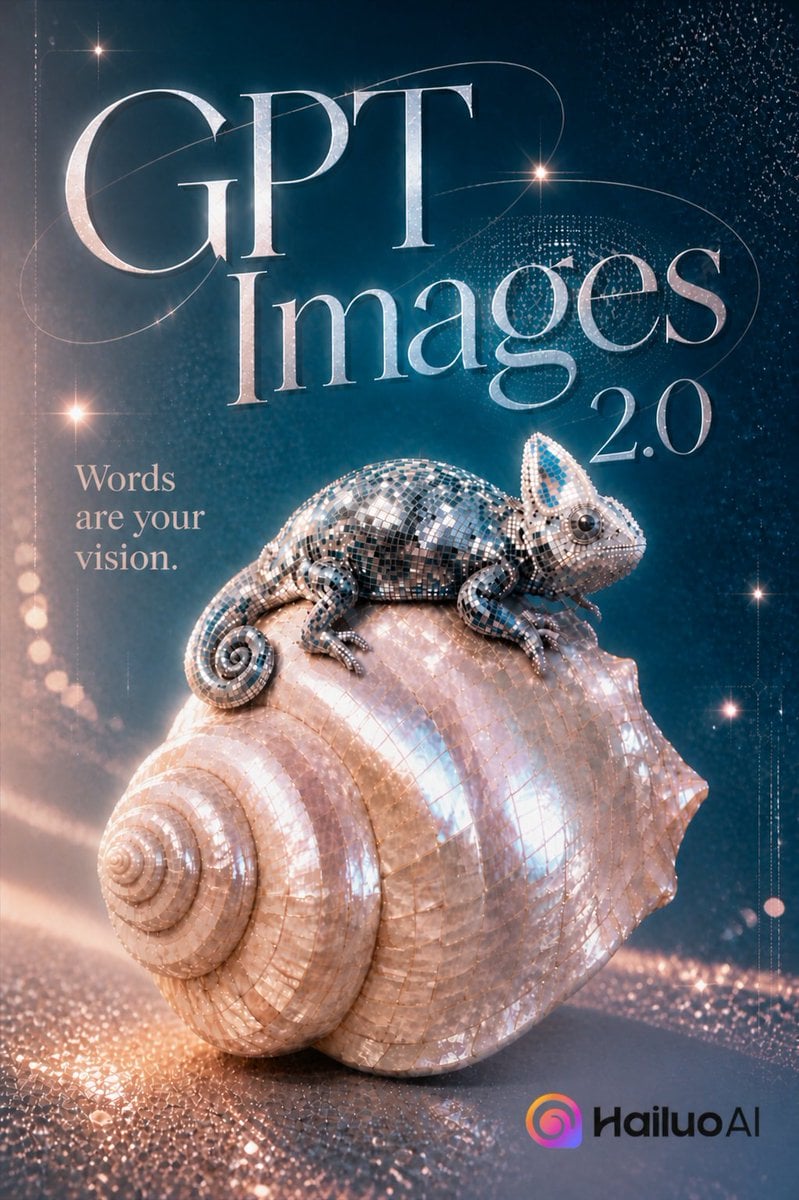
Luxury GPT Images 2.0 Launch Poster
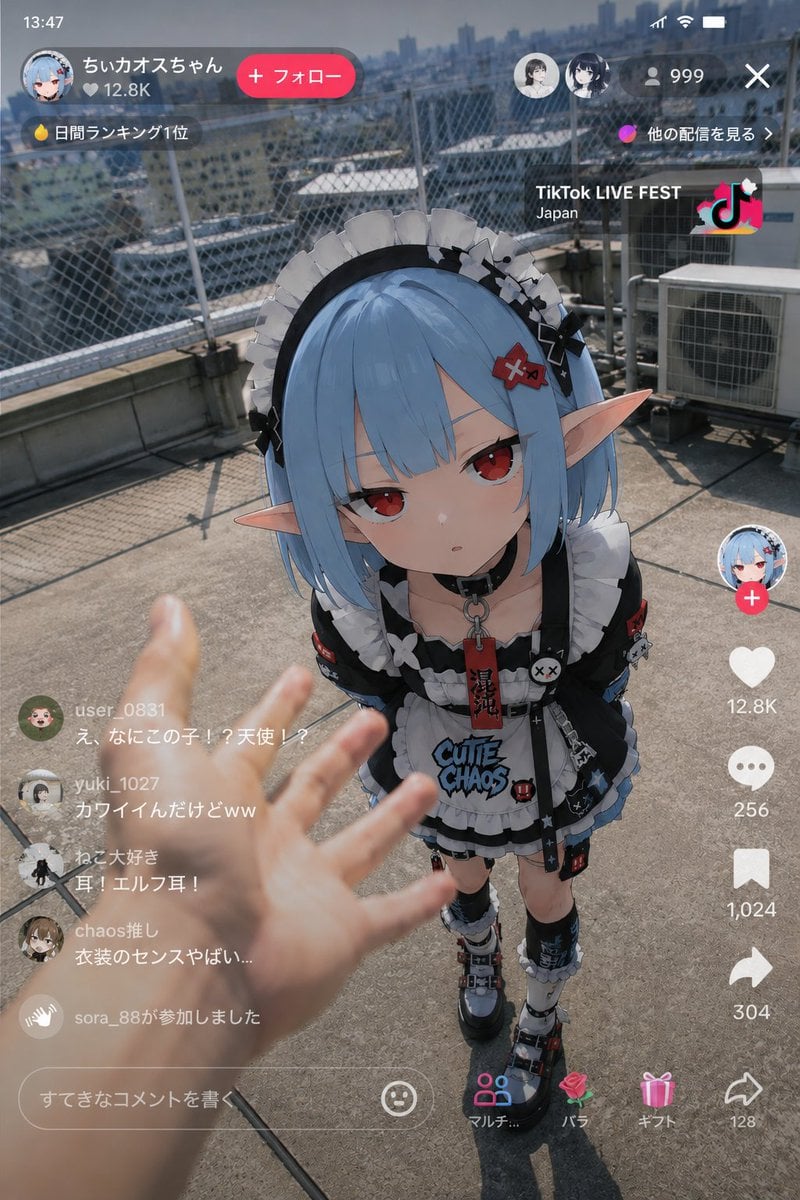
Anime Character Real-World Stream i2i
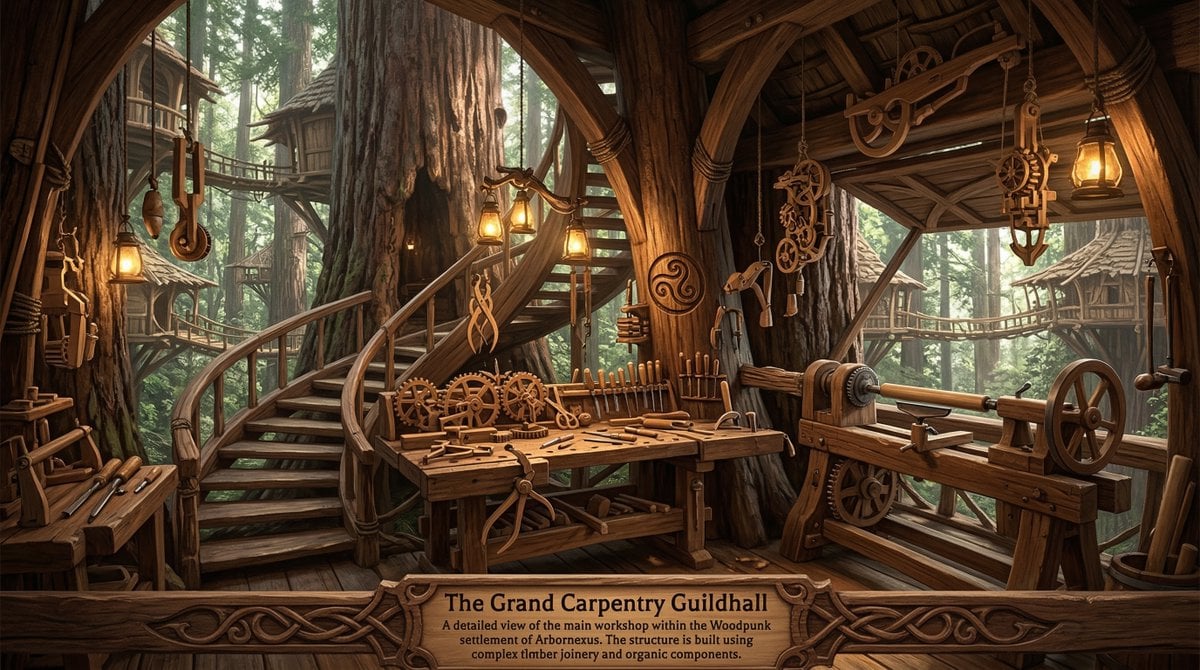
Universal Random Punk Scene Generator
Long Exposure Motion Blur Photography
Candid Denim Overall Event Photo
Browse template categories
Moody Fashion Editorial Rainy Night Prompt questions
How do I use the Moody Fashion Editorial Rainy Night Prompt template?
Add your photo if the template asks for one, edit the prompt if you like — the template's model and format are already selected — and press Generate. Your version opens in PicX Studio.
Can I customize the Moody Fashion Editorial Rainy Night Prompt template?
Yes. You can change the subject, setting, lighting, mood, format, and available model controls before creating your image.
Is the Moody Fashion Editorial Rainy Night Prompt template free?
Opening and editing this template is free. Generating uses credits, shown on the Generate button when you are signed in.
Which AI model should I use?
Start with Nano Banana 2, which is the model associated with this template. You can compare another compatible model for a different finish.
Looking for something else? Browse all templates.

Your photo, any look
Thousands of ready templates for every top image and video model, from one credit balance.