
Anime Character Real-World Stream i2i
An advanced image-to-image prompt to blend anime characters into realistic smartphone livestream interfaces and urban settings with human interaction.
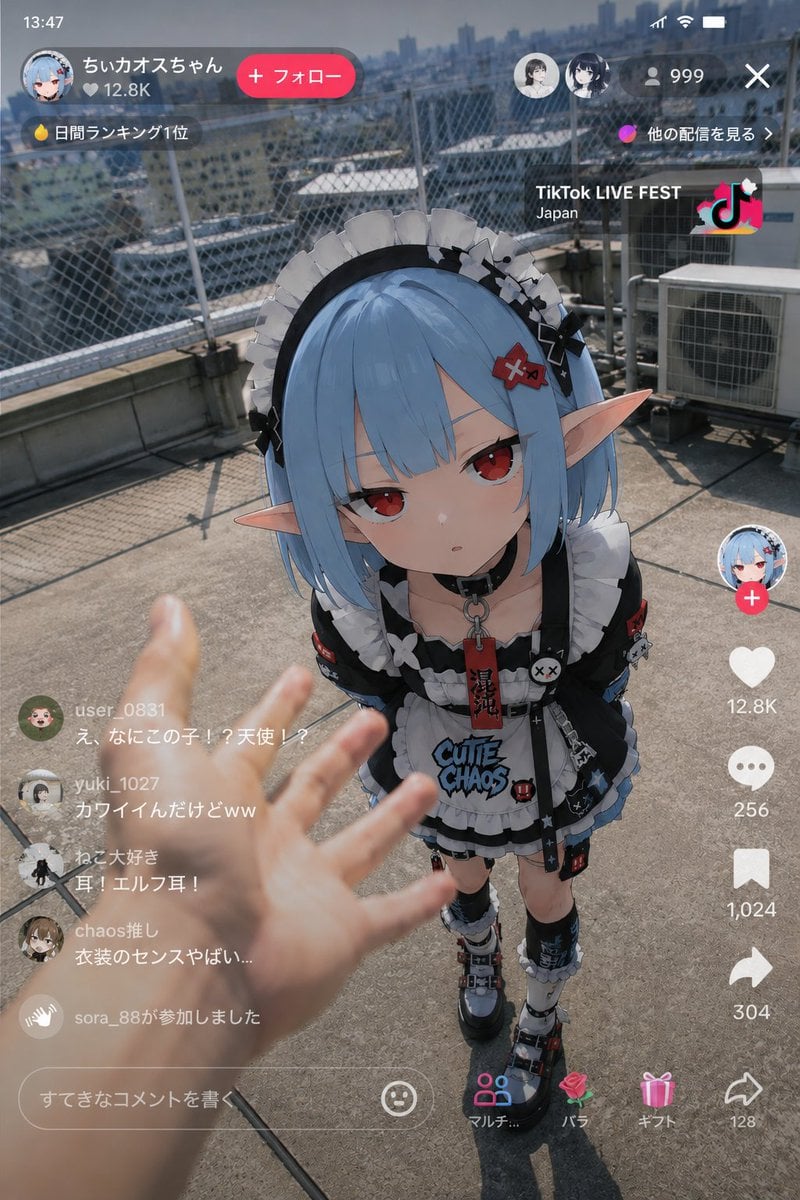
- Prompt included
- Model and format preset
- Free template
The prompt behind this image
Copy the exact prompt behind Anime Character Real-World Stream i2i, or open it in the studio and make it yours.
Use the reference image as the base for the character design, and depict "the moment when {argument name="character" default="an anime character"} suddenly appears in a real-world {argument name="scene" default="live stream"}." Maintain the character's exact feel as an anime illustration. Never break the character's identity. Do not turn them into a live-action human. The character portion keeps its anime-illustration rendering. A vertical smartphone live-stream screen. TikTok LIVE, YouTube Live, Instagram Live, a typical vertical live-streaming-style UI. Do not fix the background. Randomly generate a realistic urban space, or a real, lived-in space full of everyday life. Examples: {argument name="background example" default="a building rooftop"}, in front of a convenience store, a video arcade, in front of a train station, a residential neighborhood, the stairwell of a mixed-use building, a late-night alley, a riverbank, in front of a karaoke place, around a vending machine late at night, a streaming room, an otaku's room, the station front of a regional city, a rainy sidewalk, a shopping street, etc. The background should not be too pretty. Emphasize a sense of everyday life, clutter, and real-world noise. Naturally frame a photorealistic human hand or arm into the foreground. The human should be: reaching to touch the girl, pointing a finger, gauging the distance, reacting in surprise, holding out food or a drink, making a movement as if they've accidentally interfered mid-stream. The hand in the foreground should be slightly blurred due to a shallow depth of field. Emphasize a realism like "footage someone accidentally captured during a live stream." Do not make it look like a movie poster. No excessive cinematic direction. No overly clean composition. No excessive glow effects. Avoid the glossy rendering typical of AI. Don't overload the image with information. The live-stream UI should include: a comment section, a concurrent-viewer count, a LIVE indicator, likes, gift notifications, and so on. Make the comment section a realistic mix of half-disbelieving, buzzing reactions. Keep the lighting naturally consistent. Match the ambient light between the background and the character — natural light, streetlights, convenience-store lighting, monitor glow, etc. Add a texture reminiscent of smartphone photography. Light HDR processing, fine sensor noise, a slight sense of JPEG compression, natural exposure, faint chromatic aberration, light lens bloom, an autofocus-like feel, slight camera shake, the instability typical of handheld shooting. Rather than a perfect piece of art, emphasize the sense of chance you'd get from "a mysterious sighting clip someone posted on social media."
How to use Anime Character Real-World Stream i2i in 3 steps
- 1Upload ImagePNG, JPG or paste
Add your photo
Upload the photo the template builds on. The prompt, model and format are already set.
- 2…a portrait of your subject in softgolden-hour light, 85mm…
Personalize
Edit the subject and creative details for your destination.
- 3Generate
Generate
Press Generate — your image is created in PicX Studio, so you can compare it with the original and refine one variable at a time.
More like this
Templates with the same subject, style or setup. Open one to see its prompt.

Captain Tsubasa Anime World Cup Poster
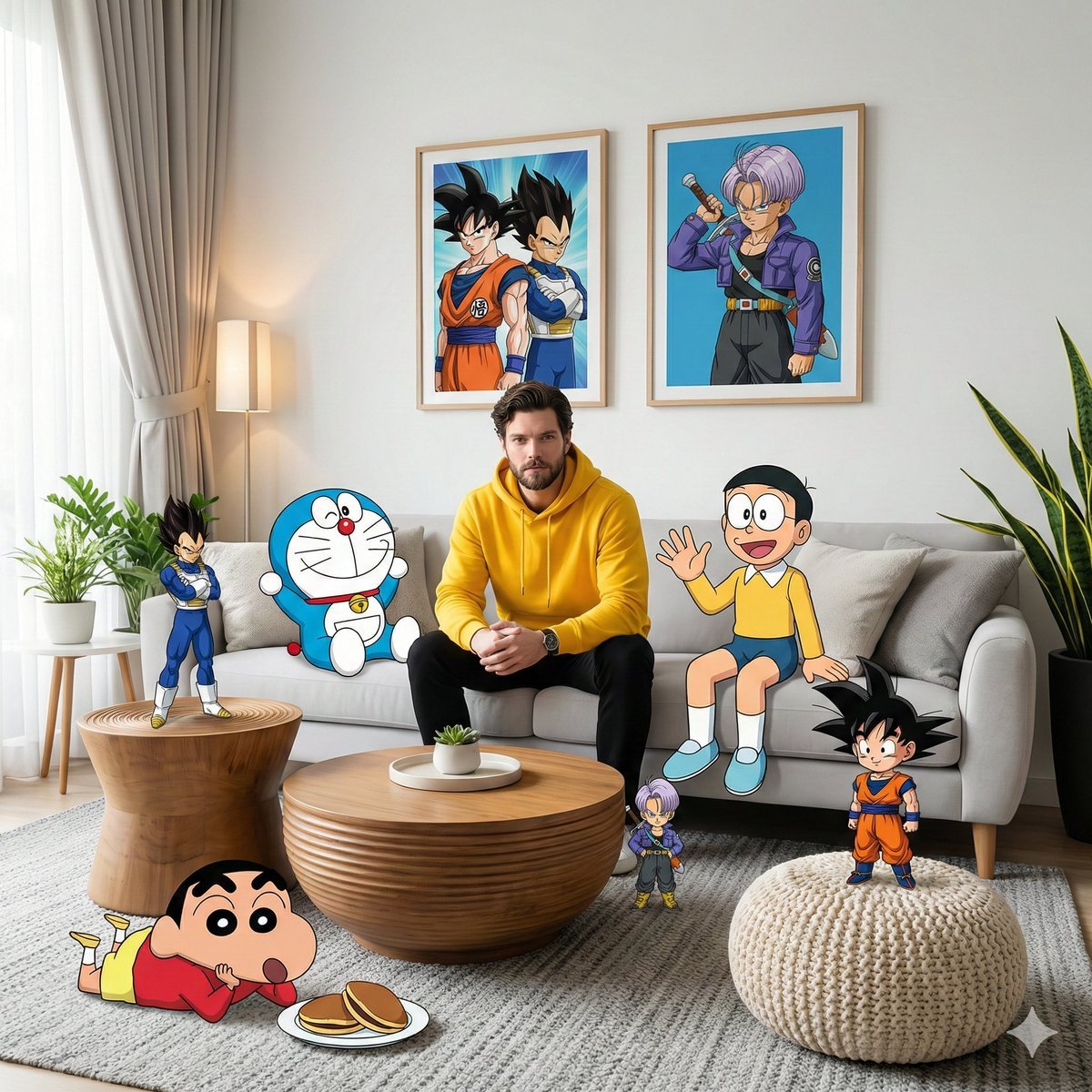
Real-World Anime Character Crossover

Real-Life and Anime Character Composite
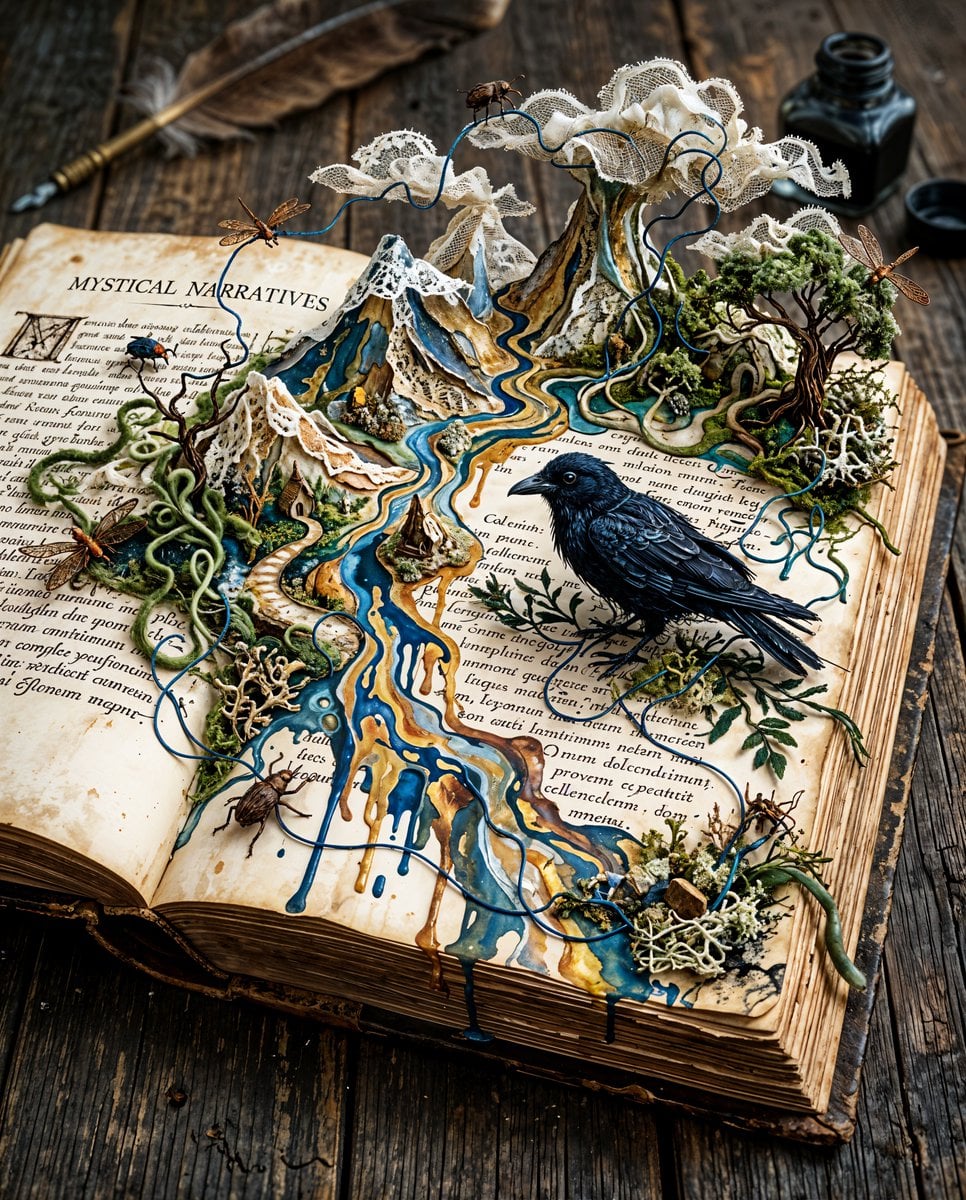
Surreal Miniature Book World

Cel 2D Finale Fireworks

Cel 2D Garden Maze

Cel 2D Rooftop Concert

Cel 2D Bicycle Coast

Cel 2D Castle Gate

Cel 2D Kitchen Chaos

Cel 2D Carnival Ride

Cel 2D Rainy Bus Stop
Make it yours
Anime Character Real-World Stream i2i works as-is. These are the safest ways to change it without losing the look.
Change one field
Copy a single group, rewrite it, and generate again so you can see what that field is doing.
Keep the frame, change the subject
Hold the composition and light of Anime Character Real-World Stream i2i, then swap wardrobe, props or the person for a new take.
| If the result… | Why | Fix |
|---|---|---|
| The result drifts from the preview | Too many fields changed at once. | Reuse Anime Character Real-World Stream i2i as-is first, then change one group — subject, light, or setting. |
| The model over-stylizes the scene | The prose prompt leaves finish and camera underspecified. | Add one camera or lighting sentence and stay on GPT Image 2. |
More GPT Image 2 templates
Other prompts made for GPT Image 2.

Six VTuber Japanese Logo Sheet

Realistic Portrait of Woman and Deer

The Vista Modular Condo Poster

AI Model Routing Comparison Infographic

2.5D Anime Art Board

Isometric Productivity Desk Scene

New York Double Exposure Poster

Four-Panel AI Landscape Comparison

Japanese Tatami Lifestyle Magazine Cover

NESCAFÉ Coffee Map Poster
More image prompts
Fresh picks from across the catalog.
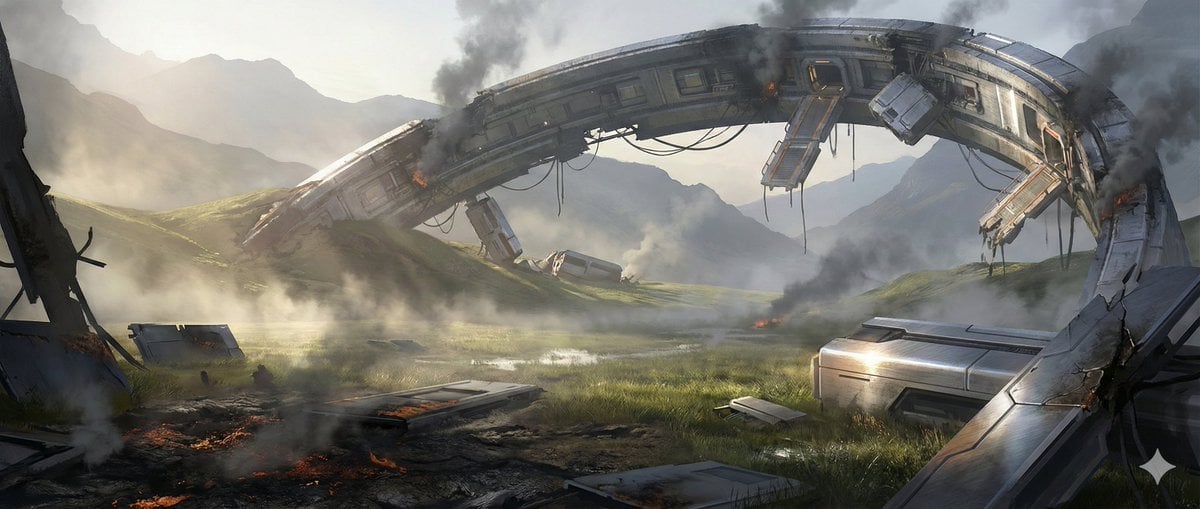
Crashed Orbital Ring Segment Concept Art
Vogue Prompt for Nano Banana Pro
3D Render of Couple on Giant Heart
Surreal Giant Product Installation on Skyscraper
Streetwear Couple Film Shoot Prompt (Empty Pool)
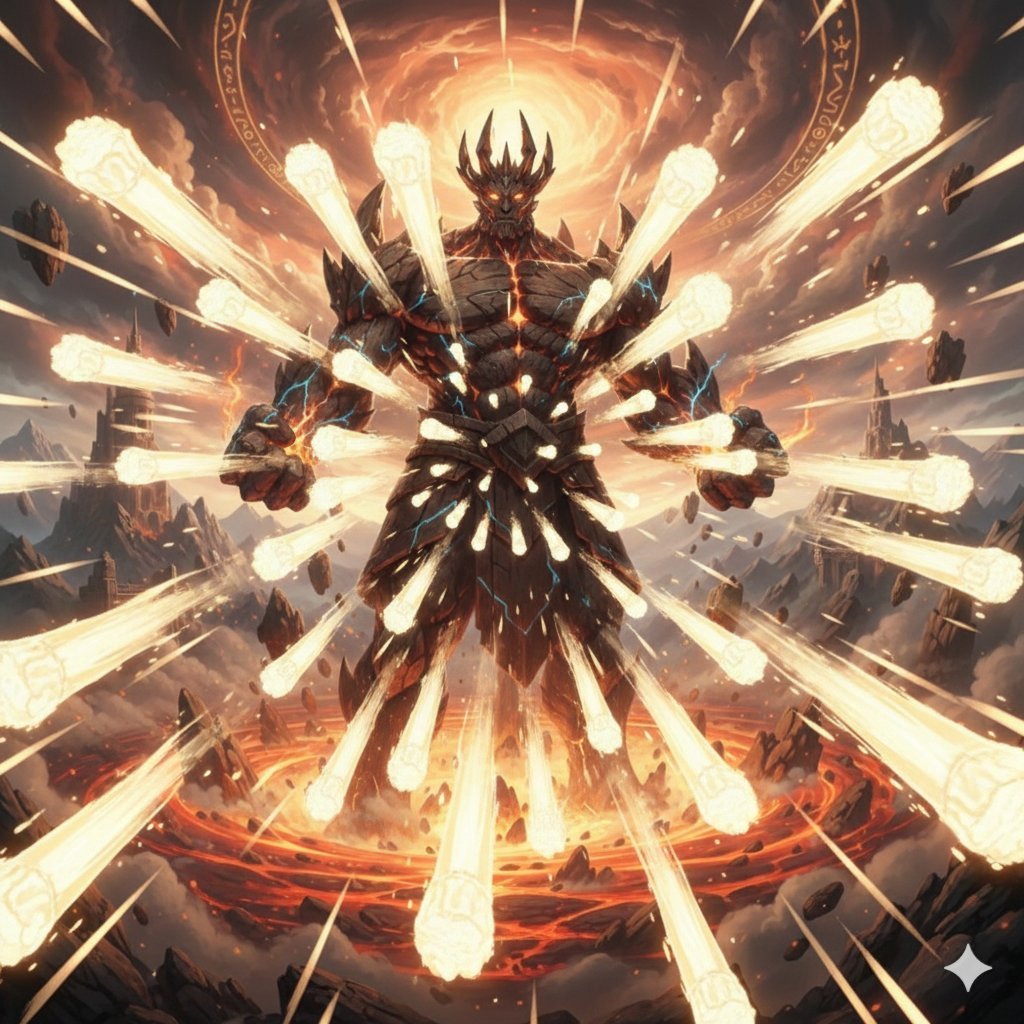
Titan with Hokuto Hyakuretsu Ken Generation

19 Luxury Helicopter Travel — California Series

Nostalgic Photo Restoration
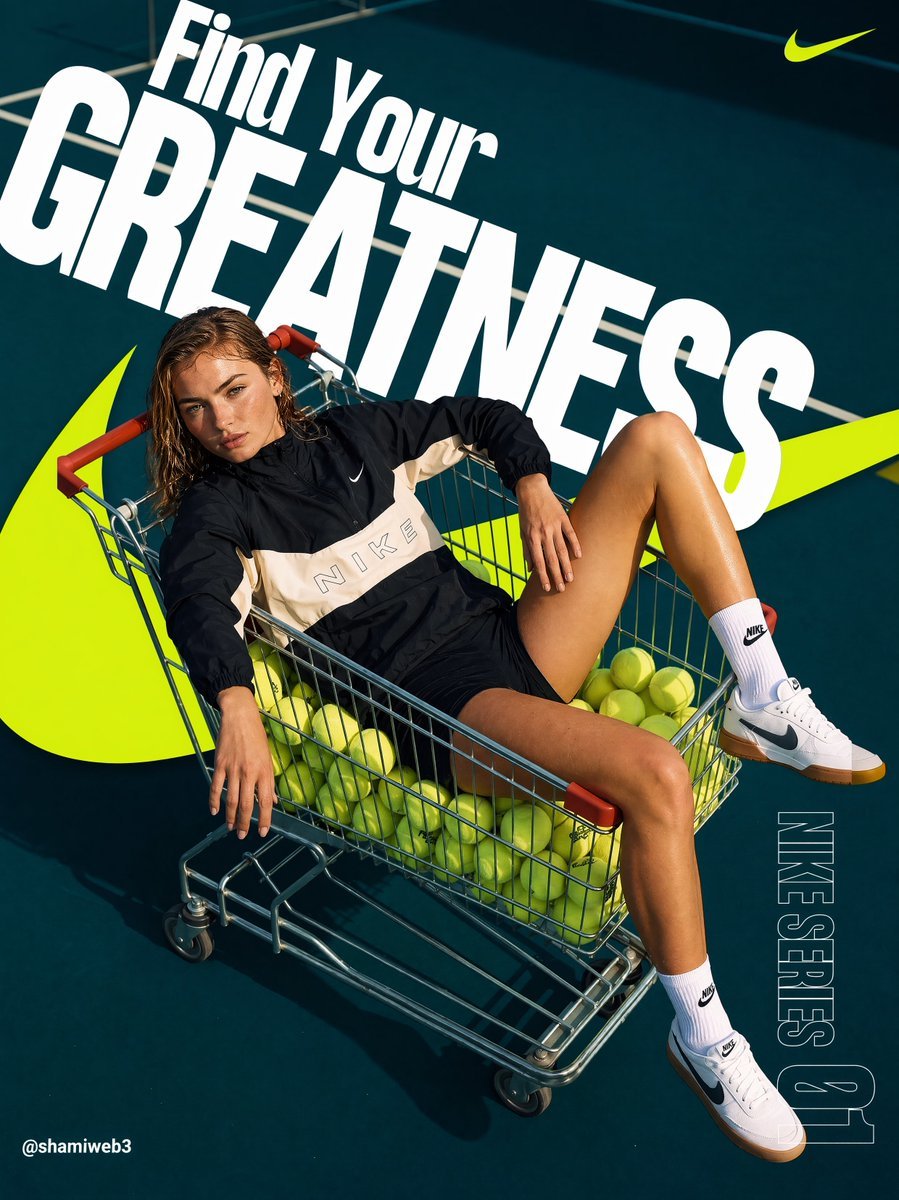
Tennis Cart Sportswear Poster

Spotify Discovery UI Concept Poster
Browse template categories
Anime Character Real-World Stream i2i questions
How do I use the Anime Character Real-World Stream i2i template?
Add your photo if the template asks for one, edit the prompt if you like — the template's model and format are already selected — and press Generate. Your version opens in PicX Studio.
Can I customize the Anime Character Real-World Stream i2i template?
Yes. You can change the subject, setting, lighting, mood, format, and available model controls before creating your image.
Is the Anime Character Real-World Stream i2i template free?
Opening and editing this template is free. Generating uses credits, shown on the Generate button when you are signed in.
Which AI model should I use?
Start with GPT Image 2, which is the model associated with this template. You can compare another compatible model for a different finish.
Looking for something else? Browse all templates.

Your photo, any look
Thousands of ready templates for every top image and video model, from one credit balance.