How do I use the Surreal Miniature Book World template?
Choose the primary action to open PicX Studio with the available template settings. Review the model and format, personalize the creative direction, and generate when ready.
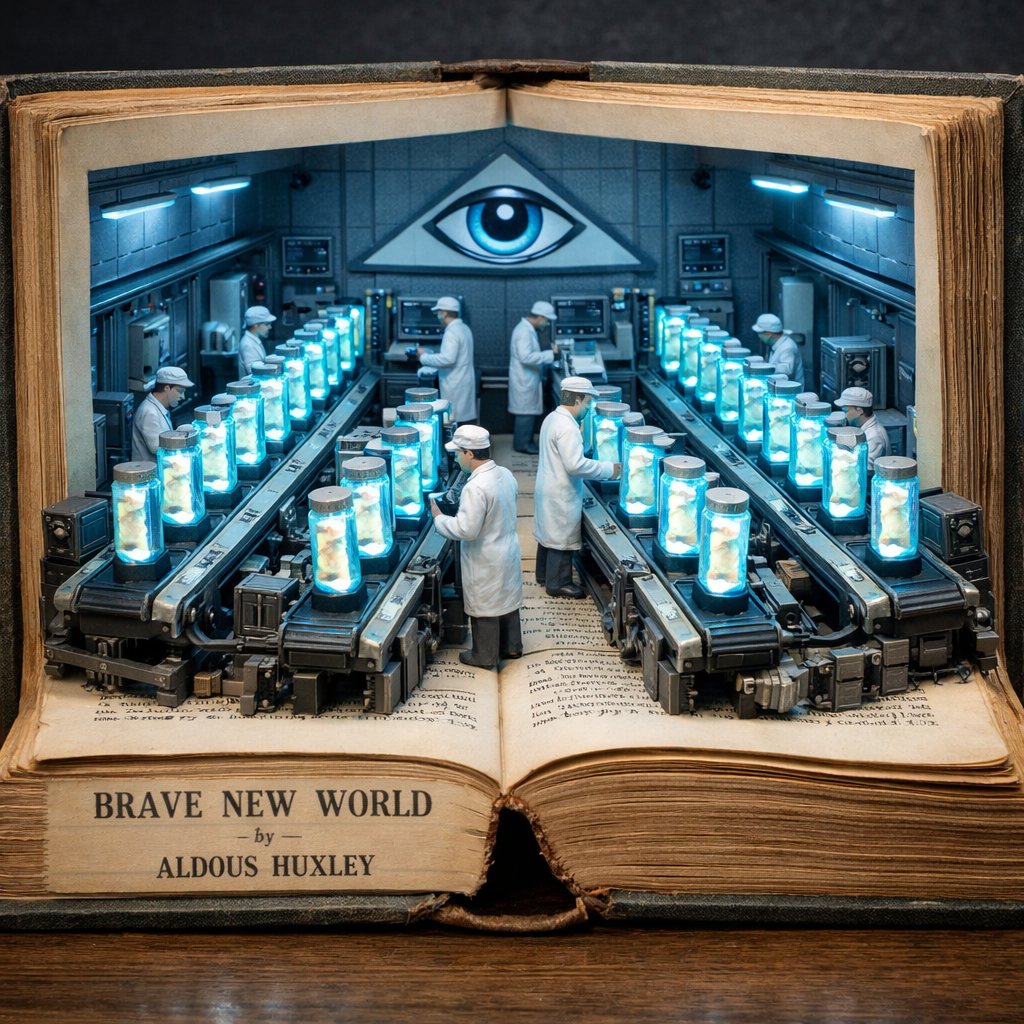
A whimsical mixed-media illustration of a miniature world with mystical textures and a crow unfolding from an old book.
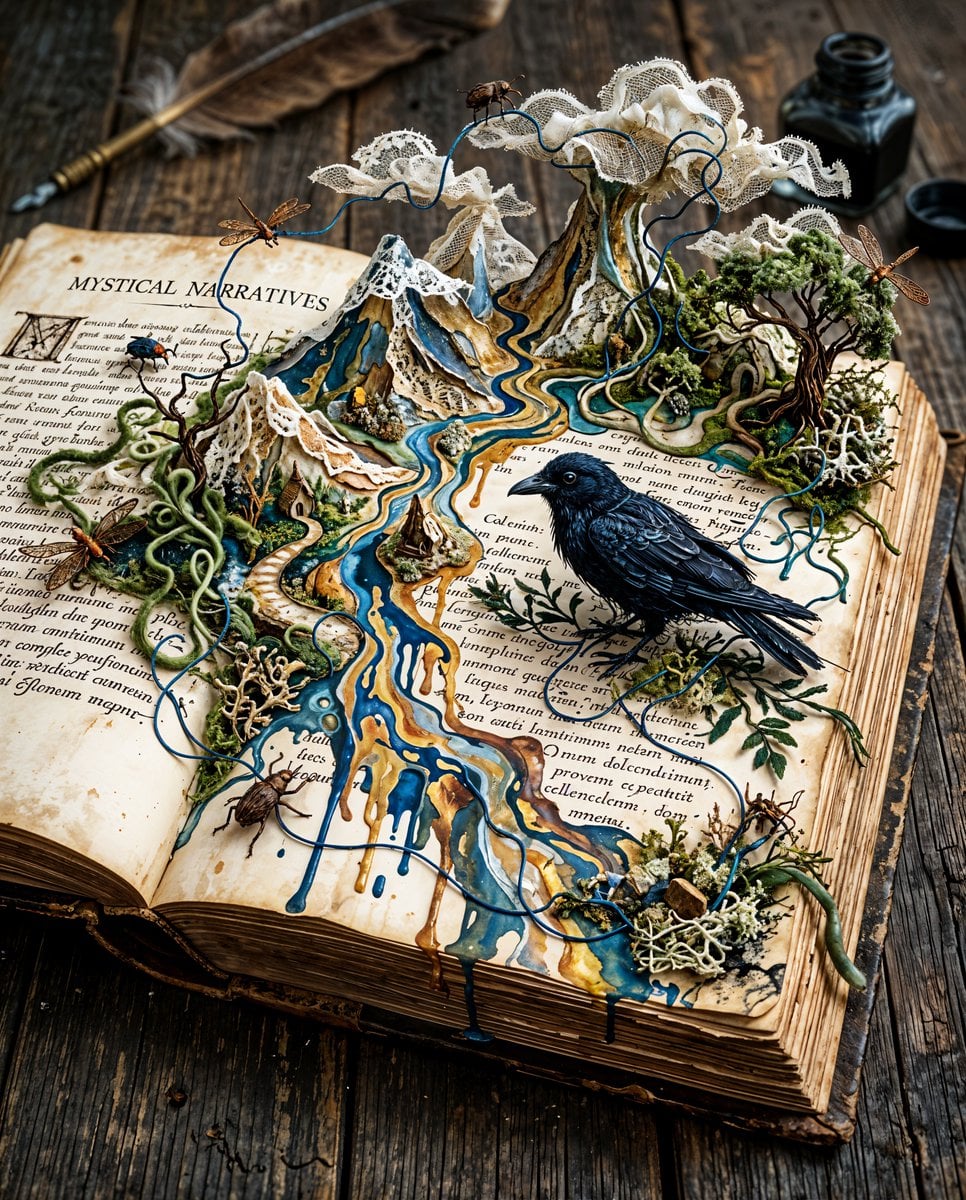
Whimsical miniature surreal otherworld unfolding across the open pages of an old weathered book, mystical narrative scene, a beautiful {argument name="animal" default="enigmatic crow"} perched among the text, environment made of mixed-media textures: blending oil and acrylic paints with {argument name="texture" default="crinoline lace"}, wool threads, white and black ink, smoky moss and rusty wired insect sculptures, a melting dreamlike landscape with dripping acrylic paint, tiny {argument name="accent color" default="cobalt blue"} patina line weaving through the composition, ultra-high resolution HDR, hyper-detailed, breathtaking unusual masterpiece illustration, soft diffused moody lighting, shallow depth of field, richly layered textures and fine brushwork visible
Choose the primary action to open PicX Studio with the available template settings. Review the model and format, personalize the creative direction, and generate when ready.
Yes. You can change the subject, setting, lighting, mood, format, and available model controls before creating your image.
This template is free to open and customize. Generation usage is shown in PicX Studio before you create.
Start with Nano Banana 2, which is the model associated with this template. You can compare another compatible model for a different finish.
Follow a topic to a crawlable collection of related PicX Studio templates.