
Kana Anime Character Reference Sheet
A polished Japanese-style anime character sheet showing one girl with profile text, a three-view turnaround, six expressions, five detail callouts, a seven-color palette, and two accessory studies for design…
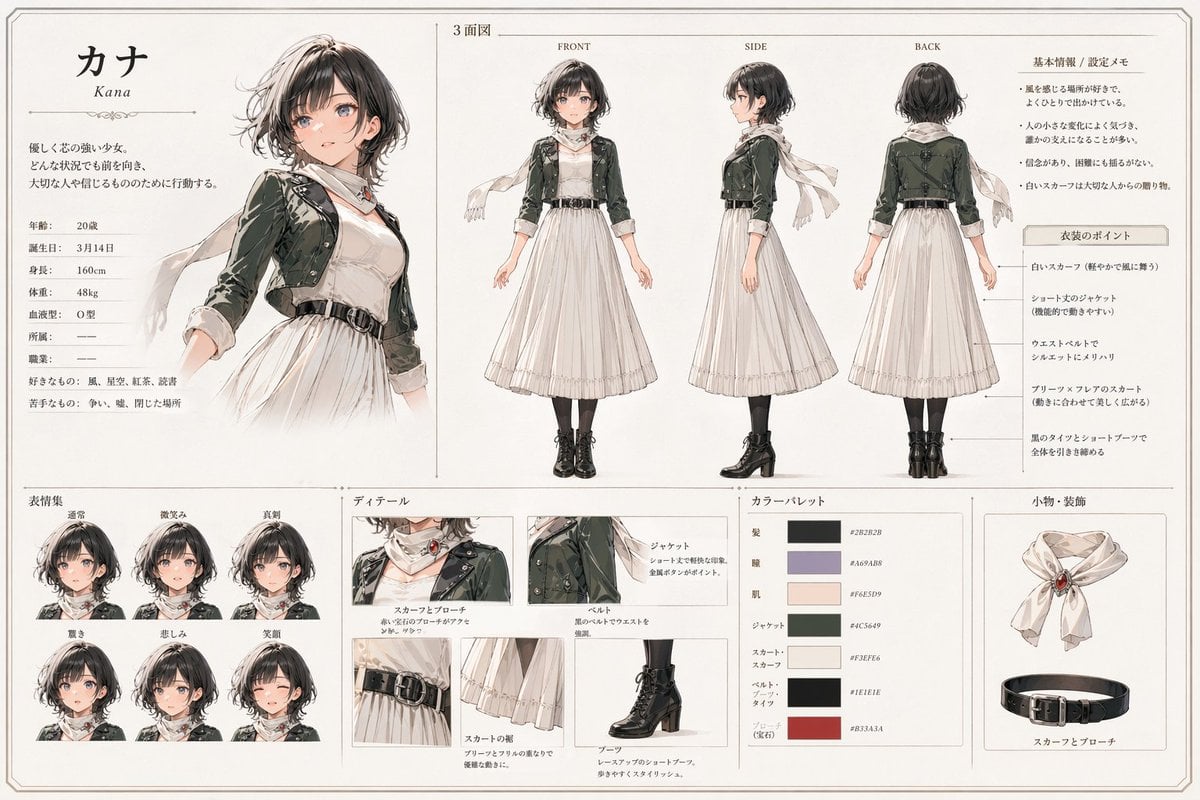
- Prompt included
- Model and format preset
- Free template
The prompt behind this image
Copy the exact prompt behind Kana Anime Character Reference Sheet, or open it in the studio and make it yours.
- Type
- anime character reference sheet
- Style
- clean Japanese character design board, elegant watercolor and ink illustration, soft neutral paper background, thin decorative borders, editorial layout, refined fantasy-fashion concept art
- Character › Name
- {argument name="character name" default="カナ"}
- Character › Romanized Name
- Kana
- Character › Gender Presentation
- young woman
- Character › Age
- 20
- Character › Birthday
- 3月14日
- Character › Height
- 160cm
- Character › Weight
- 48kg
- Character › Blood Type
- O型
- Character › Personality Summary
- gentle but strong-willed girl who always faces forward no matter the situation and acts for the people she cares about
- Character › Likes
- wind, scenery, black tea, reading
- Character › Dislikes
- conflict, noise, closed spaces
- Outfit › Silhouette
- modest long white dress with cropped jacket, scarf, waist belt, black tights, short lace-up boots
- Outfit › Pieces
- white scarf with a red jewel brooch, short jacket in dark muted green, long-sleeved white dress with soft pleated skirt, black waist belt with silver buckle, black tights, black heeled lace-up short boots
- Layout › Orientation
- landscape
- Layout › Sections › 0 › Title
- character profile
- Layout › Sections › 0 › Position
- top-left
- Layout › Sections › 0 › Count
- 1
- Layout › Sections › 0 › Labels
- カナ, Kana
- Layout › Sections › 1 › Title
- 3面図
- Layout › Sections › 1 › Position
- top-center to top-right
- Layout › Sections › 1 › Count
- 3
- Layout › Sections › 1 › Labels
- FRONT, SIDE, BACK
Raw JSON
{
  "type": "anime character reference sheet",
  "style": "clean Japanese character design board, elegant watercolor and ink illustration, soft neutral paper background, thin decorative borders, editorial layout, refined fantasy-fashion concept art",
  "character": {
    "name": "{argument name=\"character name\" default=\"カナ\"}",
    "romanized_name": "Kana",
    "gender_presentation": "young woman",
    "age": "20",
    "birthday": "3月14日",
    "height": "160cm",
    "weight": "48kg",
    "blood_type": "O型",
    "personality_summary": "gentle but strong-willed girl who always faces forward no matter the situation and acts for the people she cares about",
    "likes": "wind, scenery, black tea, reading",
    "dislikes": "conflict, noise, closed spaces"
  },
  "outfit": {
    "silhouette": "modest long white dress with cropped jacket, scarf, waist belt, black tights, short lace-up boots",
    "pieces": [
      "white scarf with a red jewel brooch",
      "short jacket in dark muted green",
      "long-sleeved white dress with soft pleated skirt",
      "black waist belt with silver buckle",
      "black tights",
      "black heeled lace-up short boots"
    ]
  },
  "layout": {
    "orientation": "landscape",
    "sections": [
      {
        "title": "character profile",
        "position": "top-left",
        "count": 1,
        "labels": ["カナ", "Kana"]
      },
      {
        "title": "3面図",
        "position": "top-center to top-right",
        "count": 3,
        "labels": ["FRONT", "SIDE", "BACK"]
      },
      {
        "title": "基本情報 / 設定メモ",
        "position": "upper-right",
        "count": 1,
        "labels": ["基本情報 / 設定メモ"]
      },
      {
        "title": "衣装のポイント",
        "position": "right side under notes",
        "count": 5,
        "labels": [
          "白いスカーフ",
          "ショート丈のジャケット",
          "ウエストベルト",
          "プリーツスカーフ風スカート",
          "黒のタイツとショートブーツ"
        ]
      },
      {
        "title": "表情集",
        "position": "bottom-left",
        "count": 6,
        "labels": ["通常", "微笑み", "真剣", "驚き", "悲しみ", "笑顔"]
      },
      {
        "title": "ディテール",
        "position": "bottom-center",
        "count": 5,
        "labels": ["スカーフとブローチ", "ジャケット", "ベルト", "スカートの裾", "ブーツ"]
      },
      {
        "title": "カラーパレット",
        "position": "bottom center-right",
        "count": 7,
        "labels": ["髪", "瞳", "肌", "ジャケット", "スカート・スカーフ", "ベルト・ブーツ", "アクセント(宝石)"]
      },
      {
        "title": "小物・装飾",
        "position": "bottom-right",
        "count": 2,
        "labels": ["scarf with brooch", "belt"]
      }
    ],
    "centerpiece": "large three-quarter portrait of the character on the left, looking gentle and composed, scarf flowing in the wind",
    "spacing": "balanced grid with thin divider lines and generous margins"
  },
  "visual_details": {
    "hair": {
      "color": "{argument name=\"hair color\" default=\"soft dark brown with ash highlights\"}",
      "style": "short wavy bob with layered ends, side-swept bangs, slightly tousled"
    },
    "eyes": {
      "color": "muted gray-violet",
      "expression": "kind, calm, quietly determined"
    },
    "palette": {
      "paper": "warm ivory",
      "main_dark": "deep charcoal brown",
      "accent_violet": "dusty lavender gray",
      "skin": "soft pale peach",
      "jacket": "{argument name=\"jacket color\" default=\"muted forest green\"}",
      "dress": "{argument name=\"dress color\" default=\"cream white\"}",
      "boots_and_belt": "near-black",
      "gem_accent": "deep muted red"
    },
    "rendering": "delicate linework, subtle shading, lightly textured watercolor washes, polished concept-sheet presentation"
  },
  "text_language": "Japanese with small English labels for view directions",
  "quality": "highly polished, cohesive, professional game/anime preproduction sheet"
}How to use Kana Anime Character Reference Sheet in 3 steps
- 1Upload ImagePNG, JPG or paste
Add your photo
Upload the photo the template builds on. The prompt, model and format are already set.
- 2…a portrait of your subject in softgolden-hour light, 85mm…
Personalize
Edit the subject and creative details for your destination.
- 3Generate
Generate
Press Generate — your image is created in PicX Studio, so you can compare it with the original and refine one variable at a time.
More like this
Templates with the same subject, style or setup. Open one to see its prompt.

Dancer Character - Four View Reference Sheet

Anime Character Charm Analysis Sheet

Anime Character Sheet Reference Prompt
Elegant Anime Fashion Reference Sheet

Gray Studio Character Reference Sheet
Photoreal Character Reference Sheet
Ciao Nova Character Reference Sheet

Cel 2D Finale Fireworks

Cel 2D Garden Maze

Cel 2D Rooftop Concert

Cel 2D Bicycle Coast

Cel 2D Castle Gate
Make it yours
Kana Anime Character Reference Sheet works as-is. These are the safest ways to change it without losing the look.
Change one field
Copy a single group, rewrite it, and generate again so you can see what that field is doing.
Keep the frame, change the subject
Hold the composition and light of Kana Anime Character Reference Sheet, then swap wardrobe, props or the person for a new take.
| If the result… | Why | Fix |
|---|---|---|
| The result drifts from the preview | Too many fields changed at once. | Reuse Kana Anime Character Reference Sheet as-is first, then change one group — subject, light, or setting. |
| GPT Image 2 ignores part of the JSON | Some models flatten or skip nested keys. | Keep the same values and paste them as a short paragraph instead. |
More GPT Image 2 templates
Other prompts made for GPT Image 2.

Six VTuber Japanese Logo Sheet

Realistic Portrait of Woman and Deer

The Vista Modular Condo Poster

AI Model Routing Comparison Infographic

2.5D Anime Art Board

Isometric Productivity Desk Scene

New York Double Exposure Poster

Four-Panel AI Landscape Comparison

Japanese Tatami Lifestyle Magazine Cover

NESCAFÉ Coffee Map Poster
More image prompts
Fresh picks from across the catalog.
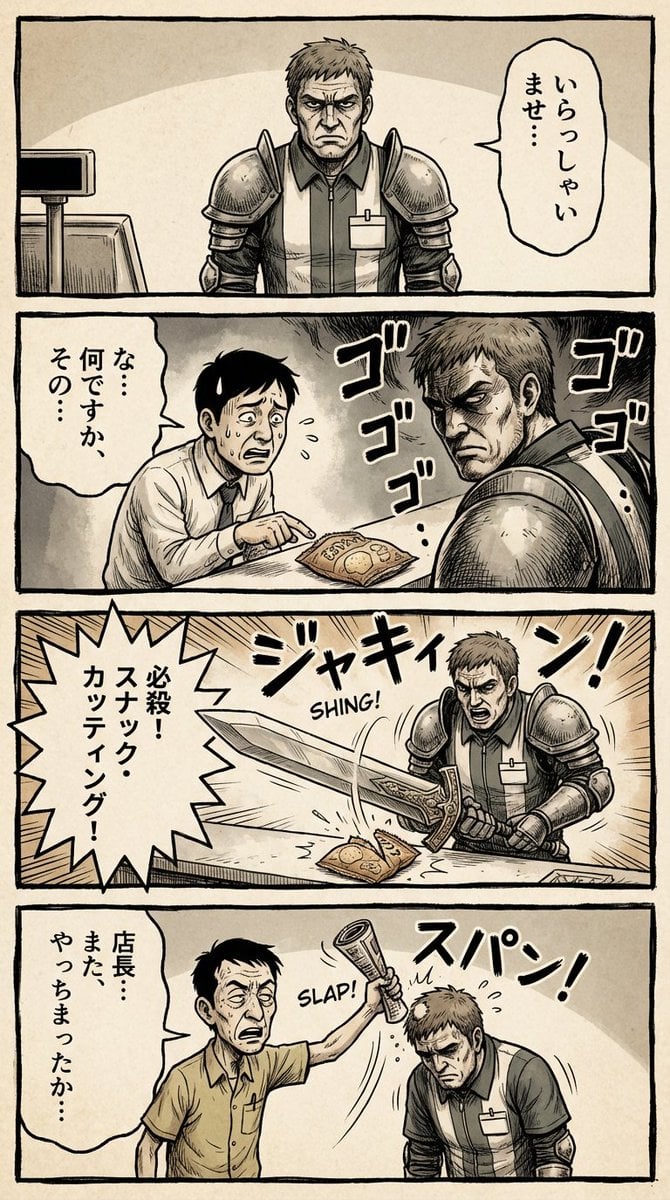
Vertical 4-panel gekiga-style manga YAML prompt
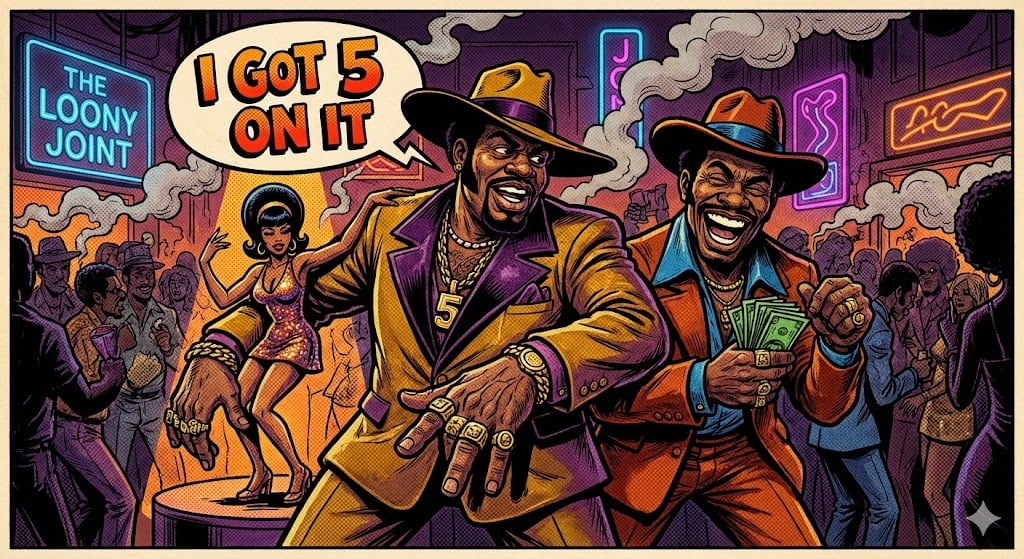
Blaxploitation Comic Art 'I Got 5 On It' Prompt
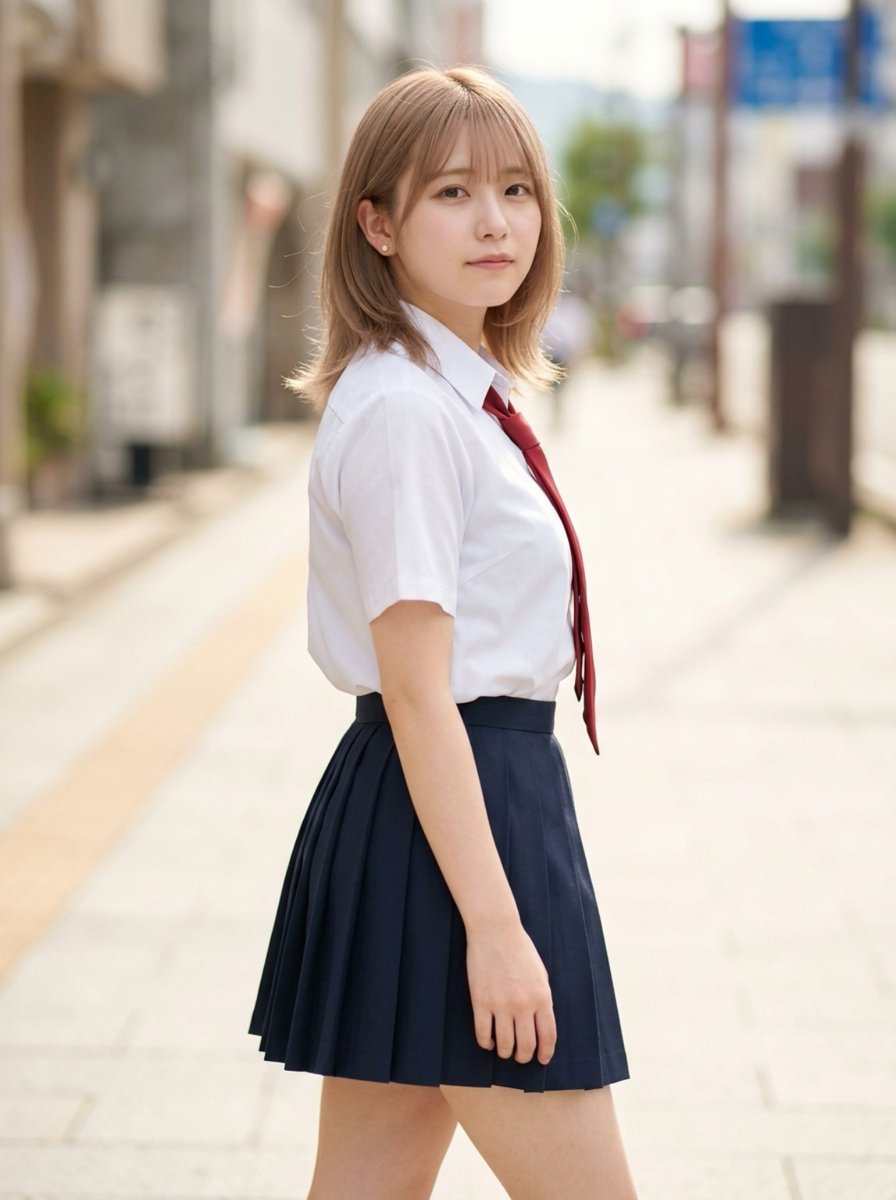
Censored School Uniform Street Portrait
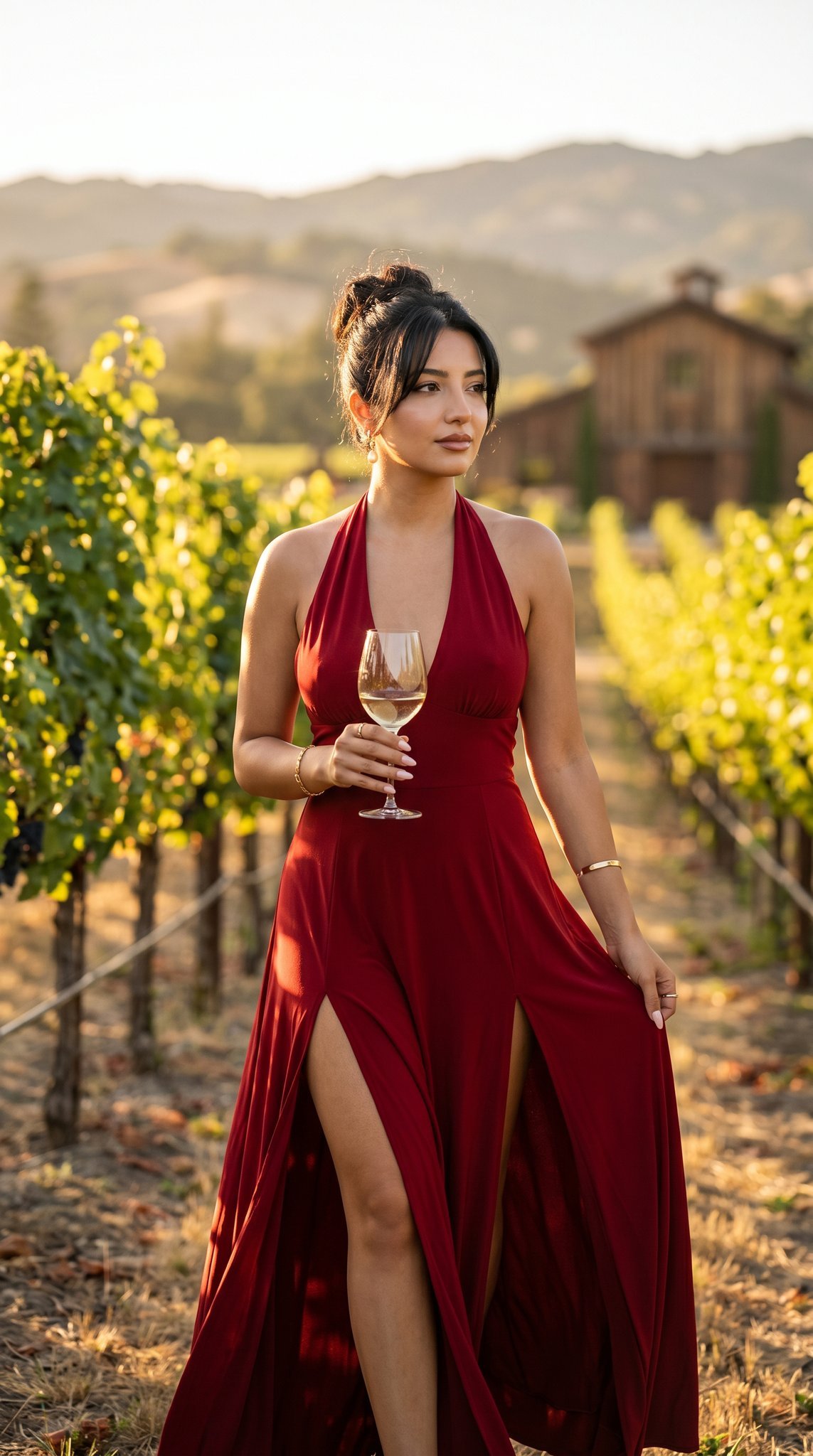
14 Napa Valley Vineyard — California Series
Street Style Lifestyle Portrait
Living Hat Cinematic Storyboard
Romantic Cottage Window Garden Scene
Handcrafted Layered Papercraft Artwork
Manga Cover With Bass Girl and Designer Boy
LEGO Video Game Mockup
Browse template categories
Kana Anime Character Reference Sheet questions
How do I use the Kana Anime Character Reference Sheet template?
Add your photo if the template asks for one, edit the prompt if you like — the template's model and format are already selected — and press Generate. Your version opens in PicX Studio.
Can I customize the Kana Anime Character Reference Sheet template?
Yes. You can change the subject, setting, lighting, mood, format, and available model controls before creating your image.
Is the Kana Anime Character Reference Sheet template free?
Opening and editing this template is free. Generating uses credits, shown on the Generate button when you are signed in.
Which AI model should I use?
Start with GPT Image 2, which is the model associated with this template. You can compare another compatible model for a different finish.
Looking for something else? Browse all templates.

Your photo, any look
Thousands of ready templates for every top image and video model, from one credit balance.