
Vertical 4-panel gekiga-style manga YAML prompt
A long English YAML prompt specifying layout, art style, manga elements, and panel-by-panel content for a 1:3 vertical 4-panel gekiga-style manga page featuring Knight Alex working at a convenience store.
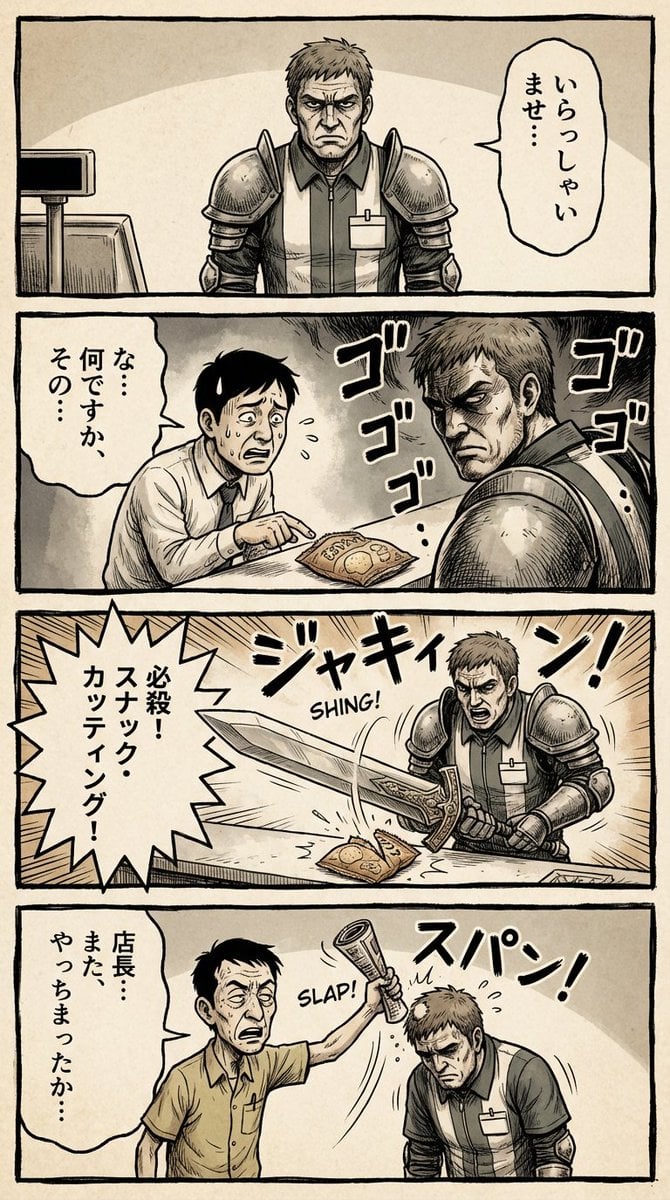
- Prompt included
- Model and format preset
- Premium template
The prompt behind this image
Copy the exact prompt behind Vertical 4-panel gekiga-style manga YAML prompt, or open it in the studio and make it yours.
--- generation_parameters: aspect_ratio: "1:3" manga_page_generation_prompt: layout_structure: type: Full page vertical 4-panel comic strip (yon-koma layout). arrangement: Four roughly square panels stacked perfectly vertically from top to bottom. spacing: Clear white gutters (margins) separating each of the four panels. title_area: (Optional) A small space at the very top for a title. overall_aesthetic: Printed comic magazine page look, slightly textured paper. art_style: description: {argument name="style_desc" default="1970s-80s Japanese Gekiga style. Gritty, heavy shadows, serious tone."} color_palette: Desaturated, heavy oil-painting colors, seppia tones, dark atmosphere. texture: Rough ink lines, analog brushwork, dramatic cross-hatching shadows, ink bleed effect. manga_elements: speech_bubbles: - Presence: Multiple hand-drawn speech bubbles (fukidashi) within panel boundaries. Style: Rough, organic outlines, containing placeholder Japanese marks. sound_effects: - Presence: Bold Katakana sound effects (onomatopoeia) integrated into the art. Style: Rough calligraphy (e.g., "ドォォォン", "ゴゴゴゴ"). panel_content_sequence: panel_1_top (起): - Scene: [Wide angle] Knight Alex (grim face, full armor) standing stiffly behind a modern convenience store counter. - Text/FX: Speech bubble with formal greeting. Small "ウィーン" (door sound). panel_2_upper_mid (承): - Scene: A scared salaryman customer shrinking away. Alex glaring intensely, leaning forward over the counter. - Text/FX: Customer's scared bubble. Large "ゴゴゴゴ" (menacing FX) around Alex. panel_3_lower_mid (転): - Scene: [Dramatic close-up] Alex pulling out his giant claymore sword just to point at a bento box. - Text/FX: Spiky shout bubble "貴様の糧はこれか!!". Intense "ジャキィィン!" (sword FX). panel_4_bottom (結): - Scene: The exhausted store manager (looser art style) smacking Alex's head with a rolled magazine. Alex looks comically dejected. - Text/FX: Manager's angry bubble "剣をしまうんだよ!". Sharp "スパン!" (slap FX). negative_prompt: - single illustration, square image, landscape orientation - panels arranged horizontally, grid layout (2x2) - modern clean digital art, anime style - bright cheerful colors, no shadows
How to use Vertical 4-panel gekiga-style manga YAML prompt in 3 steps
- 1
Open
The prompt is already in the box next to the preview, with the template's model and format selected.
- 2…a portrait of your subject in softgolden-hour light, 85mm…
Personalize
Edit the subject and creative details for your destination.
- 3Generate
Generate
Press Generate — your image is created in PicX Studio, so you can compare it with the original and refine one variable at a time.
More like this
Templates with the same subject, style or setup. Open one to see its prompt.

Miniature Travel Diorama Postcard

Seven-Panel Cyberpunk Manga Alley

Gen Z Triple Selfie Collage — Y2K Flash Photography

Premium Vertical Product Campaign Poster
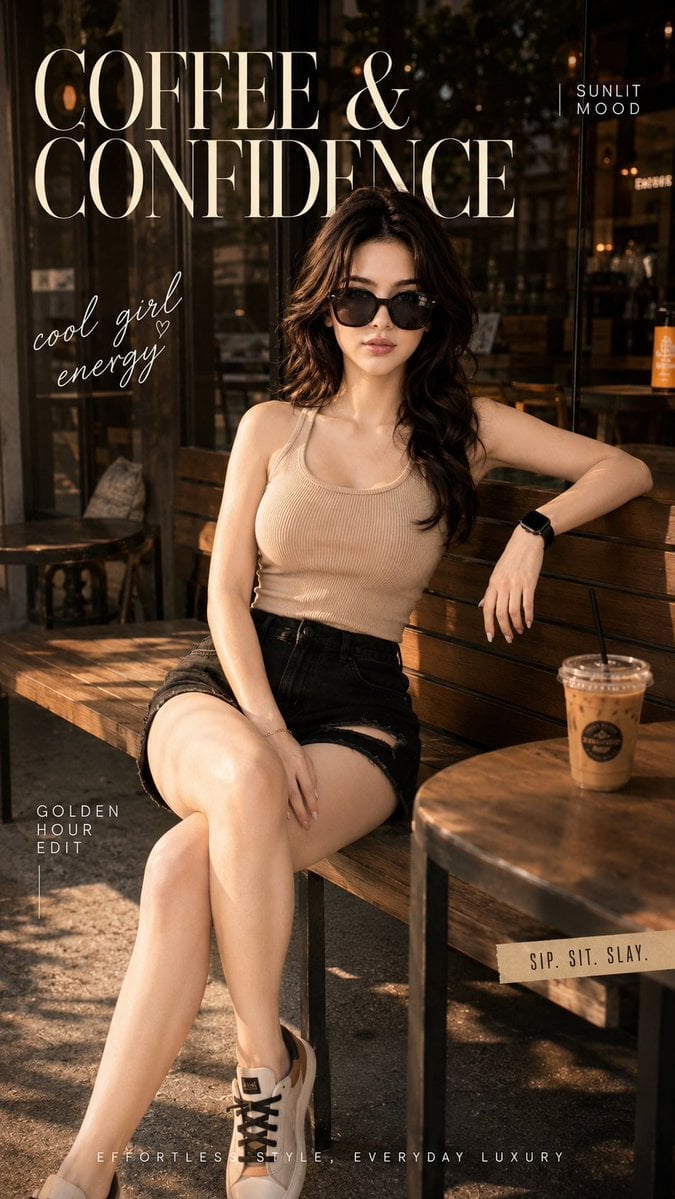
Ultra-Cinematic Lifestyle Fashion Portrait
Premium Vertical Product Campaign Poster
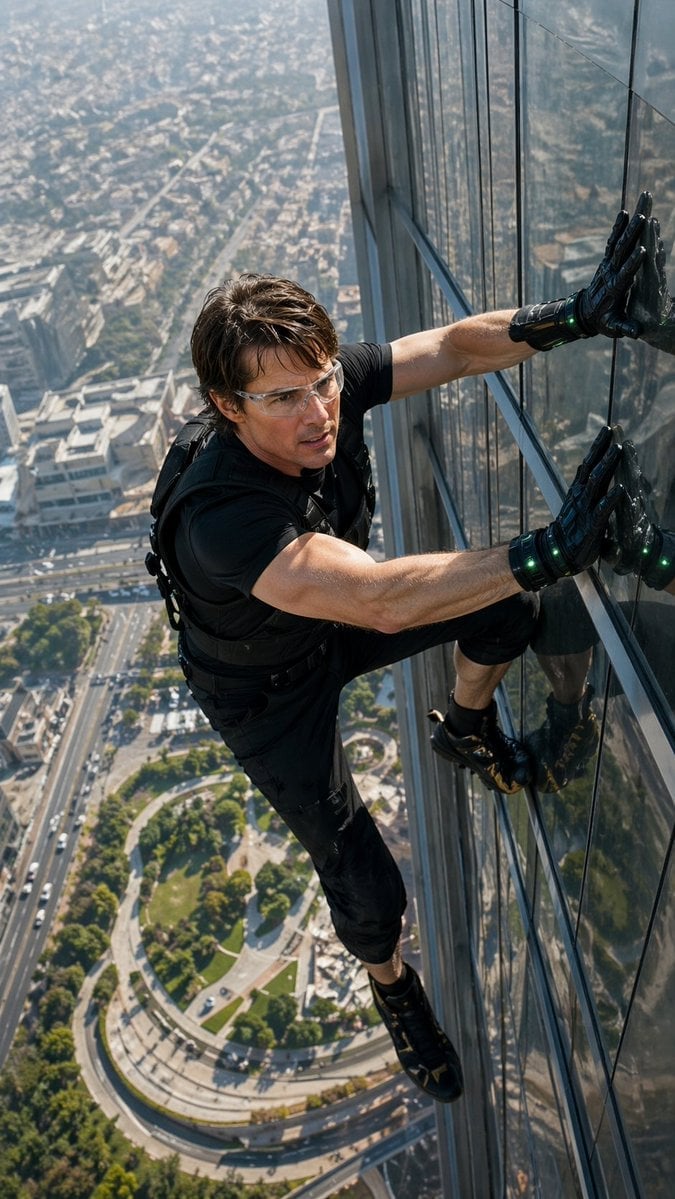
Skyscraper Symbiote Ascent Vertical Poster

Pixar 6-Panel Streethero Expression Grid
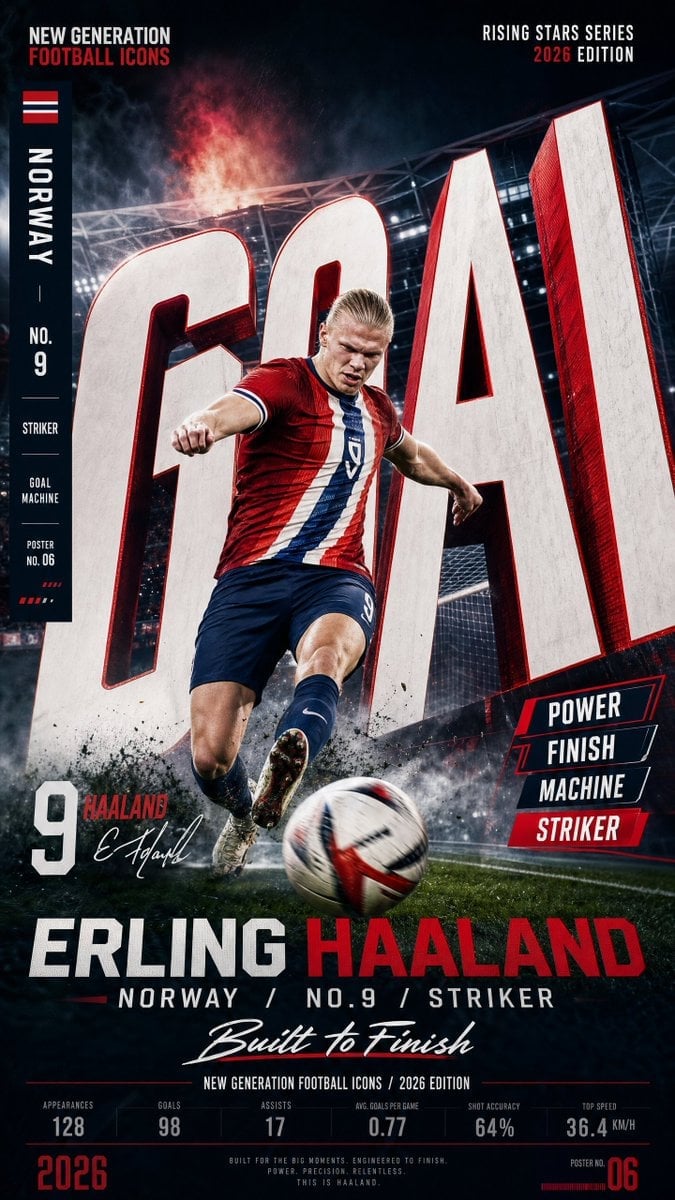
Vertical Football Star Campaign Poster

Panning Motion Soccer Kick Poster

Legendary Icons Mixed Style Poster Pack

Japan Neon Speed City Racing Poster
Make it yours
Vertical 4-panel gekiga-style manga YAML prompt works as-is. These are the safest ways to change it without losing the look.
Change one field
Copy a single group, rewrite it, and generate again so you can see what that field is doing.
Keep the frame, change the subject
Hold the composition and light of Vertical 4-panel gekiga-style manga YAML prompt, then swap wardrobe, props or the person for a new take.
| If the result… | Why | Fix |
|---|---|---|
| The result drifts from the preview | Too many fields changed at once. | Reuse Vertical 4-panel gekiga-style manga YAML prompt as-is first, then change one group — subject, light, or setting. |
| The model over-stylizes the scene | The prose prompt leaves finish and camera underspecified. | Add one camera or lighting sentence and stay on Nano Banana 2. |
More Nano Banana 2 templates
Other prompts made for Nano Banana 2.

Photorealistic Leaf Shaped Like a Dragon

K-Pop Idol Portrait Grid for Rapid Selection

Poetic Rain Forest Portrait During Golden Hour

Urban Street Portrait with Cartoon Inner Self Duo

Candid Nighttime Photo with Cat Prompt

High-Concept 3D Diorama Generation Prompt

Cinematic Futuristic Studio Portrait Template

Skincare Editorial Photography Collage Prompt

Hyper-Realistic Commercial Product Photography (Splash Effect)

Hyper-Realistic Nightclub Portrait Prompt
More image prompts
Fresh picks from across the catalog.
Morning Routine Video Generation using Kling 3.0
Cinematic Night Photo with 1960s Mustang
Juicy Mango Explosion Product Shot
Nostalgic Shaky Film Couple Selfies
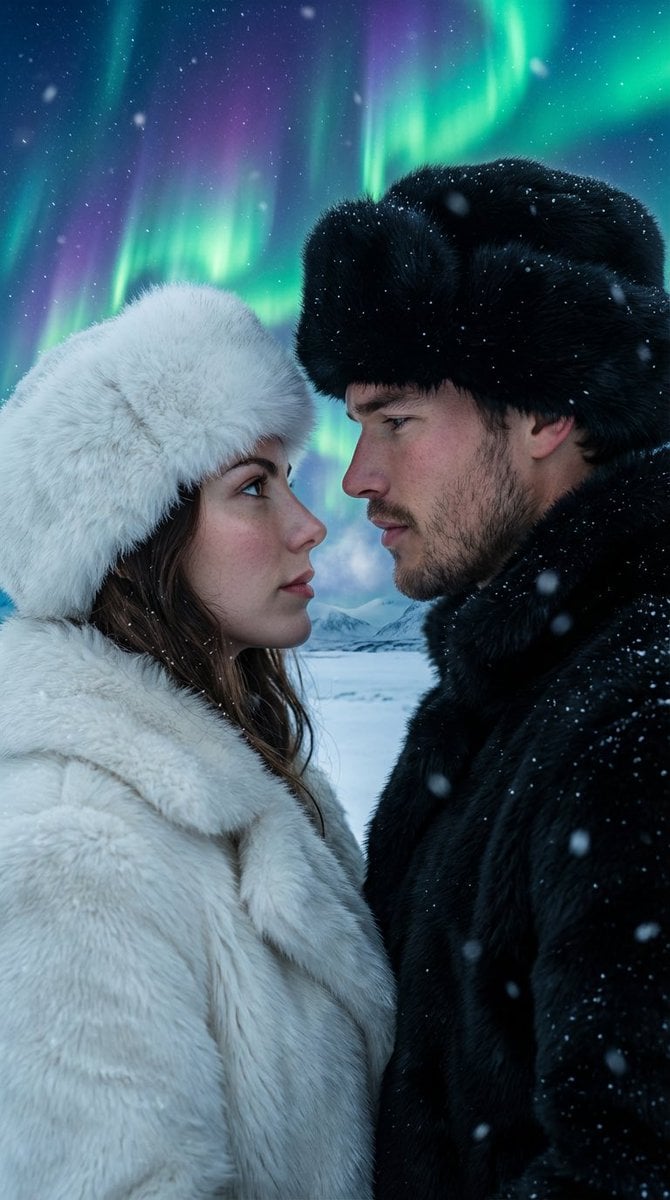
Aurora Borealis Couple Portrait with Identity Preservation

Photorealistic Blu-ray Cover Portrait

Cinematic Post-Apocalyptic Scene Generation Prompt
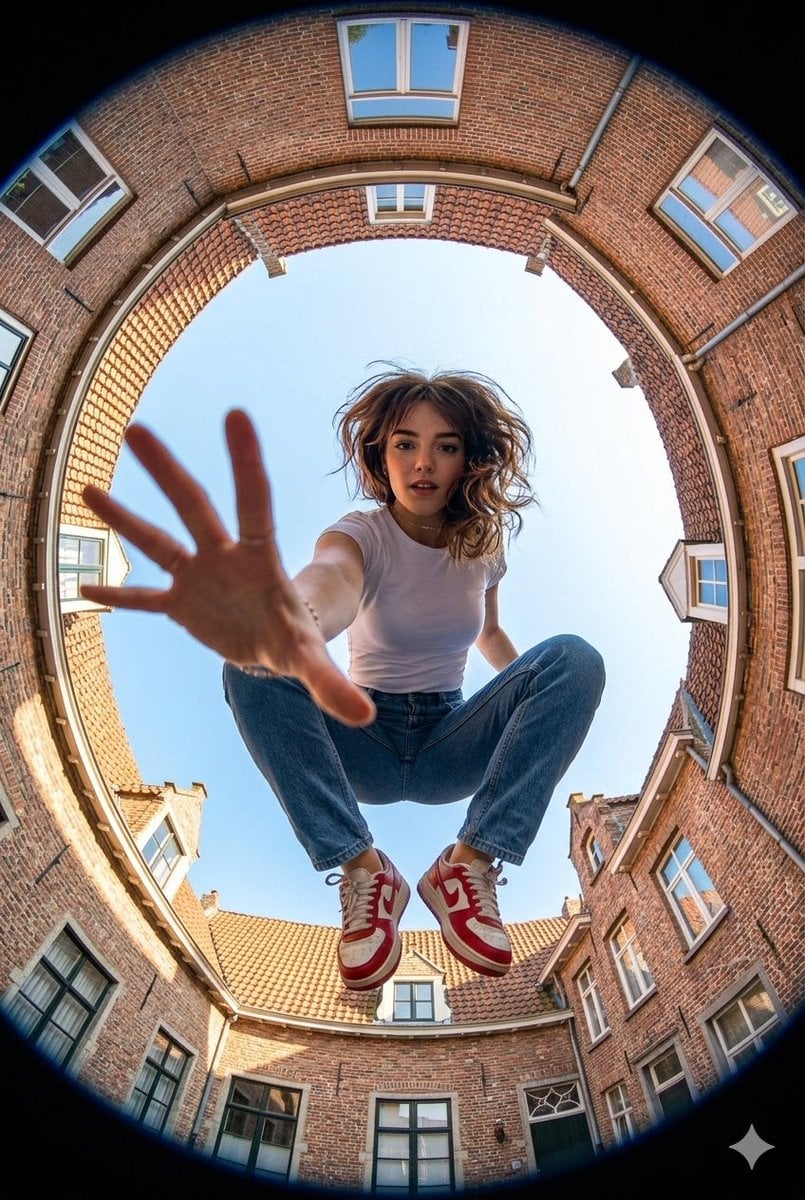
Ultra-wide fisheye shot of a woman crouching mid-air
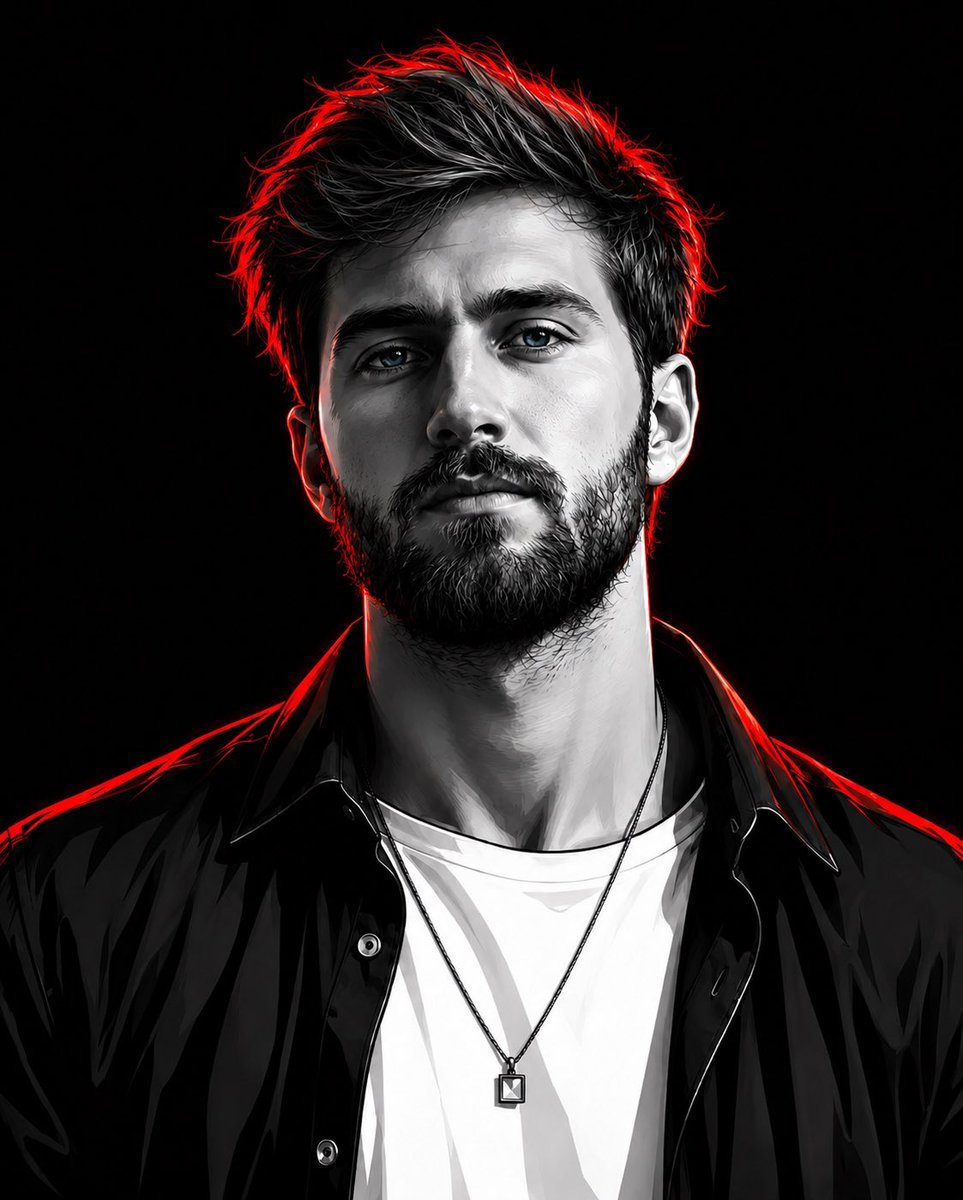
Cyberpunk Neon Rim Lighting Portrait

Oriental Opera Beauty Character Redesign
Browse template categories
Vertical 4-panel gekiga-style manga YAML prompt questions
How do I use the Vertical 4-panel gekiga-style manga YAML prompt template?
Add your photo if the template asks for one, edit the prompt if you like — the template's model and format are already selected — and press Generate. Your version opens in PicX Studio.
Can I customize the Vertical 4-panel gekiga-style manga YAML prompt template?
Yes. You can change the subject, setting, lighting, mood, format, and available model controls before creating your image.
Is the Vertical 4-panel gekiga-style manga YAML prompt template free?
Opening and editing this template is free. Generating uses credits, shown on the Generate button when you are signed in.
Which AI model should I use?
Start with Nano Banana 2, which is the model associated with this template. You can compare another compatible model for a different finish.
Looking for something else? Browse all templates.

Your photo, any look
Thousands of ready templates for every top image and video model, from one credit balance.