
Legendary Icons Mixed Style Poster Pack
Mixed-style sports poster collection blending photorealistic, caricature, and low-poly treatments for a legendary football icon.
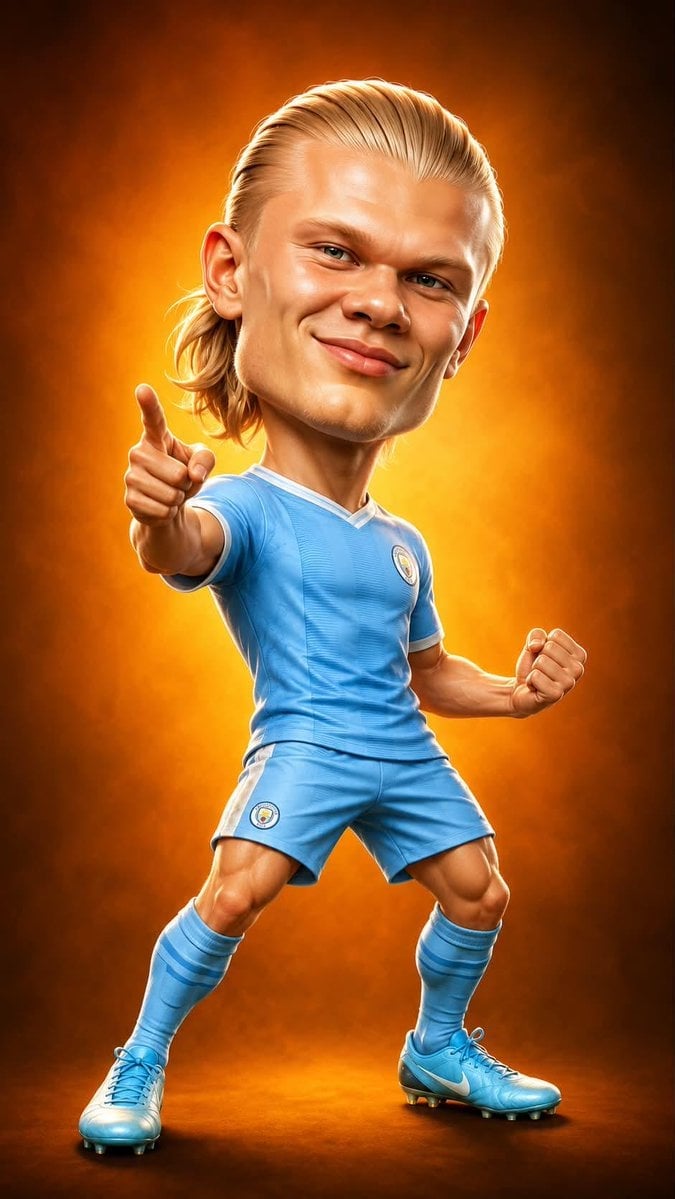
- Prompt included
- Model and format preset
- Free template
The prompt behind this image
Copy the exact prompt behind Legendary Icons Mixed Style Poster Pack, or open it in the studio and make it yours.
Create a premium sports poster collection inspired by legendary football icons, using a bold mix of hyper-realistic digital painting, stylized caricature, geometric low-poly art, and cinematic concept illustration. Feature a powerful blond striker with sharp facial features, long slicked-back hair tied into a ponytail, wearing his national team and club kits in heroic poses—running, pointing, celebrating, standing on a football, or charging toward the camera. Use exaggerated proportions with a larger-than-life head and athletic body for the caricature versions while maintaining realistic facial likeness. Design multiple unique compositions: one with a glowing orange studio background, one in a rain-soaked futuristic city with a massive mural behind him, one with a bold national flag backdrop filled with hand-drawn football doodles and typography, and one in an abstract geometric low-poly style with a vintage poster texture. Include footballs, stadium lights, dramatic smoke, sparks, cracked concrete, lightning, dynamic motion blur, flying debris, energy trails, glowing rim lights, and cinematic depth of field. Use vibrant team colors, ultra-detailed textures, glossy skin, realistic fabric folds, HDR lighting, volumetric atmosphere, high contrast, sharp focus, Octane Render, Unreal Engine quality, masterpiece, trending on ArtStation, poster-quality, ultra-realistic, 8K, vertical composition, no watermark, no logo, no text.
How to use Legendary Icons Mixed Style Poster Pack in 3 steps
- 1
Open
The prompt is already in the box next to the preview, with the template's model and format selected.
- 2…a portrait of your subject in softgolden-hour light, 85mm…
Personalize
Edit the subject and creative details for your destination.
- 3Generate
Generate
Press Generate — your image is created in PicX Studio, so you can compare it with the original and refine one variable at a time.
More like this
Templates with the same subject, style or setup. Open one to see its prompt.
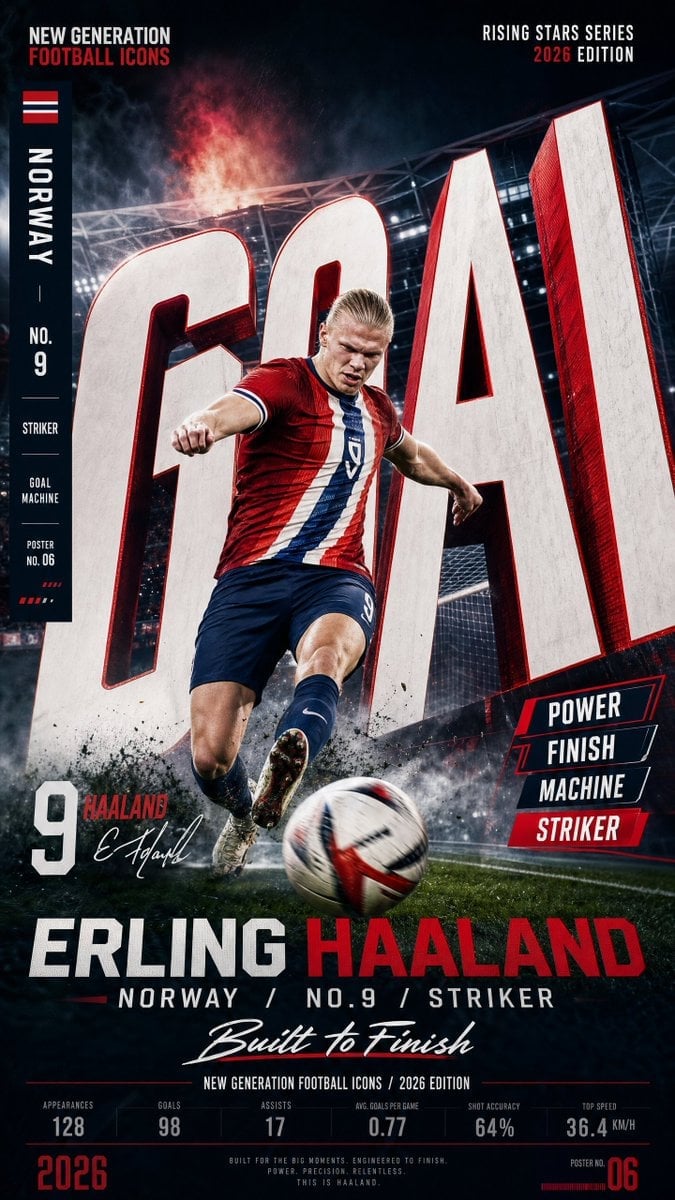
Vertical Football Star Campaign Poster
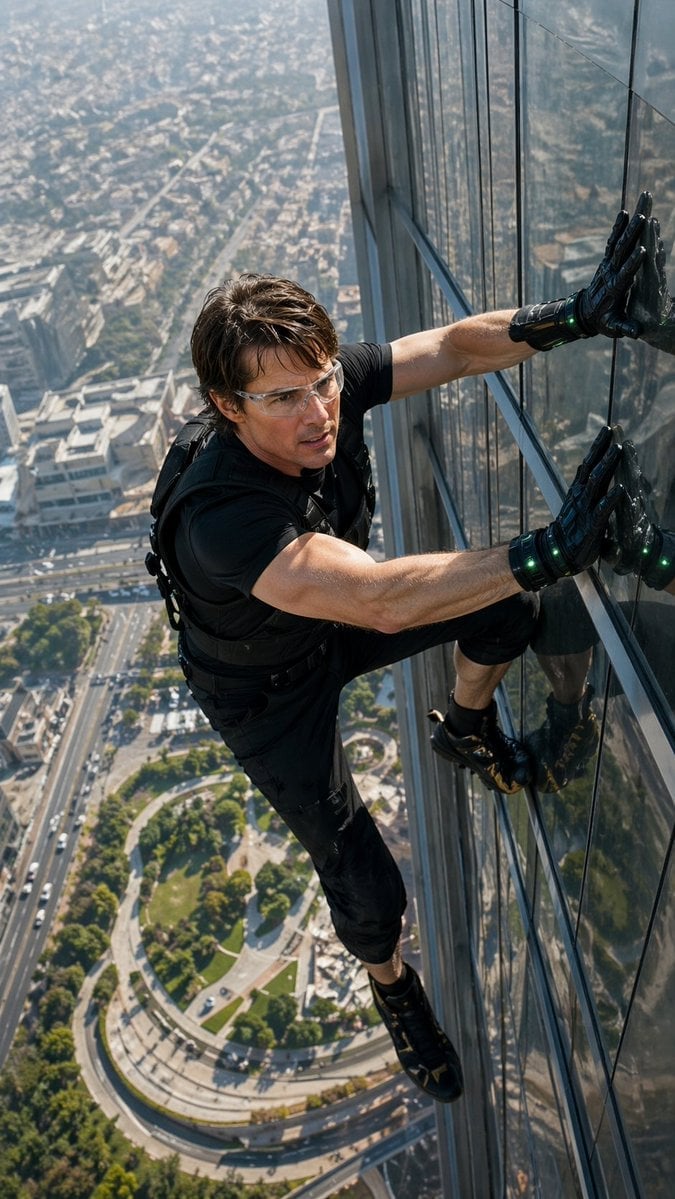
Skyscraper Symbiote Ascent Vertical Poster

Campaign Smoke National Symbols World Cup

Premium Vertical Product Campaign Poster
Premium Vertical Product Campaign Poster

Legendary Player Fragmented Editorial Poster
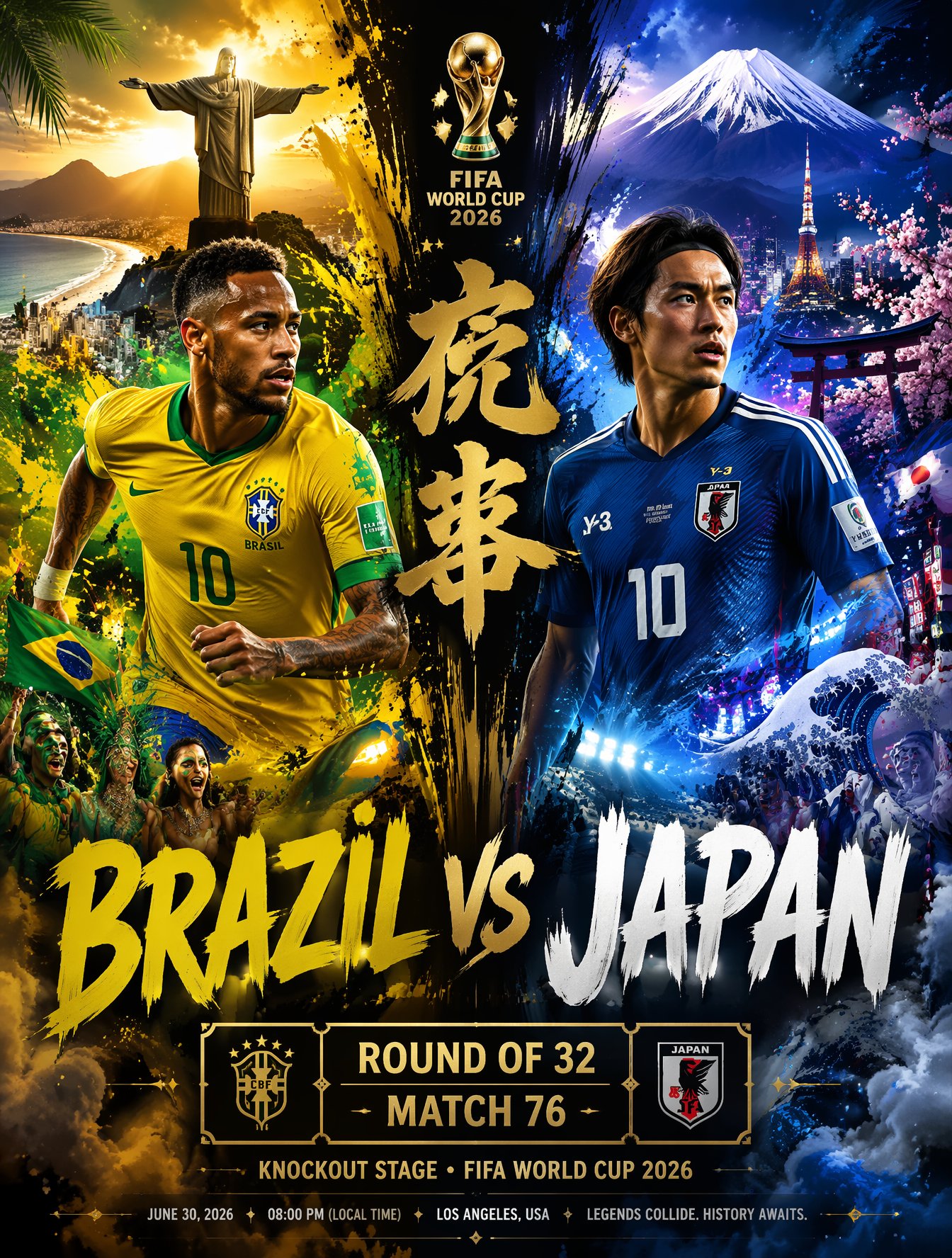
Brazil Versus Japan Knockout Split Rivalry Poster

Usa Cinematic Hyperreal Collage Poster
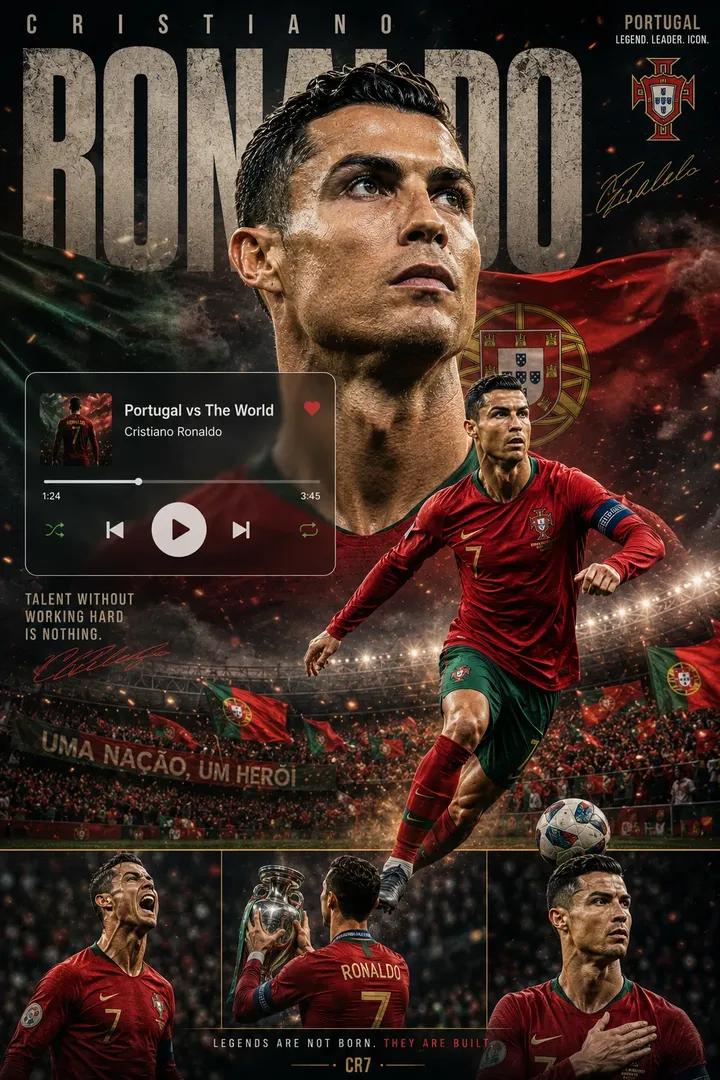
Premium Football Legend Poster
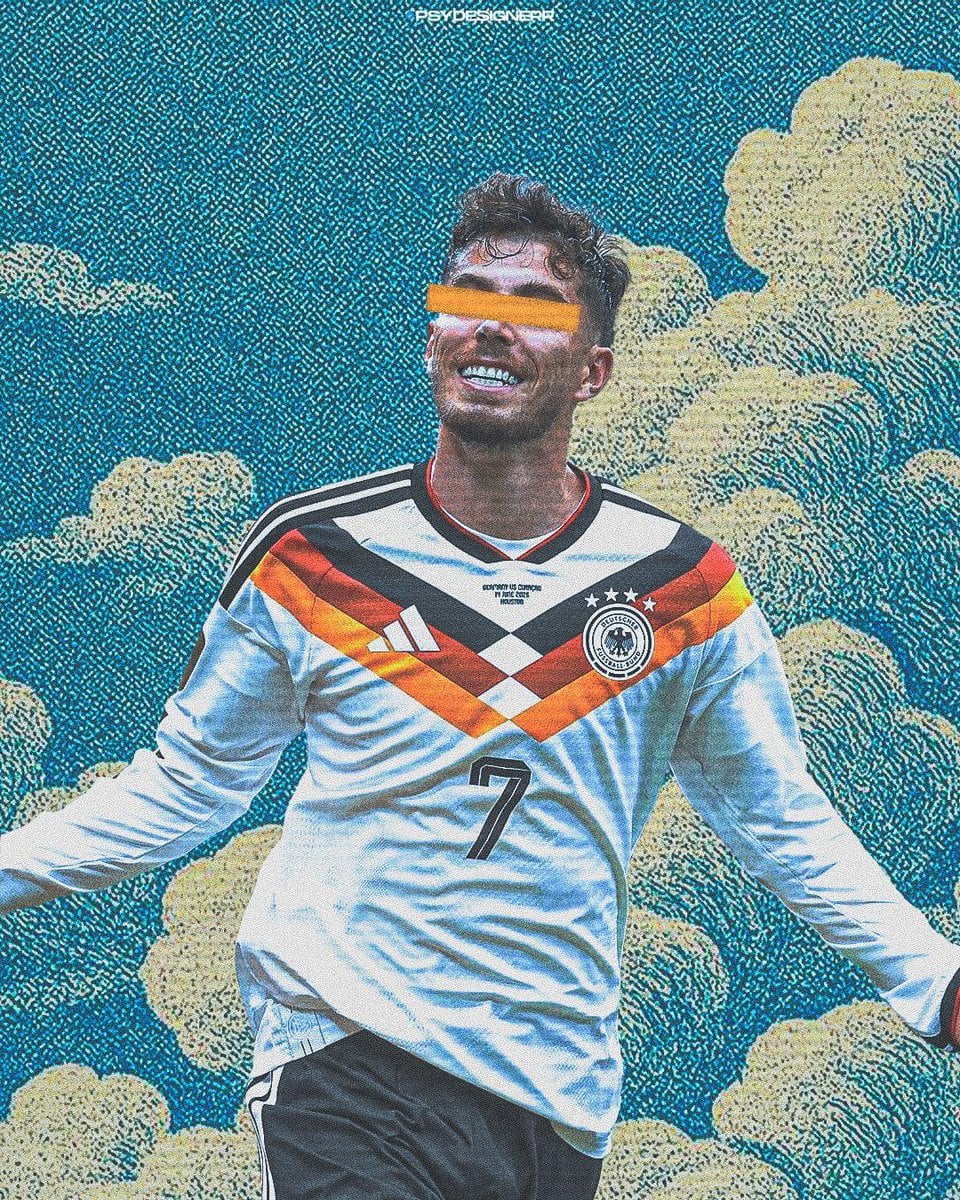
Cinematic Stylized Football Poster
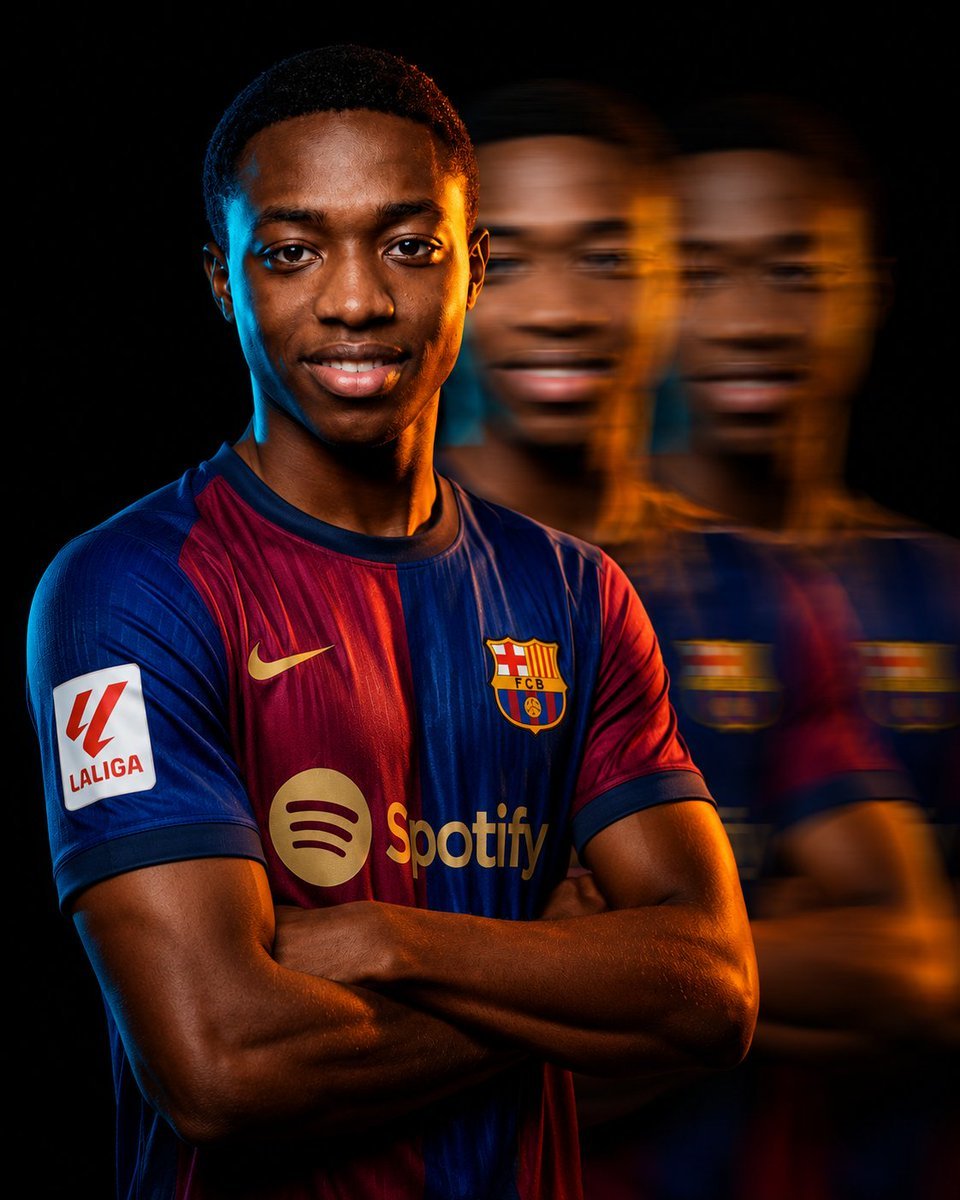
Cinematic Football Campaign Portrait
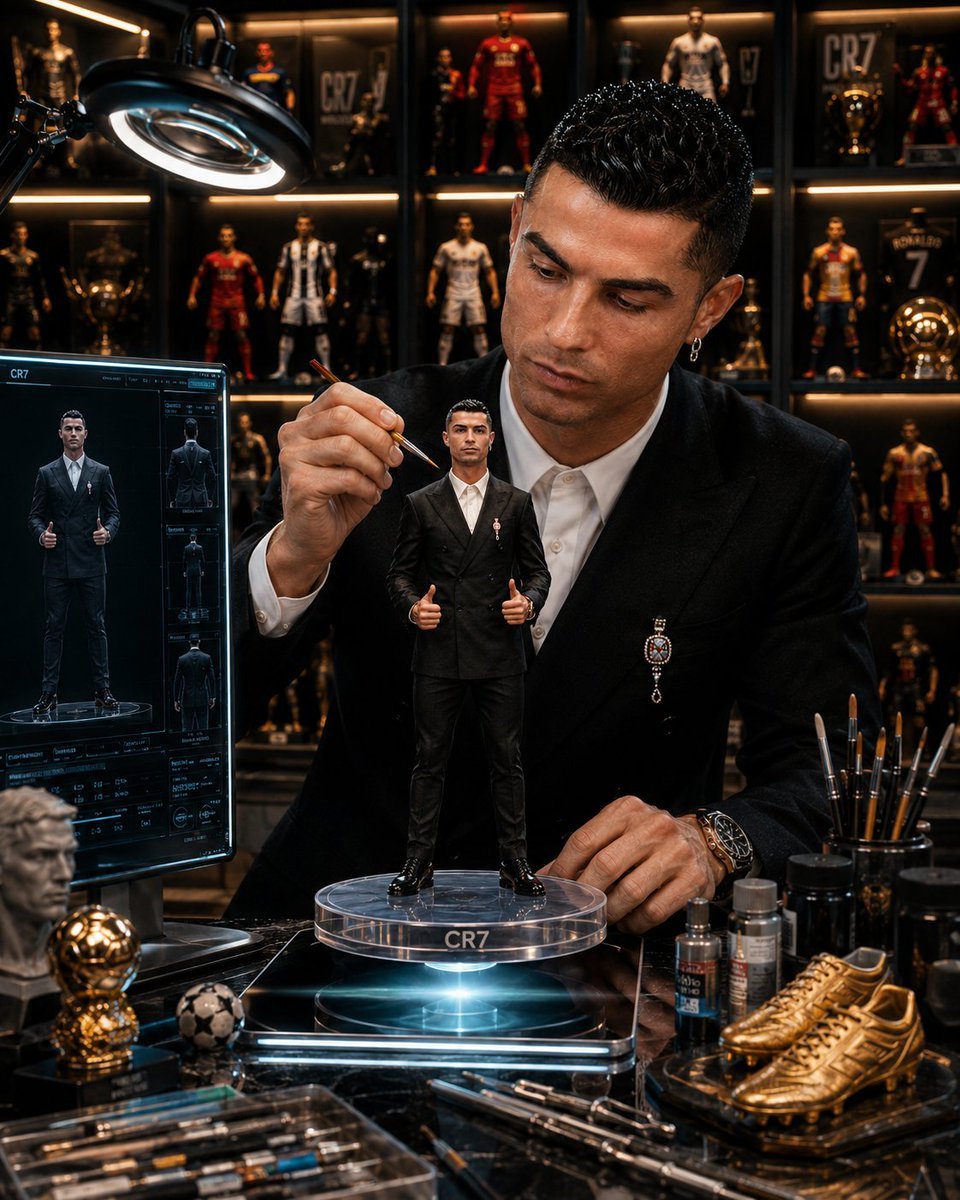
Legendary Footballer Figurines Studio
Make it yours
Legendary Icons Mixed Style Poster Pack works as-is. These are the safest ways to change it without losing the look.
Change one field
Copy a single group, rewrite it, and generate again so you can see what that field is doing.
Keep the frame, change the subject
Hold the composition and light of legendary-icons-mixed-style-poster-pack, then swap wardrobe, props or the person for a new take.
| If the result… | Why | Fix |
|---|---|---|
| The result drifts from the preview | Too many fields changed at once. | Reuse legendary-icons-mixed-style-poster-pack as-is first, then change one group — subject, light, or setting. |
| The model over-stylizes the scene | The prose prompt leaves finish and camera underspecified. | Add one camera or lighting sentence and stay on PicX Studio. |
More image prompts
Fresh picks from across the catalog.

Japanese AI Clinic Billing Statement
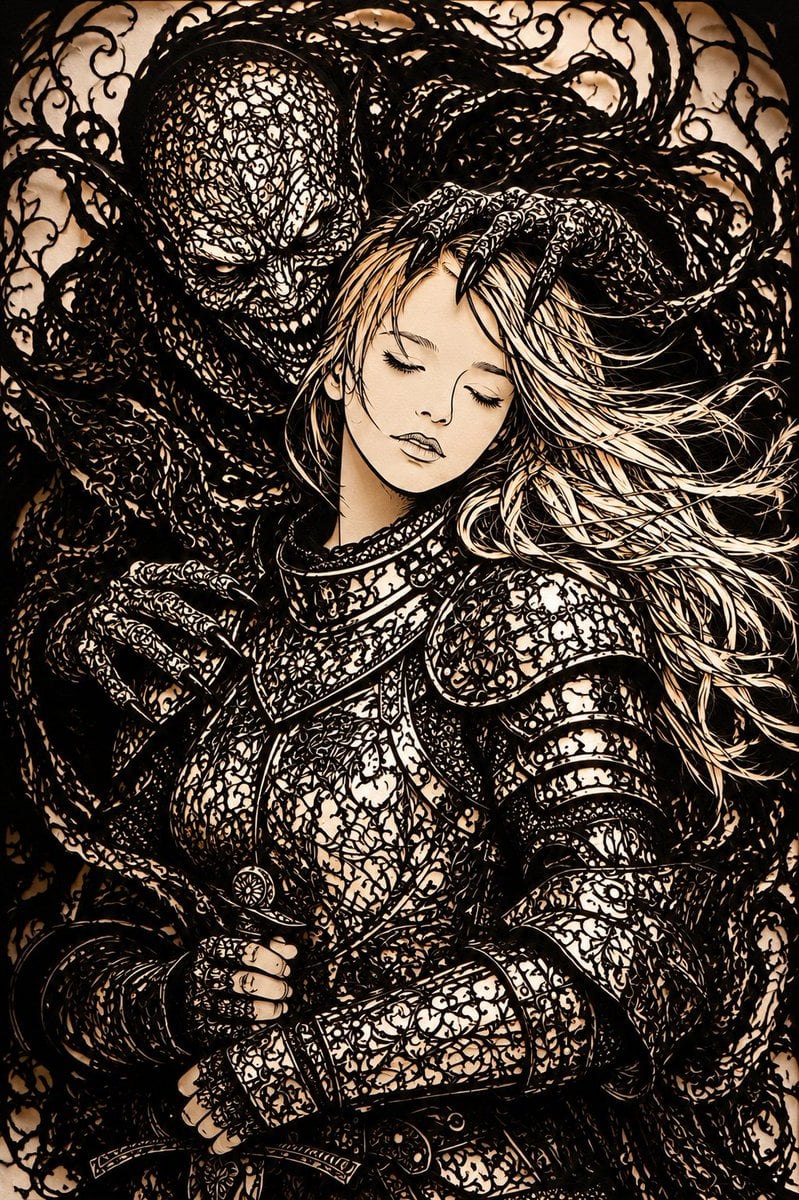
Dark Fantasy Kirie Knight and Demon
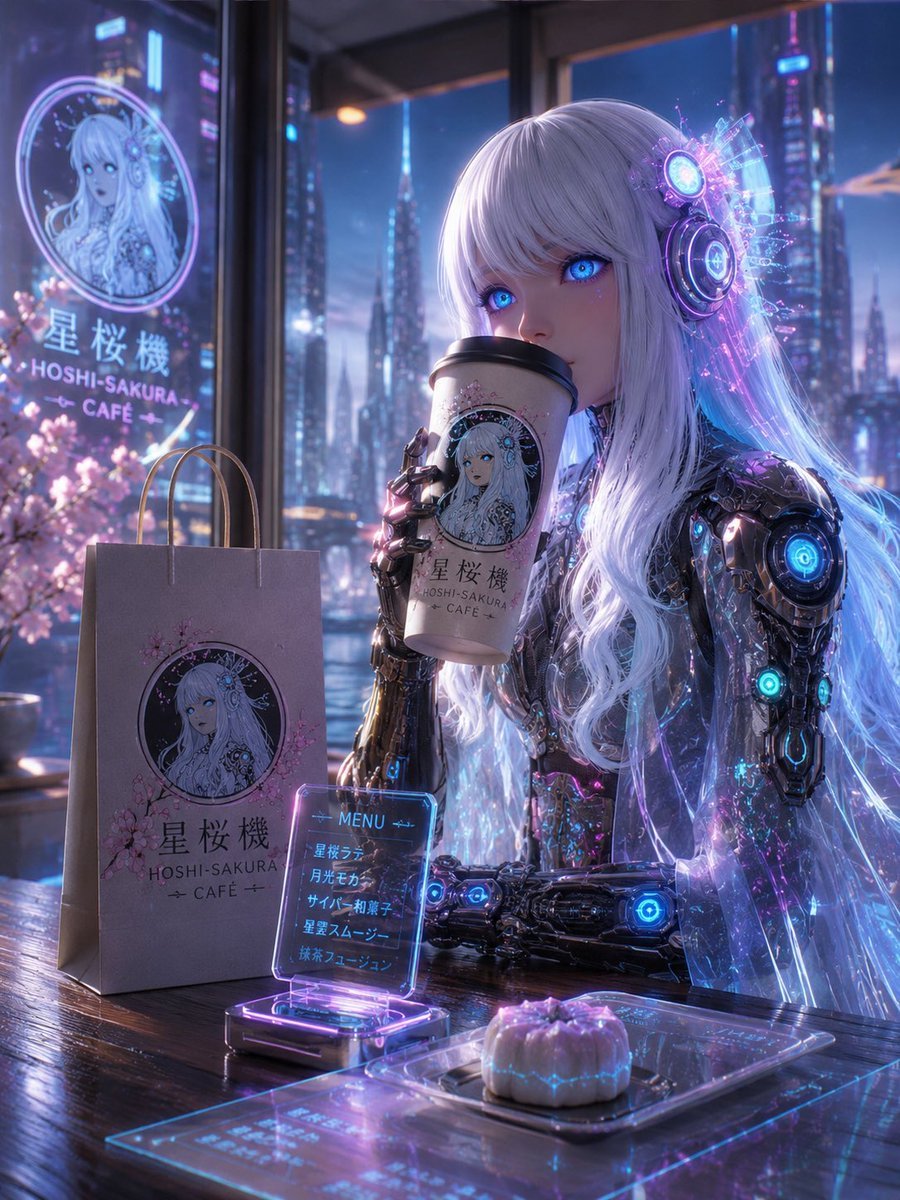
Cyberpunk Hoshi-Sakura Cafe

Lego Racer on Exploding Volcano Slope
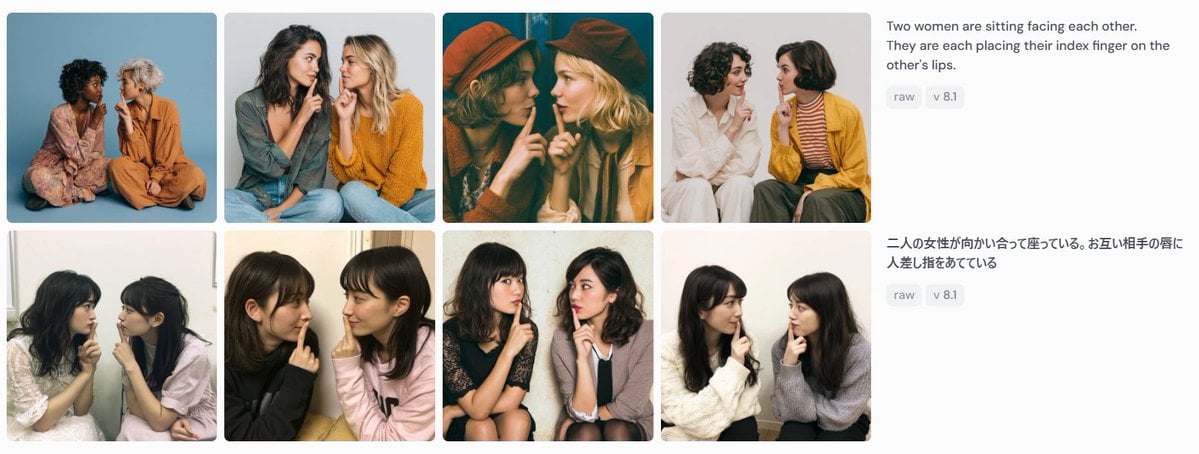
Bilingual Prompt Comparison Gallery
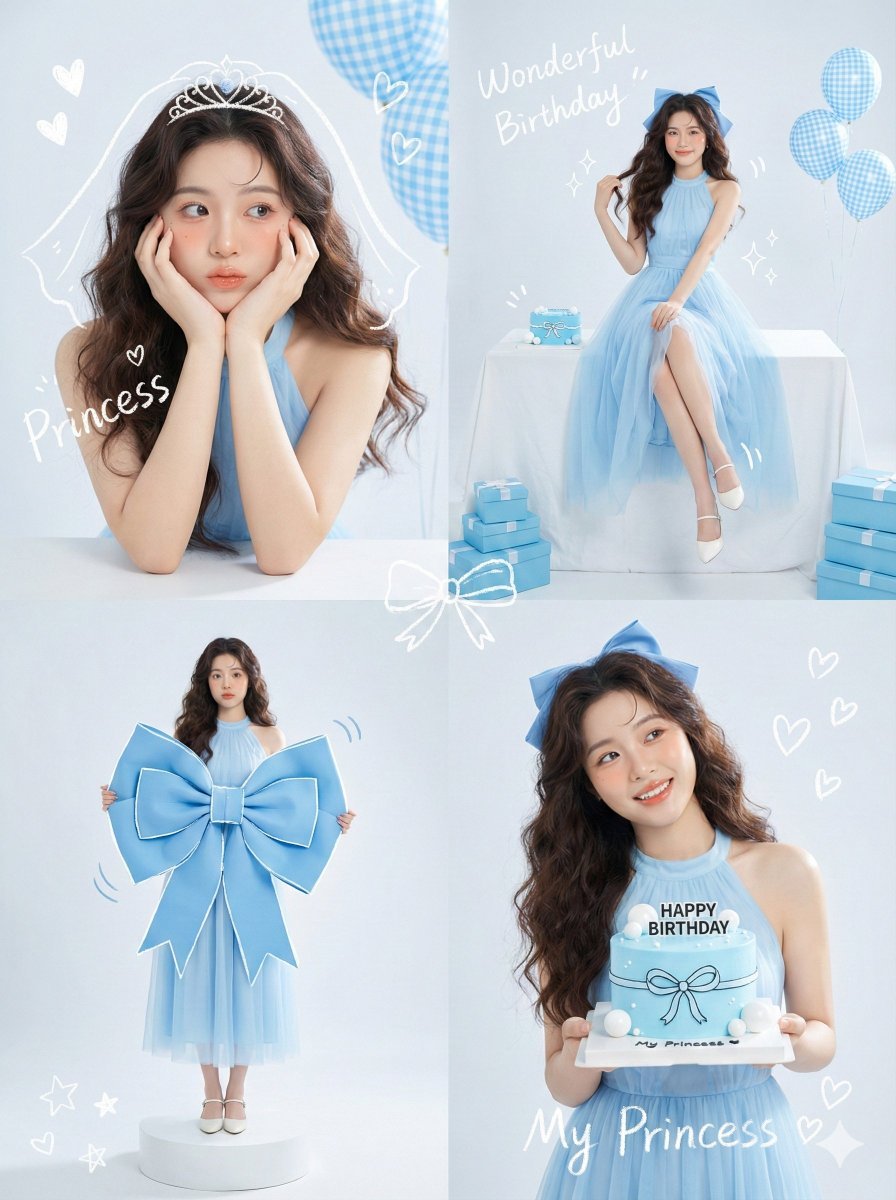
Korean Idol Birthday Collage with Doodles
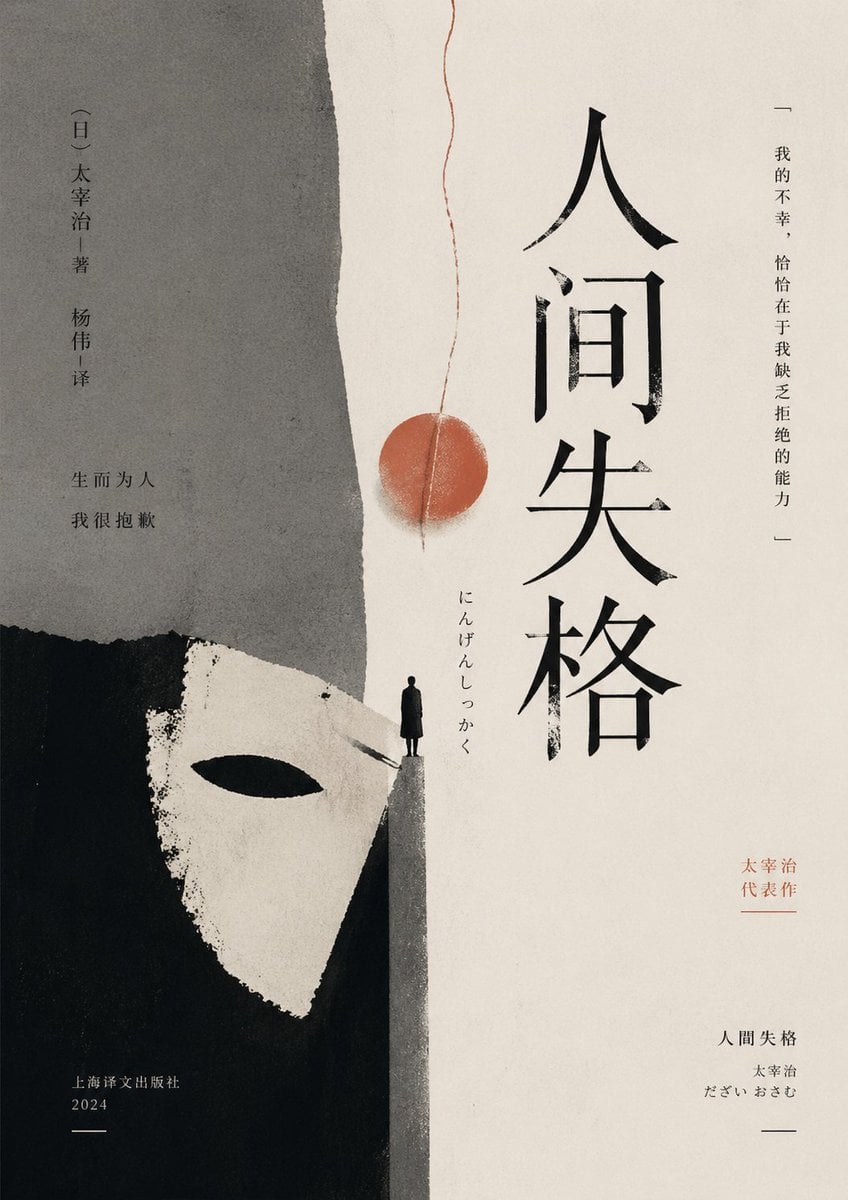
Minimalist No Longer Human Cover
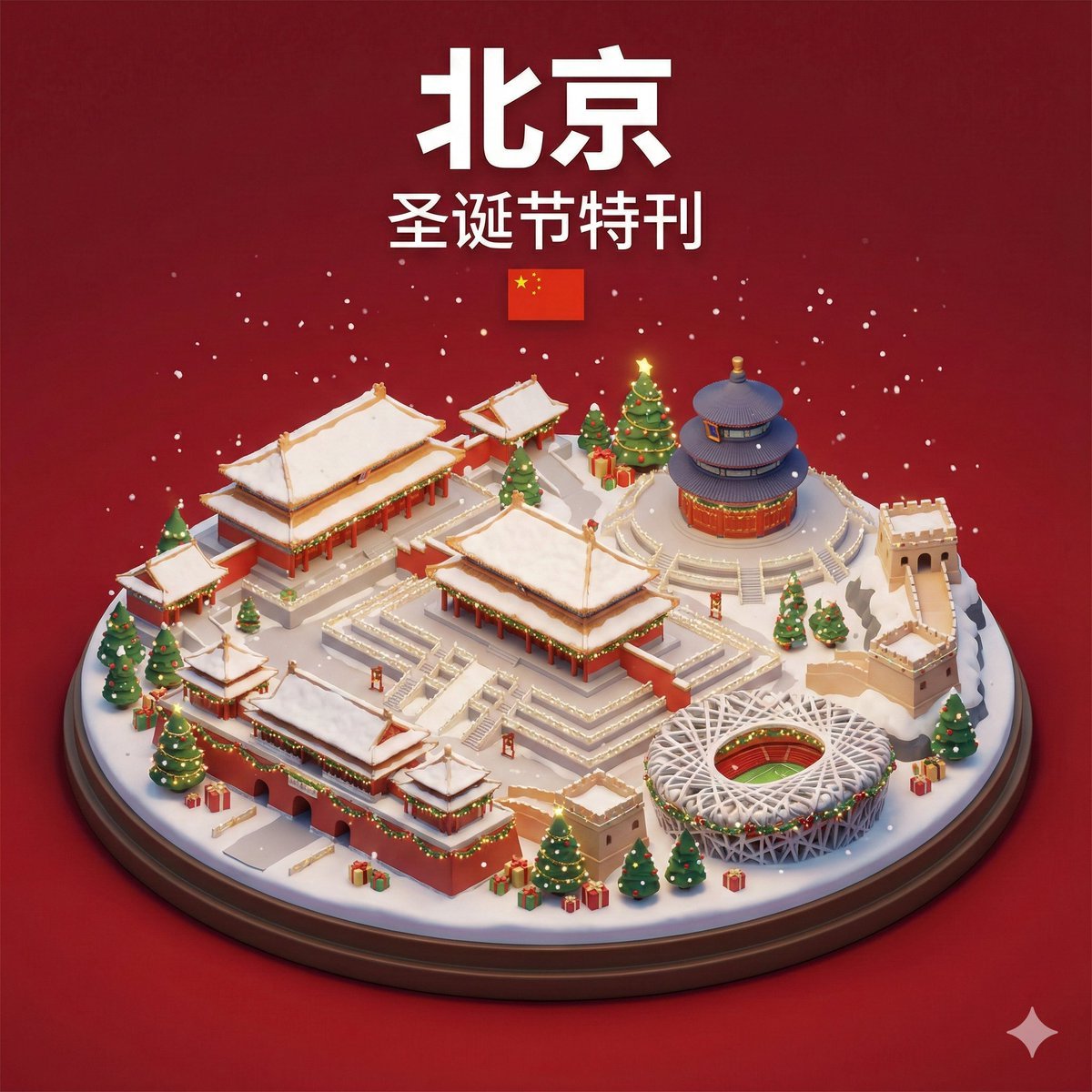
Isometric 3D Miniature City Diorama with Holiday Theme
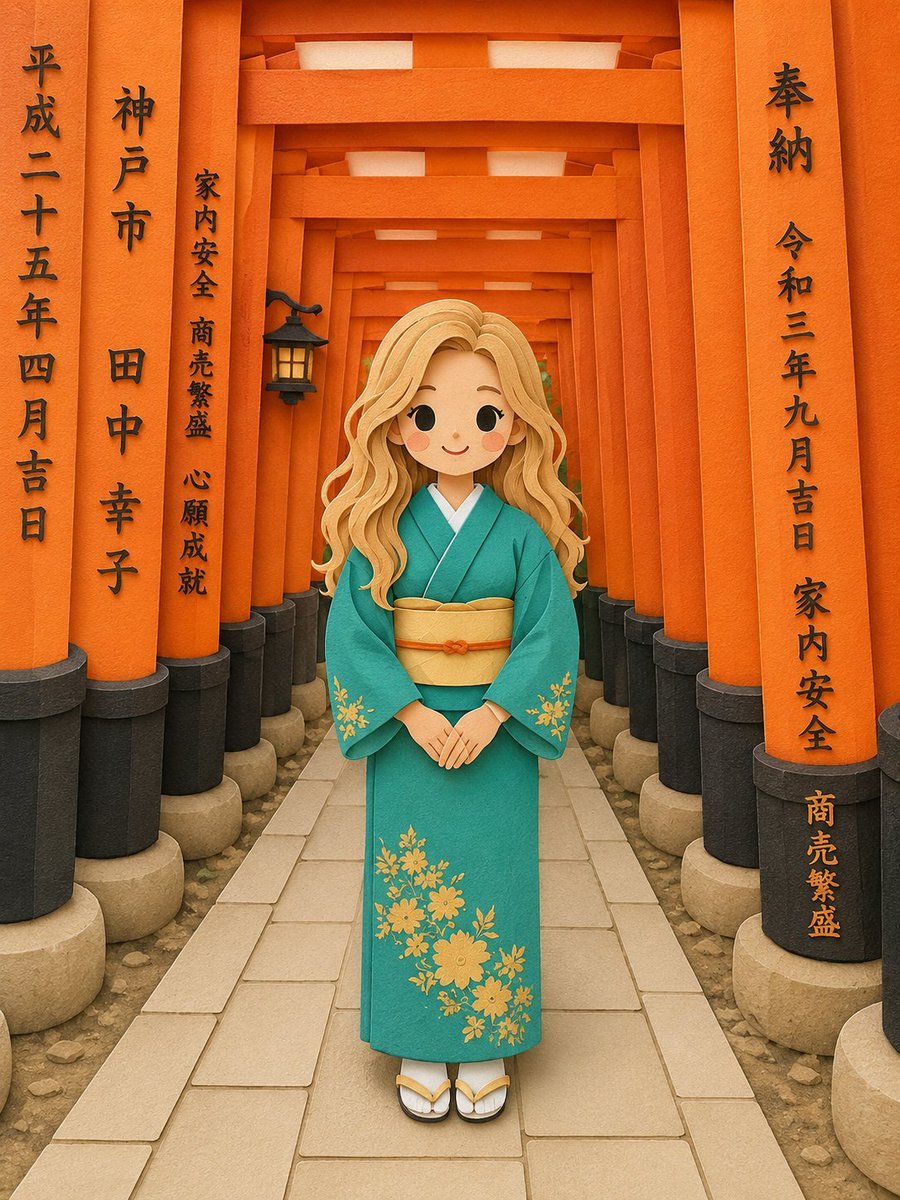
Papercraft Diorama Style Illustration
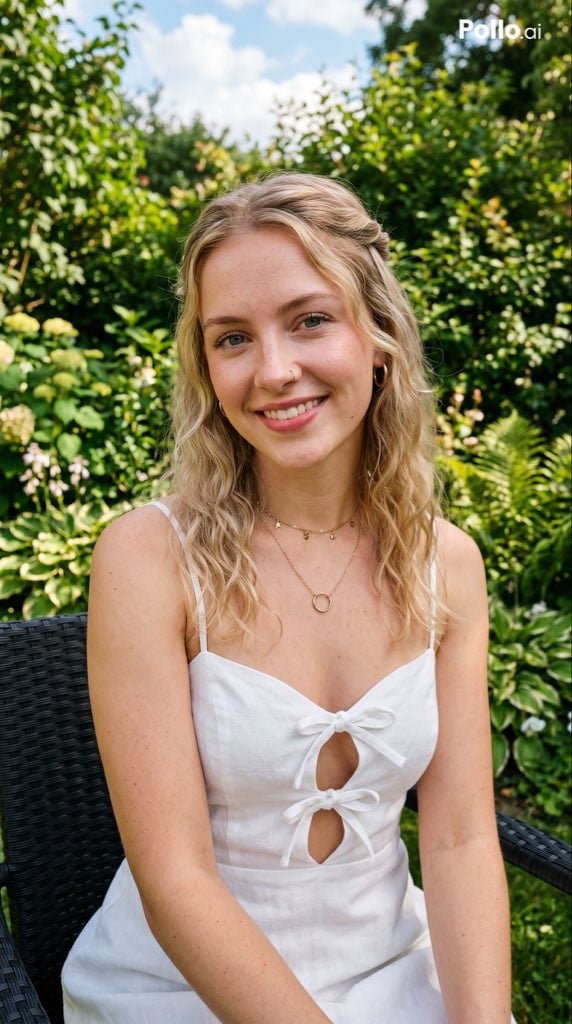
Garden Portrait With White Summer Dress
Browse template categories
Legendary Icons Mixed Style Poster Pack questions
How do I use the legendary-icons-mixed-style-poster-pack template?
Add your photo if the template asks for one, edit the prompt if you like — the template's model and format are already selected — and press Generate. Your version opens in PicX Studio.
Can I customize the legendary-icons-mixed-style-poster-pack template?
Yes. You can change the subject, setting, lighting, mood, format, and available model controls before creating your image.
Is the legendary-icons-mixed-style-poster-pack template free?
Opening and editing this template is free. Generating uses credits, shown on the Generate button when you are signed in.
Which AI model should I use?
Choose a compatible model in PicX Studio based on the style, speed, and output controls your project needs.
Looking for something else? Browse all templates.

Your photo, any look
Thousands of ready templates for every top image and video model, from one credit balance.