
Korean Idol Birthday Collage with Doodles
A complex, multi-panel prompt designed to create a 2x2 photo collage in the style of a Korean Idol studio portrait, featuring soft high-key lighting, a pastel blue palette, and white hand-drawn doodle overlays.
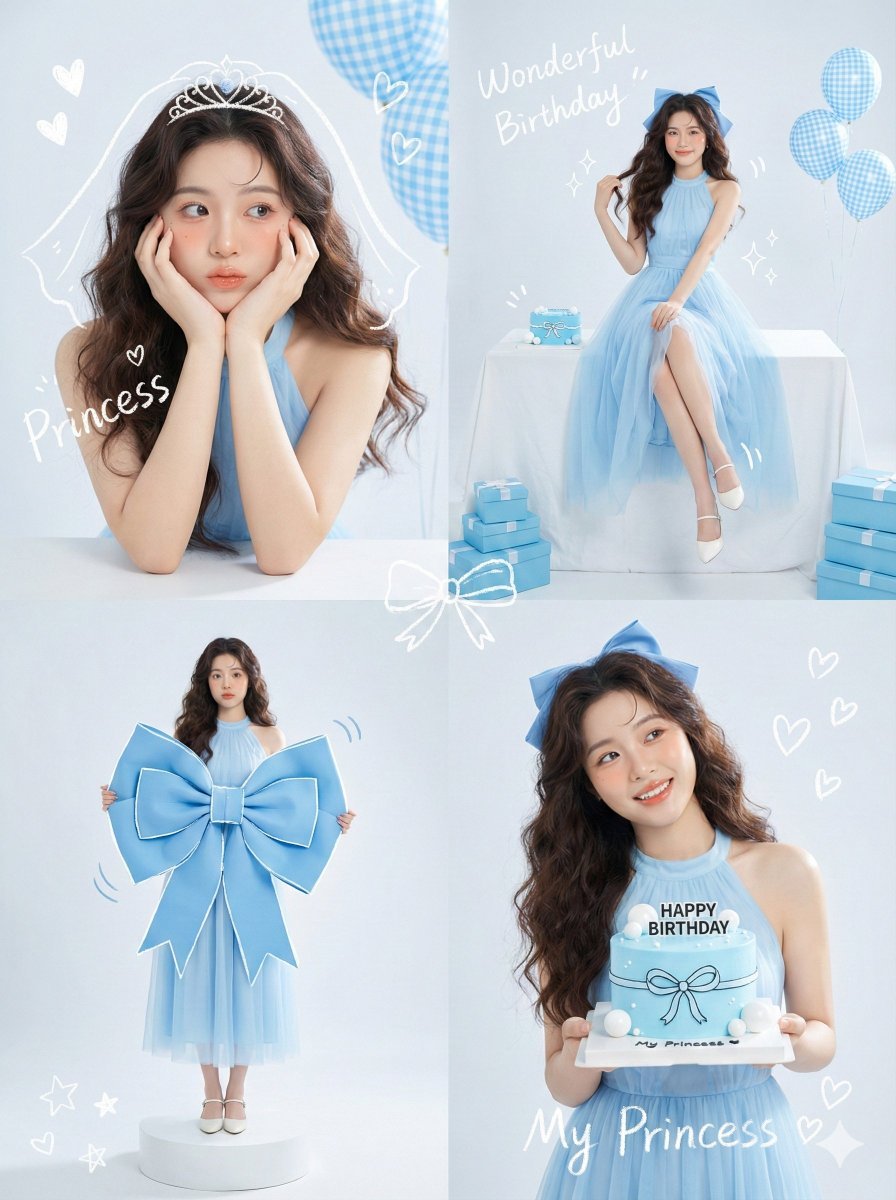
- Prompt included
- Model and format preset
- Free template
The prompt behind this image
Copy the exact prompt behind Korean Idol Birthday Collage with Doodles, or open it in the studio and make it yours.
Korean Idol Studio Portrait style, soft high-key lighting, pastel blue color palette, mixed media with white hand-drawn doodle overlays." }, "subject_details": { "demographics": "Young Asian woman, 18 years old, fresh and elegant visual.", "styling": { "hair": "Long, dark brown, voluminous loose waves. Styled half-up or with a large blue ribbon accessory.", "outfit": "Elegant baby blue sleeveless halter-neck dress with a flowing chiffon or tulle skirt.", "makeup": "Fresh dewy skin, peach/pink blush, glossy lips, defined eyelashes (Idol makeup style)." } }, "panel_breakdown": { "top_left_panel": { "framing": "Close-up Portrait.", "pose": "Leaning elbows on a white surface, face resting in palms ('flower pose'), squishing cheeks slightly. Looking off-camera with a cute, dreamy expression.", "doodles": "White scribble of a veil/tiara on head, text 'Princess', floating hearts.", "props": "Blue gingham patterned balloons in background." }, "top_right_panel": { "framing": "Full Body / Wide Shot.", "pose": "Sitting elegantly sideways on a table covered in a white cloth. One hand touching the ribbon in hair, legs crossed at ankles. Looking at camera.", "props": "Small blue cake on table, blue gift boxes stacked on floor, blue gingham balloons.", "doodles": "Text 'Wonderful Birthday' and sparkle drawings." }, "bottom_left_panel": { "framing": "Full Body standing.", "pose": "Standing straight, holding a massive, oversized blue bow prop (fashion editorial style) against her chest.", "doodles": "White outlines tracing the bow to emphasize the shape, motion lines.", "props": "Standing on a small white circular pedestal." }, "bottom_right_panel": { "framing": "Waist-up Shot.", "pose": "Holding a minimalist blue birthday cake with both hands at chest level. Head tilted, looking away to the side with a bright smile.", "cake_details": "Blue icing, white ball decorations, text 'HAPPY BIRTHDAY' in black.", "doodles": "White ribbon drawn on the cake, heart shapes, text 'My Princess '." } }, "camera_technical_values": { "lens": "85mm (Portrait telephoto for flattering facial features).", "aperture": "f/2.8 to f/4.0 (Soft background blur).", "shutter_speed": "1/200s.", "iso": "ISO 100.", "lighting_setup": "High-Key Studio Lighting. Bright, soft, shadowless 'beauty' light. White seamless background.", "tone": "Cool pastel blue tones, bright and airy." }, "post_processing": { "overlays": "Handwritten white crayon/chalk text reading '{argument name="overlay text" default="Wonderful Birthday"}', 'Princess My'. Cute doodle illustrations of stars, hearts, and ribbons." }
How to use Korean Idol Birthday Collage with Doodles in 3 steps
- 1
Open
The prompt is already in the box next to the preview, with the template's model and format selected.
- 2…a portrait of your subject in softgolden-hour light, 85mm…
Personalize
Edit the subject and creative details for your destination.
- 3Generate
Generate
Press Generate — your image is created in PicX Studio, so you can compare it with the original and refine one variable at a time.
More like this
Templates with the same subject, style or setup. Open one to see its prompt.

Urban Fashion Editorial Collage Streetwear Poster
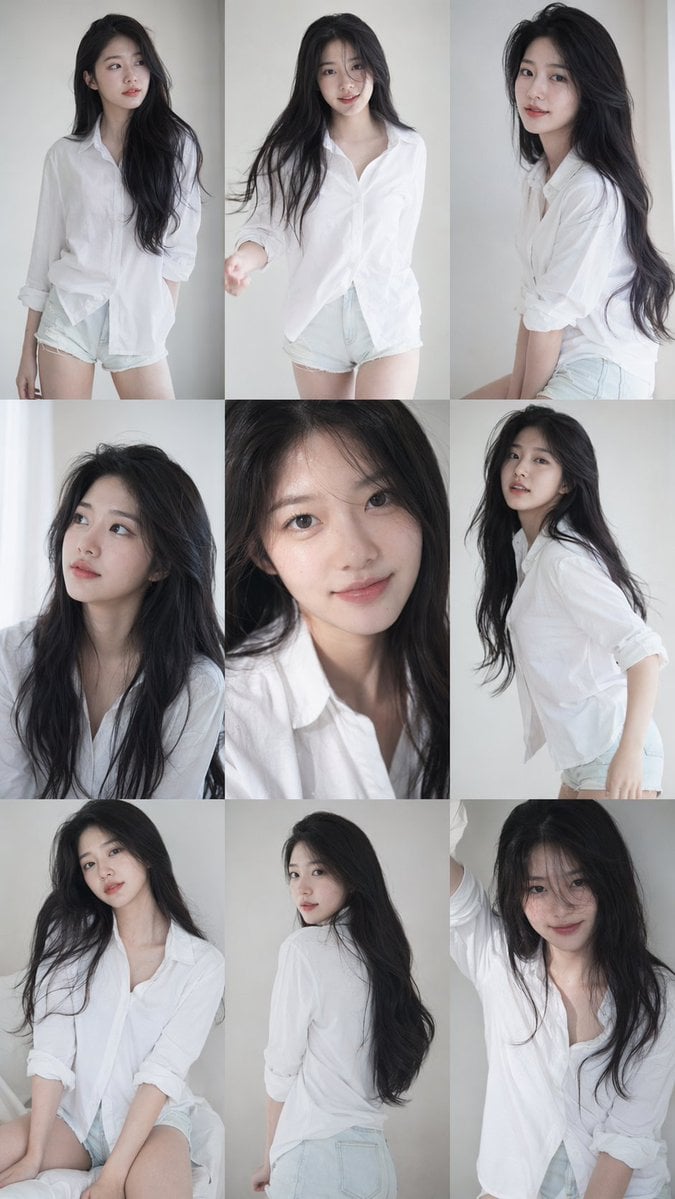
Korean Idol Photobook Collage
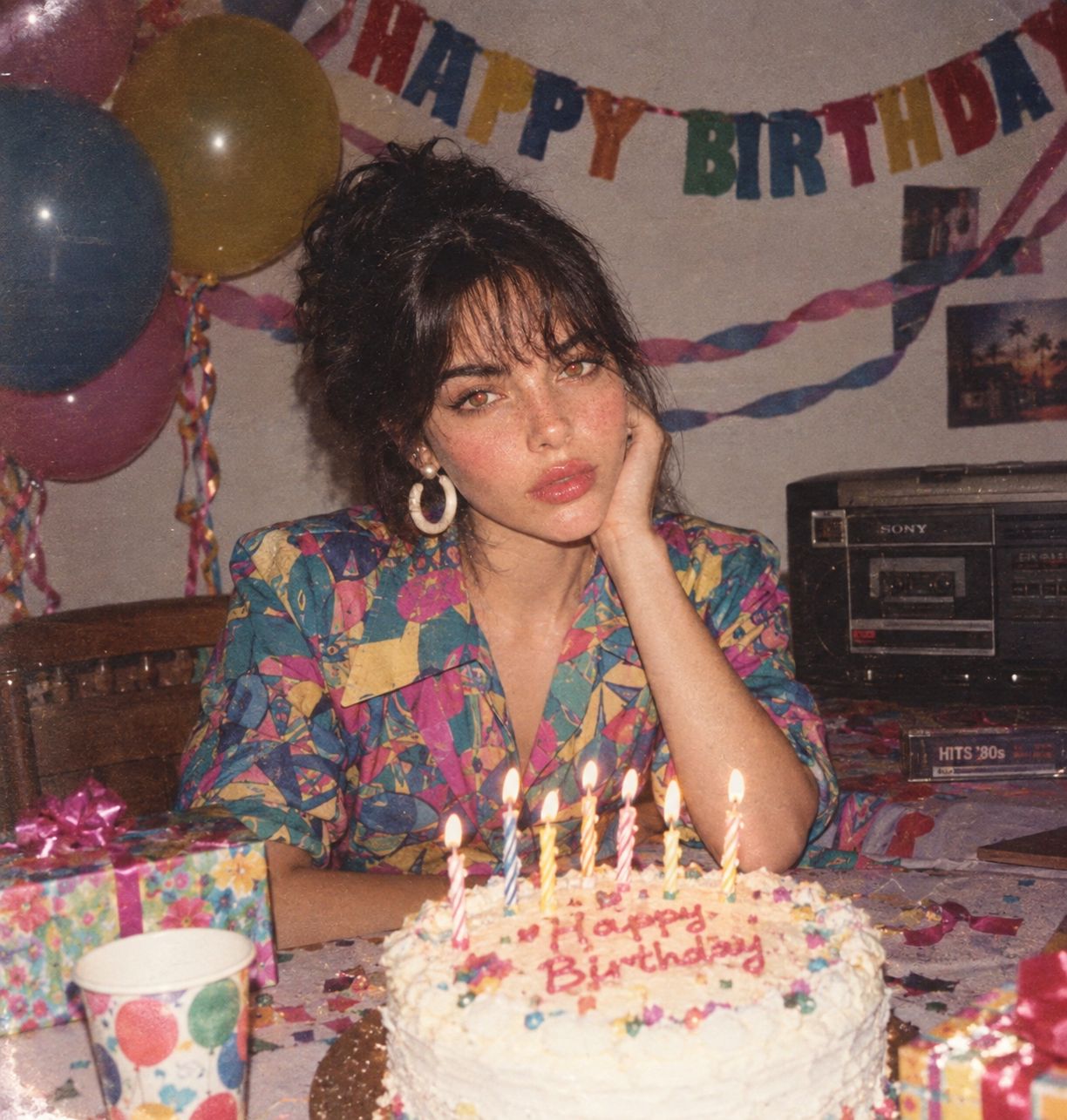
80s Birthday Party

Eid al-Adha Cute Chaos — Fisheye Selfie with Farm Selfie, Mosque & Animals

Paper Cut Finale Fireworks

Paper Cut Garden Maze

Paper Cut Rooftop Concert

Paper Cut Bicycle Coast

Paper Cut Castle Gate

Paper Cut Kitchen Chaos

Paper Cut Carnival Ride

Paper Cut Rainy Bus Stop
Make it yours
Korean Idol Birthday Collage with Doodles works as-is. These are the safest ways to change it without losing the look.
Change one field
Copy a single group, rewrite it, and generate again so you can see what that field is doing.
Keep the frame, change the subject
Hold the composition and light of Korean Idol Birthday Collage with Doodles, then swap wardrobe, props or the person for a new take.
| If the result… | Why | Fix |
|---|---|---|
| The result drifts from the preview | Too many fields changed at once. | Reuse Korean Idol Birthday Collage with Doodles as-is first, then change one group — subject, light, or setting. |
| The model over-stylizes the scene | The prose prompt leaves finish and camera underspecified. | Add one camera or lighting sentence and stay on Nano Banana 2. |
More Nano Banana 2 templates
Other prompts made for Nano Banana 2.

Photorealistic Leaf Shaped Like a Dragon

K-Pop Idol Portrait Grid for Rapid Selection

Poetic Rain Forest Portrait During Golden Hour

Urban Street Portrait with Cartoon Inner Self Duo

Candid Nighttime Photo with Cat Prompt

High-Concept 3D Diorama Generation Prompt

Cinematic Futuristic Studio Portrait Template

Skincare Editorial Photography Collage Prompt

Hyper-Realistic Commercial Product Photography (Splash Effect)

Hyper-Realistic Nightclub Portrait Prompt
More image prompts
Fresh picks from across the catalog.
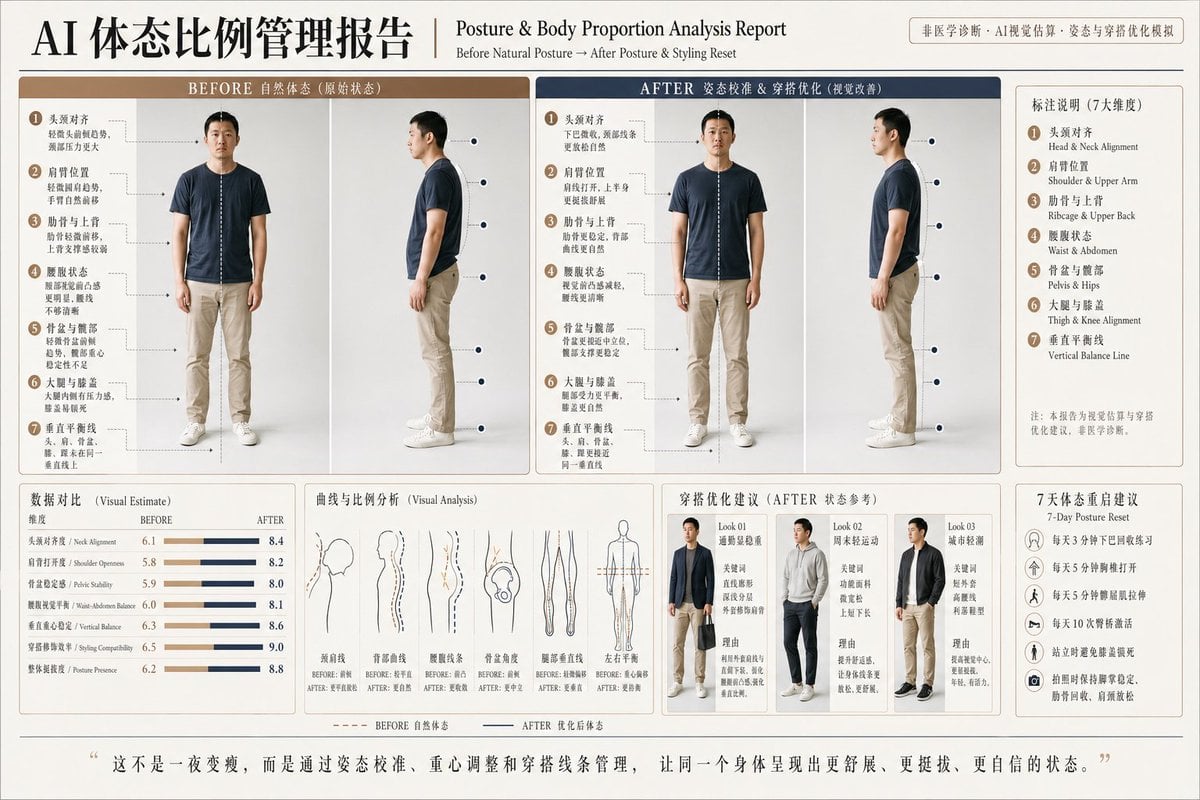
Posture Analysis Report Infographic
Surreal High Fashion Editorial Prompt with Living Insects
Jade Stone Cube Texture
Sunlit Anime Girl Outside Cafe

Relationship History Visualization
Hongdae Street Style Portrait
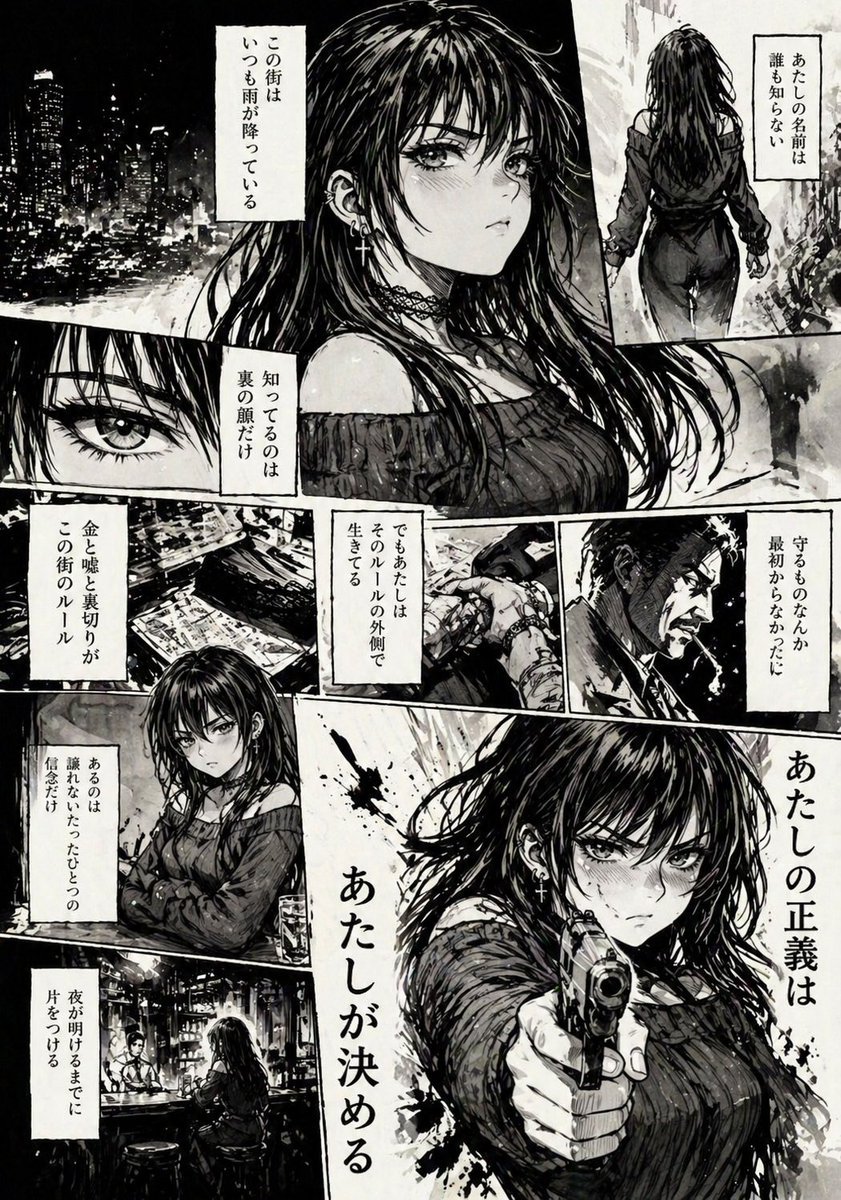
Hard-Boiled Noir Manga Woman Page
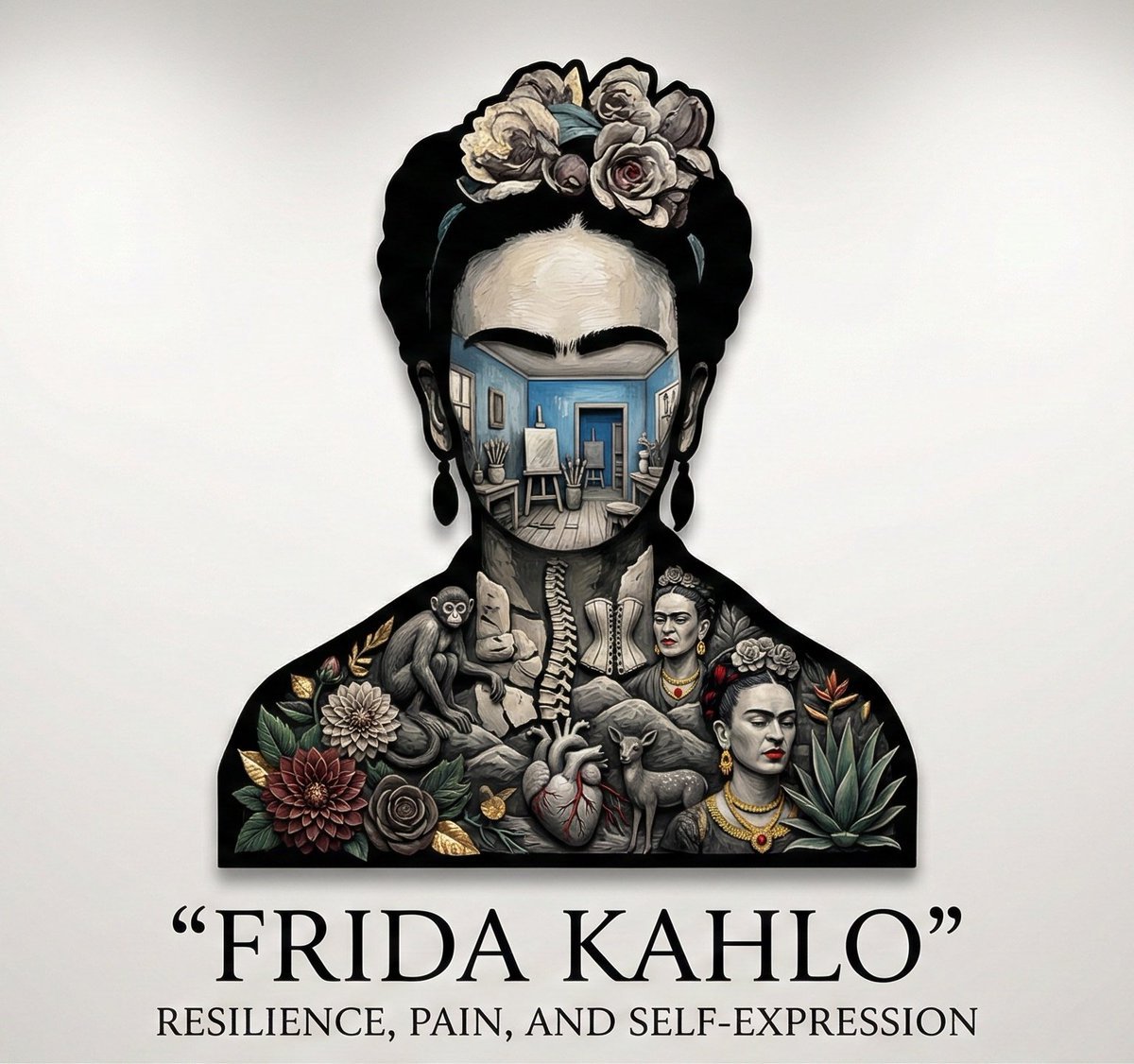
Character Silhouette Narrative Generator
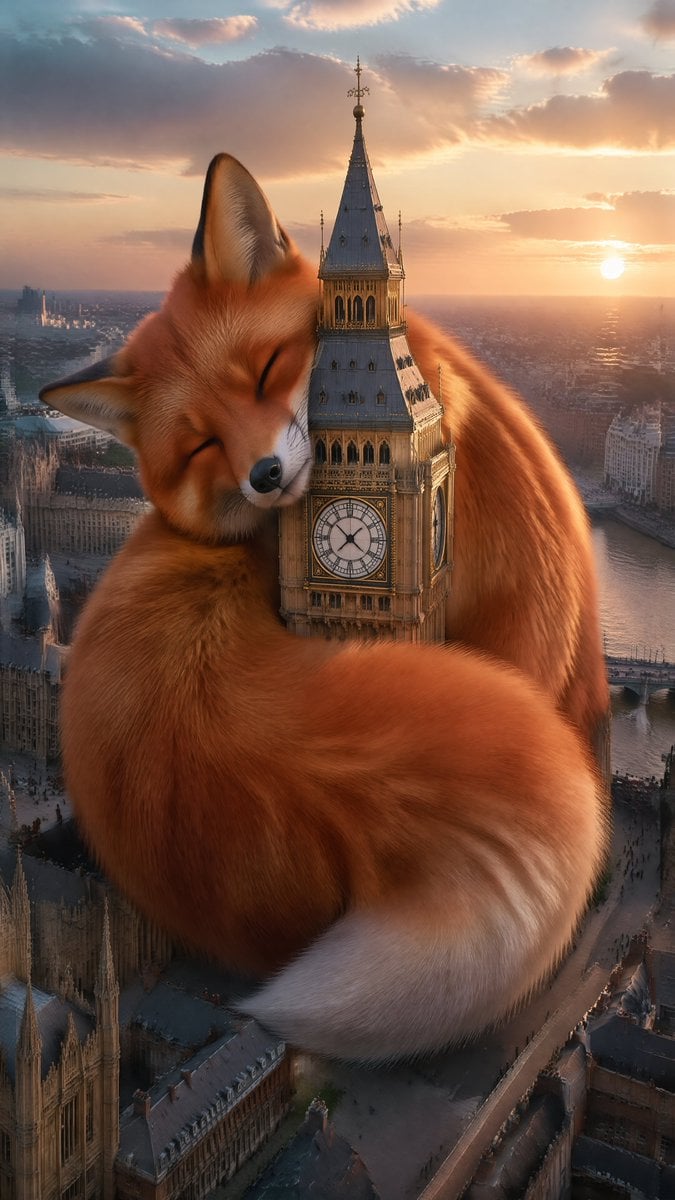
Wholesome Giant Animal in Cityscape
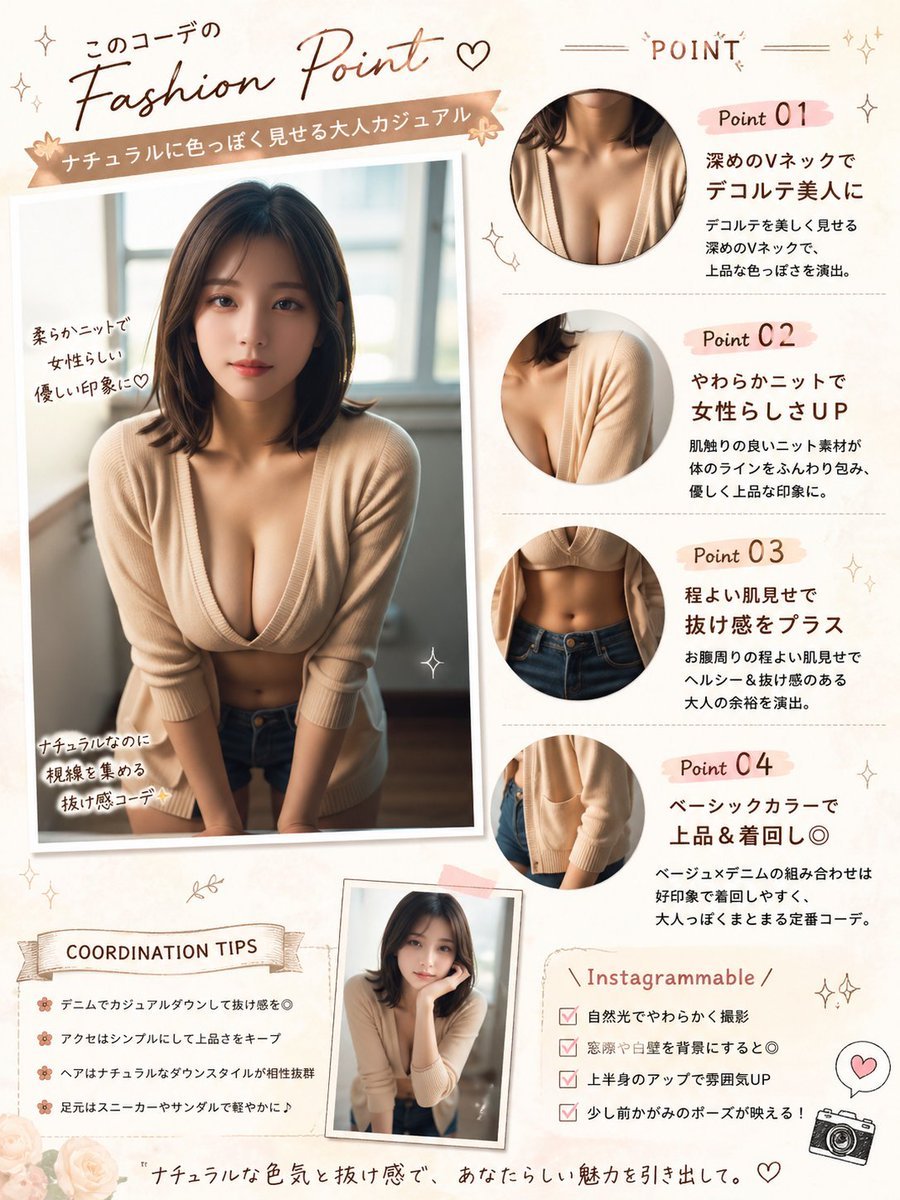
Japanese Fashion Point Poster Edit
Browse template categories
Korean Idol Birthday Collage with Doodles questions
How do I use the Korean Idol Birthday Collage with Doodles template?
Add your photo if the template asks for one, edit the prompt if you like — the template's model and format are already selected — and press Generate. Your version opens in PicX Studio.
Can I customize the Korean Idol Birthday Collage with Doodles template?
Yes. You can change the subject, setting, lighting, mood, format, and available model controls before creating your image.
Is the Korean Idol Birthday Collage with Doodles template free?
Opening and editing this template is free. Generating uses credits, shown on the Generate button when you are signed in.
Which AI model should I use?
Start with Nano Banana 2, which is the model associated with this template. You can compare another compatible model for a different finish.
Looking for something else? Browse all templates.

Your photo, any look
Thousands of ready templates for every top image and video model, from one credit balance.