
Japanese Fashion Point Poster Edit
This prompt transforms a reference portrait into a Japanese magazine-style fashion commentary poster for social posts, outfit breakdowns, and styling showcases.
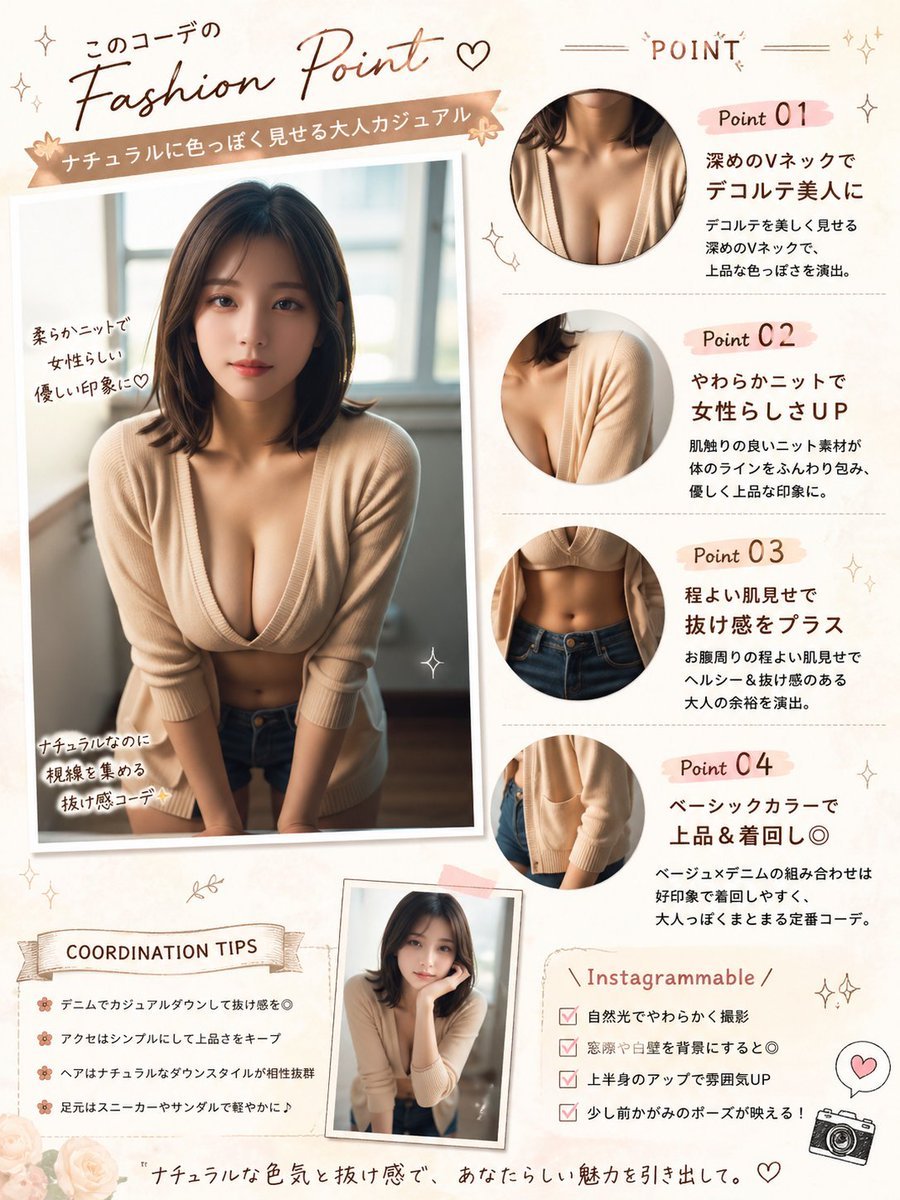
- Prompt included
- Model and format preset
- Free template
The prompt behind this image
Copy the exact prompt behind Japanese Fashion Point Poster Edit, or open it in the studio and make it yours.
Using REFERENCE_0, turn the photo into a soft feminine Japanese fashion-check infographic poster while keeping the same person, outfit, indoor window setting, and blurred face censorship. Create a scrapbook/editorial layout on a warm cream background with blush-pink and beige accents. Place the main full-body photo on the left as a slightly tilted printed snapshot with handwritten callouts. Add 4 circular close-up detail crops on the right showing: 1) neckline/chest area, 2) knit shoulder and sleeve texture, 3) waist and jeans area, 4) cardigan hem and pocket area. Add a small extra inset portrait near the bottom center using the same outfit and person in a casual leaning pose. Include Japanese magazine-style typography and decorative doodles throughout. The visible text should include these sections and labels: top headline 「このコーデの Fashion Point ♡」, ribbon subtitle 「ナチュラルに色っぽく見せる大人カジュアル」, right header 「POINT」, point labels 「Point 01」「Point 02」「Point 03」「Point 04」, left photo notes 「柔らかニットで女性らしい優しい印象に♡」「ナチュラルなのに視線を集める抜け感コーデ✨」, a tips box titled 「COORDINATION TIPS」 with 4 bullet lines, a box titled 「Instagrammable」 with 4 checklist lines, and a bottom tagline 「ナチュラルな色気と抜け感で、あなたらしい魅力を引き出して。」. For the point descriptions, write short Japanese copy praising the deep V-neck, soft knit, subtle midriff reveal, and basic color styling. Add small stars, hearts, sparkles, flowers, stitched lines, and a tiny camera icon. Make it look like a polished social-media fashion advice sheet, portrait orientation.
Reference images included
Japanese Fashion Point Poster Edit needs input media to work. They load alongside the prompt when you open it in the studio.
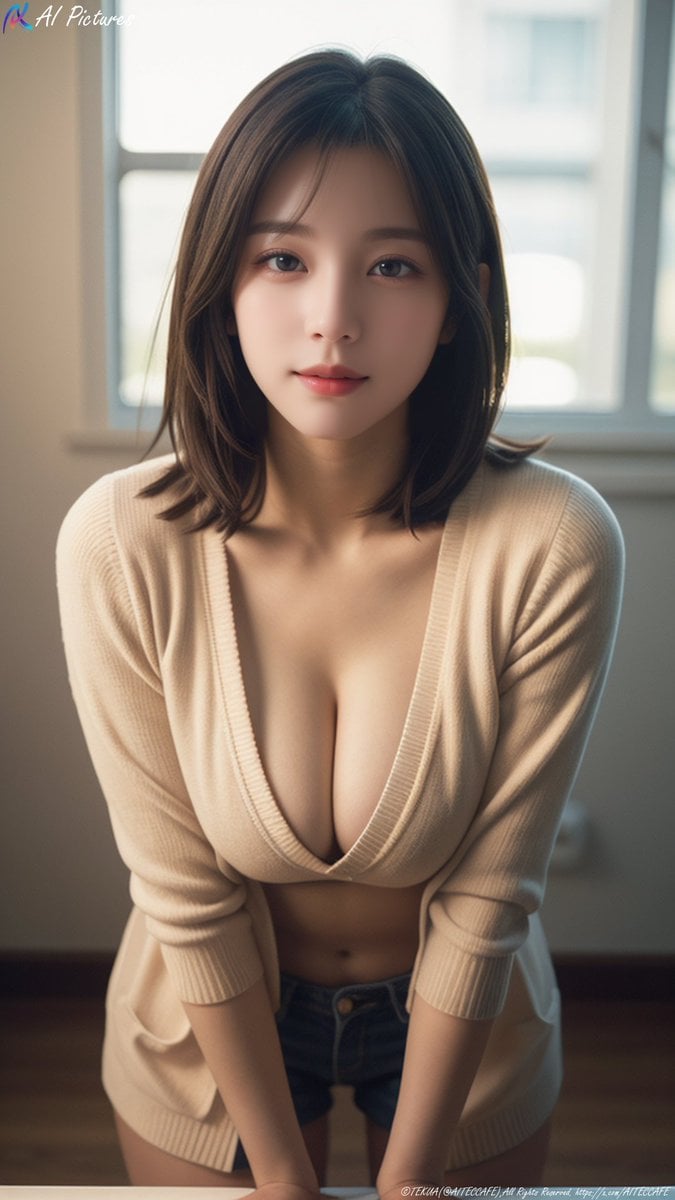
How to use Japanese Fashion Point Poster Edit in 3 steps
- 1Upload ImagePNG, JPG or paste
Add your photo
Upload the photo the template builds on. The prompt, model and format are already set.
- 2…a portrait of your subject in softgolden-hour light, 85mm…
Personalize
Edit the subject and creative details for your destination.
- 3Generate
Generate
Press Generate — your image is created in PicX Studio, so you can compare it with the original and refine one variable at a time.
More like this
Templates with the same subject, style or setup. Open one to see its prompt.
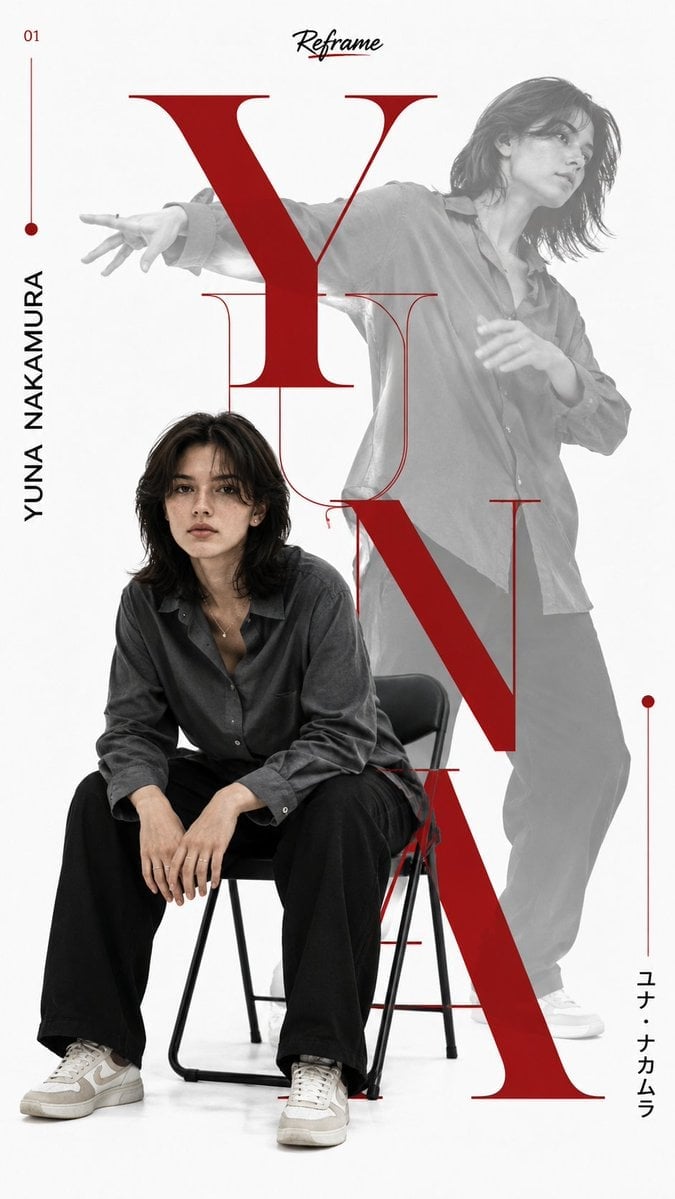
Japanese Minimalist Editorial Fashion Poster

Blue Backdrop Luxury Fashion Portrait Campaign
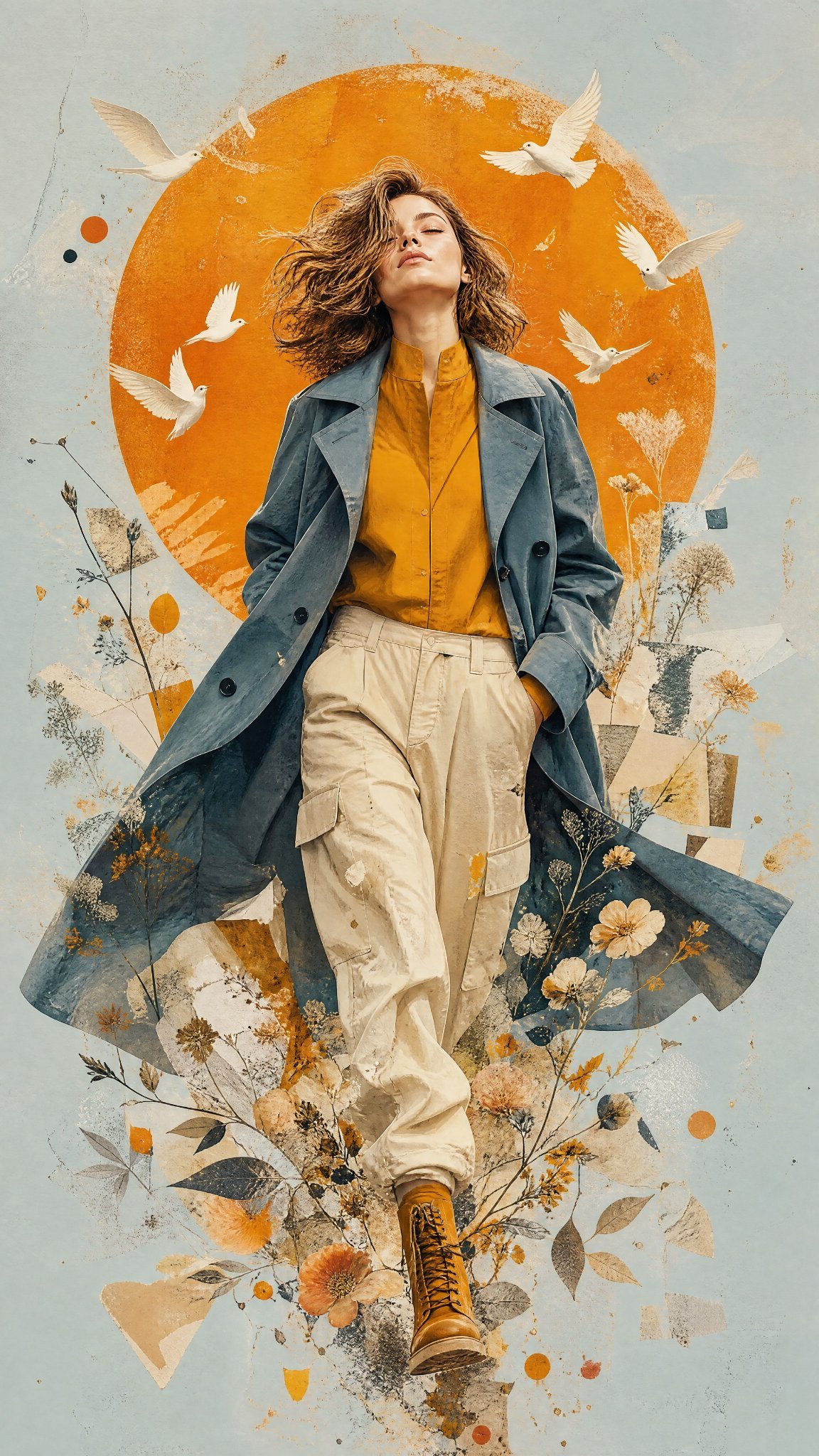
Mixed Media Editorial Woman Illustration
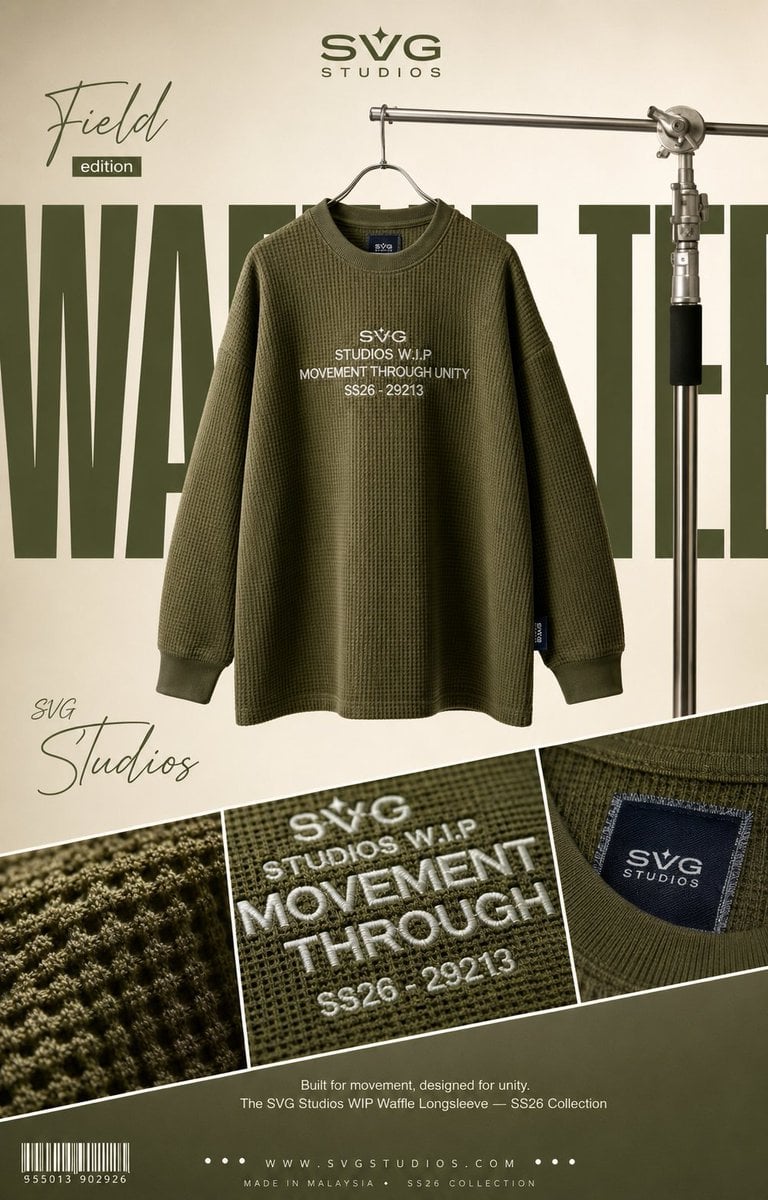
High-End Fashion Editorial Campaign Poster

Couture Fashion Editorial Woman and Drag

Nano Banana 2 Editorial Fashion Portrait

Caution Tape Fashion — Industrial Editorial

Nano Banana - Paris Cafe Editorial

80s College Gate

1988 Mall Style

80s Polka Dot Saree

Minecraft Japanese Research Lab Exploration
Make it yours
Japanese Fashion Point Poster Edit works as-is. These are the safest ways to change it without losing the look.
Change one field
Copy a single group, rewrite it, and generate again so you can see what that field is doing.
Keep the frame, change the subject
Hold the composition and light of Japanese Fashion Point Poster Edit, then swap wardrobe, props or the person for a new take.
| If the result… | Why | Fix |
|---|---|---|
| The result drifts from the preview | Too many fields changed at once. | Reuse Japanese Fashion Point Poster Edit as-is first, then change one group — subject, light, or setting. |
| The model over-stylizes the scene | The prose prompt leaves finish and camera underspecified. | Add one camera or lighting sentence and stay on GPT Image 2. |
More GPT Image 2 templates
Other prompts made for GPT Image 2.

Six VTuber Japanese Logo Sheet

Realistic Portrait of Woman and Deer

The Vista Modular Condo Poster

AI Model Routing Comparison Infographic

2.5D Anime Art Board

Isometric Productivity Desk Scene

New York Double Exposure Poster

Four-Panel AI Landscape Comparison

Japanese Tatami Lifestyle Magazine Cover

NESCAFÉ Coffee Map Poster
More image prompts
Fresh picks from across the catalog.
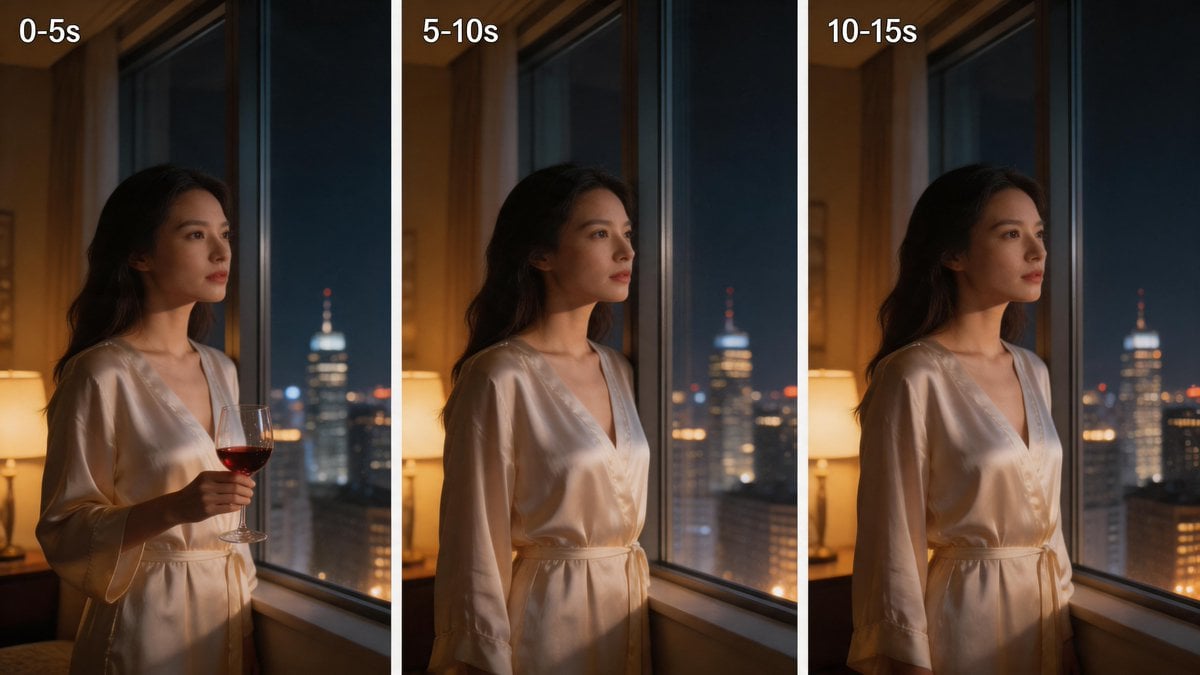
Three-Panel Night Window Comparison
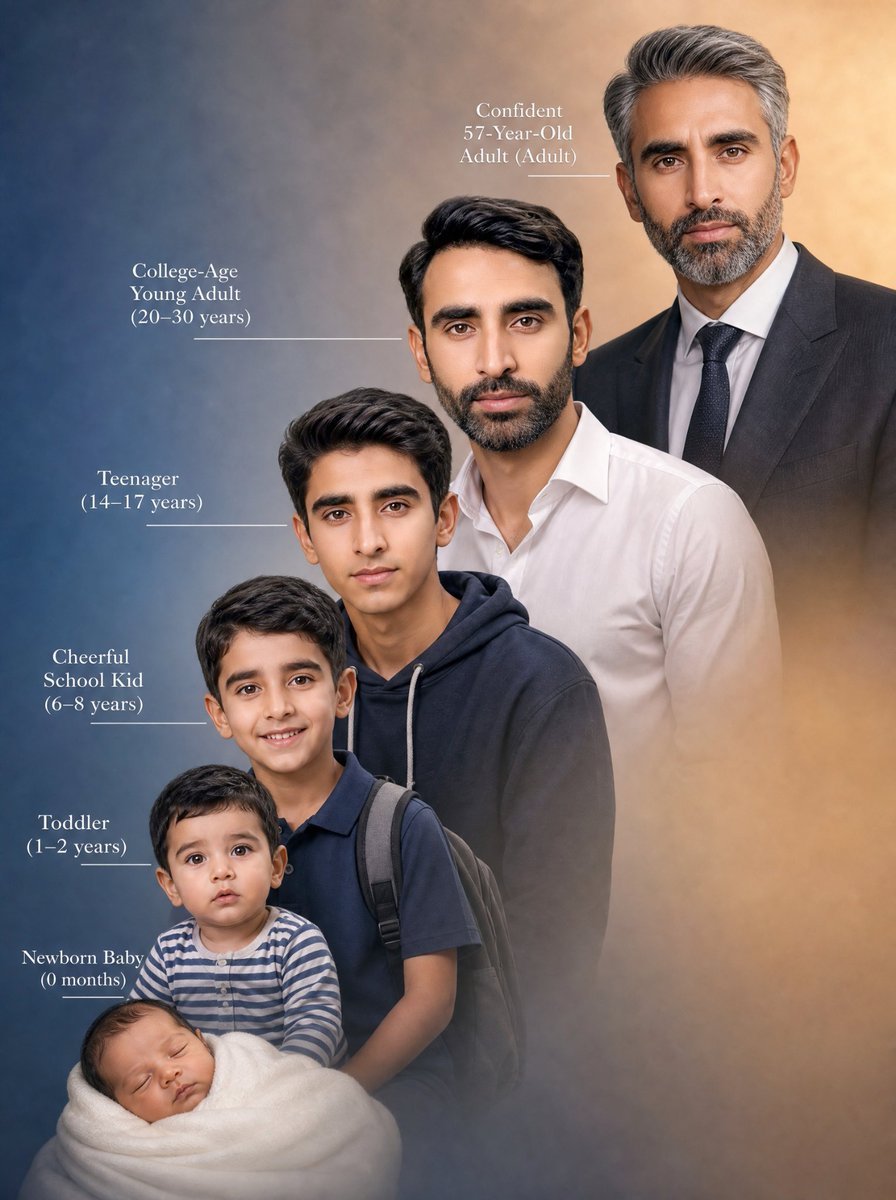
Life Stages Composite Portrait
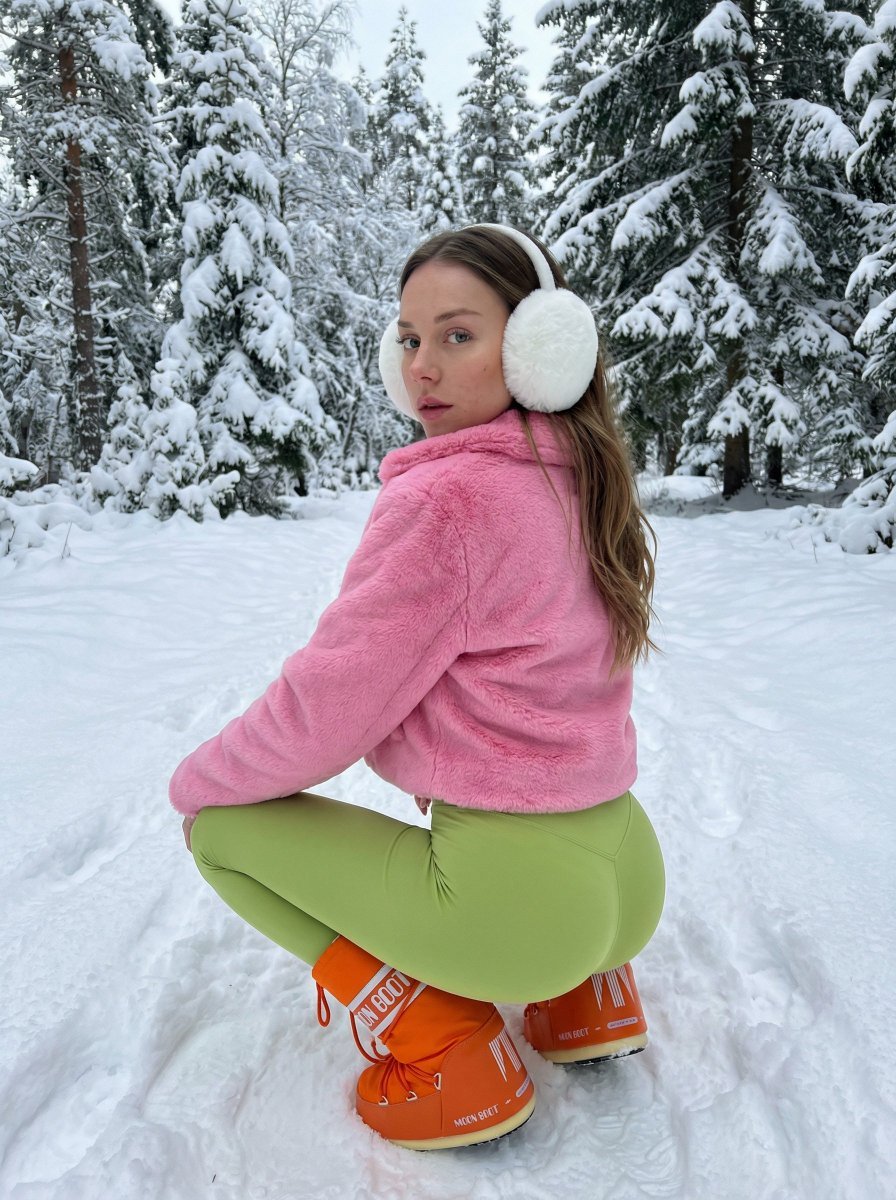
Bold Winter Fashion Portrait (Ester Expósito)
Surreal Coffee Cup Artwork Prompt
Romantic Couple Mirror Selfie Kiss
Lord Shiva Hand-Holding Cinematic Scene Prompt
Dog Selfie at Eiffel Tower
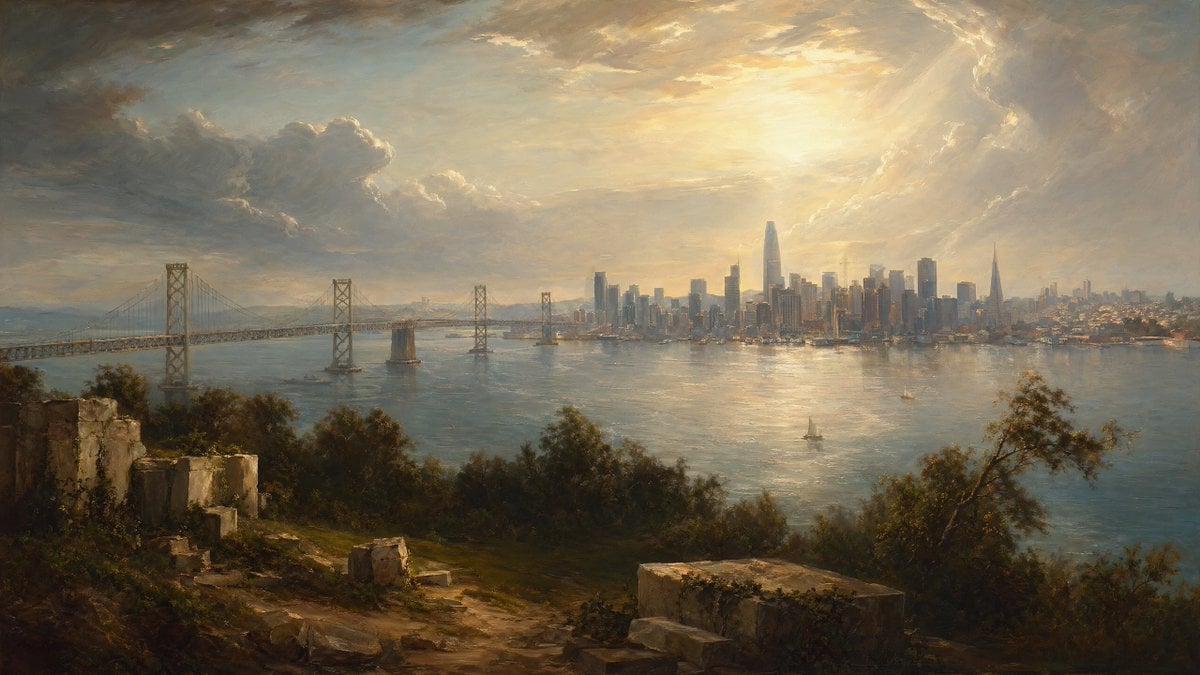
Golden Bay City Romantic Landscape
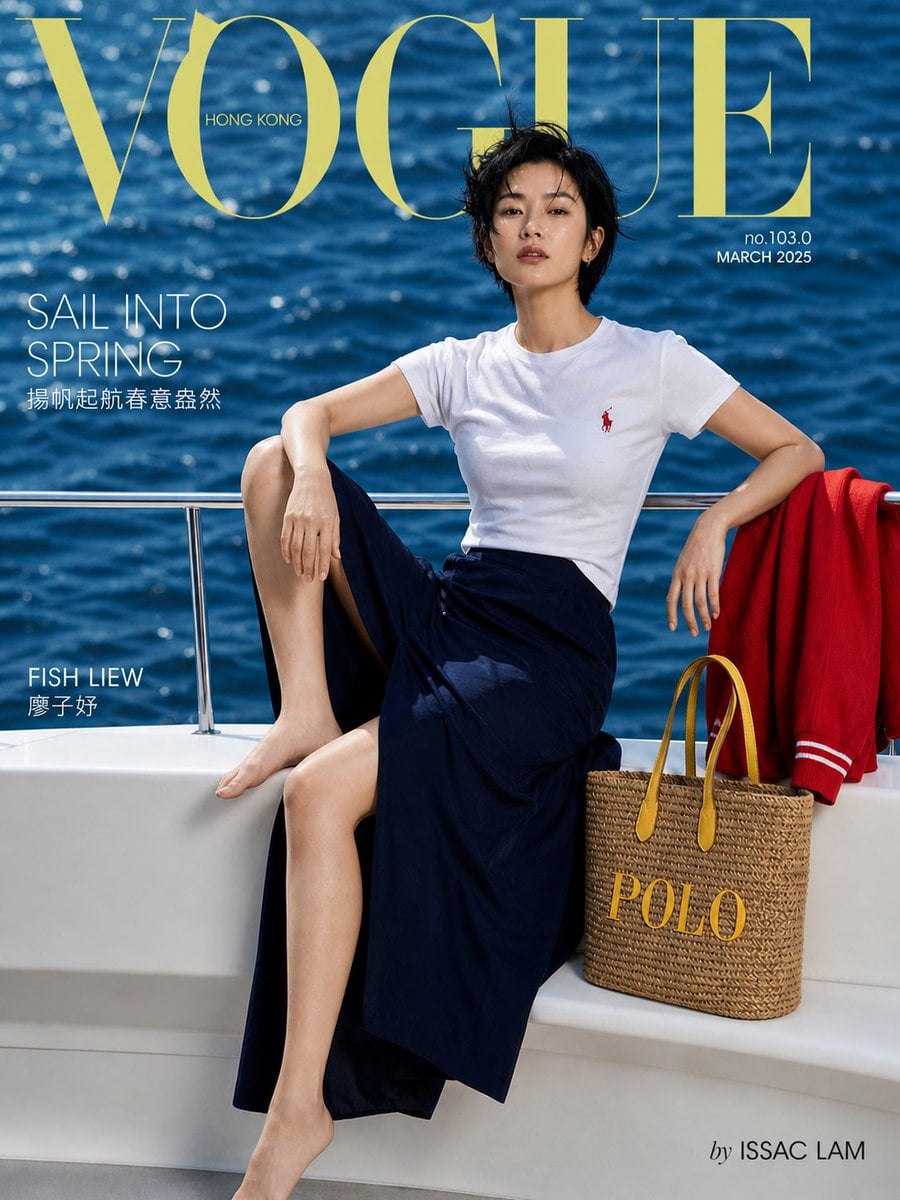
Vogue Hong Kong Yacht Editorial

Pixar-Style Banana Character Animation Prompt
Browse template categories
Japanese Fashion Point Poster Edit questions
How do I use the Japanese Fashion Point Poster Edit template?
Add your photo if the template asks for one, edit the prompt if you like — the template's model and format are already selected — and press Generate. Your version opens in PicX Studio.
Can I customize the Japanese Fashion Point Poster Edit template?
Yes. You can change the subject, setting, lighting, mood, format, and available model controls before creating your image.
Is the Japanese Fashion Point Poster Edit template free?
Opening and editing this template is free. Generating uses credits, shown on the Generate button when you are signed in.
Which AI model should I use?
Start with GPT Image 2, which is the model associated with this template. You can compare another compatible model for a different finish.
Looking for something else? Browse all templates.

Your photo, any look
Thousands of ready templates for every top image and video model, from one credit balance.