
Life Stages Composite Portrait
Generates a cinematic photorealistic portrait showing one person from newborn to older adult in a single labeled timeline image.
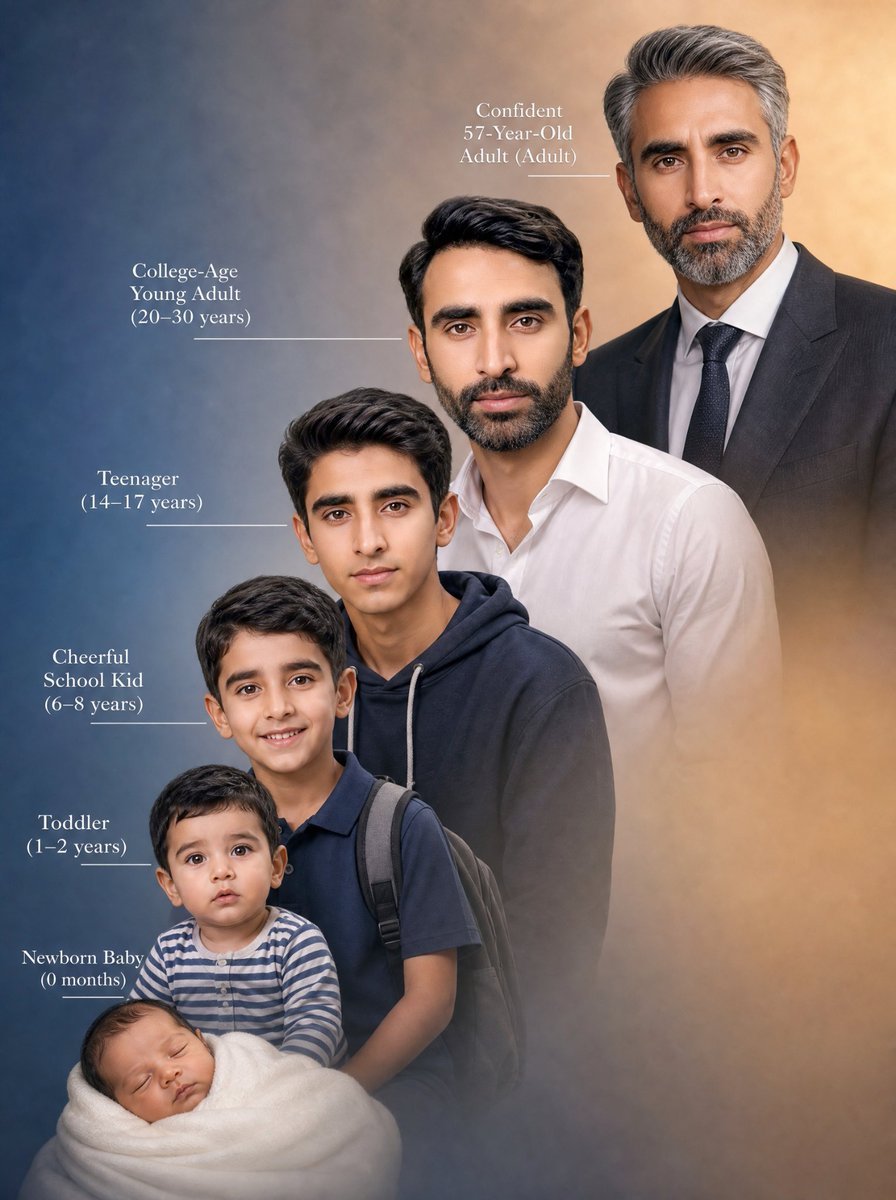
- Prompt included
- Model and format preset
- Free template
The prompt behind this image
Copy the exact prompt behind Life Stages Composite Portrait, or open it in the studio and make it yours.
Create a vertical cinematic composite portrait showing the same male person across exactly 6 life stages in one seamless family-lineage style image, arranged diagonally from lower left to upper right as if time is progressing upward. Use {argument name="person description" default="a South Asian male with dark hair, medium skin tone, and similar facial features at every age"}. Canvas: 3:4 portrait orientation, photorealistic, studio-quality, soft painterly background gradient from deep blue on the left to warm amber beige on the right, subtle mist/vignette around the lower edges. Composition: six full or half-body age versions overlap in depth, with the youngest in front at the bottom left and the oldest behind at the top right; each older version is larger and positioned slightly higher/right. The six visible stages must be: 1) Newborn Baby (0 months), swaddled in a thick white blanket at the bottom left, tiny head visible; 2) Toddler (1–2 years), sitting just above the baby, wearing a blue-and-white striped long-sleeve shirt; 3) Cheerful School Kid (6–8 years), standing behind the toddler, wearing a navy polo shirt and a dark backpack with visible shoulder straps; 4) Teenager (14–17 years), standing behind him, wearing a dark navy hoodie with light drawstrings; 5) College-Age Young Adult (20–30 years), standing behind and higher, wearing a crisp white button-up shirt with open collar; 6) Confident 57-Year-Old Adult (Adult), tallest in the back upper right, salt-and-pepper hair, wearing a dark suit jacket, white dress shirt, and dark tie. Add elegant white serif labels on the left side with thin horizontal leader lines pointing to each corresponding figure, except the oldest label placed near the upper center-left with a short line toward the suited adult. Text must read exactly: "Newborn Baby\n(0 months)", "Toddler\n(1–2 years)", "Cheerful\nSchool Kid\n(6–8 years)", "Teenager\n(14–17 years)", "College-Age\nYoung Adult\n(20–30 years)", and "Confident\n57-Year-Old\nAdult (Adult)". Use {argument name="overall mood" default="emotional, nostalgic, inspiring"}, natural studio lighting, realistic skin and hair texture, cohesive facial resemblance across all ages, shallow depth-of-field, no logos, no watermark, no extra people, no extra text.
How to use Life Stages Composite Portrait in 3 steps
- 1Upload ImagePNG, JPG or paste
Add your photo
Upload the photo the template builds on. The prompt, model and format are already set.
- 2…a portrait of your subject in softgolden-hour light, 85mm…
Personalize
Edit the subject and creative details for your destination.
- 3Generate
Generate
Press Generate — your image is created in PicX Studio, so you can compare it with the original and refine one variable at a time.
More like this
Templates with the same subject, style or setup. Open one to see its prompt.

Found Photograph: Us, 1970

80s Couple Studio Portrait

80s Bollywood Star

80s Golden Hour Cinema

Me in 1985

1985 Studio Portrait

Double-Exposure Scrapbook Portrait Composite

Hyper-Realistic Minecraft POV Portrait
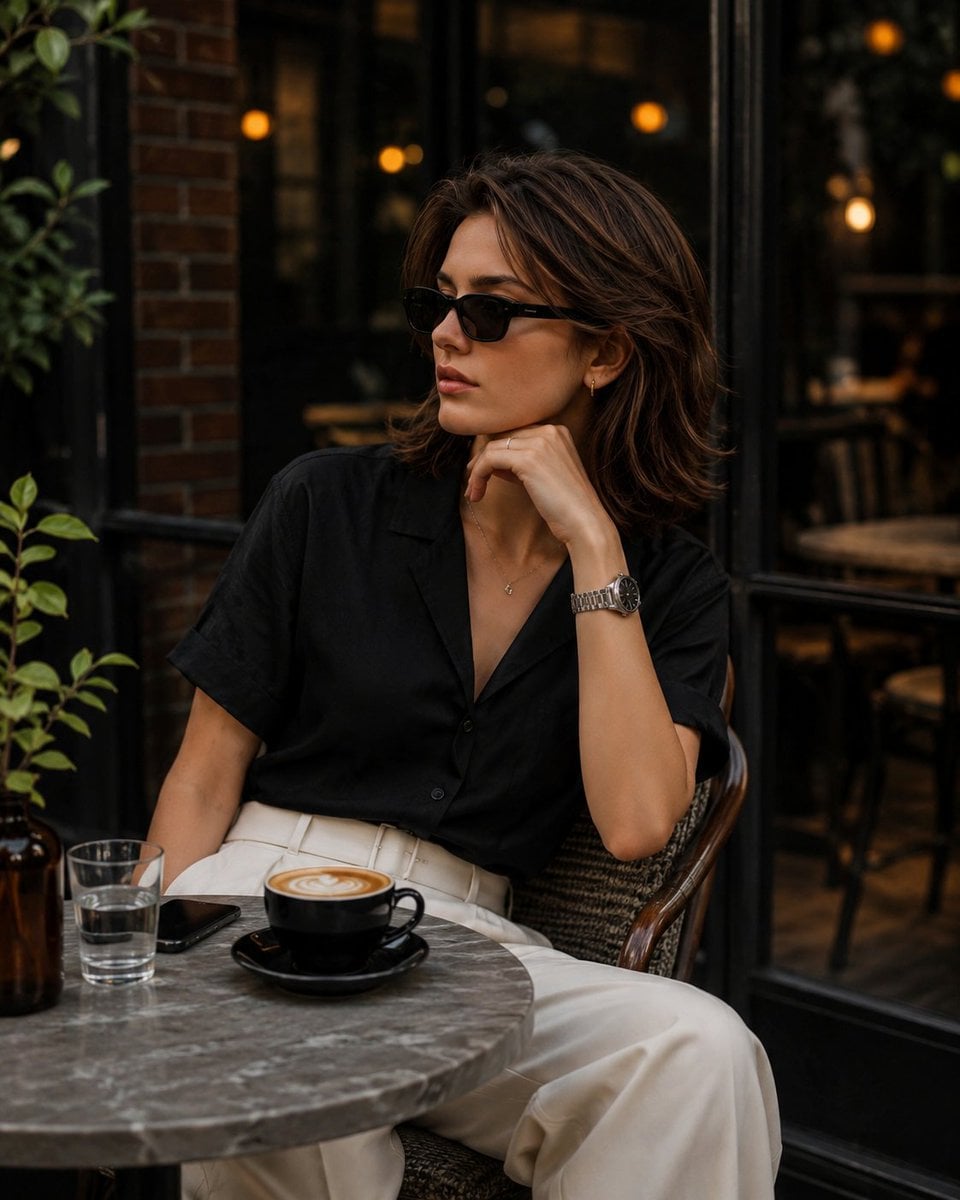
Elegant European Cafe Lifestyle Portrait

Rooftop Fisheye — Cat-Ear Balaclava at Golden Hour

Real-Life and Anime Character Composite
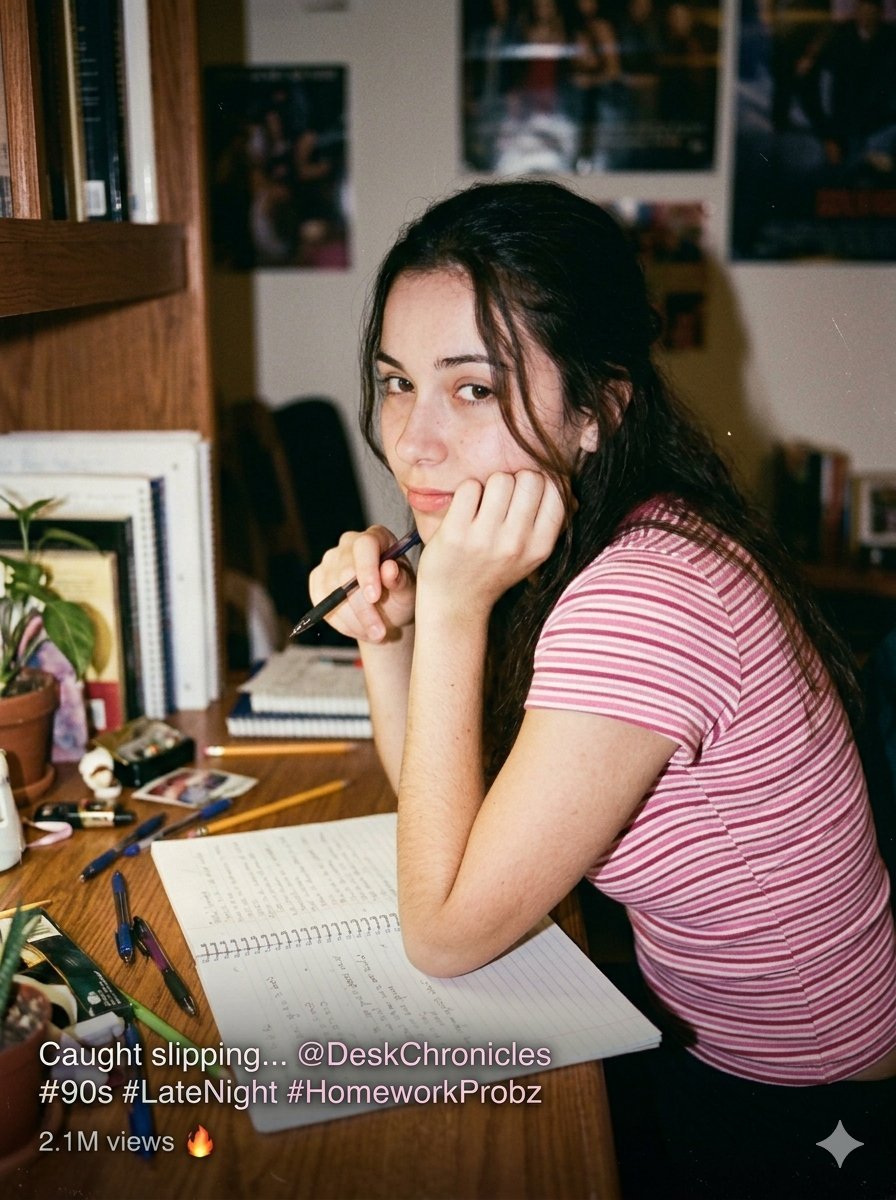
Candid Indoor Student Life Portrait
Make it yours
Life Stages Composite Portrait works as-is. These are the safest ways to change it without losing the look.
Change one field
Copy a single group, rewrite it, and generate again so you can see what that field is doing.
Keep the frame, change the subject
Hold the composition and light of Life Stages Composite Portrait, then swap wardrobe, props or the person for a new take.
| If the result… | Why | Fix |
|---|---|---|
| The result drifts from the preview | Too many fields changed at once. | Reuse Life Stages Composite Portrait as-is first, then change one group — subject, light, or setting. |
| The model over-stylizes the scene | The prose prompt leaves finish and camera underspecified. | Add one camera or lighting sentence and stay on GPT Image 2. |
More GPT Image 2 templates
Other prompts made for GPT Image 2.

Six VTuber Japanese Logo Sheet

Realistic Portrait of Woman and Deer

The Vista Modular Condo Poster

AI Model Routing Comparison Infographic

2.5D Anime Art Board

Isometric Productivity Desk Scene

New York Double Exposure Poster

Four-Panel AI Landscape Comparison

Japanese Tatami Lifestyle Magazine Cover

NESCAFÉ Coffee Map Poster
More image prompts
Fresh picks from across the catalog.
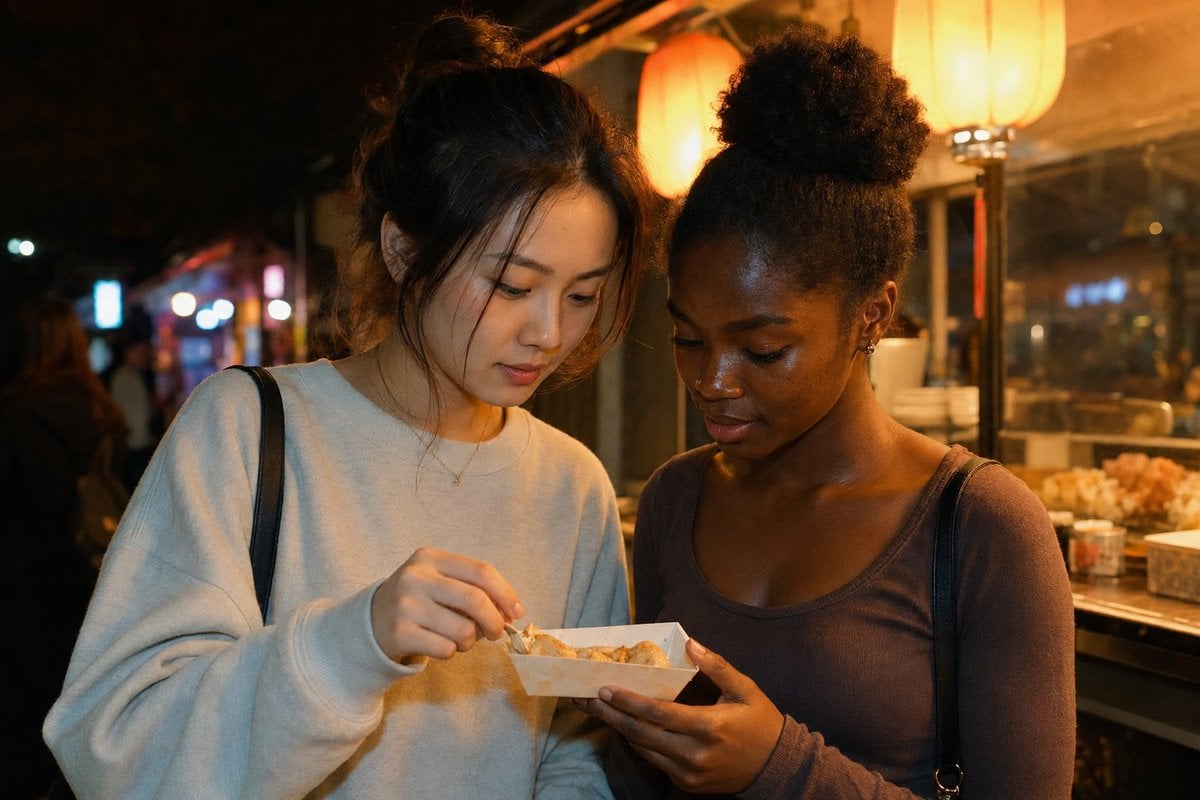
Candid Night Market Food Stall Friends
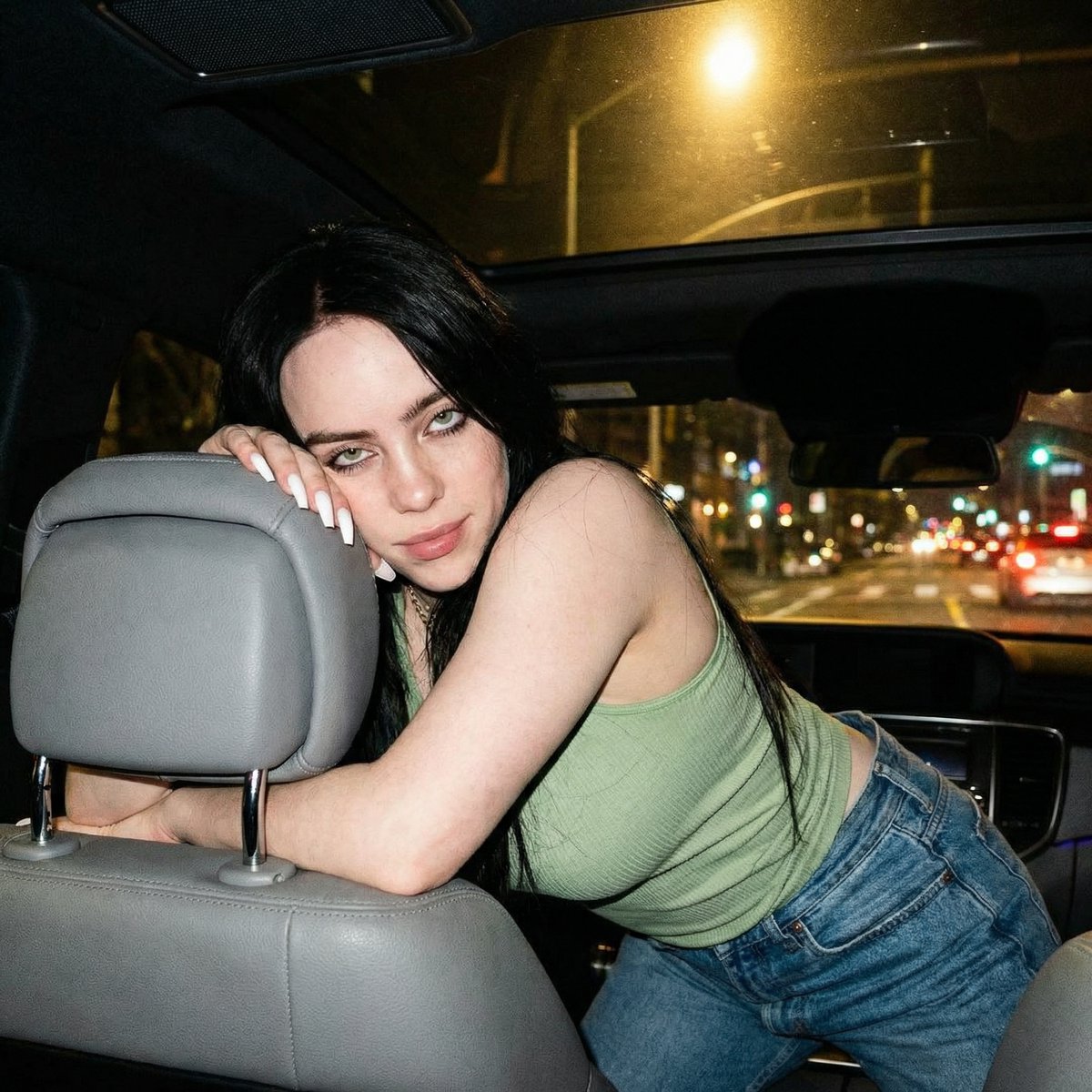
Candid Nighttime Car Portrait with High ISO Grain

Amigurumi-style Scissor Man Image Generation Prompt

Luxury Perfume Ad Portrait
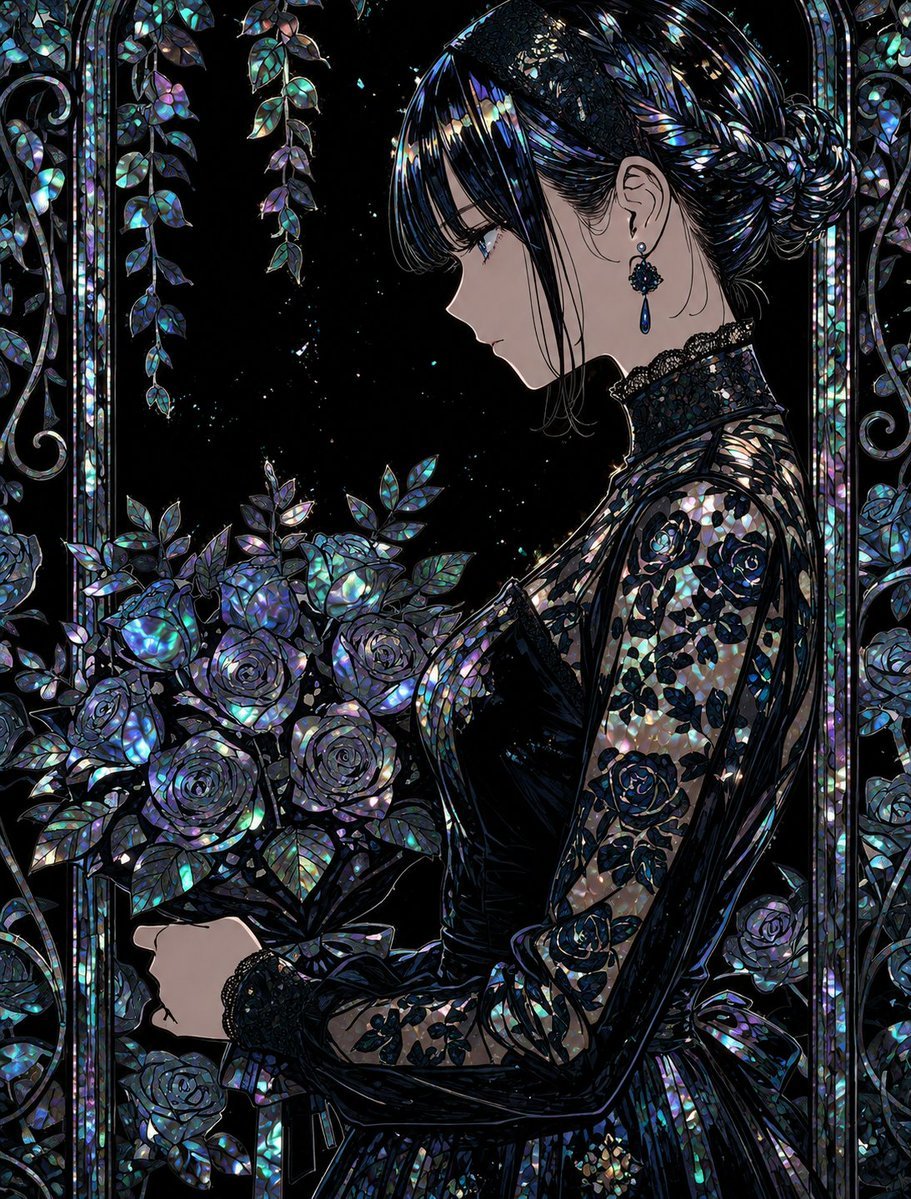
Raden Lacquerware Style Transformation
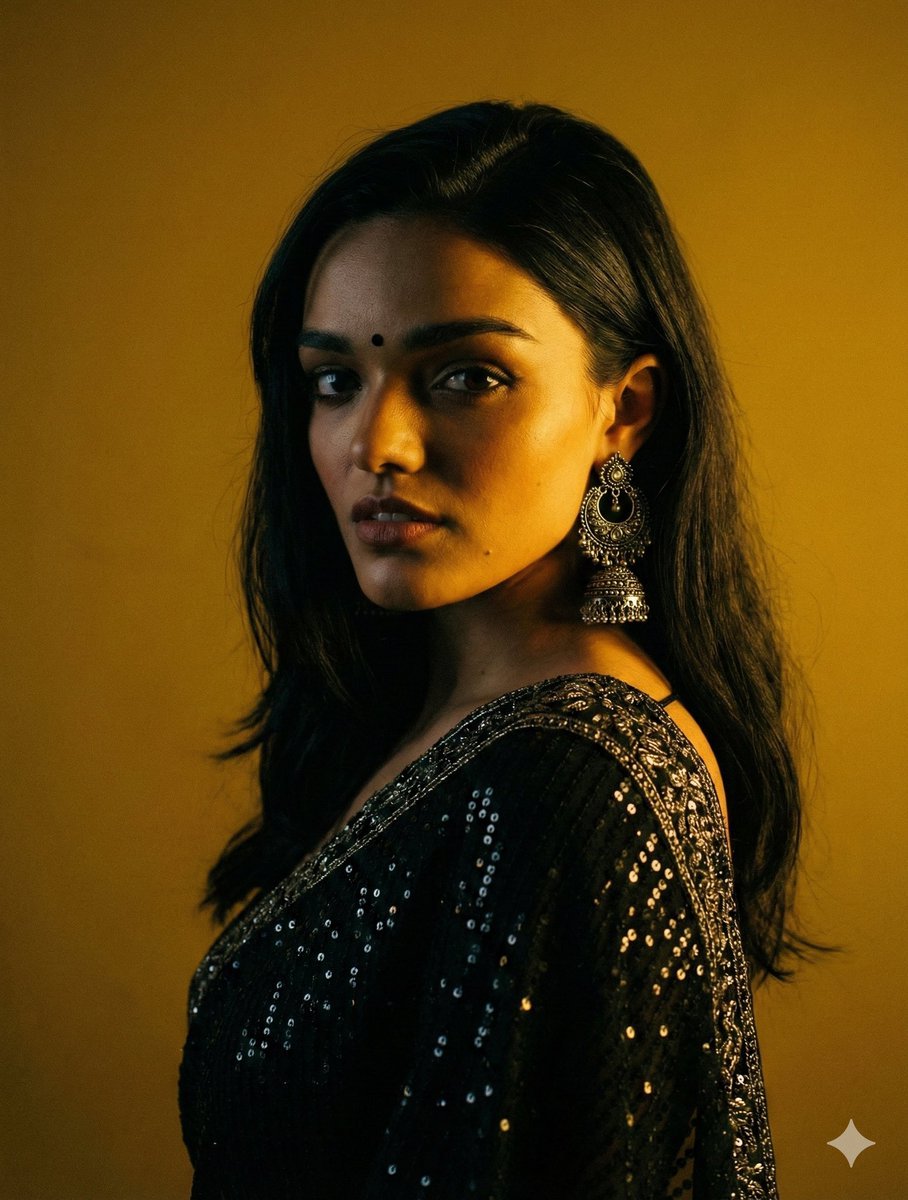
Cinematic Chiaroscuro Portrait in Saree
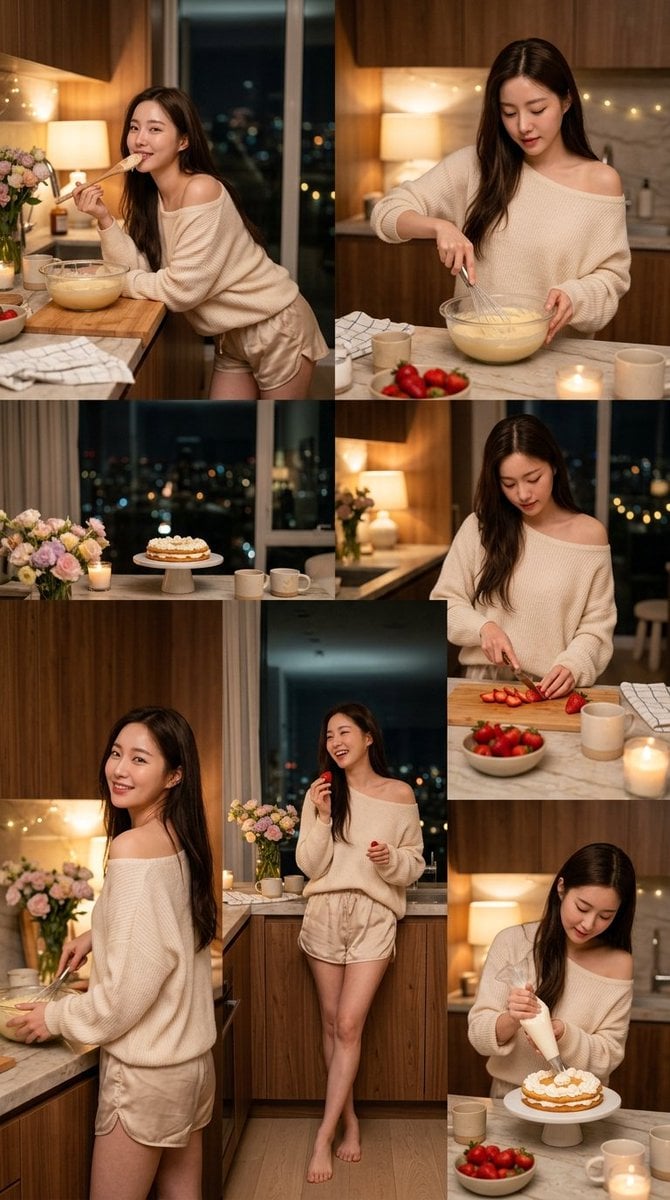
Korean Girl Kitchen Cooking Aesthetic
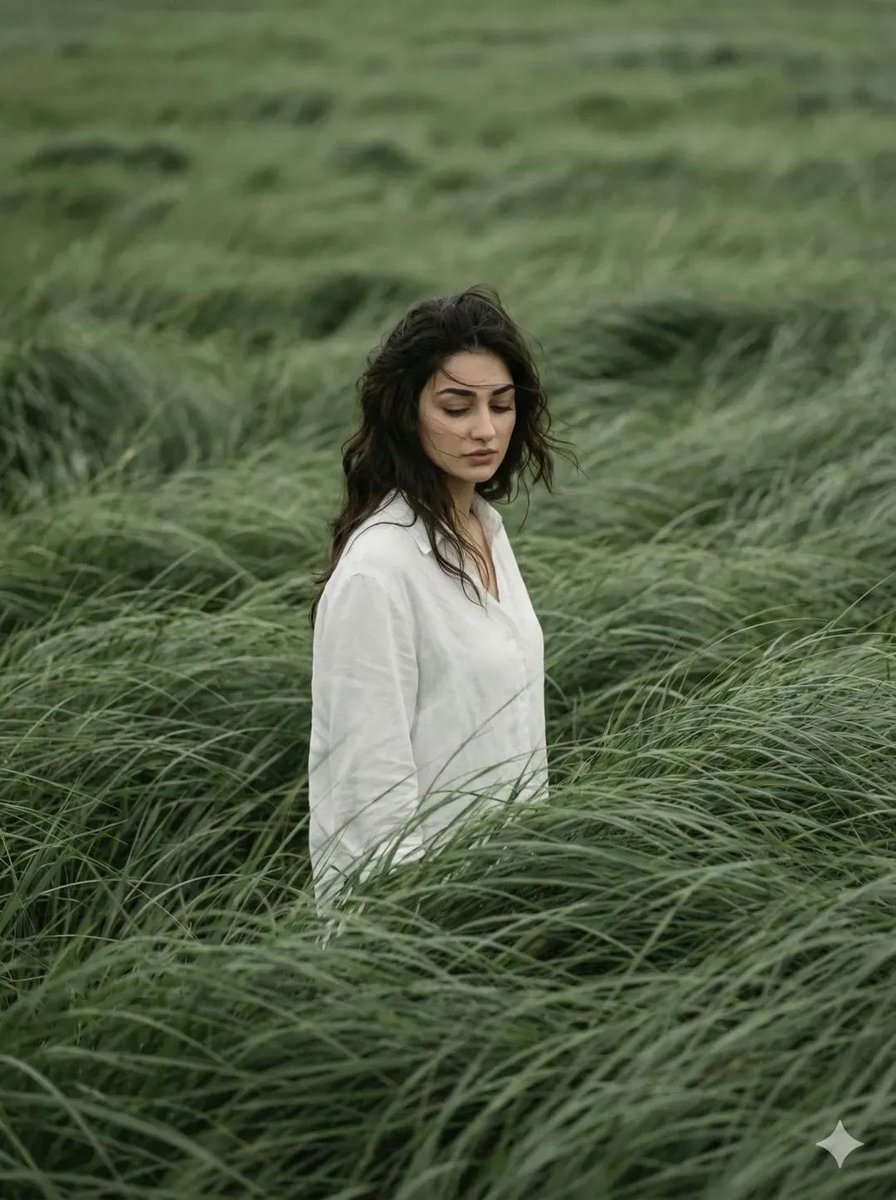
Cinematic Meadow Editorial Portrait
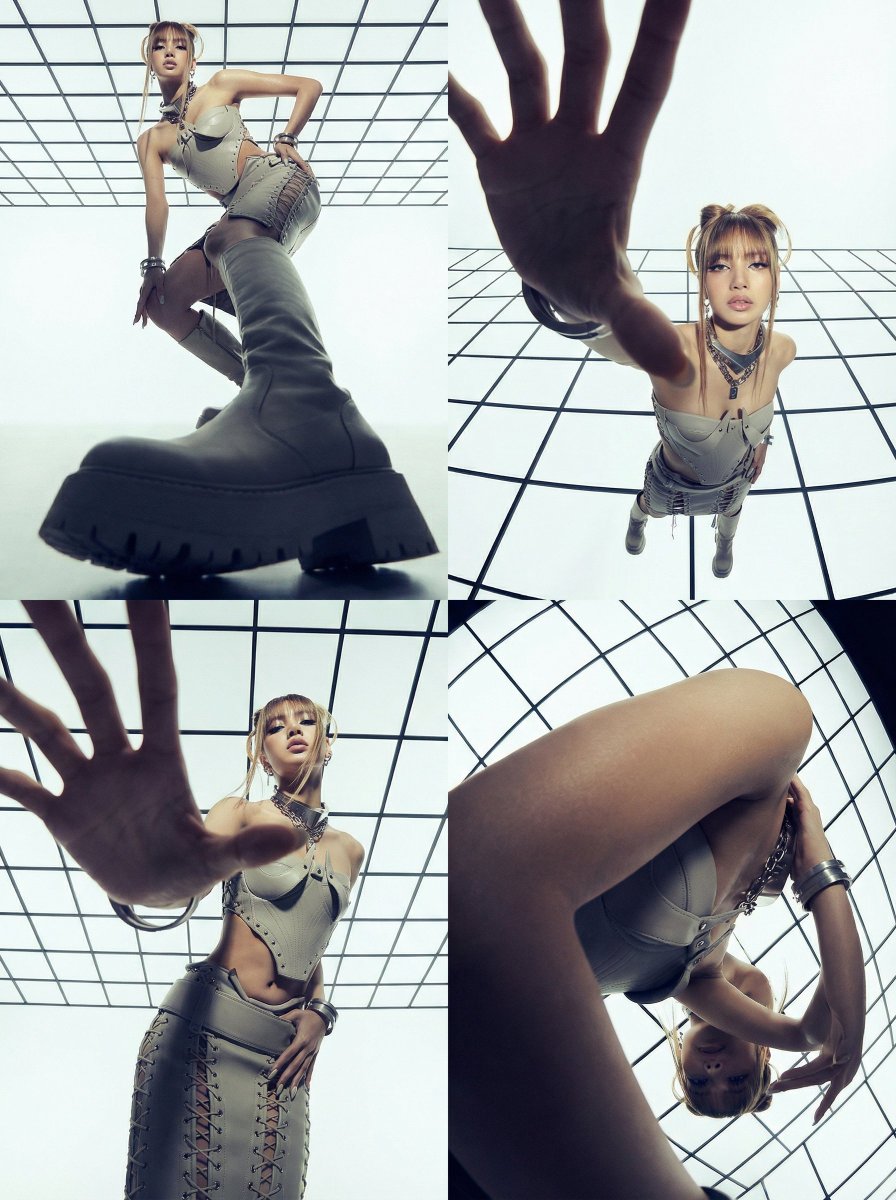
Dramatic Photo Transformation for BLACKPINK
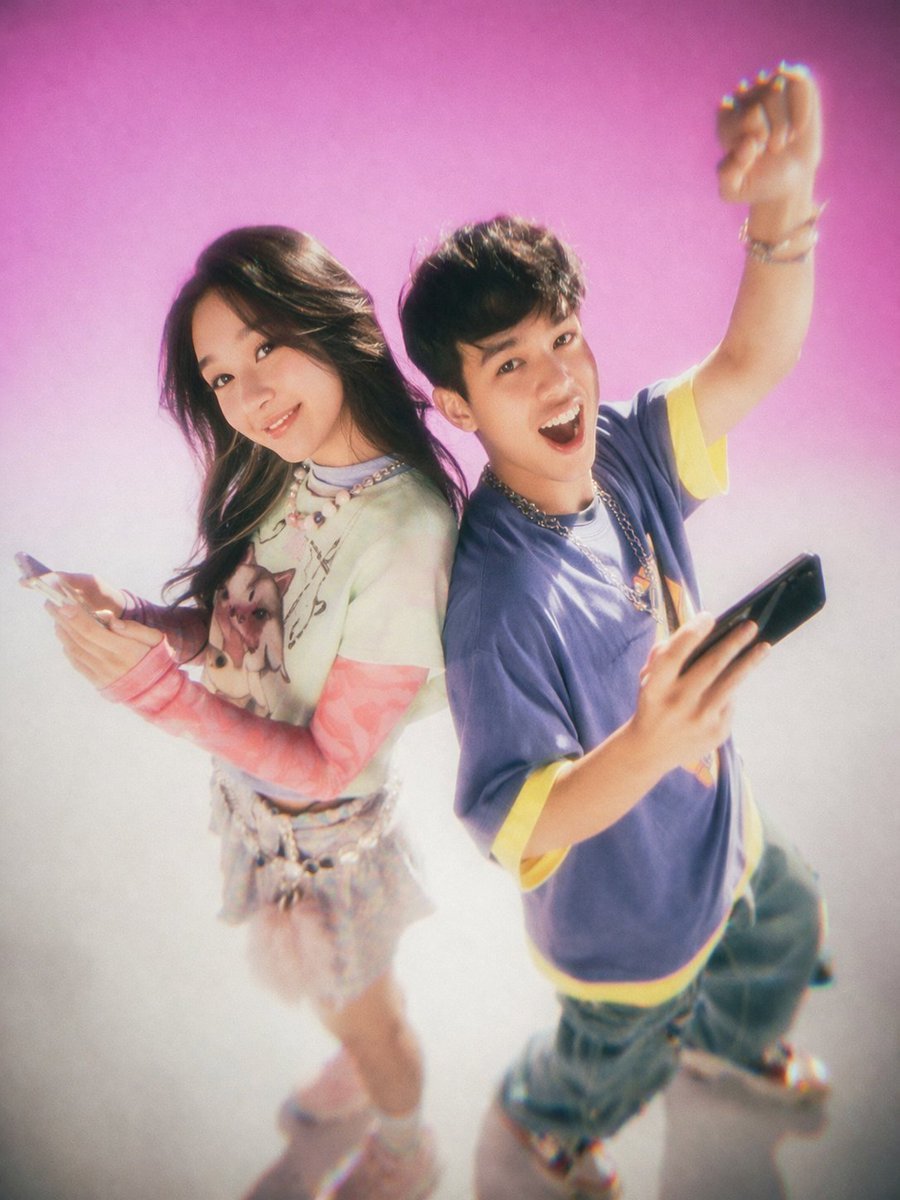
Y2K Teen Magazine Studio Portrait
Browse template categories
Life Stages Composite Portrait questions
How do I use the Life Stages Composite Portrait template?
Add your photo if the template asks for one, edit the prompt if you like — the template's model and format are already selected — and press Generate. Your version opens in PicX Studio.
Can I customize the Life Stages Composite Portrait template?
Yes. You can change the subject, setting, lighting, mood, format, and available model controls before creating your image.
Is the Life Stages Composite Portrait template free?
Opening and editing this template is free. Generating uses credits, shown on the Generate button when you are signed in.
Which AI model should I use?
Start with GPT Image 2, which is the model associated with this template. You can compare another compatible model for a different finish.
Looking for something else? Browse all templates.

Your photo, any look
Thousands of ready templates for every top image and video model, from one credit balance.