
Double-Exposure Scrapbook Portrait Composite
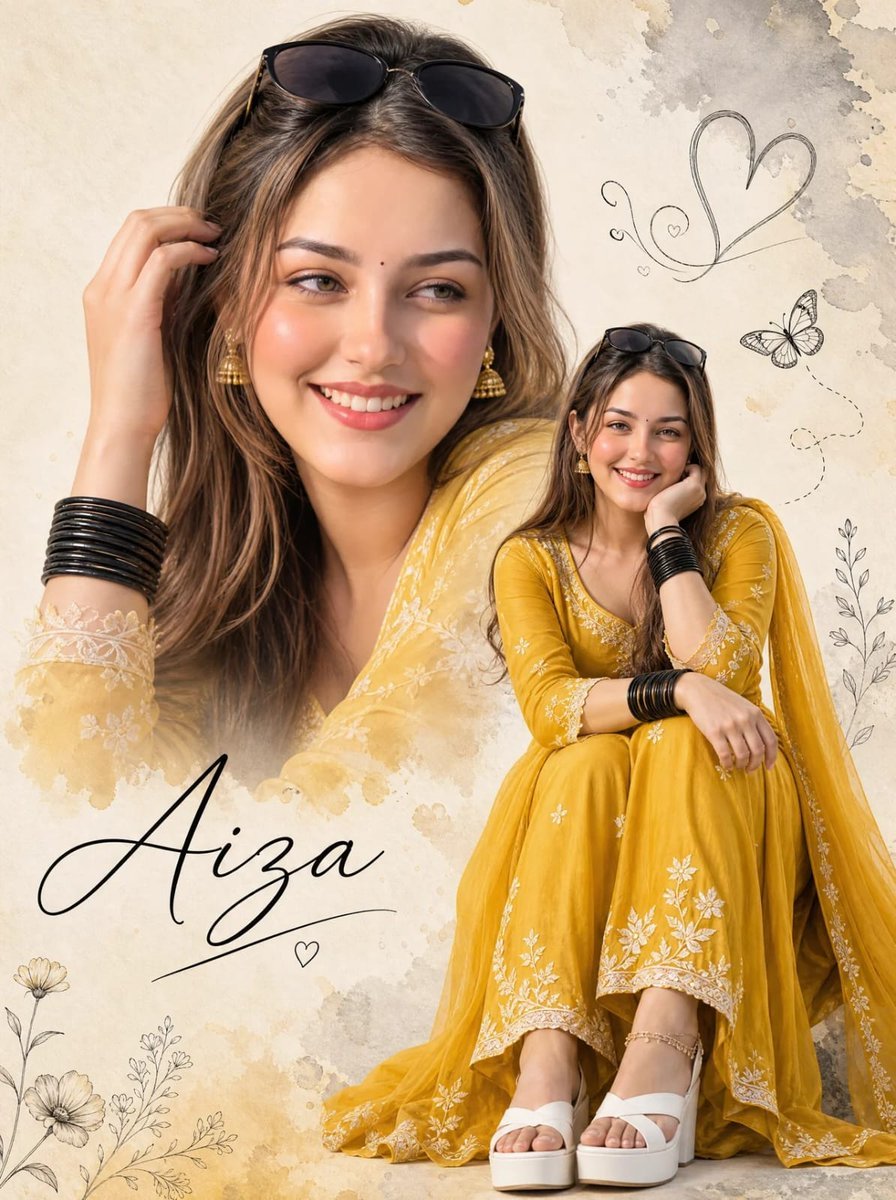
A complex double-exposure prompt for Nano Banana Pro that creates a layered composite of a woman in an embroidered yellow suit with watercolor and doodle accents.
- Prompt included
- Model and format preset
- Premium template
The prompt behind this image
Copy the exact prompt behind Double-Exposure Scrapbook Portrait Composite, or open it in the studio and make it yours.
Hyper-realistic cinematic double-exposure portrait composite — photorealistic large close-up combined with a smaller full-body seated portrait of the same woman, soft watercolor-splash scrapbook background, elegant hand-drawn doodle decorations, zero flat AI look. CONCEPT — EXACT: A layered double portrait where a large close-up face fills the upper-left of the frame, and a smaller full-body seated portrait of the same woman is positioned to the right, set against a cream textured watercolor-splash background with hand-drawn heart, butterfly, and floral line-art doodles, and elegant cursive name script text in the lower-left. LARGE CLOSE-UP PORTRAIT — EXACT: Close-up head-and-shoulders portrait, head tilted with one hand gently touching the hair near the temple, sunglasses pushed up resting on top of the head, warm joyful open-mouth smile, small bindi on the forehead, gold jhumka earring, loose flowing hair. SMALLER FULL-BODY FIGURE — EXACT: Full-body seated portrait, woman sitting with knees drawn up, one arm resting on her knee with chin resting on her hand, other arm bent with black bangles stacked on the wrist, warm bright smile, same sunglasses pushed up on the head, matching hairstyle and earrings. OUTFIT: Vivid {argument name="outfit color" default="mustard-yellow"} embroidered flowy {argument name="clothing style" default="anarkali-style suit"} with delicate white floral embroidery along the sleeves and hem, matching yellow dupatta draped over the shoulder, stacked black bangles on both wrists, gold jhumka earrings, white platform sandals, delicate anklet with small charms. DECORATIVE ELEMENTS — EXACT: Hand-drawn grey-toned doodle heart and swirl line accents in the upper-right area, a small illustrated butterfly with dotted flight-trail line, delicate hand-drawn floral branch line-art scattered near the bottom, soft grey watercolor-splash brushstroke texture in the upper-right corner. TEXT ELEMENT — EXACT: Large elegant black cursive script text in the lower-left corner displaying a name, "{argument name="subject name" default="Aiza"}" with a thin underline stroke and a small heart accent beneath it. BACKGROUND — EXACT: Soft cream/off-white textured background with subtle warm golden-yellow watercolor blotches and light grey brushstroke splashes, minimal and airy. LIGHTING — EXACT: Soft warm even lighting throughout, gentle natural glow on the skin, bright cheerful high-key lighting with no harsh shadows. COLOR GRADE — EXACT: Warm cream and soft neutral tones dominant in the background, vivid mustard-yellow outfit providing the strongest color pop, natural warm skin tones, soft romantic scrapbook-style color grading with delicate grey doodle accents. Ultra clean commercial double-exposure finish — sharp photo cutout edges on both portraits, delicate hand-drawn doodle linework, polished elegant cursive typography. No watermark. Gnrat ratio 3:4
How to use Double-Exposure Scrapbook Portrait Composite in 3 steps
- 1
Open
The prompt is already in the box next to the preview, with the template's model and format selected.
- 2…a portrait of your subject in softgolden-hour light, 85mm…
Personalize
Edit the subject and creative details for your destination.
- 3Generate
Generate
Press Generate — your image is created in PicX Studio, so you can compare it with the original and refine one variable at a time.
More like this
Templates with the same subject, style or setup. Open one to see its prompt.

Underwater Macro Face Portrait

Noir Punk Street Portrait

High Contrast Cinematic Face Portrait

Monochrome Studio Portrait with Colored Lens

Ultra-Realistic Yacht Sunset Portrait
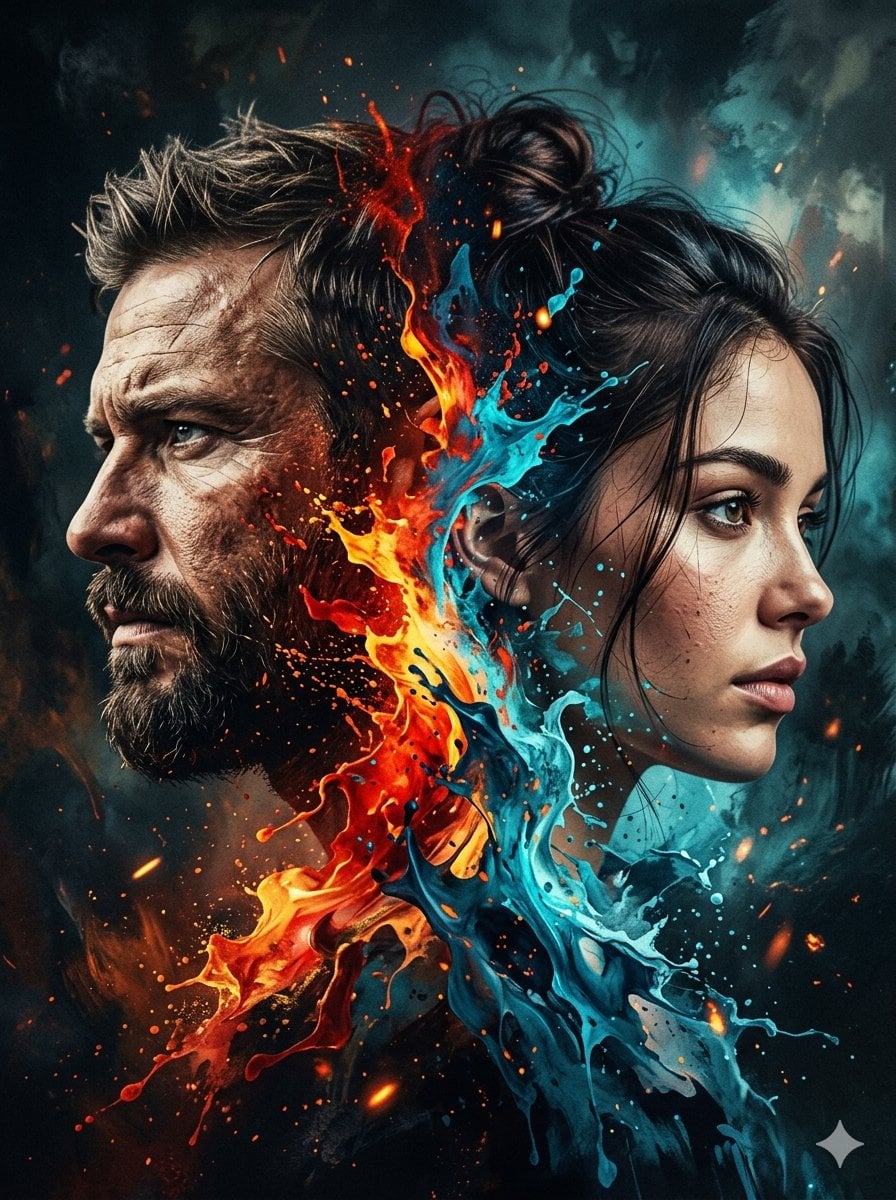
Dynamic Double-Exposure Artistic Portrait
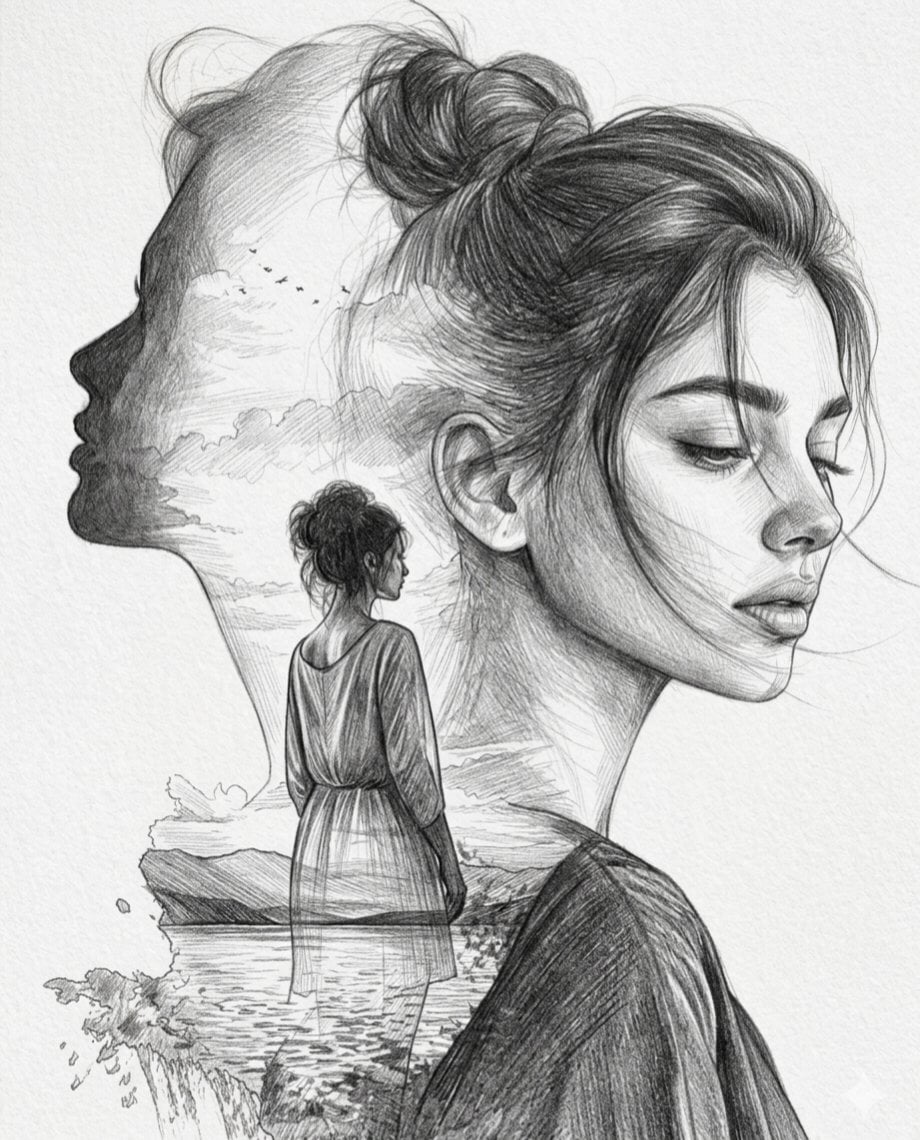
Double Exposure Pencil Sketch Portrait
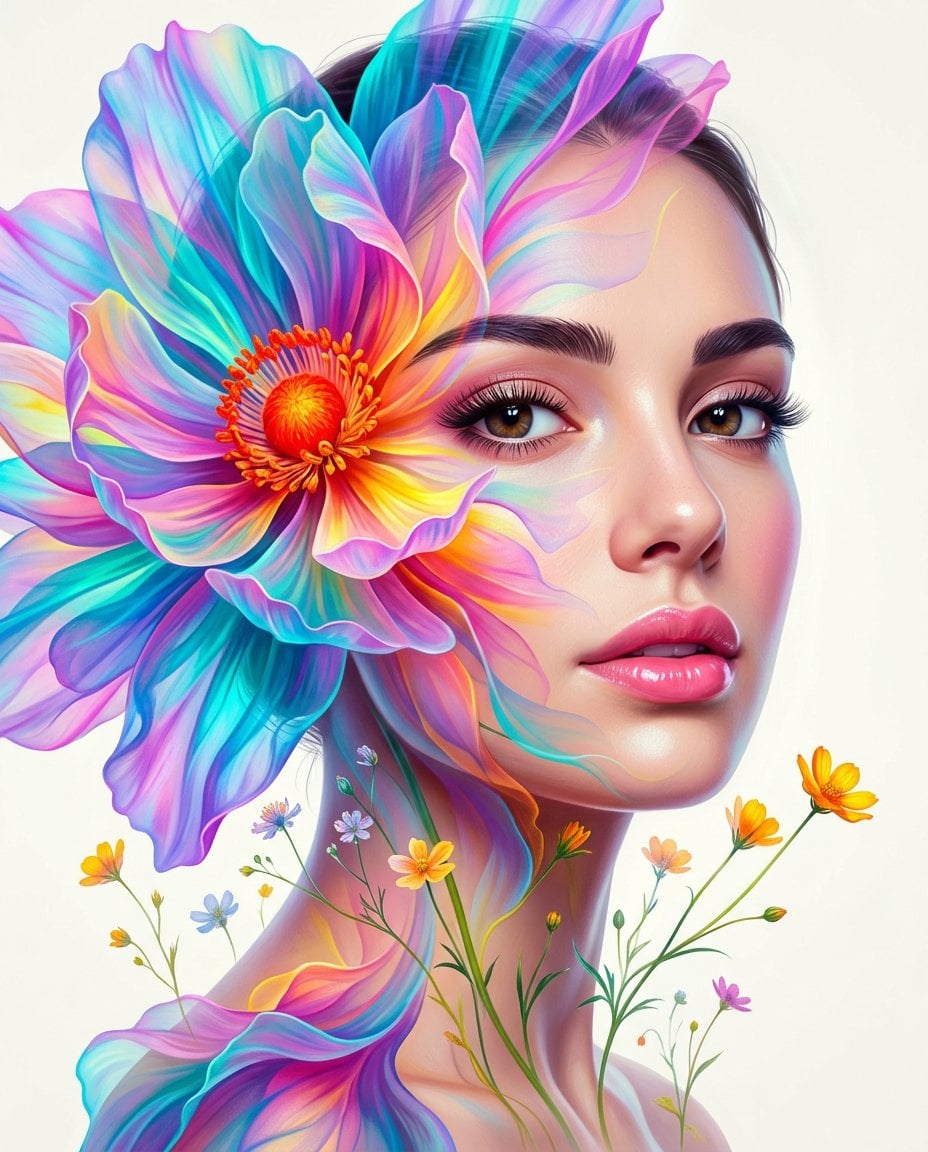
Surreal Double-Exposure Floral Portrait
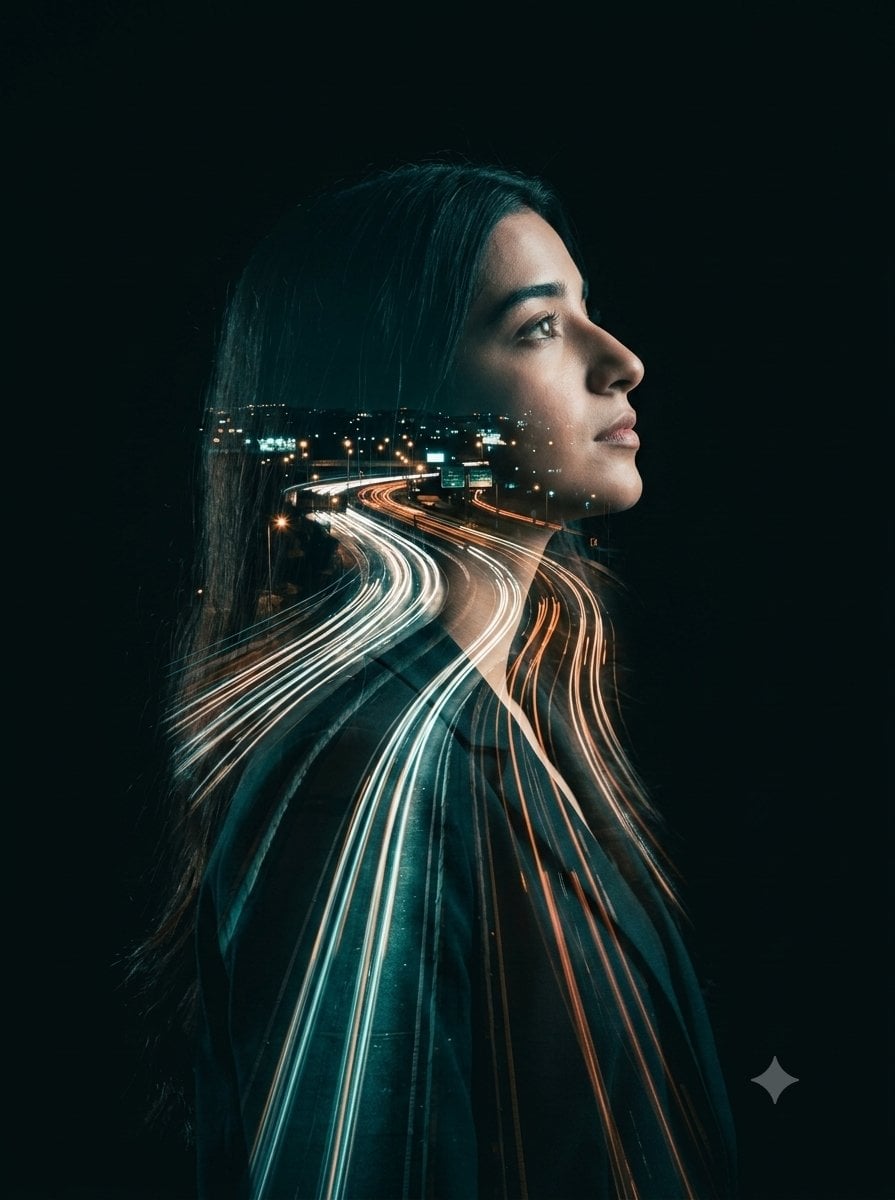
Double-Exposure Highway Portrait
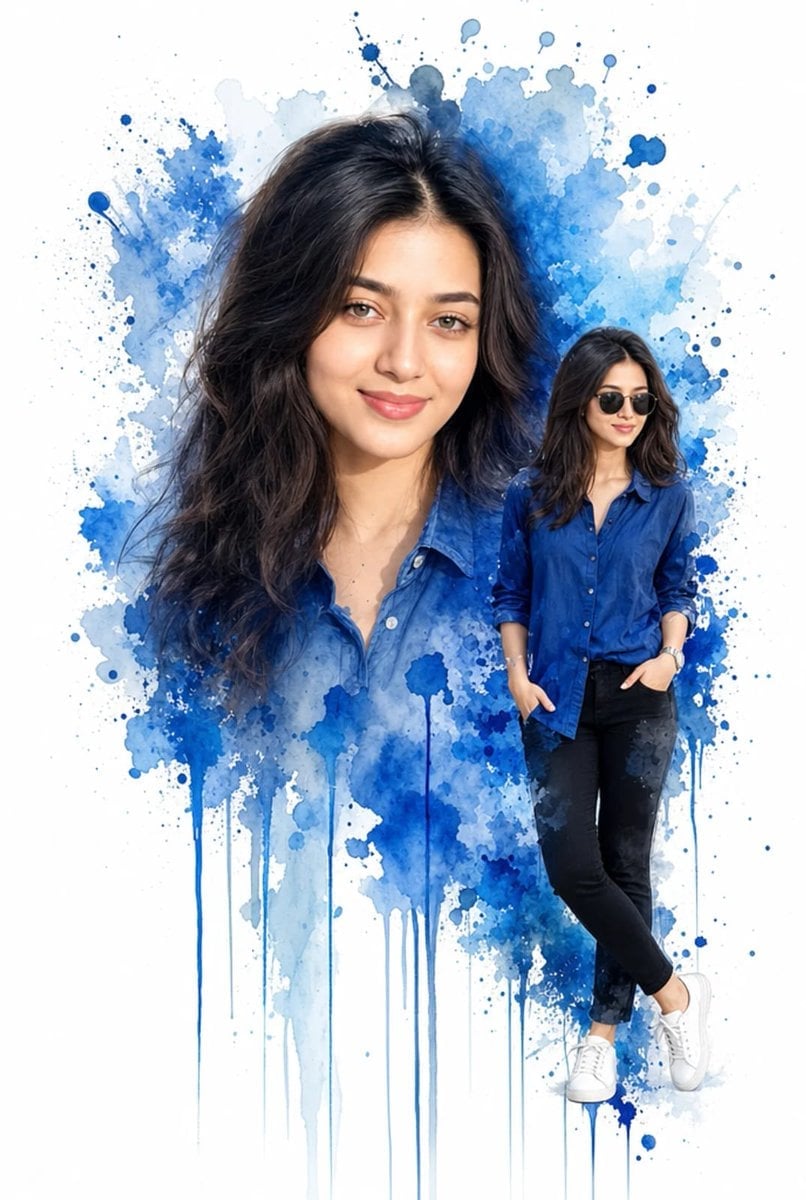
Double Exposure Watercolor Portrait Art
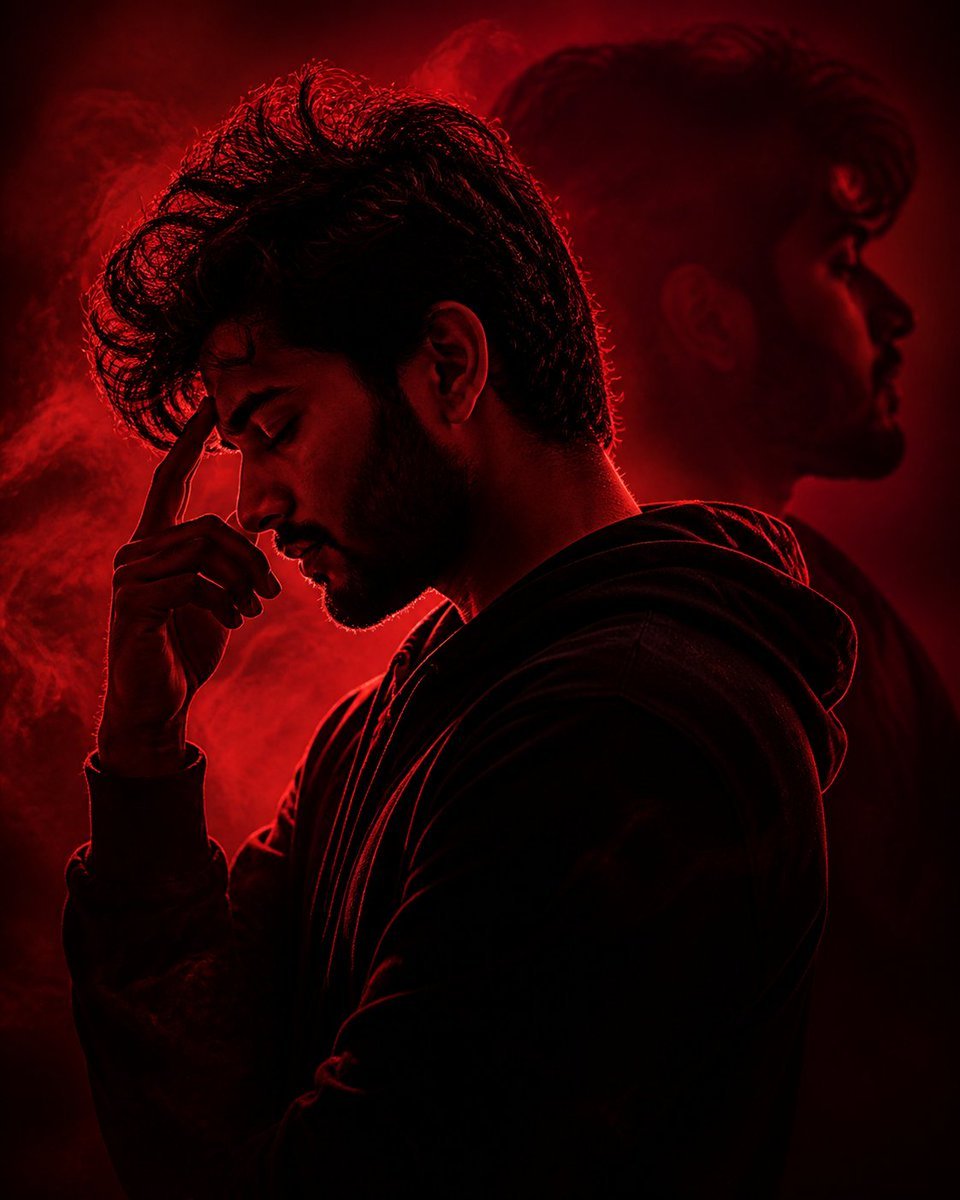
Crimson Moody Double Exposure Portrait
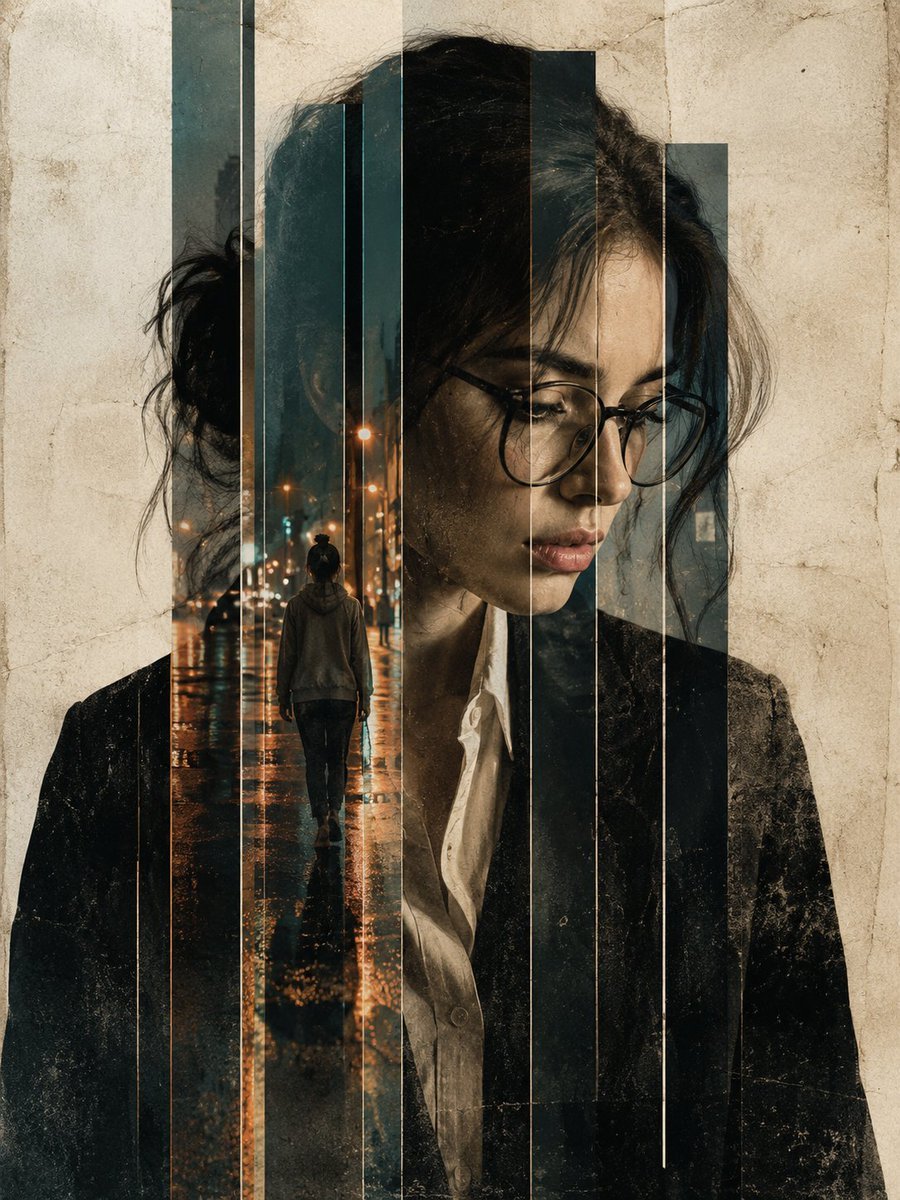
Double Exposure Editorial Portrait
Make it yours
Double-Exposure Scrapbook Portrait Composite works as-is. These are the safest ways to change it without losing the look.
Change one field
Copy a single group, rewrite it, and generate again so you can see what that field is doing.
Keep the frame, change the subject
Hold the composition and light of Double-Exposure Scrapbook Portrait Composite, then swap wardrobe, props or the person for a new take.
| If the result… | Why | Fix |
|---|---|---|
| The result drifts from the preview | Too many fields changed at once. | Reuse Double-Exposure Scrapbook Portrait Composite as-is first, then change one group — subject, light, or setting. |
| The model over-stylizes the scene | The prose prompt leaves finish and camera underspecified. | Add one camera or lighting sentence and stay on Gemini 3 Pro Image Preview. |
More Gemini 3 Pro Image Preview templates
Other prompts made for Gemini 3 Pro Image Preview.

Creative Character in Pink Office

Avant-Garde Asian Fashion Model

Water-level Bridge Modification

Mushroom Still Life Composition

Whimsical Anthropomorphic Friendly Insect

Cinematic Urban Night Billboard Portrait

Pop Art Summer Fruit Fashion Illustration

Ultra-Realistic iPhone Selfie with Motion Blur

Cinematic Mirror Reflection Portrait

Elegant Men's Twilight Editorial
More image prompts
Fresh picks from across the catalog.
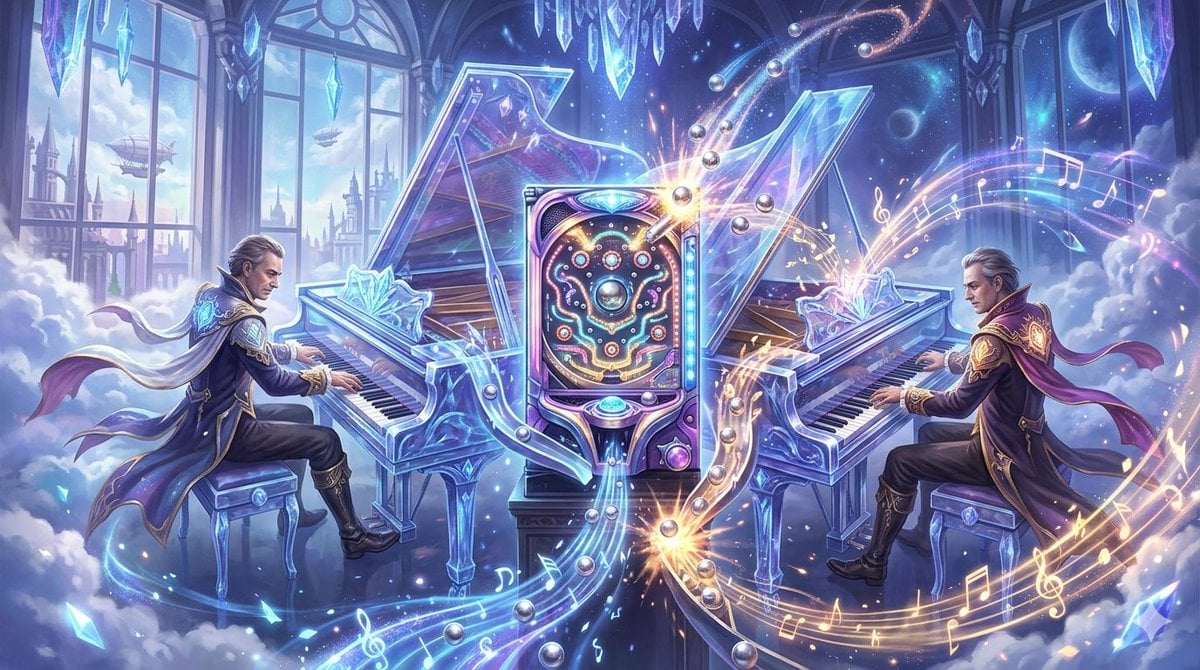
Image generation for Jolivet's 'Pachinko for Two Pianos'
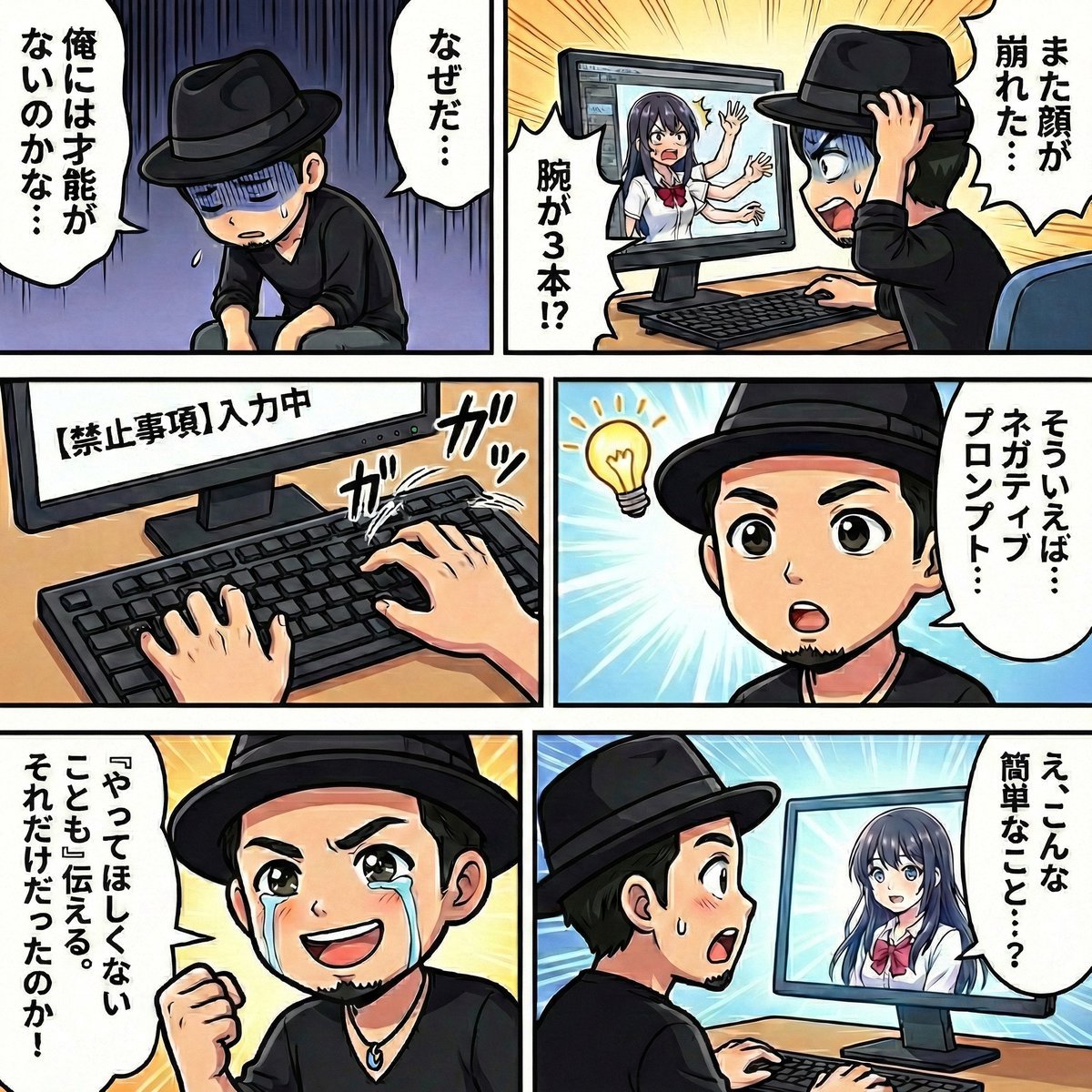
Negative Prompting for Manga Generation in NanoBanana Pro
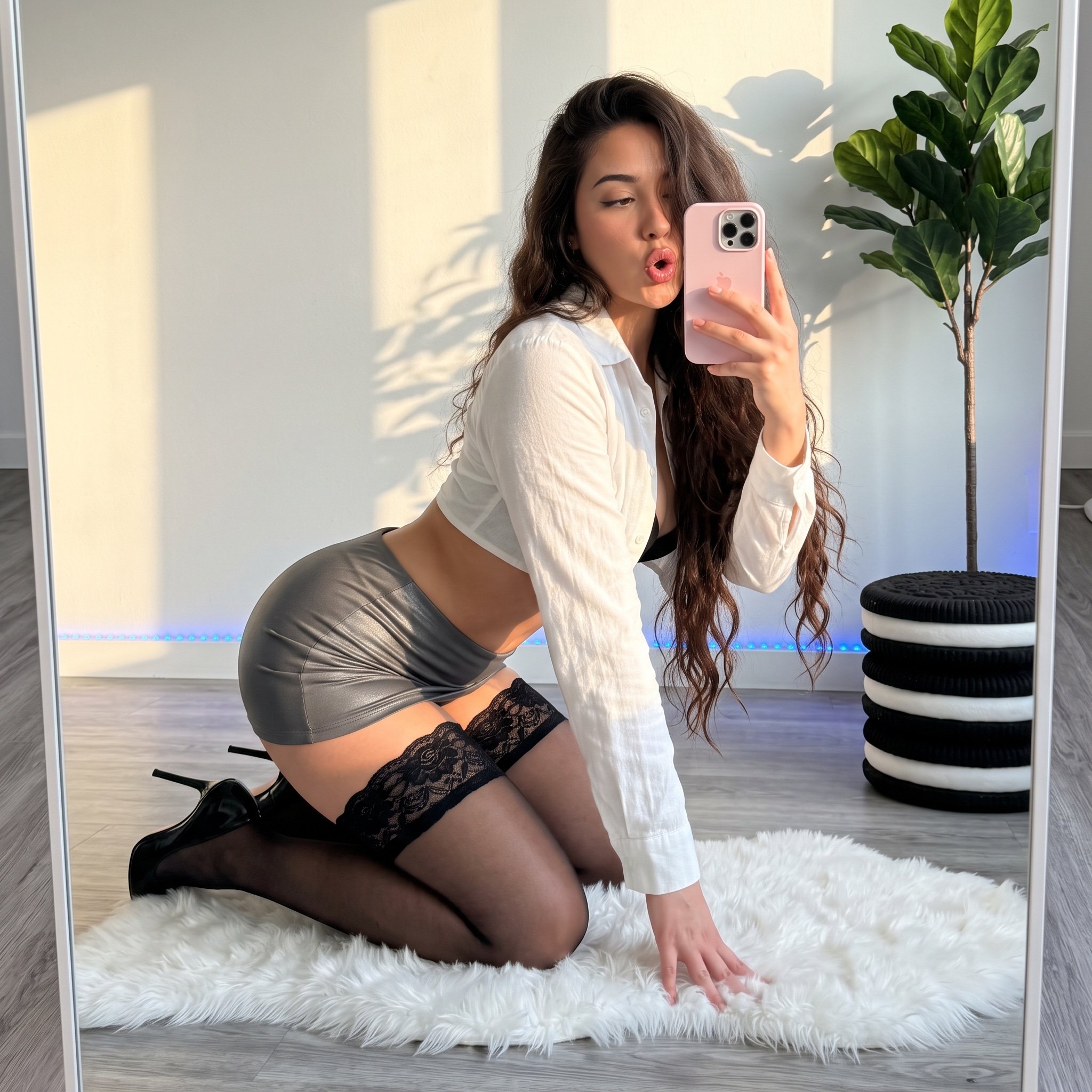
Mirror Selfie 'Thirst Trap' Aesthetic in Domestic Setting
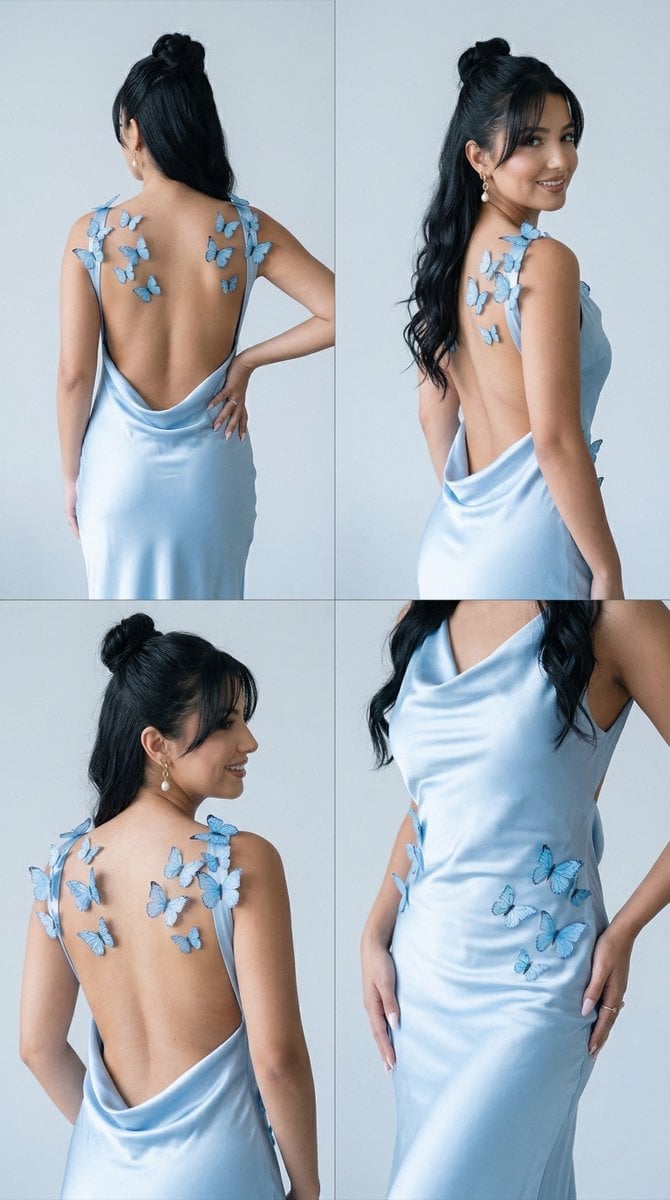
Butterfly Dress Editorial Grid Prompt for Nano Banana 2
Explain Tesla Coil Science
Realistic Social Media Food Photography
Gothic Alice Tea Party Poster
Instructional Martial Arts Movement Sheet
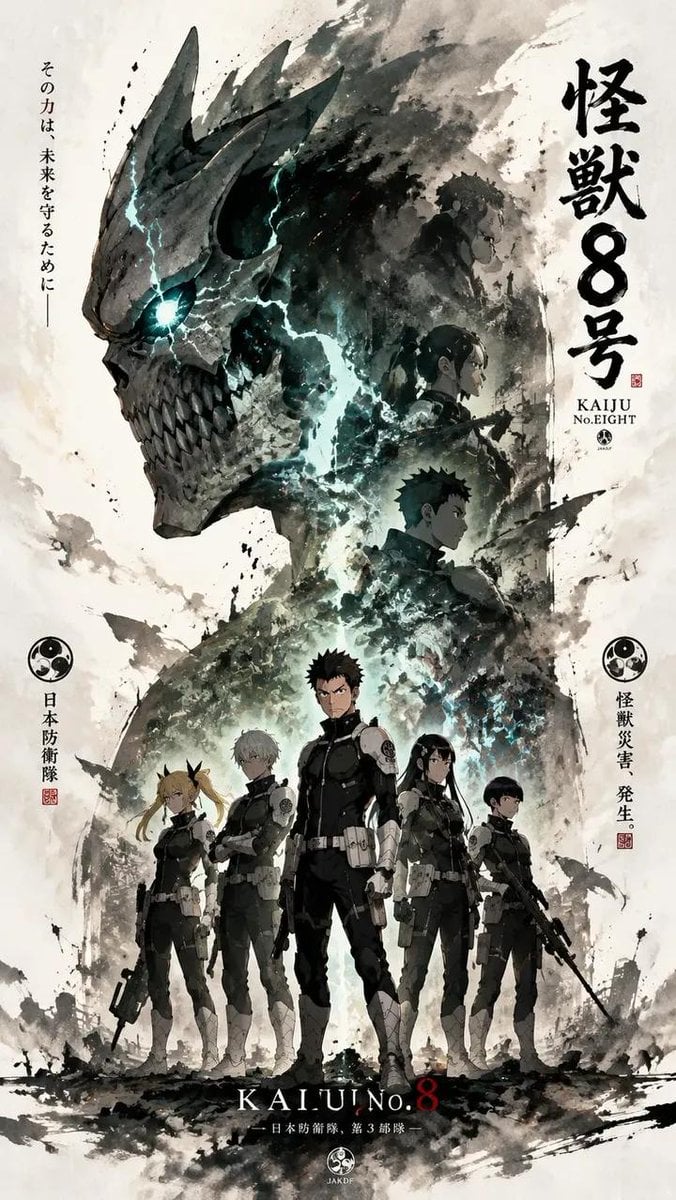
Ink-Wash Cinematic Anime Poster
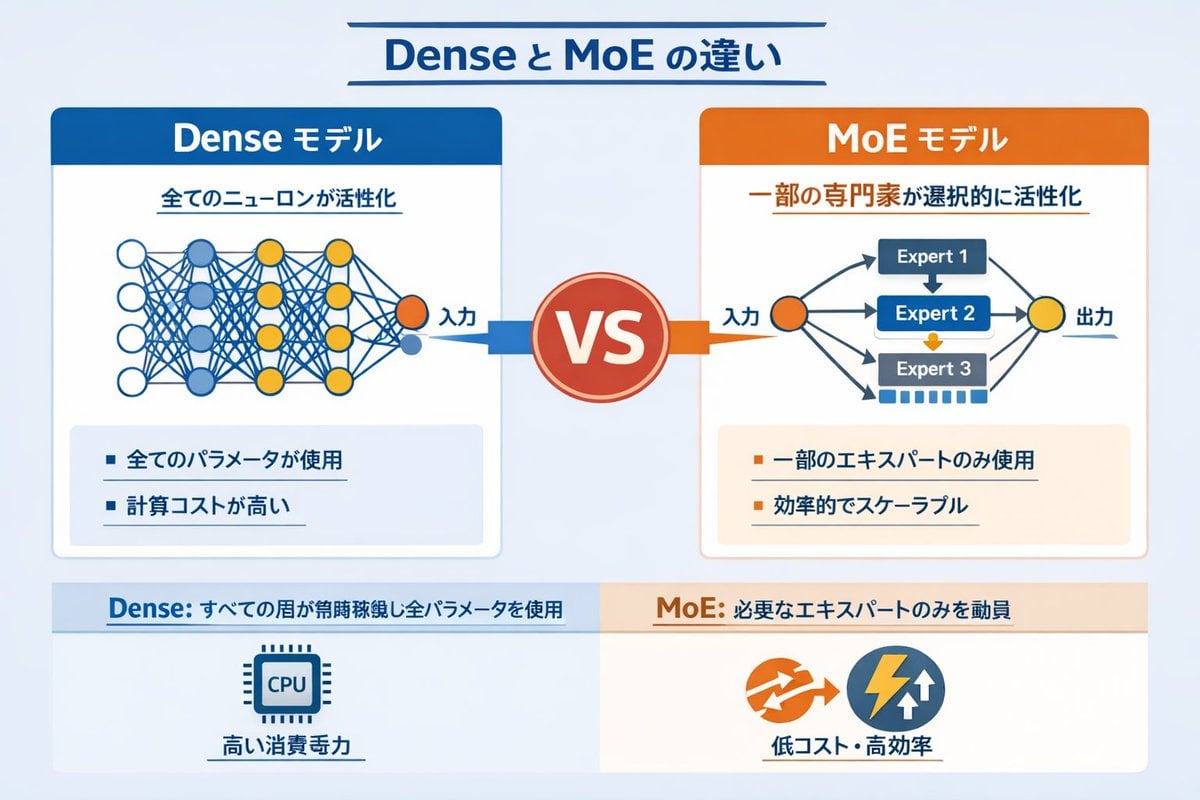
Dense vs MoE Neural Network Infographic
Browse template categories
Double-Exposure Scrapbook Portrait Composite questions
How do I use the Double-Exposure Scrapbook Portrait Composite template?
Add your photo if the template asks for one, edit the prompt if you like — the template's model and format are already selected — and press Generate. Your version opens in PicX Studio.
Can I customize the Double-Exposure Scrapbook Portrait Composite template?
Yes. You can change the subject, setting, lighting, mood, format, and available model controls before creating your image.
Is the Double-Exposure Scrapbook Portrait Composite template free?
Opening and editing this template is free. Generating uses credits, shown on the Generate button when you are signed in.
Which AI model should I use?
Start with Gemini 3 Pro Image Preview, which is the model associated with this template. You can compare another compatible model for a different finish.
Looking for something else? Browse all templates.

Your photo, any look
Thousands of ready templates for every top image and video model, from one credit balance.