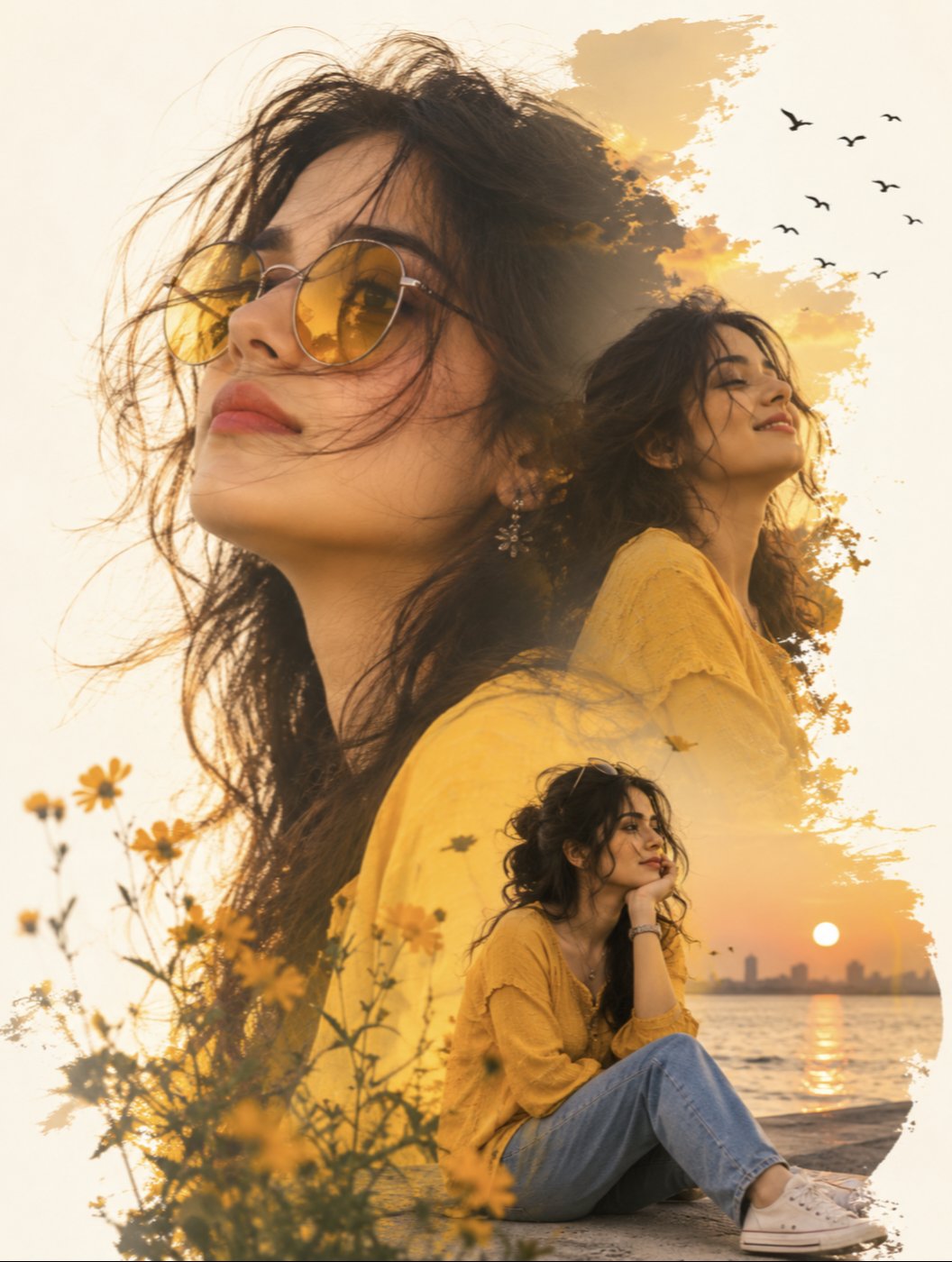
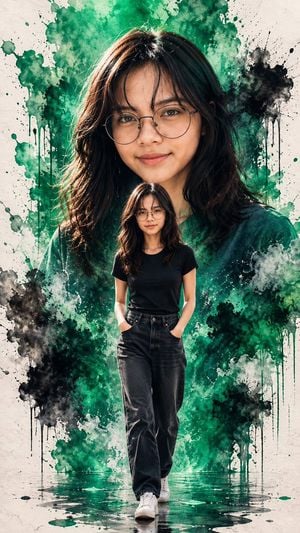
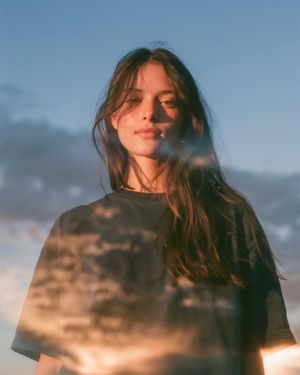
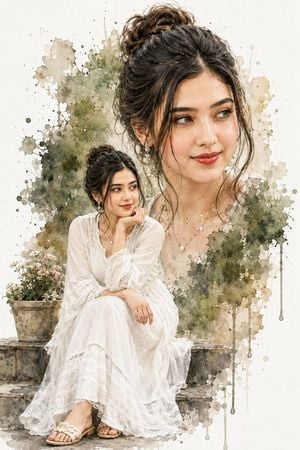
How do I use the Double Exposure Watercolor Portrait Art template?
Edit the prompt in the box under the preview — the template's model and format are already selected — and press Generate. Your version appears right on this page.
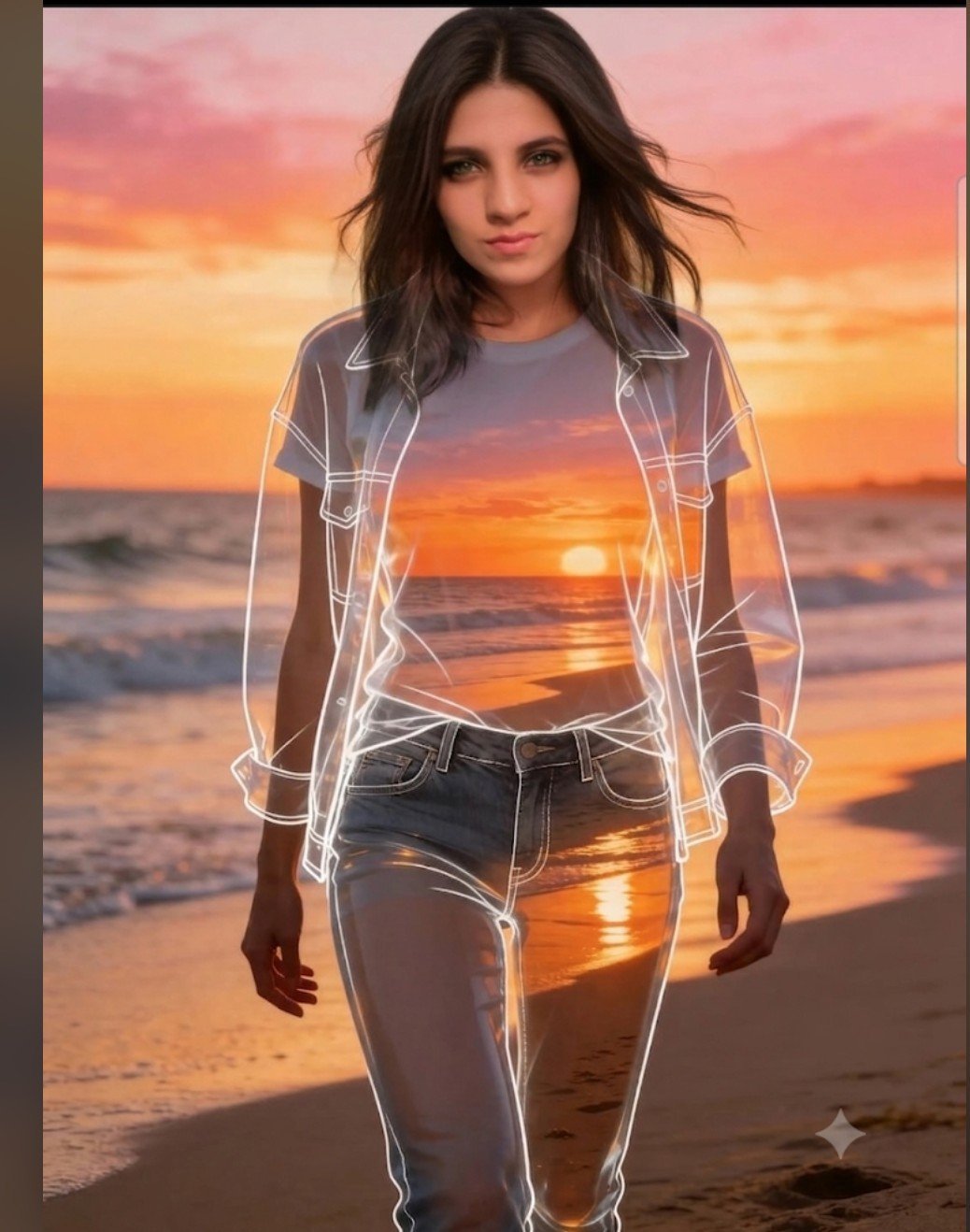
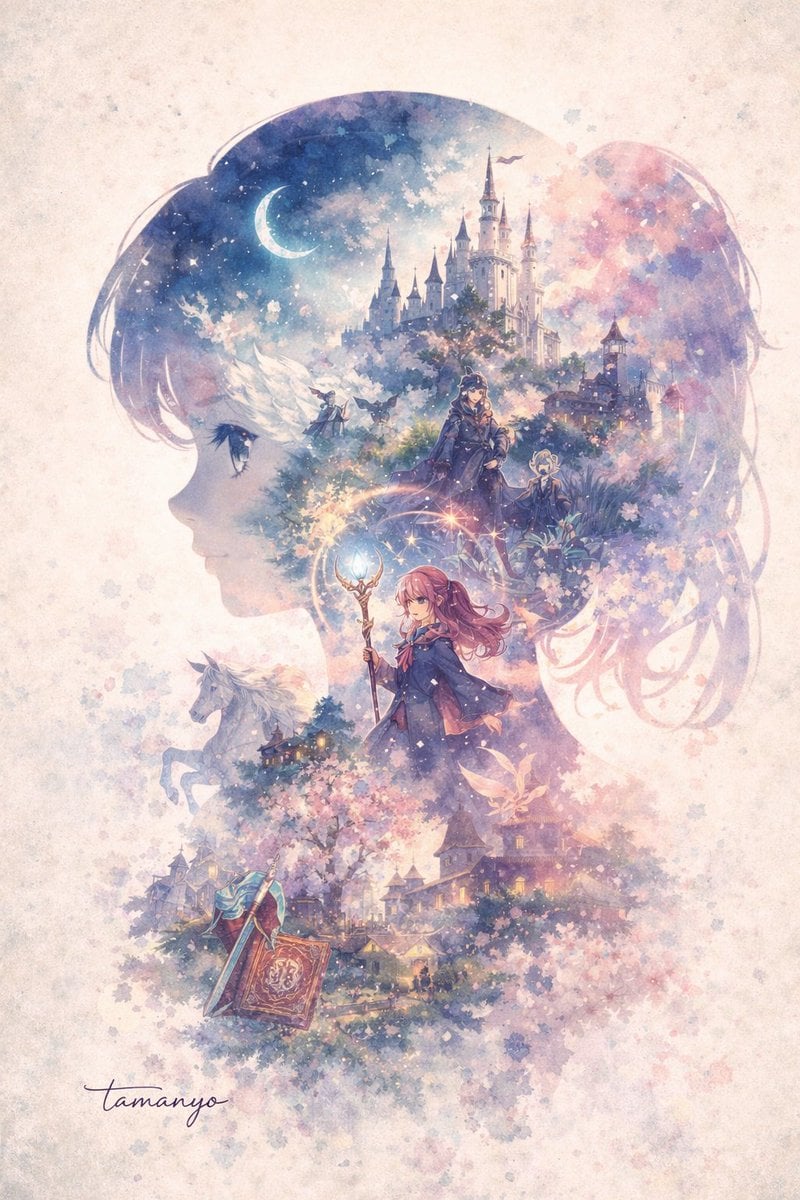
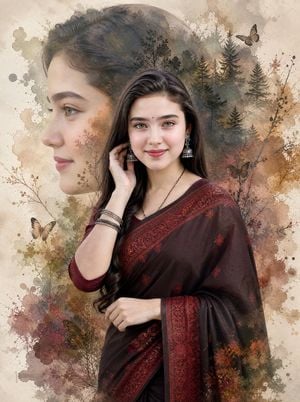
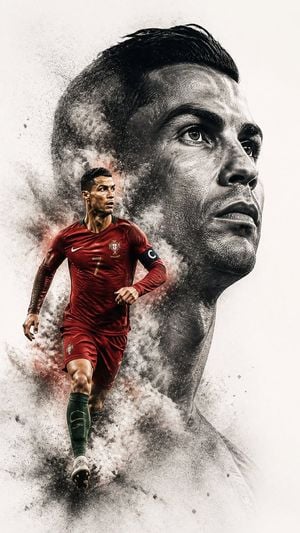
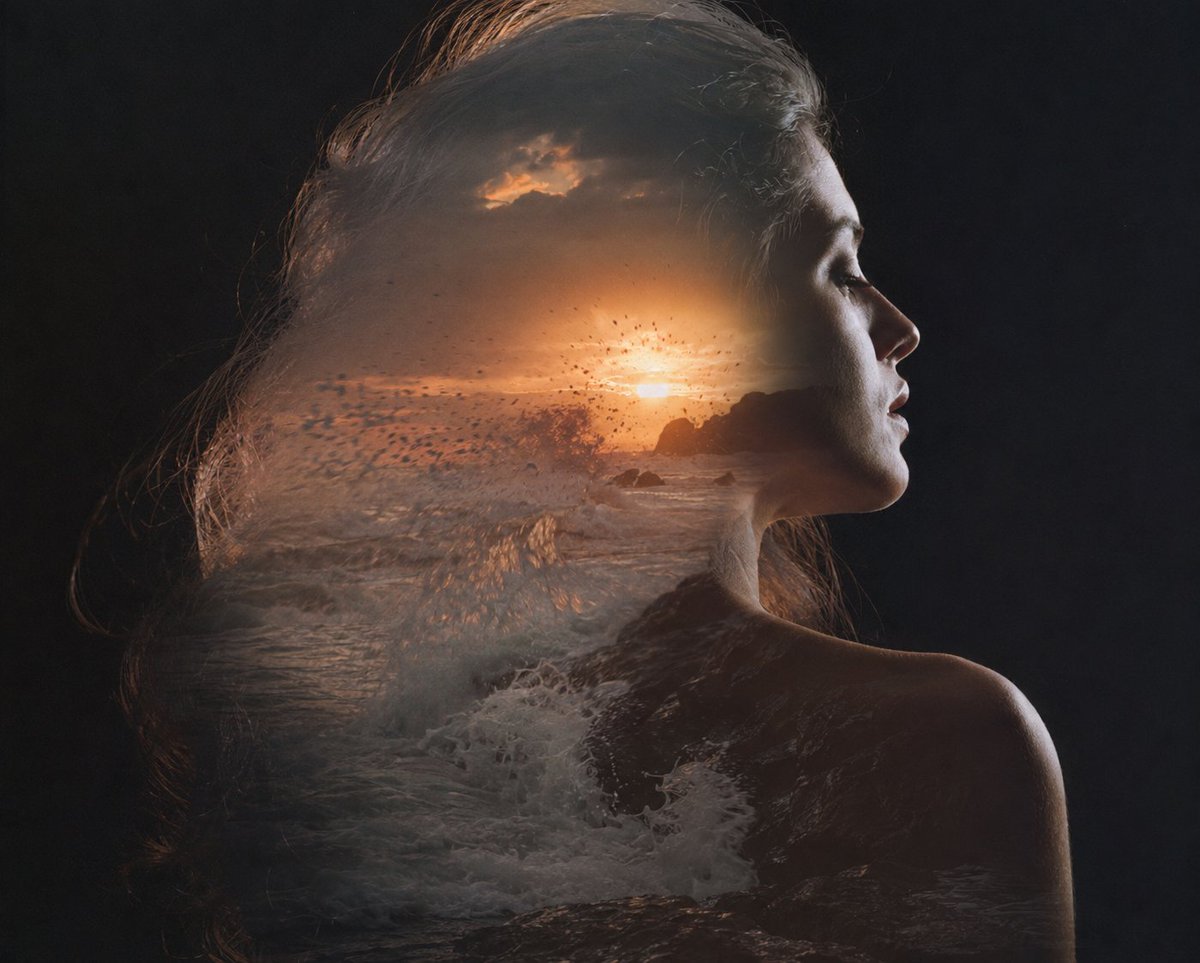
A creative prompt combining high-detail photography with abstract watercolor ink splashes for a stunning double exposure effect.

A stunning double exposure watercolor portrait art of a young woman with {argument name="hair color" default="dark brown"} shoulder-length hair, {argument name="eye color" default="hazel-green"} eyes, natural makeup, soft smile, wearing a {argument name="clothing" default="royal blue button-up casual shirt"}. Large close-up face portrait blended seamlessly with a full-body shot of the same woman wearing sunglasses, black slim pants, white sneakers and a wristwatch, standing in a relaxed pose with one leg crossed. Background is pure white with dramatic royal blue and cobalt watercolor ink splashes, blooms, and drips cascading down. Watercolor paint splatters in varying shades of blue — cobalt, indigo, cerulean — scattered across the white canvas. Paint drips running vertically downward. The portrait and full-body figure emerge organically from the watercolor splashes. Ultra-realistic photographic face with painterly watercolor body transition. High detail, sharp focus on face, soft artistic edges blending into watercolor. Editorial art style, white background, blue ink wash aesthetic.
A stunning double exposure watercolor portrait art of a young woman with {argument name="hair color" default="dark brown"} shoulder-length hair, {argument name="eye color" default="hazel-green"} eyes, natural makeup, soft smile, wearing a {argument name="clothing" default="royal blue button-up casual shirt"}. Large close-up face portrait blended seamlessly with a full-body shot of the same woman wearing sunglasses, black slim pants, white sneakers and a wristwatch, standing in a relaxed pose with one leg crossed. Background is pure white with dramatic royal blue and cobalt watercolor ink splashes, blooms, and drips cascading down. Watercolor paint splatters in varying shades of blue — cobalt, indigo, cerulean — scattered across the white canvas. Paint drips running vertically downward. The portrait and full-body figure emerge organically from the watercolor splashes. Ultra-realistic photographic face with painterly watercolor body transition. High detail, sharp focus on face, soft artistic edges blending into watercolor. Editorial art style, white background, blue ink wash aesthetic.
Edit the prompt in the box under the preview — the template's model and format are already selected — and press Generate. Your version appears right on this page.
Yes. You can change the subject, setting, lighting, mood, format, and available model controls before creating your image.
Opening and editing this template is free. Generating uses credits, shown on the Generate button when you are signed in.
Start with Nano Banana 2, which is the model associated with this template. You can compare another compatible model for a different finish.
Follow a topic to a crawlable collection of related PicX Studio templates.