
Graffiti Sketch Style Template
A comprehensive prompt template to create artistic sketches with a hand-drawn doodle aesthetic and personalized signature.
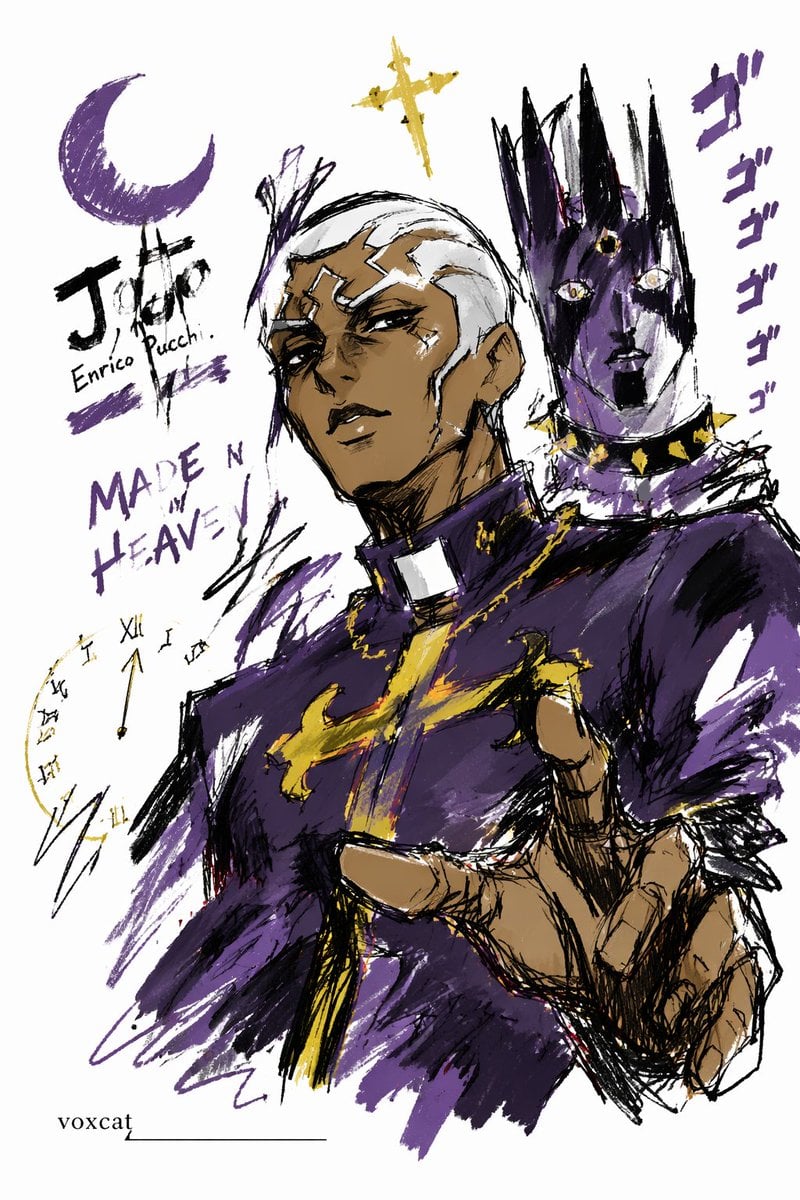
- Prompt included
- Model and format preset
- Free template
The prompt behind this image
Copy the exact prompt behind Graffiti Sketch Style Template, or open it in the studio and make it yours.
Depict [{argument name="subject" default="theme/subject"}] in a doodle-sketch style, with an overall visual effect of quick outlining, free deformation, improvised hand-drawing, and rough-draft quality. The lines should be loose, exaggerated, and of varying thickness, slightly messy but rhythmic and expressive, emphasizing simplification, exaggeration, playfulness, and spontaneity rather than rigorous realism or fine detail. Use rough, visibly dry-brushed blocks of color, retaining uneven smudges, brush marks, dry-brush streaks, and areas of overlap; the colors should automatically adapt to [{argument name="subject" default="theme/subject"}], while the overall expression stays doodle-like, sketch-like, and simplified. Do not use a transparent watercolor bleed effect, no delicate watercolor gradients, no paper texture, no soft blurring, no dreamy quality. Keep the background mostly blank, maintaining a clean, relaxed, unfinished, and design-forward feel. A small number of auxiliary symbols, arrows, marks, circled areas, repeated lines, casually handwritten text, or other doodle elements may be added to strengthen the sketchbook or notebook-style visual language, but it should not be too crowded and must not disrupt the subject or the sense of empty space. The image content doesn't need to be spelled out in advance — let [{argument name="subject" default="theme/subject"}] automatically drive the design and generate the most fitting subject imagery, action, related elements, symbols, or simplified scene, keeping a unified doodle-sketch style and an exaggerated, simplified mode of expression throughout, avoiding complex realistic backgrounds and excessive elaboration. The signature "voxcat" must be naturally worked into the image as part of the composition, placed subtly but legibly — in the bottom-left, bottom-right, or near the title — in a style consistent with the overall layout, like a work signature or design mark. The signature font should be refined, restrained, and elegant, not too large, must not disrupt the main composition, and must not look out of place or cheap.
How to use Graffiti Sketch Style Template in 3 steps
- 1
Open
The prompt is already in the box next to the preview, with the template's model and format selected.
- 2…a portrait of your subject in softgolden-hour light, 85mm…
Personalize
Edit the subject and creative details for your destination.
- 3Generate
Generate
Press Generate — your image is created in PicX Studio, so you can compare it with the original and refine one variable at a time.
More like this
Templates with the same subject, style or setup. Open one to see its prompt.

Frozen Street Luxe Graffiti Fashion Campaign

Japanese Café Sketch Duo Illustration

Delicate Japanese Café Lifestyle Illustration
Miles Morales Spider-Man Brooklyn Graffiti
Graffiti Sketch AI Builder Style
Graffiti Sketch Style AI Builder
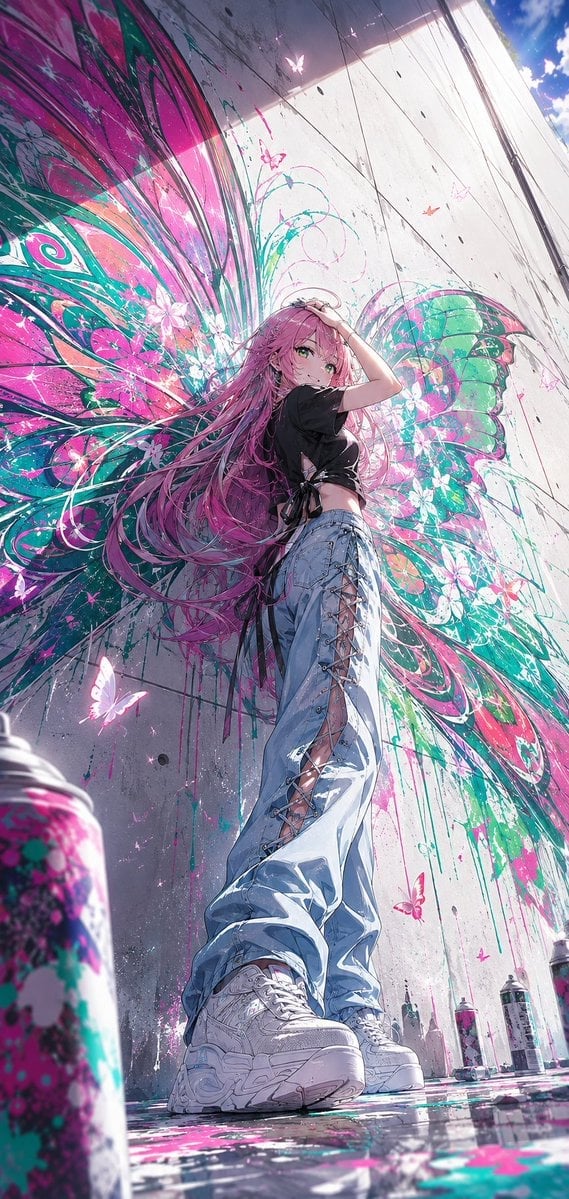
Anime Graffiti Butterfly Girl
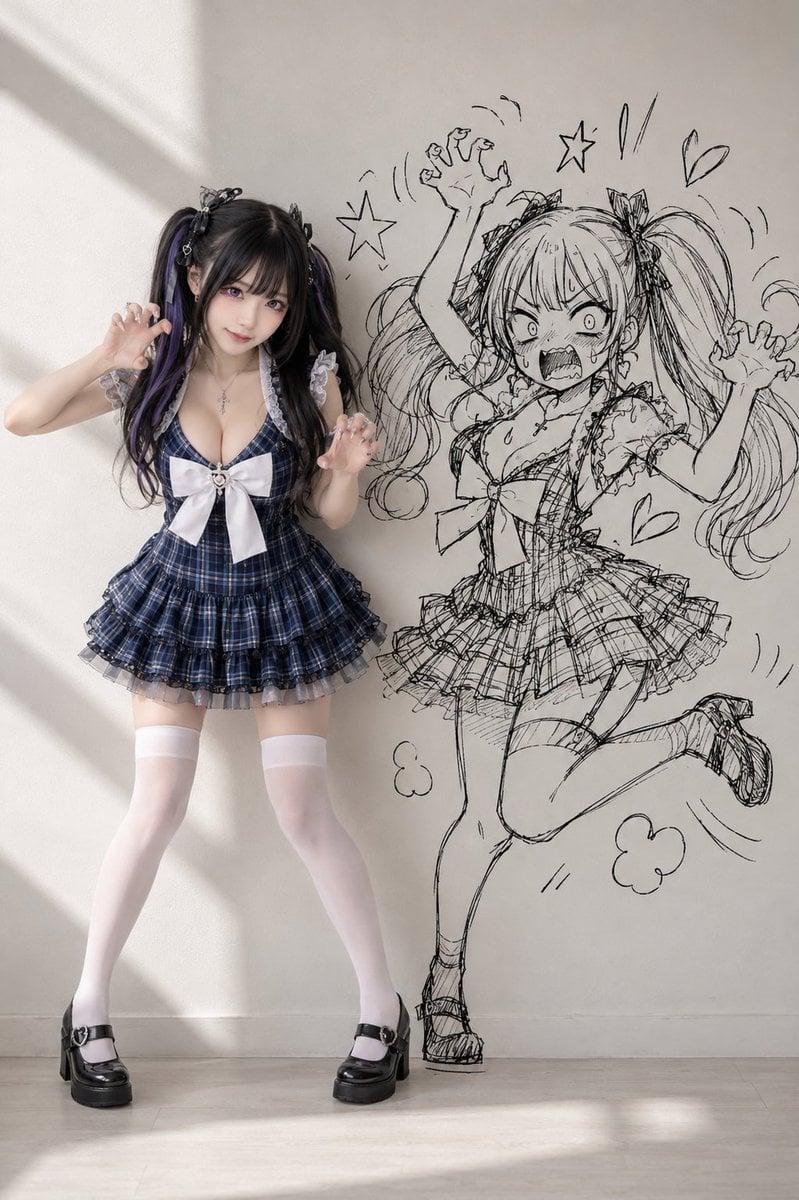
Cosplay Girl with Manga Graffiti Shadow
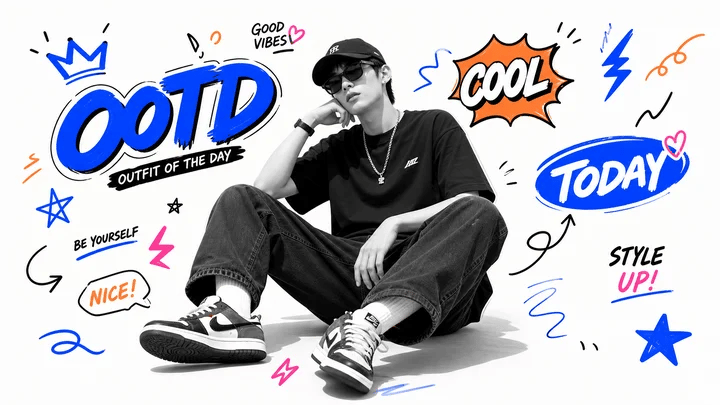
Blue Graffiti OOTD Sticker Poster
Skate Ramp 90s Graffiti
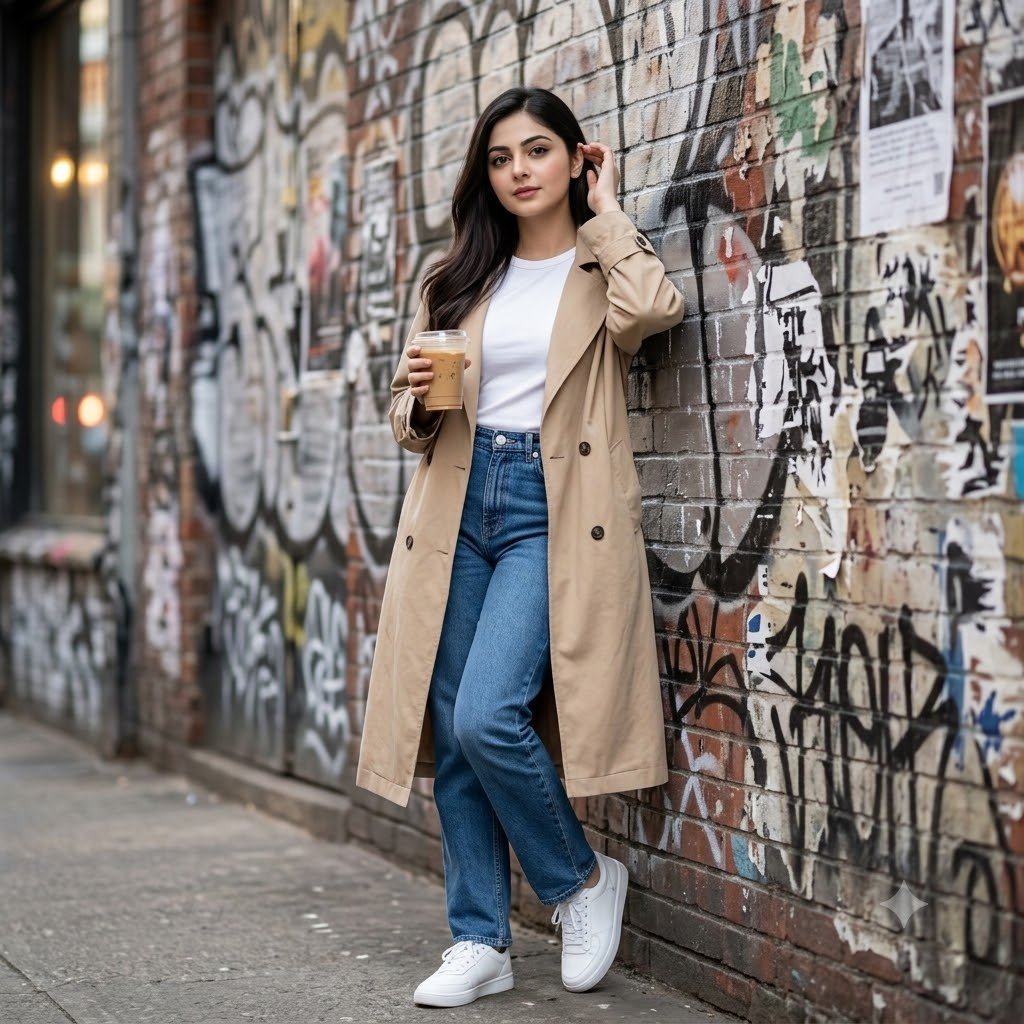
Urban Graffiti Brick Wall Portrait
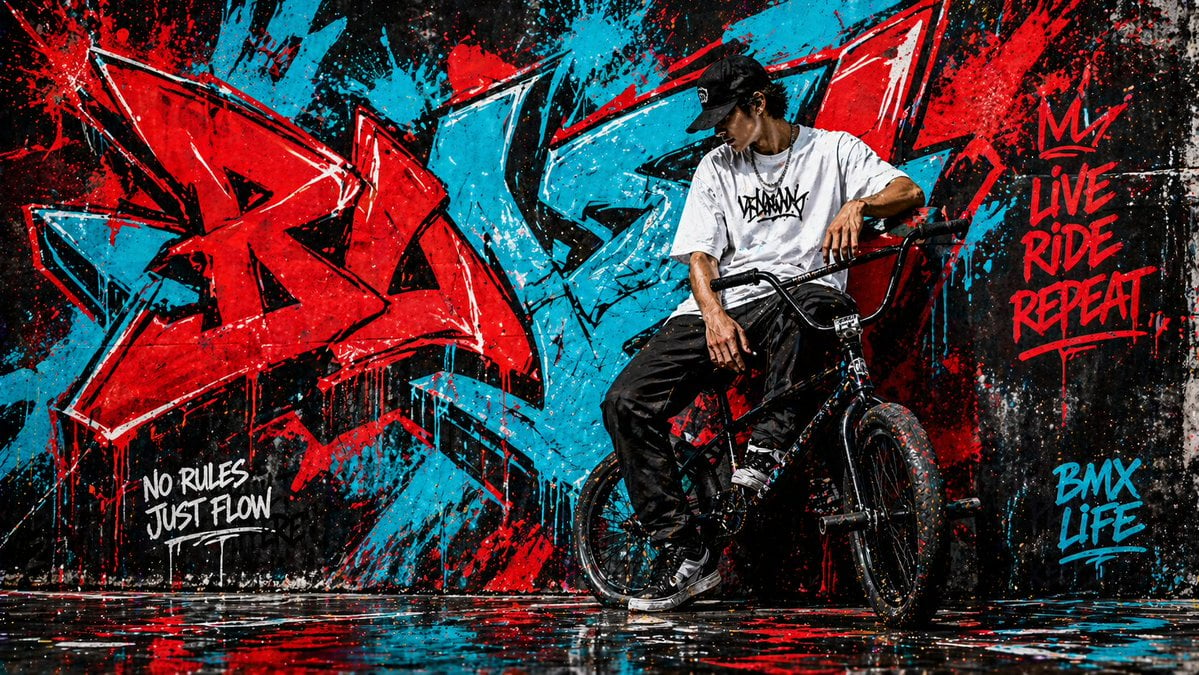
Graffiti Wall Urban Artwork
Make it yours
Graffiti Sketch Style Template works as-is. These are the safest ways to change it without losing the look.
Change one field
Copy a single group, rewrite it, and generate again so you can see what that field is doing.
Keep the frame, change the subject
Hold the composition and light of Graffiti Sketch Style Template, then swap wardrobe, props or the person for a new take.
| If the result… | Why | Fix |
|---|---|---|
| The result drifts from the preview | Too many fields changed at once. | Reuse Graffiti Sketch Style Template as-is first, then change one group — subject, light, or setting. |
| The model over-stylizes the scene | The prose prompt leaves finish and camera underspecified. | Add one camera or lighting sentence and stay on GPT Image 2. |
More GPT Image 2 templates
Other prompts made for GPT Image 2.

Six VTuber Japanese Logo Sheet

Realistic Portrait of Woman and Deer

The Vista Modular Condo Poster

AI Model Routing Comparison Infographic

2.5D Anime Art Board

Isometric Productivity Desk Scene

New York Double Exposure Poster

Four-Panel AI Landscape Comparison

Japanese Tatami Lifestyle Magazine Cover

NESCAFÉ Coffee Map Poster
More image prompts
Fresh picks from across the catalog.
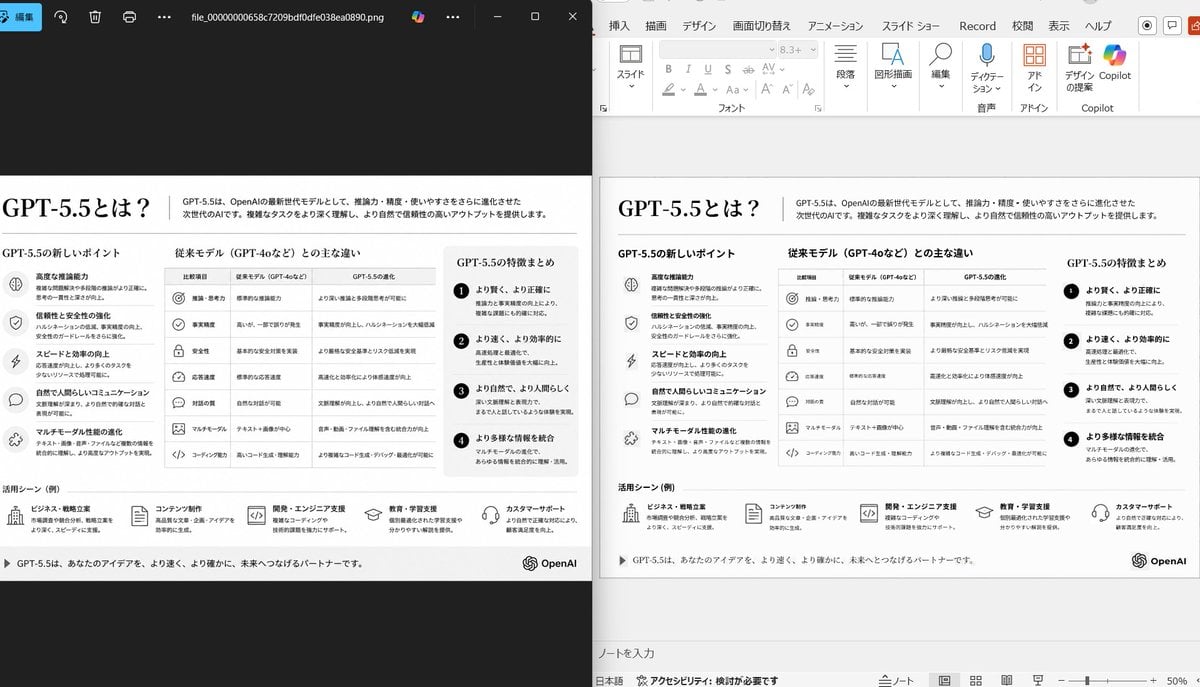
Side-by-Side PPT Reconstruction Demo
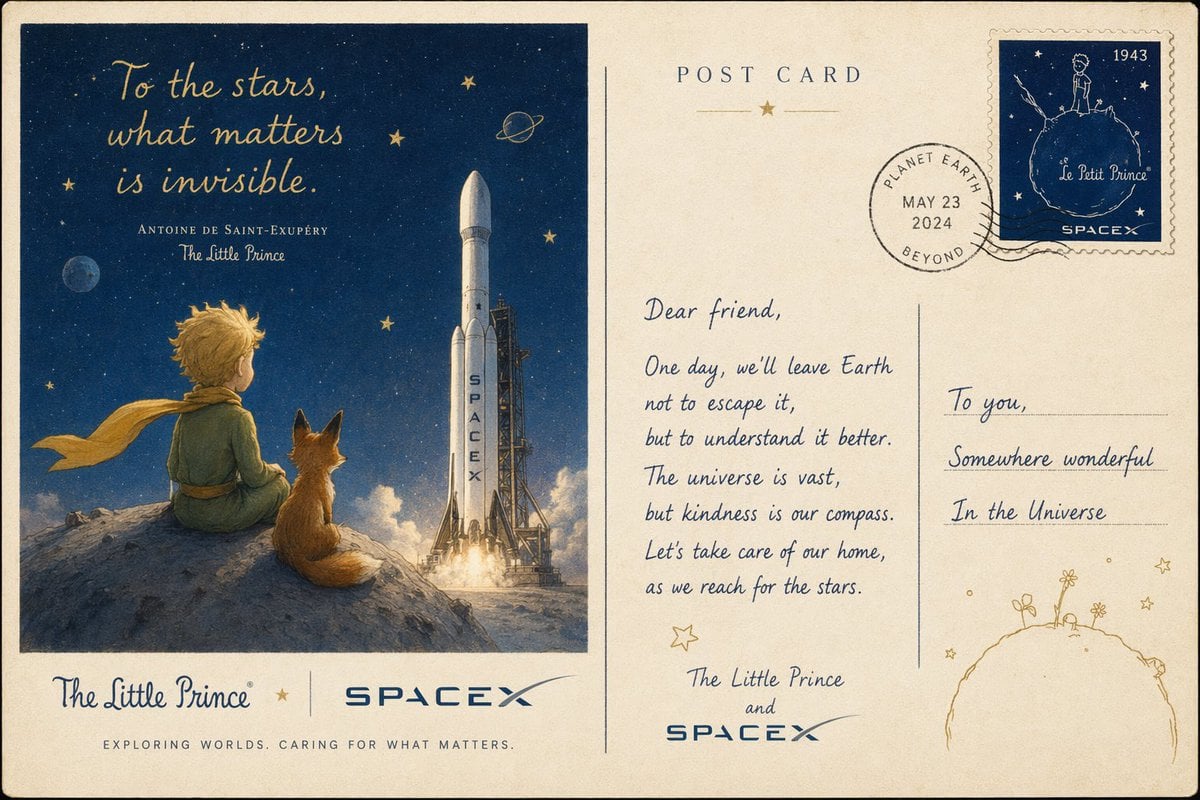
Vintage Little Prince Space Postcard
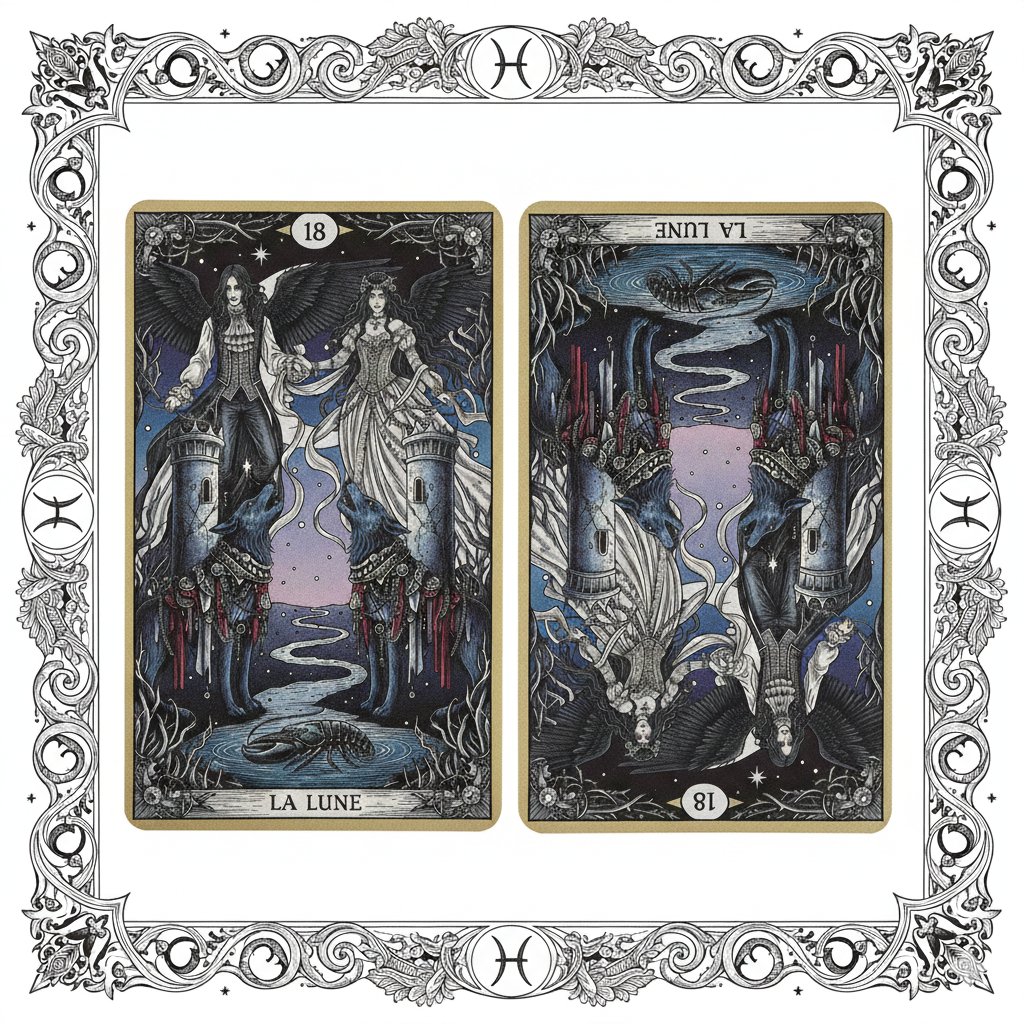
Nano Banana Pro Prompt: Tarot Card 18 (The Moon) with Mális Mizer and Pisces
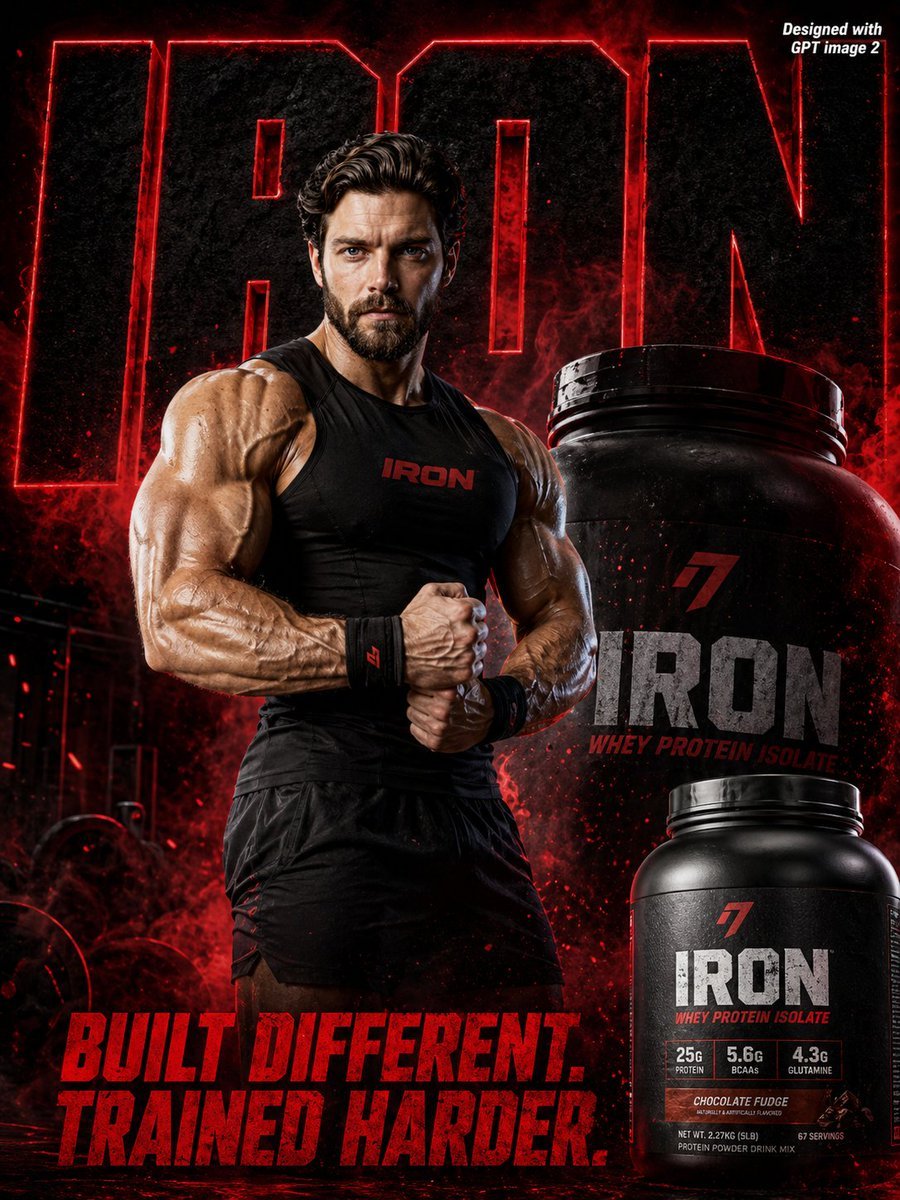
Supplement Brand Ad Campaign
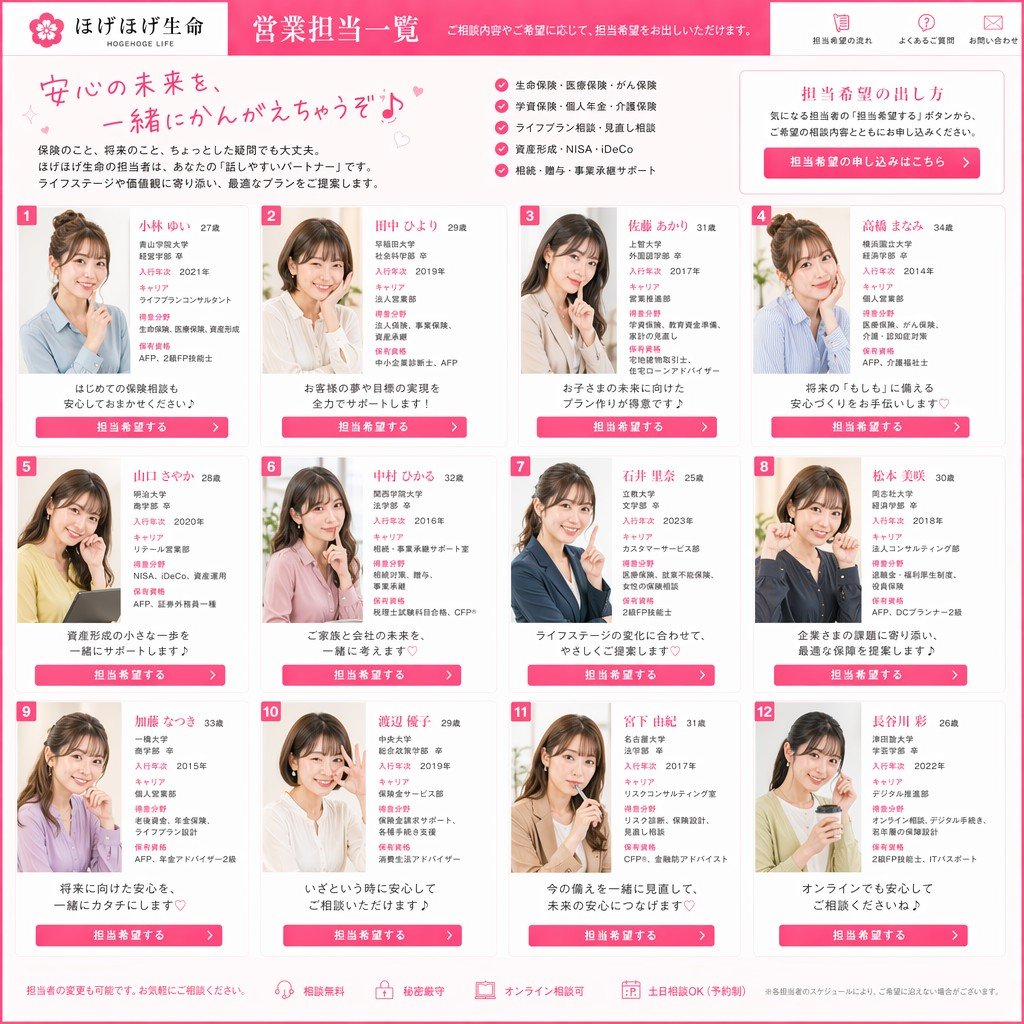
Japanese Insurance Staff Directory Mockup
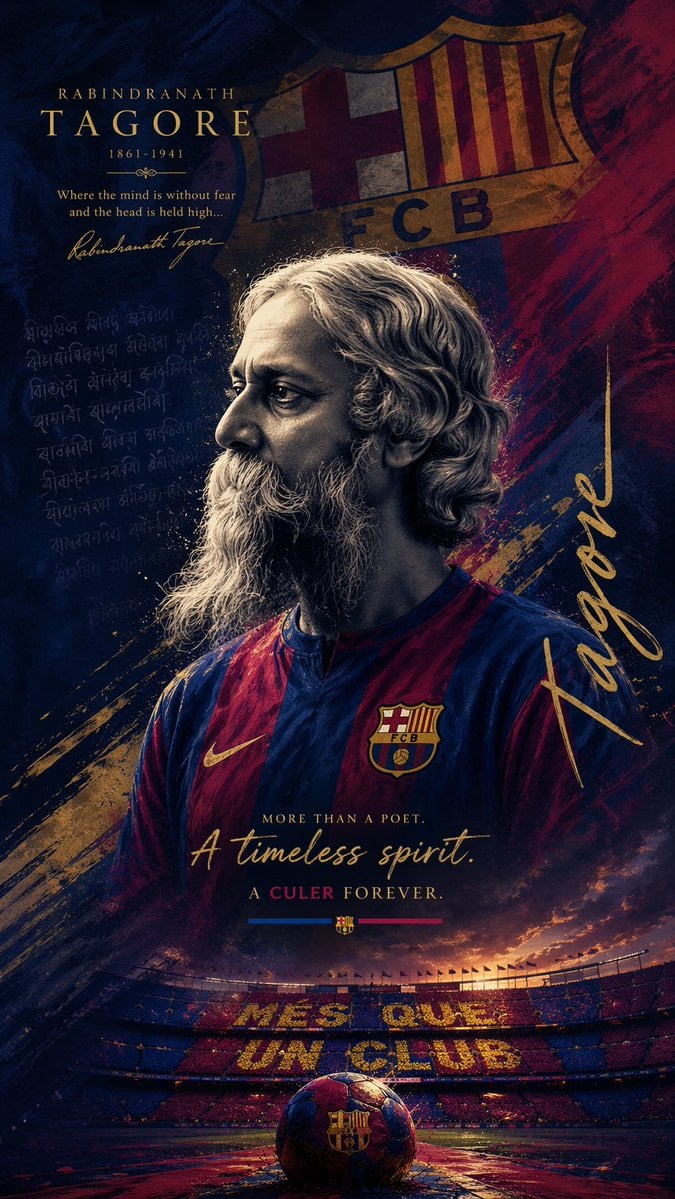
Epic FC Barcelona Heritage Poster

MIXUE Dimo Candy Kingdom Poster
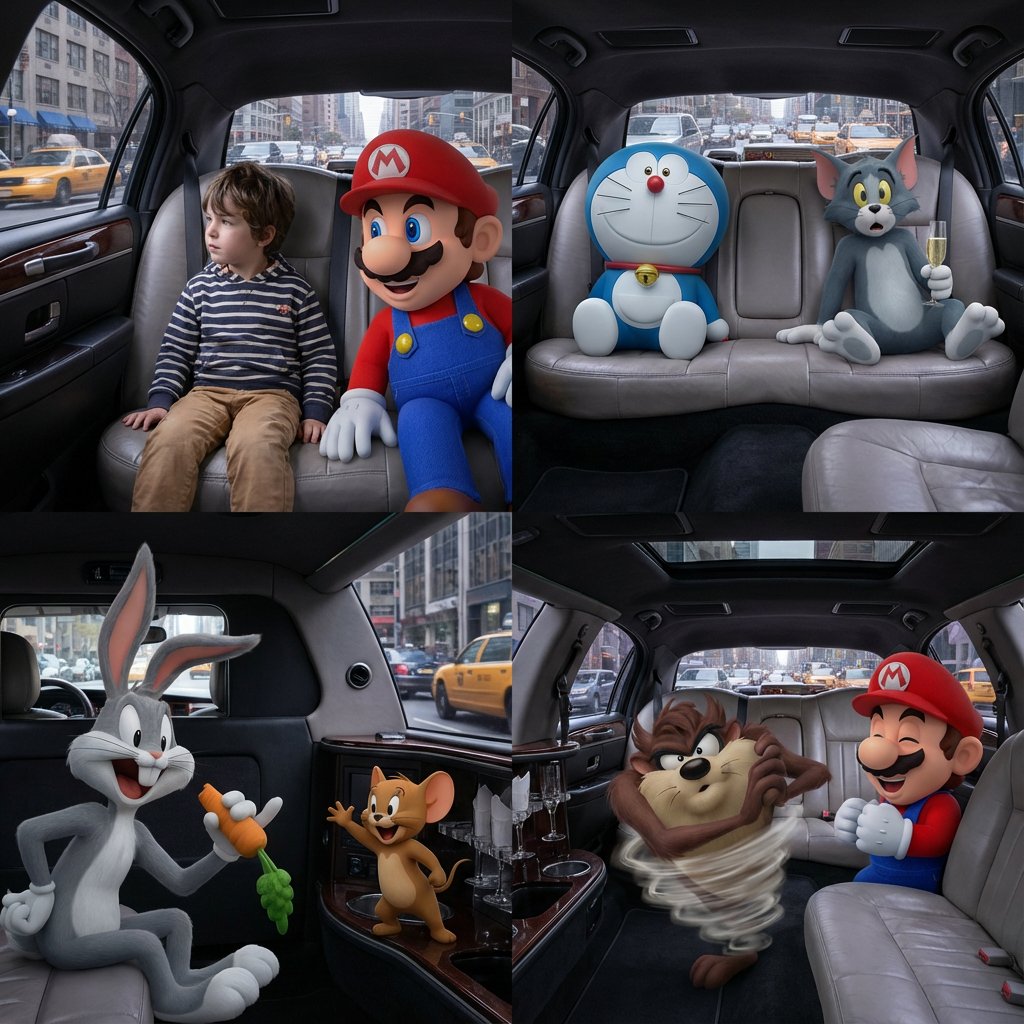
Four-Panel Composition Prompt with Location Context
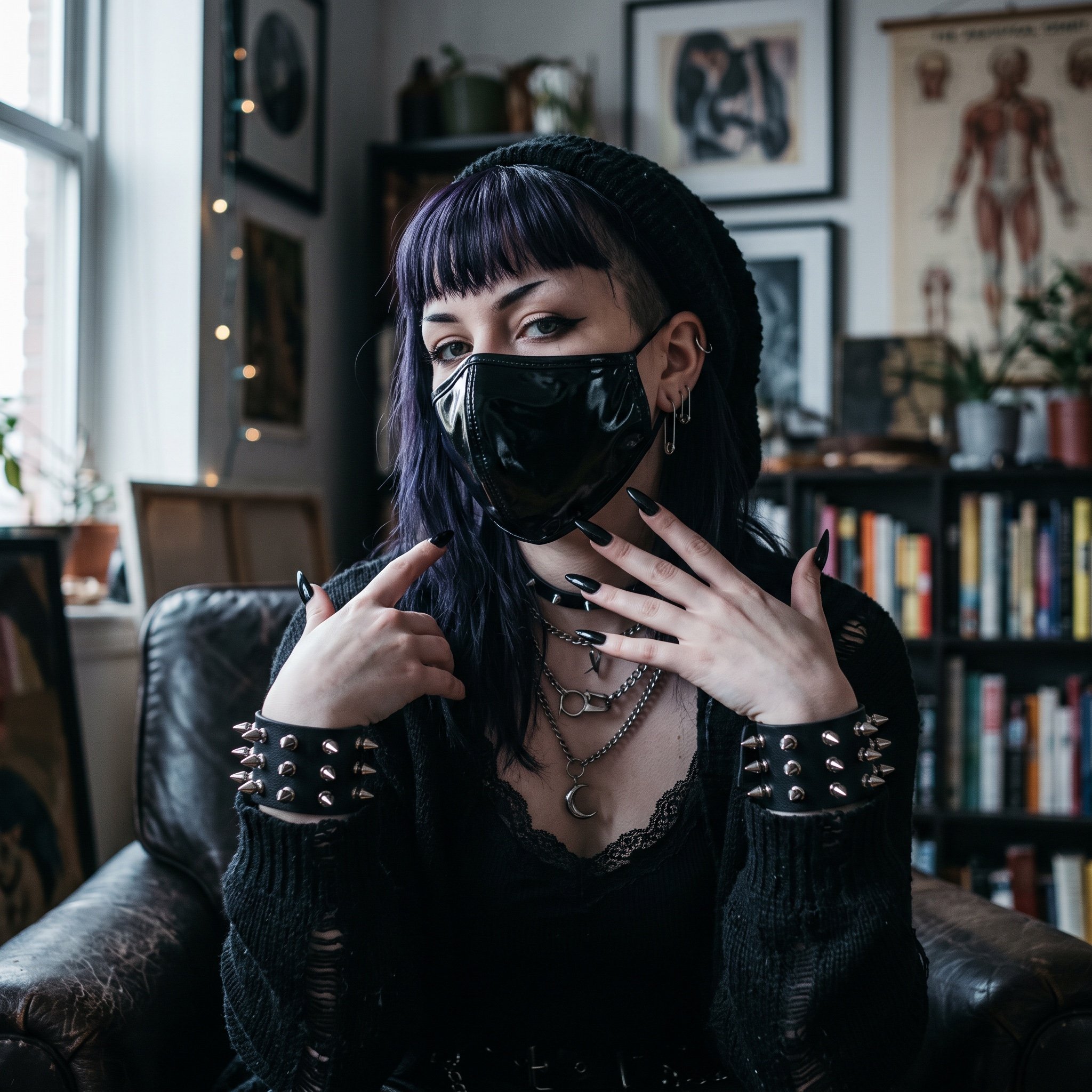
AI Influencer in Goth Fashion Portrait
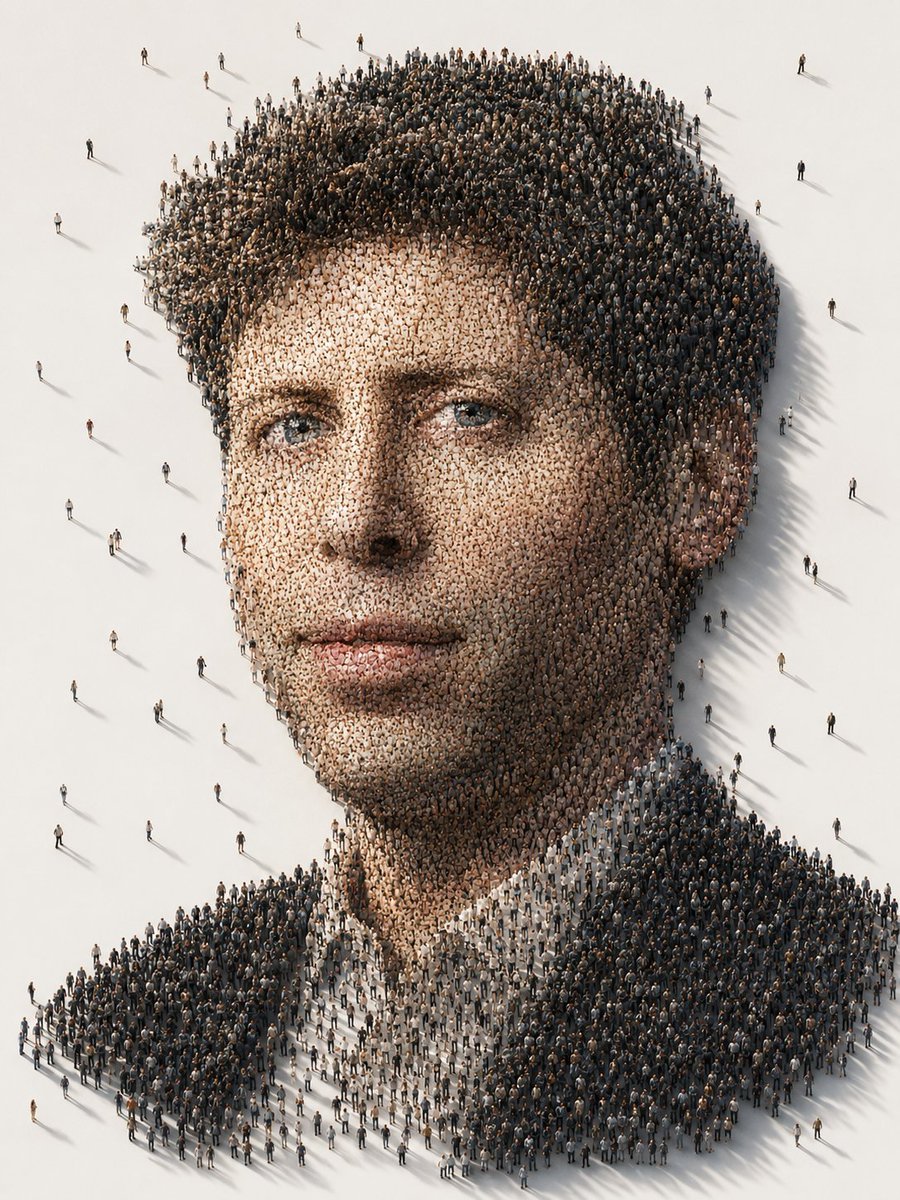
Conceptual Crowd Portrait Installation Art
Browse template categories
Graffiti Sketch Style Template questions
How do I use the Graffiti Sketch Style Template template?
Add your photo if the template asks for one, edit the prompt if you like — the template's model and format are already selected — and press Generate. Your version opens in PicX Studio.
Can I customize the Graffiti Sketch Style Template template?
Yes. You can change the subject, setting, lighting, mood, format, and available model controls before creating your image.
Is the Graffiti Sketch Style Template template free?
Opening and editing this template is free. Generating uses credits, shown on the Generate button when you are signed in.
Which AI model should I use?
Start with GPT Image 2, which is the model associated with this template. You can compare another compatible model for a different finish.
Looking for something else? Browse all templates.

Your photo, any look
Thousands of ready templates for every top image and video model, from one credit balance.