
Blue Graffiti OOTD Sticker Poster
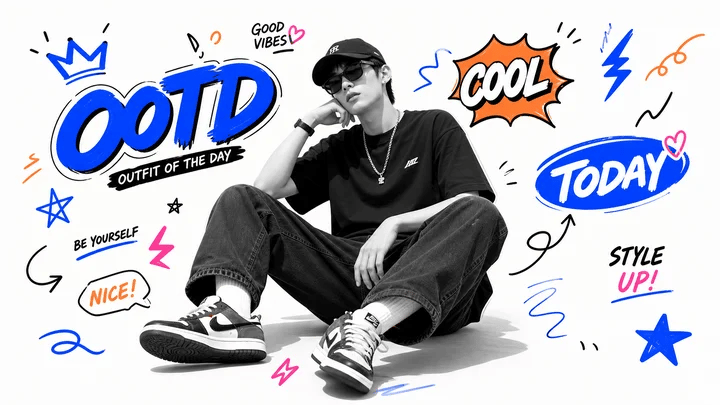
A wide streetwear fan-poster design with a black-and-white seated model surrounded by colorful OOTD graffiti stickers and doodles.
- Prompt included
- Model and format preset
- Premium template
The prompt behind this image
Copy the exact prompt behind Blue Graffiti OOTD Sticker Poster, or open it in the studio and make it yours.
Create a wide sticker-style fan poster featuring {argument name="character name" default="a young male streetwear model"} sitting casually in the center on a clean white background. The central figure is a black-and-white cutout photo effect with a deliberately blurred/obscured face, wearing a black baseball cap, black oversized T-shirt, loose dark jeans, white socks, black-and-white sneakers, a chain necklace, and a wristwatch; pose him seated on the floor with legs spread forward, one elbow resting on a knee and one hand near his head, relaxed idol streetwear energy. Surround him with bold blue, orange, pink, and black hand-drawn doodle stickers and graffiti typography in a playful Gen-Z aesthetic. Include exactly 17 visible doodle/text elements around the person: 1 large blue graffiti word “OOTD” on the left with a black shadow and a small black ribbon underneath reading “OUTFIT OF THE DAY”; 2 a blue crown above the OOTD; 3 a small “GOOD VIBES” note with a pink heart near the top center; 4 an orange comic burst on the upper right containing “COOL”; 5 a large blue oval sticker on the right reading “TODAY” with a pink heart; 6 black handwritten “STYLE” with pink “UP!” beneath it on the lower right; 7 a large blue star at bottom right; 8 a blue lightning bolt at top right; 9 an orange spiral squiggle at the far upper right; 10 a small black squiggle near the right edge; 11 a black curved arrow pointing upward near the right middle; 12 a loose blue wavy scribble near the lower right center; 13 a blue underline scribble beneath the shoes; 14 an orange speech bubble on the lower left reading “NICE!”; 15 black text “BE YOURSELF” with a blue underline on the left; 16 a blue outlined star on the left; 17 a pink lightning doodle near the lower left. Add a few short black motion marks around the stickers but do not add extra labeled stickers. Use thick marker outlines, energetic hand lettering, high contrast, crisp cutout edges, slight gray floor shadow under the seated person, clean modern collage composition, blue-green/blue-dominant sticker vibe with orange and pink accents. Keep the canvas 16:9 landscape, poster-ready, no watermark, no border.
How to use Blue Graffiti OOTD Sticker Poster in 3 steps
- 1Upload ImagePNG, JPG or paste
Add your photo
Upload the photo the template builds on. The prompt, model and format are already set.
- 2…a portrait of your subject in softgolden-hour light, 85mm…
Personalize
Edit the subject and creative details for your destination.
- 3Generate
Generate
Press Generate — your image is created in PicX Studio, so you can compare it with the original and refine one variable at a time.
More like this
Templates with the same subject, style or setup. Open one to see its prompt.

Monochrome Portrait Jersey Accent Poster

Japan Travel Brochure Poster
Blue Decora Anime Girl Poster
Japanese Hypercar Blueprint Poster

Cartoon TV Show Poster Pack

Trendy Cafe Drink Promo Poster

Urban Fashion Editorial Collage Streetwear Poster

Premium Fashion Editorial Cover Layout System

Polo Ralph Lauren Luxury American Heritage Fashion Campaign

Monochrome Halftone Editorial Fashion Poster

Retro Mirror Luxury Fashion Campaign Poster

Luxury Fashion Campaign Typography Poster System
Make it yours
Blue Graffiti OOTD Sticker Poster works as-is. These are the safest ways to change it without losing the look.
Change one field
Copy a single group, rewrite it, and generate again so you can see what that field is doing.
Keep the frame, change the subject
Hold the composition and light of Blue Graffiti OOTD Sticker Poster, then swap wardrobe, props or the person for a new take.
| If the result… | Why | Fix |
|---|---|---|
| The result drifts from the preview | Too many fields changed at once. | Reuse Blue Graffiti OOTD Sticker Poster as-is first, then change one group — subject, light, or setting. |
| The model over-stylizes the scene | The prose prompt leaves finish and camera underspecified. | Add one camera or lighting sentence and stay on GPT Image 2. |
More GPT Image 2 templates
Other prompts made for GPT Image 2.

Six VTuber Japanese Logo Sheet

Realistic Portrait of Woman and Deer

The Vista Modular Condo Poster

AI Model Routing Comparison Infographic

2.5D Anime Art Board

Isometric Productivity Desk Scene

New York Double Exposure Poster

Four-Panel AI Landscape Comparison

Japanese Tatami Lifestyle Magazine Cover

NESCAFÉ Coffee Map Poster
More image prompts
Fresh picks from across the catalog.
Luxury Snow Tire Image Generation
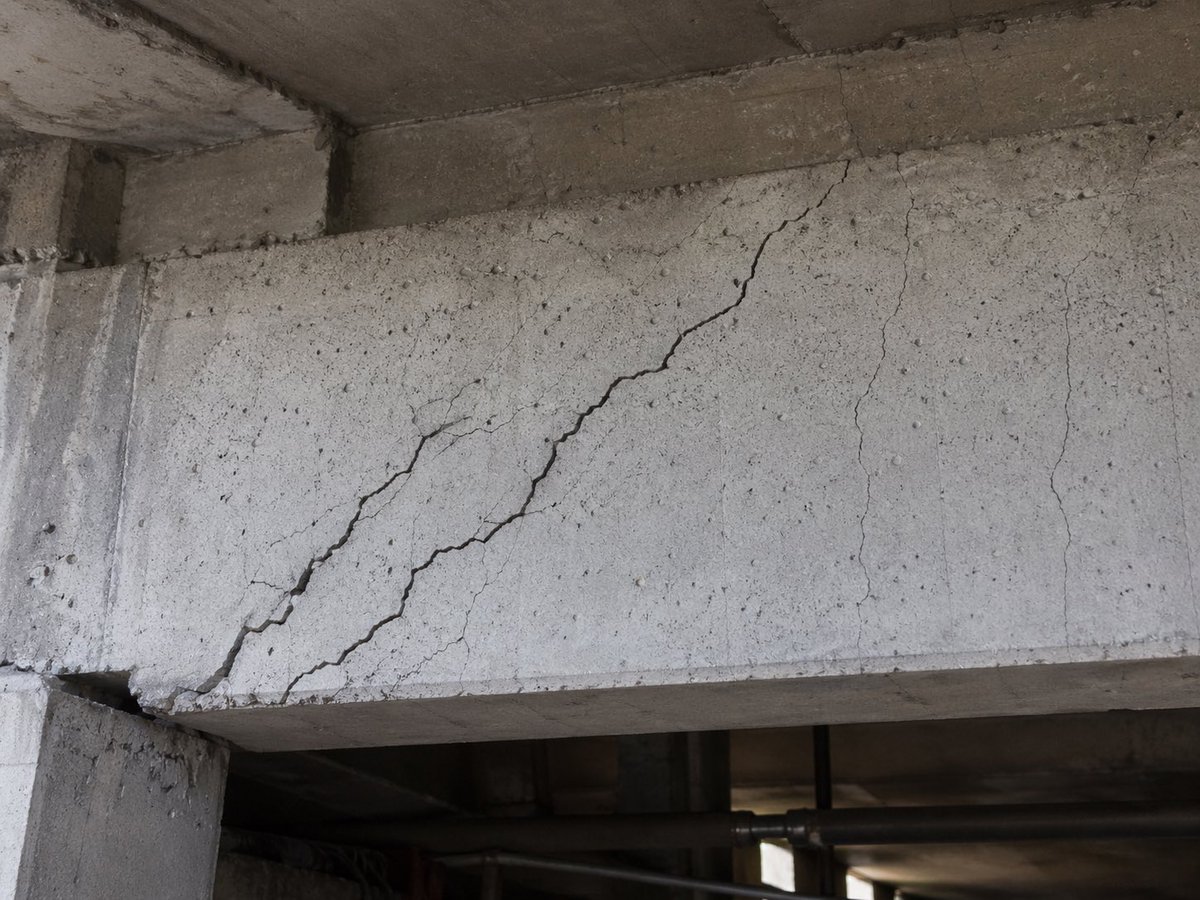
Realistic Cracked Concrete Beam
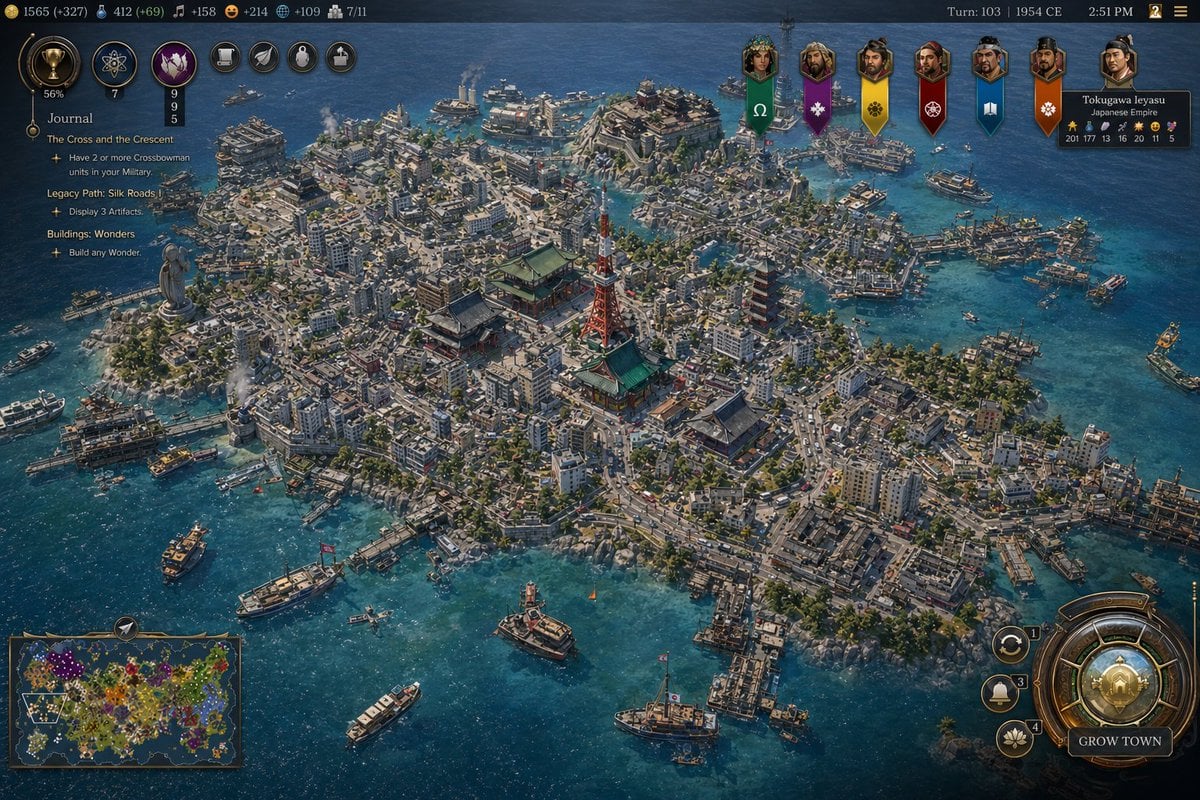
Civ-Style 1954 Tokyo Harbor Screenshot
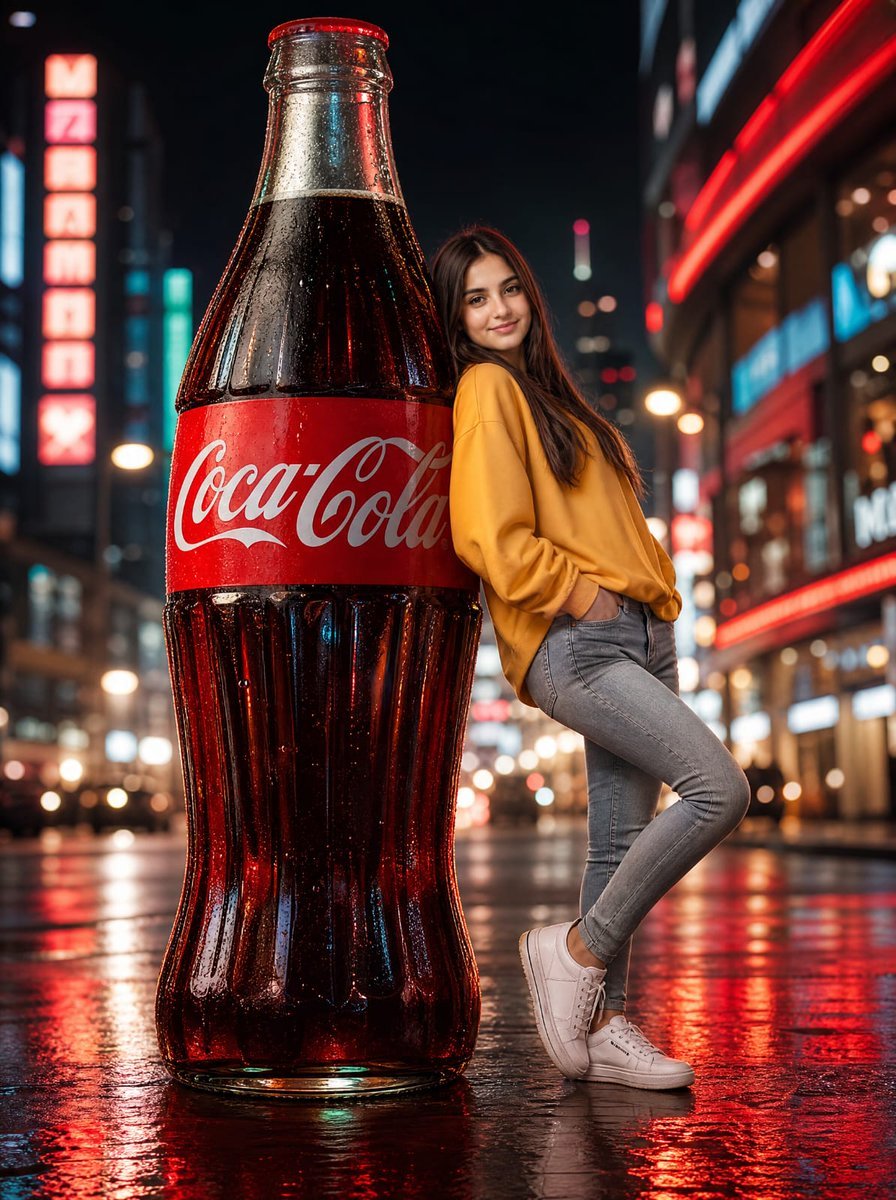
Neon Coca-Cola Street Portrait
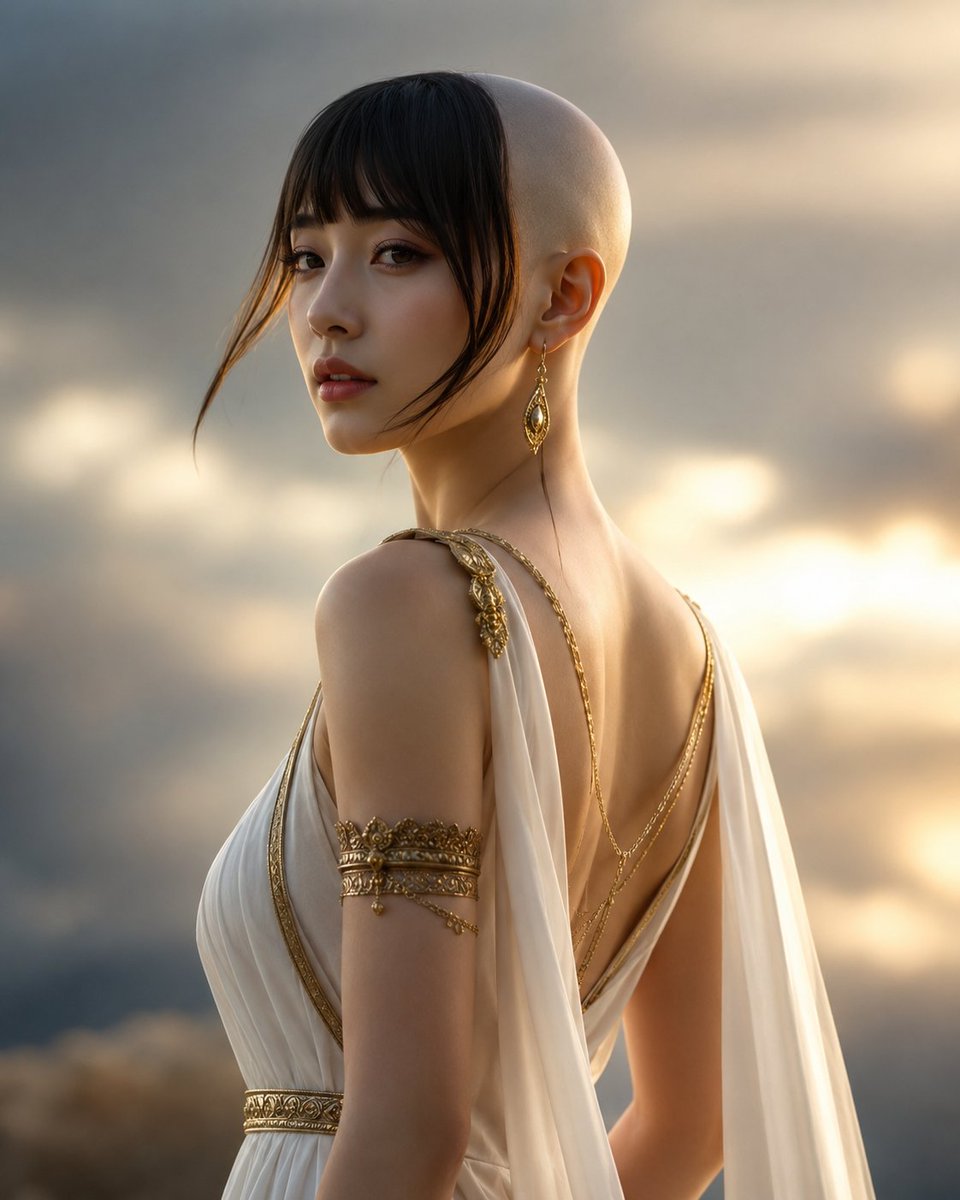
Goddess of Opportunity Portrait
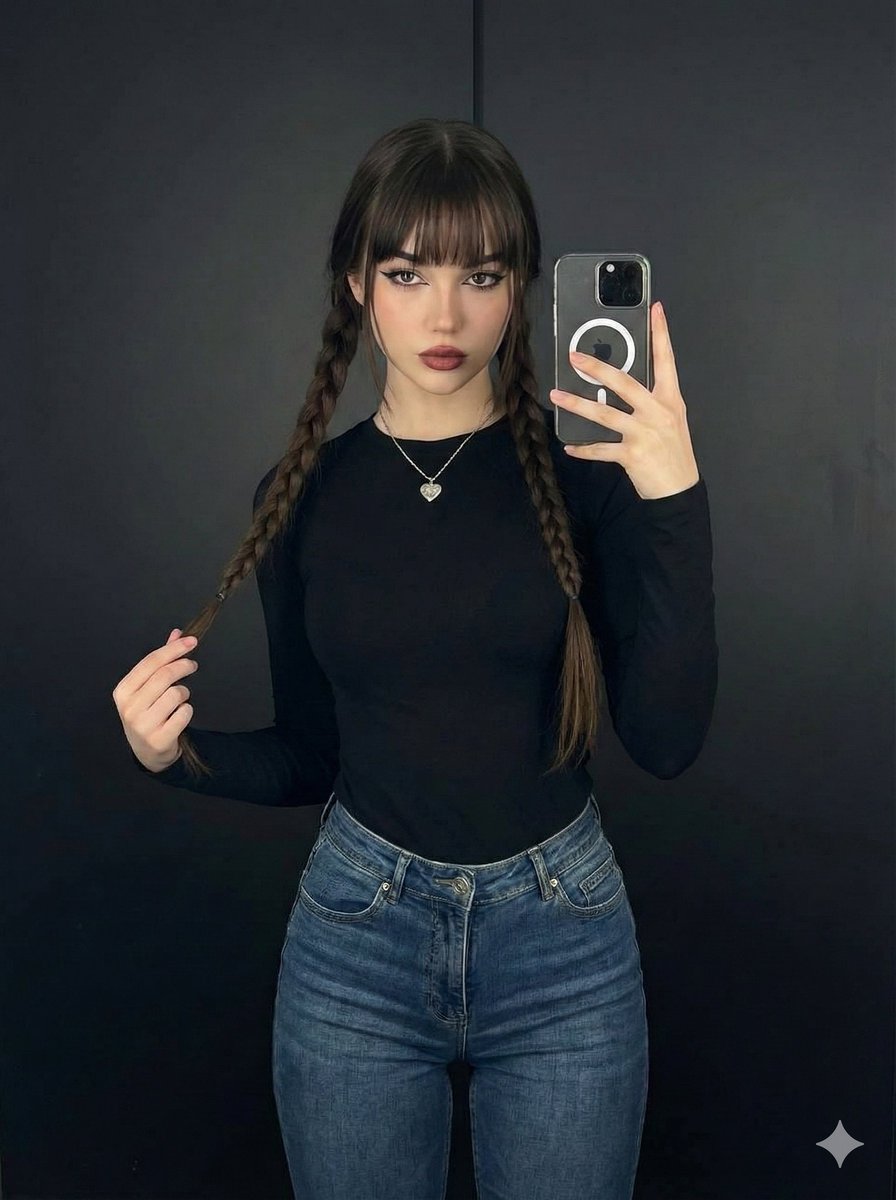
Photorealistic Full-Length Selfie with Identity Preservation (JSON)
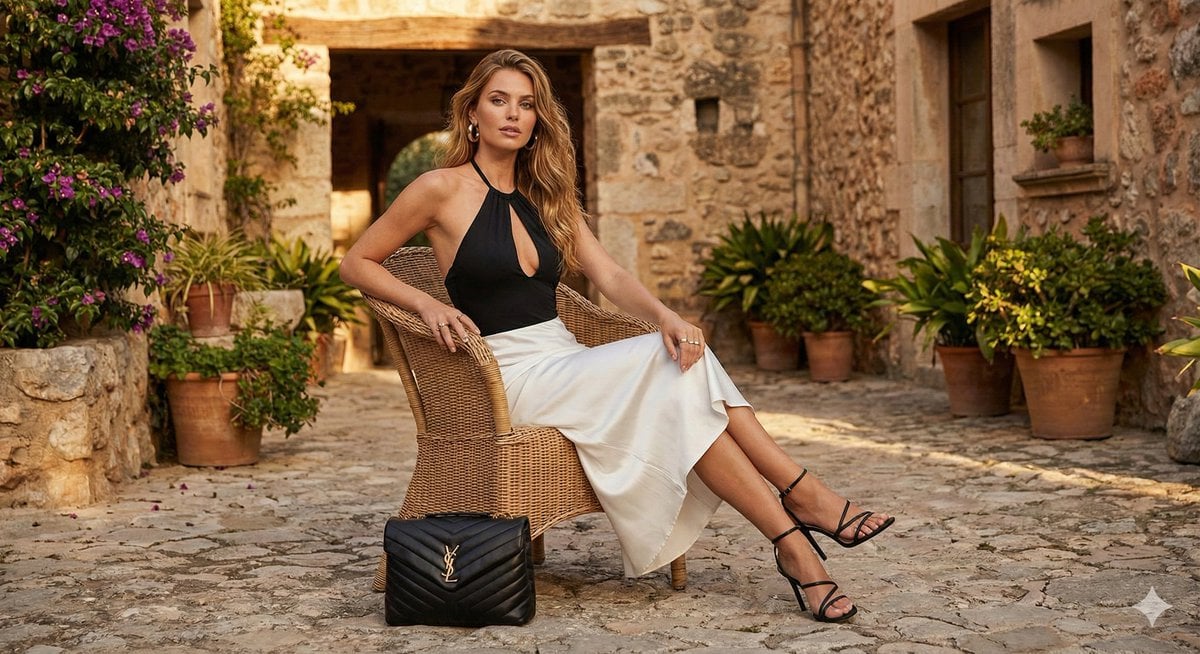
Rustic Luxury Fashion Shot with YSL Handbag
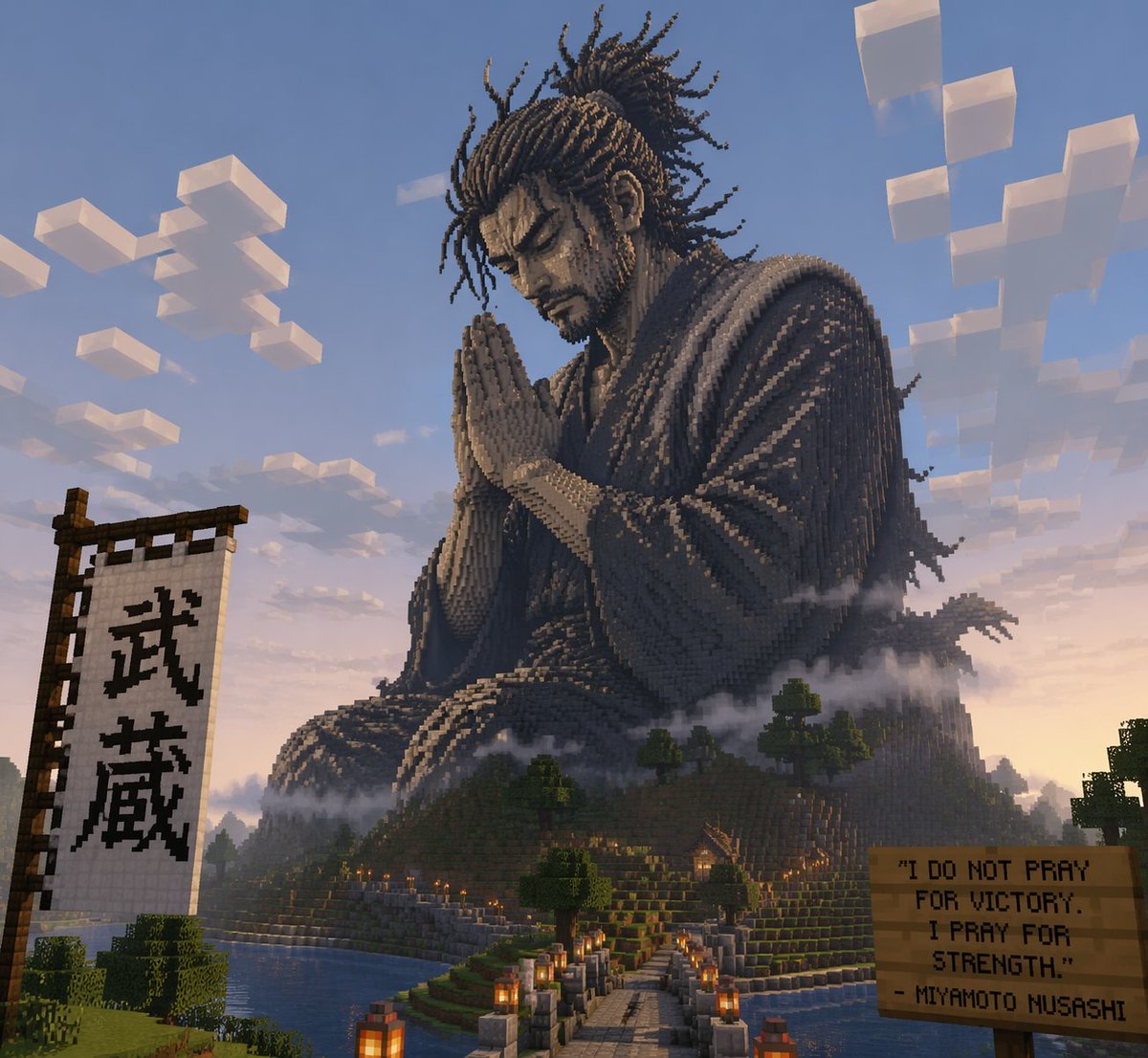
Minecraft Statue of Musashi
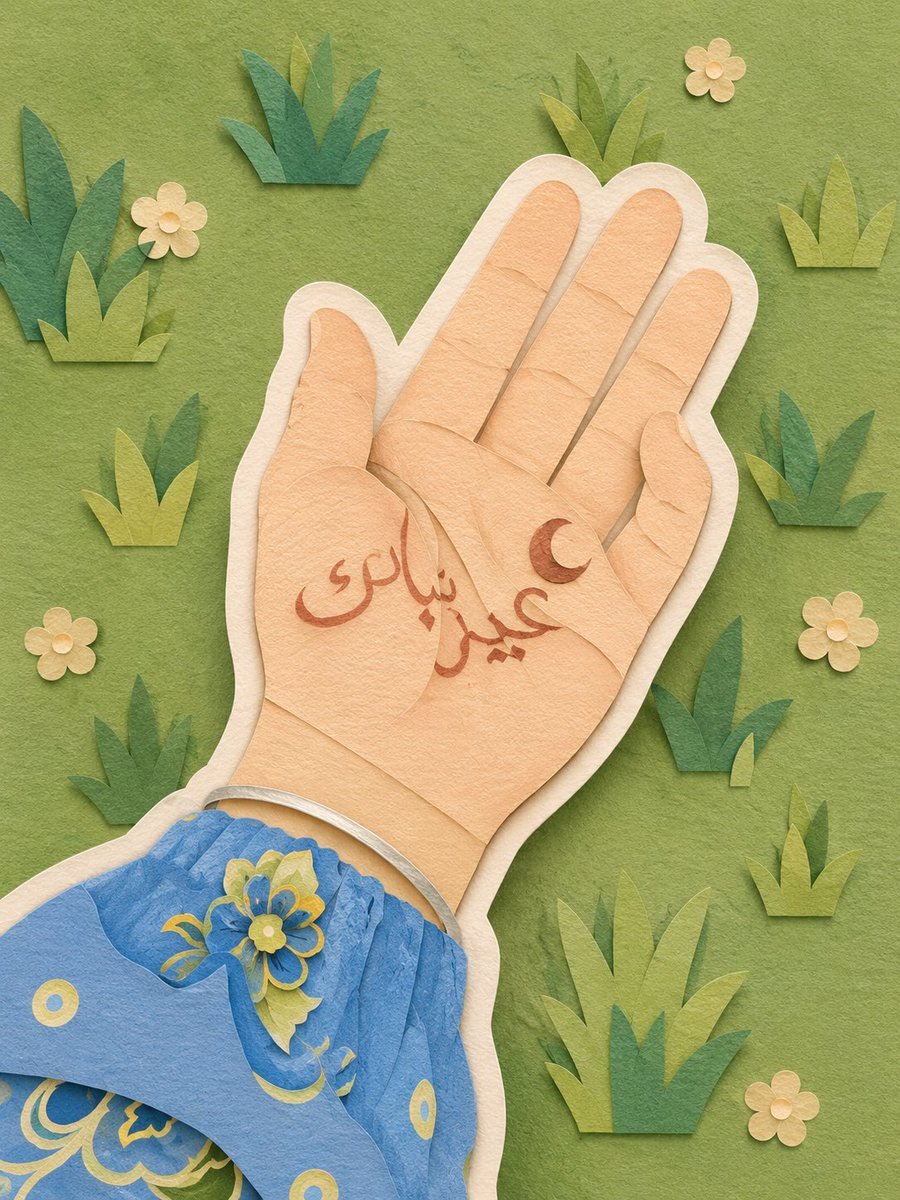
Layered Paper-Cut Illustration
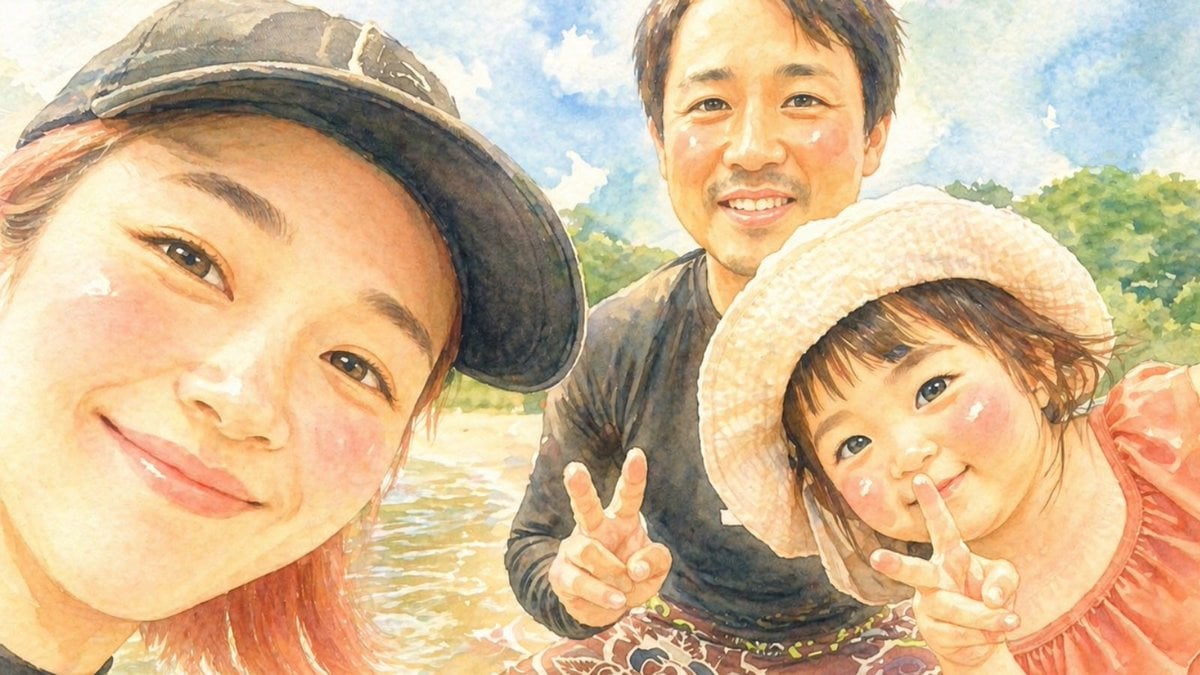
Watercolor Family Riverside Selfie
Browse template categories
Blue Graffiti OOTD Sticker Poster questions
How do I use the Blue Graffiti OOTD Sticker Poster template?
Add your photo if the template asks for one, edit the prompt if you like — the template's model and format are already selected — and press Generate. Your version opens in PicX Studio.
Can I customize the Blue Graffiti OOTD Sticker Poster template?
Yes. You can change the subject, setting, lighting, mood, format, and available model controls before creating your image.
Is the Blue Graffiti OOTD Sticker Poster template free?
Opening and editing this template is free. Generating uses credits, shown on the Generate button when you are signed in.
Which AI model should I use?
Start with GPT Image 2, which is the model associated with this template. You can compare another compatible model for a different finish.
Looking for something else? Browse all templates.

Your photo, any look
Thousands of ready templates for every top image and video model, from one credit balance.