
Realistic Cracked Concrete Beam
This prompt generates a realistic structural inspection-style image of a damaged concrete beam, suitable for civil engineering, infrastructure diagnostics, or educational materials.
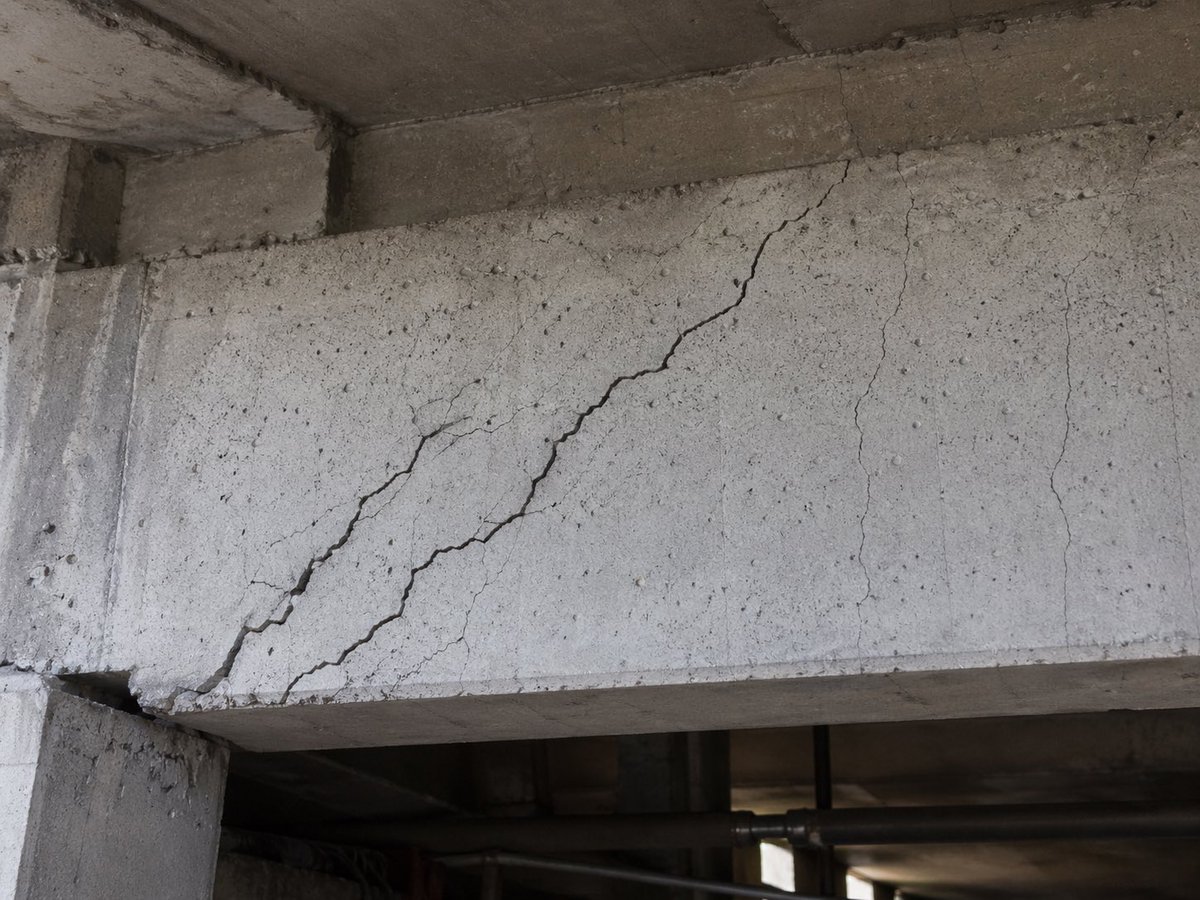
- Prompt included
- Model and format preset
- Premium template
The prompt behind this image
Copy the exact prompt behind Realistic Cracked Concrete Beam, or open it in the studio and make it yours.
A highly realistic documentary-style close-up photo of a reinforced concrete structural beam with severe {argument name="damage type" default="shear cracking"}. The scene shows the underside of a concrete building structure, with 1 large diagonal crack running from the lower left area upward toward the upper middle-right of the beam face, 1 secondary branching diagonal crack nearby on the left-center, and 3 thinner vertical to slightly irregular hairline cracks on the right half of the beam. The concrete surface is rough, weathered, pale gray, and speckled with small pores and aggregate marks, with darker grime and age staining near the ceiling slab and beam joints. Include a supporting concrete column at the far left, the underside of the beam visible along the bottom edge, and a dim industrial background below with shadowy pipes and structural elements out of focus. Lighting is natural and subdued, like an inspection photograph taken on site under a bridge or inside a parking structure. Composition is a straight-on medium close-up centered on the damaged beam face, emphasizing authentic structural deterioration, realistic texture, engineering-inspection accuracy, and no people, no safety signs, no overlay text.
How to use Realistic Cracked Concrete Beam in 3 steps
- 1Upload ImagePNG, JPG or paste
Add your photo
Upload the photo the template builds on. The prompt, model and format are already set.
- 2…a portrait of your subject in softgolden-hour light, 85mm…
Personalize
Edit the subject and creative details for your destination.
- 3Generate
Generate
Press Generate — your image is created in PicX Studio, so you can compare it with the original and refine one variable at a time.
More like this
Templates with the same subject, style or setup. Open one to see its prompt.
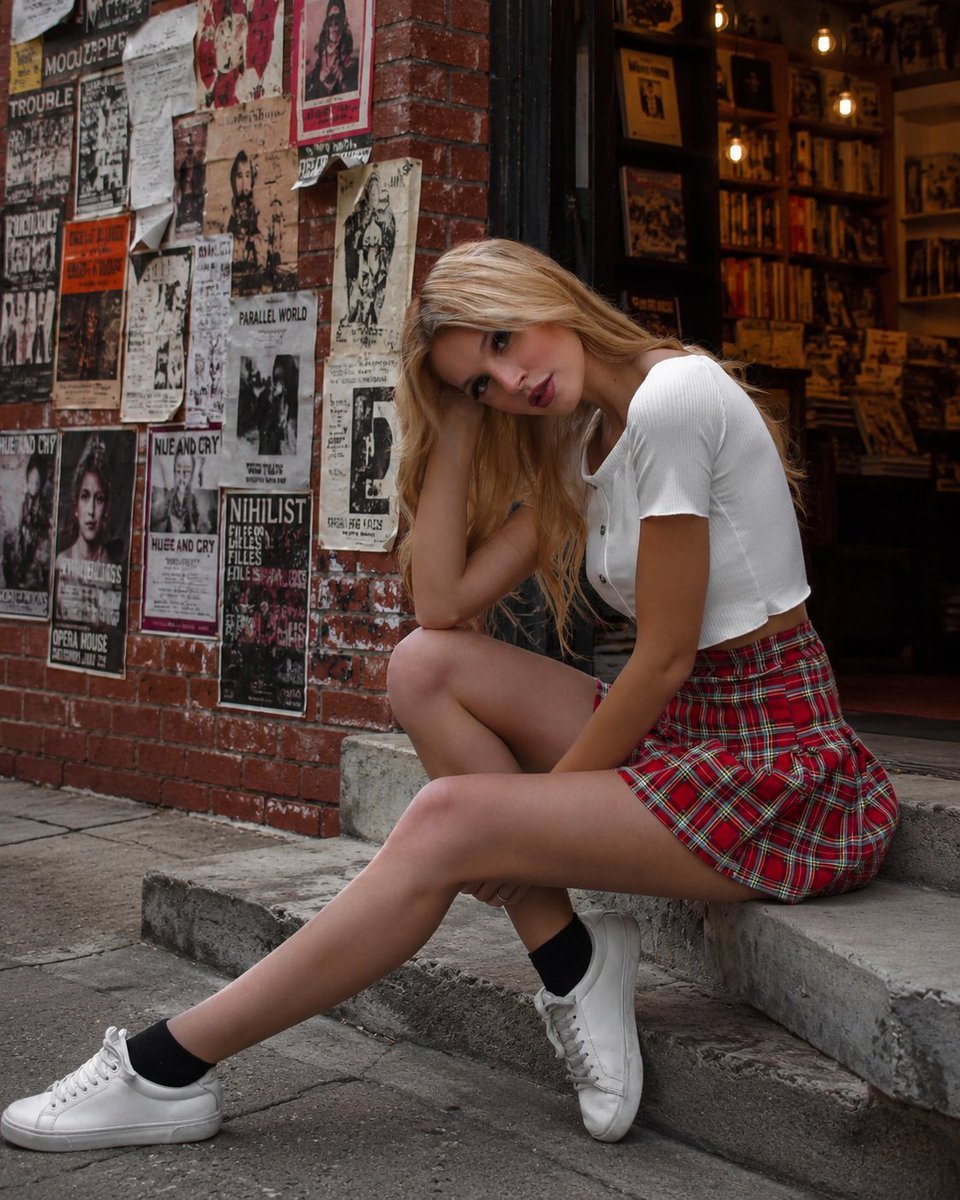
Urban Youth Portrait on Concrete Steps
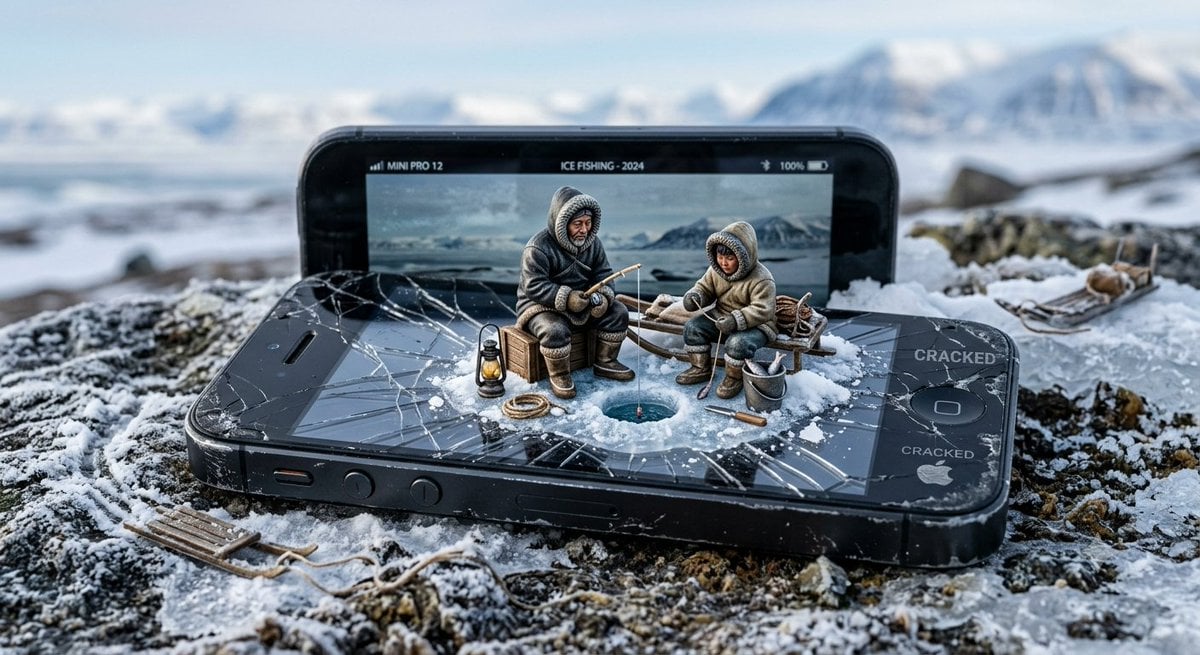
Miniature Inuit Fishing on Cracked Phone

Photorealistic Cracked Mirror Selfie

Golden Sunbeam Portrait

Film Noir Cracked Mirror Portrait

Slide Projector Dust Beam

Cathedral Light Beams

Japanese Architectural Concrete Studio Fashion Campaign

Japanese Minimalist Concrete Studio Fashion Editorial
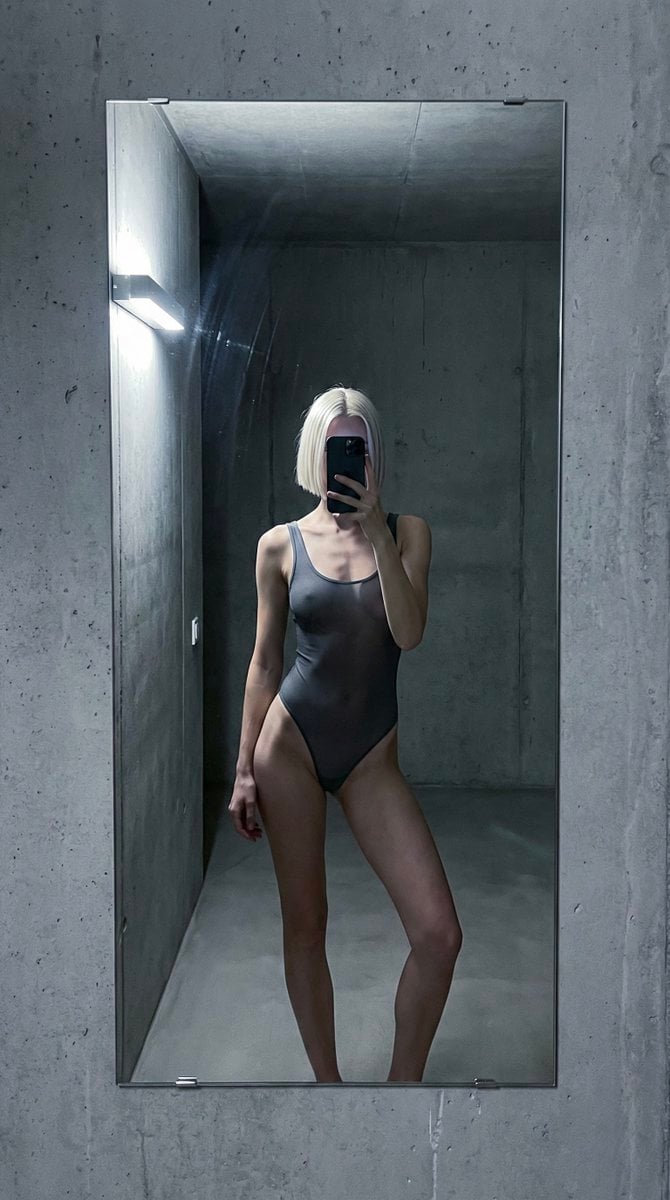
Concrete Hallway Editorial Mirror Selfie

Cracked Porcelain Girl Holding Heart
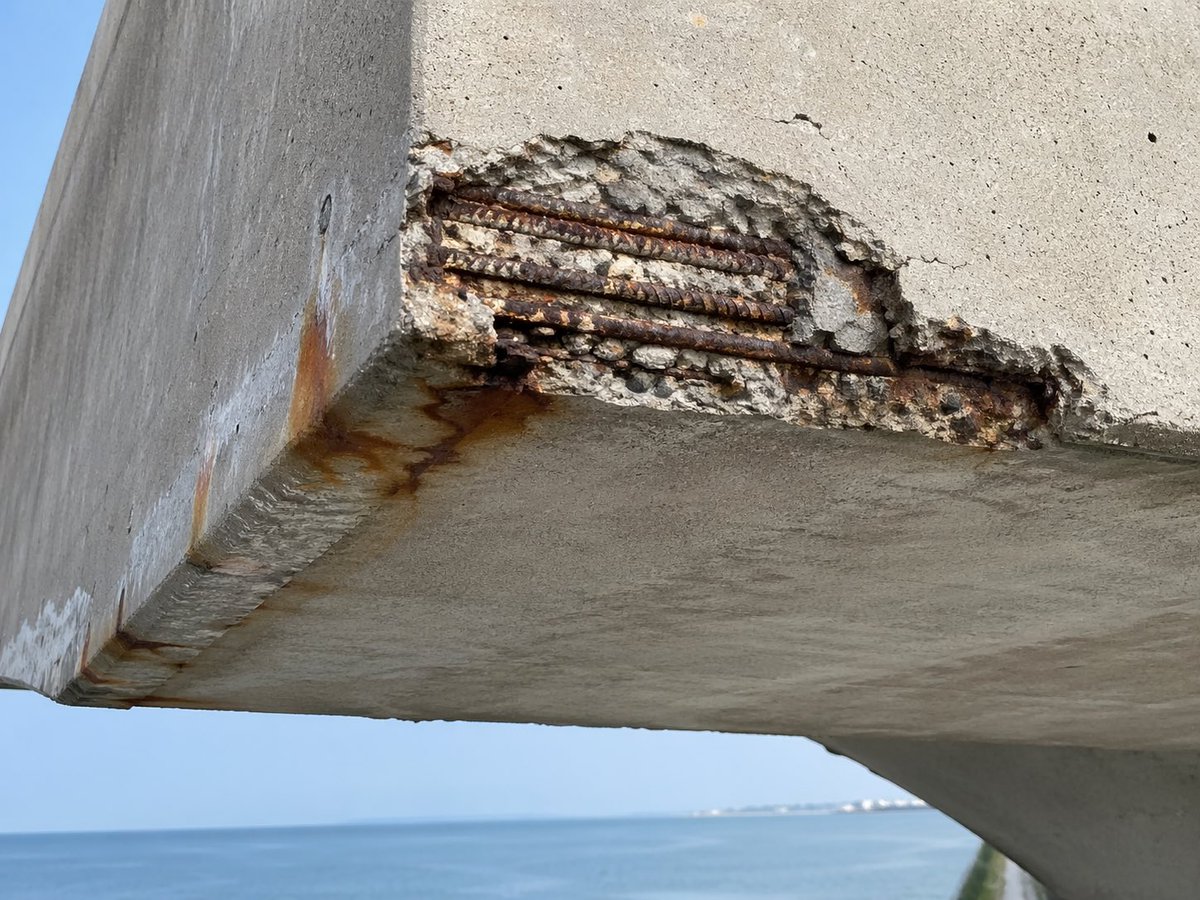
Coastal Reinforced Concrete Salt Damage
Make it yours
Realistic Cracked Concrete Beam works as-is. These are the safest ways to change it without losing the look.
Change one field
Copy a single group, rewrite it, and generate again so you can see what that field is doing.
Keep the frame, change the subject
Hold the composition and light of Realistic Cracked Concrete Beam, then swap wardrobe, props or the person for a new take.
| If the result… | Why | Fix |
|---|---|---|
| The result drifts from the preview | Too many fields changed at once. | Reuse Realistic Cracked Concrete Beam as-is first, then change one group — subject, light, or setting. |
| The model over-stylizes the scene | The prose prompt leaves finish and camera underspecified. | Add one camera or lighting sentence and stay on GPT Image 2. |
More GPT Image 2 templates
Other prompts made for GPT Image 2.

Six VTuber Japanese Logo Sheet

Realistic Portrait of Woman and Deer

The Vista Modular Condo Poster

AI Model Routing Comparison Infographic

2.5D Anime Art Board

Isometric Productivity Desk Scene

New York Double Exposure Poster

Four-Panel AI Landscape Comparison

Japanese Tatami Lifestyle Magazine Cover

NESCAFÉ Coffee Map Poster
More image prompts
Fresh picks from across the catalog.

Monochromatic Beauty Lipstick Campaign
Looney Tunes Poolside Scene Prompt
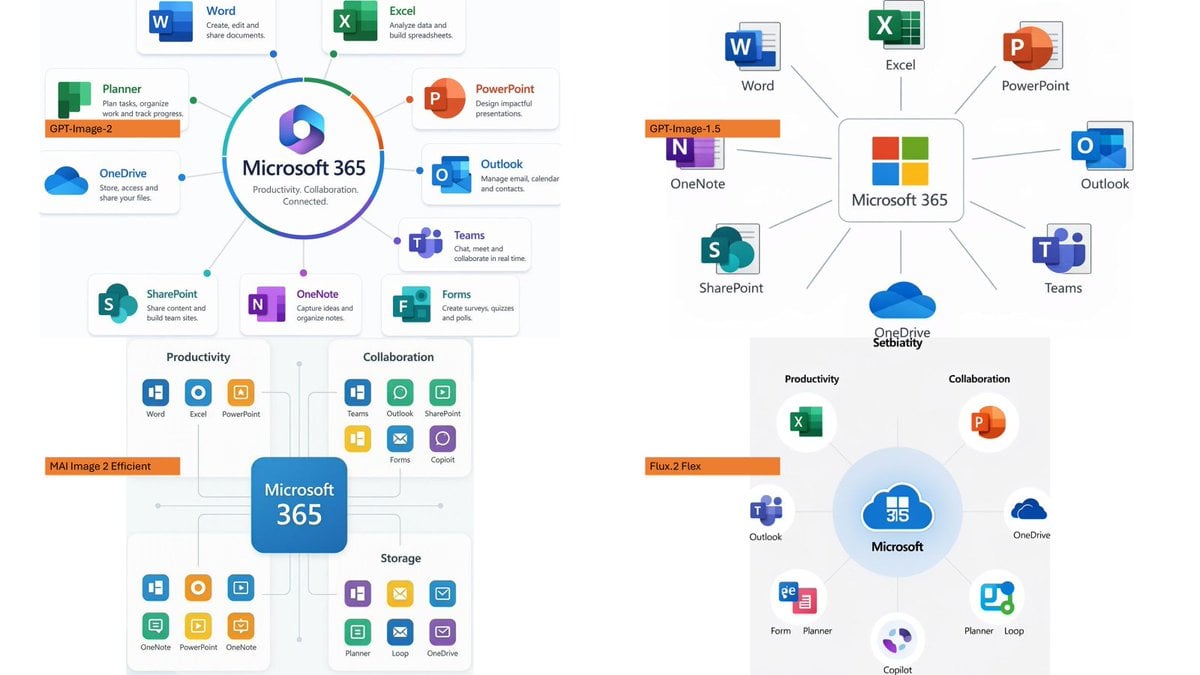
Microsoft 365 Model Comparison Infographic

Prompt: Create a vertical 9:16 hyper-realistic li

Surreal Skincare Product Ad

Nike Sportswear Editorial Advertisement
Forced Perspective Miniature Self on Smartphone Screen

Modern Geometric Polygon Portrait

Minimalist Rope Line Art Portrait

Luxury Perfume Bottle Editorial Image Prompt
Browse template categories
Realistic Cracked Concrete Beam questions
How do I use the Realistic Cracked Concrete Beam template?
Add your photo if the template asks for one, edit the prompt if you like — the template's model and format are already selected — and press Generate. Your version opens in PicX Studio.
Can I customize the Realistic Cracked Concrete Beam template?
Yes. You can change the subject, setting, lighting, mood, format, and available model controls before creating your image.
Is the Realistic Cracked Concrete Beam template free?
Opening and editing this template is free. Generating uses credits, shown on the Generate button when you are signed in.
Which AI model should I use?
Start with GPT Image 2, which is the model associated with this template. You can compare another compatible model for a different finish.
Looking for something else? Browse all templates.

Your photo, any look
Thousands of ready templates for every top image and video model, from one credit balance.