
Minimalist Rope Line Art Portrait
A creative prompt to transform a portrait photo into a minimalist 3D rope line art illustration set in a coastal scene.
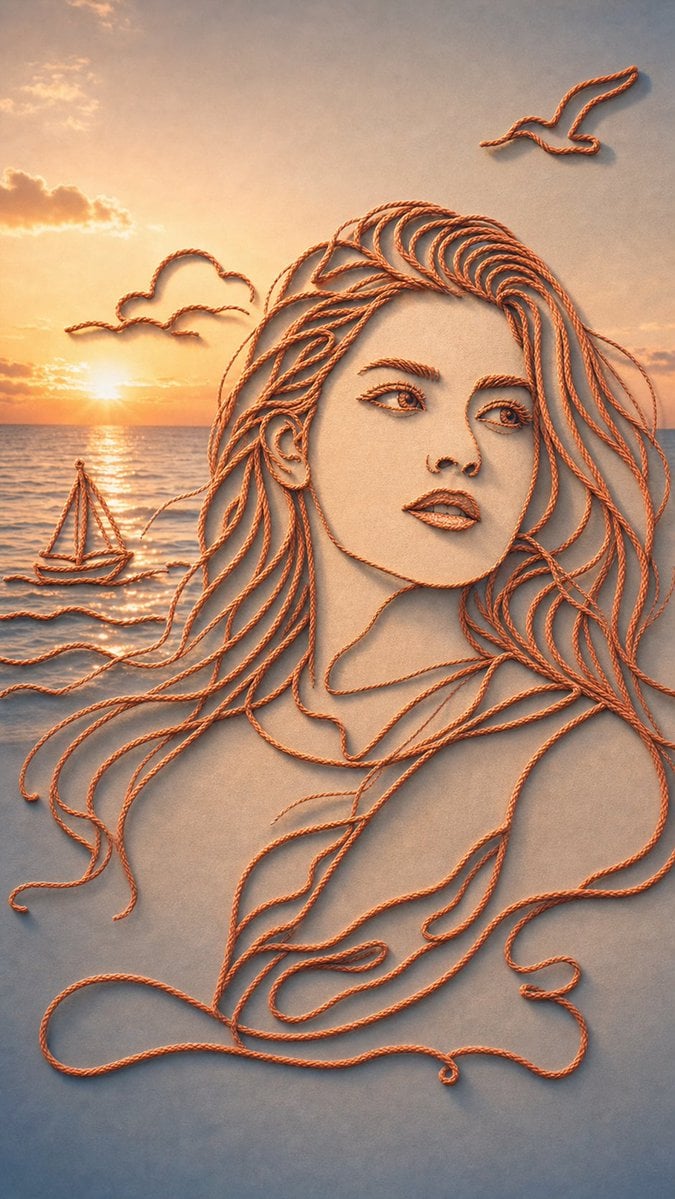
- Prompt included
- Model and format preset
- Free template
The prompt behind this image
Copy the exact prompt behind Minimalist Rope Line Art Portrait, or open it in the studio and make it yours.
根据我上传的人像照,实现一副创意插画,整体画面由一根或多根【绳子材质】连续勾勒而成,呈现为极简的 rope line art 风格。人物轮廓保持住,能认出是这个人本身,场景可以自己发挥。按照以下结构要求画图 【场景内容】 画面主题是:{argument name="场景" default="海边"} 包含的主要元素有:{argument name="元素描述" default="落日余晖、帆船,远处的云,海风吹拂"} 所有物体都由同一种连续绳线勾勒成形,线条简洁流畅,像一笔画出的空间场景。 【风格表现】 整体风格为: - 极简 3D 绳线插画 - continuous rope line art - 单线造型 - 轻微浮雕感 - 装置艺术感 - 干净现代 - 富有设计感和创意感 【材质要求】 绳子具有真实的纤维质感、扭绳纹理和柔软厚度, 颜色统一为{argument name="颜色" default="红色 / 米白 / 橙色"}, 线条边缘自然,有轻微立体阴影。 【空间与背景】 背景为柔和渐变背景,略写实,以达到和前景绳线插画形成虚实结合的美妙感, 整体简洁留白,突出绳线构成的主体场景。 画面具有轻微 3D 空间感,但不过度复杂。 【光影效果】 使用柔和、真实的灯光, 如果场景中有柔和的日光,可加入自然发光效果, 有投下来的柔和阴影,增强温暖氛围 and 装置艺术感。 【构图】 构图清晰平衡,主体居中或略偏左/右, 适当保留留白, 画面看起来像一个完整的小型故事场景。 【画面气质】 温暖、治愈、安静、富有想象力, 像高级设计海报、创意广告视觉、艺术装置摄影。 【输出要求】 高质量,高细节,干净,不杂乱,不要多余元素,不要复杂背景。
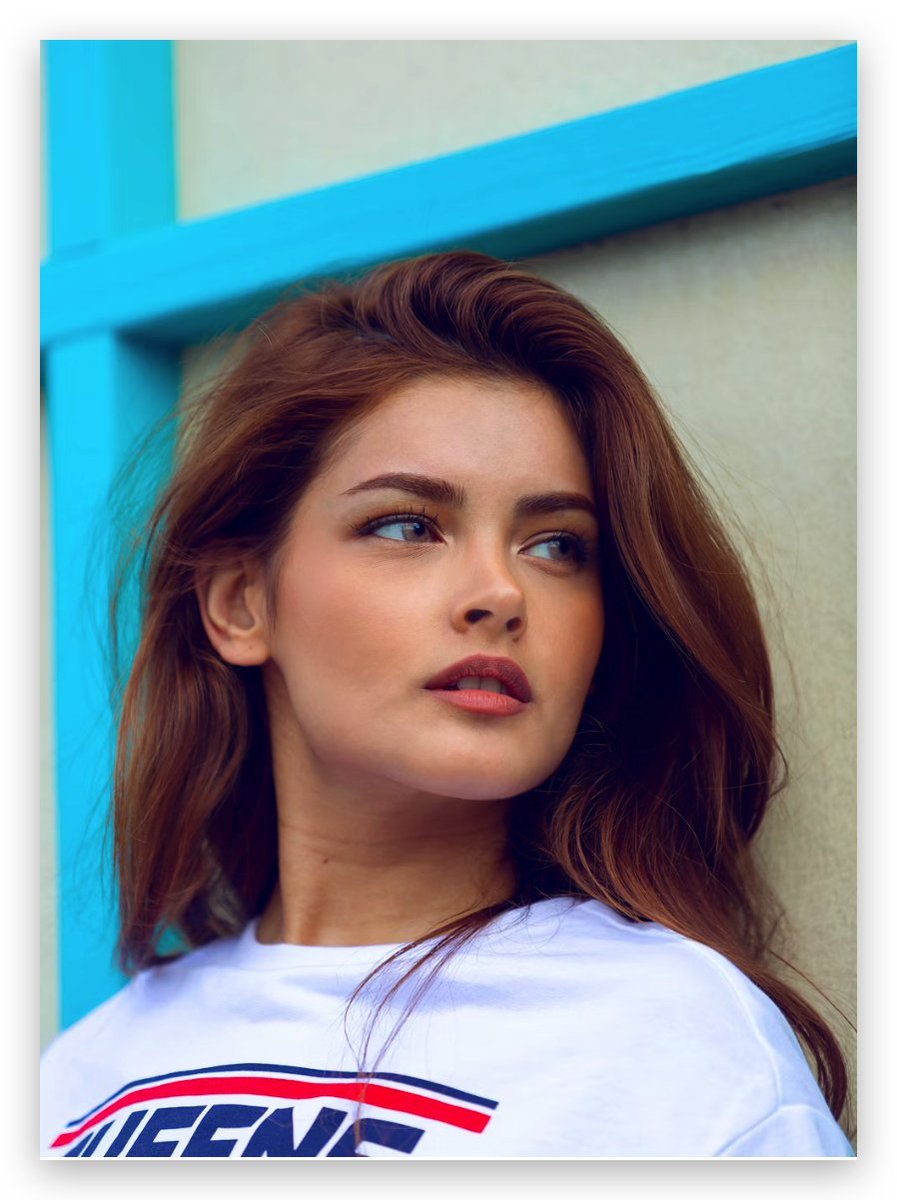
Reference images included
Minimalist Rope Line Art Portrait needs input media to work. They load alongside the prompt when you open it in the studio.
How to use Minimalist Rope Line Art Portrait in 3 steps
- 1Upload ImagePNG, JPG or paste
Add your photo
Upload the photo the template builds on. The prompt, model and format are already set.
- 2…a portrait of your subject in softgolden-hour light, 85mm…
Personalize
Edit the subject and creative details for your destination.
- 3Generate
Generate
Press Generate — your image is created in PicX Studio, so you can compare it with the original and refine one variable at a time.
More like this
Templates with the same subject, style or setup. Open one to see its prompt.
Ai Evolution Timeline Infographic

Found Photograph: Us, 1970

80s Couple Studio Portrait

80s Bollywood Star

80s Golden Hour Cinema

Me in 1985

1985 Studio Portrait

Hyper-Realistic Minecraft POV Portrait
iPhone Style Minimalist Office Portrait
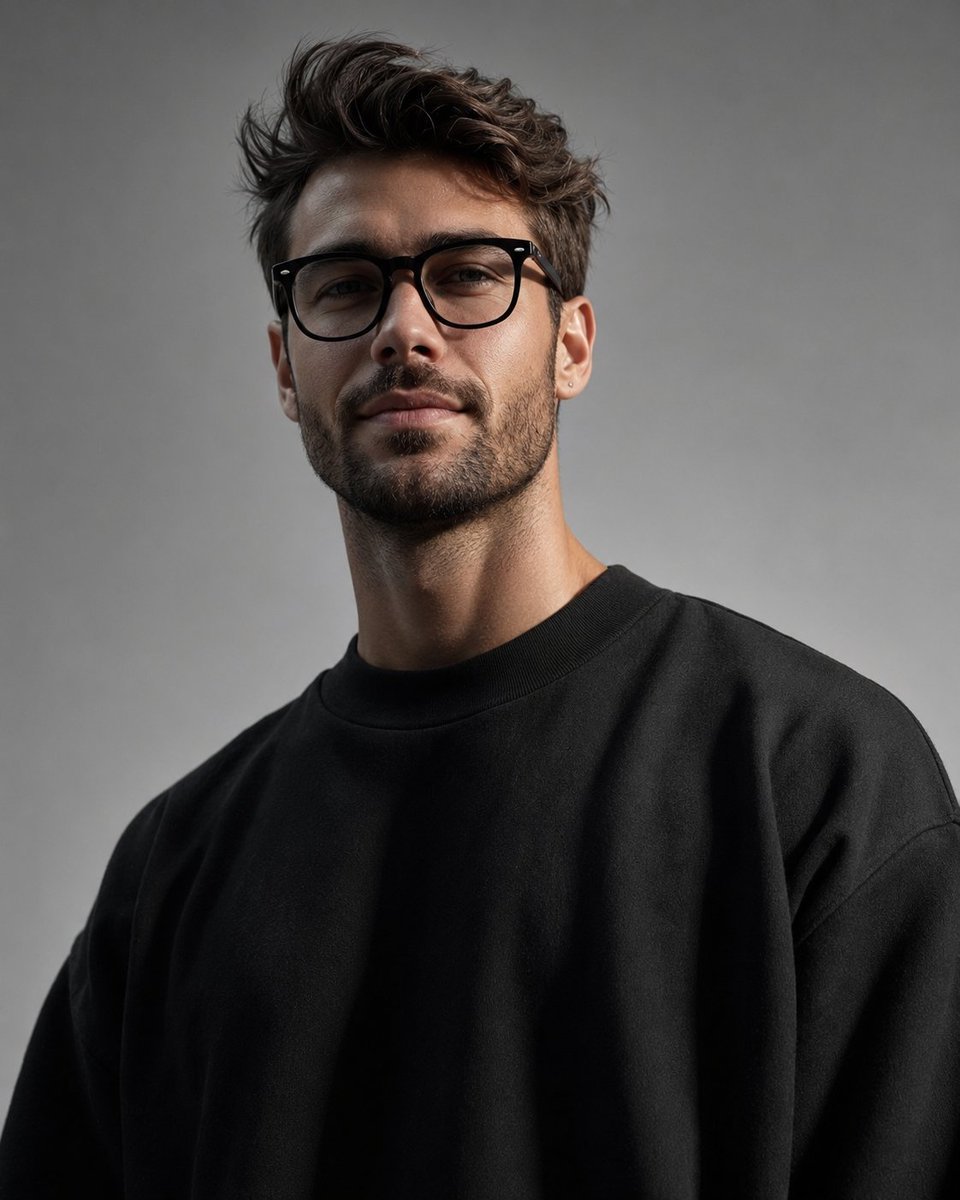
Minimalist High-Fashion Studio Portrait

Minimalist Studio Fashion Portrait Grid
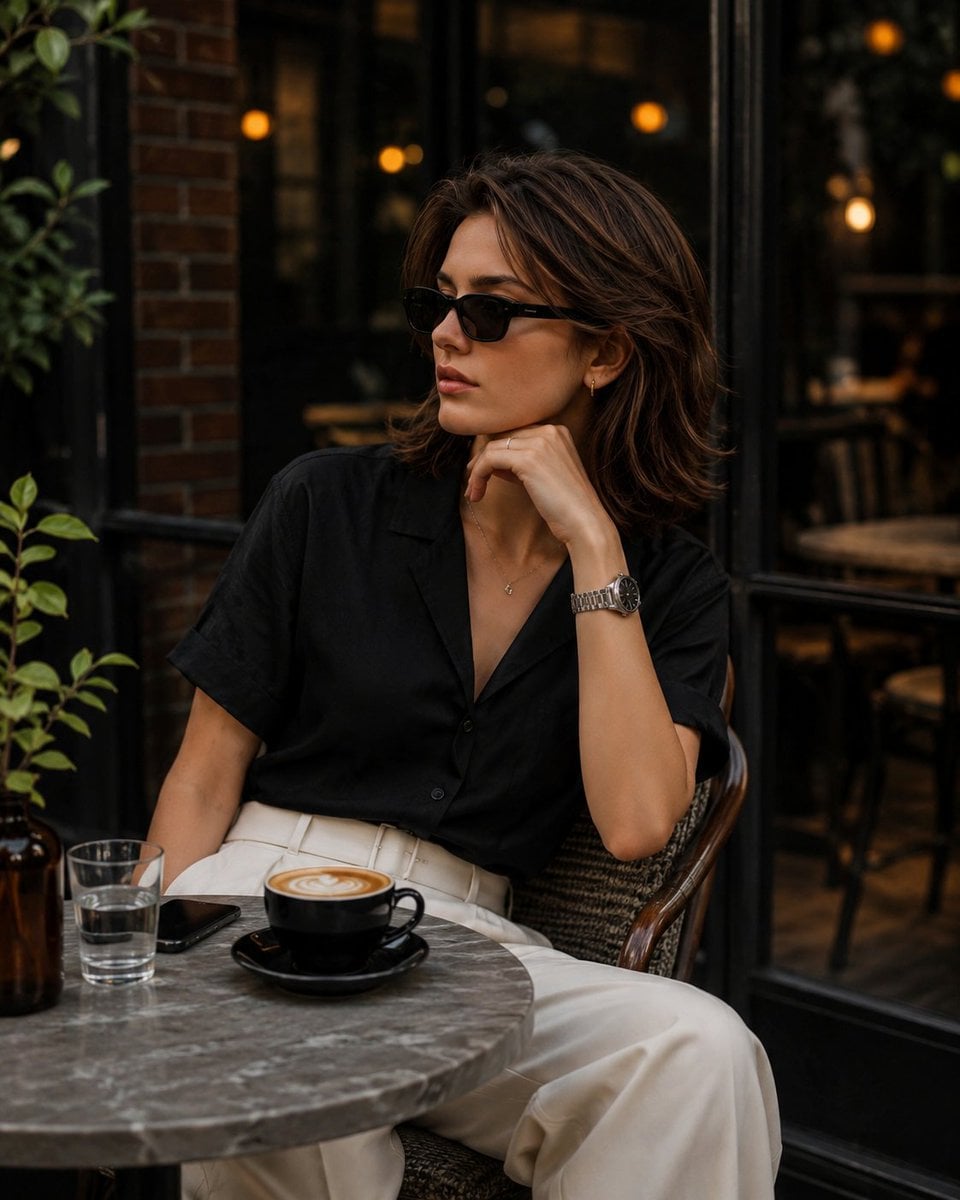
Elegant European Cafe Lifestyle Portrait
Make it yours
Minimalist Rope Line Art Portrait works as-is. These are the safest ways to change it without losing the look.
Change one field
Copy a single group, rewrite it, and generate again so you can see what that field is doing.
Keep the frame, change the subject
Hold the composition and light of Minimalist Rope Line Art Portrait, then swap wardrobe, props or the person for a new take.
| If the result… | Why | Fix |
|---|---|---|
| The result drifts from the preview | Too many fields changed at once. | Reuse Minimalist Rope Line Art Portrait as-is first, then change one group — subject, light, or setting. |
| The model over-stylizes the scene | The prose prompt leaves finish and camera underspecified. | Add one camera or lighting sentence and stay on GPT Image 2. |
More GPT Image 2 templates
Other prompts made for GPT Image 2.

Six VTuber Japanese Logo Sheet

Realistic Portrait of Woman and Deer

The Vista Modular Condo Poster

AI Model Routing Comparison Infographic

2.5D Anime Art Board

Isometric Productivity Desk Scene

New York Double Exposure Poster

Four-Panel AI Landscape Comparison

Japanese Tatami Lifestyle Magazine Cover

NESCAFÉ Coffee Map Poster
More image prompts
Fresh picks from across the catalog.
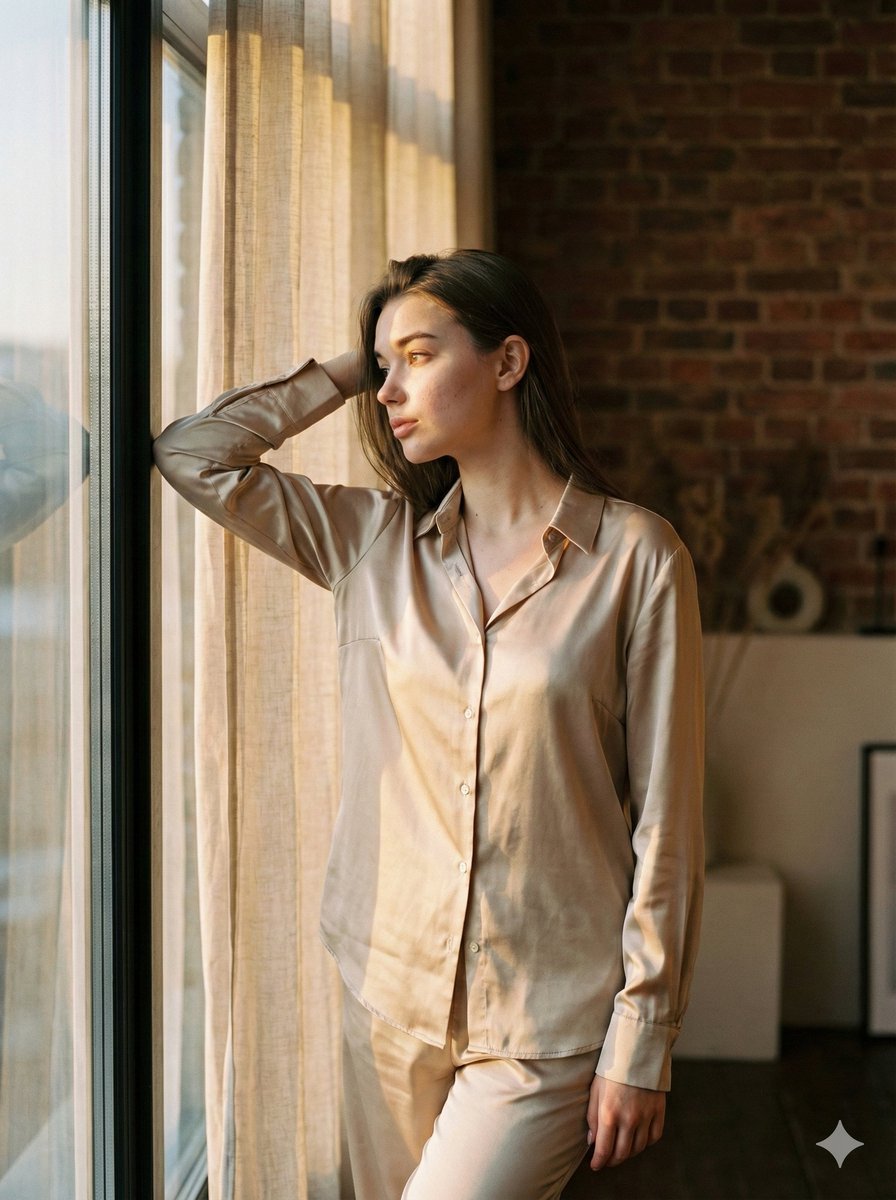
Golden Hour Loft Editorial Portrait JSON
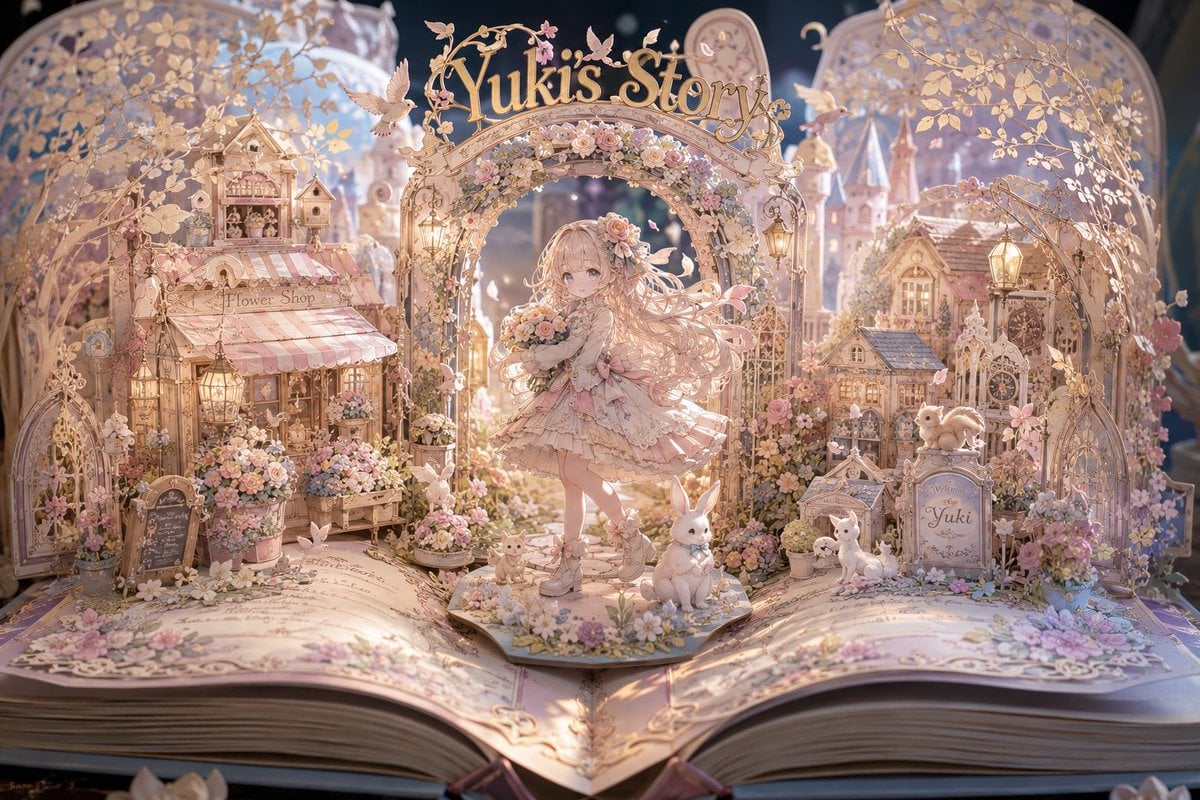
Yuki's Magical Pop-Up Storybook
Mysterious Butterfly Portrait Prompt
Golden Hour Park Bench Portrait
Minimal Astronaut Album Cover
untitled
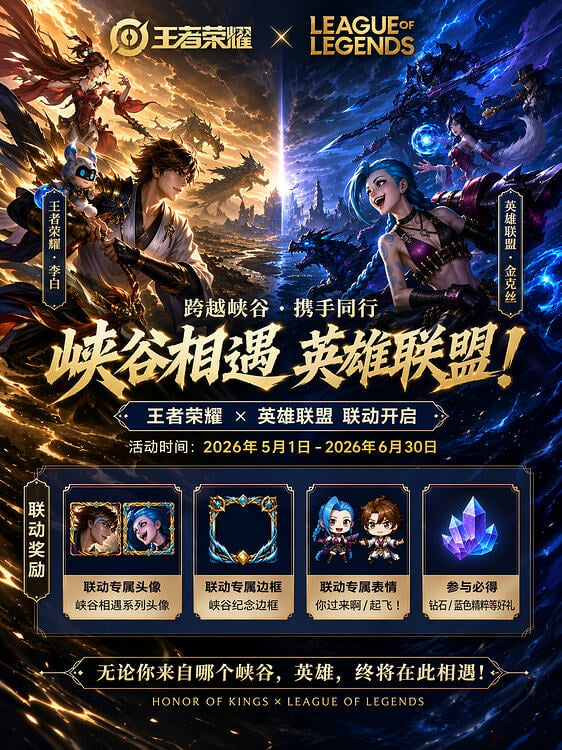
Game Crossover Promotional Poster
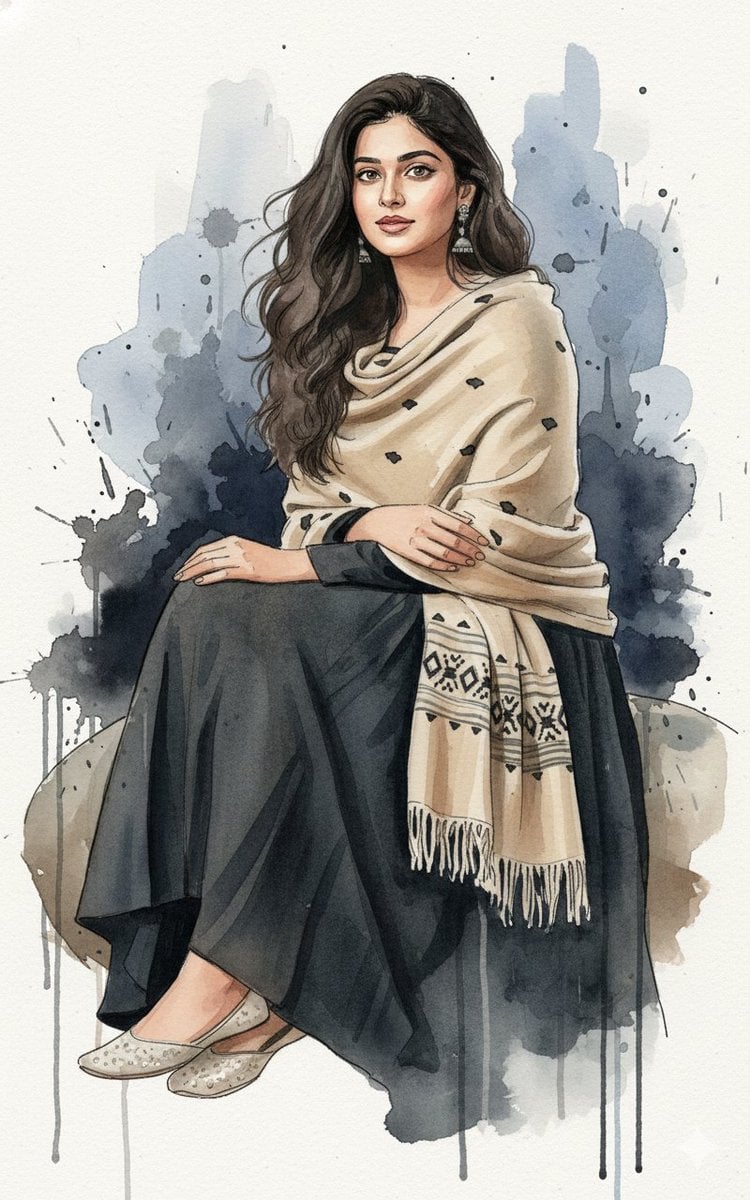
Fine-Art Ink and Watercolor Portrait with Identity Lock
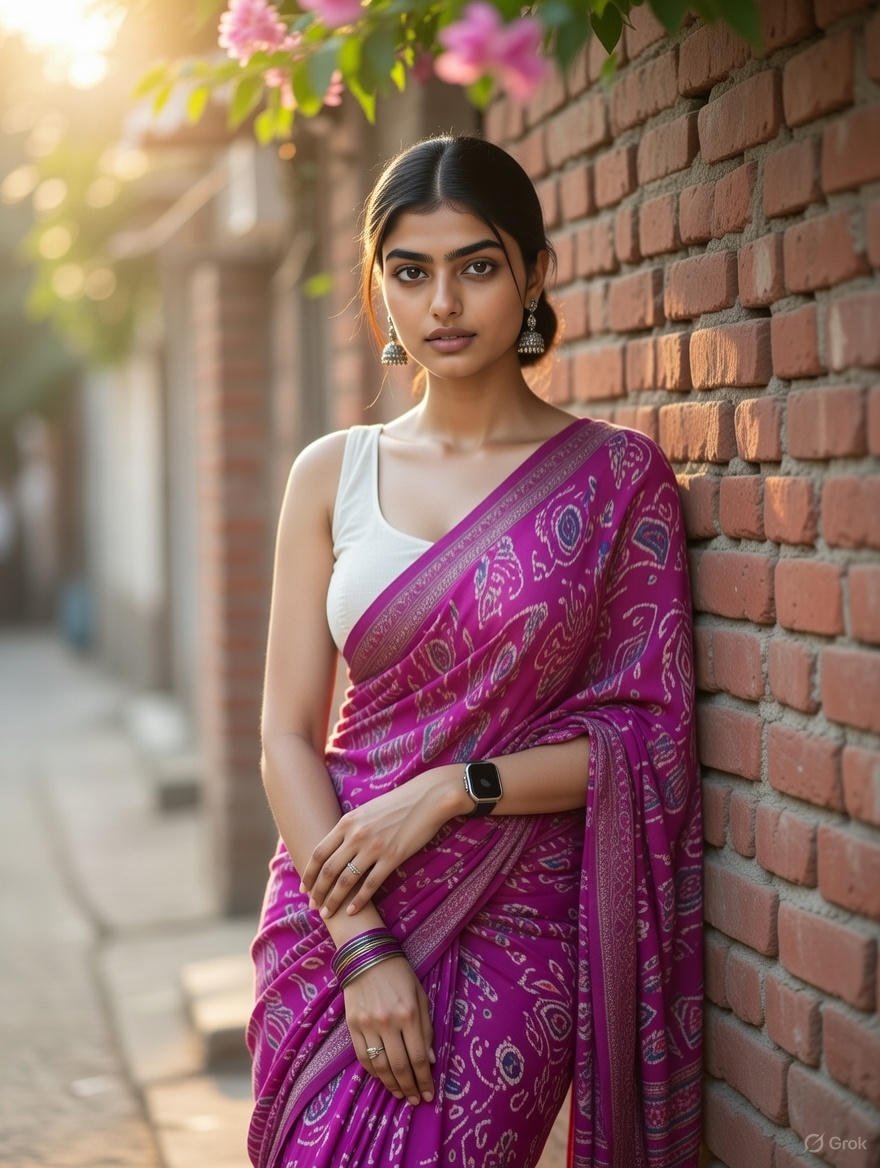
Grok Identity Lock Prompt for Saree Portrait

X Ozayrr Irl Chatgpt Image 2 Vs Google
Browse template categories
Minimalist Rope Line Art Portrait questions
How do I use the Minimalist Rope Line Art Portrait template?
Add your photo if the template asks for one, edit the prompt if you like — the template's model and format are already selected — and press Generate. Your version opens in PicX Studio.
Can I customize the Minimalist Rope Line Art Portrait template?
Yes. You can change the subject, setting, lighting, mood, format, and available model controls before creating your image.
Is the Minimalist Rope Line Art Portrait template free?
Opening and editing this template is free. Generating uses credits, shown on the Generate button when you are signed in.
Which AI model should I use?
Start with GPT Image 2, which is the model associated with this template. You can compare another compatible model for a different finish.
Looking for something else? Browse all templates.

Your photo, any look
Thousands of ready templates for every top image and video model, from one credit balance.