
untitled
untitled is a ready photo look for Seedance 2.0 Standard.
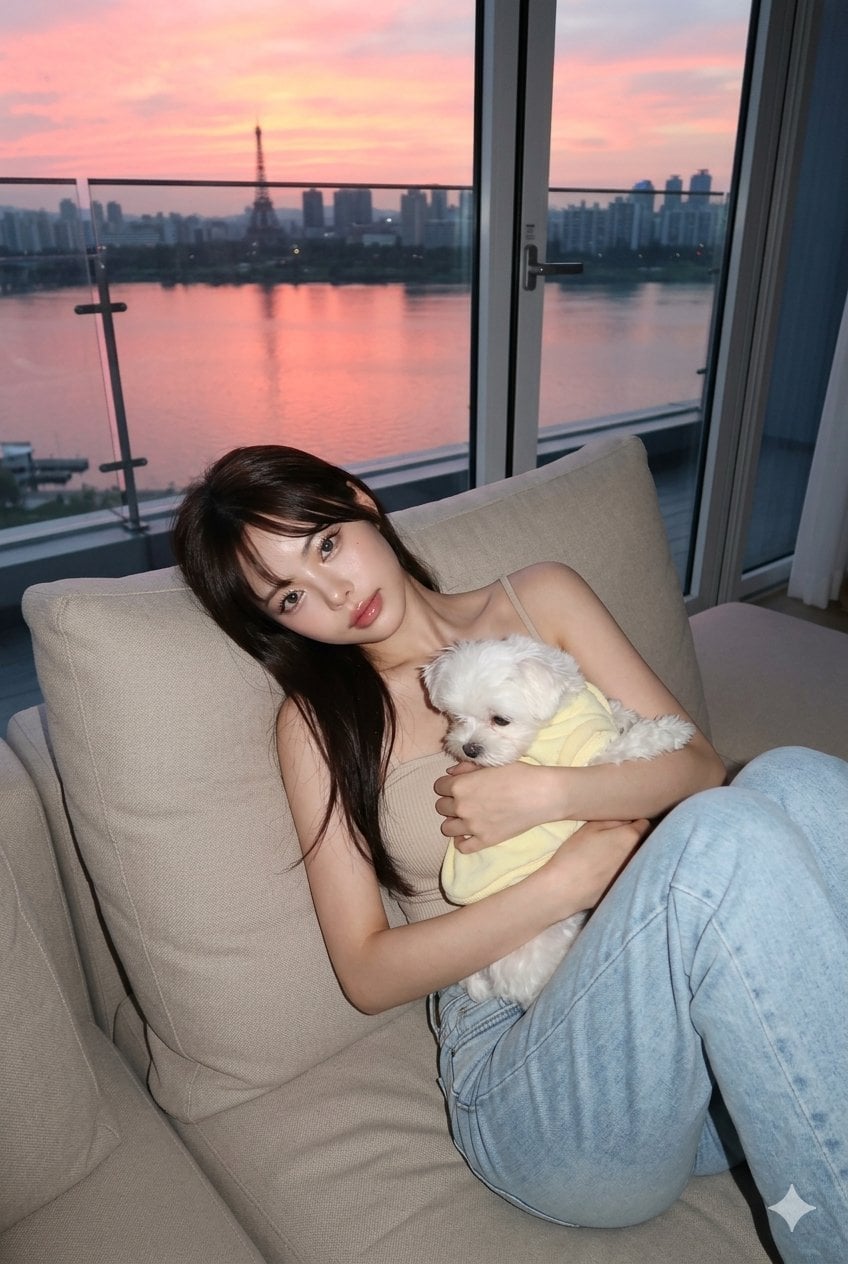
- Prompt included
- Model and format preset
- Free template
The prompt behind this image
Copy the exact prompt behind untitled, or open it in the studio and make it yours.
Gigantic orbital ring around an alien planet, structural failure propagating at high velocity, entire sections tearing apart while traffic is still moving across it. Wide shot: the ring mid-rotation, a fracture suddenly racing along its surface faster than expected. Hard tracking: camera locked to the crack as it splits structural layers, tearing through habitats and transit lines. Close pass: maintenance ships accelerating along the ring, barely outrunning the collapsing structure behind them. Near-failure: a ship misjudges speed, the surface drops away beneath it, forced to boost last-second to avoid being pulled into open space. Chain reaction: rotating segments begin desyncing, colliding edges grinding and breaking apart. Interior shot: corridor violently shifting, gravity flickering, people and debris slamming into walls as atmosphere vents. Exterior whip: a massive section snaps free, rotating unpredictably, narrowly missing a fleeing ship. Precision escape: pilot threads through a collapsing lattice of beams and cables, gaps closing in real time. Shockwave: structural failure releases energy, pushing debris outward, ships struggling to maintain trajectory. Final moment: a huge arc of the ring tears loose, drifting away, still populated with lights flickering across its surface. Relentless structural collapse, no pauses, constant repositioning, cascading failures, grounded physics, massive scale with intimate danger.
How to use untitled in 3 steps
- 1
Open
The prompt is already in the box next to the preview, with the template's model and format selected.
- 2…a portrait of your subject in softgolden-hour light, 85mm…
Personalize
Edit the subject and creative details for your destination.
- 3Generate
Generate
Press Generate — your image is created in PicX Studio, so you can compare it with the original and refine one variable at a time.
More like this
Templates with the same subject, style or setup. Open one to see its prompt.







Make it yours
untitled works as-is. These are the safest ways to change it without losing the look.
Change one field
Copy a single group, rewrite it, and generate again so you can see what that field is doing.
Keep the frame, change the subject
Hold the composition and light of 49-untitled, then swap wardrobe, props or the person for a new take.
| If the result… | Why | Fix |
|---|---|---|
| The result drifts from the preview | Too many fields changed at once. | Reuse 49-untitled as-is first, then change one group — subject, light, or setting. |
| The model over-stylizes the scene | The prose prompt leaves finish and camera underspecified. | Add one camera or lighting sentence and stay on Seedance 2.0 Standard. |
More Seedance 2.0 Standard templates
Other prompts made for Seedance 2.0 Standard.






More image prompts
Fresh picks from across the catalog.
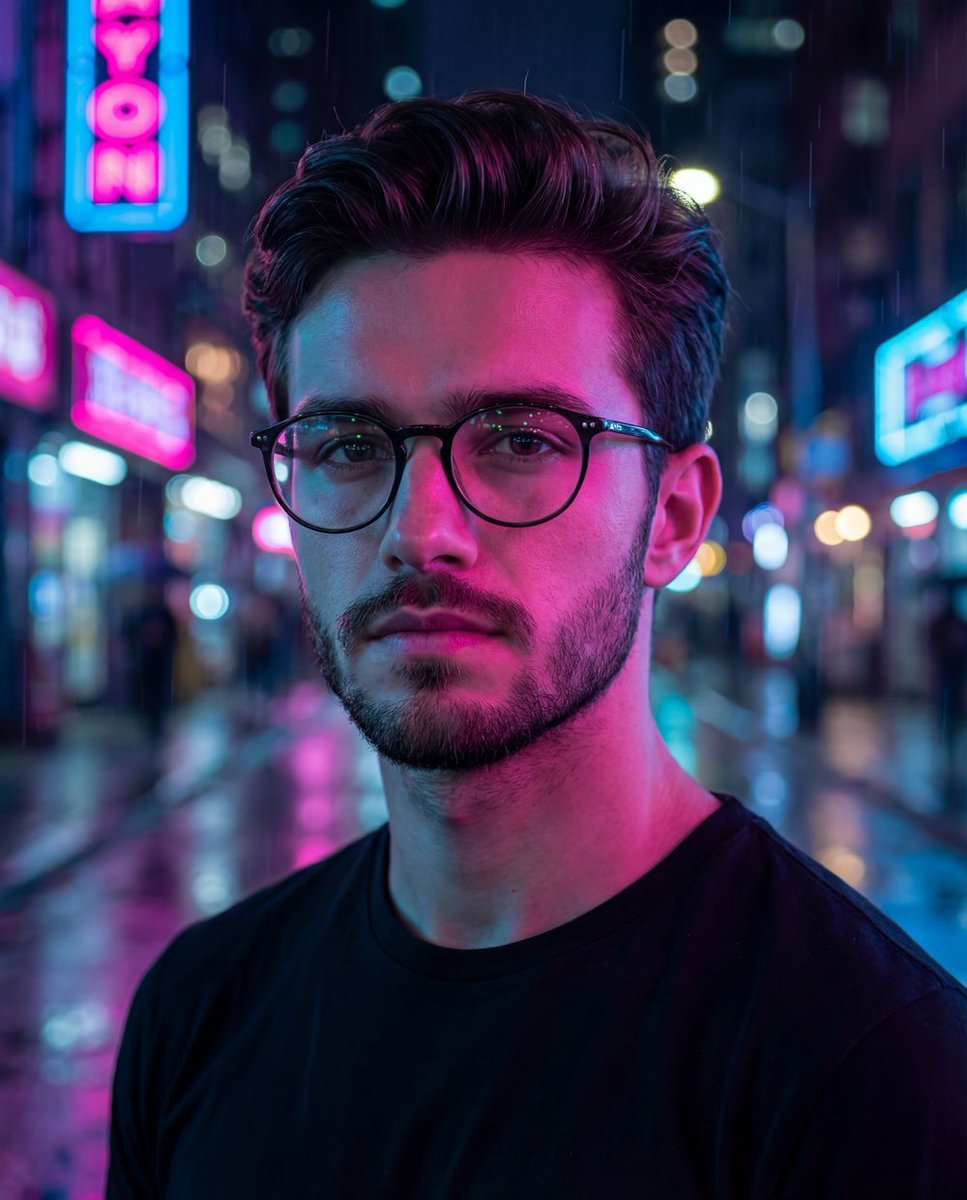
Cyberpunk Neon Night Street Portrait
Freepik Prompt Share with Nano Banana Pro
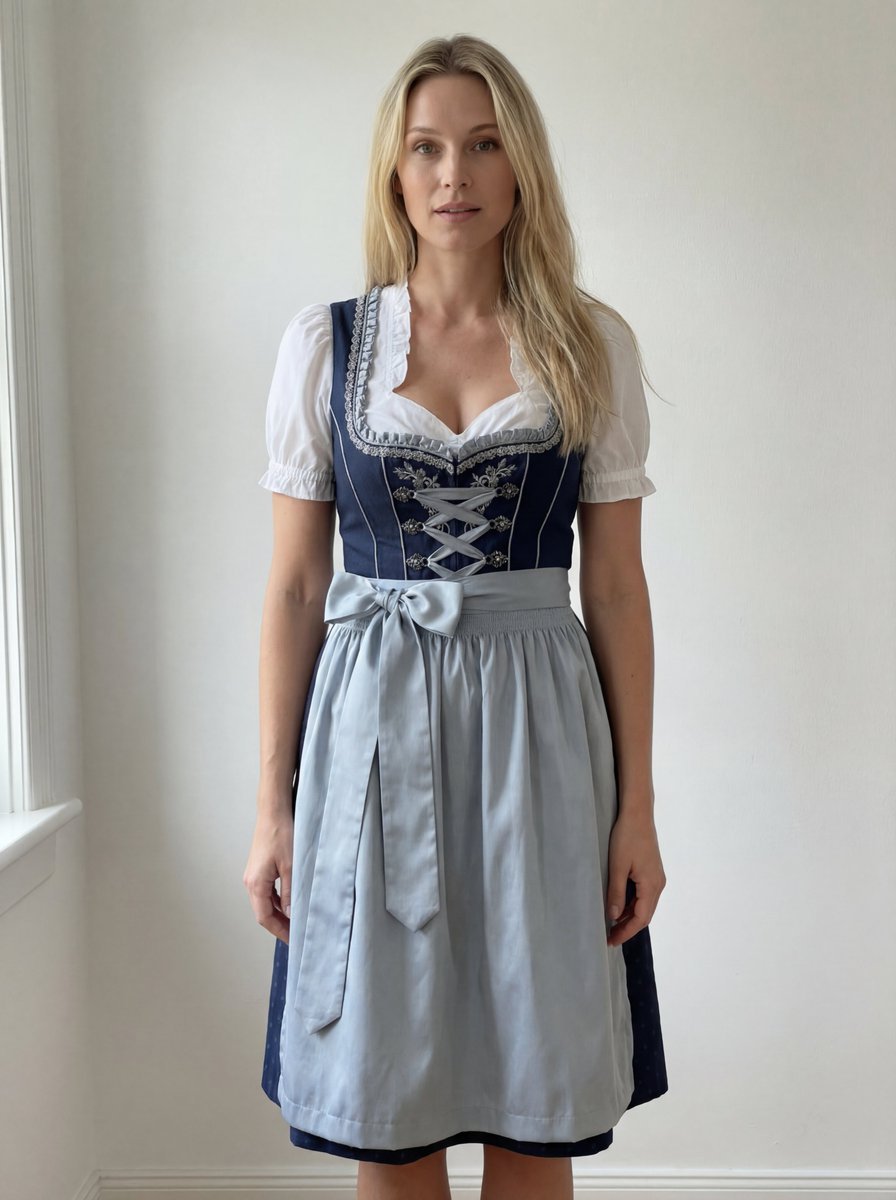
Edit Prompt: Woman in Bavarian Dirndl (Strict Background Preservation)
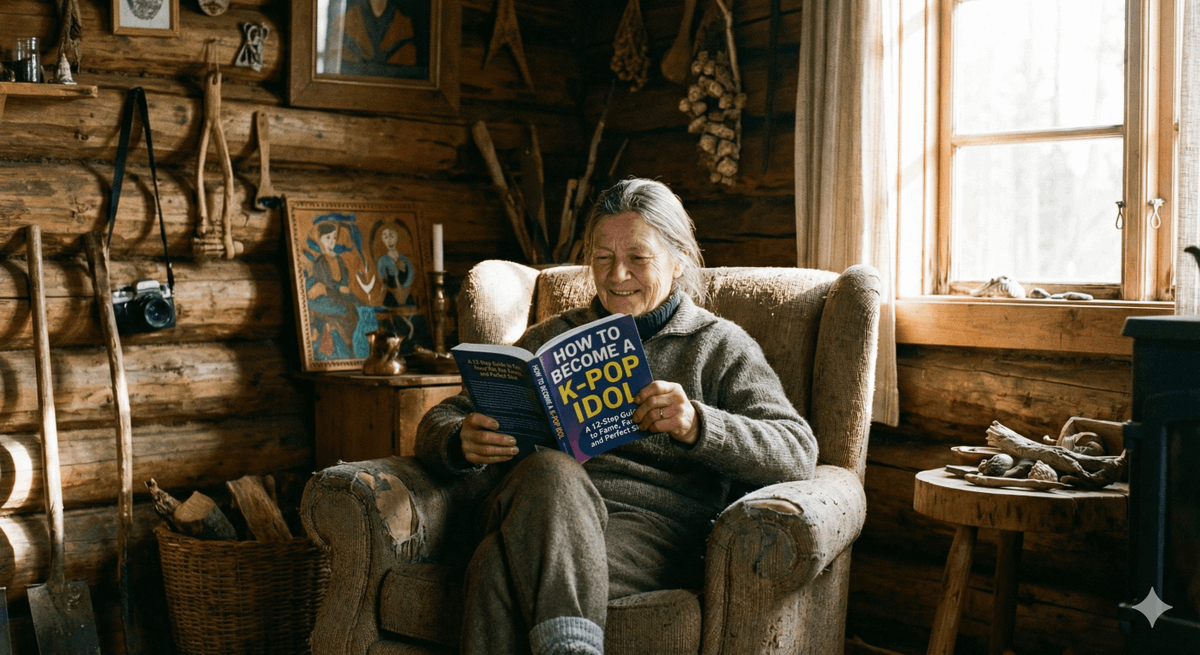
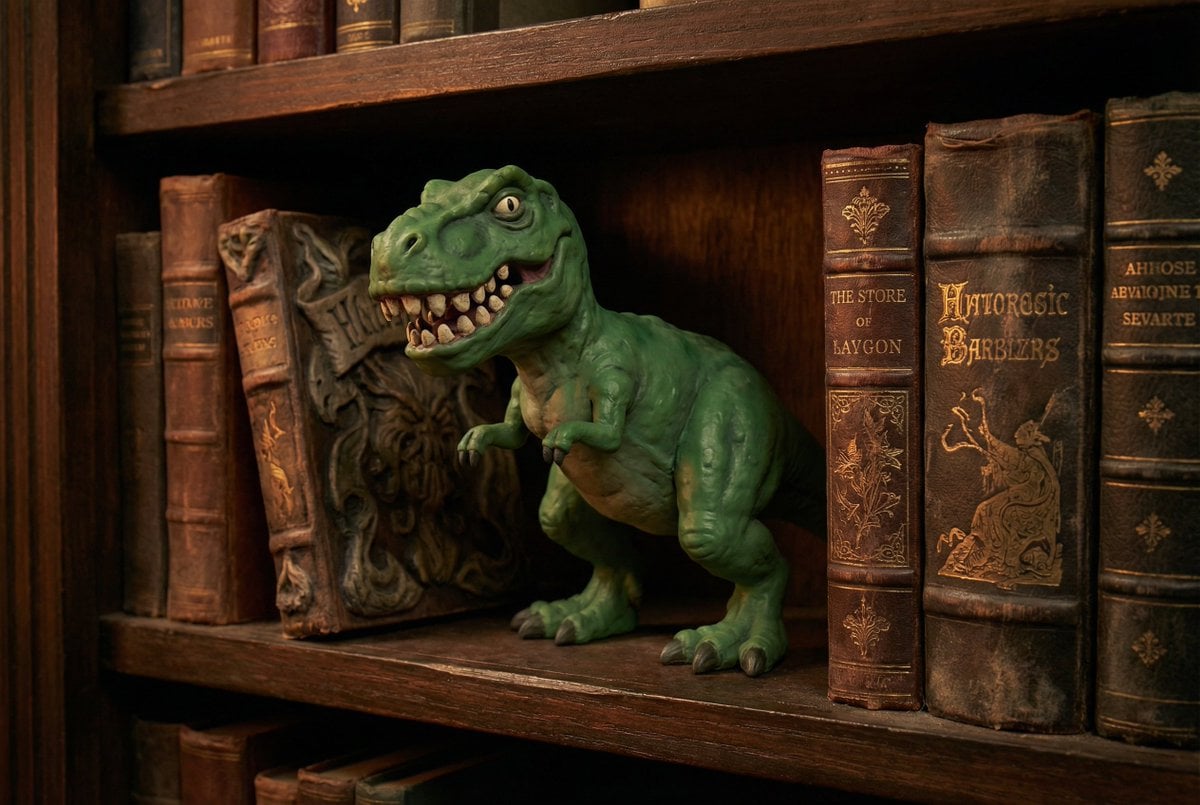
Absurd Book Title Image Generation
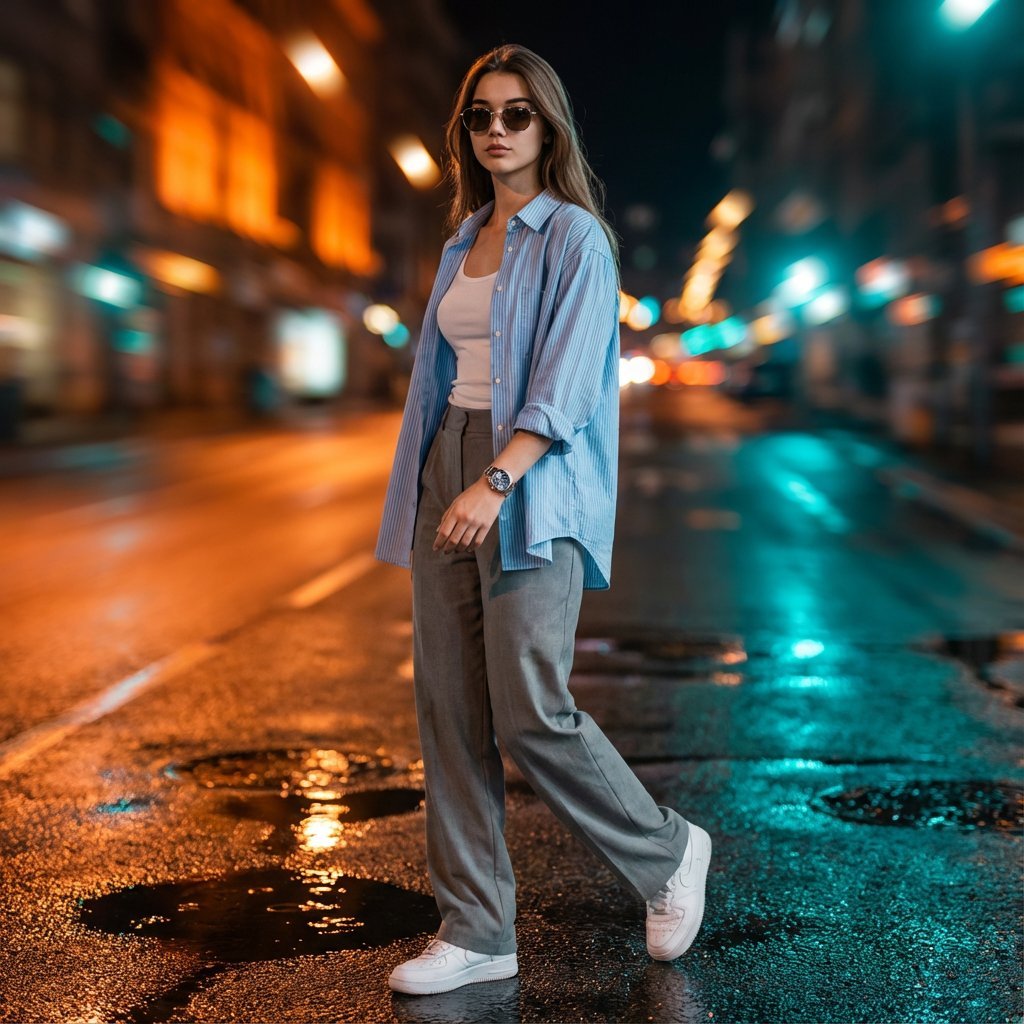
Cinematic Urban Night Portrait with Neon Reflections on Watch
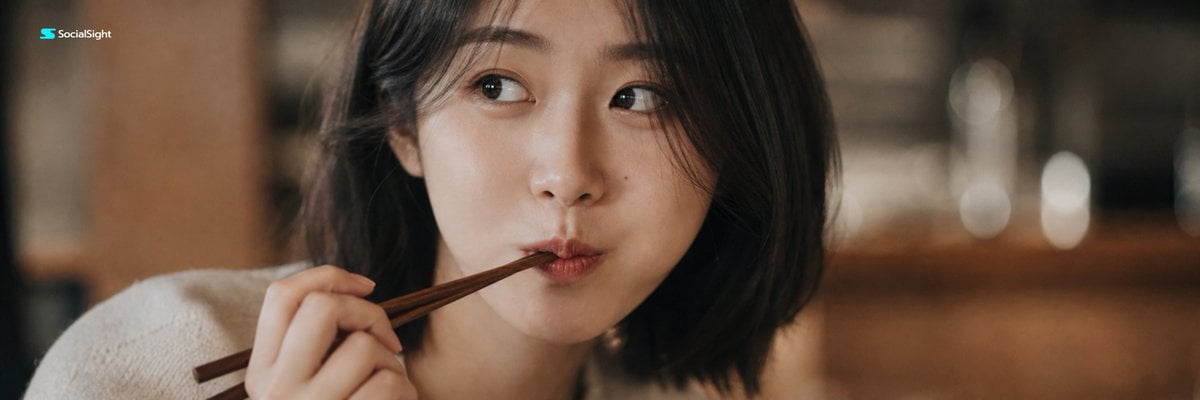
Playful Intimate Portrait Photography
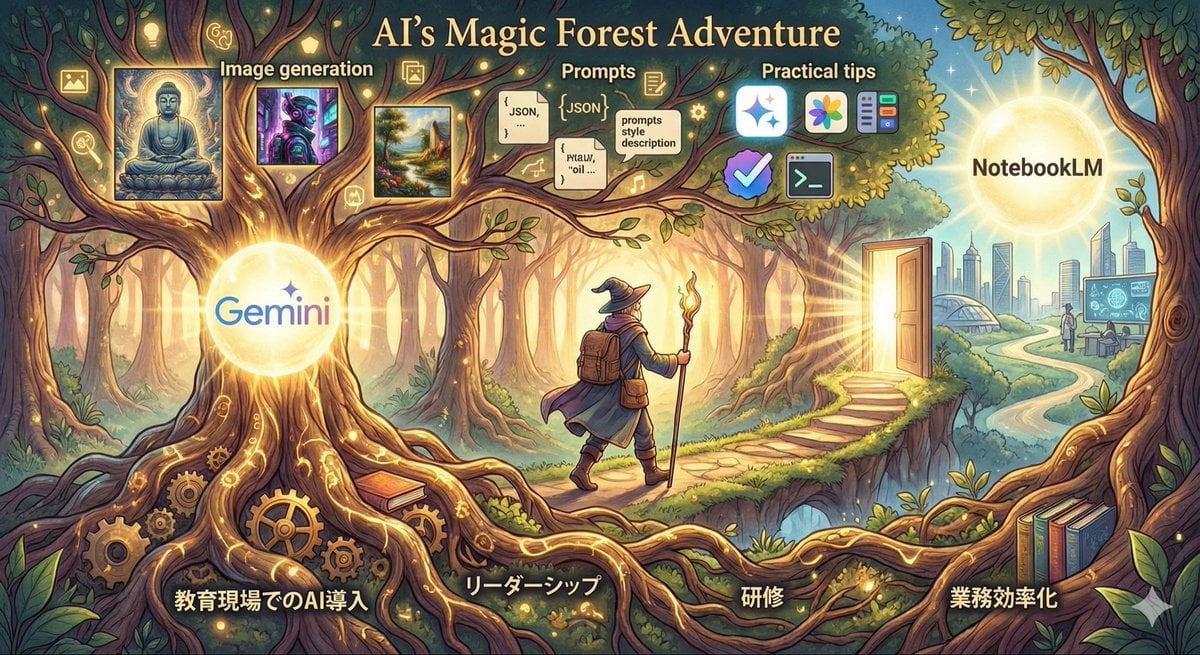
Optimal Taste Selection Prompt
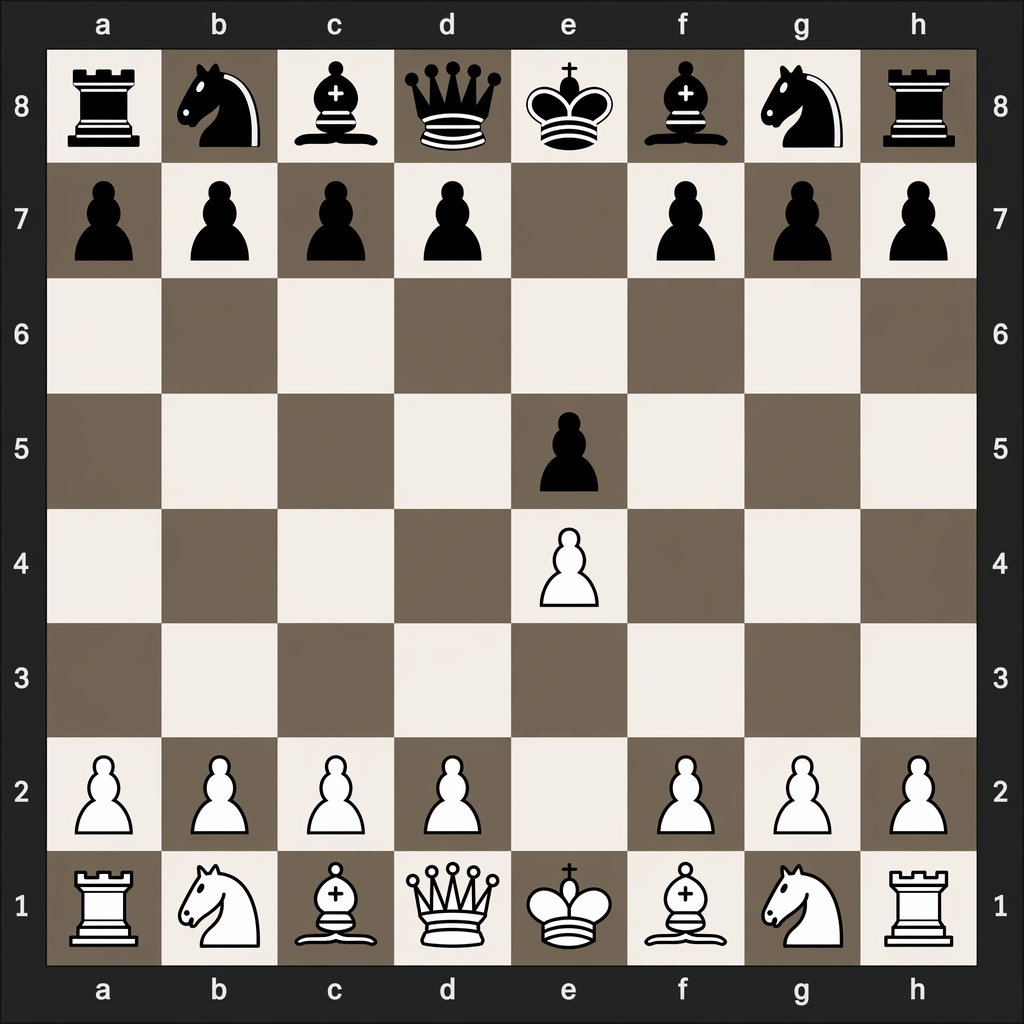
Digital Chessboard After 1.e4 e5
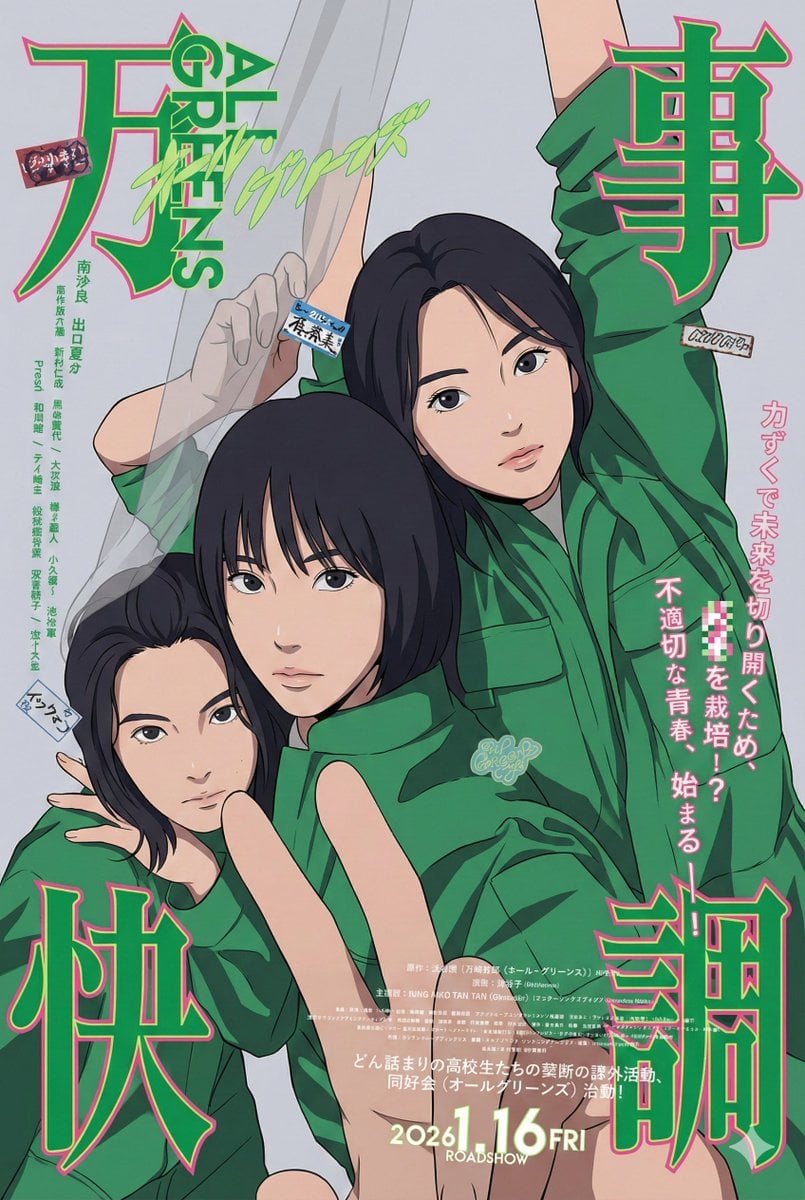
80s City Pop Illustration of Drama Characters
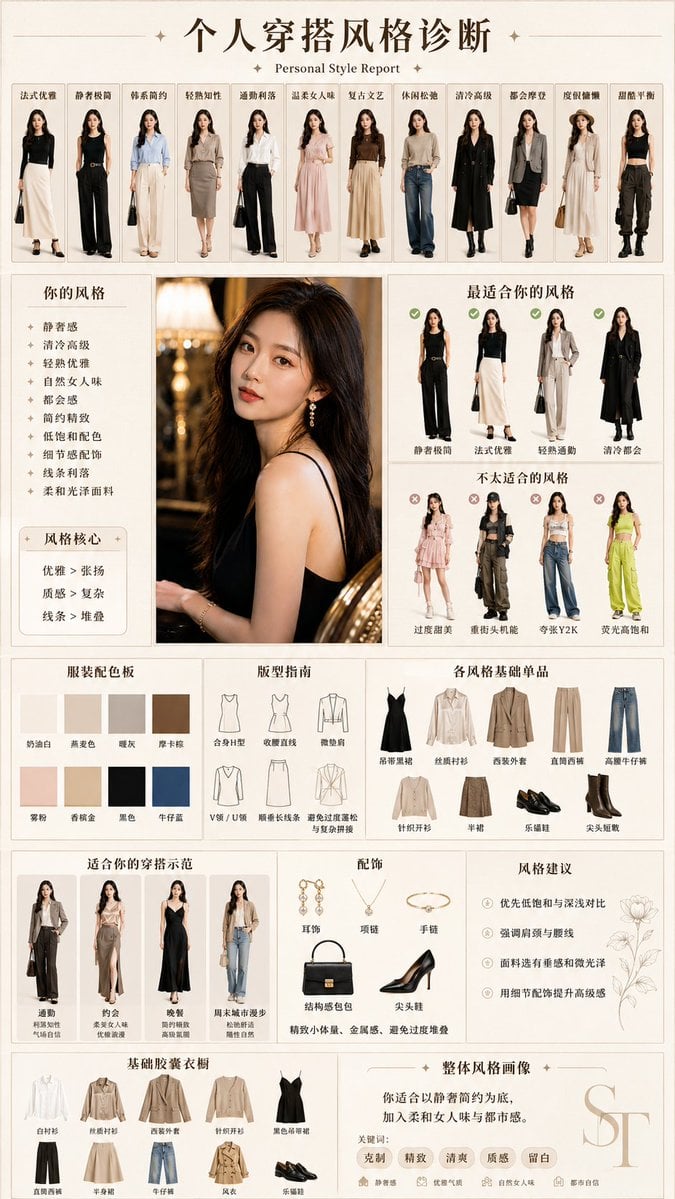
Personal Style Diagnosis Report
Browse template categories
untitled questions
How do I use the 49-untitled template?
Add your photo if the template asks for one, edit the prompt if you like — the template's model and format are already selected — and press Generate. Your version opens in PicX Studio.
Can I customize the 49-untitled template?
Yes. You can change the subject, setting, lighting, mood, format, and available model controls before creating your image.
Is the 49-untitled template free?
Opening and editing this template is free. Generating uses credits, shown on the Generate button when you are signed in.
Which AI model should I use?
Start with Seedance 2.0 Standard, which is the model associated with this template. You can compare another compatible model for a different finish.
Looking for something else? Browse all templates.

Your photo, any look
Thousands of ready templates for every top image and video model, from one credit balance.