
untitled
untitled is a ready photo look for Seedance 2.0 Standard.
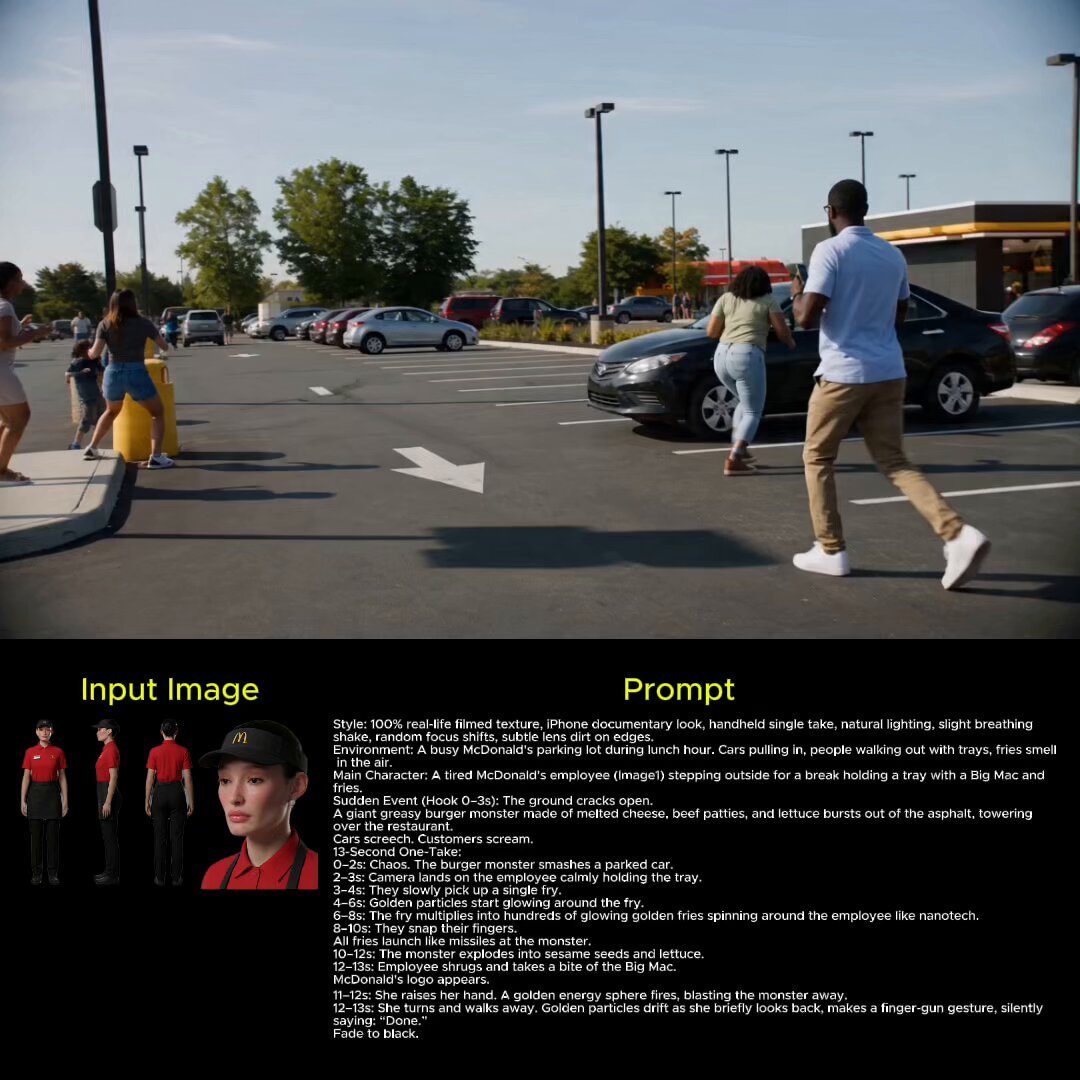
- Prompt included
- Model and format preset
- Free template
The prompt behind this image
Copy the exact prompt behind untitled, or open it in the studio and make it yours.
100% real-life filmed texture, iPhone documentary look, handheld single take, natural lighting, slight breathing shake, random focus shifts, subtle lens dirt on edges. Environment A busy McDonald's parking lot during lunch hour. Cars pulling in, people walking out with trays, fries smell in the air. Main Character A tired McDonald's employee (Image1) stepping outside for a break holding a tray with a Big Mac and fries. Sudden Event (Hook 0–3s) The ground cracks open. A giant greasy burger monster made of melted cheese, beef patties, and lettuce bursts out of the asphalt, towering over the restaurant. Cars screech. Customers scream. 13-Second One-Take 0–2s Chaos. The burger monster smashes a parked car. 2–3s Camera lands on the employee calmly holding the tray. 3–4s They slowly pick up a single fry. 4–6s Golden particles start glowing around the fry. 6–8s The fry multiplies into hundreds of glowing golden fries spinning around the employee like nanotech. 8–10s They snap their fingers. All fries launch like missiles at the monster. 10–12s The monster explodes into sesame seeds and lettuce. 12–13s Employee shrugs and takes a bite of the Big Mac. McDonald's logo appears.
How to use untitled in 3 steps
- 1
Open
The prompt is already in the box next to the preview, with the template's model and format selected.
- 2…a portrait of your subject in softgolden-hour light, 85mm…
Personalize
Edit the subject and creative details for your destination.
- 3Generate
Generate
Press Generate — your image is created in PicX Studio, so you can compare it with the original and refine one variable at a time.
More like this
Templates with the same subject, style or setup. Open one to see its prompt.








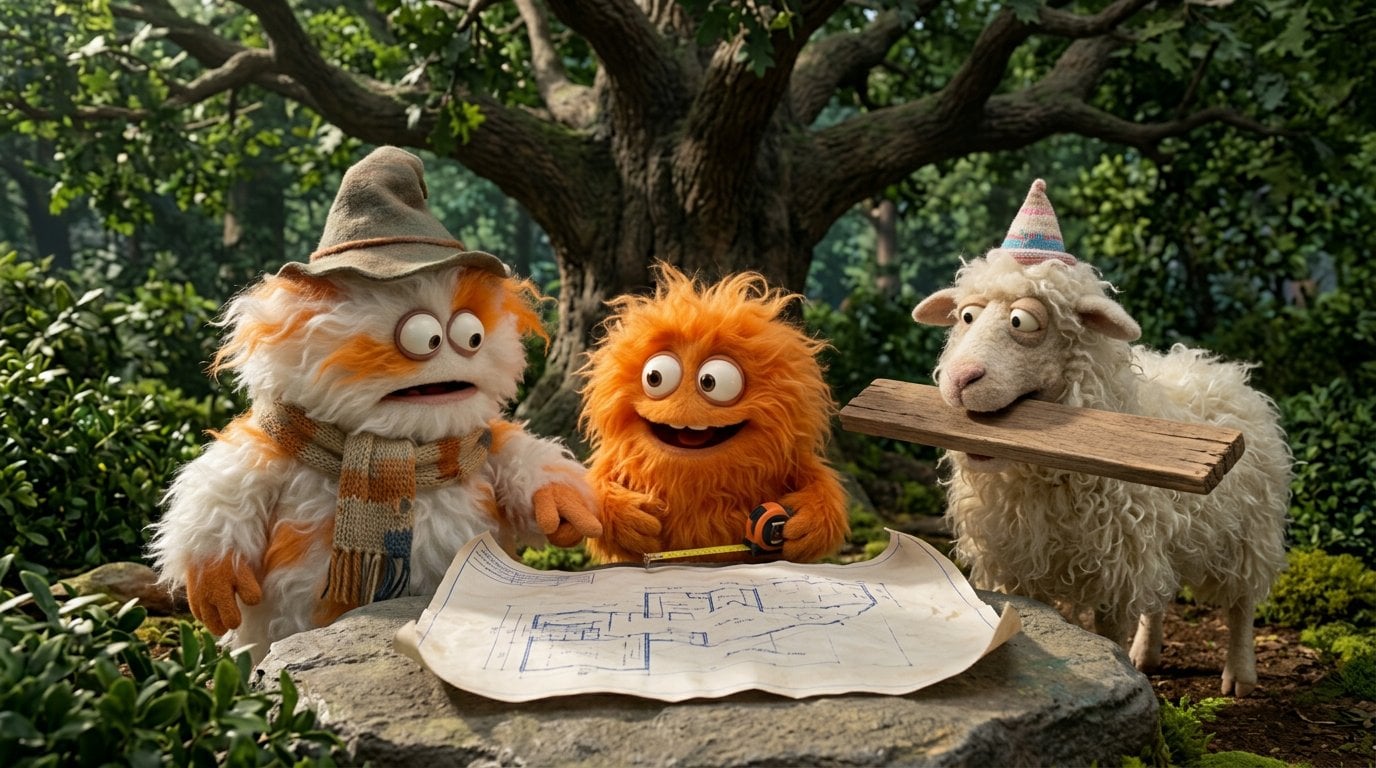
Make it yours
untitled works as-is. These are the safest ways to change it without losing the look.
Change one field
Copy a single group, rewrite it, and generate again so you can see what that field is doing.
Keep the frame, change the subject
Hold the composition and light of 71-untitled, then swap wardrobe, props or the person for a new take.
| If the result… | Why | Fix |
|---|---|---|
| The result drifts from the preview | Too many fields changed at once. | Reuse 71-untitled as-is first, then change one group — subject, light, or setting. |
| The model over-stylizes the scene | The prose prompt leaves finish and camera underspecified. | Add one camera or lighting sentence and stay on Seedance 2.0 Standard. |
More Seedance 2.0 Standard templates
Other prompts made for Seedance 2.0 Standard.





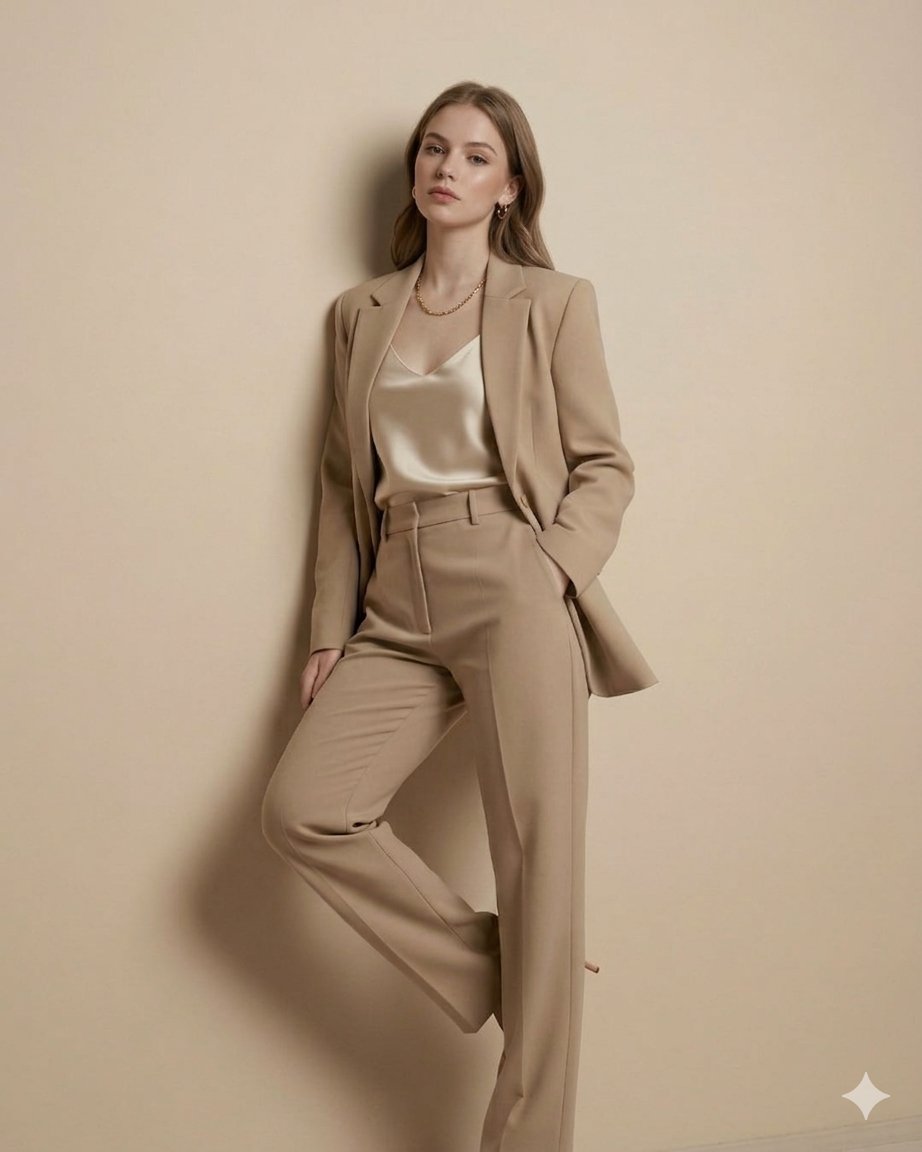
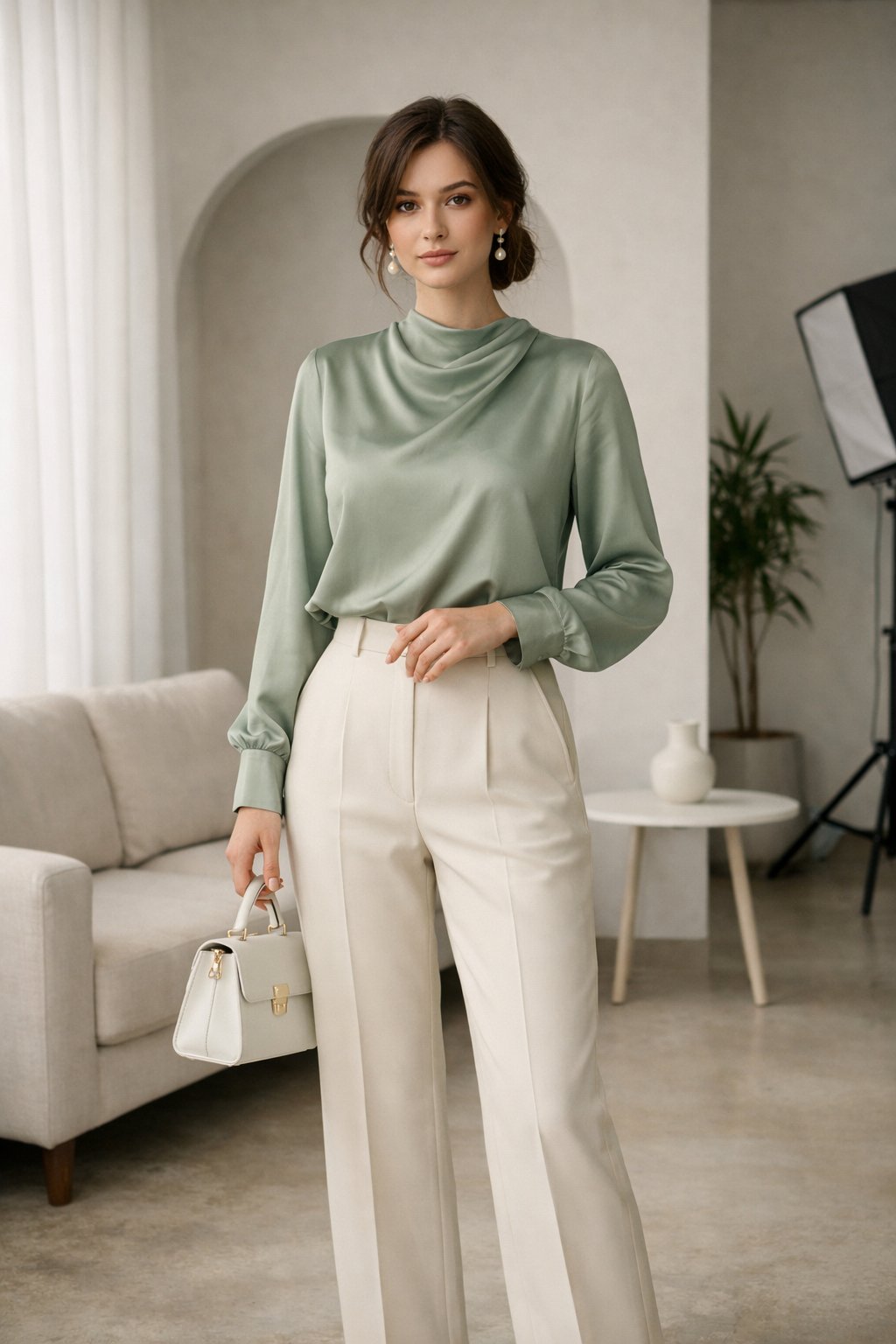
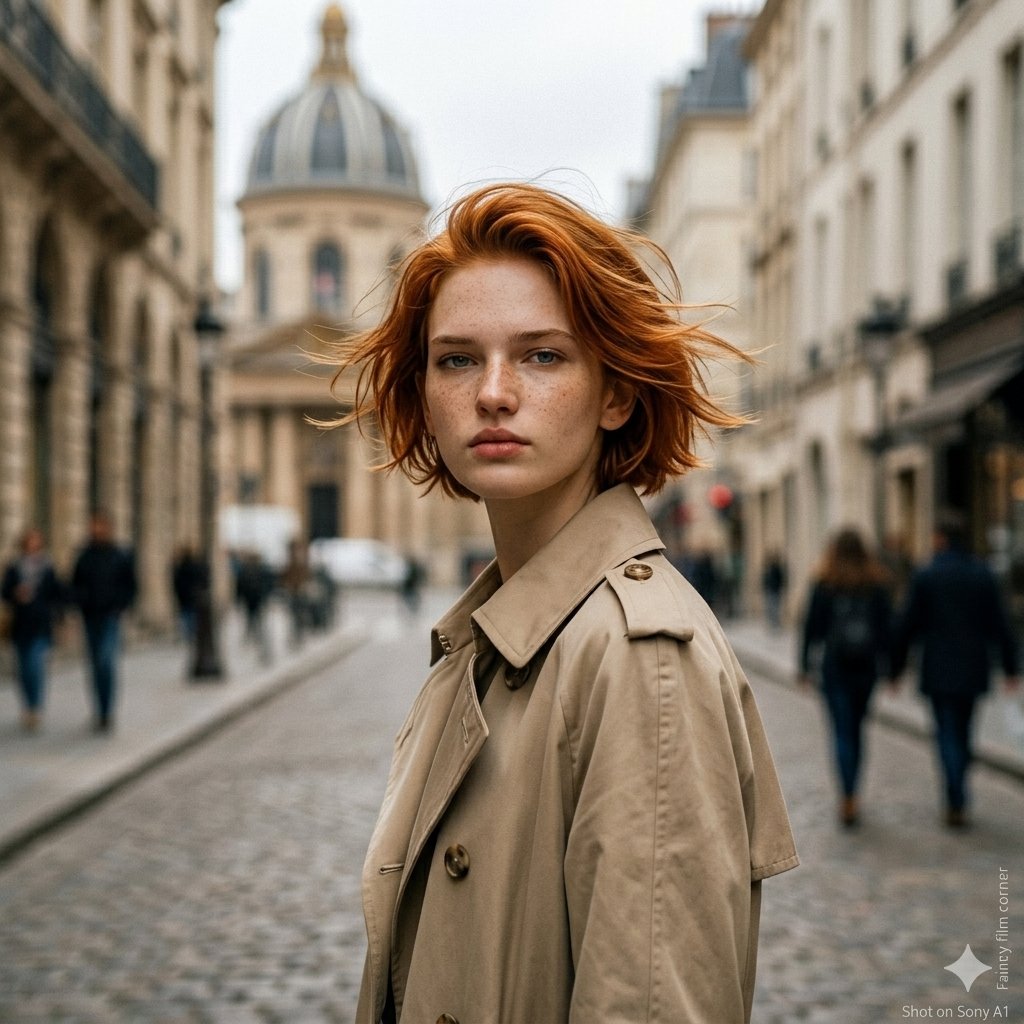
More image prompts
Fresh picks from across the catalog.
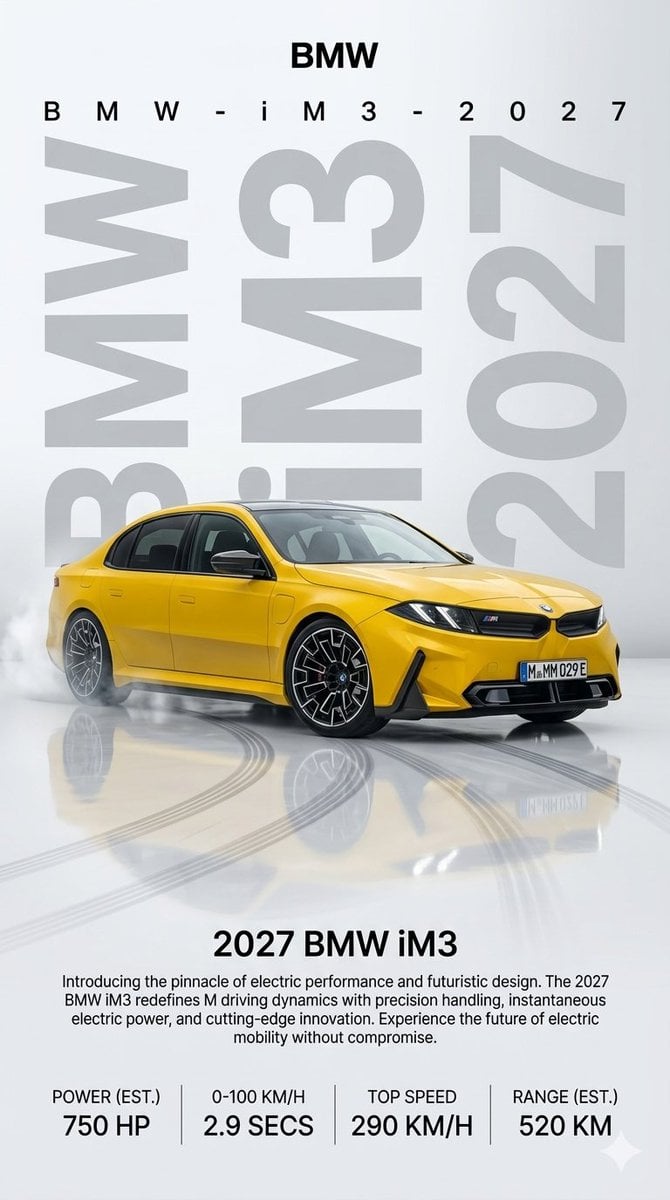
2027 BMW iM3 Launch Poster
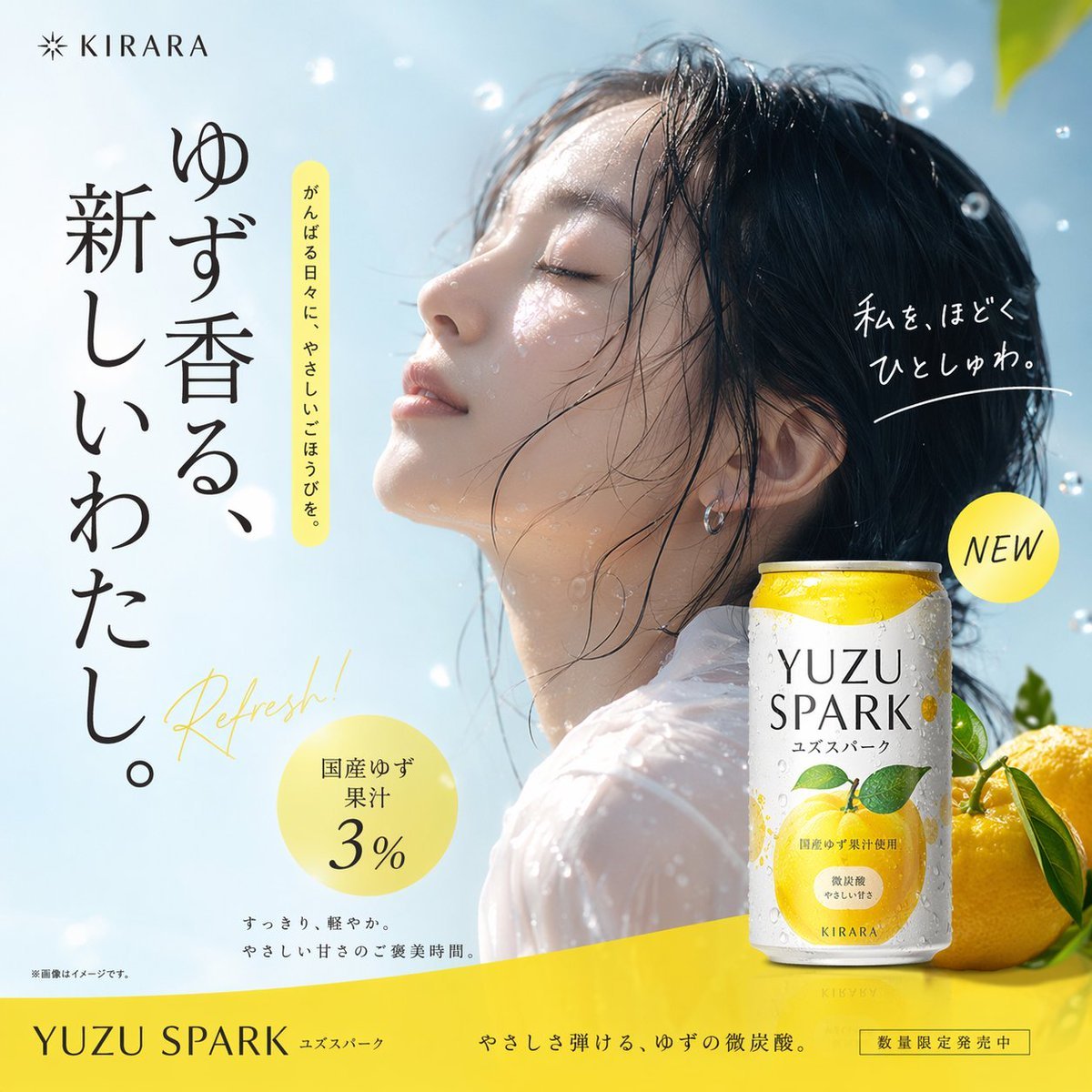
Yuzu Sparkling Water Advertisement
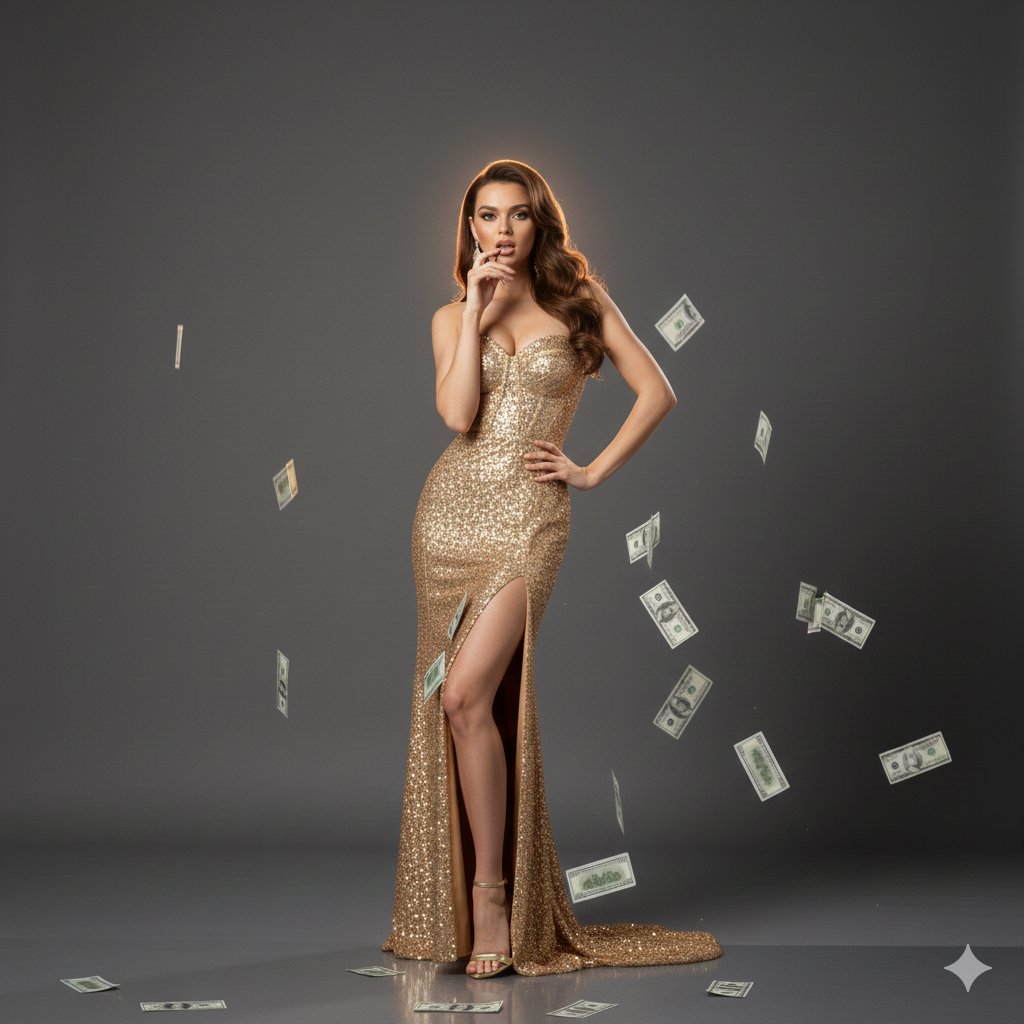
Luxury Fashion Editorial with Money Gun and Sequins
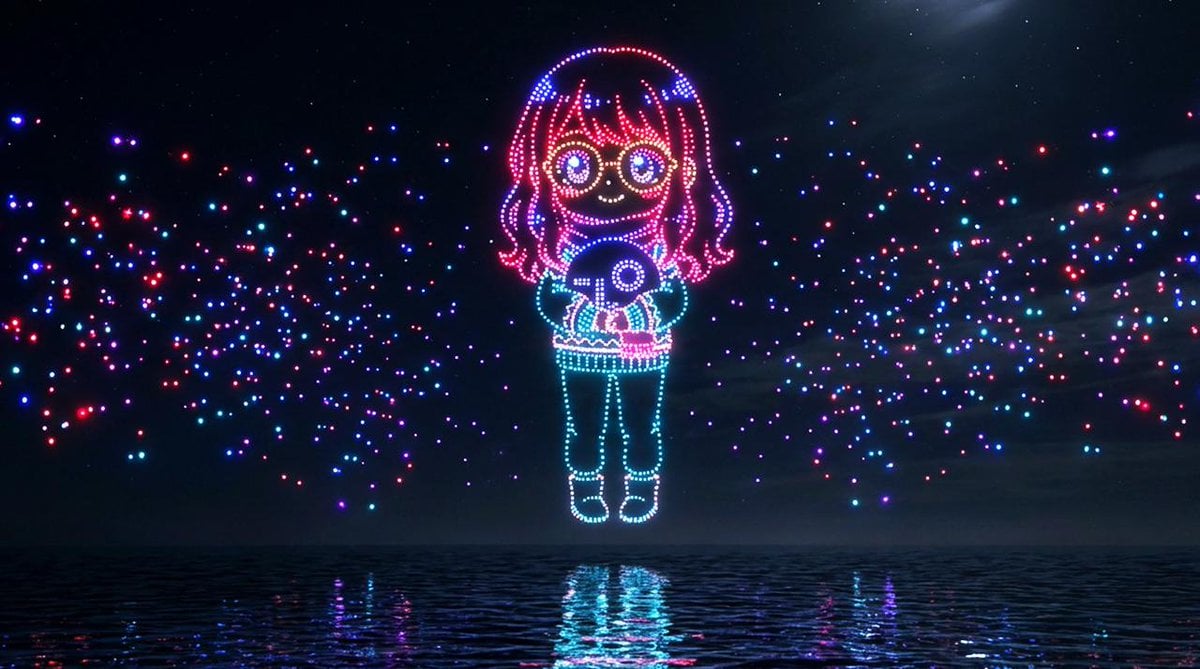
Drone Art Character Projection over Night Sea
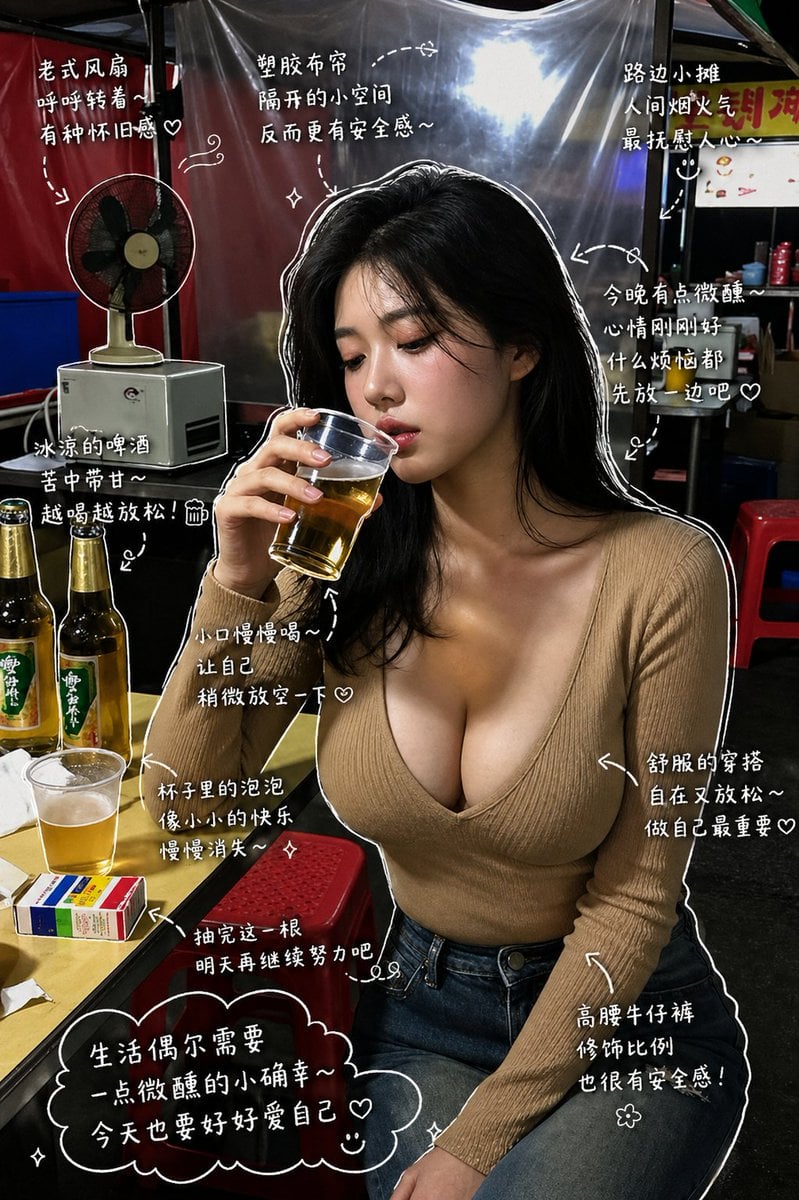
Healing Night Market Beer Photo
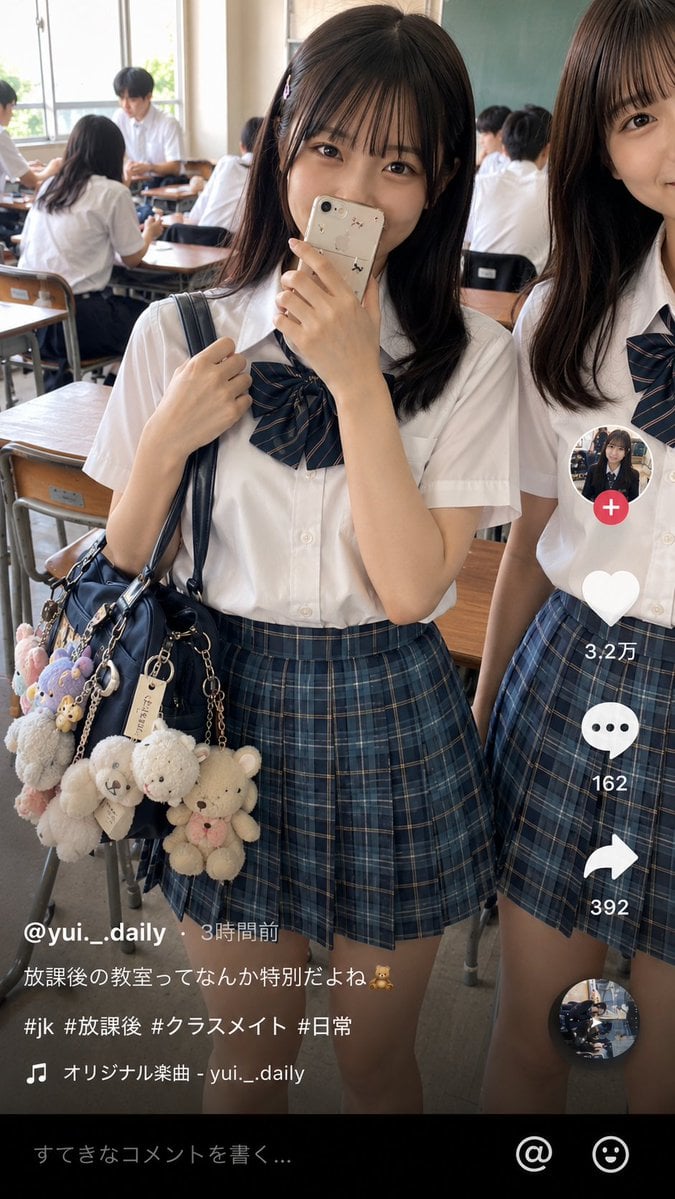
Japanese Classroom Short Video Screenshot
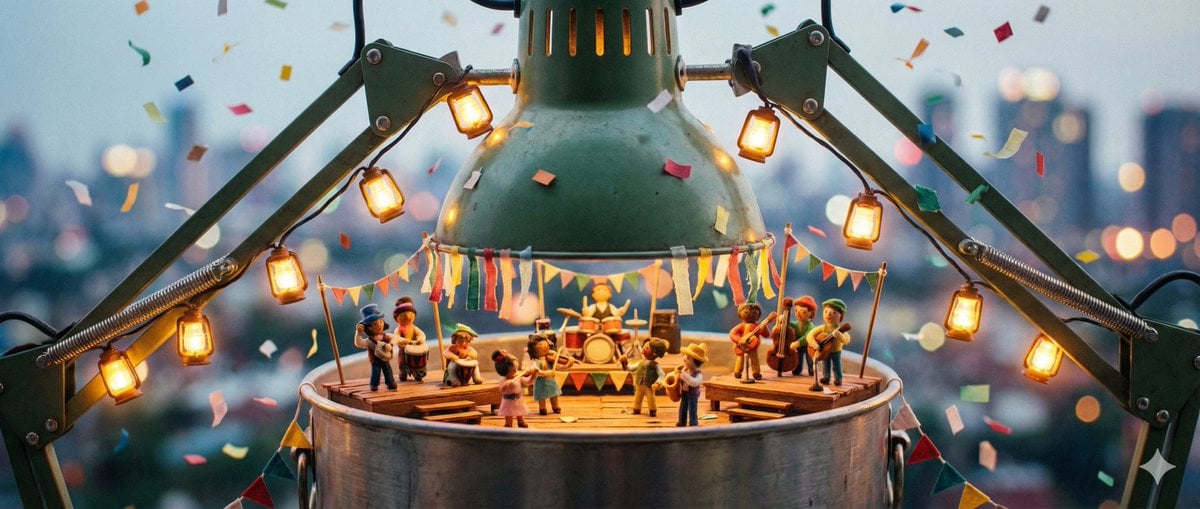
Tiny Characters Festival on Everyday Object Prompt
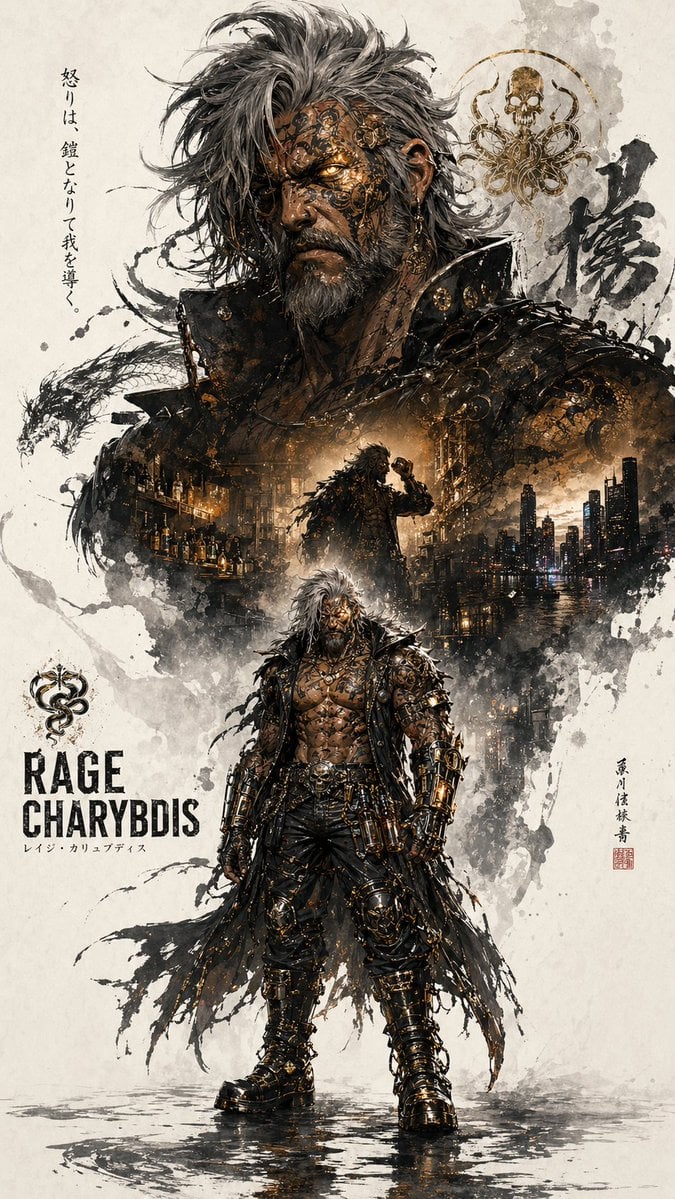
Character Promotion Poster Framework
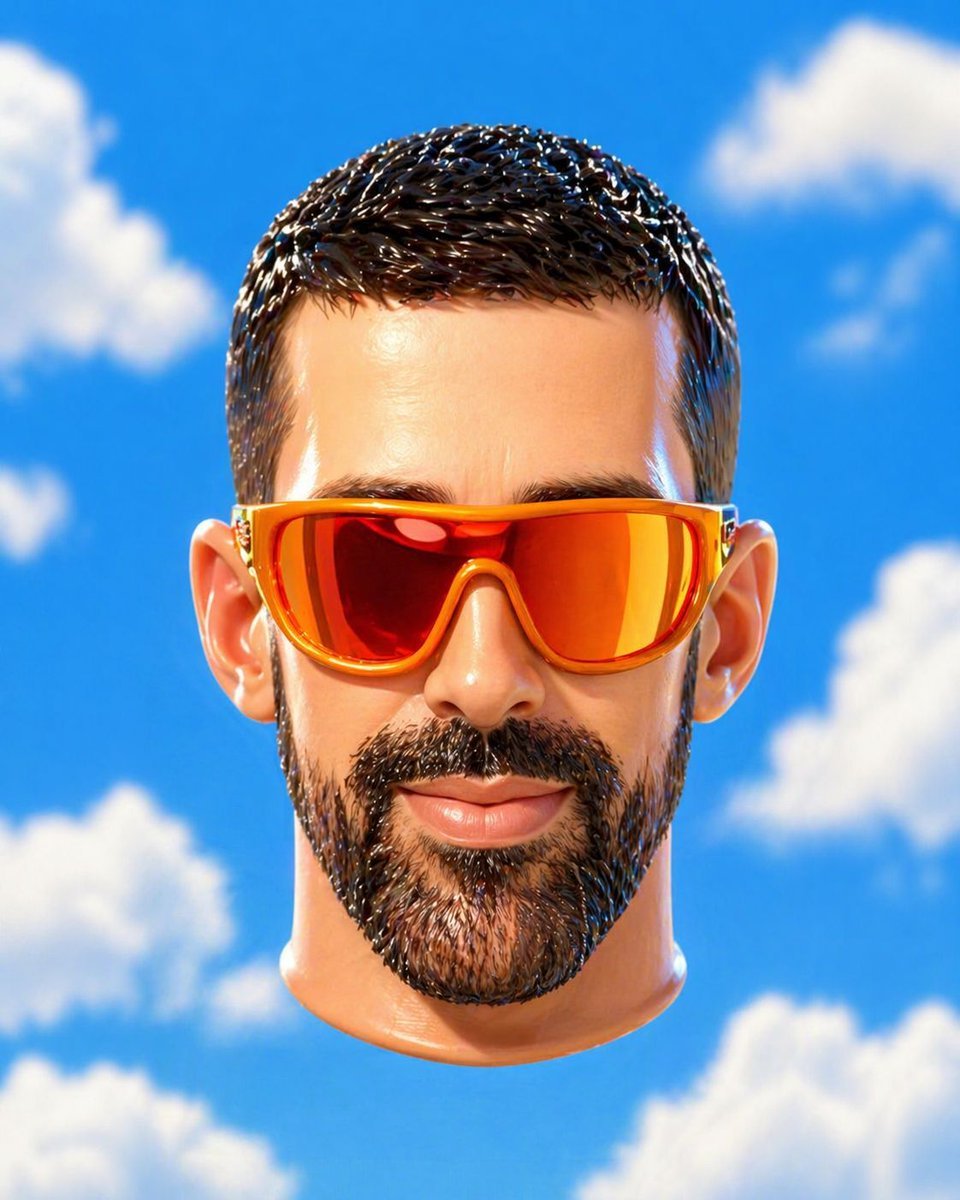
Surreal Floating Head Sky Portrait

Two-Panel Snow Cabin Model Comparison
Browse template categories
untitled questions
How do I use the 71-untitled template?
Add your photo if the template asks for one, edit the prompt if you like — the template's model and format are already selected — and press Generate. Your version opens in PicX Studio.
Can I customize the 71-untitled template?
Yes. You can change the subject, setting, lighting, mood, format, and available model controls before creating your image.
Is the 71-untitled template free?
Opening and editing this template is free. Generating uses credits, shown on the Generate button when you are signed in.
Which AI model should I use?
Start with Seedance 2.0 Standard, which is the model associated with this template. You can compare another compatible model for a different finish.
Looking for something else? Browse all templates.

Your photo, any look
Thousands of ready templates for every top image and video model, from one credit balance.