
untitled
untitled is a ready photo look for Seedance 2.0 Standard.

- Prompt included
- Model and format preset
- Free template
The prompt behind this image
Copy the exact prompt behind untitled, or open it in the studio and make it yours.
Shot 1(8 seconds) a Powerful female character. Cinematic wide shot, soaring above a dramatic, swirling sea of golden hour clouds as warm orange sunlight catches the mist. Wind whips her hair and clothing with high physical realism. From all directions, sleek futuristic mechanical armor pieces—chest plate, shoulder guards, gauntlets, leg armor, and a glowing helmet—fly in at high speed, trailing vibrant light streaks and cyan engine exhaust. Each piece magnetically snaps and locks onto her body one by one with satisfying mechanical precision and visible inertia, reflecting the golden sunlight off chrome and matte carbon fiber surfaces. The camera orbits her dynamically as the assembly completes, ending in a tight close-up as a digital visor slides shut over her face, eyes glowing with blue energy as she charges up, unleashing a shockwave of light that displaces the surrounding clouds. High-fidelity textures, micro-scratches on metal, realistic motion blur, and cinematic lens halation. Shot 2(4 seconds) Continuing the flight, the character accelerates through the clouds, her new futuristic suit glowing with internal power. The camera maintains a low-angle heroic perspective, capturing the intricate contact shadows between the armor plates. Particles of ice and dust trail behind her as she breaks the sound barrier, the sky shifting from gold to a deep twilight purple. Realistic physics of the wind resistance against the suit's hard surfaces is evident. Final shot of her hand reaching toward the sun as energy ripples across the gauntlet.
How to use untitled in 3 steps
- 1
Open
The prompt is already in the box next to the preview, with the template's model and format selected.
- 2…a portrait of your subject in softgolden-hour light, 85mm…
Personalize
Edit the subject and creative details for your destination.
- 3Generate
Generate
Press Generate — your image is created in PicX Studio, so you can compare it with the original and refine one variable at a time.
More like this
Templates with the same subject, style or setup. Open one to see its prompt.












Make it yours
untitled works as-is. These are the safest ways to change it without losing the look.
Change one field
Copy a single group, rewrite it, and generate again so you can see what that field is doing.
Keep the frame, change the subject
Hold the composition and light of 66-untitled, then swap wardrobe, props or the person for a new take.
| If the result… | Why | Fix |
|---|---|---|
| The result drifts from the preview | Too many fields changed at once. | Reuse 66-untitled as-is first, then change one group — subject, light, or setting. |
| The model over-stylizes the scene | The prose prompt leaves finish and camera underspecified. | Add one camera or lighting sentence and stay on Seedance 2.0 Standard. |
More Seedance 2.0 Standard templates
Other prompts made for Seedance 2.0 Standard.






More image prompts
Fresh picks from across the catalog.
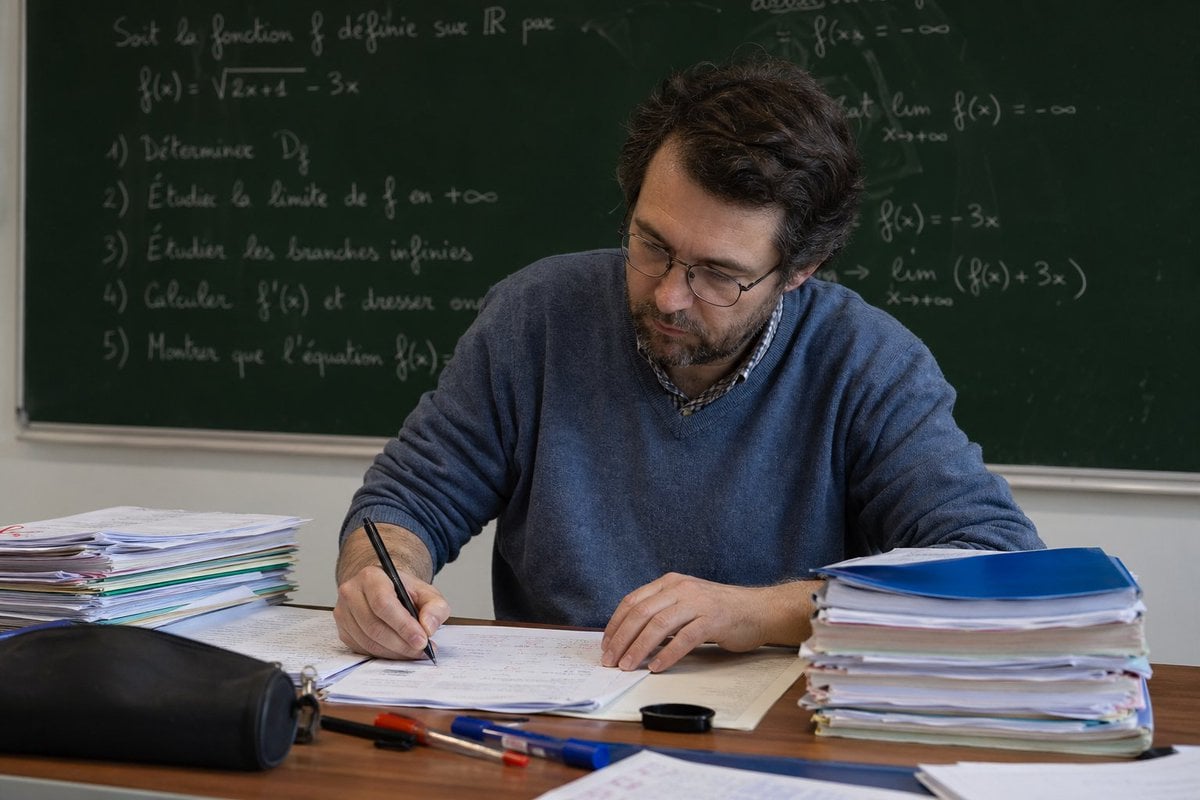
Math Teacher Grading Papers in Classroom
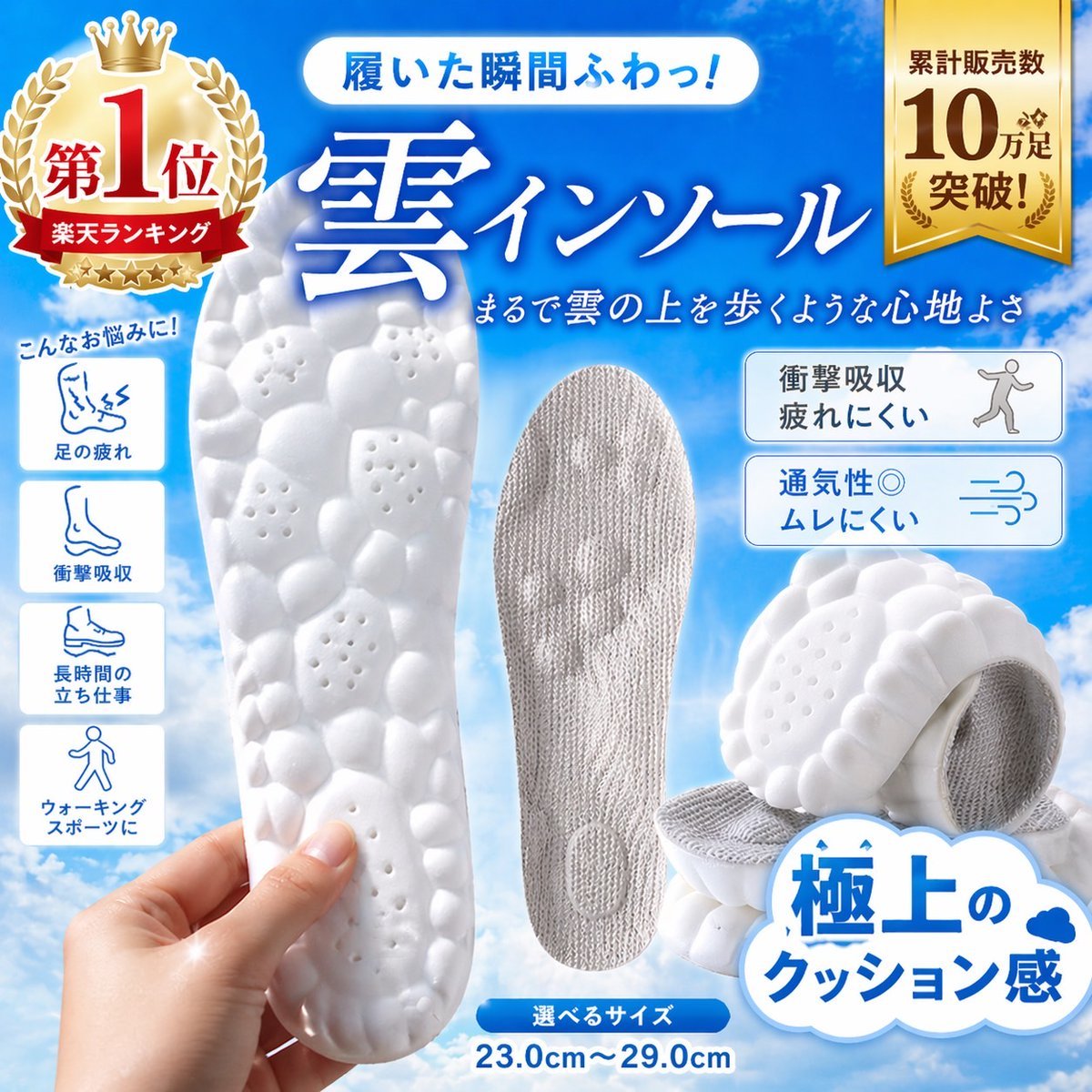
Japanese Cloud Insole Ad Banner
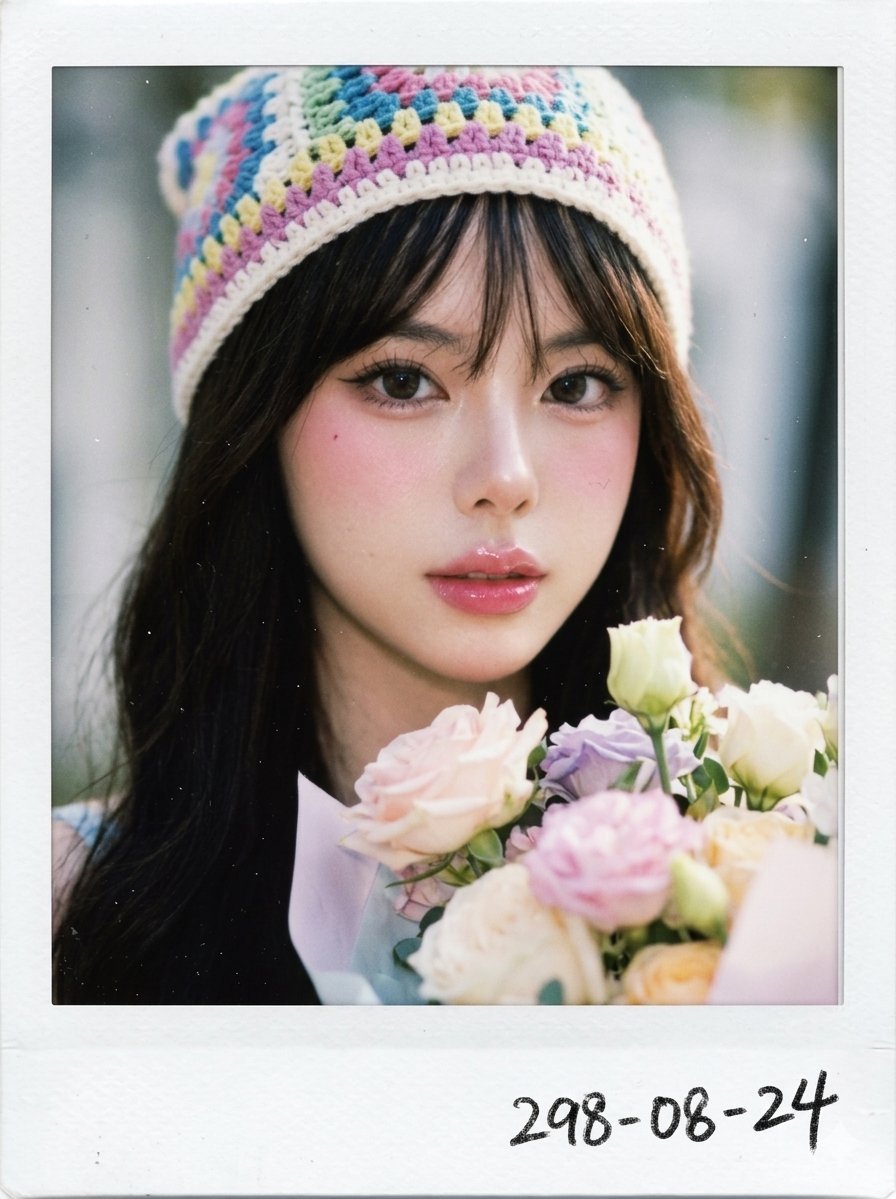
X Chryzleenprompt Create Image a Hyper Photorealistic Polaroid

AI Footballer Goal Celebration Generation
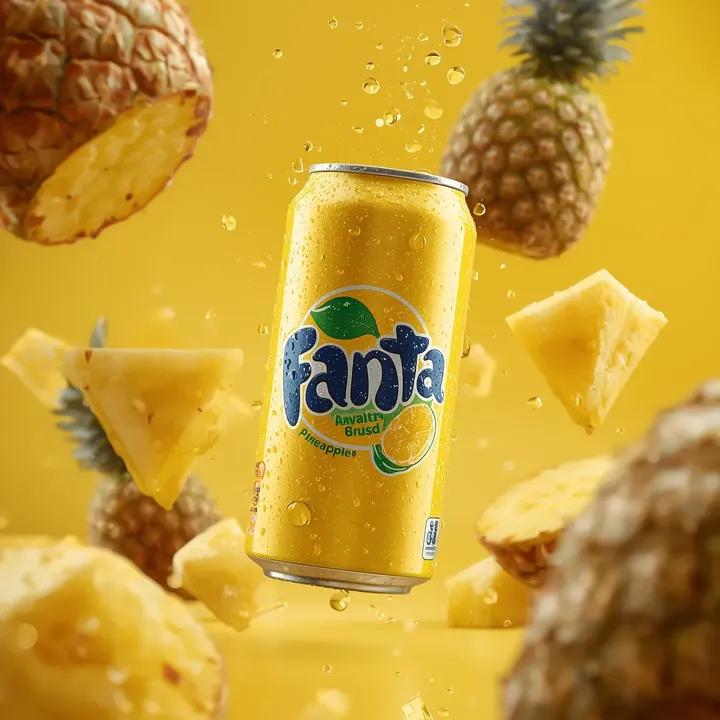
Ultra-Realistic Commercial Soda Can Photography
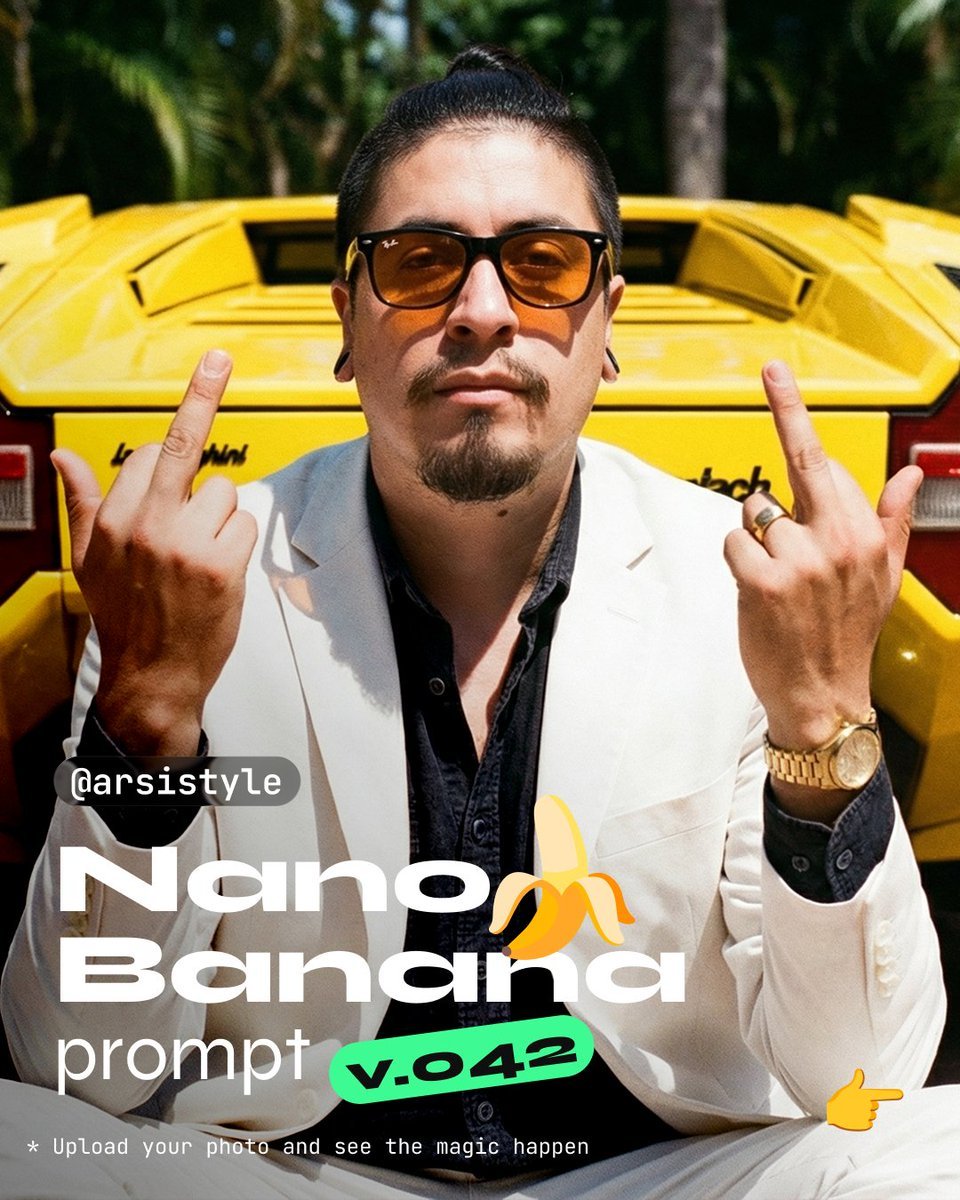
Defiant Subject with Vintage Sports Car
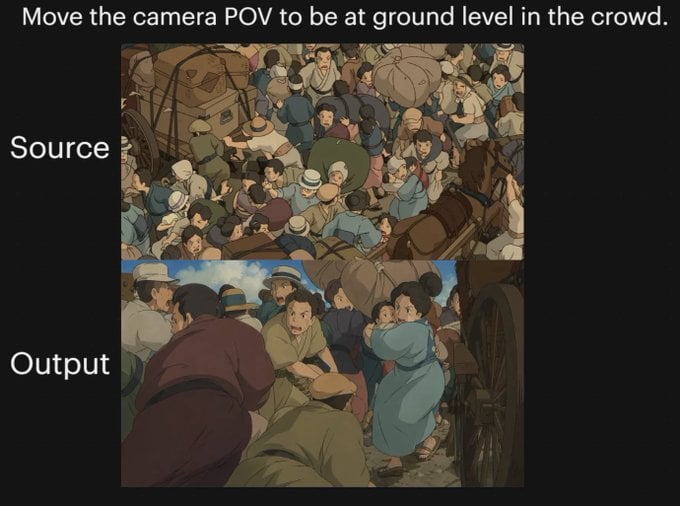
Anime Crowd POV Comparison
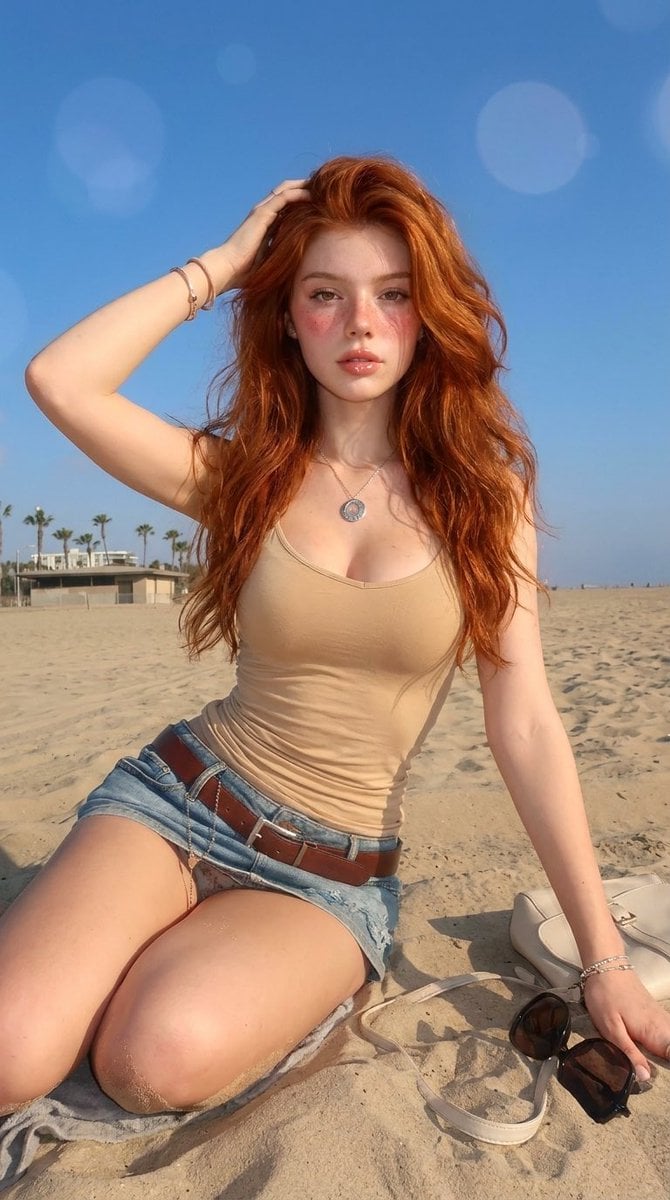
Summery Beach Portrait
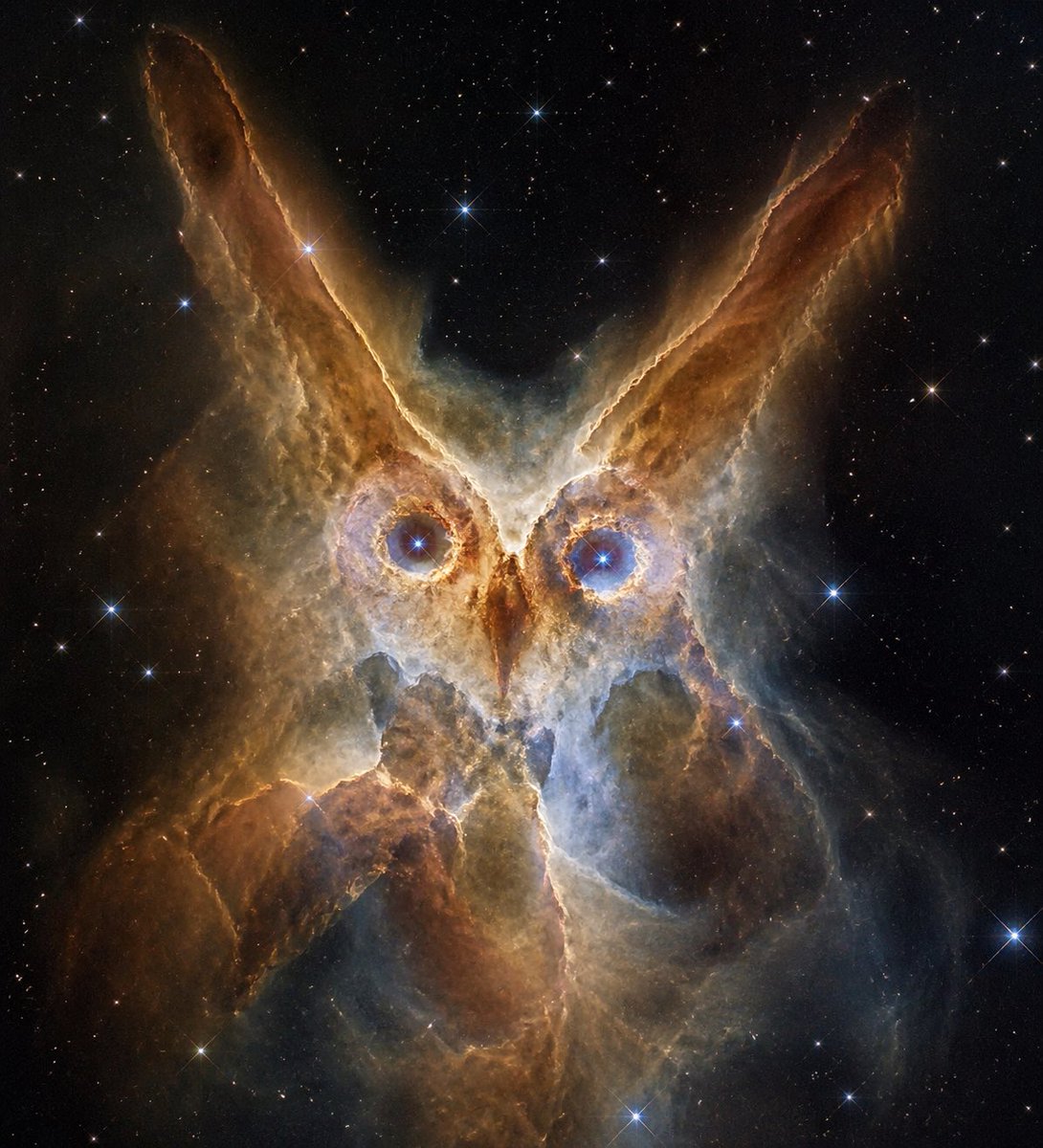
Owl-Shaped Nebula in Deep Space
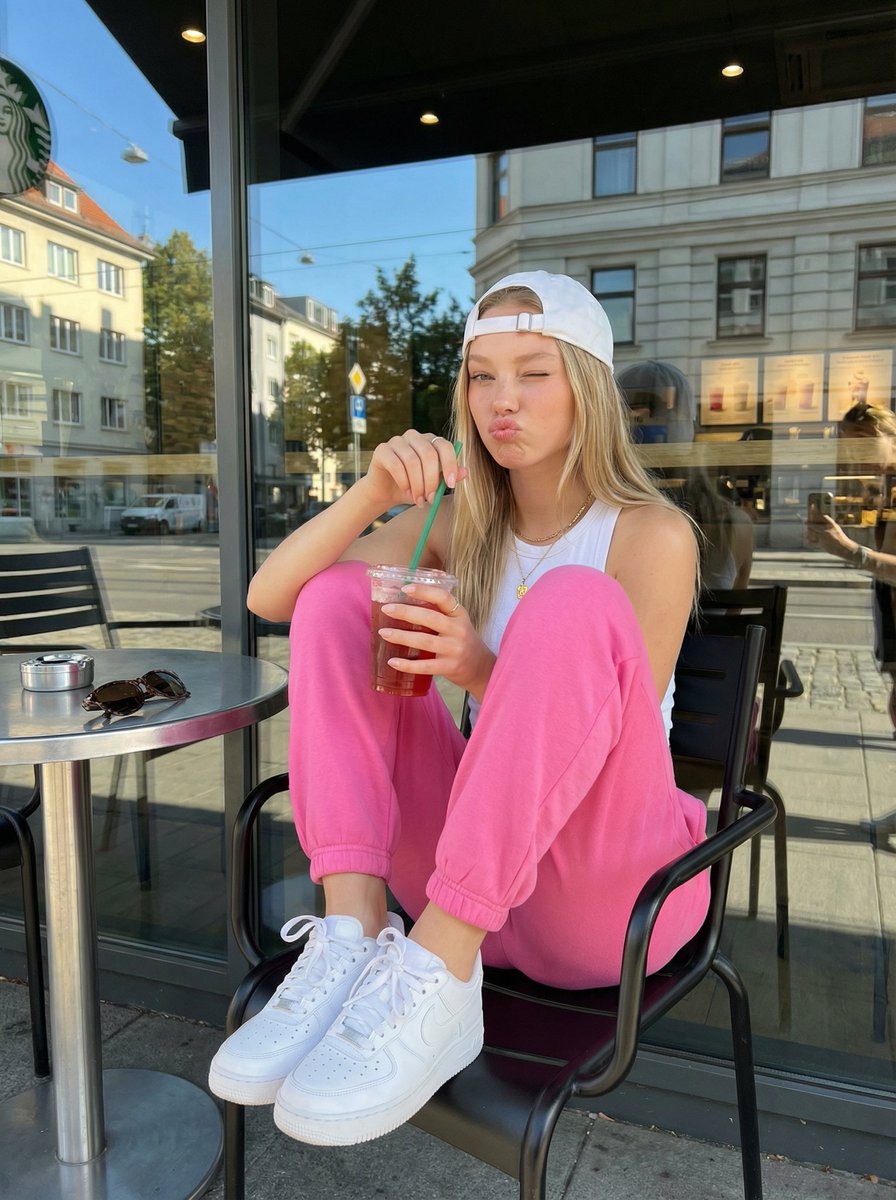
Candid Outdoor Cafe Lifestyle Photo
Browse template categories
untitled questions
How do I use the 66-untitled template?
Add your photo if the template asks for one, edit the prompt if you like — the template's model and format are already selected — and press Generate. Your version opens in PicX Studio.
Can I customize the 66-untitled template?
Yes. You can change the subject, setting, lighting, mood, format, and available model controls before creating your image.
Is the 66-untitled template free?
Opening and editing this template is free. Generating uses credits, shown on the Generate button when you are signed in.
Which AI model should I use?
Start with Seedance 2.0 Standard, which is the model associated with this template. You can compare another compatible model for a different finish.
Looking for something else? Browse all templates.

Your photo, any look
Thousands of ready templates for every top image and video model, from one credit balance.