
untitled
untitled is a ready photo look for Seedance 2.0 Standard.

- Prompt included
- Model and format preset
- Free template
The prompt behind this image
Copy the exact prompt behind untitled, or open it in the studio and make it yours.
A serene open courtyard at dawn, soft mist in the air, stone floor slightly damp, surrounded by minimal architecture and distant trees. A Tai Chi master performs a continuous flowing sequence, every movement deliberate, balanced, and controlled. Calm, meditative, yet powerful. Shot 1 (0–3s) Wide cinematic shot — lone practitioner stands in stillness as soft morning light cuts through mist. Slow transition into first movement. Sound: light wind, distant birds, soft fabric movement. Music: ambient flute with deep, slow bass. Shot 2 (3–6s) Medium tracking shot — hands move in slow circular motion, weight shifting smoothly between feet, body aligned, breath controlled. Sound: subtle exhale, cloth movement, foot glide. Shot 3 (6–9s) Close-up — focus on hands and wrists rotating with precision, fingers relaxed yet intentional, water droplets on skin catching light. Sound: soft movement, near silence. Shot 4 (9–12s) Low-angle shot — grounded stance, slow step forward, balance perfectly maintained, body moving as one continuous unit. Sound: foot contact, deep controlled breath. Music builds slightly. Shot 5 (12–15s) Final frame — movement resolves into complete stillness, hands settle, eyes calm, environment silent. Sound: music fades, single breath. Final vibe: absolute control, quiet power, complete presence.
How to use untitled in 3 steps
- 1
Open
The prompt is already in the box next to the preview, with the template's model and format selected.
- 2…a portrait of your subject in softgolden-hour light, 85mm…
Personalize
Edit the subject and creative details for your destination.
- 3Generate
Generate
Press Generate — your image is created in PicX Studio, so you can compare it with the original and refine one variable at a time.
More like this
Templates with the same subject, style or setup. Open one to see its prompt.












Make it yours
untitled works as-is. These are the safest ways to change it without losing the look.
Change one field
Copy a single group, rewrite it, and generate again so you can see what that field is doing.
Keep the frame, change the subject
Hold the composition and light of 62-untitled, then swap wardrobe, props or the person for a new take.
| If the result… | Why | Fix |
|---|---|---|
| The result drifts from the preview | Too many fields changed at once. | Reuse 62-untitled as-is first, then change one group — subject, light, or setting. |
| The model over-stylizes the scene | The prose prompt leaves finish and camera underspecified. | Add one camera or lighting sentence and stay on Seedance 2.0 Standard. |
More Seedance 2.0 Standard templates
Other prompts made for Seedance 2.0 Standard.






More image prompts
Fresh picks from across the catalog.

X Ayzalnooor24521 Gemini Nano Banana Pro
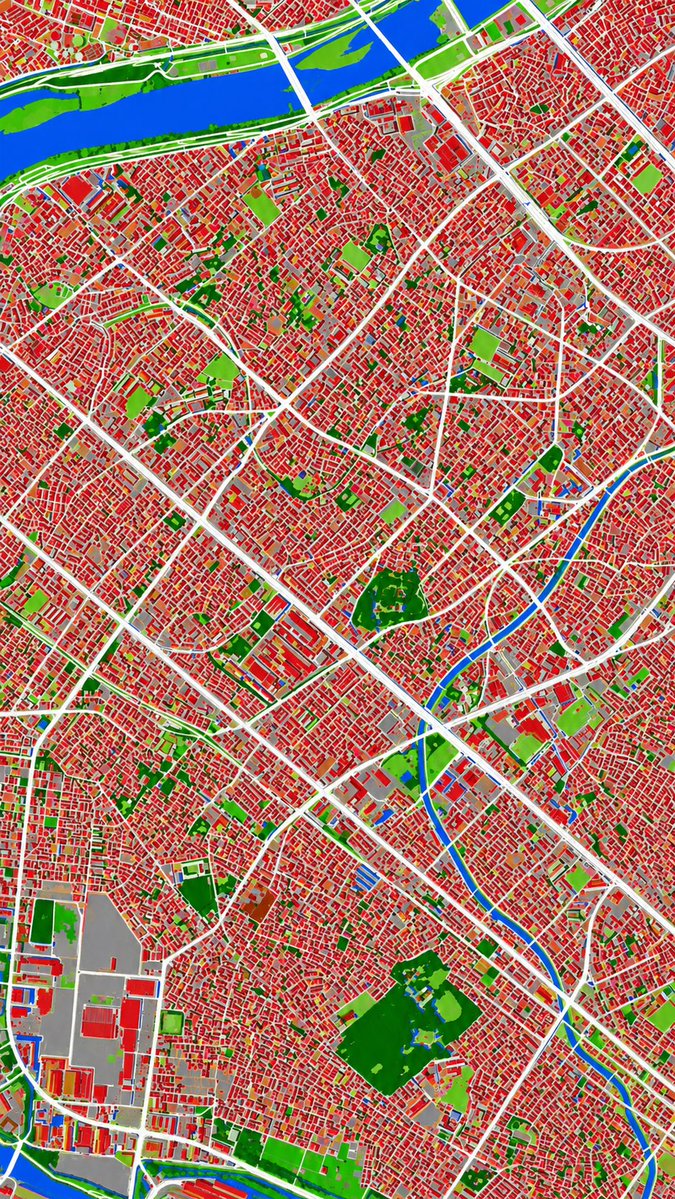
Aerial Photo to Land-Cover Map
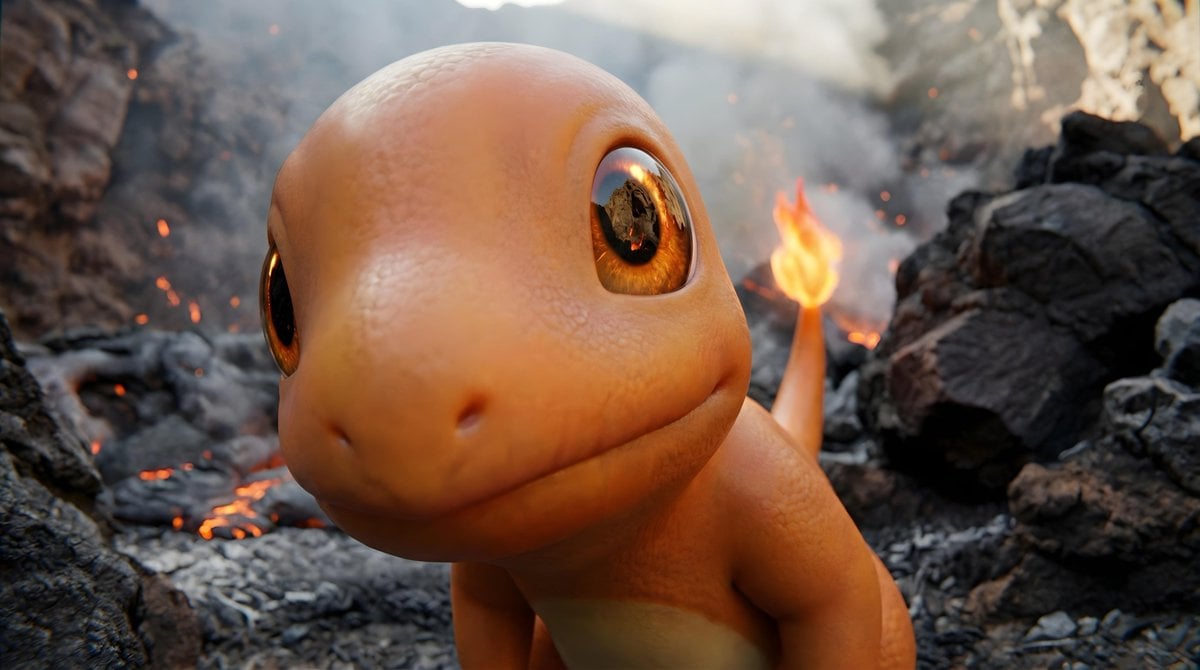
Short Prompt for POV Fisheye Pokemon Wildlife
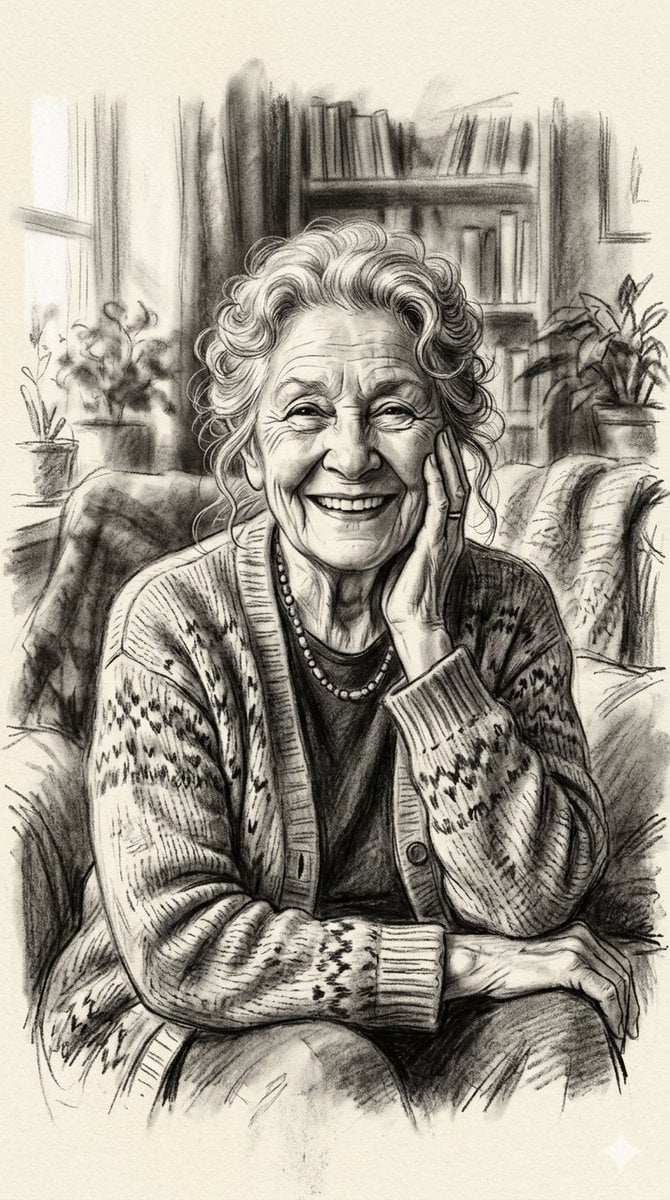
X Minahil42298354 Subject a Heartwarming Portrait
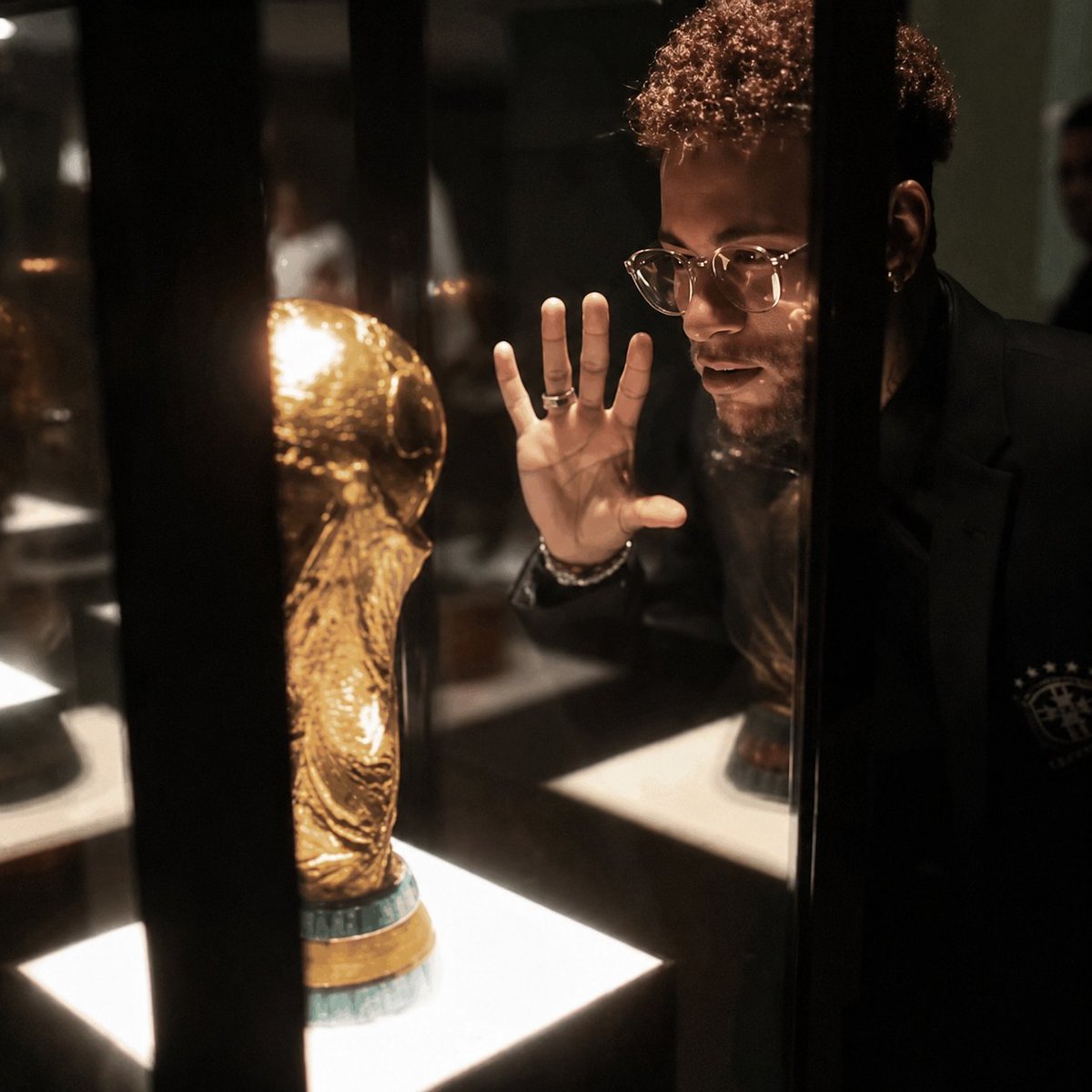
Cinematic 8K Photo Enhancer
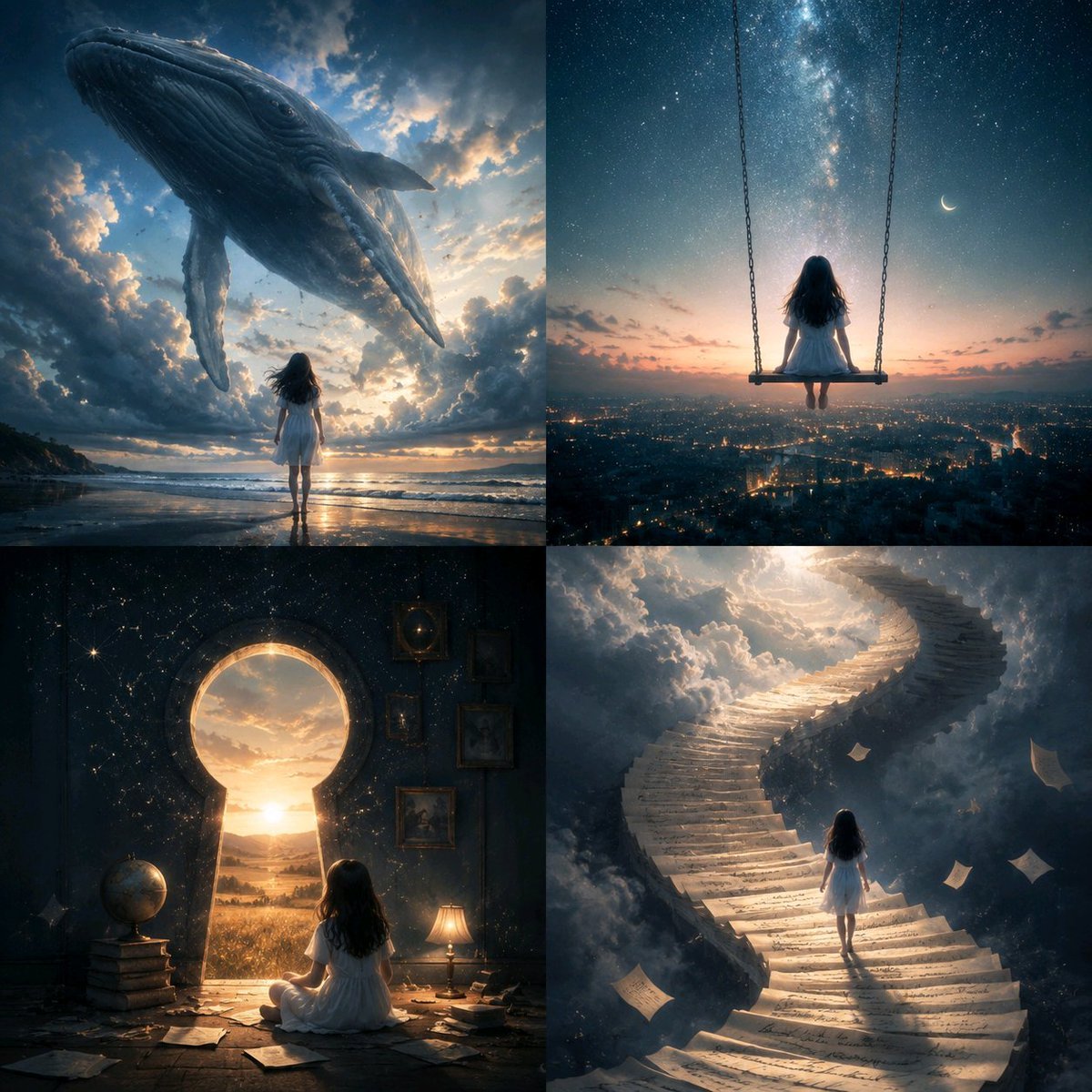
Conceptual Visual Metaphor Template
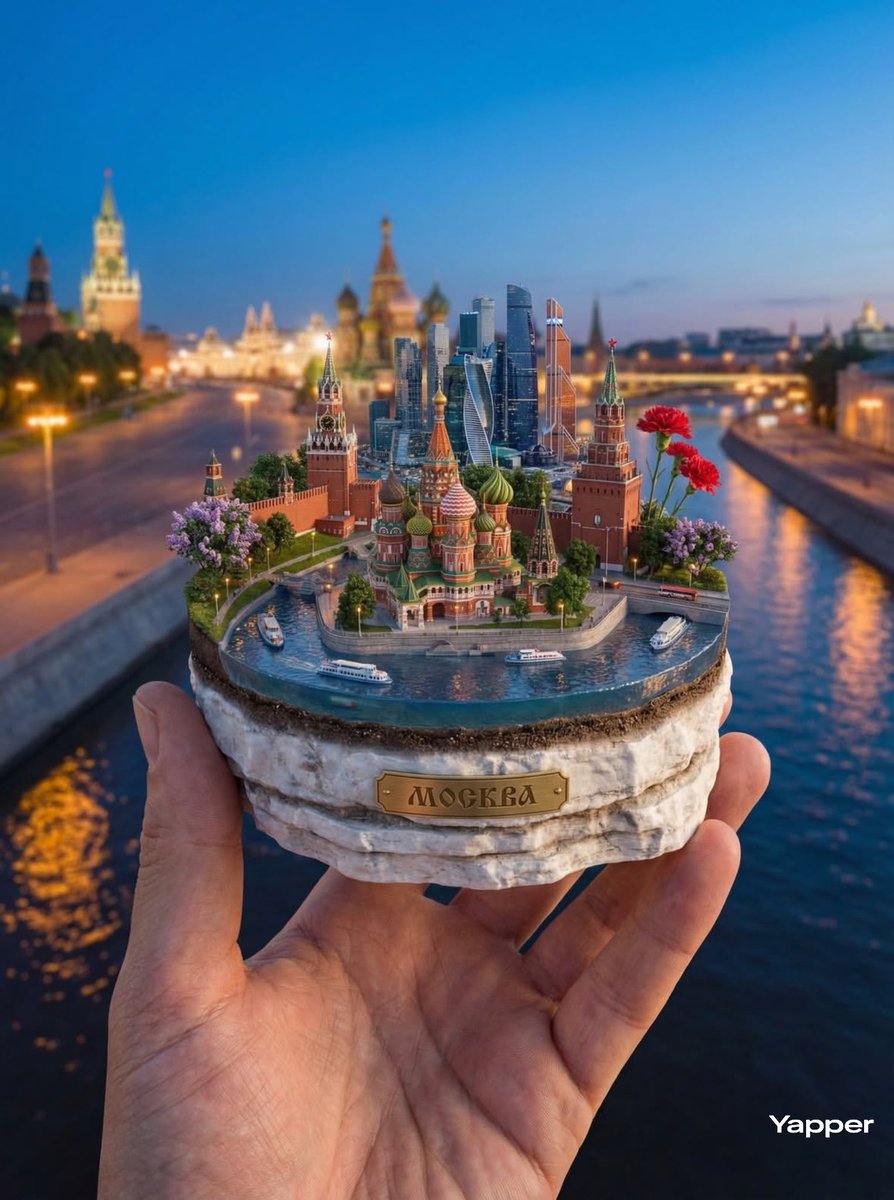
Hyper-Realistic Miniature Moscow Diorama
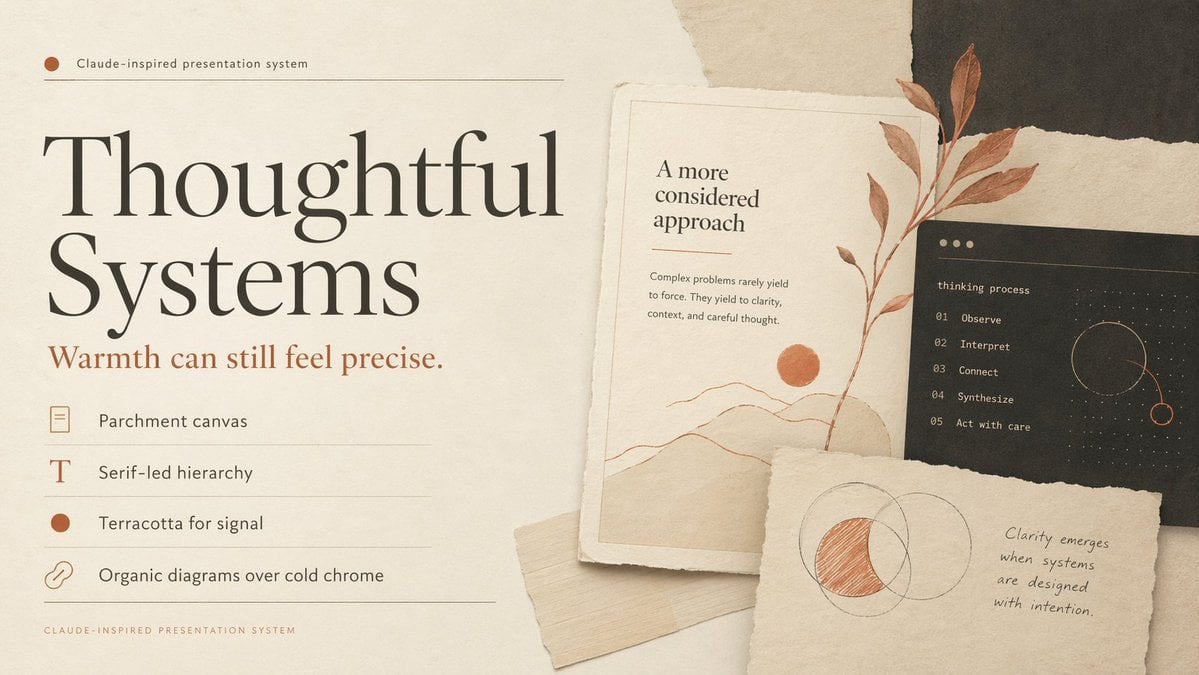
Thoughtful Systems Presentation Cover
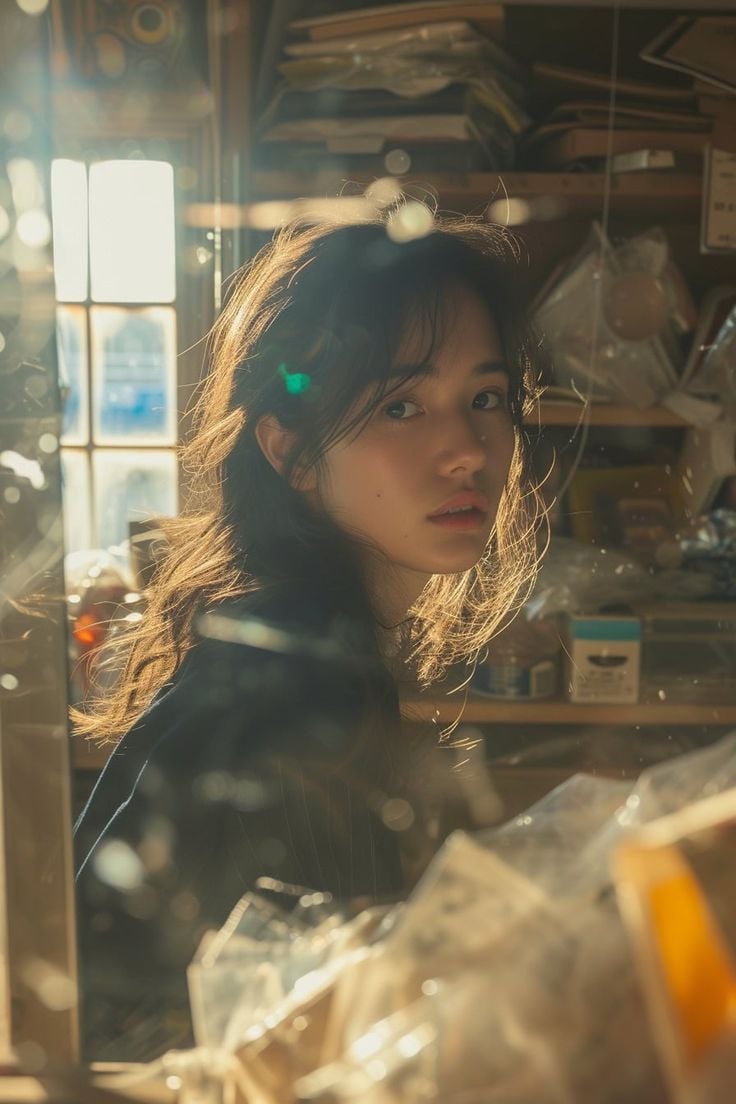
Cinematic Portrait of an East Asian Woman in a Cluttered Interior
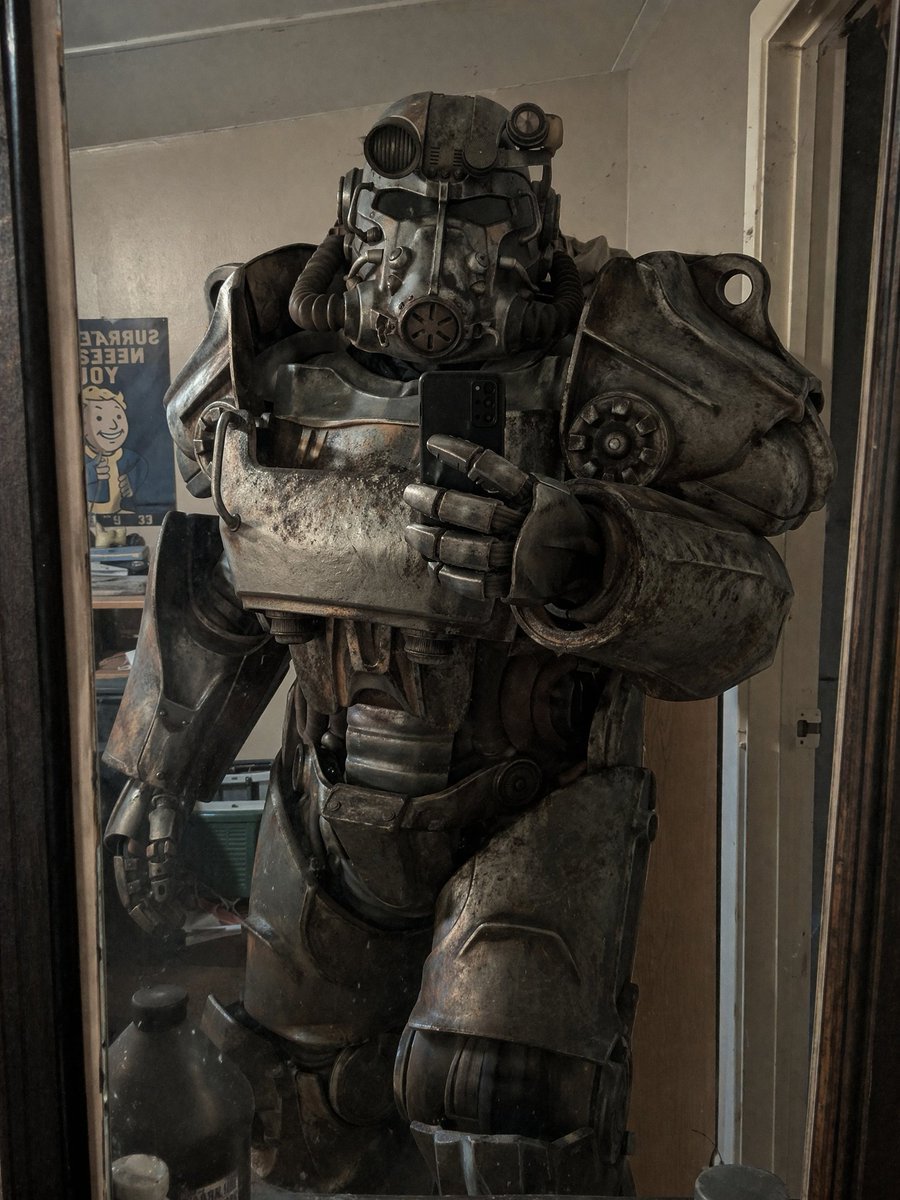
Power Armor Mirror Selfie
Browse template categories
untitled questions
How do I use the 62-untitled template?
Add your photo if the template asks for one, edit the prompt if you like — the template's model and format are already selected — and press Generate. Your version opens in PicX Studio.
Can I customize the 62-untitled template?
Yes. You can change the subject, setting, lighting, mood, format, and available model controls before creating your image.
Is the 62-untitled template free?
Opening and editing this template is free. Generating uses credits, shown on the Generate button when you are signed in.
Which AI model should I use?
Start with Seedance 2.0 Standard, which is the model associated with this template. You can compare another compatible model for a different finish.
Looking for something else? Browse all templates.

Your photo, any look
Thousands of ready templates for every top image and video model, from one credit balance.