
untitled
untitled is a ready photo look for Seedance 2.0 Standard.

- Prompt included
- Model and format preset
- Premium template
The prompt behind this image
Copy the exact prompt behind untitled, or open it in the studio and make it yours.
100% real-life filmed texture, iPhone cinematic realism, handheld aggressive tracking, natural daylight with harsh shadows, motion blur on fast movement, micro camera shake from impacts, subtle lens dirt, grounded physics, no stylization, no fantasy glow everything must feel physically real. Character Reference Use @ image1 as exact human reference. Face, body, proportions, clothing must remain identical. No stylization drift. Armor System A modular high-tech combat suit (fictional, original design) assembles onto the body in real-time. Design language: industrial, mechanical, exposed joints, titanium + carbon fiber textures subtle internal energy lines (amber/orange, NOT glowing like sci-fi magic) all parts are PHYSICAL modules (no teleporting, no nanotech fantasy) Environment Destroyed urban street cracked asphalt, burning cars, smoke, sparks, debris cars abandoned, bus in background dust particles reacting to movement realistic chaos, no cinematic exaggeration Enemies Pack of 4–6 creatures grey-black skin, rough organic texture long limbs, aggressive animalistic movement no fantasy glow, no stylized design pure physical threat TIMELINE 15s ONE TAKE 0–1s HOOK Hero sprinting toward camera. Monsters chasing from behind. Suddenly four armor modules fly in at extreme speed from off-screen. SFX metallic WHOOSH + air displacement 1–2.5s FOOT ASSEMBLY Boot modules SLAM onto feet mid-run. He stomps a creature's head and launches forward ~8 meters. Camera shakes on impact. 2.5–4s LEG ASSEMBLY Leg armor locks around thighs and hips while running. He jumps onto a wall, runs 2 steps, pushes off. 4–5.5s WAIST CORE Hip + core modules snap in. He pivots mid-air, dodging a claw strike. 5.5–7s TORSO Chest + spine plates LOCK together. Heavy metallic clicks. He slides under a truck while armor completes. 7–8s BACK IMPACT MOMENT A creature attacks He blocks with newly formed armor. Impact feels HEAVY. SFX metal hit + bone crack 8–9s ARMS Arm + shoulder modules slam on. He clenches fist. Camera pushes in slightly. 9–10s HELMET Helmet assembles in pieces over face. Seals tight. Eyes activate with subtle amber glow (NOT neon, NOT stylized) 10–12s COUNTERATTACK Creatures leap. He spins, blocks, grabs one throws it ~20 meters into a burning car. Explosion reacts physically. 12–15s FINAL STRIKE He dashes forward. Grabs creature's limb. Delivers a brutal palm strike Creature crashes hard to ground. No exaggerated blood keep it grounded. ENDING SHOT Hero slides into half-kneeling pose Fire + smoke rising behind him. Camera settles. Breathing sound. Cut to black. Audio Direction SFX metal impacts, air displacement, footsteps, debris no sci-fi sounds all grounded Music low cinematic pulse builds cuts abruptly at end
How to use untitled in 3 steps
- 1Upload ImagePNG, JPG or paste
Add your photo
Upload the photo the template builds on. The prompt, model and format are already set.
- 2…a portrait of your subject in softgolden-hour light, 85mm…
Personalize
Edit the subject and creative details for your destination.
- 3Generate
Generate
Press Generate — your image is created in PicX Studio, so you can compare it with the original and refine one variable at a time.
More like this
Templates with the same subject, style or setup. Open one to see its prompt.












Make it yours
untitled works as-is. These are the safest ways to change it without losing the look.
Change one field
Copy a single group, rewrite it, and generate again so you can see what that field is doing.
Keep the frame, change the subject
Hold the composition and light of 70-untitled, then swap wardrobe, props or the person for a new take.
| If the result… | Why | Fix |
|---|---|---|
| The result drifts from the preview | Too many fields changed at once. | Reuse 70-untitled as-is first, then change one group — subject, light, or setting. |
| The model over-stylizes the scene | The prose prompt leaves finish and camera underspecified. | Add one camera or lighting sentence and stay on Seedance 2.0 Standard. |
More Seedance 2.0 Standard templates
Other prompts made for Seedance 2.0 Standard.






More image prompts
Fresh picks from across the catalog.
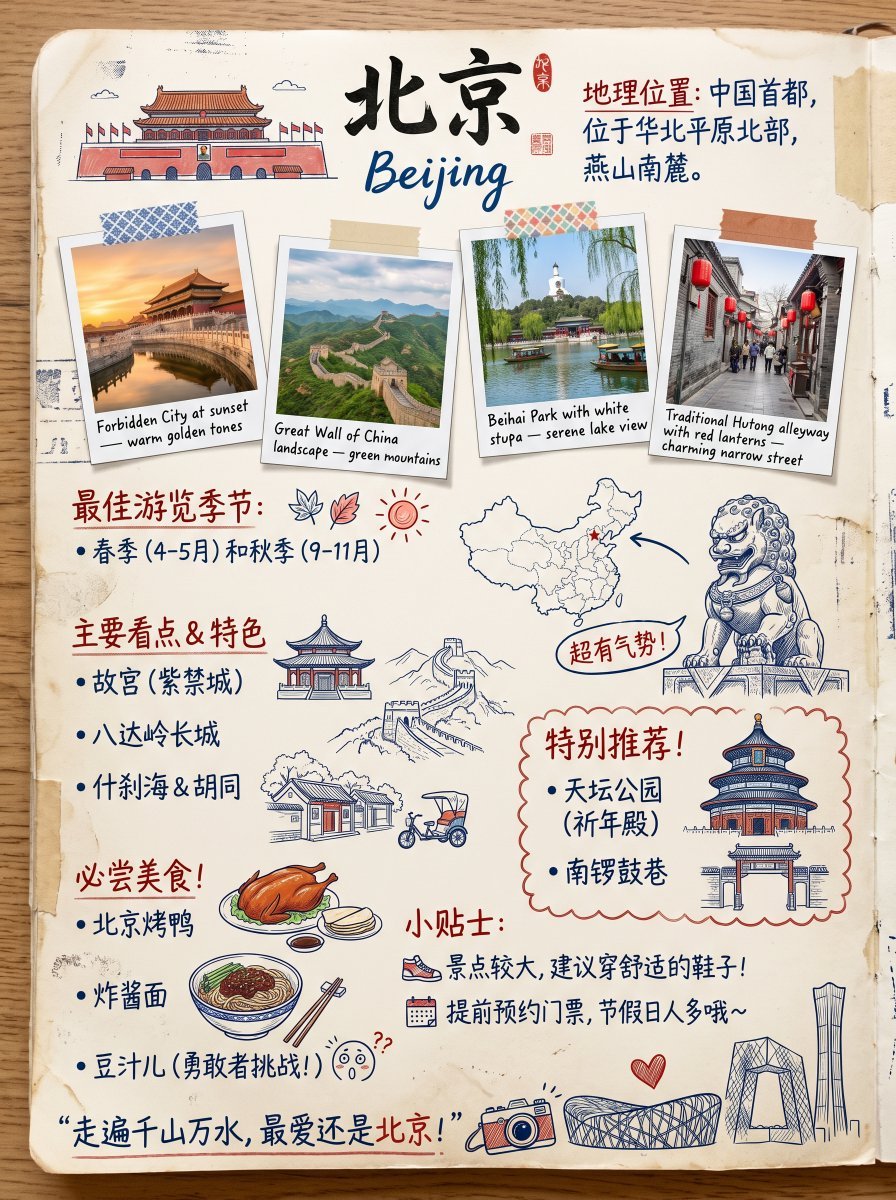
Vintage Beijing Travel Scrapbook Poster
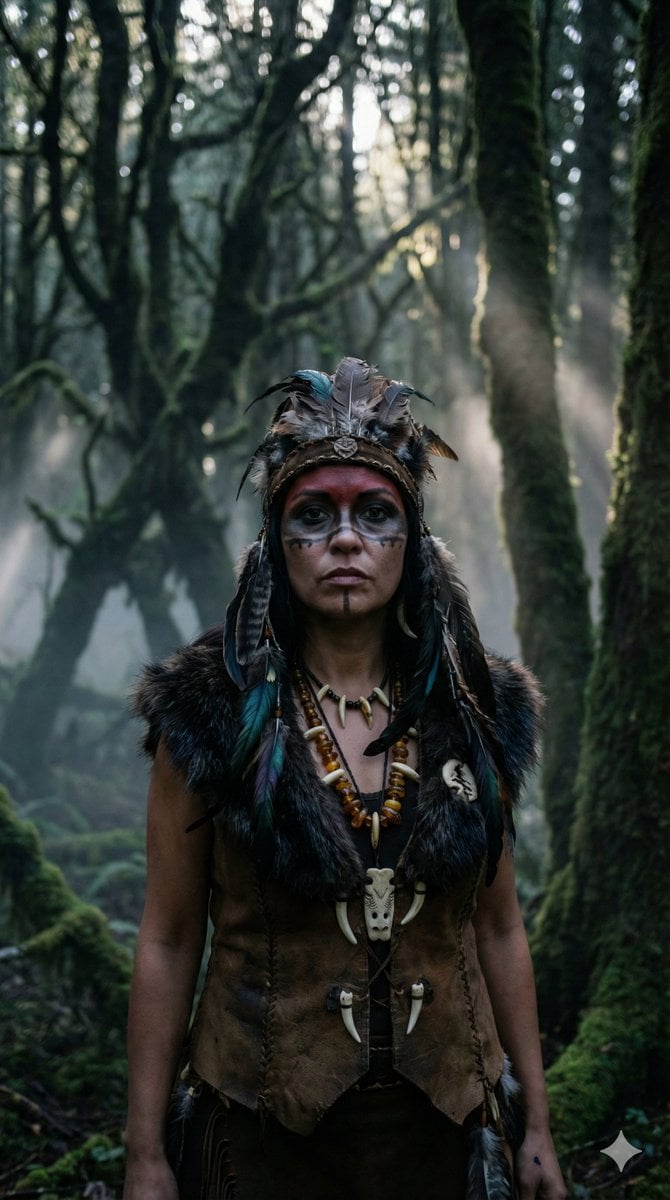
Hyper-Realistic Shaman Portrait Prompt
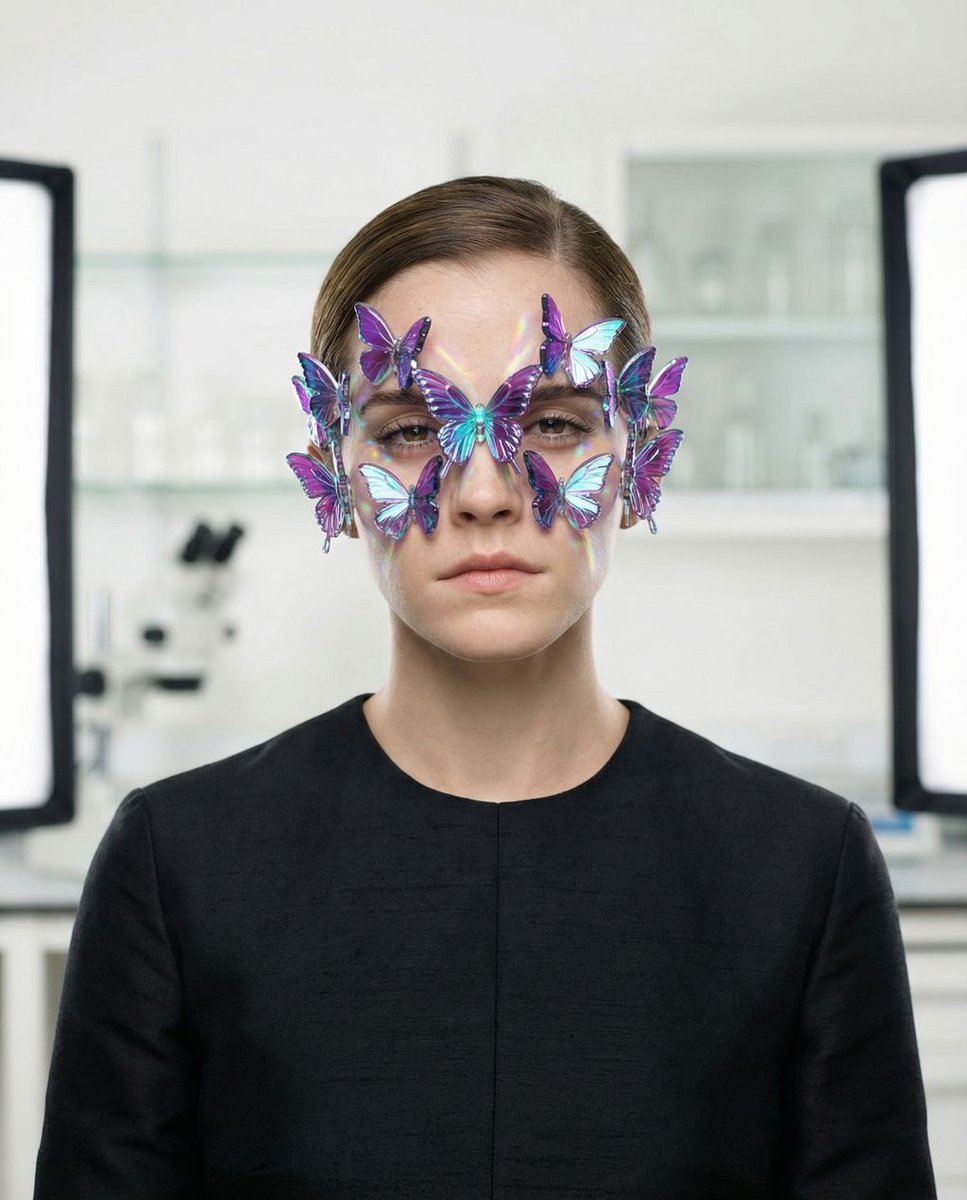
Surreal High-Fashion Portrait Prompt for Gemini Nano Banana Pro
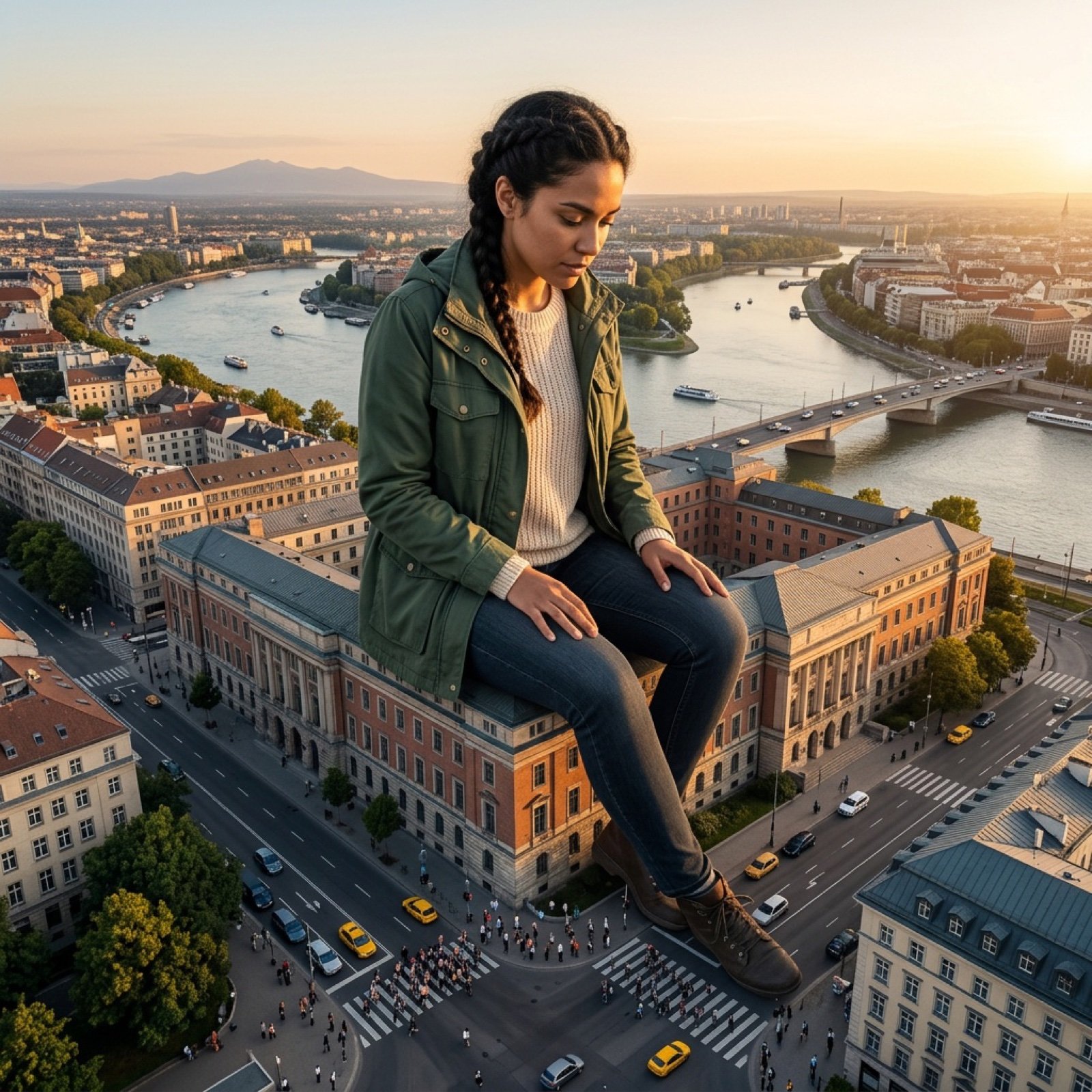
Giant Scale Image Generation Prompt
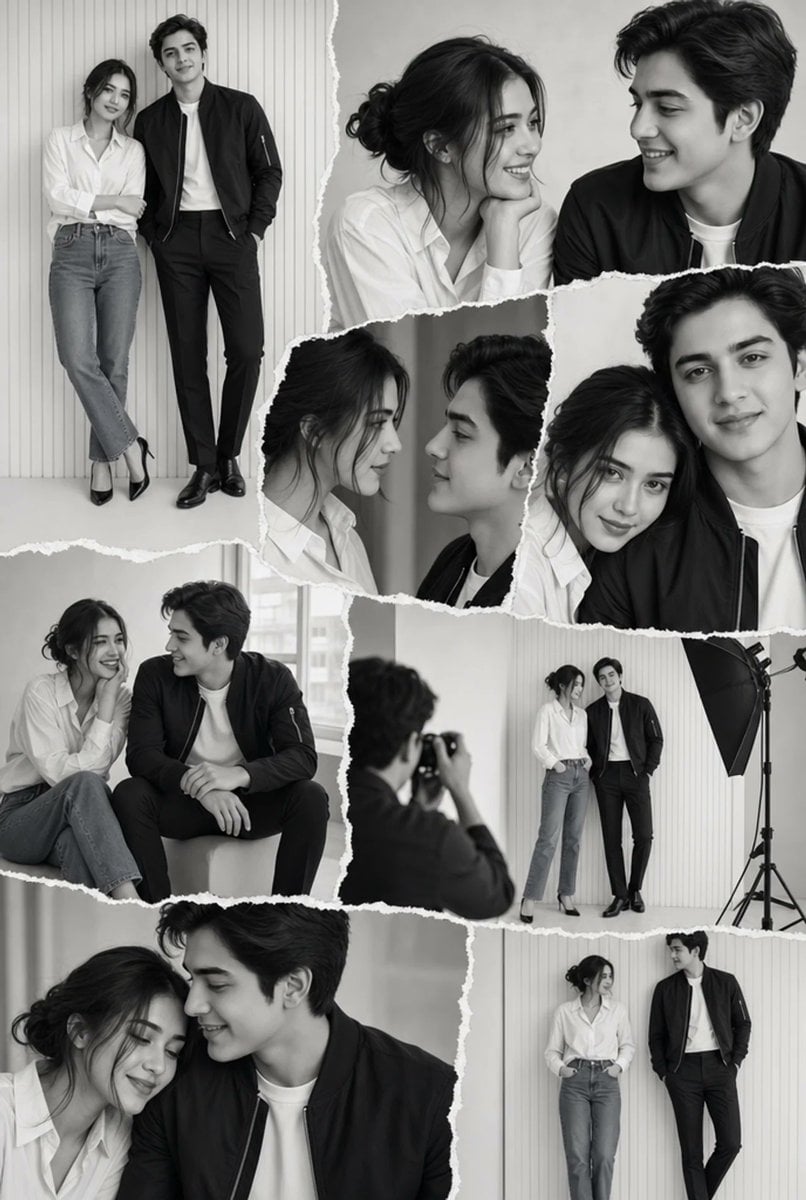
Monochrome Couple Studio Collage

AI Illustration of a Wizard Making Valentine's Day Chocolate
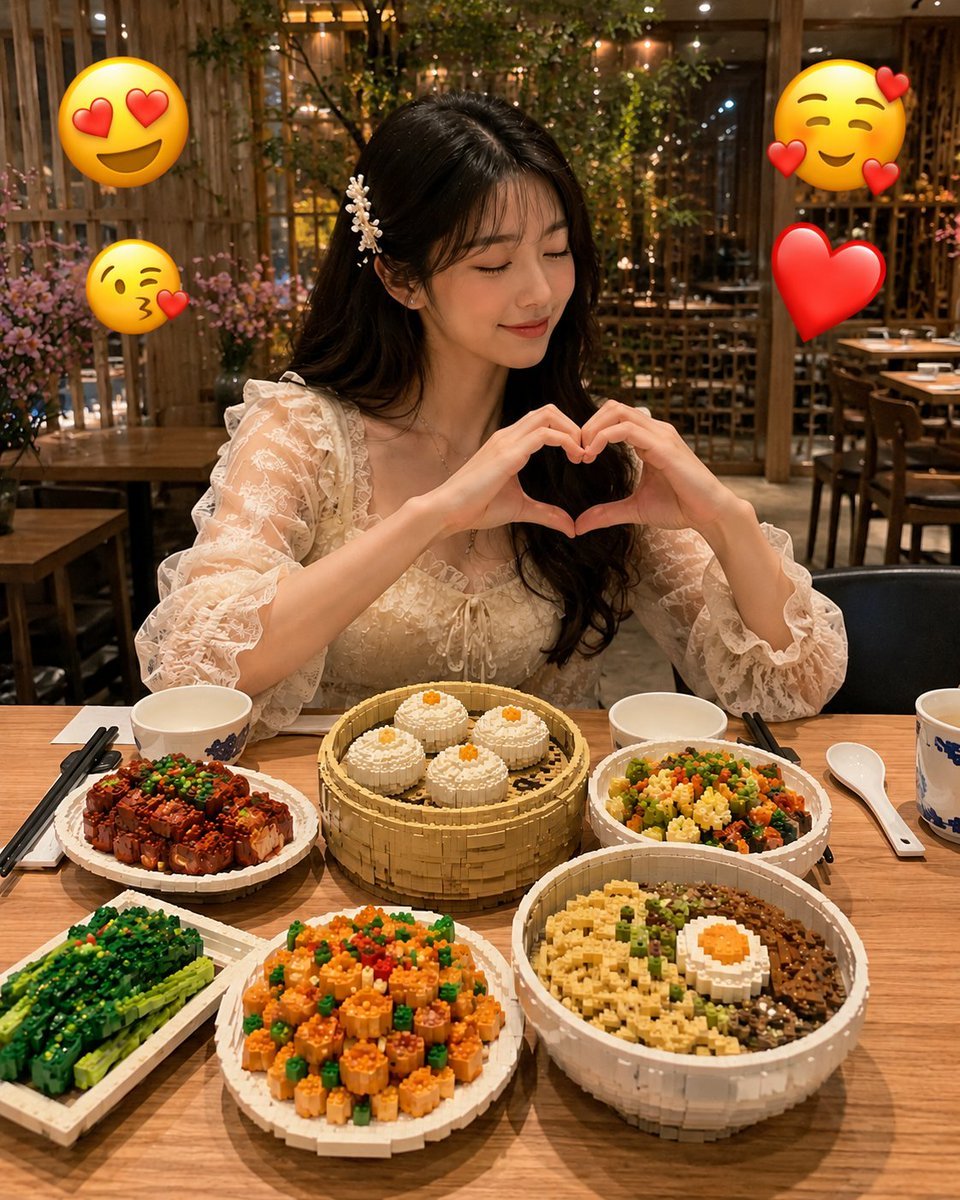
Realistic LEGO Food Miniature
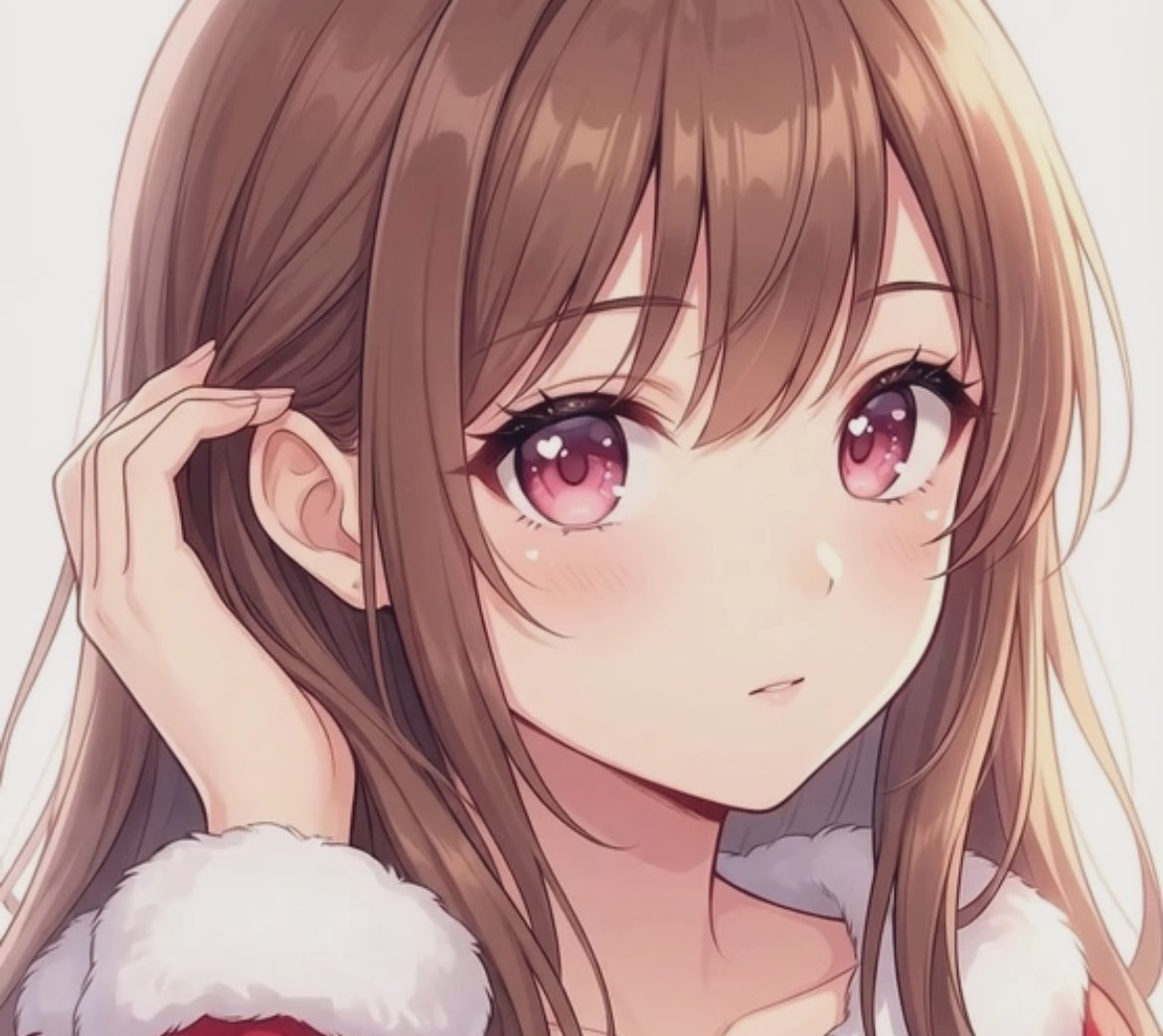
Transparent Filter Portrait Prompt
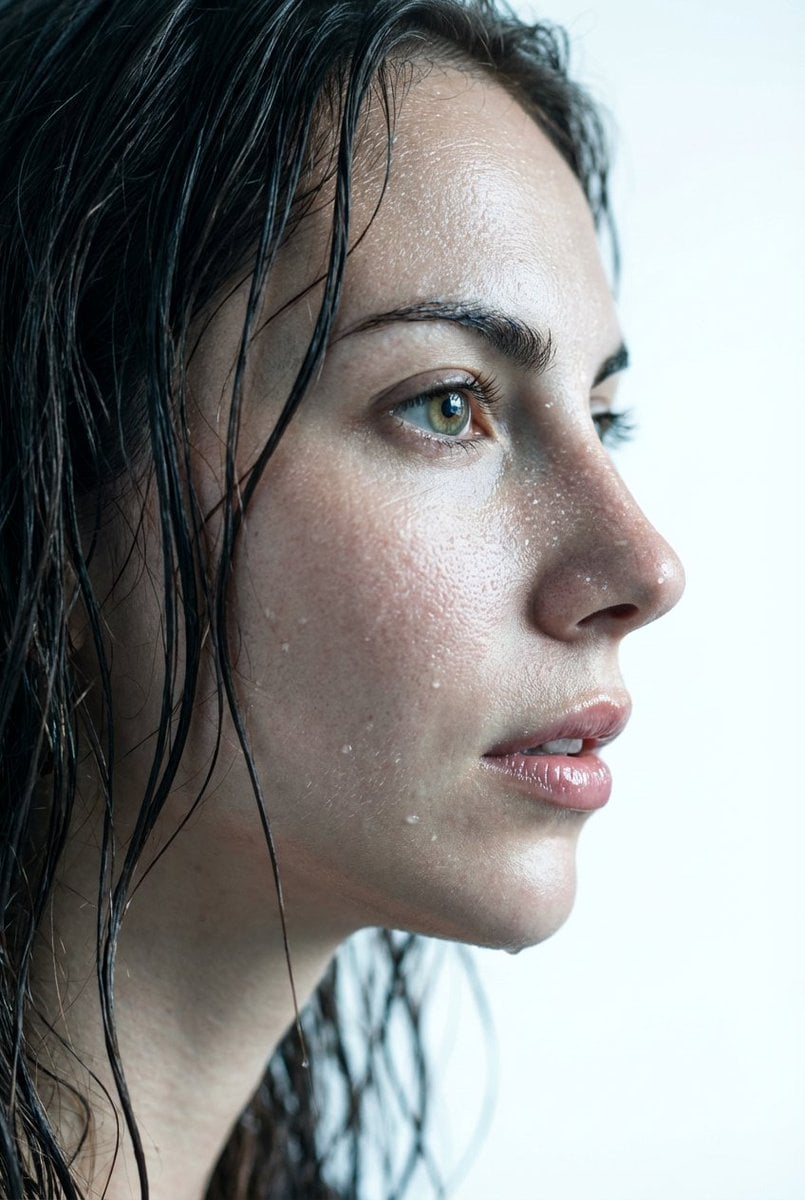
Hyper-Realistic Wet Skin Texture Prompt for Nano Banana Pro
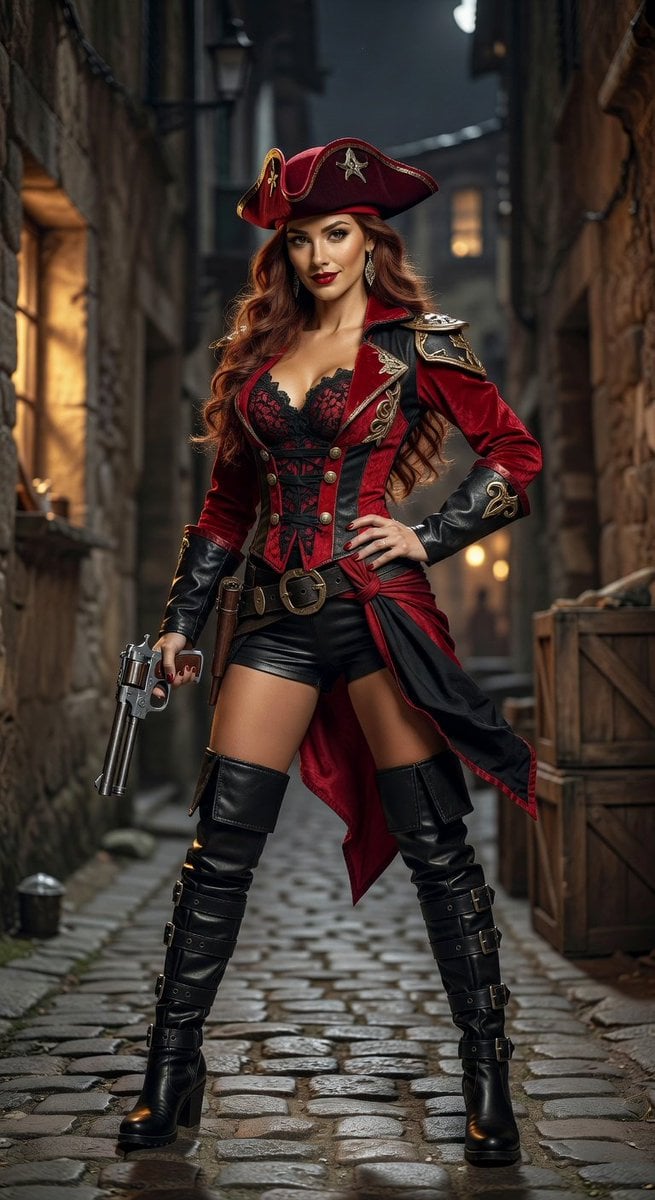
Realistic League of Legends Cosplay
Browse template categories
untitled questions
How do I use the 70-untitled template?
Add your photo if the template asks for one, edit the prompt if you like — the template's model and format are already selected — and press Generate. Your version opens in PicX Studio.
Can I customize the 70-untitled template?
Yes. You can change the subject, setting, lighting, mood, format, and available model controls before creating your image.
Is the 70-untitled template free?
Opening and editing this template is free. Generating uses credits, shown on the Generate button when you are signed in.
Which AI model should I use?
Start with Seedance 2.0 Standard, which is the model associated with this template. You can compare another compatible model for a different finish.
Looking for something else? Browse all templates.

Your photo, any look
Thousands of ready templates for every top image and video model, from one credit balance.