
Monochrome Couple Studio Collage
A structured prompt for generating an elegant black-and-white torn-paper collage of a fashionable couple photoshoot in a minimalist studio.
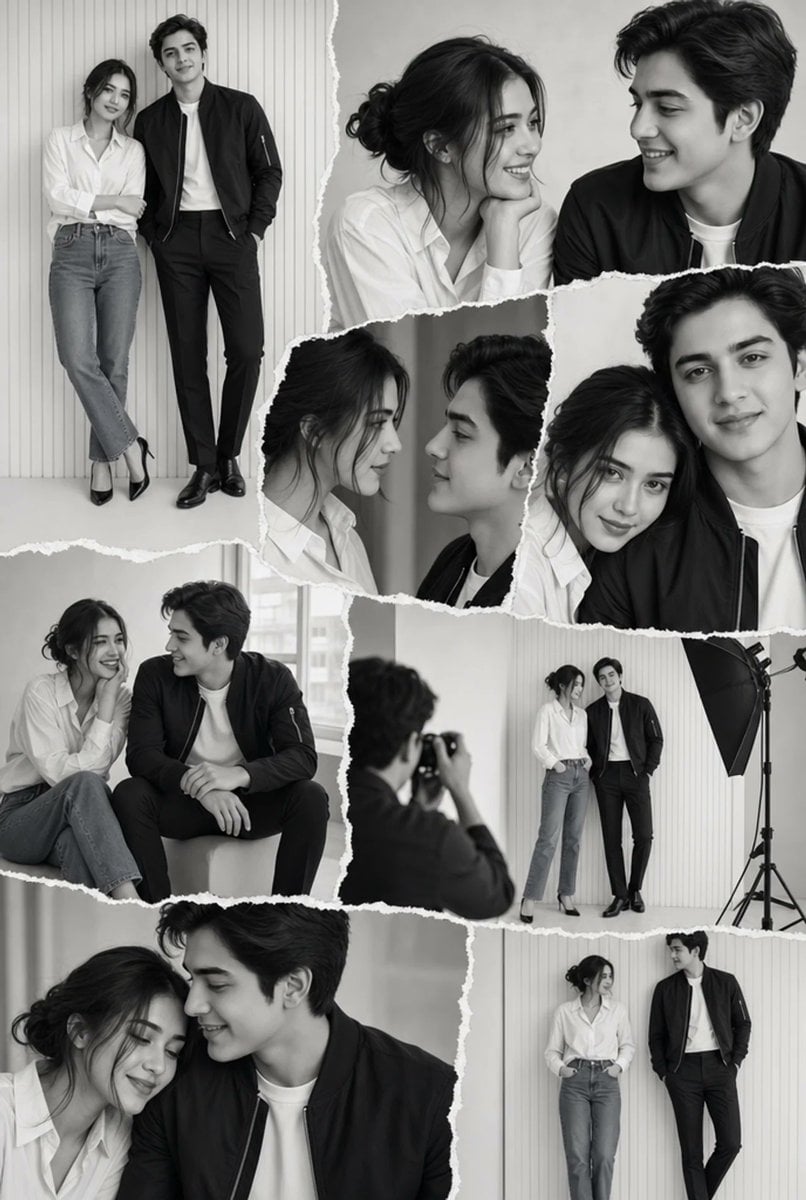
- Prompt included
- Model and format preset
- Free template
The prompt behind this image
Copy the exact prompt behind Monochrome Couple Studio Collage, or open it in the studio and make it yours.
Create a chic black-and-white monochrome couple photoshoot collage with a torn-paper scrapbook layout. The canvas is vertical portrait, 2:3 aspect ratio, filled edge to edge with overlapping grayscale photo fragments separated by rough white ripped-paper borders. Show a minimalist photography studio setting with pale vertical wall panels, smooth light floor, soft natural window light, and occasional studio equipment. The couple appears consistently across all shots: a young woman with {argument name="woman hair style" default="brown hair in a loose messy bun"}, wearing an oversized white button-up shirt with sleeves slightly rolled, relaxed straight-leg blue jeans rendered in grayscale, and black pointed high heels; and a tall young man with {argument name="man hair style" default="thick black wavy hair"}, wearing a black bomber jacket over a plain white T-shirt, slim black trousers, and polished black dress shoes. Keep the mood editorial, intimate, elegant, minimalist, and fashion-magazine inspired; faces may be softly obscured or out of focus for anonymity. Layout: Include exactly 9 distinct photo fragments in the collage. 1) Top-left full-body standing portrait: the woman leans lightly against the man, arms crossed, one leg crossed in front, man standing with hands in pockets against vertical panel wall. 2) Top-right wide close-up: both seated or leaning close, woman resting her chin on her hand, man looking toward her, cropped at shoulders. 3) Center-left narrow close-up: woman in profile looking toward the man, loose bun visible. 4) Center small close-up: man in partial profile beside the woman, cropped tightly. 5) Center-right close-up: overlapping faces and shoulders, woman partly hidden behind man, torn edge across the top. 6) Mid-left seated portrait: couple sitting casually side by side on a low block, woman with knees bent, man leaning forward with forearms on knees. 7) Mid-right behind-the-scenes studio shot: a photographer seen from behind holding a camera, photographing the couple standing near a large black umbrella softbox on a light stand. 8) Bottom-left large intimate close-up: woman and man leaning close together, cropped dramatically from shoulders upward. 9) Bottom-right full-body standing portrait: couple standing apart but angled toward each other; woman with hands in pockets, man leaning with one leg crossed and hands in pockets against the paneled wall. Visual style: high-contrast but soft grayscale photography, realistic fashion editorial lighting, subtle film grain, crisp clothing texture, clean studio background, no color except the original jeans should read as gray in monochrome. Use torn white paper edges with uneven fibers and layered collage shadows. No text, no logos, no watermark, no decorative stickers, no extra people except the photographer in the behind-the-scenes fragment.
How to use Monochrome Couple Studio Collage in 3 steps
- 1Upload ImagePNG, JPG or paste
Add your photo
Upload the photo the template builds on. The prompt, model and format are already set.
- 2…a portrait of your subject in softgolden-hour light, 85mm…
Personalize
Edit the subject and creative details for your destination.
- 3Generate
Generate
Press Generate — your image is created in PicX Studio, so you can compare it with the original and refine one variable at a time.
More like this
Templates with the same subject, style or setup. Open one to see its prompt.












Make it yours
Monochrome Couple Studio Collage works as-is. These are the safest ways to change it without losing the look.
Change one field
Copy a single group, rewrite it, and generate again so you can see what that field is doing.
Keep the frame, change the subject
Hold the composition and light of Monochrome Couple Studio Collage, then swap wardrobe, props or the person for a new take.
| If the result… | Why | Fix |
|---|---|---|
| The result drifts from the preview | Too many fields changed at once. | Reuse Monochrome Couple Studio Collage as-is first, then change one group — subject, light, or setting. |
| The model over-stylizes the scene | The prose prompt leaves finish and camera underspecified. | Add one camera or lighting sentence and stay on GPT Image 2. |
More GPT Image 2 templates
Other prompts made for GPT Image 2.

Six VTuber Japanese Logo Sheet

Realistic Portrait of Woman and Deer

The Vista Modular Condo Poster

AI Model Routing Comparison Infographic

2.5D Anime Art Board

Isometric Productivity Desk Scene

New York Double Exposure Poster

Four-Panel AI Landscape Comparison

Japanese Tatami Lifestyle Magazine Cover

NESCAFÉ Coffee Map Poster
More image prompts
Fresh picks from across the catalog.
Arcade Portrait to Kyoto Travel Photo
Cinematic Fashion Editorial Portrait in Winter Night
Lime Green Fashion Portrait
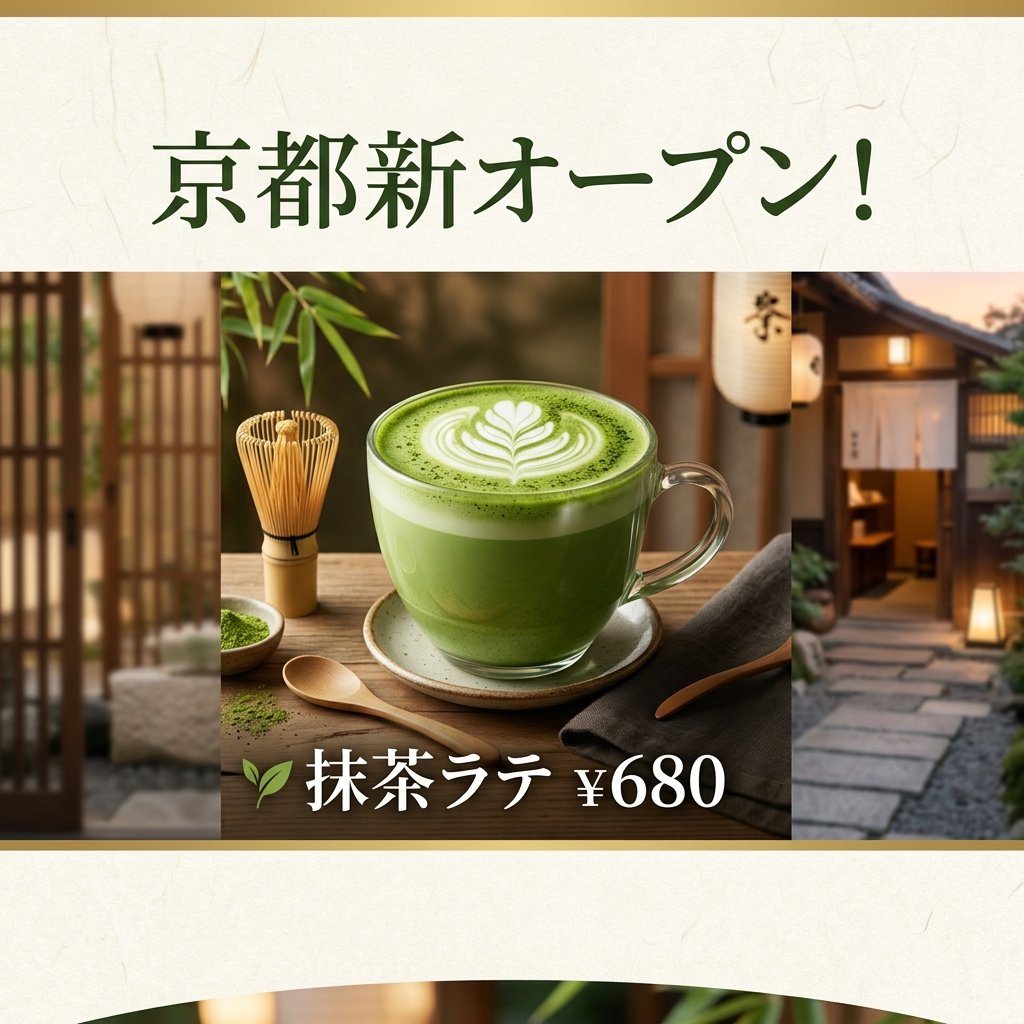
Matcha Latte Promotion Banner
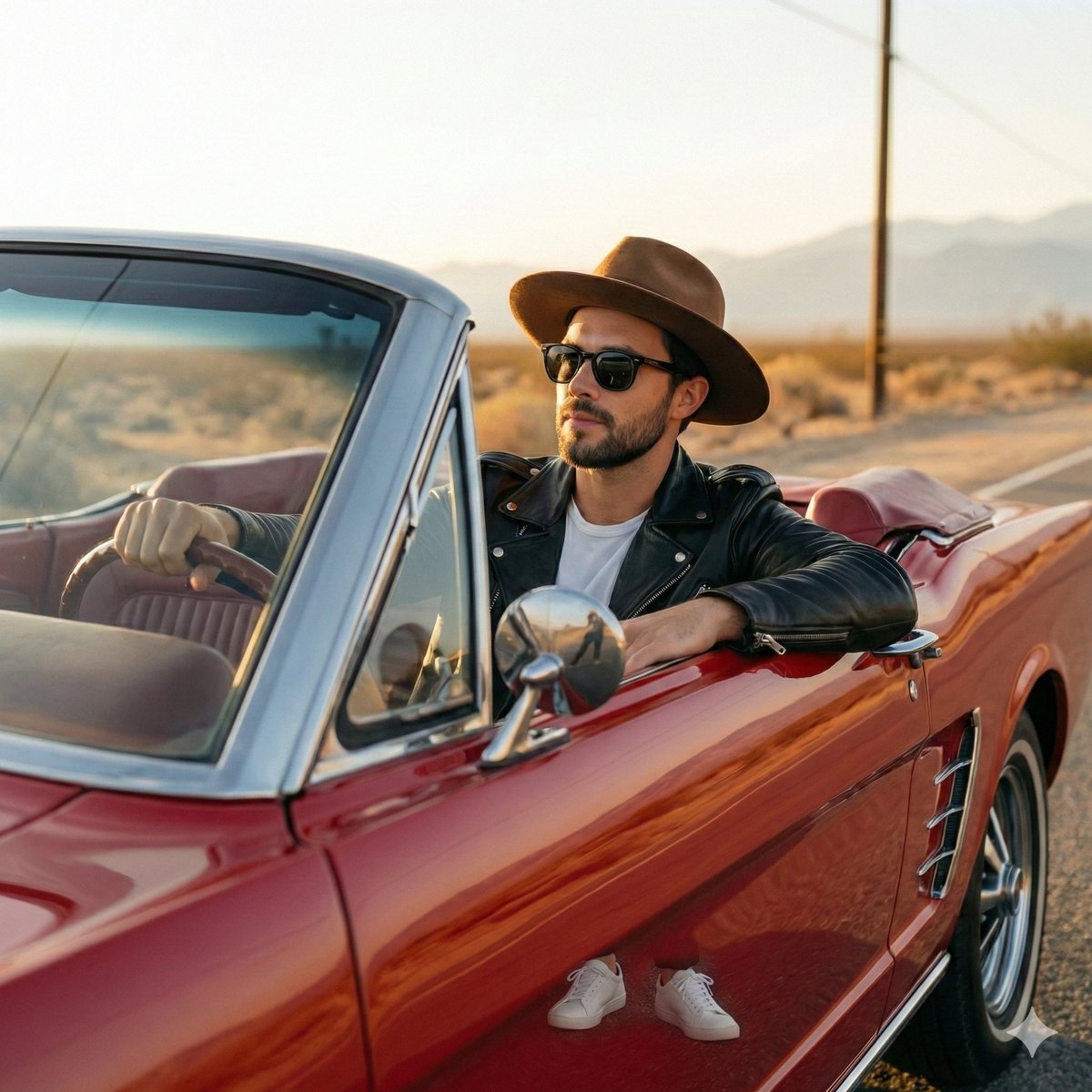
Retro Americana Fashion Portrait with Vintage Car
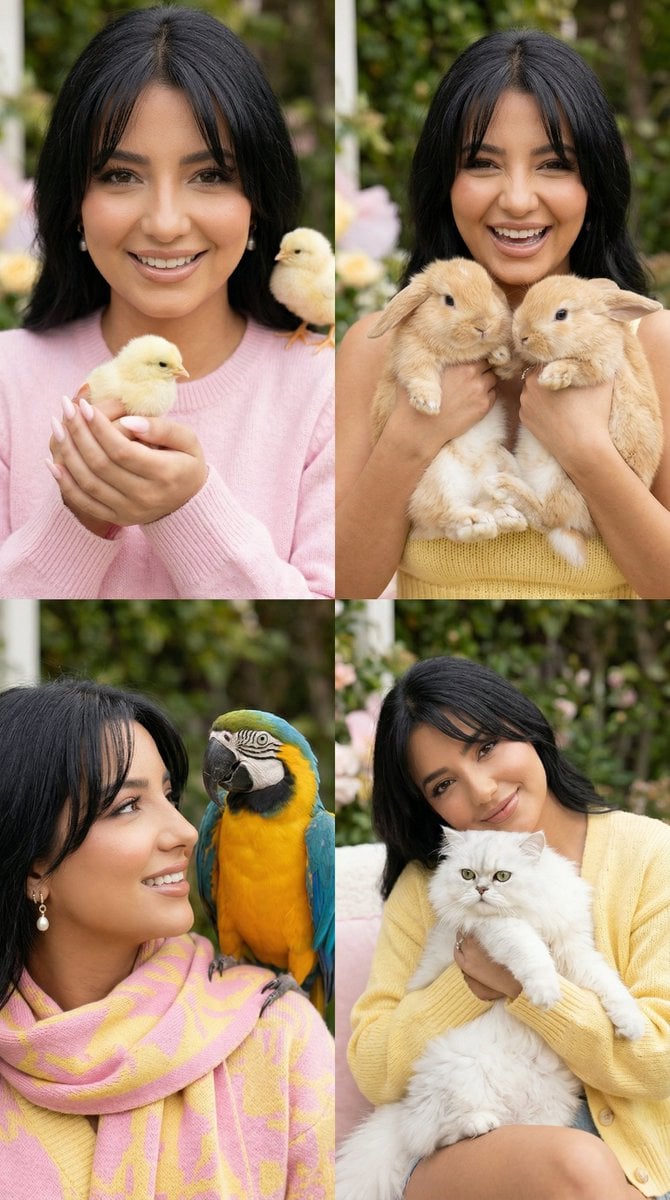
2x2 Grid Cute Animal Fashion Editorial Prompt
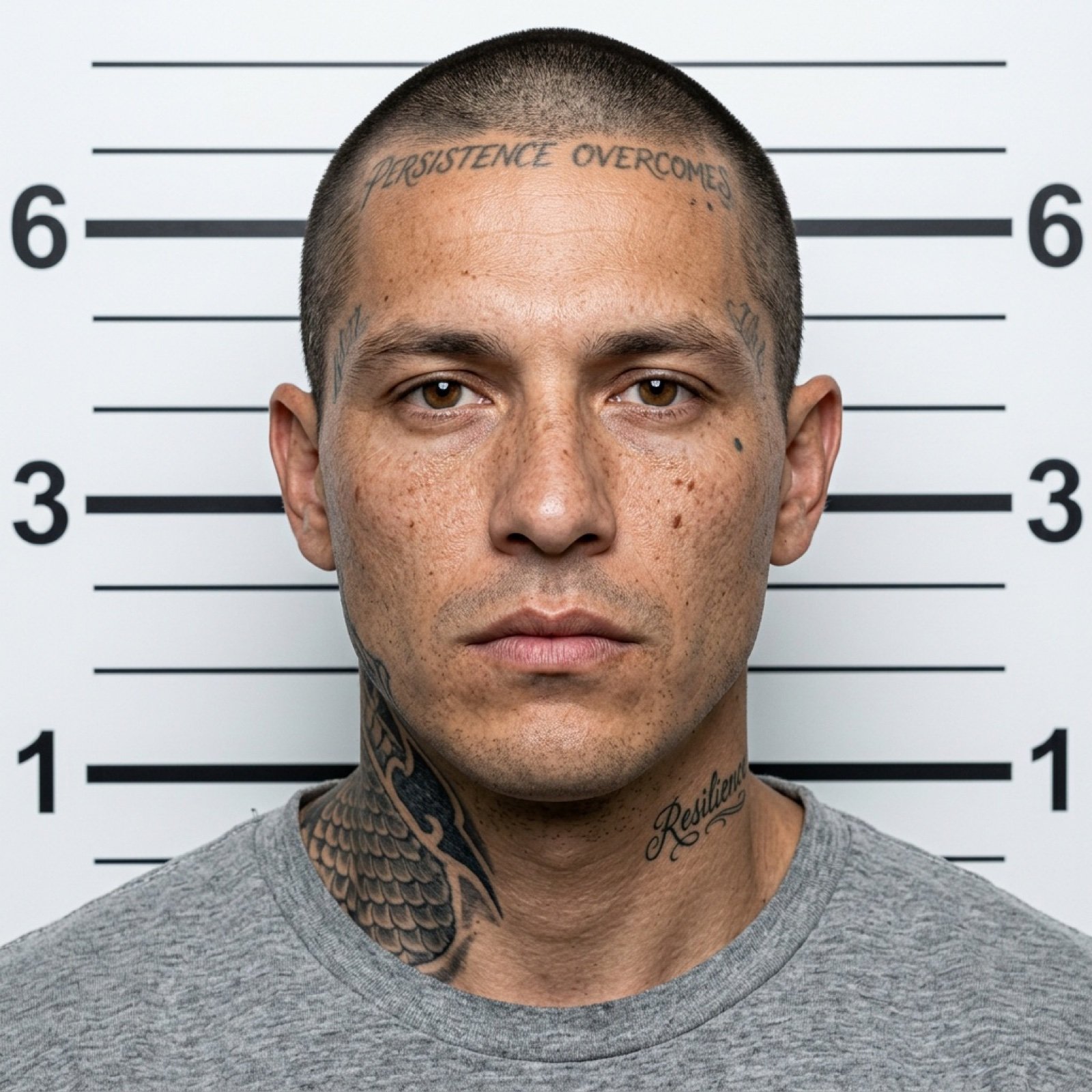
Mugshot AI Filter Trend Portrait Prompt
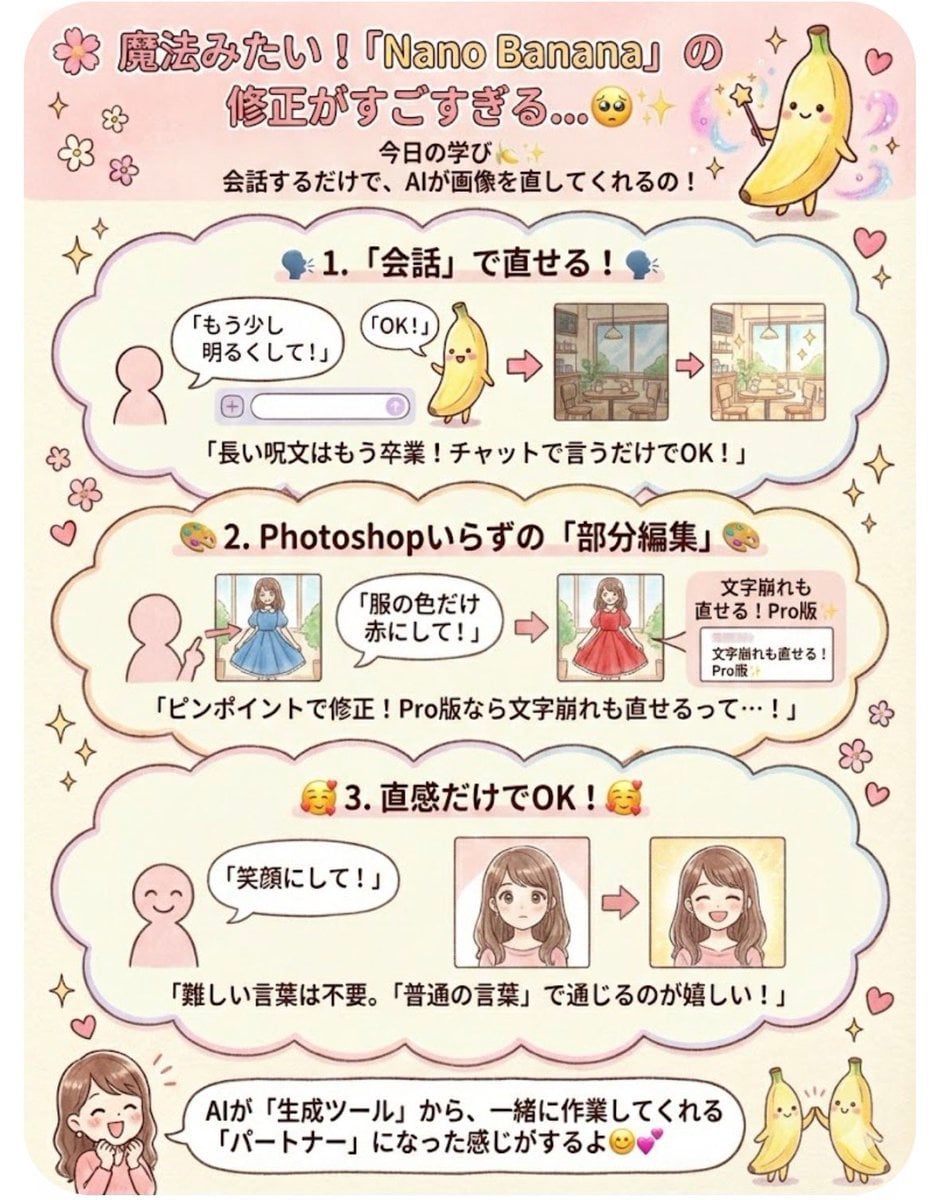
Instruction for conversational image editing in Nano Banana
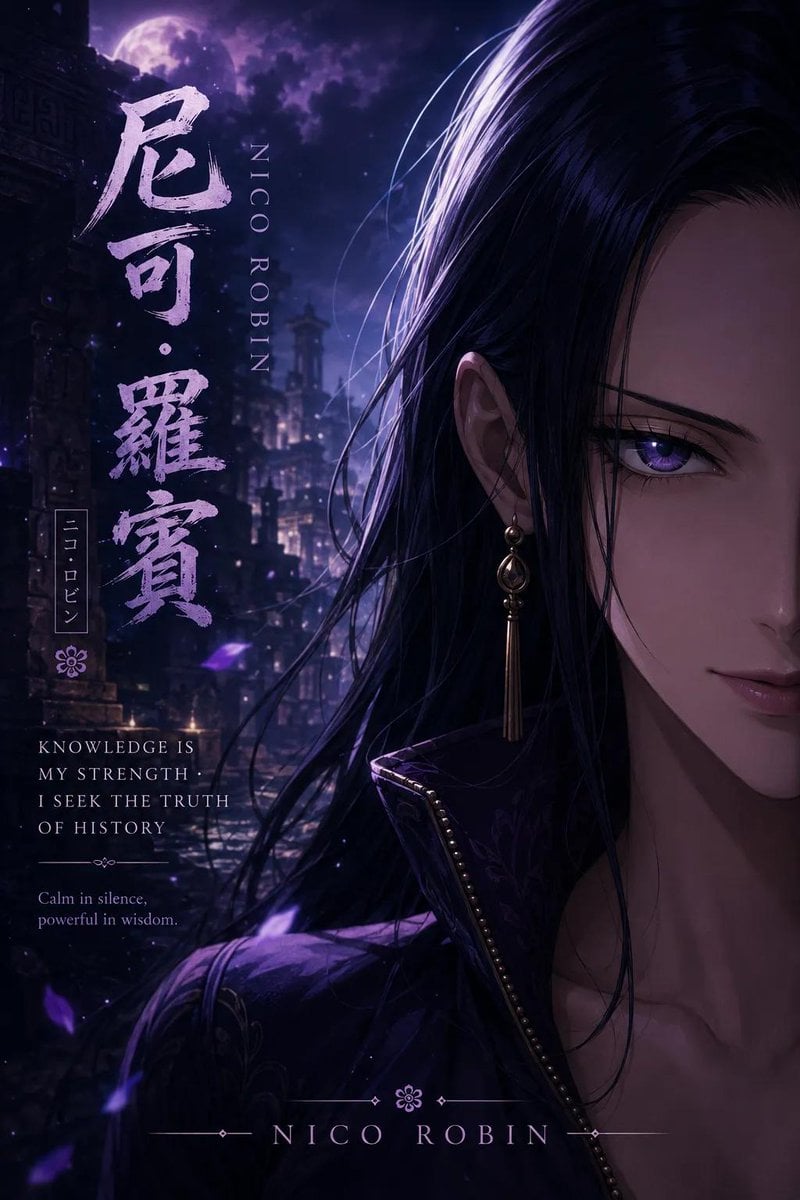
Anime Adventure Character Poster Design
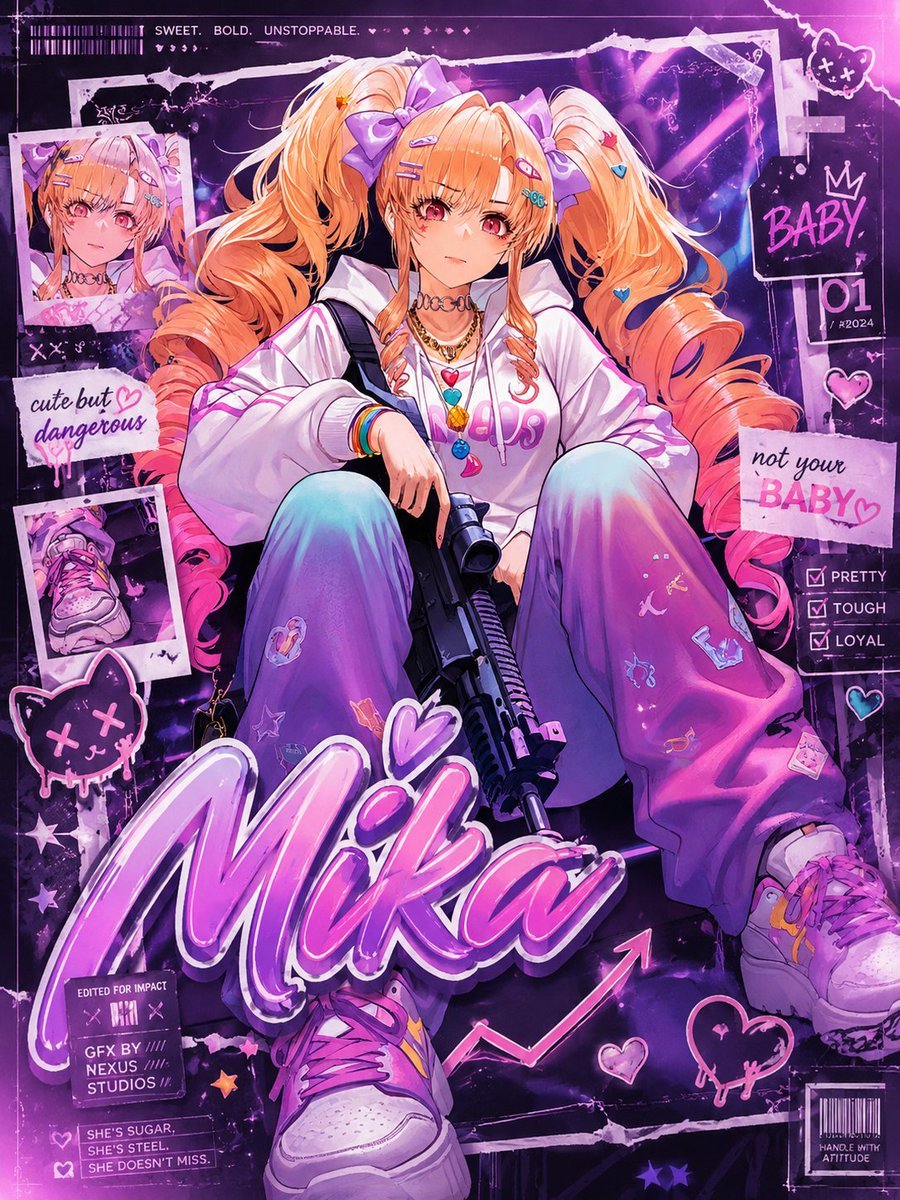
Scrapbook Anime GFX Poster
Browse template categories
Monochrome Couple Studio Collage questions
How do I use the Monochrome Couple Studio Collage template?
Add your photo if the template asks for one, edit the prompt if you like — the template's model and format are already selected — and press Generate. Your version opens in PicX Studio.
Can I customize the Monochrome Couple Studio Collage template?
Yes. You can change the subject, setting, lighting, mood, format, and available model controls before creating your image.
Is the Monochrome Couple Studio Collage template free?
Opening and editing this template is free. Generating uses credits, shown on the Generate button when you are signed in.
Which AI model should I use?
Start with GPT Image 2, which is the model associated with this template. You can compare another compatible model for a different finish.
Looking for something else? Browse all templates.

Your photo, any look
Thousands of ready templates for every top image and video model, from one credit balance.