
2x2 Grid Cute Animal Fashion Editorial Prompt
A highly structured JSON prompt for Nano Banana Pro, designed for an image-to-image task to generate a 2x2 grid of a consistent young woman's identity interacting with different cute animals (chicks, bunnies, parrot…
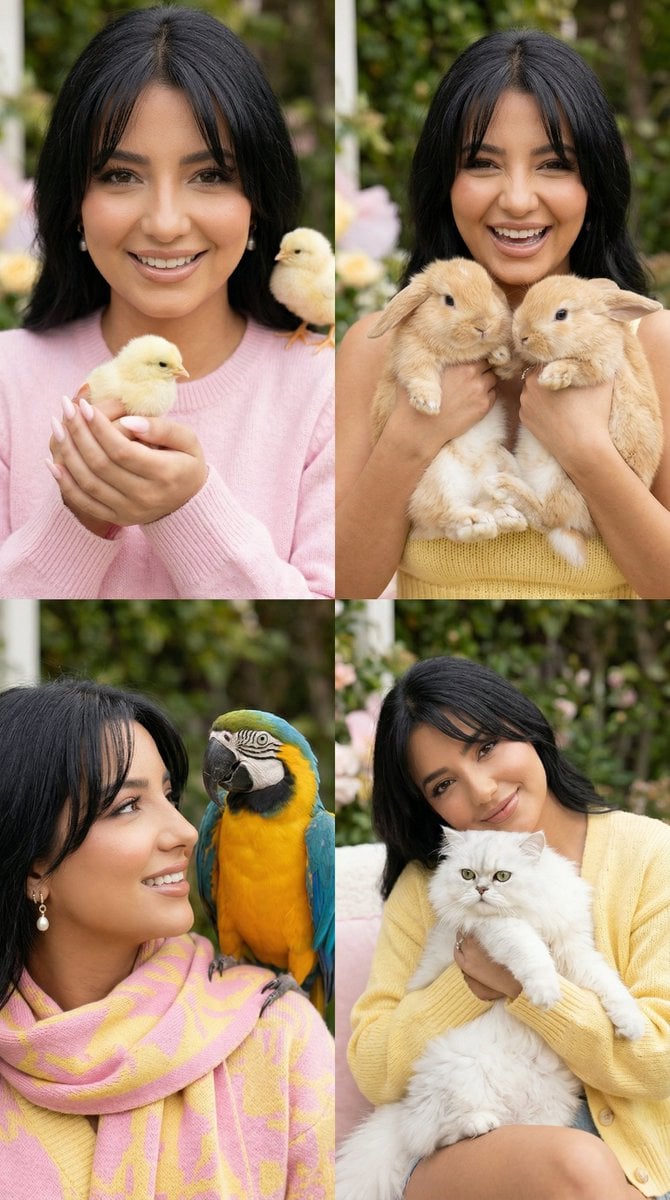
- Prompt included
- Model and format preset
- Premium template
The prompt behind this image
Copy the exact prompt behind 2x2 Grid Cute Animal Fashion Editorial Prompt, or open it in the studio and make it yours.
{ "generation_request": { "meta_data": { "tool": "NanoBanana Pro", "task_type": "cute_animal_fashion_editorial_2x2_grid", "language": "en", "priority": "highest", "version": "v1.0_PINK_YELLOW_HAPPY_ANIMAL_2X2" }, "input": { "mode": "image_to_image", "multi_reference": true, "reference_image_usage": "very_high", "preserve_identity": true, "notes": "The young woman must appear in all four panels with highly consistent face, eyes, smile, and soft feminine features. Her face must be clearly visible in every panel, never hidden by animals, hair, or props. The overall mood should be joyful, sweet, cozy, playful, and visually charming. Style her in pink and yellow clothing or knitwear with a soft pastel aesthetic. Include cute animals naturally, but keep the woman as the main subject." }, "output_settings": { "aspect_ratio": "4:5", "orientation": "portrait", "resolution_target": "ultra_high_res", "num_images": 1, "layout": { "type": "grid", "rows": 2, "cols": 2, "gutter": "thin", "outer_border": "none", "panel_consistency": "maximum_identity_lock" }, "render_style": "pastel_cute_fashion_editorial", "sharpness": "editorial_crisp", "grain": "soft_subtle_film", "dynamic_range": "bright_soft_natural", "color_grade": "pastel_pink_yellow_spring" }, "subject": { "identity": "young woman in all four panels", "face": "soft feminine face, visible eyes, warm smile, joyful expression, natural beauty", "hair": "softly styled dark or brunette hair, neat and flattering, face kept open and visible", "makeup": "light fresh makeup, soft blush, healthy skin glow, natural pink lips", "outfit": "{argument name="outfit color" default="pink and yellow"} cozy knitwear or soft pastel fashion pieces, playful but stylish, warm and charming", "styling": "cute, cheerful, soft spring aesthetic, polished but natural" }, "animal_direction": { "panel_1": "two fluffy baby chicks resting gently on her lap or sweater", "panel_2": "small soft bunnies held carefully in her arms", "panel_3": "bright colorful parrot near her shoulder or arms, positioned without covering her face", "panel_4": "fluffy white cat in cozy knitwear, resting in her lap or arms" }, "scene": { "environment": "cozy garden, soft outdoor corner, or warm lifestyle setting with greenery and pastel accents", "mood": "happy, sweet, playful, cozy, affectionate, uplifting", "background": "clean, charming, softly detailed, no clutter" }, "panel_direction": { "panel_1": "smiling softly while looking at the camera, baby chicks placed gently in front, face fully visible", "panel_2": "happy playful pose holding small bunnies, warm direct smile, bright friendly energy", "panel_3": "joyful close pose with colorful parrot, affectionate expression, face clear and unobstructed", "panel_4": "cozy seated pose with fluffy white cat in her arms, relaxed smile, dreamy cheerful mood" }, "pose_language": { "movement": "gentle, natural, affectionate, playful", "expression"[TRUNCATED]
How to use 2x2 Grid Cute Animal Fashion Editorial Prompt in 3 steps
- 1
Open
The prompt is already in the box next to the preview, with the template's model and format selected.
- 2…a portrait of your subject in softgolden-hour light, 85mm…
Personalize
Edit the subject and creative details for your destination.
- 3Generate
Generate
Press Generate — your image is created in PicX Studio, so you can compare it with the original and refine one variable at a time.
More like this
Templates with the same subject, style or setup. Open one to see its prompt.

Korean Luxury Fashion Editorial 2x2 Grid Series

Blue Backdrop Luxury Fashion Portrait Campaign

Typography Mask Editorial Fashion Poster

Luxury Black-and-White Fashion Contact Sheet

untitled

Google Gemini Nano Banana Pro
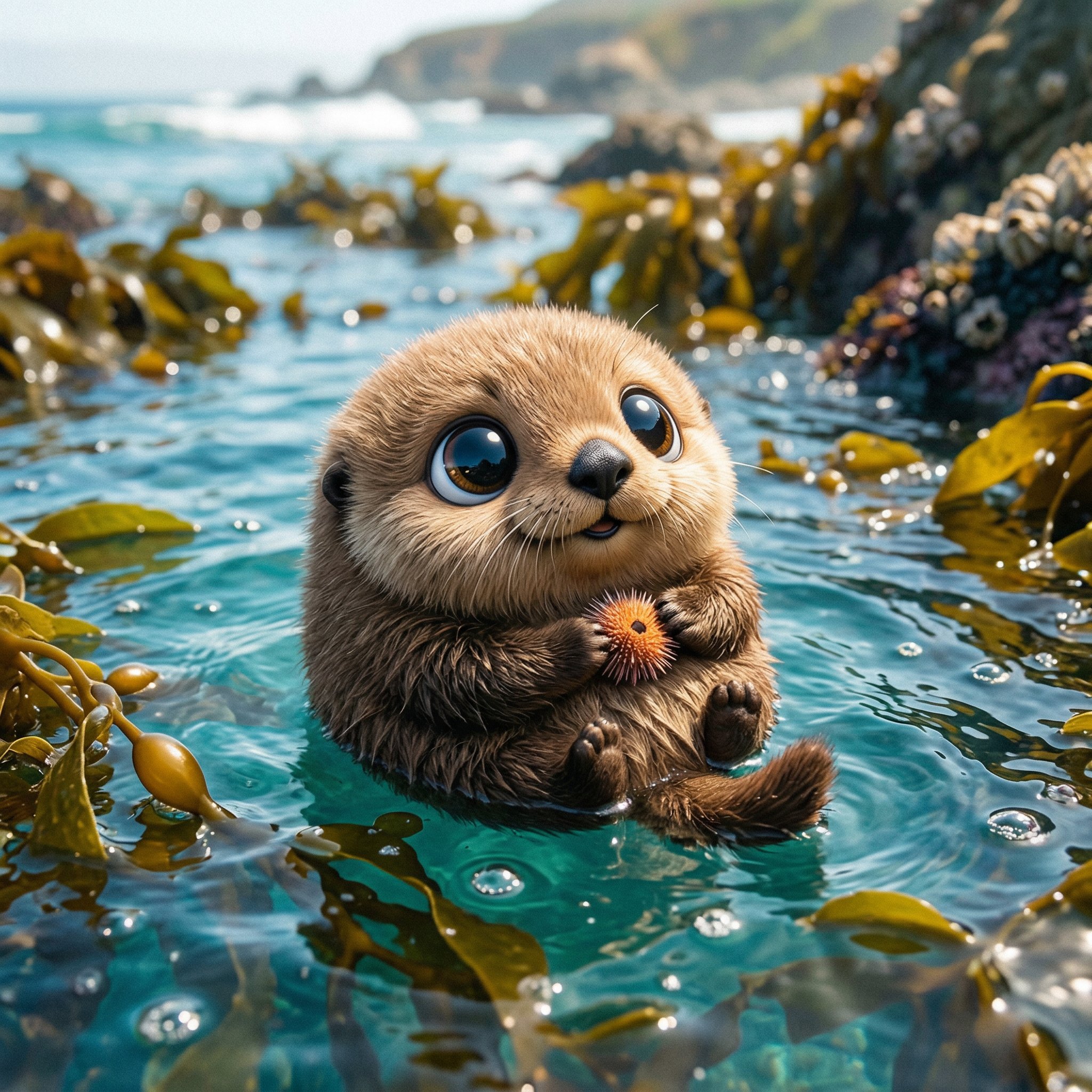
Cute Ball Shaped Animal Characters

Conceptual Fashion Portrait in Spider We

01 Skincare Split Portrait — Nano Banana 2

24 The Getty Center — California Series

21 Glass Floor Skyscraper — California Series

19 Luxury Helicopter Travel — California Series
Make it yours
2x2 Grid Cute Animal Fashion Editorial Prompt works as-is. These are the safest ways to change it without losing the look.
Change one field
Copy a single group, rewrite it, and generate again so you can see what that field is doing.
Keep the frame, change the subject
Hold the composition and light of 2x2 Grid Cute Animal Fashion Editorial Prompt, then swap wardrobe, props or the person for a new take.
| If the result… | Why | Fix |
|---|---|---|
| The result drifts from the preview | Too many fields changed at once. | Reuse 2x2 Grid Cute Animal Fashion Editorial Prompt as-is first, then change one group — subject, light, or setting. |
| The model over-stylizes the scene | The prose prompt leaves finish and camera underspecified. | Add one camera or lighting sentence and stay on Nano Banana 2. |
More Nano Banana 2 templates
Other prompts made for Nano Banana 2.

Photorealistic Leaf Shaped Like a Dragon

K-Pop Idol Portrait Grid for Rapid Selection

Poetic Rain Forest Portrait During Golden Hour

Urban Street Portrait with Cartoon Inner Self Duo

Candid Nighttime Photo with Cat Prompt

High-Concept 3D Diorama Generation Prompt

Cinematic Futuristic Studio Portrait Template

Skincare Editorial Photography Collage Prompt

Hyper-Realistic Commercial Product Photography (Splash Effect)

Hyper-Realistic Nightclub Portrait Prompt
More image prompts
Fresh picks from across the catalog.
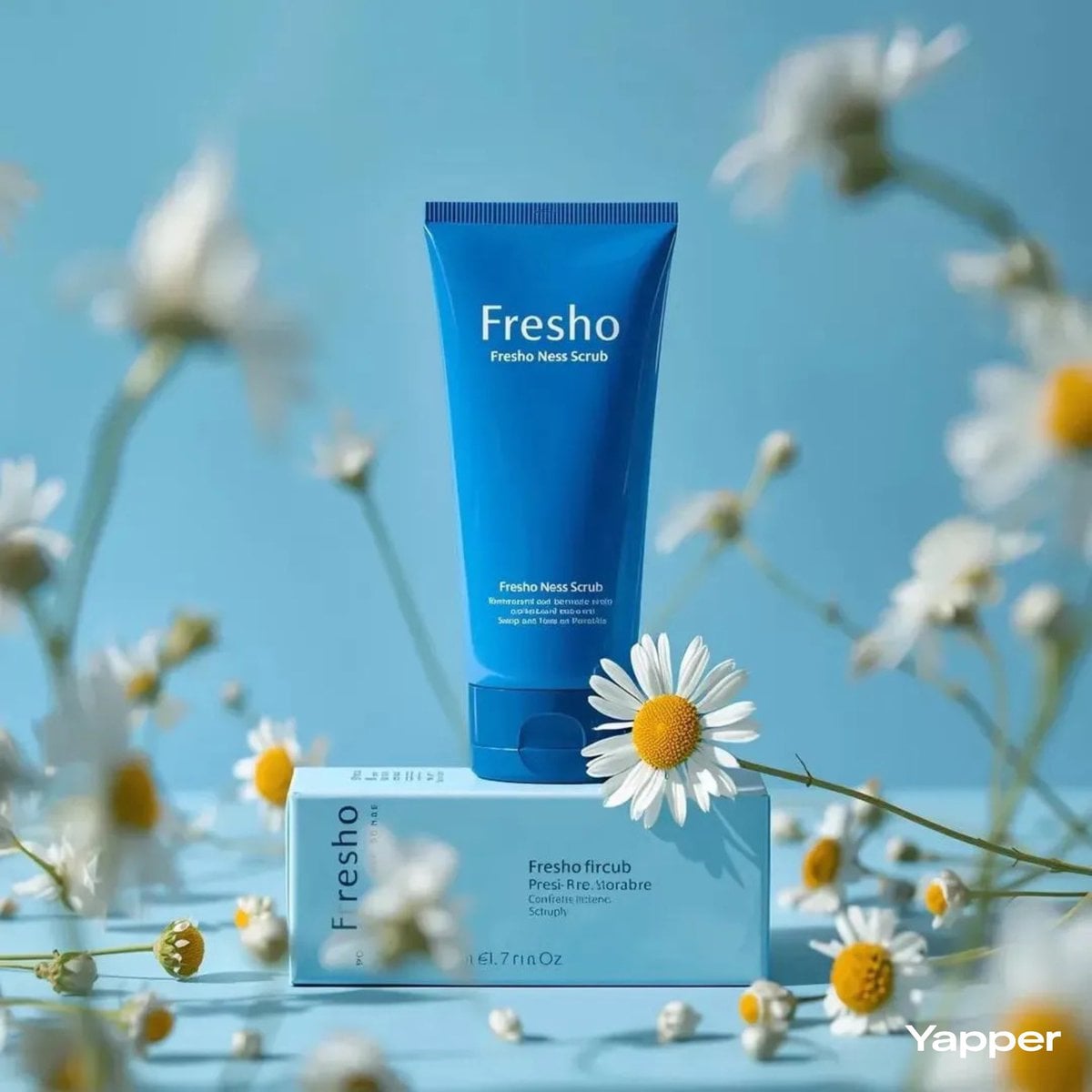
Cobalt Blue Skincare Product Photography
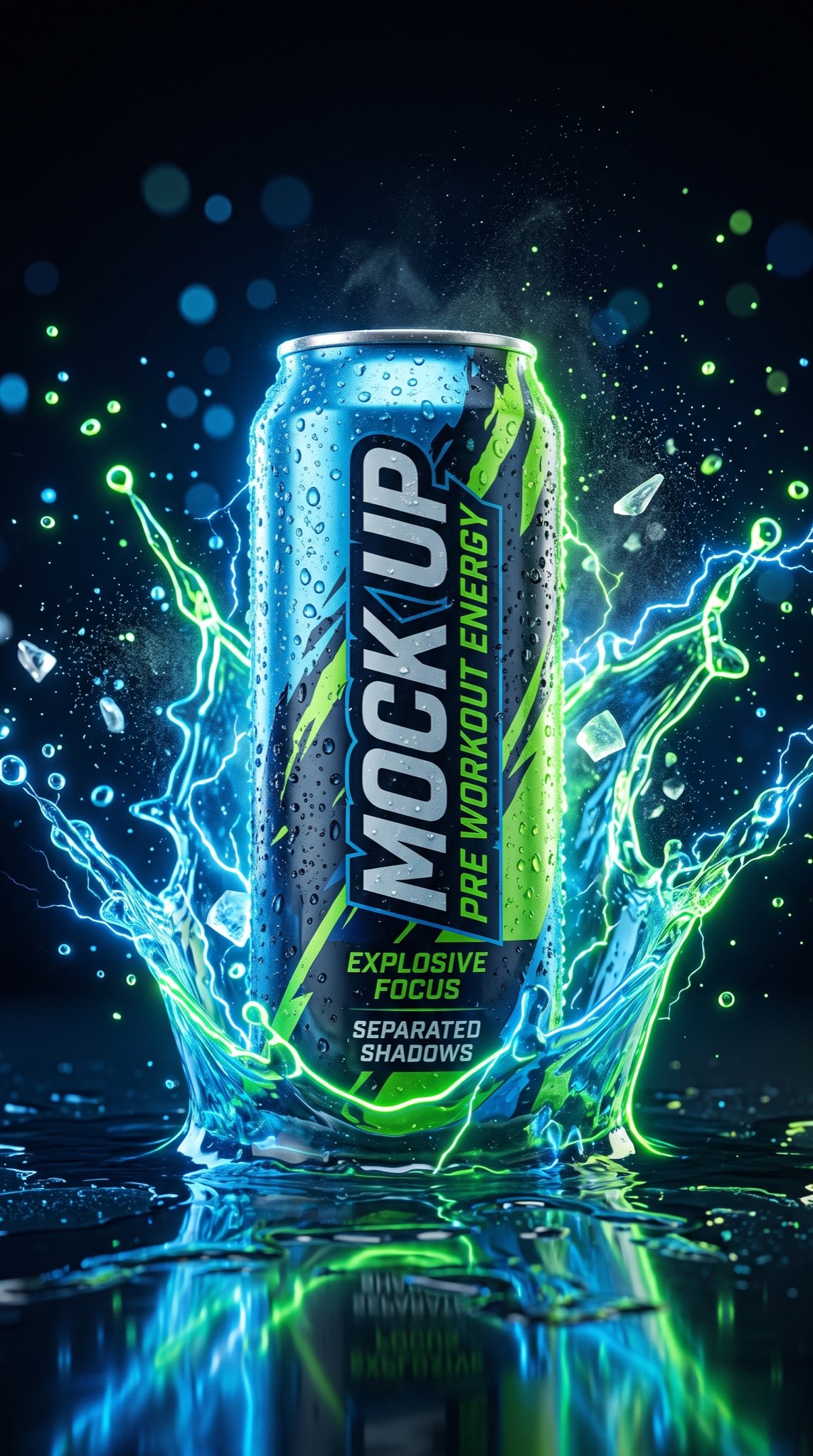
JSON Prompt for Hyper-Realistic Commercial Energy Drink Photography
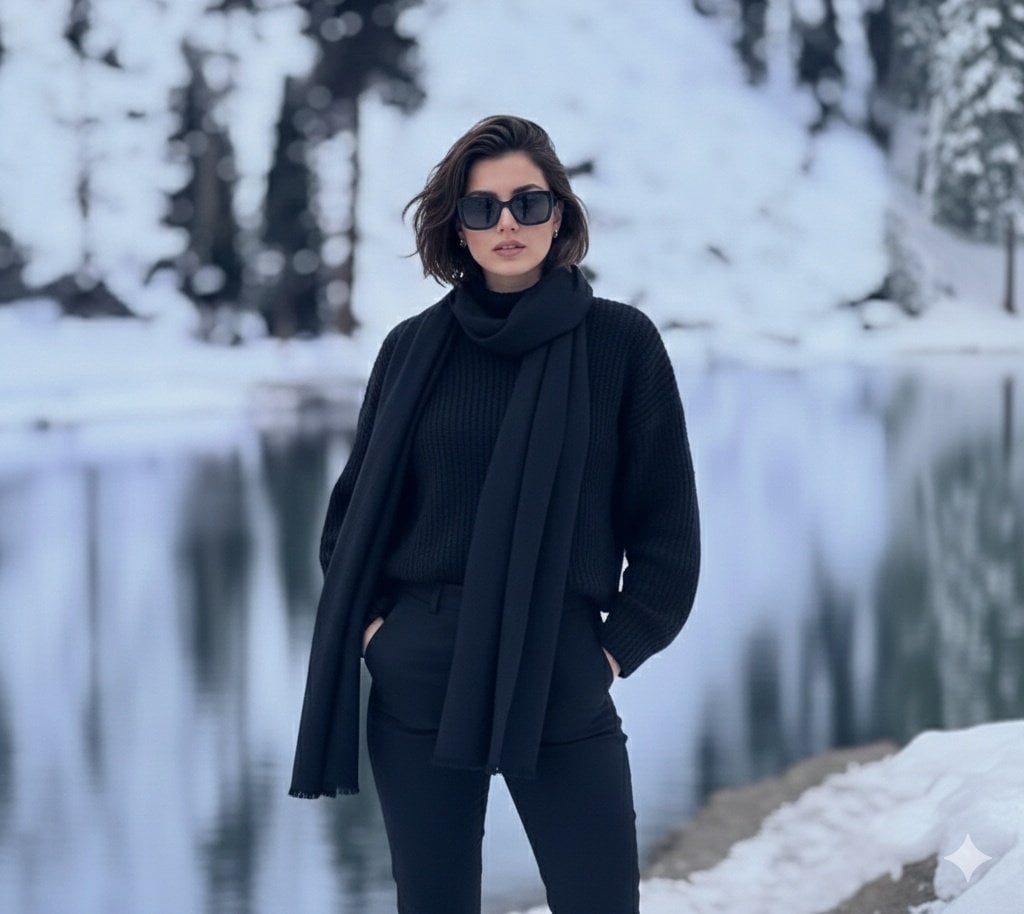
Photorealistic portrait of a stylish woman in a snowy landscape
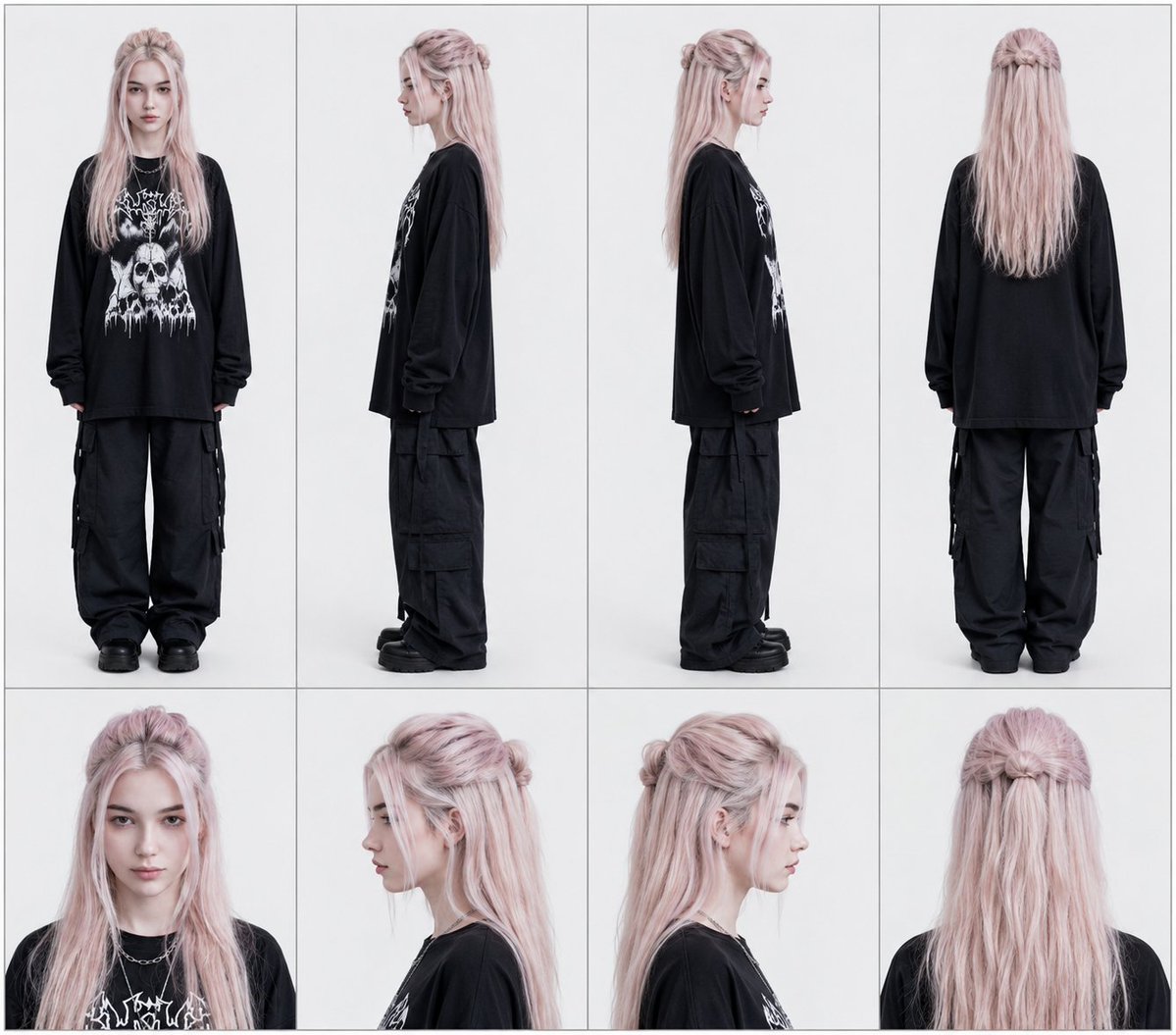
Professional Character Reference Sheet Layout
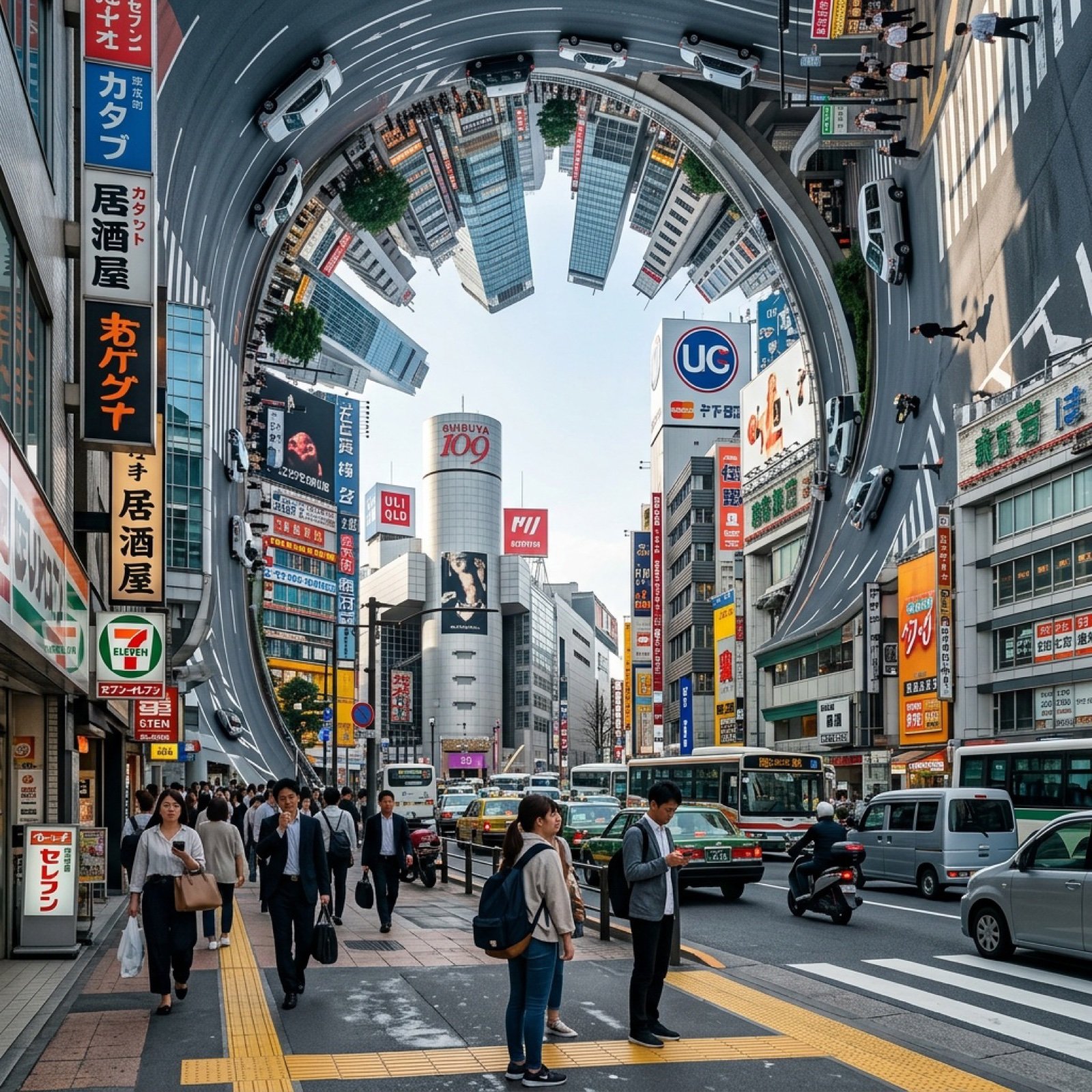
Inception-Style City Street Bending Upward
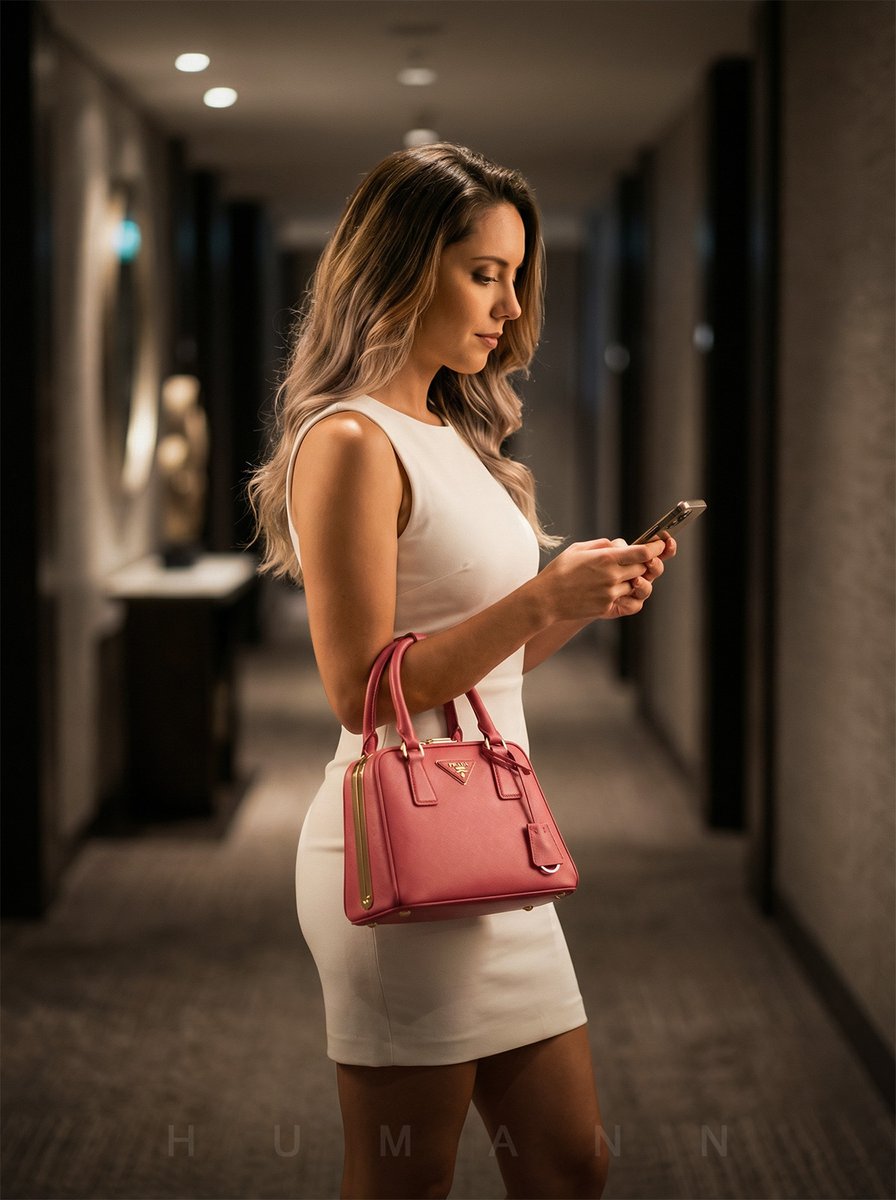
Luxury Hotel Hallway Reference Image Prompt
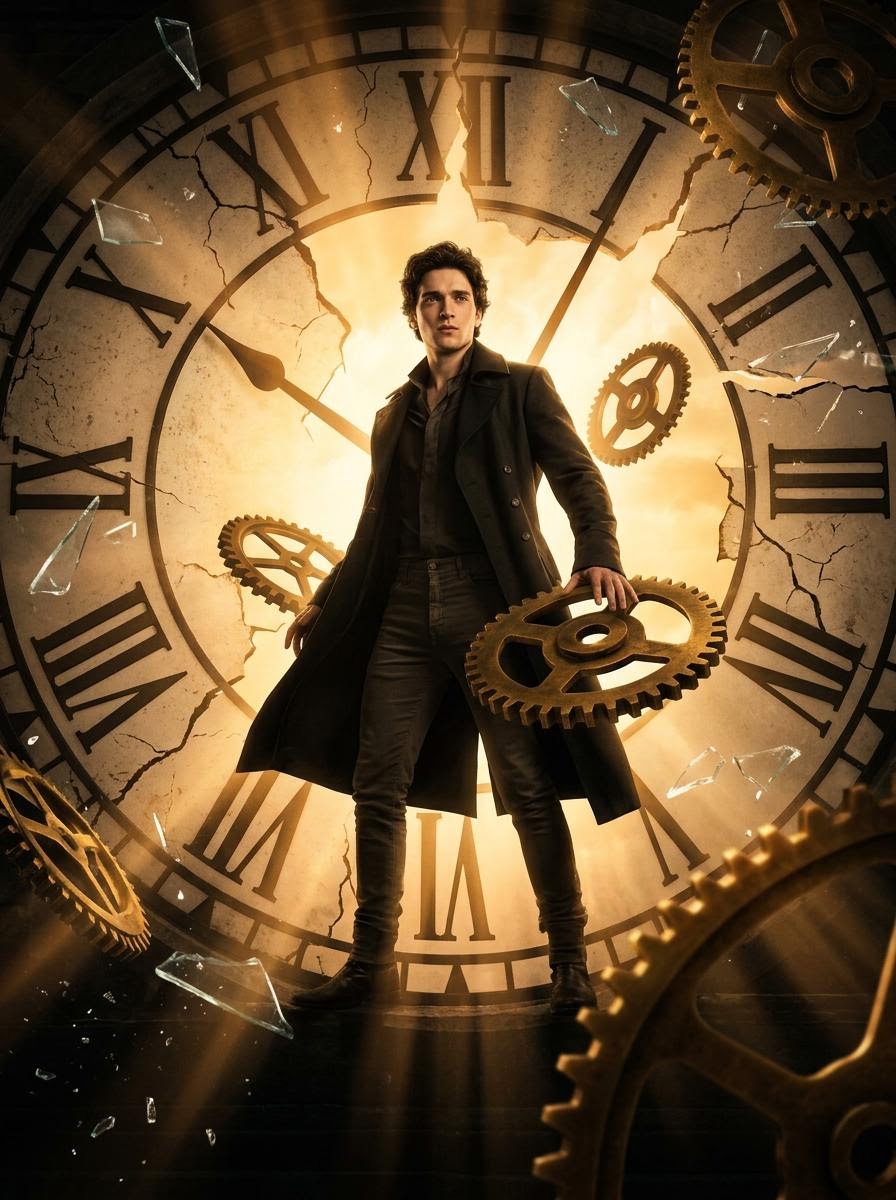
Cinematic Broken Clock Scene Portrait for Nano Banana 2
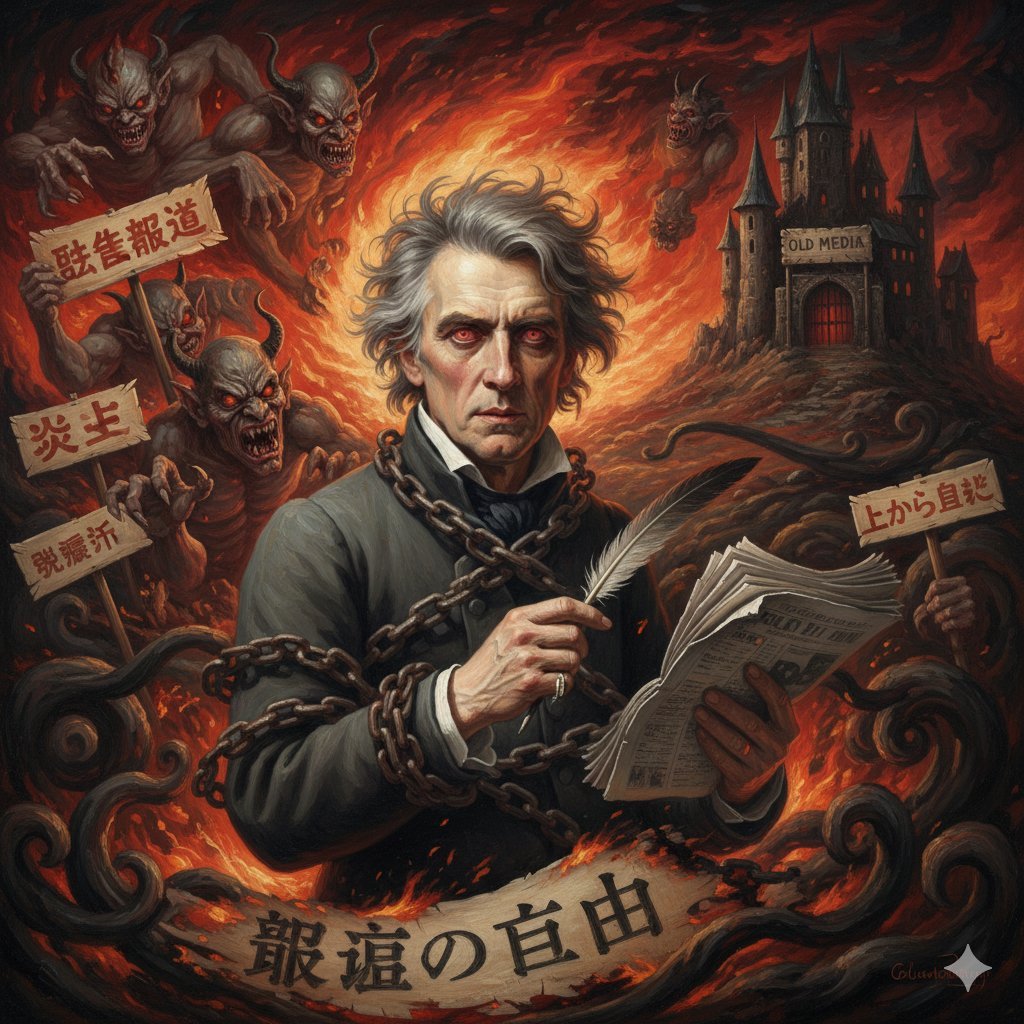
Image Generation Prompt for Chopin in Delacroix Style
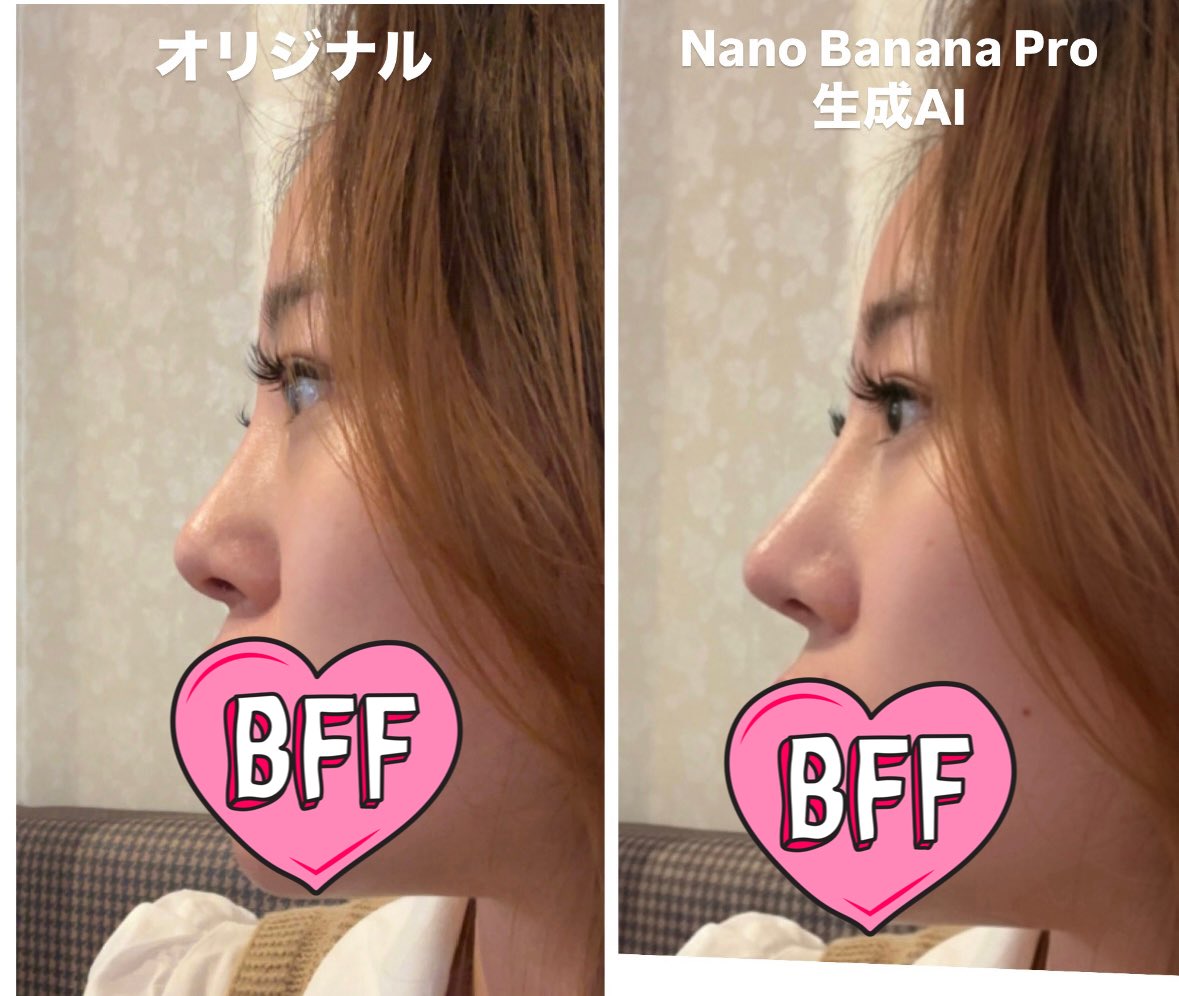
Generating Ideal Nose Shapes for Cosmetic Surgery Consultation
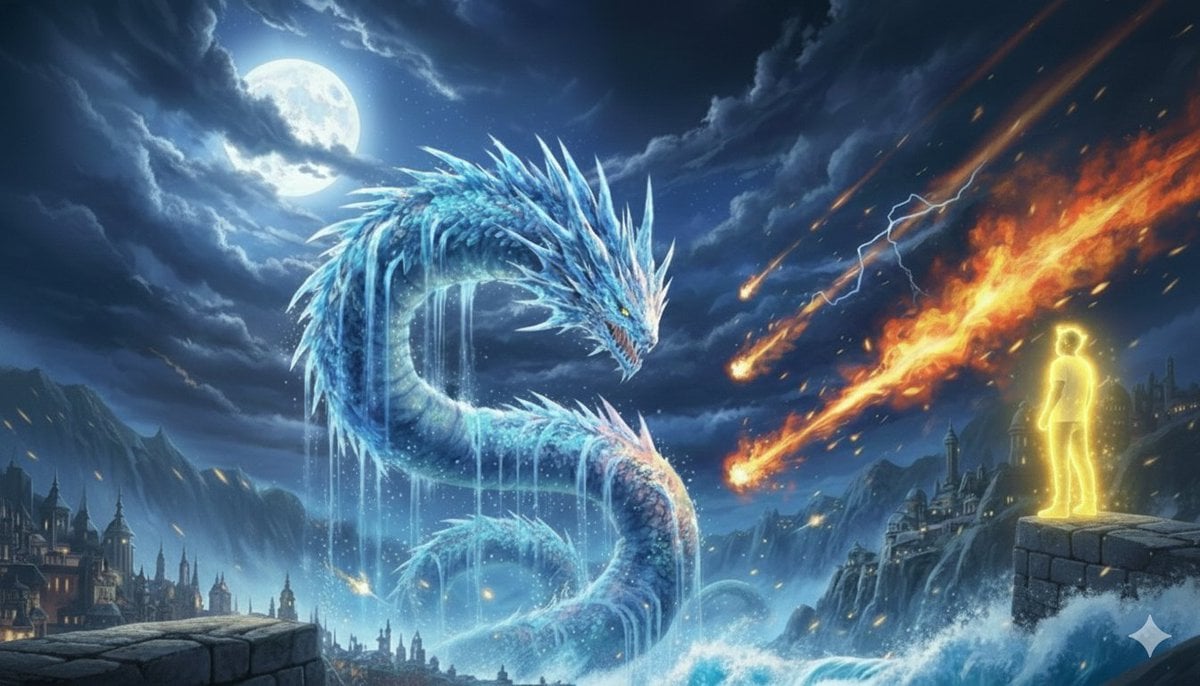
Image Generation Prompt: Nishimura Mizuki and Leviathan
Browse template categories
2x2 Grid Cute Animal Fashion Editorial Prompt questions
How do I use the 2x2 Grid Cute Animal Fashion Editorial Prompt template?
Add your photo if the template asks for one, edit the prompt if you like — the template's model and format are already selected — and press Generate. Your version opens in PicX Studio.
Can I customize the 2x2 Grid Cute Animal Fashion Editorial Prompt template?
Yes. You can change the subject, setting, lighting, mood, format, and available model controls before creating your image.
Is the 2x2 Grid Cute Animal Fashion Editorial Prompt template free?
Opening and editing this template is free. Generating uses credits, shown on the Generate button when you are signed in.
Which AI model should I use?
Start with Nano Banana 2, which is the model associated with this template. You can compare another compatible model for a different finish.
Looking for something else? Browse all templates.

Your photo, any look
Thousands of ready templates for every top image and video model, from one credit balance.