
Scrapbook Anime GFX Poster
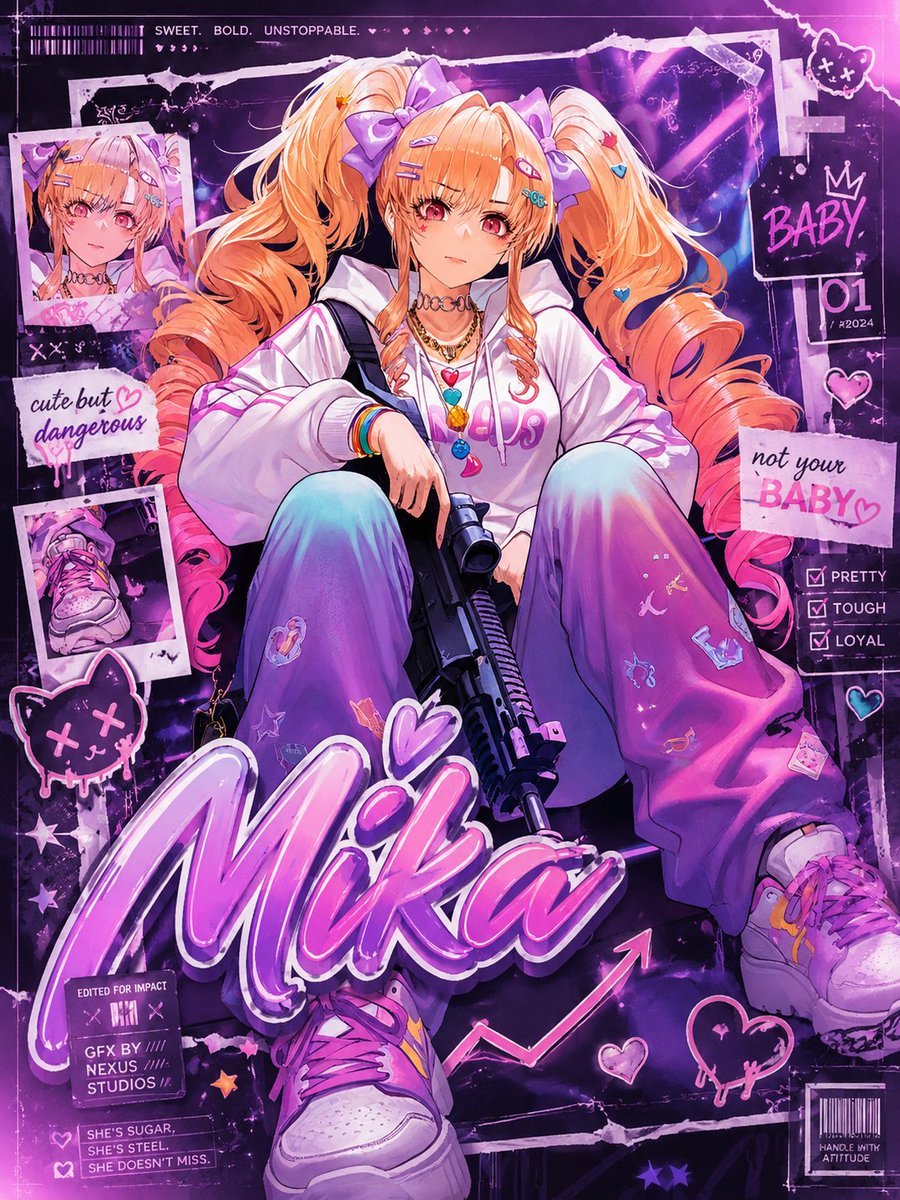
Creates a neon Y2K scrapbook-style anime character poster with layered stickers, bold typography, and a cute punk streetwear aesthetic.
- Prompt included
- Model and format preset
- Free template
The prompt behind this image
Copy the exact prompt behind Scrapbook Anime GFX Poster, or open it in the studio and make it yours.
Goal: Create a high-energy scrapbook anime GFX poster featuring a cute-but-dangerous pastel streetwear girl named {argument name="character name" default="Mika"}, with a glossy Y2K punk-magazine collage aesthetic. Canvas: Vertical 3:4 poster, full bleed, dense composition, neon purple and hot pink lighting, high contrast, slightly grungy paper texture, taped photo scraps, torn edges, sticker overlays, doodles, barcode details, and glowing highlights. Main subject: Center a seated anime girl with an intentionally blank/covered square face area, facing forward in a confident crouched pose. She has very long voluminous twin ponytails in {argument name="hair color" default="peachy orange fading to pink"}, curled into huge spirals, decorated with large purple bows, colorful hair clips, tiny heart pins, and cute accessories. Outfit: oversized white hoodie with pink lettering, layered necklaces with colorful heart charms, bracelets, loose gradient pants shifting from pale blue to purple to magenta, pastel sneaker shoes, and small cute patches on the pants. She holds a black tactical rifle vertically between her legs, creating a sweet-and-dangerous contrast while keeping the style illustrated and non-photorealistic. Layout: Place the character large in the center, knees forward and sneakers near the bottom corners. Put the huge glossy script name {argument name="large name text" default="Mika"} across the lower third, in bubble-like hot pink and lavender lettering with thick white outline, shiny highlights, and a heart accent. Use layered stickers and torn paper notes around the character, with a smaller polaroid portrait at upper left, a sneaker photo at mid-left, and multiple doodle badges along the edges. Visible text elements: Include exactly 12 distinct readable text blocks: 1) top micro text “SWEET. BOLD. UNSTOPPABLE.”, 2) right tag “BABY” with a small crown doodle, 3) small right label “01 / #2024”, 4) left torn note “cute but dangerous”, 5) right torn note “not your BABY”, 6) checklist with three checked items “PRETTY”, “TOUGH”, “LOYAL”, 7) large lower name “Mika”, 8) small label “EDITED FOR IMPACT”, 9) studio block “GFX BY NEXUS STUDIOS”, 10) bottom-left caption “SHE’S SUGAR, SHE’S STEEL, SHE DOESN’T MISS.”, 11) bottom-right barcode caption “HANDLE WITH ATTITUDE”, 12) small barcode-like decorative strip at top left. Decorative elements: Include exactly 14 major scrapbook decorations: 1 polaroid portrait at upper left, 1 sneaker polaroid at left, 1 black cat face sticker with X eyes at lower left, 1 pink heart sticker at upper right, 1 blue outlined heart at right, 1 dripping heart near bottom right, 1 rising arrow graph at lower center-right, 1 crown doodle, 1 barcode at bottom right, 1 barcode strip at top left, 1 torn black tag behind “BABY”, 1 taped purple sci-fi photo panel behind the head, 1 star cluster near lower left, and 1 set of small heart doodles around the poster. Visual style: Anime illustration, glossy digital painting, vibrant manga cover energy, cyber-y2k stickers, kawaii punk, neon violet atmosphere, paper collage layering, visible tape strips, rough torn borders, ink scribbles, sparkles, tiny stars, halftone texture, chromatic glow, saturated pink-purple palette with peach hair as the focal color. Constraints: Keep the image as a single poster design, not a comic panel. Make all text legible and arranged like a designer scrapbook layout. Do not add extra characters. Preserve the blank square over the face as a deliberate editable placeholder. Avoid photorealism; use polished anime GFX poster rendering.
How to use Scrapbook Anime GFX Poster in 3 steps
- 1Upload ImagePNG, JPG or paste
Add your photo
Upload the photo the template builds on. The prompt, model and format are already set.
- 2…a portrait of your subject in softgolden-hour light, 85mm…
Personalize
Edit the subject and creative details for your destination.
- 3Generate
Generate
Press Generate — your image is created in PicX Studio, so you can compare it with the original and refine one variable at a time.
More like this
Templates with the same subject, style or setup. Open one to see its prompt.
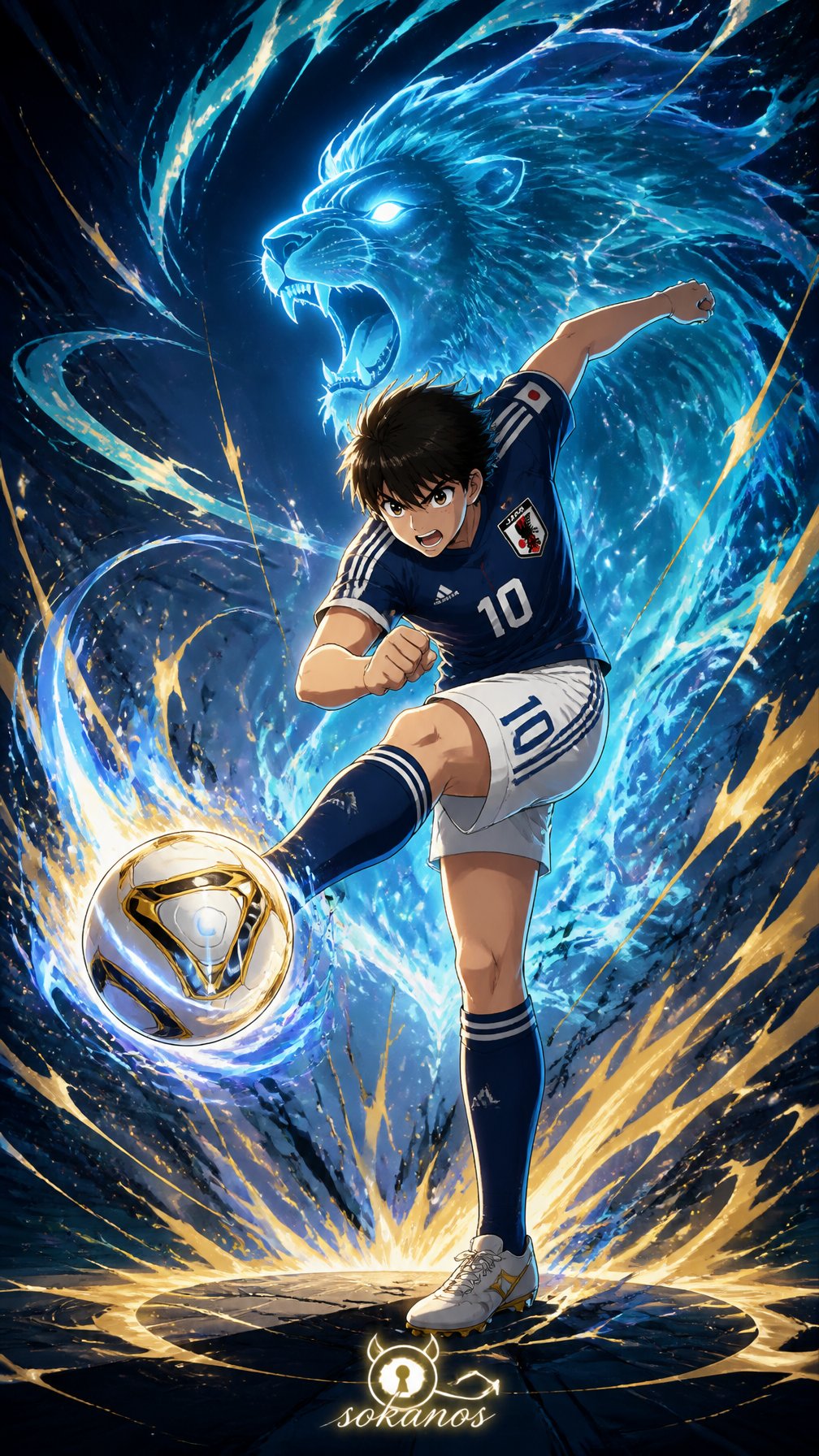
Captain Tsubasa Anime World Cup Poster
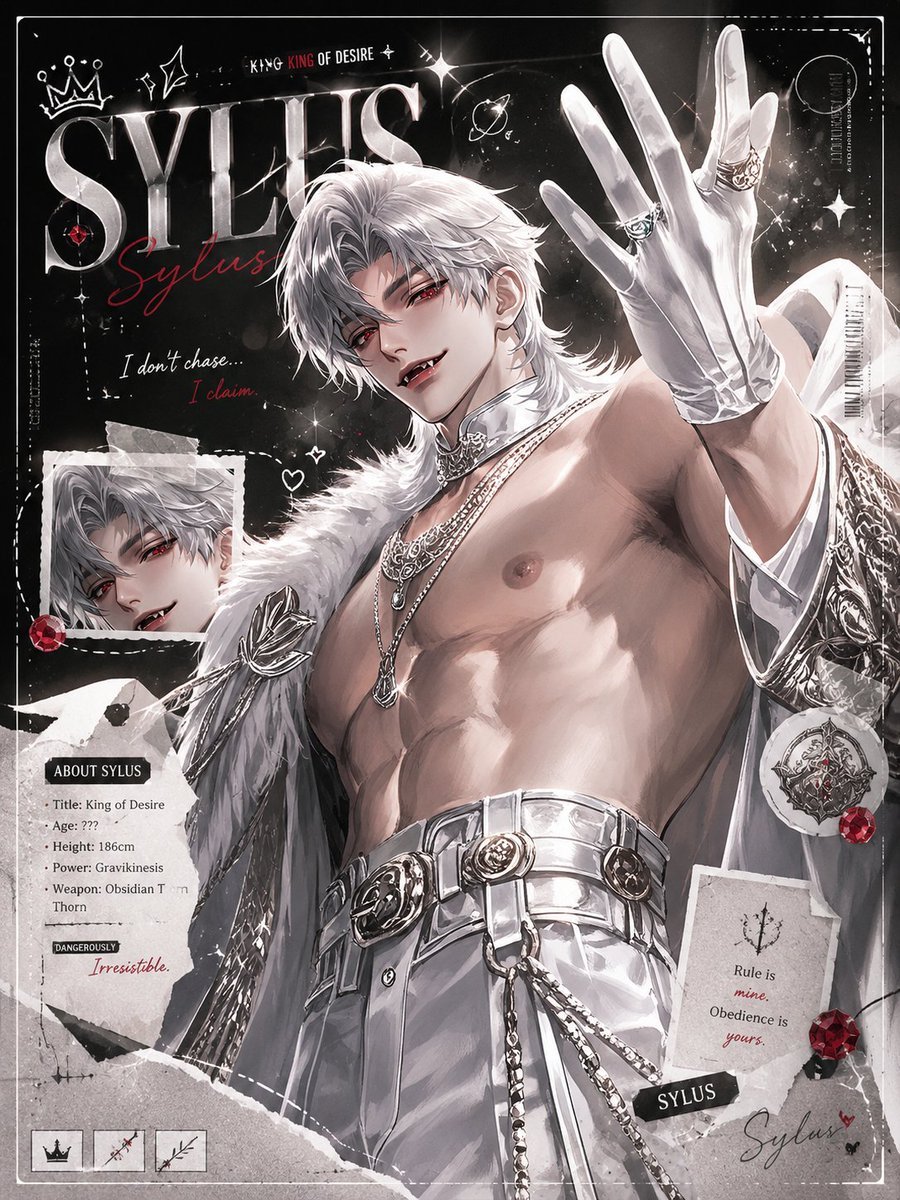
Dark Anime Sylus Scrapbook Poster
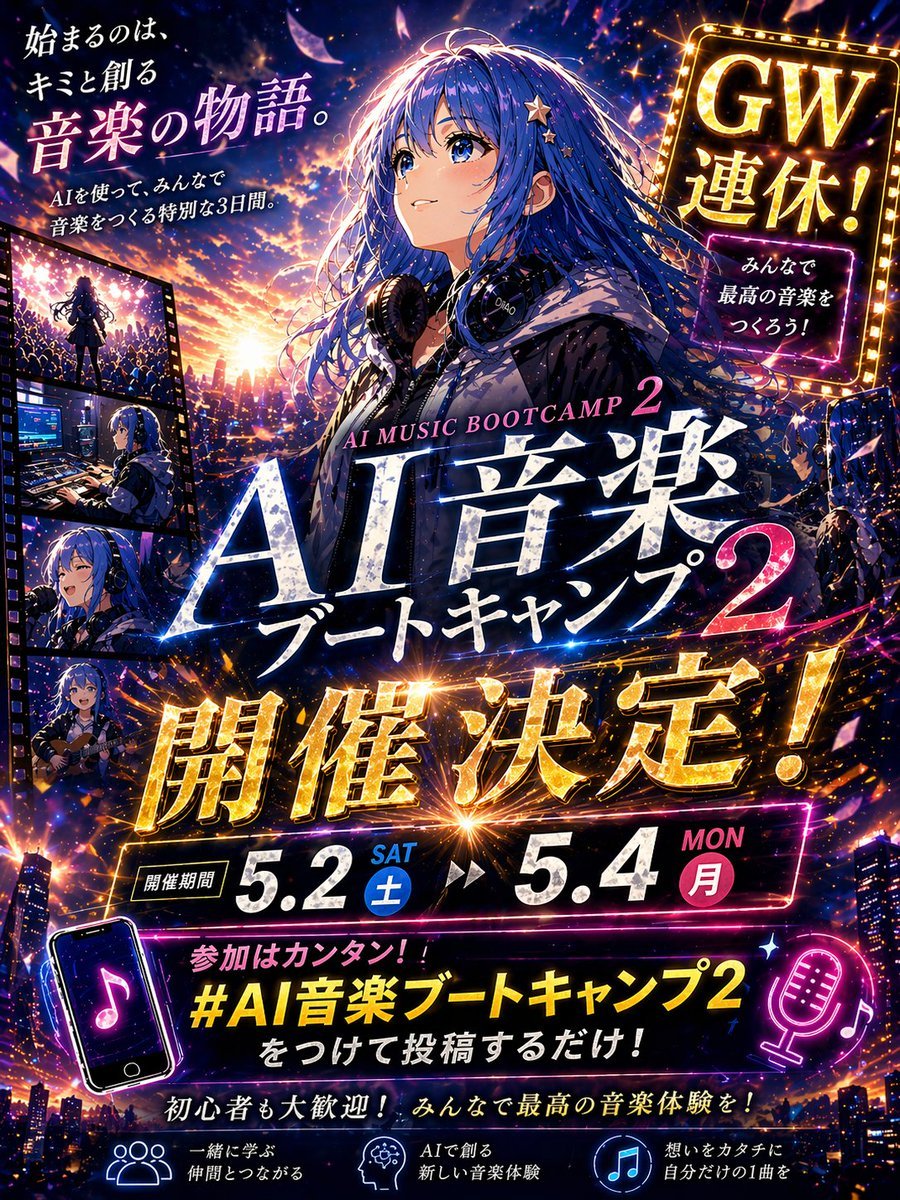
Gpt2 Youtube Thumbnail Anime Music Bootcamp Promo Poster

Japan Travel Brochure Poster
Nice Day Anime Poster
Y2K Retro Scrapbook Collage Poster
Chengdu Scrapbook Travel Guide Poster

Cel 2D Finale Fireworks

Cel 2D Garden Maze

Cel 2D Rooftop Concert
Cel 2D Bicycle Coast

Cel 2D Castle Gate
Make it yours
Scrapbook Anime GFX Poster works as-is. These are the safest ways to change it without losing the look.
Change one field
Copy a single group, rewrite it, and generate again so you can see what that field is doing.
Keep the frame, change the subject
Hold the composition and light of Scrapbook Anime GFX Poster, then swap wardrobe, props or the person for a new take.
| If the result… | Why | Fix |
|---|---|---|
| The result drifts from the preview | Too many fields changed at once. | Reuse Scrapbook Anime GFX Poster as-is first, then change one group — subject, light, or setting. |
| The model over-stylizes the scene | The prose prompt leaves finish and camera underspecified. | Add one camera or lighting sentence and stay on GPT Image 2. |
More GPT Image 2 templates
Other prompts made for GPT Image 2.

Six VTuber Japanese Logo Sheet

Realistic Portrait of Woman and Deer

The Vista Modular Condo Poster

AI Model Routing Comparison Infographic

2.5D Anime Art Board

Isometric Productivity Desk Scene

New York Double Exposure Poster

Four-Panel AI Landscape Comparison

Japanese Tatami Lifestyle Magazine Cover

NESCAFÉ Coffee Map Poster
More image prompts
Fresh picks from across the catalog.
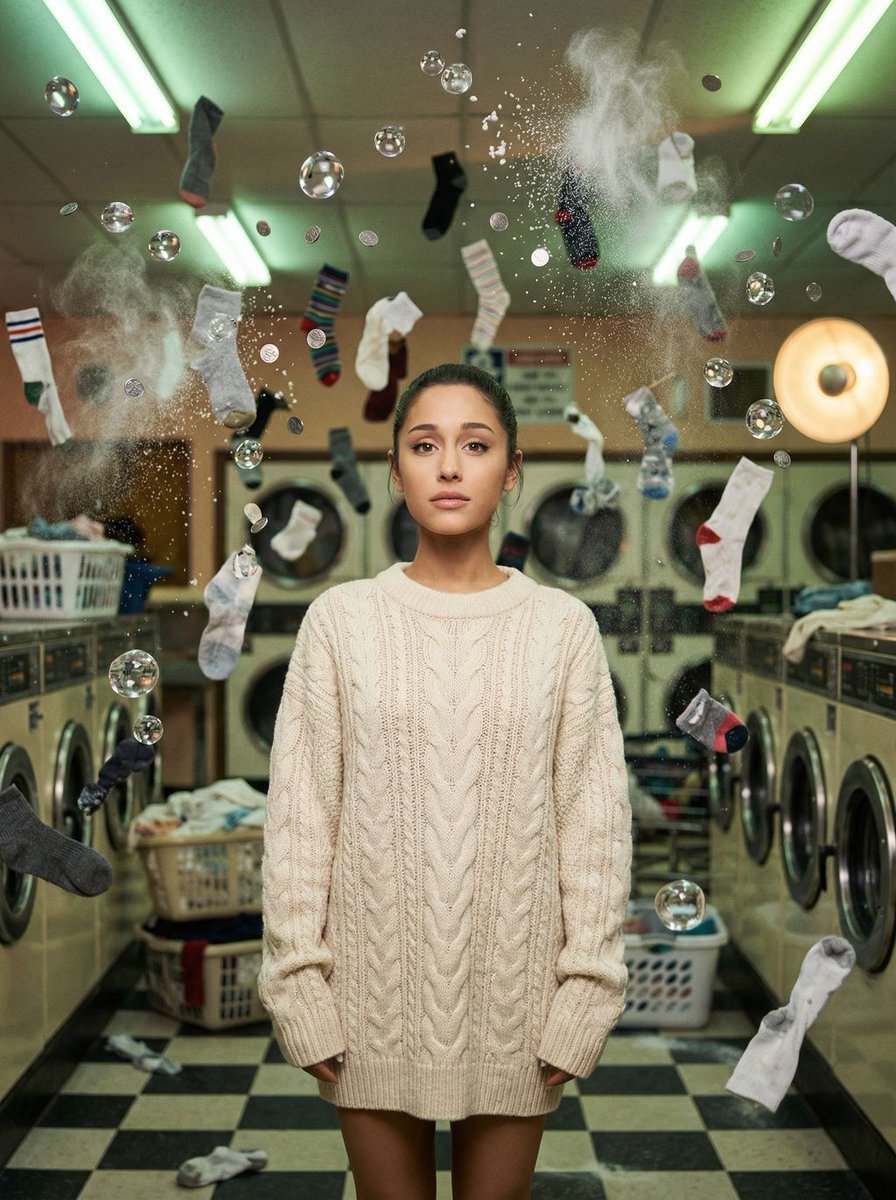
Zero-G Laundromat: Surreal Fashion Editorial
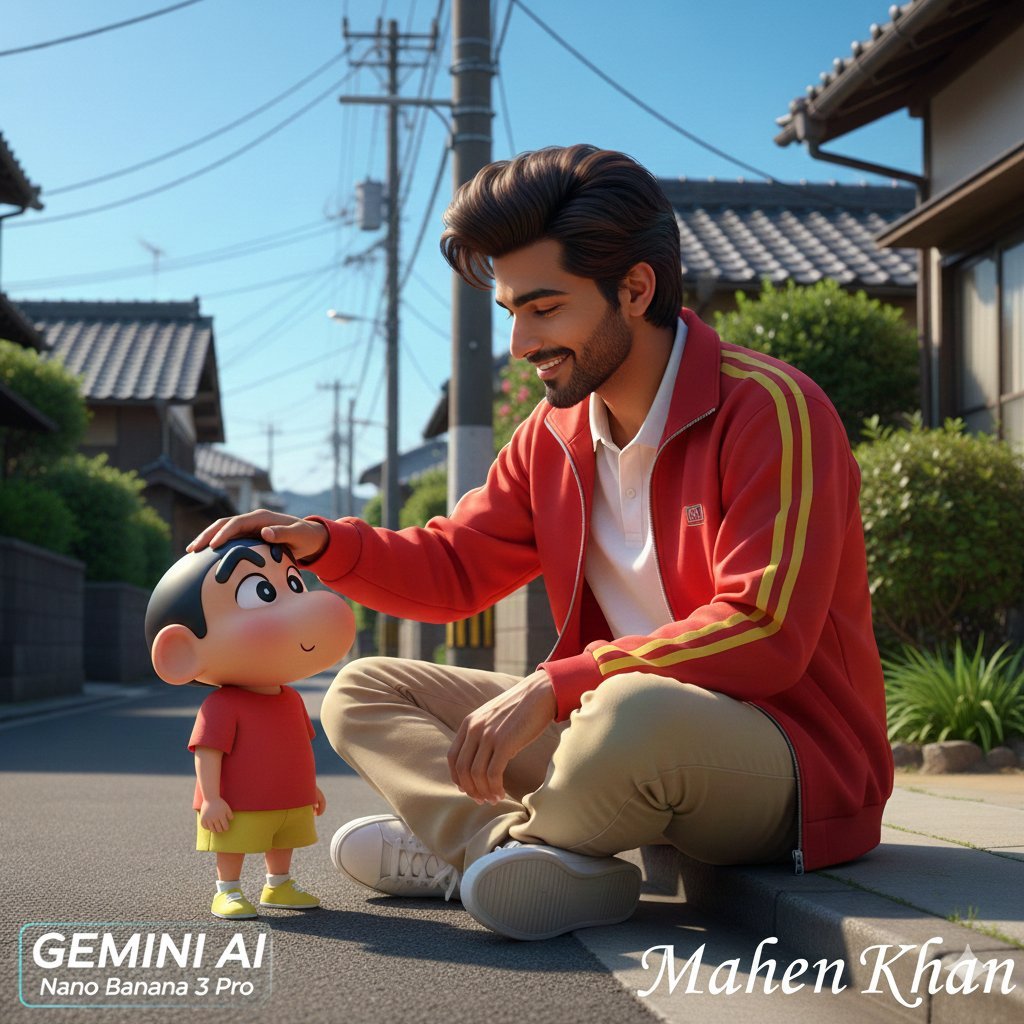
Photorealistic Man Interacting with 3D Shin-chan
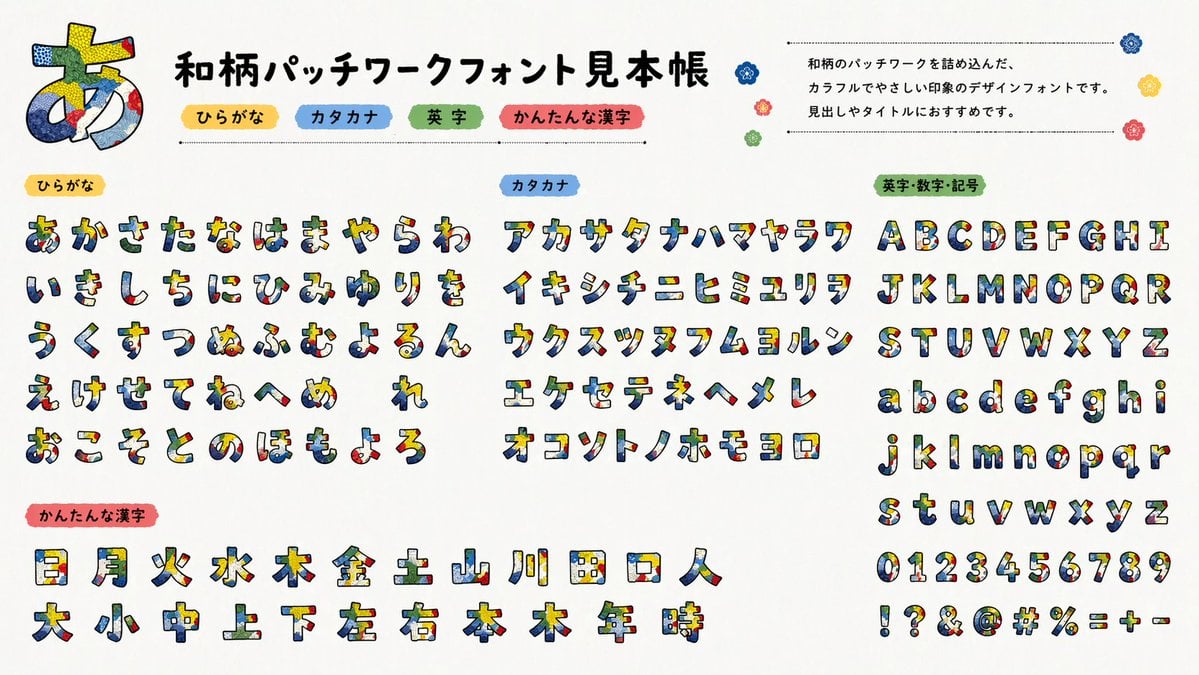
Multilingual font specimen sheet prompt
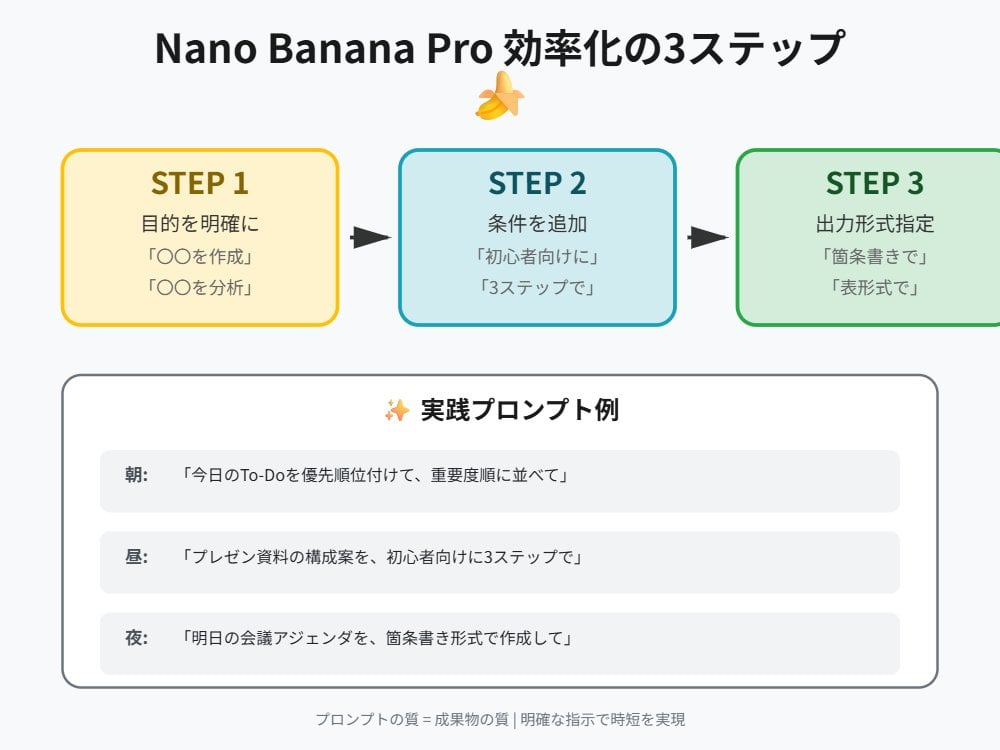
Nano Banana Pro Prompt Technique for Beginners
Direct Flash Portrait of Woman in Luxury Car Prompt
Nano Banana Pro Image Generation Prompt for Debut Outfit
Surreal Bus Window Selfie

AI Fantasy Dungeon UI Header

Seed to Shelf Diorama Flowchart Prompt
Anime Character Calendar Generator
Browse template categories
Scrapbook Anime GFX Poster questions
How do I use the Scrapbook Anime GFX Poster template?
Add your photo if the template asks for one, edit the prompt if you like — the template's model and format are already selected — and press Generate. Your version opens in PicX Studio.
Can I customize the Scrapbook Anime GFX Poster template?
Yes. You can change the subject, setting, lighting, mood, format, and available model controls before creating your image.
Is the Scrapbook Anime GFX Poster template free?
Opening and editing this template is free. Generating uses credits, shown on the Generate button when you are signed in.
Which AI model should I use?
Start with GPT Image 2, which is the model associated with this template. You can compare another compatible model for a different finish.
Looking for something else? Browse all templates.

Your photo, any look
Thousands of ready templates for every top image and video model, from one credit balance.