
Anime Character Calendar Generator
A highly detailed prompt for creating a Japanese anime-style calendar for June, focusing on character consistency and seasonal rainy-day aesthetics.
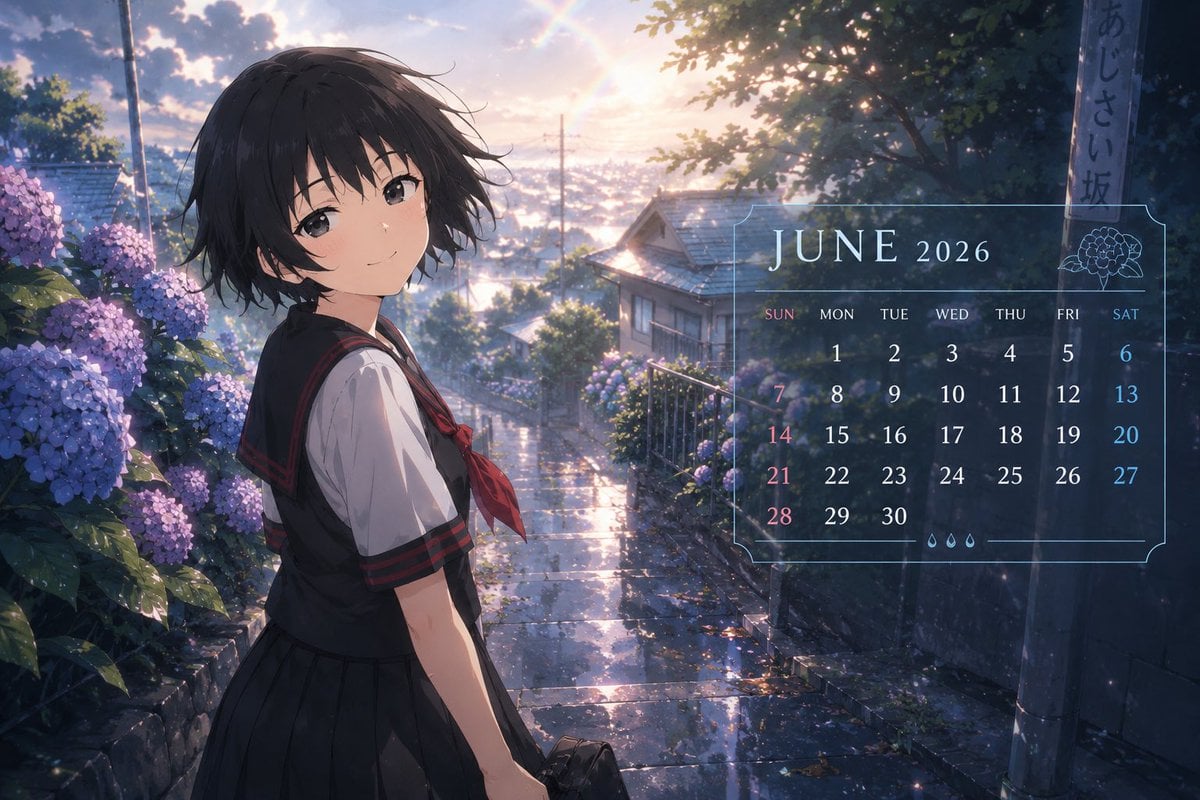
- Prompt included
- Model and format preset
- Free template
The prompt behind this image
Copy the exact prompt behind Anime Character Calendar Generator, or open it in the studio and make it yours.
Please create the following image using the uploaded character. Maintain the character's face, hairstyle, hair color, eyes, silhouette, sense of age, the mood of their outfit, and their emotional atmosphere. Do not turn them into a different person. Do not make it photorealistic. Depict it as an anime illustration. The theme is "{argument name="theme" default="a June 2026 anime calendar"}". In the style of a high-quality official Japanese TV anime calendar illustration. With the atmosphere of 2020s anime. Finished to the quality of an anime magazine calendar supplement, a mobile game's monthly login visual, or an official wallpaper. Fitting for June — early summer, the rainy season, just after rain, hydrangeas, a soft sense of humidity, light breaking through cloudy skies, clear/transparent air, and a color design centered on blue and light blue. The character is spending a natural, everyday moment. Examples: - Walking while holding an umbrella - Looking out at the street just after rain - Looking outside from beside a window - Sitting near hydrangeas - On the way home from school - Reflections on wet asphalt - Hair and clothes swaying in the early-summer breeze The pose should be natural, with a composition like "a moment captured for a calendar photo shoot." Important: Within the frame, naturally incorporate a calendar design element showing "{argument name="date" default="JUNE 2026"}". However, instead of giant text or a poster-like look, - a modest layout at the edge of the frame - a translucent, UI-like design - an elegant text placement like an official anime calendar should be used. Include the date part lightly as well. But don't make the amount of information too much. An anime-style screen capture. Delicate lighting. Air with a sense of humidity. Film-like light. Soft reflected light. High-quality background art. Cinematic. High-quality, full-color Japanese anime. 8K. Official anime wallpaper quality. Keep the text undistorted, rendered as readable English-letter typography. The calendar UI should be a simple, refined design. Prioritize the character above all, with the calendar elements as a supporting touch.
How to use Anime Character Calendar Generator in 3 steps
- 1Upload ImagePNG, JPG or paste
Add your photo
Upload the photo the template builds on. The prompt, model and format are already set.
- 2…a portrait of your subject in softgolden-hour light, 85mm…
Personalize
Edit the subject and creative details for your destination.
- 3Generate
Generate
Press Generate — your image is created in PicX Studio, so you can compare it with the original and refine one variable at a time.
More like this
Templates with the same subject, style or setup. Open one to see its prompt.












Make it yours
Anime Character Calendar Generator works as-is. These are the safest ways to change it without losing the look.
Change one field
Copy a single group, rewrite it, and generate again so you can see what that field is doing.
Keep the frame, change the subject
Hold the composition and light of Anime Character Calendar Generator, then swap wardrobe, props or the person for a new take.
| If the result… | Why | Fix |
|---|---|---|
| The result drifts from the preview | Too many fields changed at once. | Reuse Anime Character Calendar Generator as-is first, then change one group — subject, light, or setting. |
| The model over-stylizes the scene | The prose prompt leaves finish and camera underspecified. | Add one camera or lighting sentence and stay on GPT Image 2. |
More GPT Image 2 templates
Other prompts made for GPT Image 2.

Six VTuber Japanese Logo Sheet

Realistic Portrait of Woman and Deer

The Vista Modular Condo Poster

AI Model Routing Comparison Infographic

2.5D Anime Art Board

Isometric Productivity Desk Scene

New York Double Exposure Poster

Four-Panel AI Landscape Comparison

Japanese Tatami Lifestyle Magazine Cover

NESCAFÉ Coffee Map Poster
More image prompts
Fresh picks from across the catalog.
JAL First Class Cabin Interior

Zhu Bajie 3D Character Poster
WhatsApp AI Influencer 3D Poster

Vintage Goa Travel Poster
Candid Subway Commuter Prompt

Ultra-Realistic Mirror Selfie with Akatsuki Phone Case
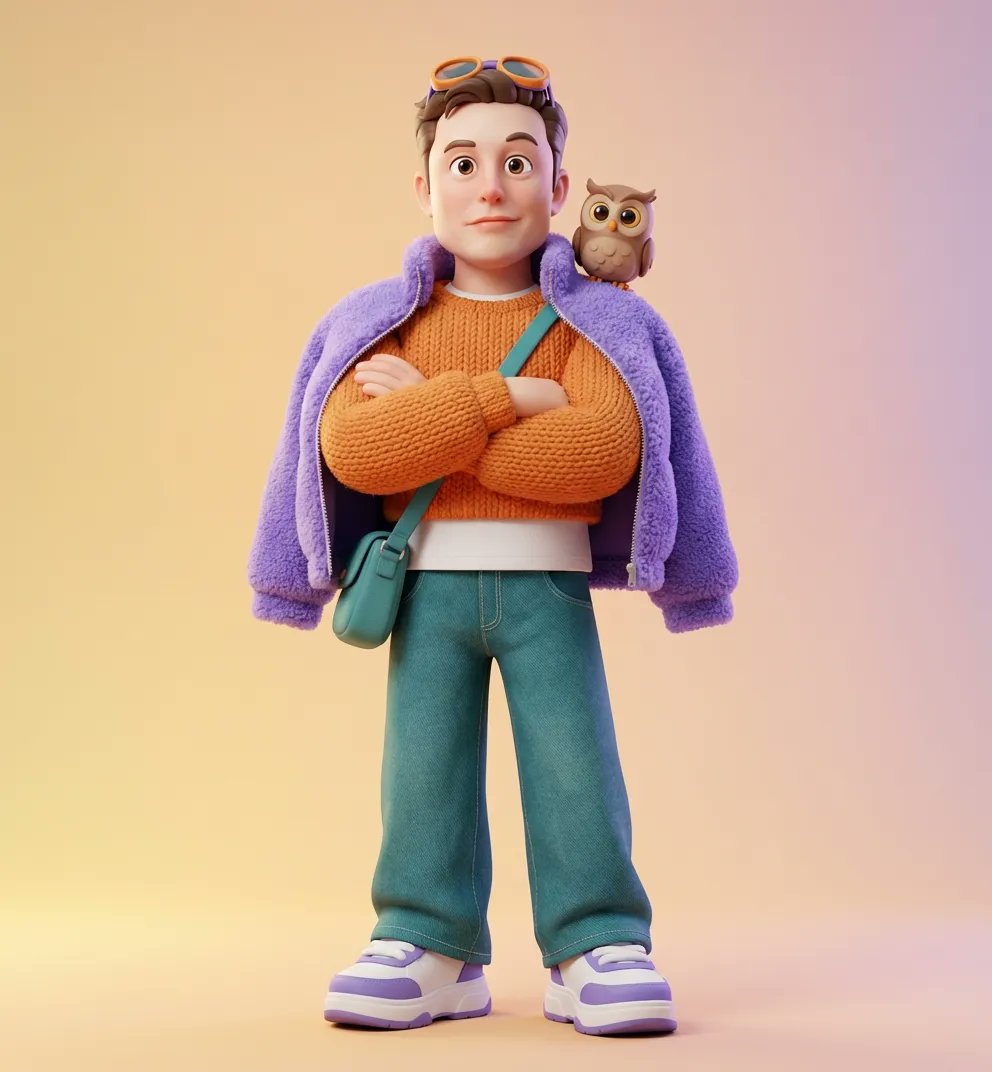
Ultra-Detailed 3D Stylized Character Design Prompt

Ultra-Cinematic Product Photography of 'NOIR BREW' Coffee Bottle
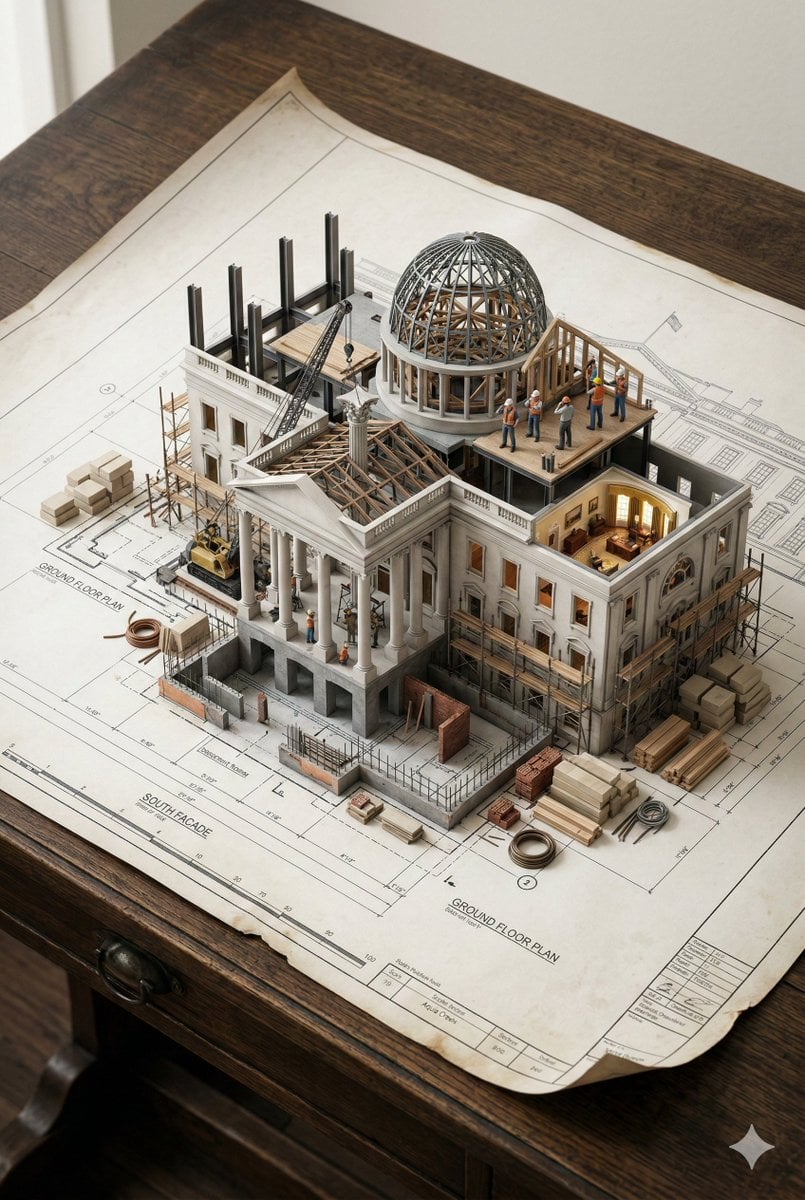
3D Miniature Architectural Blueprint Prompt

Energy Drink Brand Instagram Creatives
Browse template categories
Anime Character Calendar Generator questions
How do I use the Anime Character Calendar Generator template?
Add your photo if the template asks for one, edit the prompt if you like — the template's model and format are already selected — and press Generate. Your version opens in PicX Studio.
Can I customize the Anime Character Calendar Generator template?
Yes. You can change the subject, setting, lighting, mood, format, and available model controls before creating your image.
Is the Anime Character Calendar Generator template free?
Opening and editing this template is free. Generating uses credits, shown on the Generate button when you are signed in.
Which AI model should I use?
Start with GPT Image 2, which is the model associated with this template. You can compare another compatible model for a different finish.
Looking for something else? Browse all templates.

Your photo, any look
Thousands of ready templates for every top image and video model, from one credit balance.