
WhatsApp AI Influencer 3D Poster
A cinematic neon 3D poster of a confident young male influencer in a futuristic WhatsApp-themed digital communication environment.
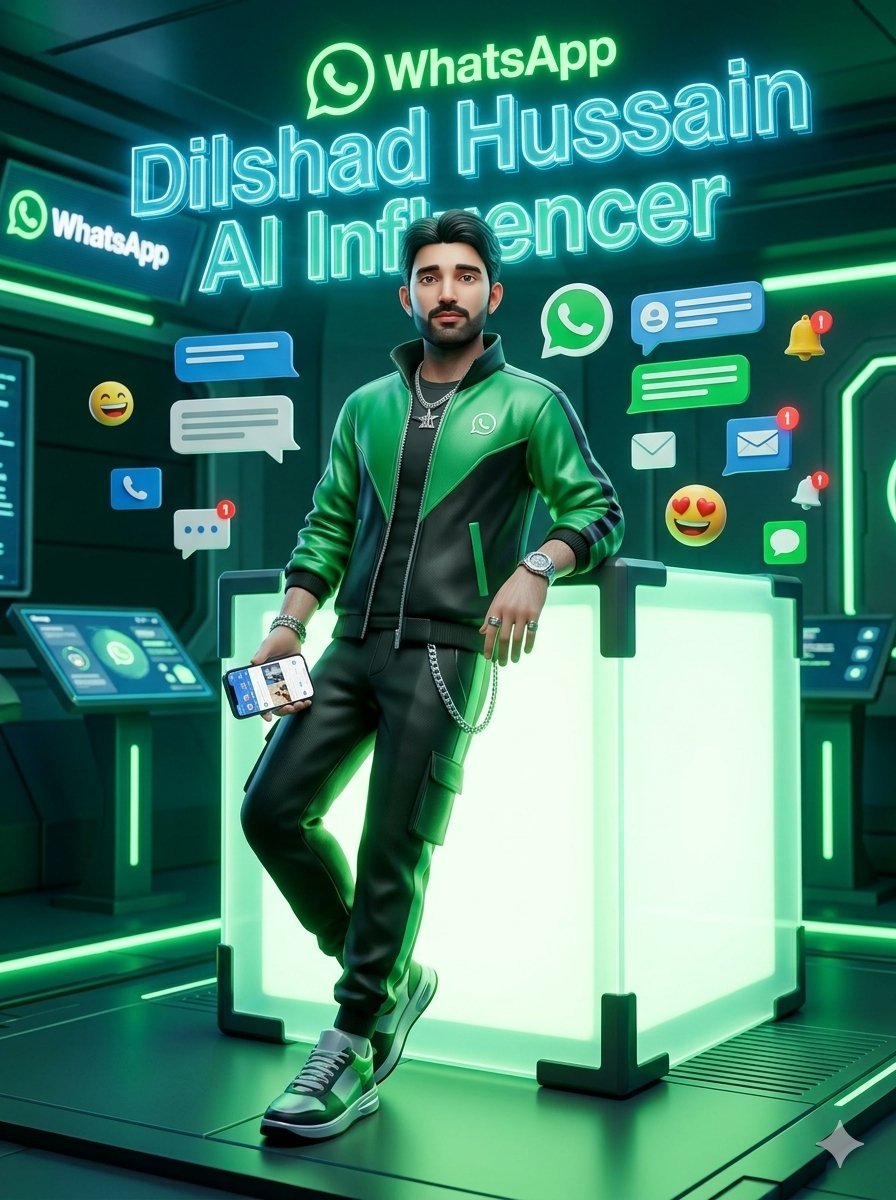
- Prompt included
- Model and format preset
- Free template
The prompt behind this image
Copy the exact prompt behind WhatsApp AI Influencer 3D Poster, or open it in the studio and make it yours.
Create a cinematic stylized 3D render in a futuristic WhatsApp-inspired digital communication hub. A confident young male AI influencer named {argument name="character name" default="Dilshad Hussain"} stands full-body in the center, leaning casually against a large glowing translucent cube with neon green internal light and black reinforced corner brackets. He wears a glossy green-and-black varsity-style jacket with a small WhatsApp logo on the chest, a black t-shirt, black jogger pants with a side cargo pocket and silver chain, green-and-white sneakers, a wristwatch, bracelets, rings, and layered silver necklaces. His pose is relaxed and charismatic: one elbow resting on the cube, one leg crossed in front, one hand holding a smartphone showing a social media/chat interface. Use a highly polished toy-like yet realistic 3D character style, dramatic teal and emerald rim lighting, reflective sci-fi floor panels, glowing green strips, and a dark high-tech room with wall monitors and control consoles. Place bright holographic text above and behind him: the WhatsApp logo and word “WhatsApp” at the top, then a huge cyan neon outlined name reading “{argument name="headline name" default="Dilshad Hussain"}”, and below it “{argument name="subtitle text" default="AI Influencer"}”. Surround the character with exactly 13 floating communication elements: 1 large green WhatsApp icon, 1 left-side WhatsApp sign on a wall screen, 3 blue chat/message bubbles, 2 white chat/message bubbles, 2 blue envelope/message icons with red notification badges, 1 white envelope icon, 1 yellow bell with a red notification badge, 1 white bell with a red notification badge, and 2 emoji reactions, one laughing smiley and one heart-eyes smiley. Keep the composition vertical, poster-like, centered, energetic, and highly luminous, using emerald green, cyan, black, and dark teal as the dominant palette. Make the environment feel like a premium futuristic social media studio, with shallow depth of field and sharp neon highlights. Do not add extra people, do not add watermarks, and keep all visible text limited to WhatsApp, the name, and AI Influencer.
How to use WhatsApp AI Influencer 3D Poster in 3 steps
- 1Upload ImagePNG, JPG or paste
Add your photo
Upload the photo the template builds on. The prompt, model and format are already set.
- 2…a portrait of your subject in softgolden-hour light, 85mm…
Personalize
Edit the subject and creative details for your destination.
- 3Generate
Generate
Press Generate — your image is created in PicX Studio, so you can compare it with the original and refine one variable at a time.
More like this
Templates with the same subject, style or setup. Open one to see its prompt.

Japan Travel Brochure Poster

Cartoon TV Show Poster Pack

Trendy Cafe Drink Promo Poster

Urban Fashion Editorial Collage Streetwear Poster

Premium Fashion Editorial Cover Layout System

Polo Ralph Lauren Luxury American Heritage Fashion Campaign

Monochrome Halftone Editorial Fashion Poster

Retro Mirror Luxury Fashion Campaign Poster

Luxury Fashion Campaign Typography Poster System

Premium Fashion Editorial Campaign Poster System

Ultra-Stylized High-Fashion Streetwear Poster

Urban Fashion Editorial Collage Poster
Make it yours
WhatsApp AI Influencer 3D Poster works as-is. These are the safest ways to change it without losing the look.
Change one field
Copy a single group, rewrite it, and generate again so you can see what that field is doing.
Keep the frame, change the subject
Hold the composition and light of WhatsApp AI Influencer 3D Poster, then swap wardrobe, props or the person for a new take.
| If the result… | Why | Fix |
|---|---|---|
| The result drifts from the preview | Too many fields changed at once. | Reuse WhatsApp AI Influencer 3D Poster as-is first, then change one group — subject, light, or setting. |
| The model over-stylizes the scene | The prose prompt leaves finish and camera underspecified. | Add one camera or lighting sentence and stay on GPT Image 2. |
More GPT Image 2 templates
Other prompts made for GPT Image 2.

Six VTuber Japanese Logo Sheet

Realistic Portrait of Woman and Deer

The Vista Modular Condo Poster

AI Model Routing Comparison Infographic

2.5D Anime Art Board

Isometric Productivity Desk Scene

New York Double Exposure Poster

Four-Panel AI Landscape Comparison

Japanese Tatami Lifestyle Magazine Cover

NESCAFÉ Coffee Map Poster
More image prompts
Fresh picks from across the catalog.
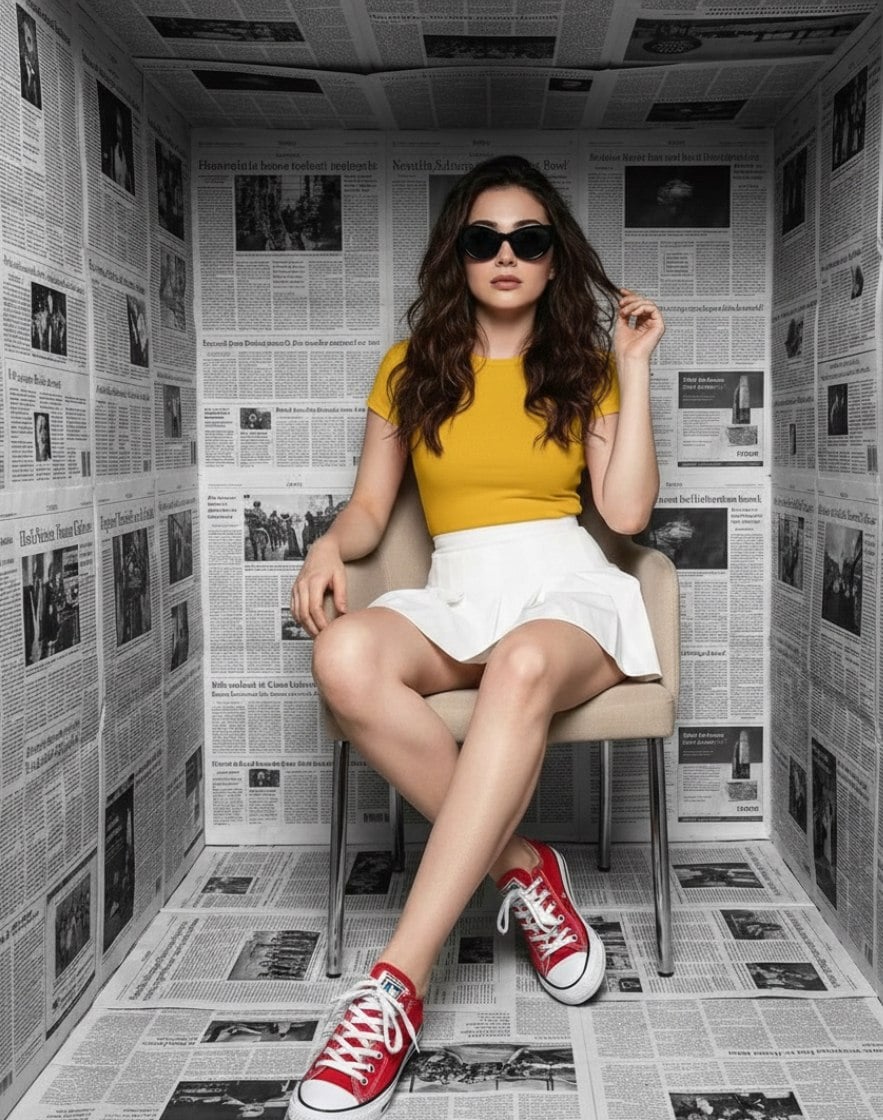
High-Fashion Studio Photoshoot in Newspaper Cube Room
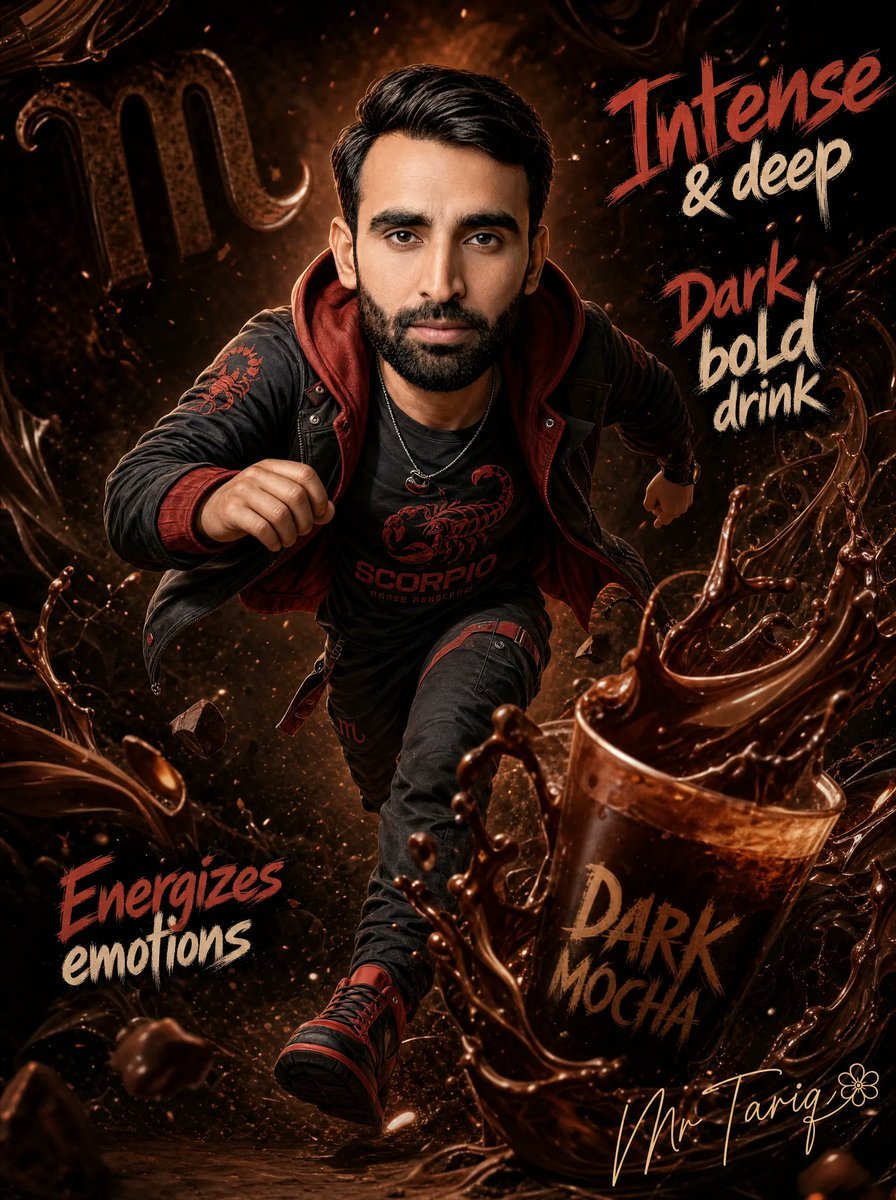
Dark Mocha Scorpio Action Poster
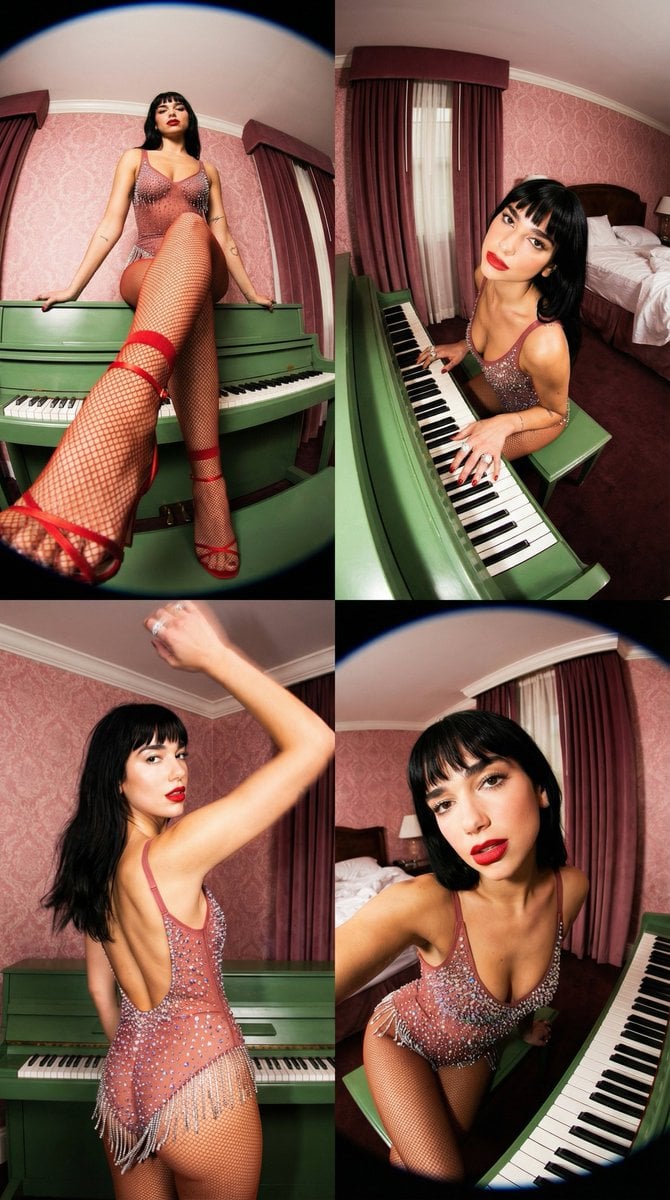
Vintage Glamour Piano Series Prompt
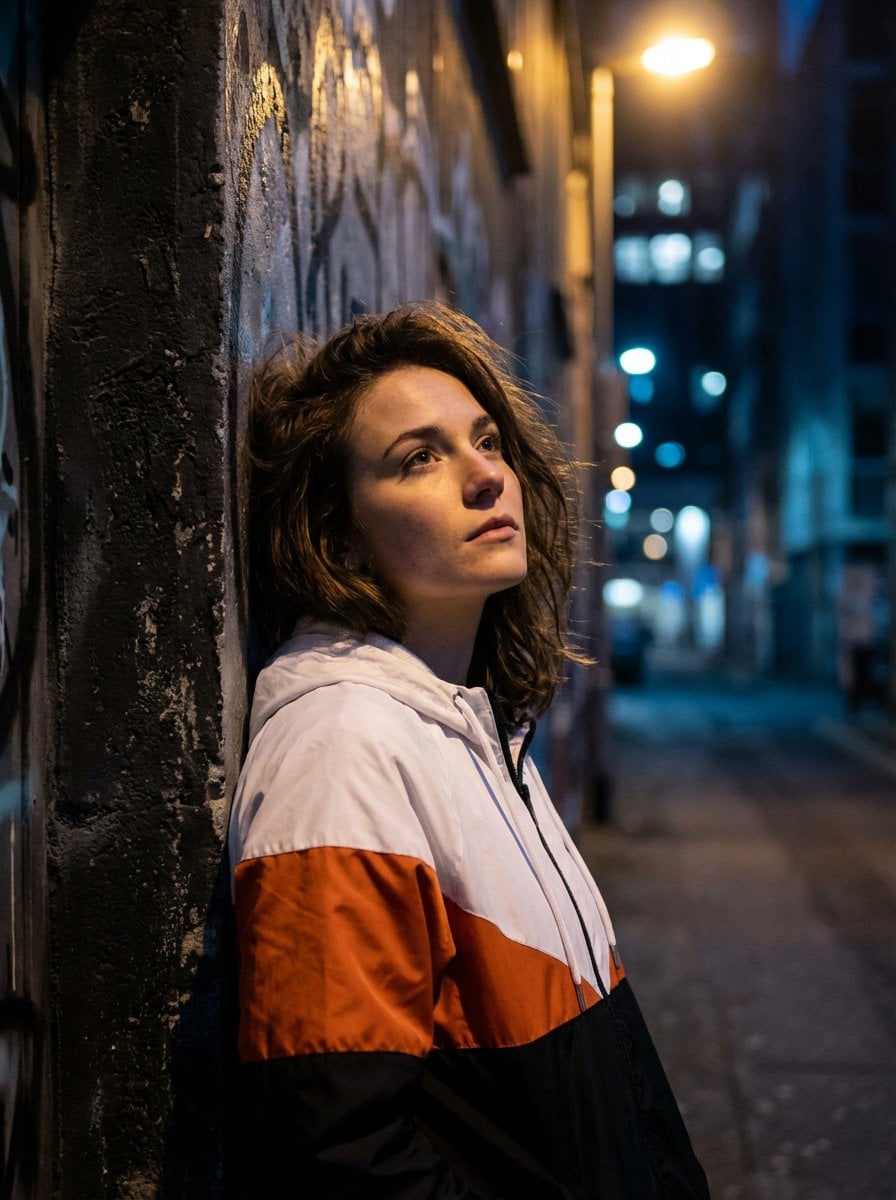
Dramatic Urban Portrait with Overhead Lighting
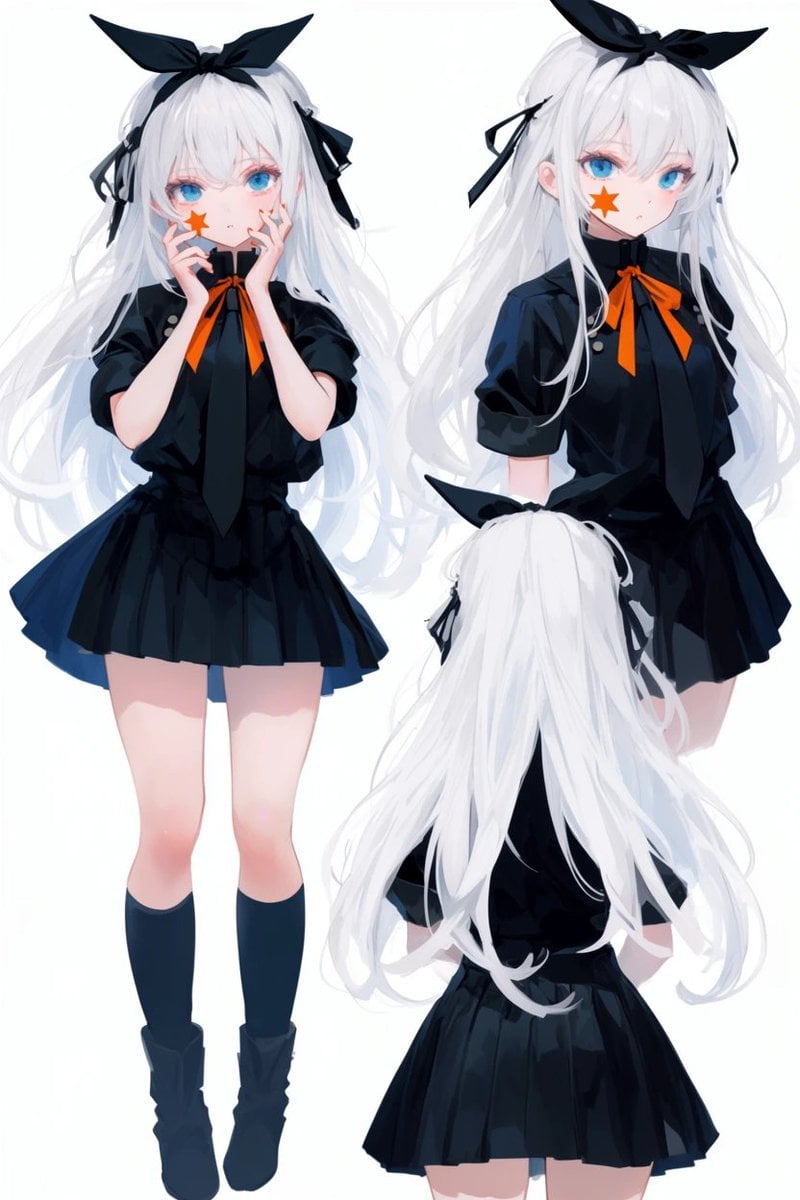
Anime Character Turnaround Sheet
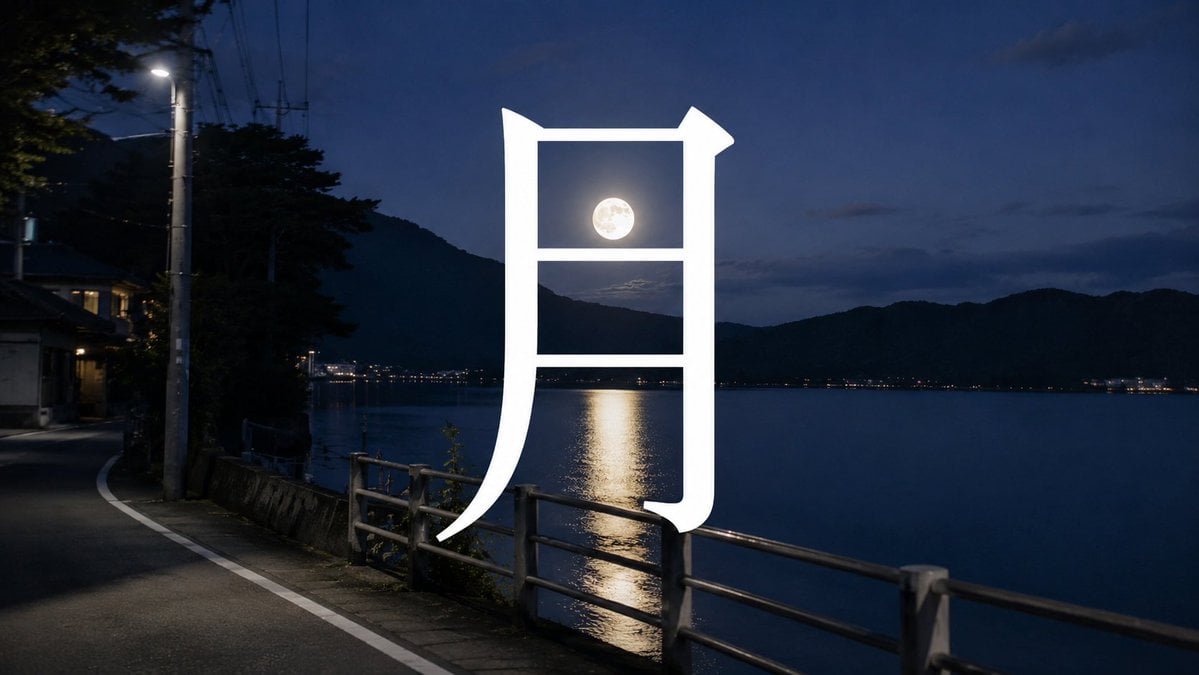
Moon Kanji Lakeside Night
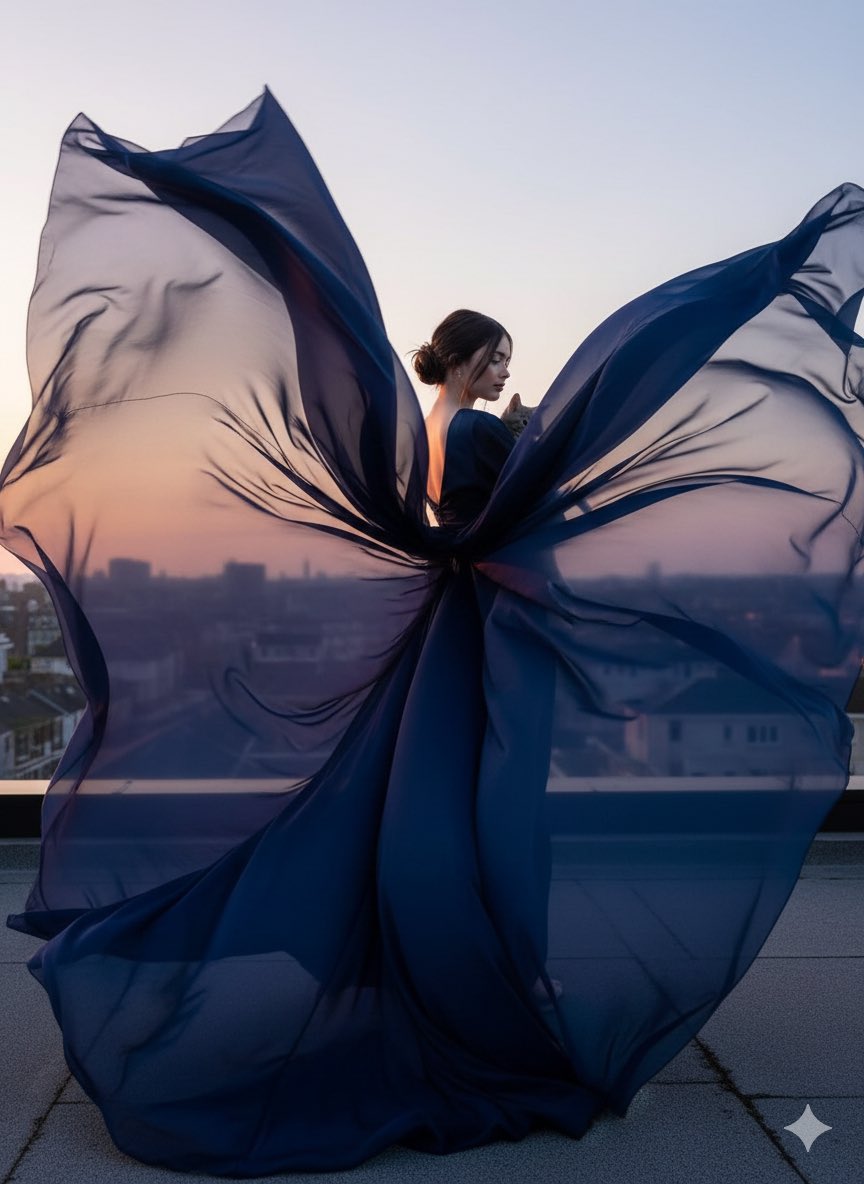
High-Fashion Cinematic Motion Shot
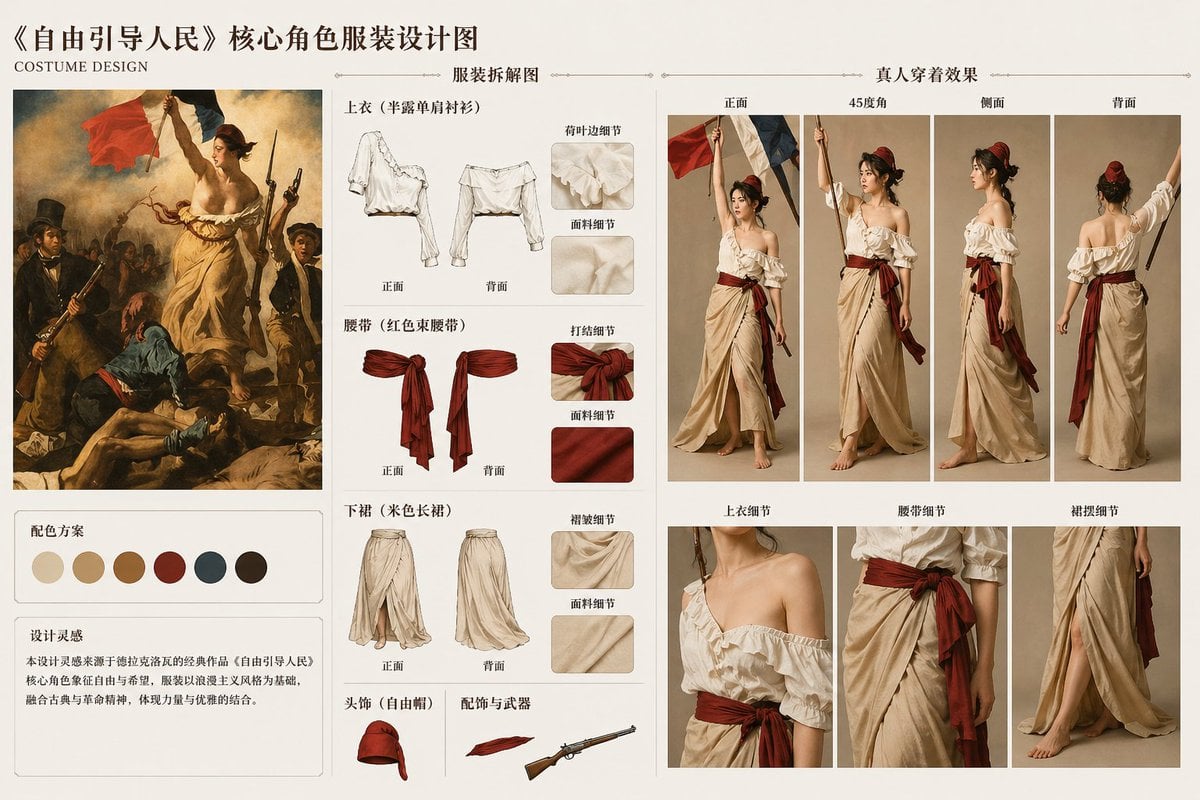
Classic Painting Fashion Analysis
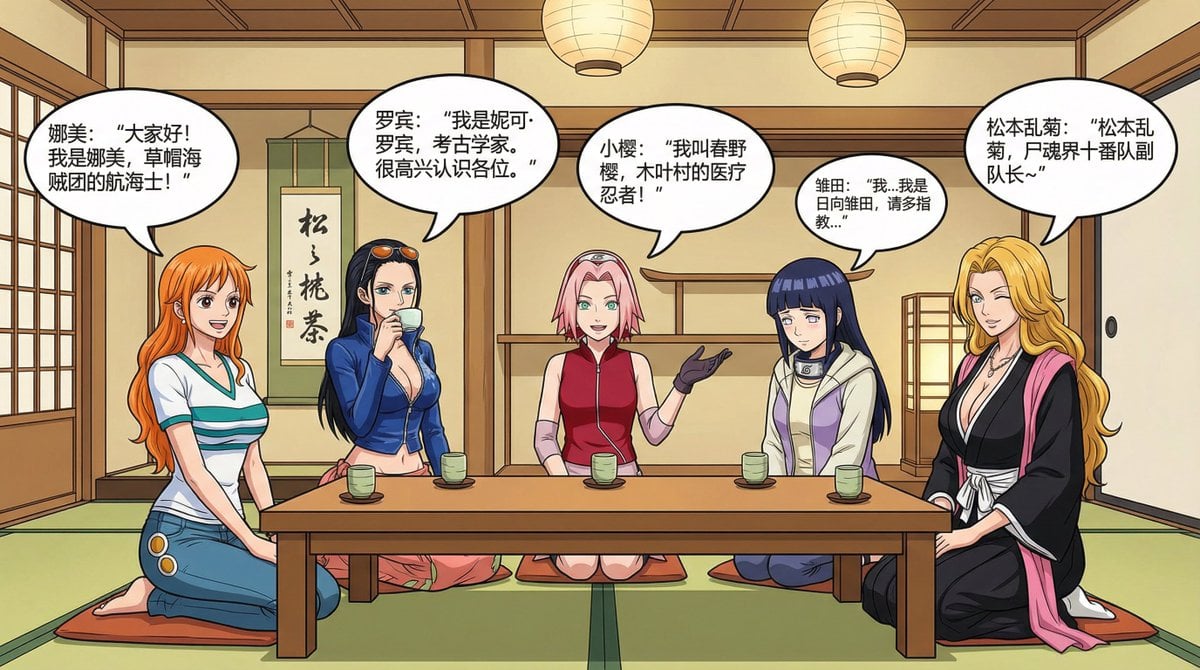
Anime female character compilation story in Chinese comic style
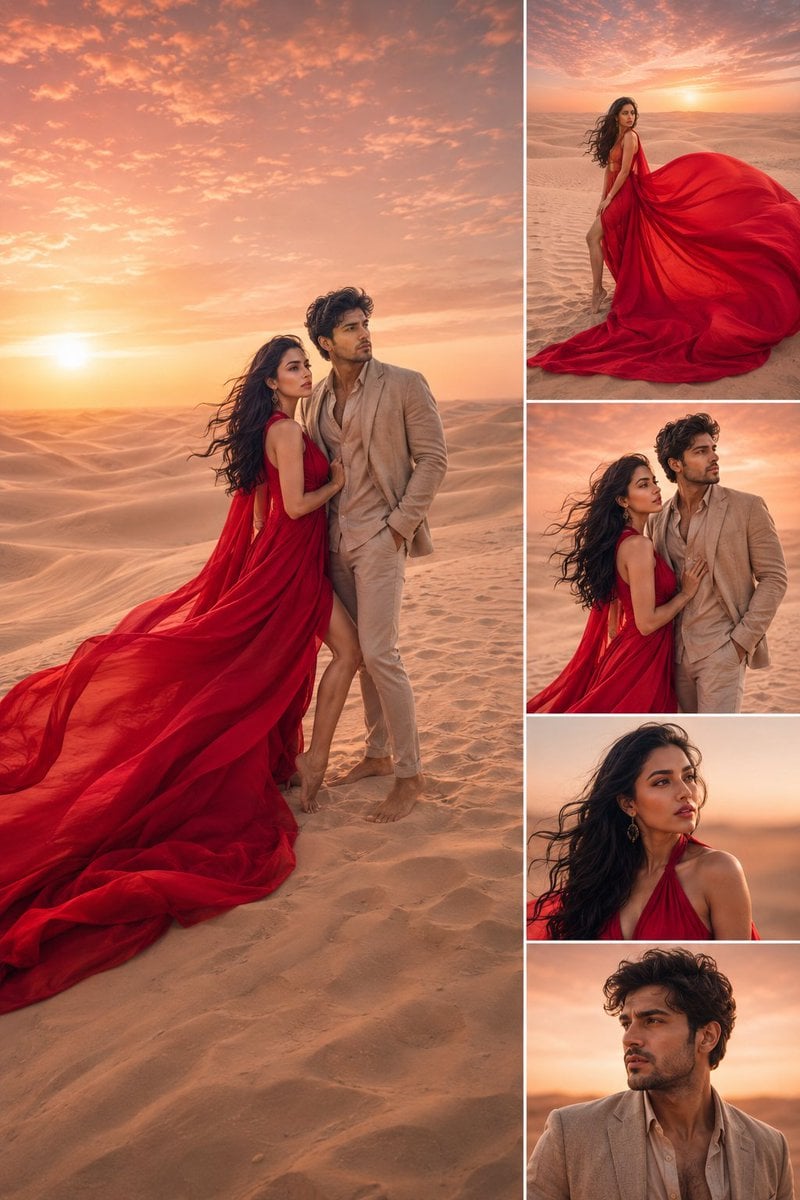
Luxury Desert Fashion Magazine Layout
Browse template categories
WhatsApp AI Influencer 3D Poster questions
How do I use the WhatsApp AI Influencer 3D Poster template?
Add your photo if the template asks for one, edit the prompt if you like — the template's model and format are already selected — and press Generate. Your version opens in PicX Studio.
Can I customize the WhatsApp AI Influencer 3D Poster template?
Yes. You can change the subject, setting, lighting, mood, format, and available model controls before creating your image.
Is the WhatsApp AI Influencer 3D Poster template free?
Opening and editing this template is free. Generating uses credits, shown on the Generate button when you are signed in.
Which AI model should I use?
Start with GPT Image 2, which is the model associated with this template. You can compare another compatible model for a different finish.
Looking for something else? Browse all templates.

Your photo, any look
Thousands of ready templates for every top image and video model, from one credit balance.