
Dark Mocha Scorpio Action Poster
A cinematic chibi-realistic advertising poster of a young male Scorpio-themed character sprinting through explosive dark mocha splashes.
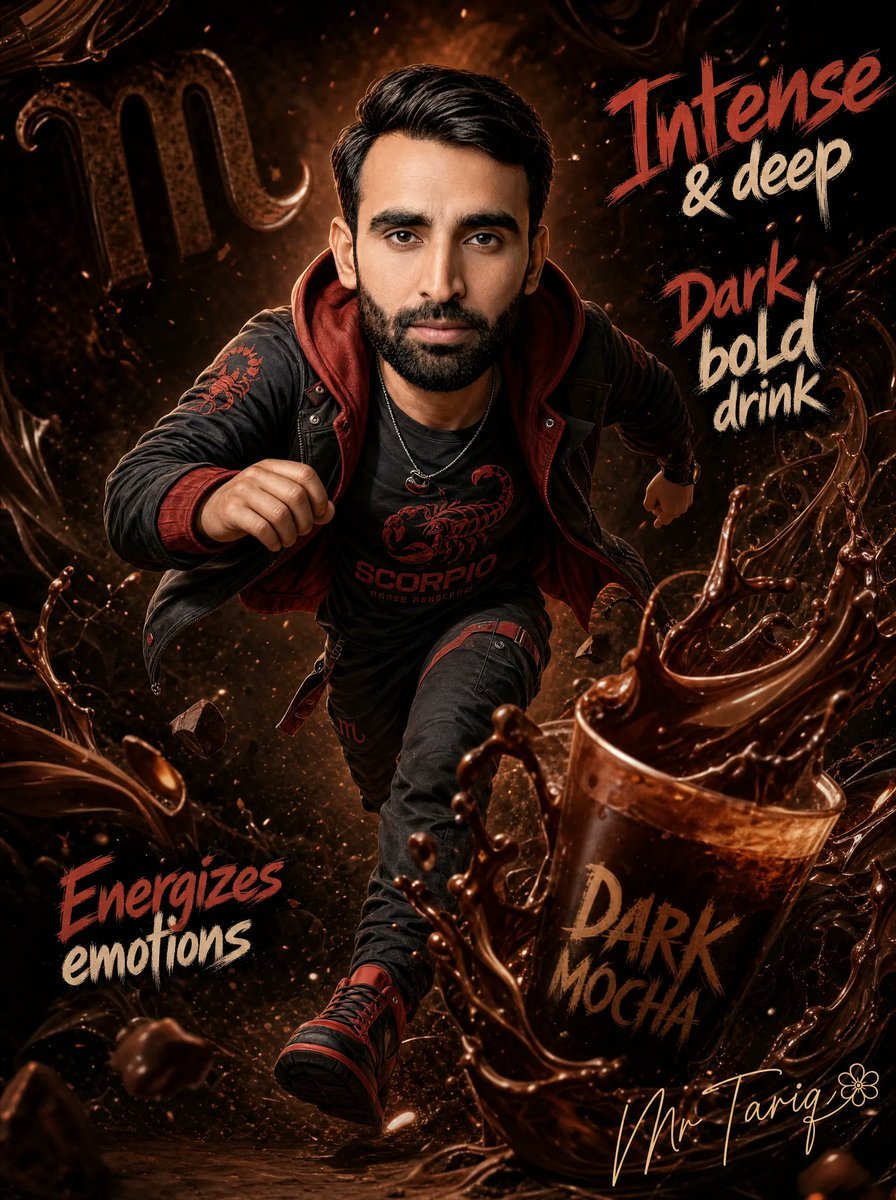
- Prompt included
- Model and format preset
- Free template
The prompt behind this image
Copy the exact prompt behind Dark Mocha Scorpio Action Poster, or open it in the studio and make it yours.
Create a dramatic cinematic vertical poster featuring a chibi-realistic young male character with an oversized head and compact body, sprinting directly toward the viewer through a dark mocha-and-chocolate explosion. Keep the face area ready for an identity-locked portrait match: preserve the same facial structure, proportions, features, and expression as {argument name="character face reference" default="the provided reference face"}, while rendering the rest of the scene in high-detail fantasy advertising style. The character has slick black hair swept back, wears a black leather jacket with deep red hoodie lining, a black T-shirt printed with a red scorpion emblem and the word “SCORPIO,” dark jeans with red accents, red-and-black sneakers, and a small necklace; pose him mid-run with one fist forward, one arm back, one knee lifted, dynamic foreshortening, heroic action energy. Surround him with swirling glossy dark chocolate liquid, splashes, droplets, flying coffee beans, rocky fragments, glowing embers, smoke, and bronze-brown highlights. On the right foreground, place a large tilted cup filled with splashing dark mocha, labeled “DARK MOCHA” in rough brush lettering. Add a large subtle Scorpio zodiac glyph in the upper left background. Include exactly four visible text callouts in expressive hand-painted lettering: 1) “Intense & deep” at the upper right, red word “Intense” and cream words “& deep”; 2) “Dark bold drink” at mid-right, red word “Dark” and cream words “bold drink”; 3) “Energizes emotions” at lower left, red word “Energizes” and cream word “emotions”; 4) “DARK MOCHA” on the cup at lower right in tan-brown paint. Add a gold cursive signature {argument name="signature text" default="Mr Tariq"} near the bottom right with a small flower doodle. Use a dark, intense, high-contrast palette of black, espresso brown, copper, crimson red, and warm cream, with cinematic rim lighting, sharp detail, shallow depth of field, motion blur only on splashes, poster-like composition, ultra-detailed 3D realism mixed with stylized chibi proportions. Canvas should be vertical 3:4, with no extra logos, no watermark, and no additional text beyond the specified lettering.
How to use Dark Mocha Scorpio Action Poster in 3 steps
- 1Upload ImagePNG, JPG or paste
Add your photo
Upload the photo the template builds on. The prompt, model and format are already set.
- 2…a portrait of your subject in softgolden-hour light, 85mm…
Personalize
Edit the subject and creative details for your destination.
- 3Generate
Generate
Press Generate — your image is created in PicX Studio, so you can compare it with the original and refine one variable at a time.
More like this
Templates with the same subject, style or setup. Open one to see its prompt.

Hero Portrait Comic Multi-Panel Poster

Selective Color Monochrome Football Poster

Panning Motion Soccer Kick Poster

Japan Travel Brochure Poster

Cartoon TV Show Poster Pack

Trendy Cafe Drink Promo Poster

Urban Fashion Editorial Collage Streetwear Poster

Premium Fashion Editorial Cover Layout System

Polo Ralph Lauren Luxury American Heritage Fashion Campaign

Monochrome Halftone Editorial Fashion Poster

Retro Mirror Luxury Fashion Campaign Poster

Luxury Fashion Campaign Typography Poster System
Make it yours
Dark Mocha Scorpio Action Poster works as-is. These are the safest ways to change it without losing the look.
Change one field
Copy a single group, rewrite it, and generate again so you can see what that field is doing.
Keep the frame, change the subject
Hold the composition and light of Dark Mocha Scorpio Action Poster, then swap wardrobe, props or the person for a new take.
| If the result… | Why | Fix |
|---|---|---|
| The result drifts from the preview | Too many fields changed at once. | Reuse Dark Mocha Scorpio Action Poster as-is first, then change one group — subject, light, or setting. |
| The model over-stylizes the scene | The prose prompt leaves finish and camera underspecified. | Add one camera or lighting sentence and stay on GPT Image 2. |
More GPT Image 2 templates
Other prompts made for GPT Image 2.

Six VTuber Japanese Logo Sheet

Realistic Portrait of Woman and Deer

The Vista Modular Condo Poster

AI Model Routing Comparison Infographic

2.5D Anime Art Board

Isometric Productivity Desk Scene

New York Double Exposure Poster

Four-Panel AI Landscape Comparison

Japanese Tatami Lifestyle Magazine Cover

NESCAFÉ Coffee Map Poster
More image prompts
Fresh picks from across the catalog.
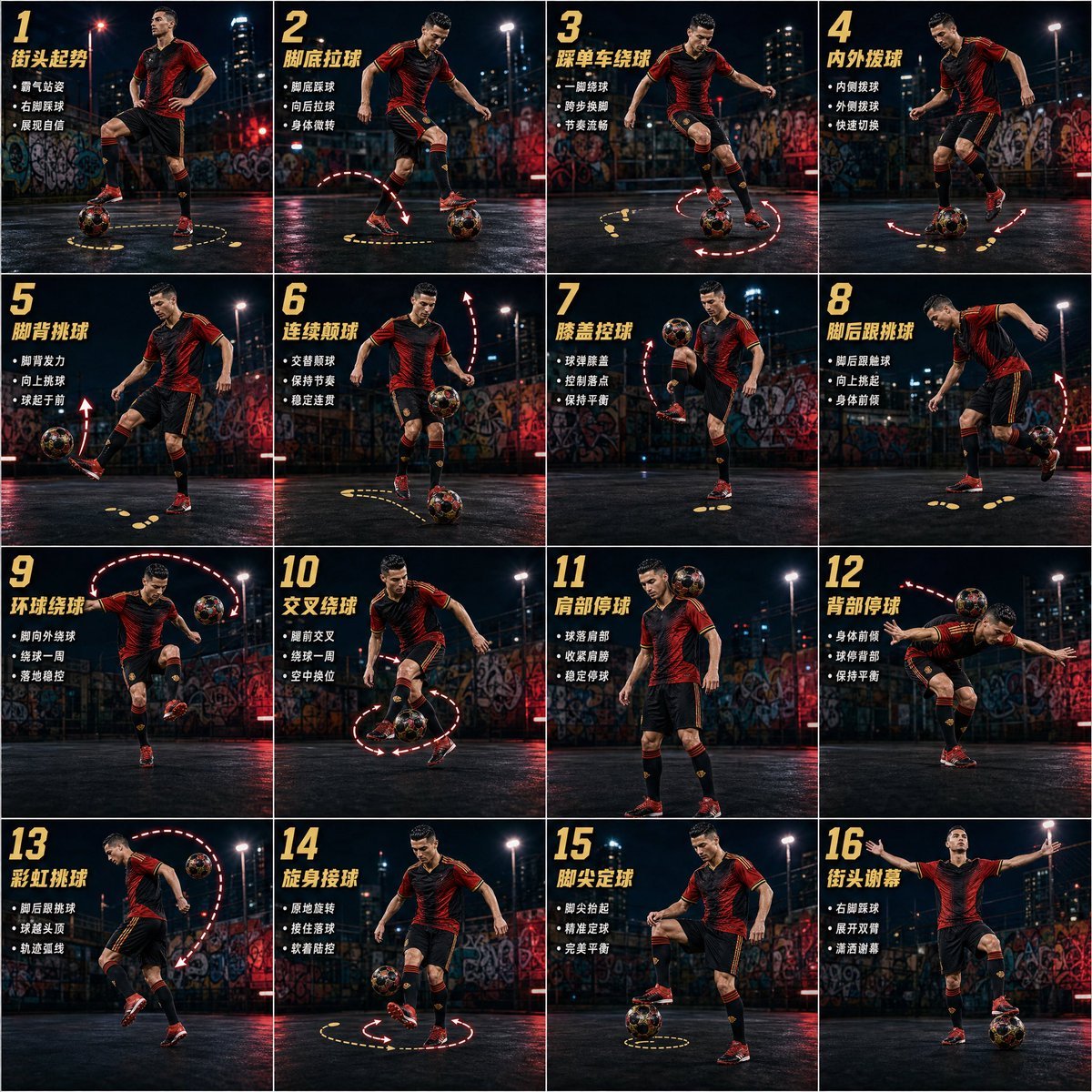
Freestyle Football 16-Step Action Poster
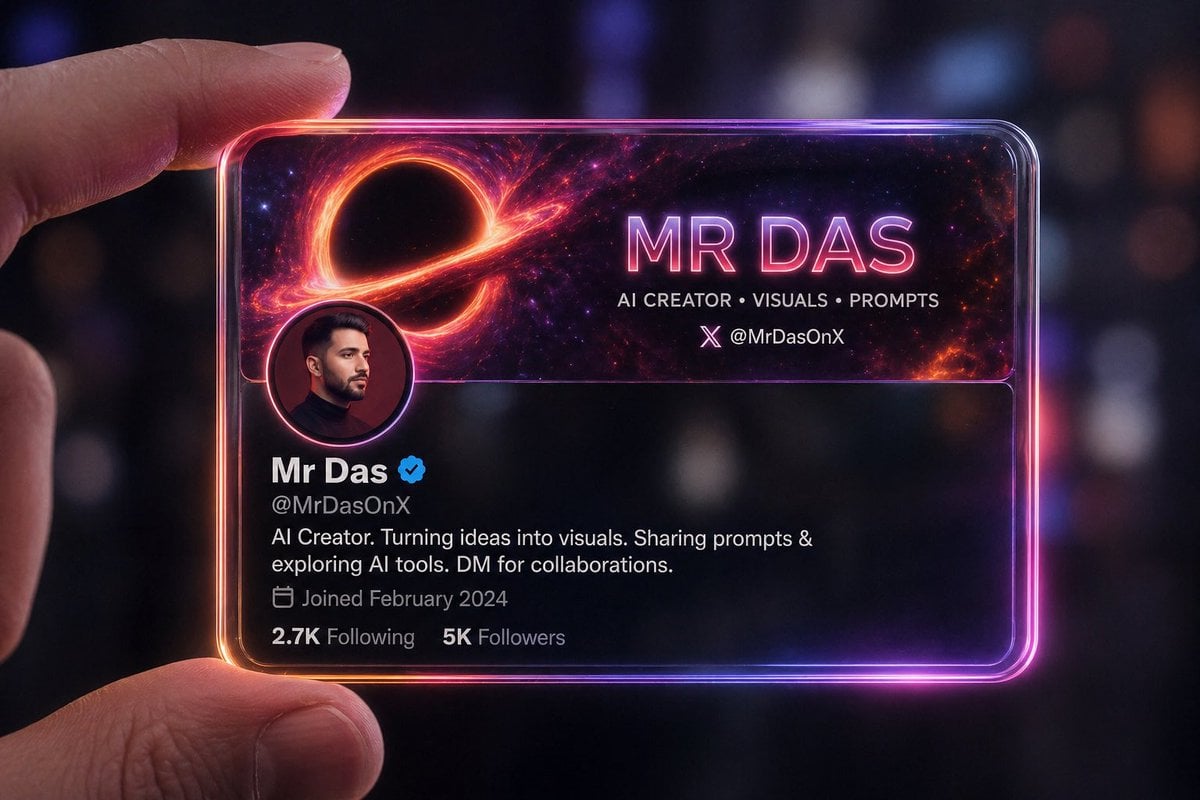
Futuristic Glass Profile ID Card
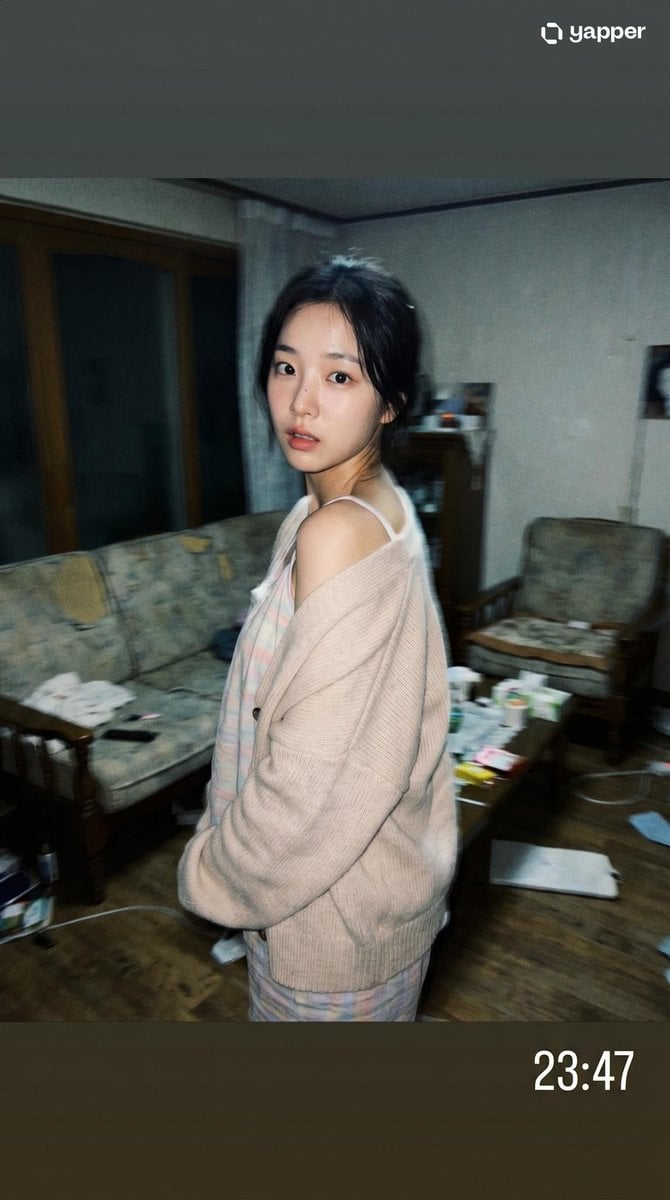
Korean Idol Candid Snapshot
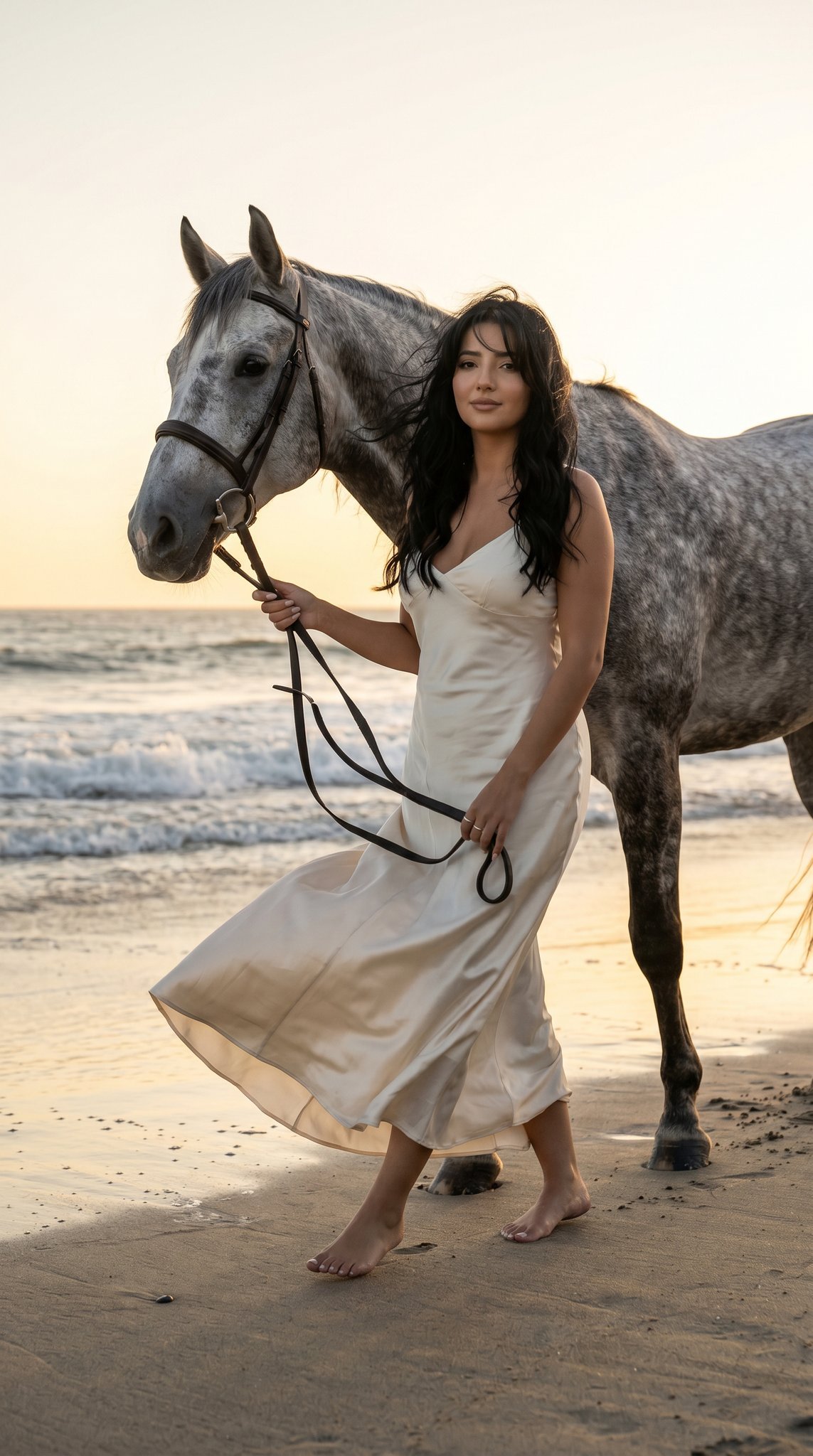
16 Malibu Beach Horse — California Series
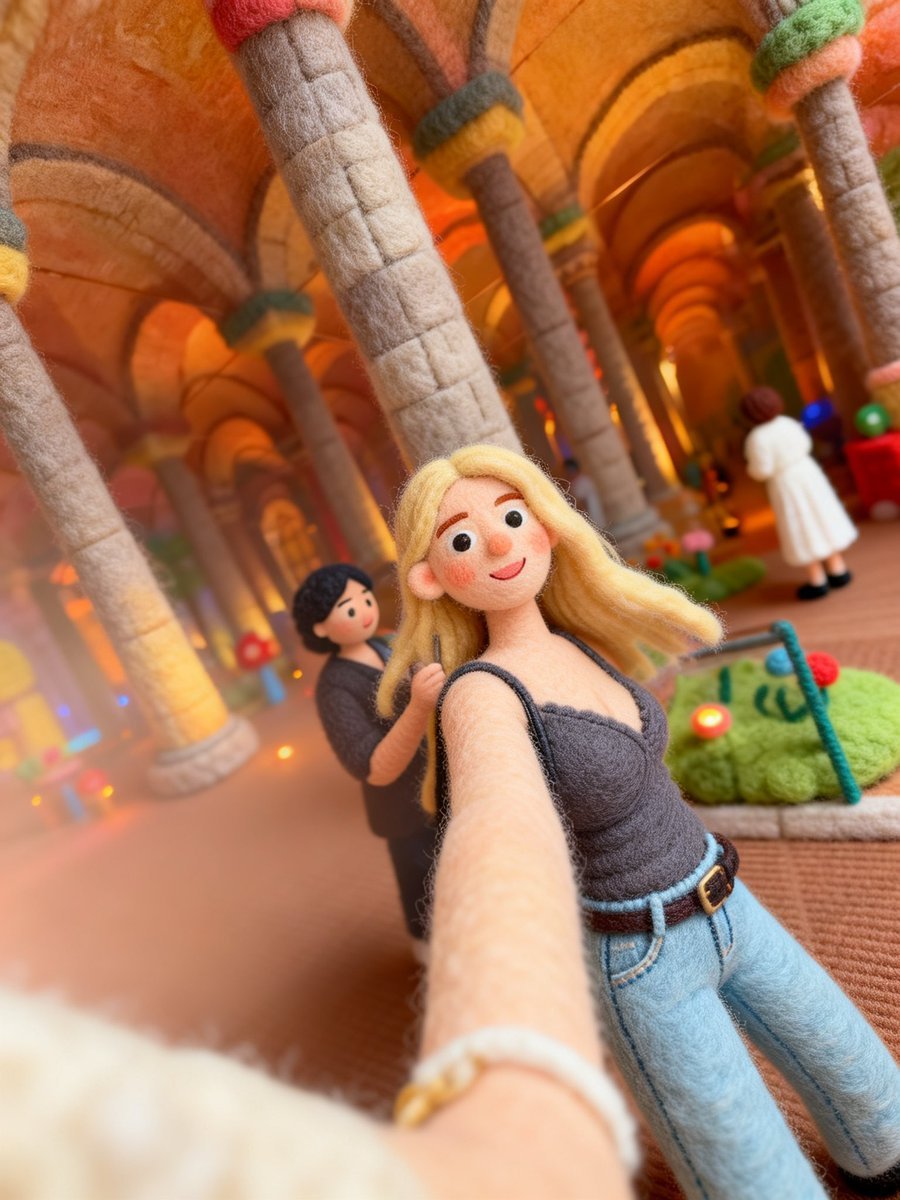
Needle-Felt Selfie Diorama
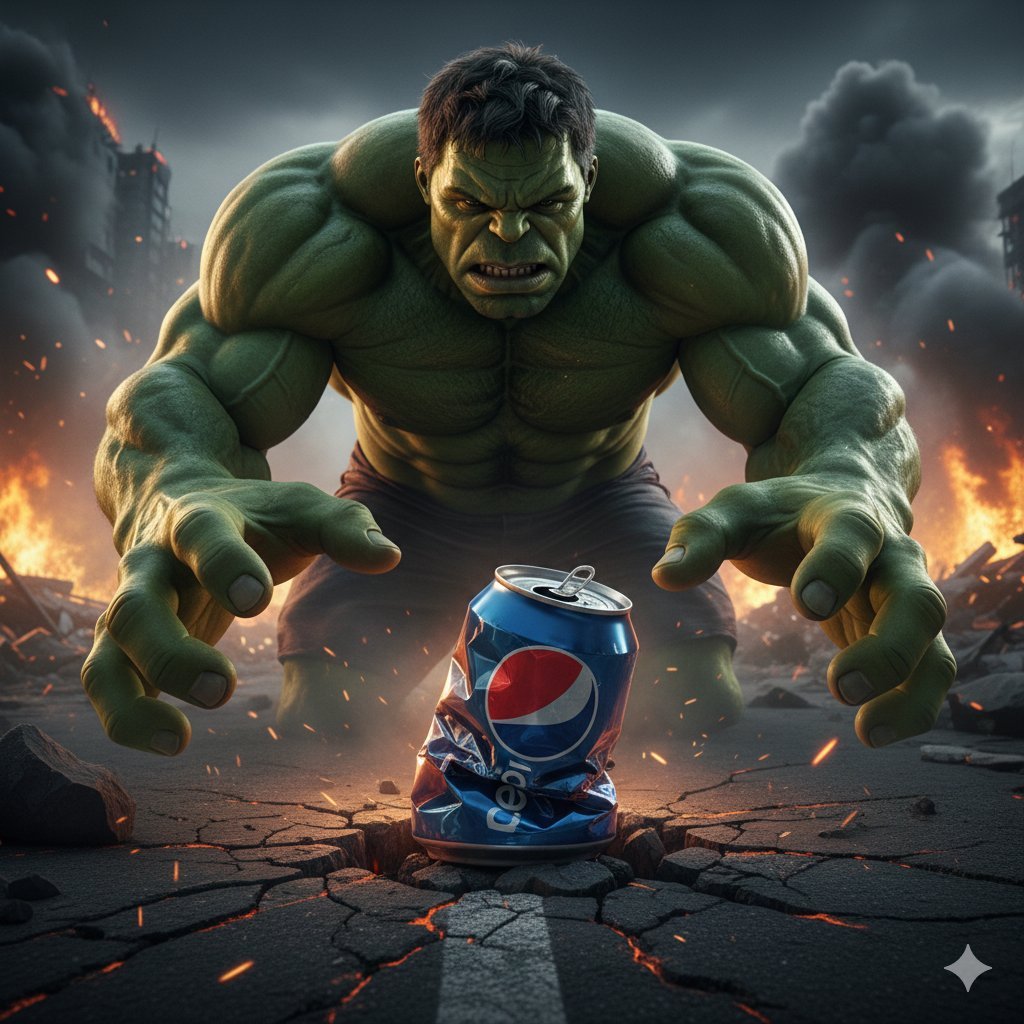
Hulk Crushing Pepsi Can Cinematic Prompt
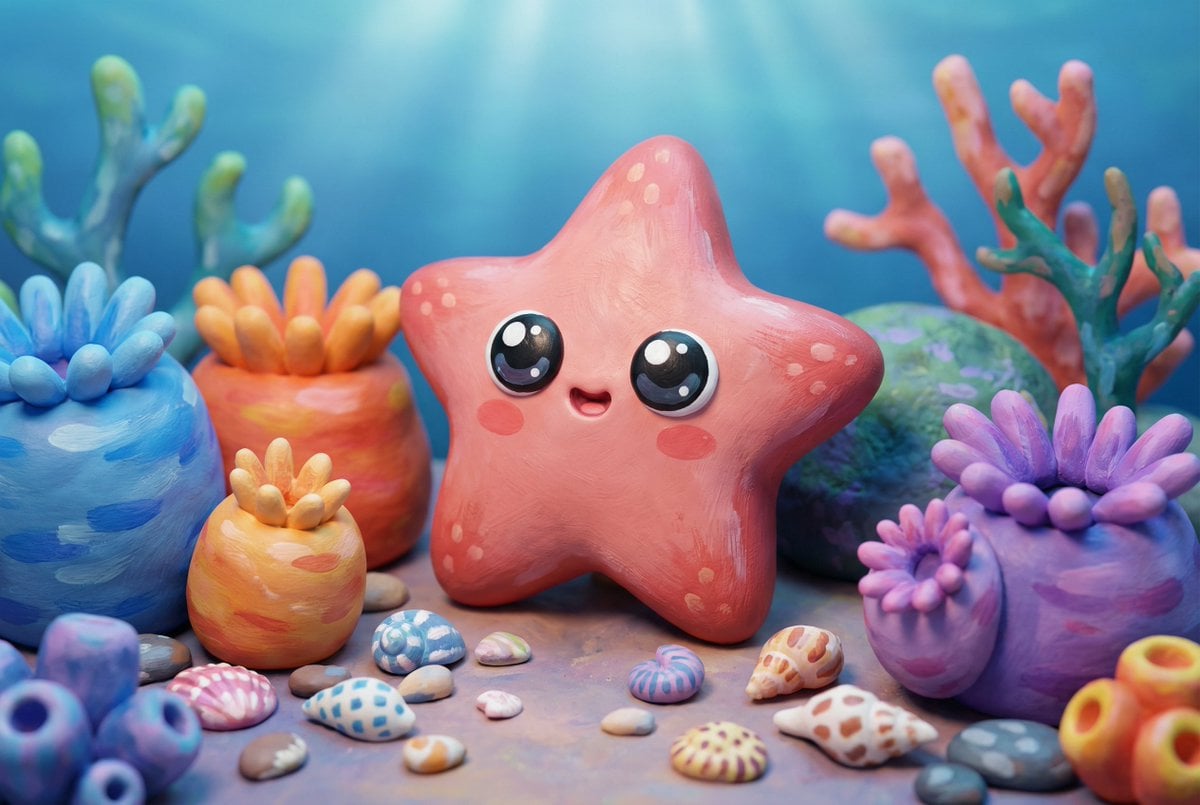
Natural Language Prompt for Kawaii Starfish in Custom Chibi Style
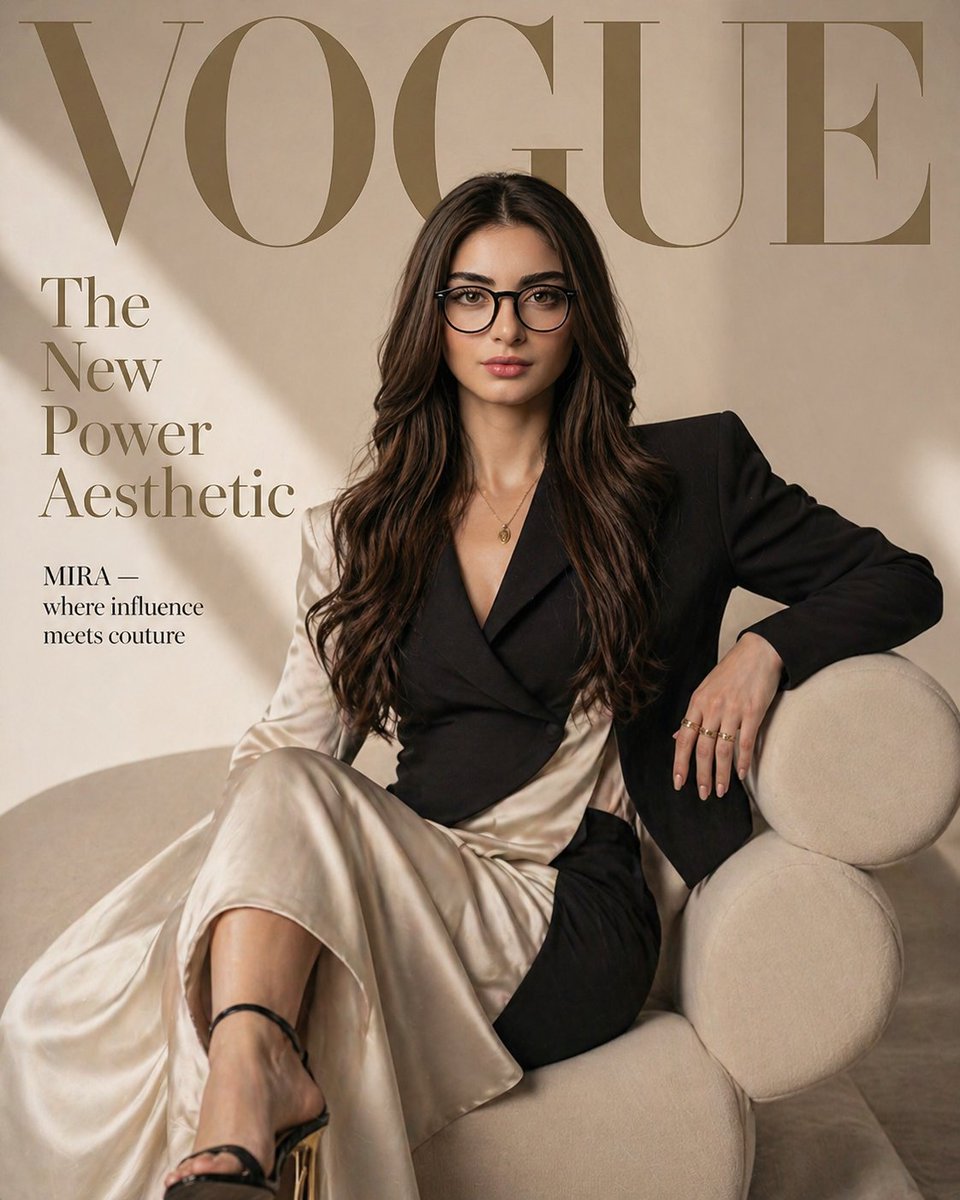
Vogue Fashion Magazine Cover
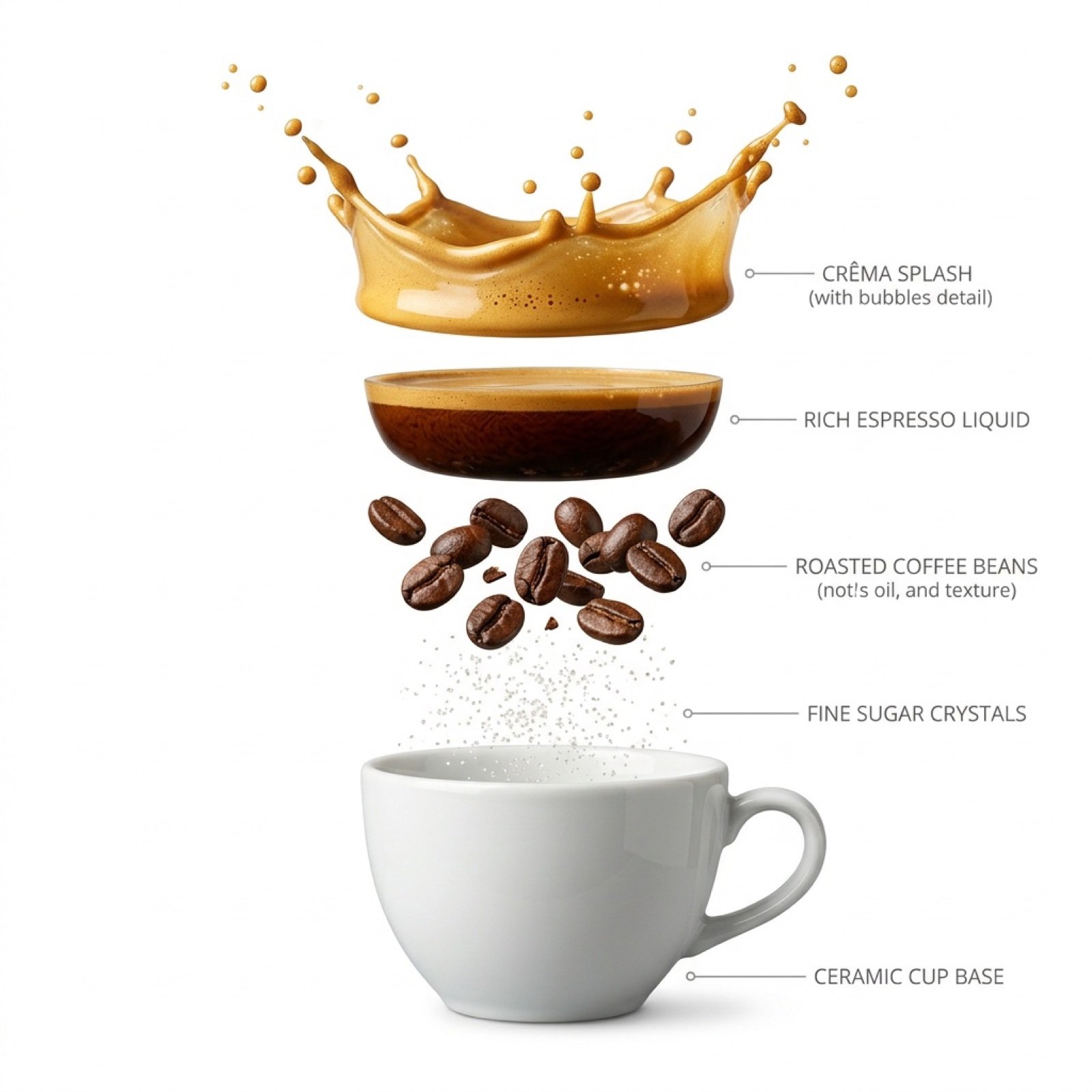
Hyper-Realistic Exploded Infographic of Morning Coffee
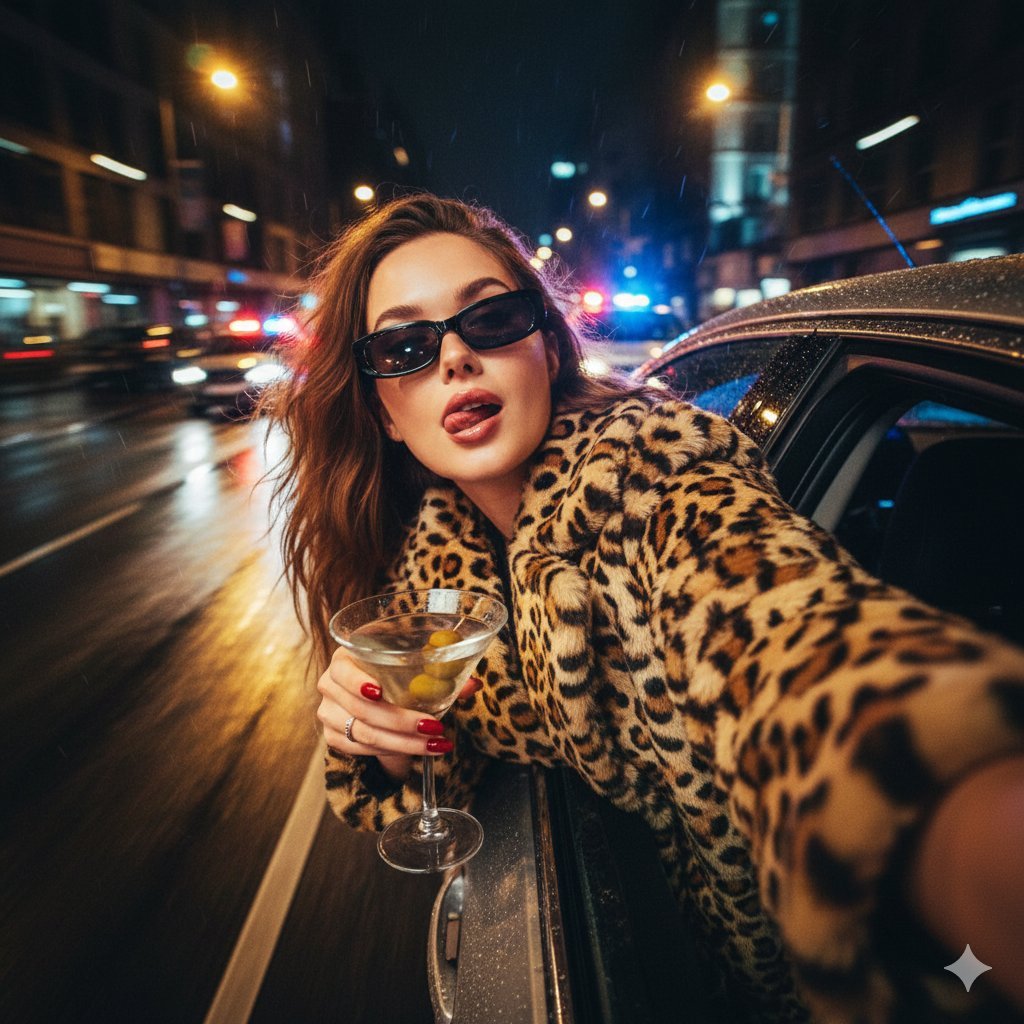
Ultra-Realistic Cinematic Night Street Selfie Prompt
Browse template categories
Dark Mocha Scorpio Action Poster questions
How do I use the Dark Mocha Scorpio Action Poster template?
Add your photo if the template asks for one, edit the prompt if you like — the template's model and format are already selected — and press Generate. Your version opens in PicX Studio.
Can I customize the Dark Mocha Scorpio Action Poster template?
Yes. You can change the subject, setting, lighting, mood, format, and available model controls before creating your image.
Is the Dark Mocha Scorpio Action Poster template free?
Opening and editing this template is free. Generating uses credits, shown on the Generate button when you are signed in.
Which AI model should I use?
Start with GPT Image 2, which is the model associated with this template. You can compare another compatible model for a different finish.
Looking for something else? Browse all templates.

Your photo, any look
Thousands of ready templates for every top image and video model, from one credit balance.