
Vintage Glamour Piano Series Prompt
A structured JSON prompt designed for the Nano Banana Pro model to generate a four-panel series of images featuring a young woman in a vintage, glamorous setting with a retro piano.
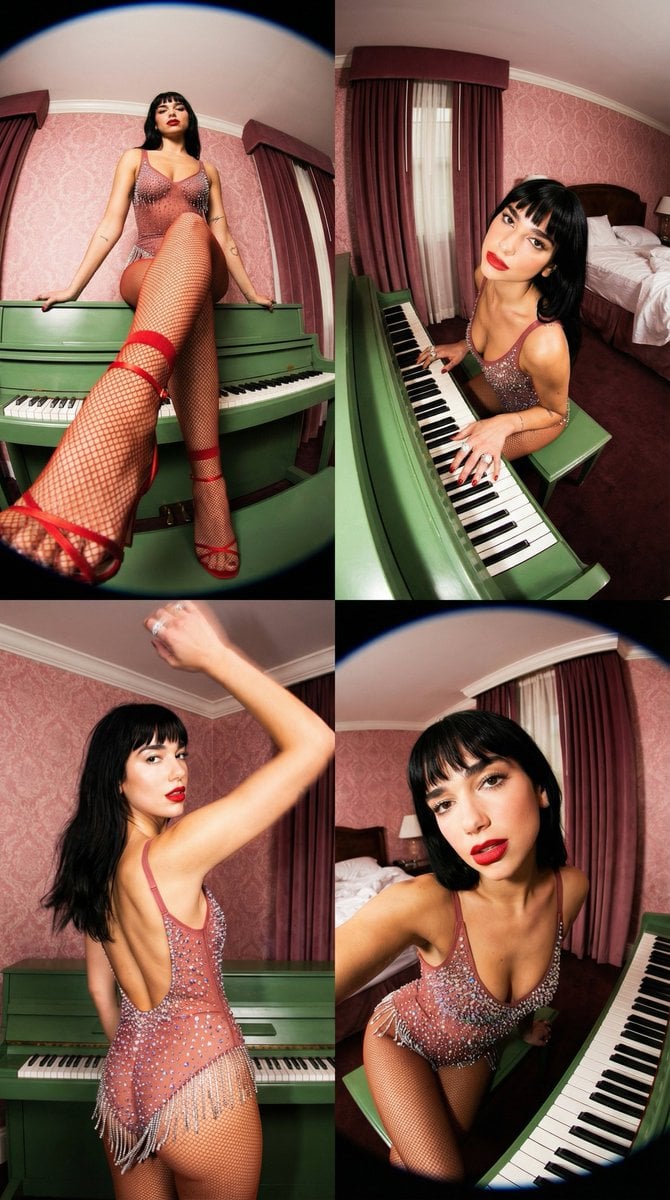
- Prompt included
- Model and format preset
- Premium template
The prompt behind this image
Copy the exact prompt behind Vintage Glamour Piano Series Prompt, or open it in the studio and make it yours.
- Project Title
- Vintage Glamour Piano Series
- Common Elements › Subject
- Young woman with dark hair, straight bangs, and red lipstick.
- Common Elements › Outfit
- Sheer, dusty red halter-neck bodysuit covered in large iridescent crystals and sequins, with a fringed skirt layer.
- Common Elements › Environment
- Ornate vintage hotel room with pink damask wallpaper, heavy maroon curtains, patterned beige carpet, and a retro green upright piano.
- Common Elements › Lighting And Style
- Direct flash photography, high contrast, vintage aesthetic, fisheye or wide-angle lens distortion, saturated colors, 4k resolution, hyper-realistic textures.
- Frames › 0 › Frame Id
- 1
- Frames › 0 › Position
- Top Left
- Frames › 0 › Visual Prompt
- Low-angle fisheye shot. The subject is perched on top of a green upright piano, leaning back with knees bent. One leg is extended dramatically toward the camera lens, making the foot appear larger than life. She wears red fishnet socks and red strappy heels with crystal details. The focus is sharp on the texture of the fishnet and shoe in the foreground, blurring slightly toward her face.
- Frames › 0 › Pose Details
- Sitting on piano, leg extended, looking away casually.
- Frames › 1 › Frame Id
- 2
- Frames › 1 › Position
- Top Right
- Frames › 1 › Visual Prompt
- High-angle wide shot looking down at the subject seated at the green piano. She is looking up at the camera with a soft expression. Her right hand rests on the piano keys, fingers spread, showcasing a large ring. The wide-angle lens elongates her arm and hand. The background shows an unmade bed with gold satin sheets and a vintage lamp.
- Frames › 1 › Pose Details
- Seated at keys, hand on piano, head tilted up.
- Frames › 2 › Frame Id
- 3
- Frames › 2 › Position
- Bottom Left
- Frames › 2 › Visual Prompt
- Dynamic medium shot. The subject stands with her back to the camera, turning her head to look over her left shoulder. Her left arm is raised toward the camera, creating a motion-blurred foreground element. The side profile of the bodysuit reveals a backless design and hanging crystal fringe. The lighting highlights the sparkle of the gems and the curve of her shoulder.
- Frames › 2 › Pose Details
- Standing/turning away, looking back, arm in motion.
- Frames › 3 › Frame Id
- 4
- Frames › 3 › Position
- Bottom Right
- Frames › 3 › Visual Prompt
- Close-up extreme wide-angle shot, similar to a 0.5x selfie. The subject leans forward into the lens, distorting the perspective so her head appears larger. She looks directly at the viewer with a piercing gaze. The intricate detailing of the crystal bodice is highly visible. The green piano keys are visible in the lower right corner.
- Frames › 3 › Pose Details
- Leaning forward, direct eye contact, close-up.
Raw JSON
{
  "project_title": "Vintage Glamour Piano Series",
  "common_elements": {
    "subject": "Young woman with dark hair, straight bangs, and red lipstick.",
    "outfit": "Sheer, dusty red halter-neck bodysuit covered in large iridescent crystals and sequins, with a fringed skirt layer.",
    "environment": "Ornate vintage hotel room with pink damask wallpaper, heavy maroon curtains, patterned beige carpet, and a retro green upright piano.",
    "lighting_and_style": "Direct flash photography, high contrast, vintage aesthetic, fisheye or wide-angle lens distortion, saturated colors, 4k resolution, hyper-realistic textures."
  },
  "frames": [
    {
      "frame_id": 1,
      "position": "Top Left",
      "visual_prompt": "Low-angle fisheye shot. The subject is perched on top of a green upright piano, leaning back with knees bent. One leg is extended dramatically toward the camera lens, making the foot appear larger than life. She wears red fishnet socks and red strappy heels with crystal details. The focus is sharp on the texture of the fishnet and shoe in the foreground, blurring slightly toward her face.",
      "pose_details": "Sitting on piano, leg extended, looking away casually."
    },
    {
      "frame_id": 2,
      "position": "Top Right",
      "visual_prompt": "High-angle wide shot looking down at the subject seated at the green piano. She is looking up at the camera with a soft expression. Her right hand rests on the piano keys, fingers spread, showcasing a large ring. The wide-angle lens elongates her arm and hand. The background shows an unmade bed with gold satin sheets and a vintage lamp.",
      "pose_details": "Seated at keys, hand on piano, head tilted up."
    },
    {
      "frame_id": 3,
      "position": "Bottom Left",
      "visual_prompt": "Dynamic medium shot. The subject stands with her back to the camera, turning her head to look over her left shoulder. Her left arm is raised toward the camera, creating a motion-blurred foreground element. The side profile of the bodysuit reveals a backless design and hanging crystal fringe. The lighting highlights the sparkle of the gems and the curve of her shoulder.",
      "pose_details": "Standing/turning away, looking back, arm in motion."
    },
    {
      "frame_id": 4,
      "position": "Bottom Right",
      "visual_prompt": "Close-up extreme wide-angle shot, similar to a 0.5x selfie. The subject leans forward into the lens, distorting the perspective so her head appears larger. She looks directly at the viewer with a piercing gaze. The intricate detailing of the crystal bodice is highly visible. The green piano keys are visible in the lower right corner.",
      "pose_details": "Leaning forward, direct eye contact, close-up."
    }
  ]
}How to use Vintage Glamour Piano Series Prompt in 3 steps
- 1
Open
The prompt is already in the box next to the preview, with the template's model and format selected.
- 2…a portrait of your subject in softgolden-hour light, 85mm…
Personalize
Edit the subject and creative details for your destination.
- 3Generate
Generate
Press Generate — your image is created in PicX Studio, so you can compare it with the original and refine one variable at a time.
More like this
Templates with the same subject, style or setup. Open one to see its prompt.
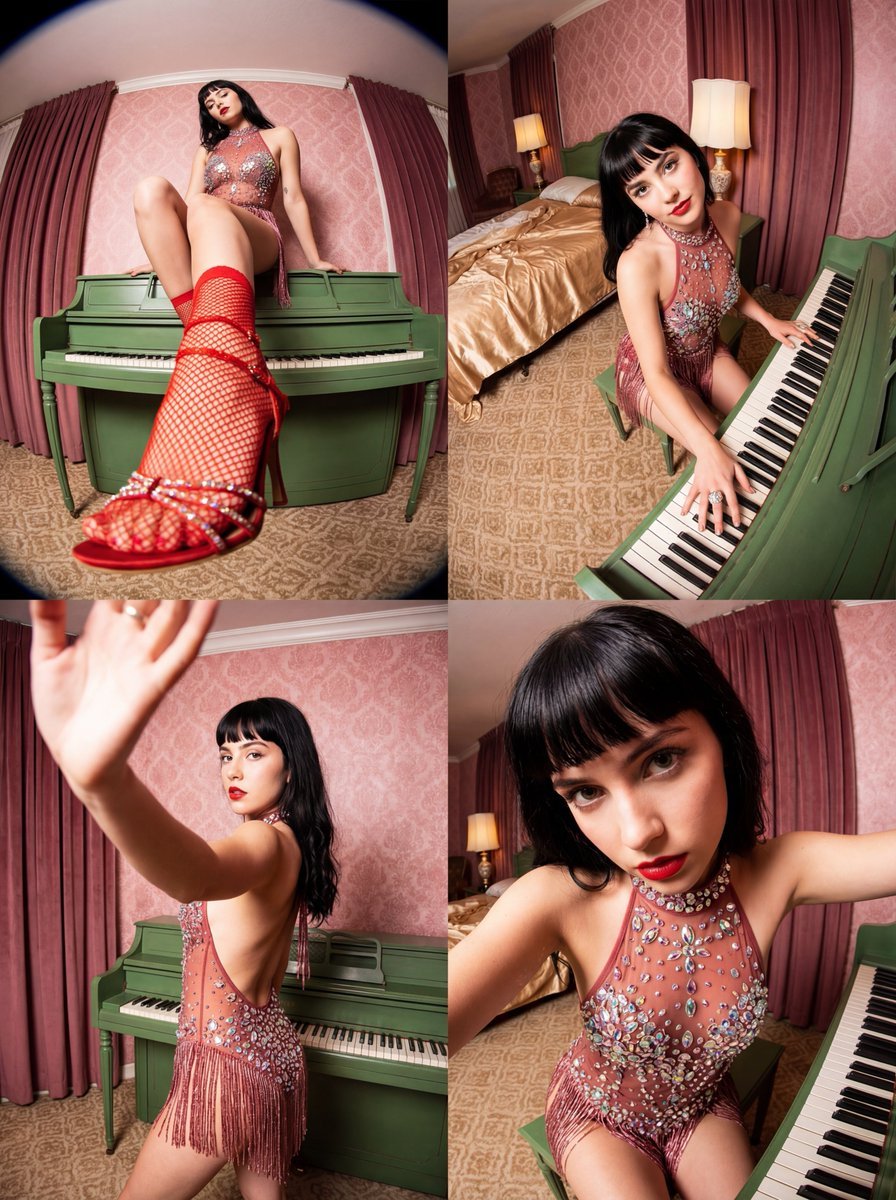
Vintage Glamour Piano Series Collage Prompt
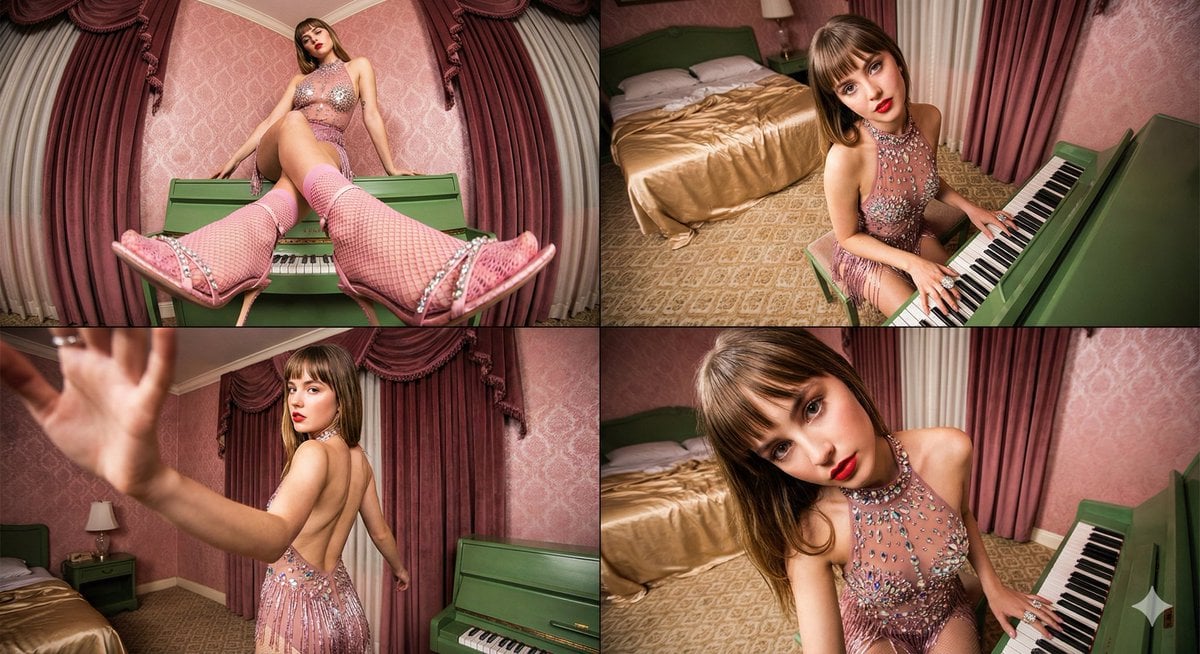
Four-frame vintage glamour collage of a woman in a crystal bodysuit at a piano

Sunday Afternoon, 1988

Two Tickets, One Night

If We Met in 1985

Found Photograph: Us, 1970

One Dance Before Midnight

Before We said Goodbye

Our Song was on a Cassette

Meet Me When It Rains

The Date After College

Two Hearts. One Scooter.
Make it yours
Vintage Glamour Piano Series Prompt works as-is. These are the safest ways to change it without losing the look.
Swap the setting
Keep the rest of the prompt and replace the location block. The current setting is “Ornate vintage hotel room with pink damask wallpaper, heavy maroon curtains, pat”.
Swap the light
One lighting change is enough to compare takes. Current light: “Direct flash photography, high contrast, vintage aesthetic, fisheye or wide-angl”.
Change one field
Copy a single group, rewrite it, and generate again so you can see what that field is doing.
| If the result… | Why | Fix |
|---|---|---|
| The result drifts from the preview | Too many fields changed at once. | Reuse Vintage Glamour Piano Series Prompt as-is first, then change one group — subject, light, or setting. |
| Nano Banana 2 ignores part of the JSON | Some models flatten or skip nested keys. | Keep the same values and paste them as a short paragraph instead. |
More Nano Banana 2 templates
Other prompts made for Nano Banana 2.

Photorealistic Leaf Shaped Like a Dragon

K-Pop Idol Portrait Grid for Rapid Selection

Poetic Rain Forest Portrait During Golden Hour

Urban Street Portrait with Cartoon Inner Self Duo

Candid Nighttime Photo with Cat Prompt

High-Concept 3D Diorama Generation Prompt

Cinematic Futuristic Studio Portrait Template

Skincare Editorial Photography Collage Prompt

Hyper-Realistic Commercial Product Photography (Splash Effect)

Hyper-Realistic Nightclub Portrait Prompt
More image prompts
Fresh picks from across the catalog.
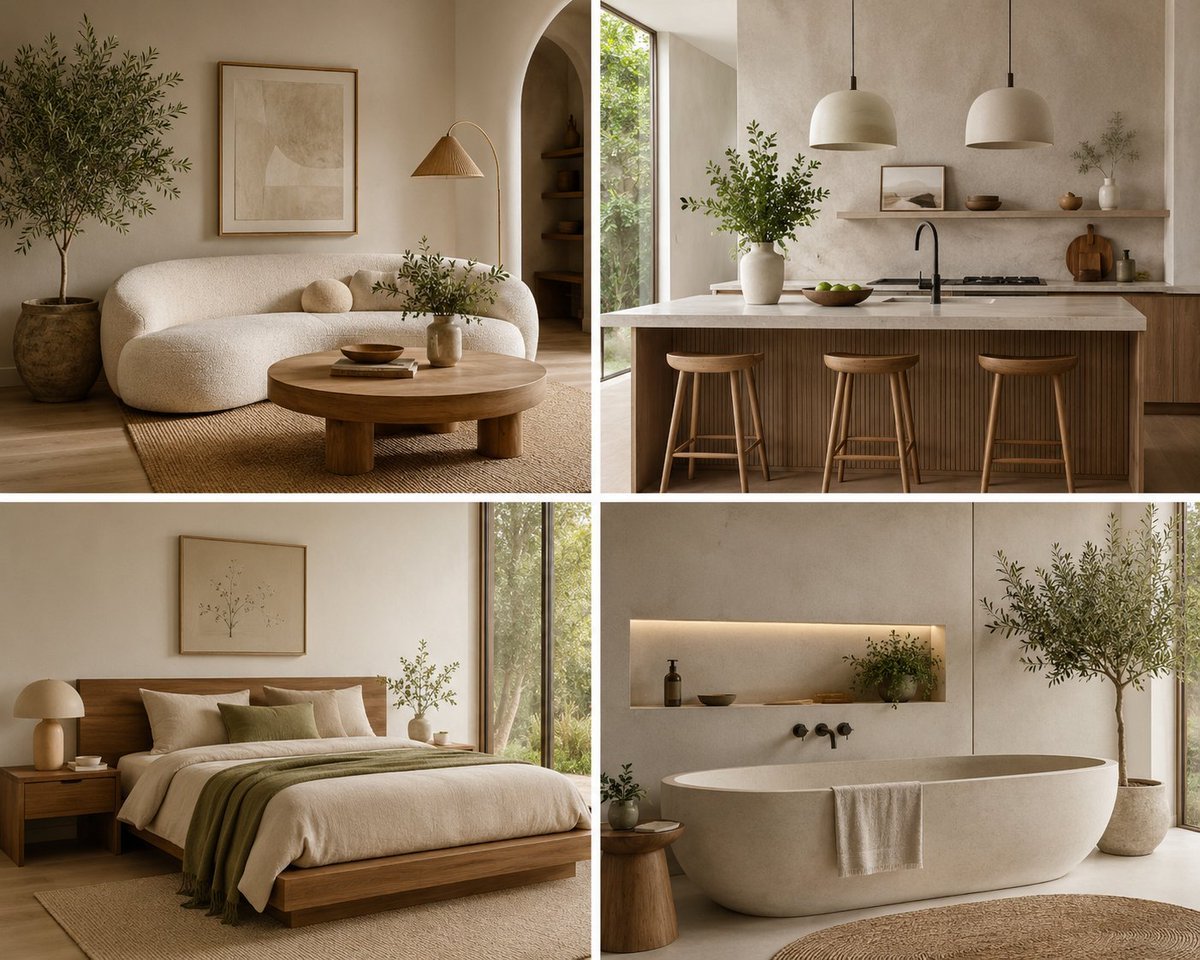
Organic Modern Interior Collage
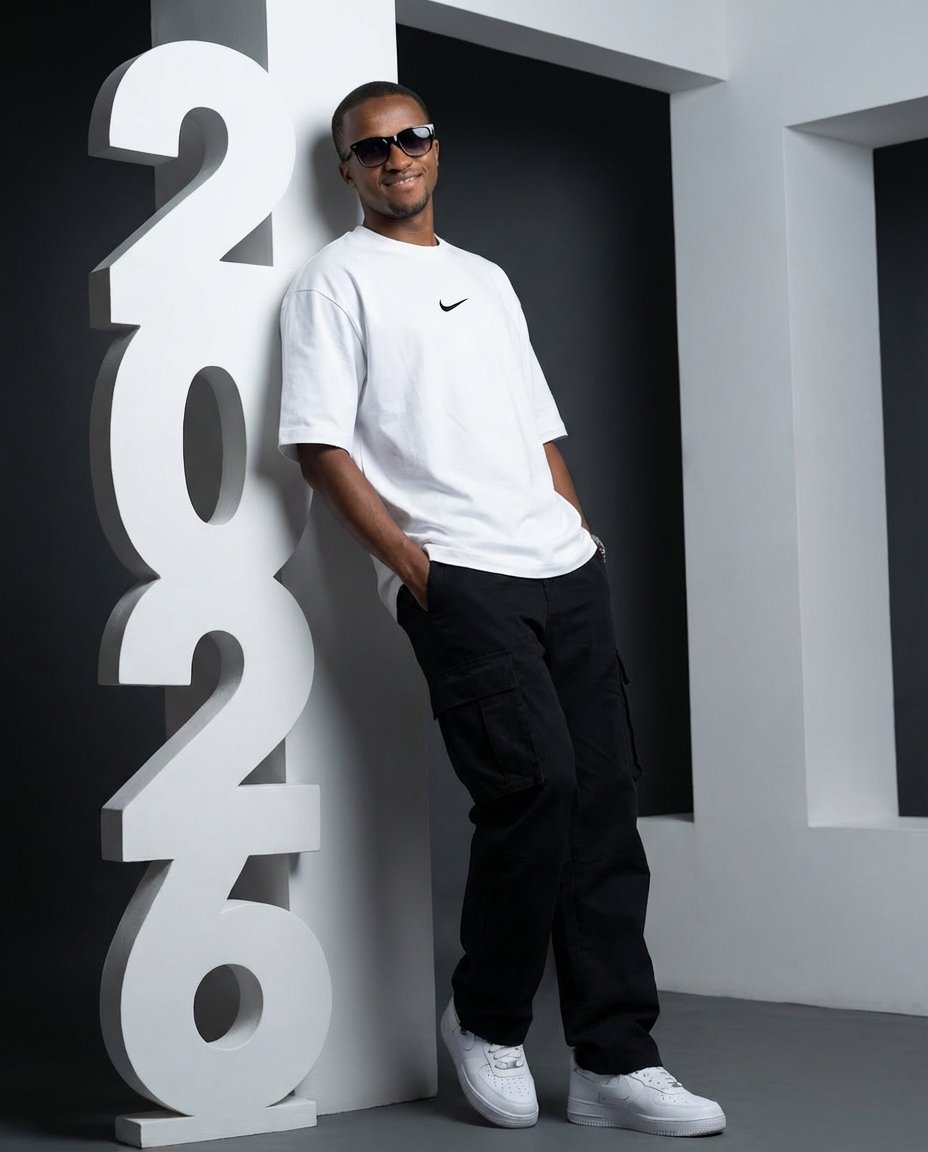
Low-Angle Streetwear Portrait with Architectural Text
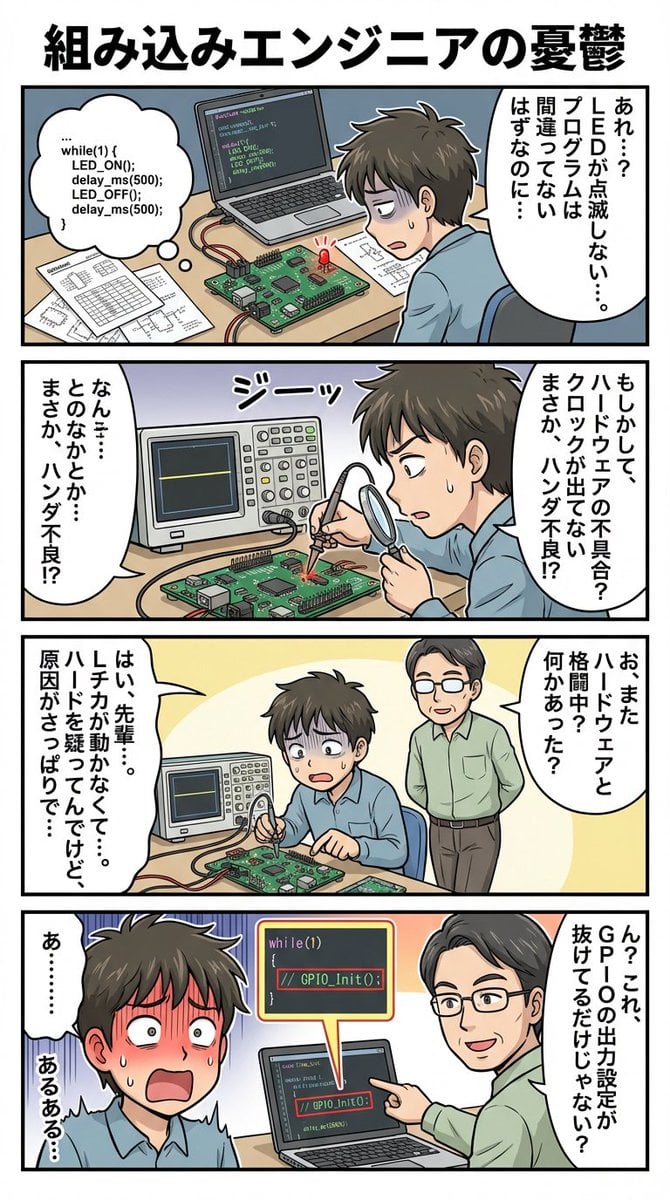
panel comic about embedded engineer struggles
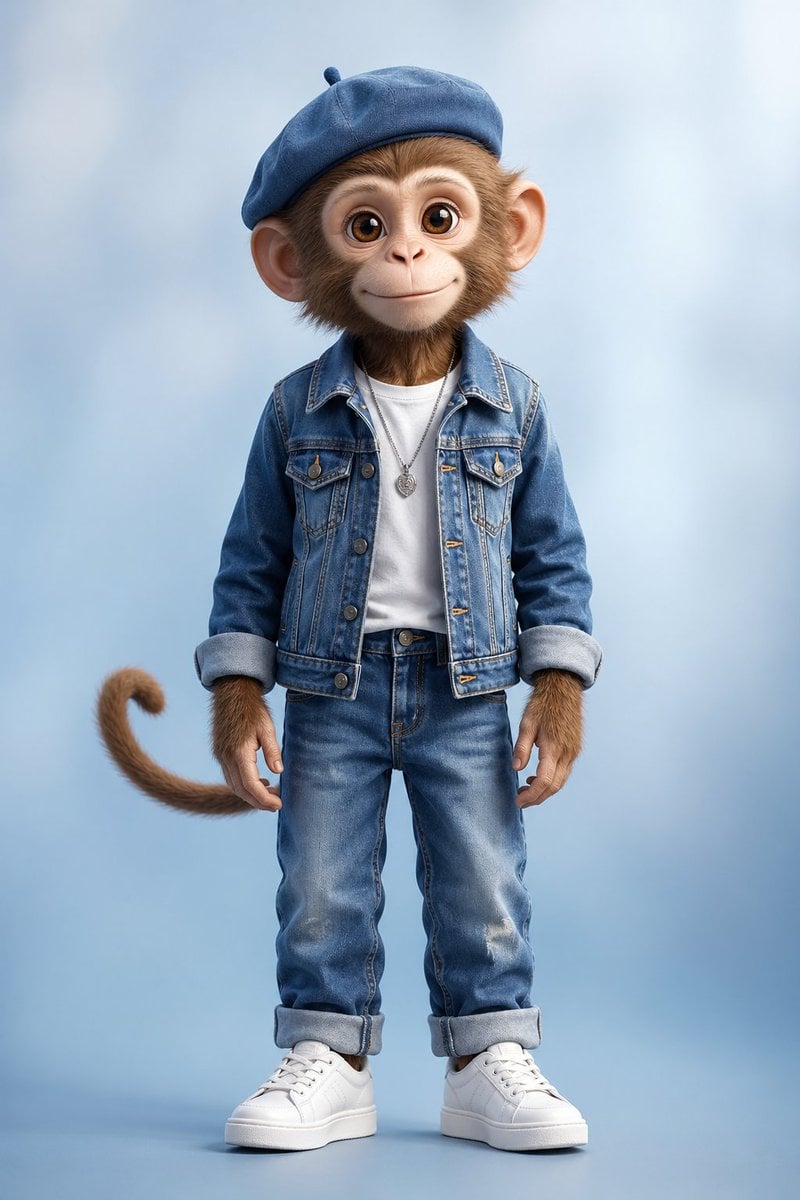
Censored Monkey Kid in Denim
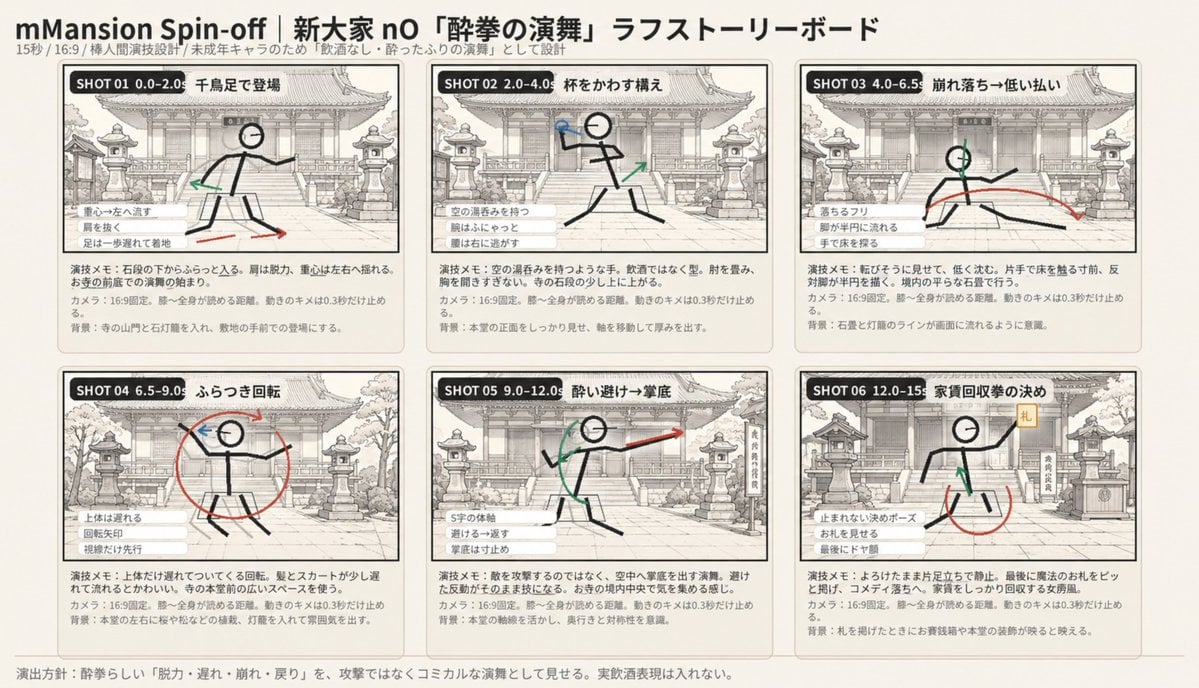
Six-Panel Drunken Kung Fu Storyboard
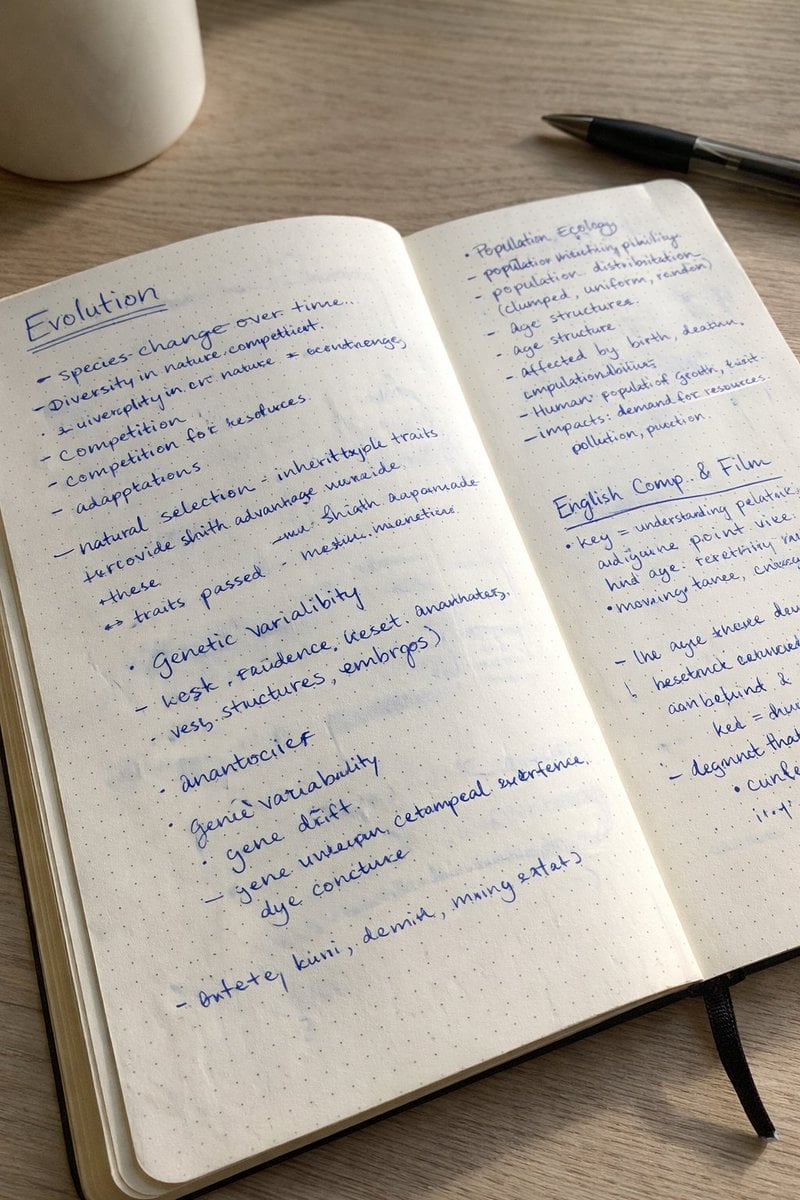
Realistic Handwritten Study Notes
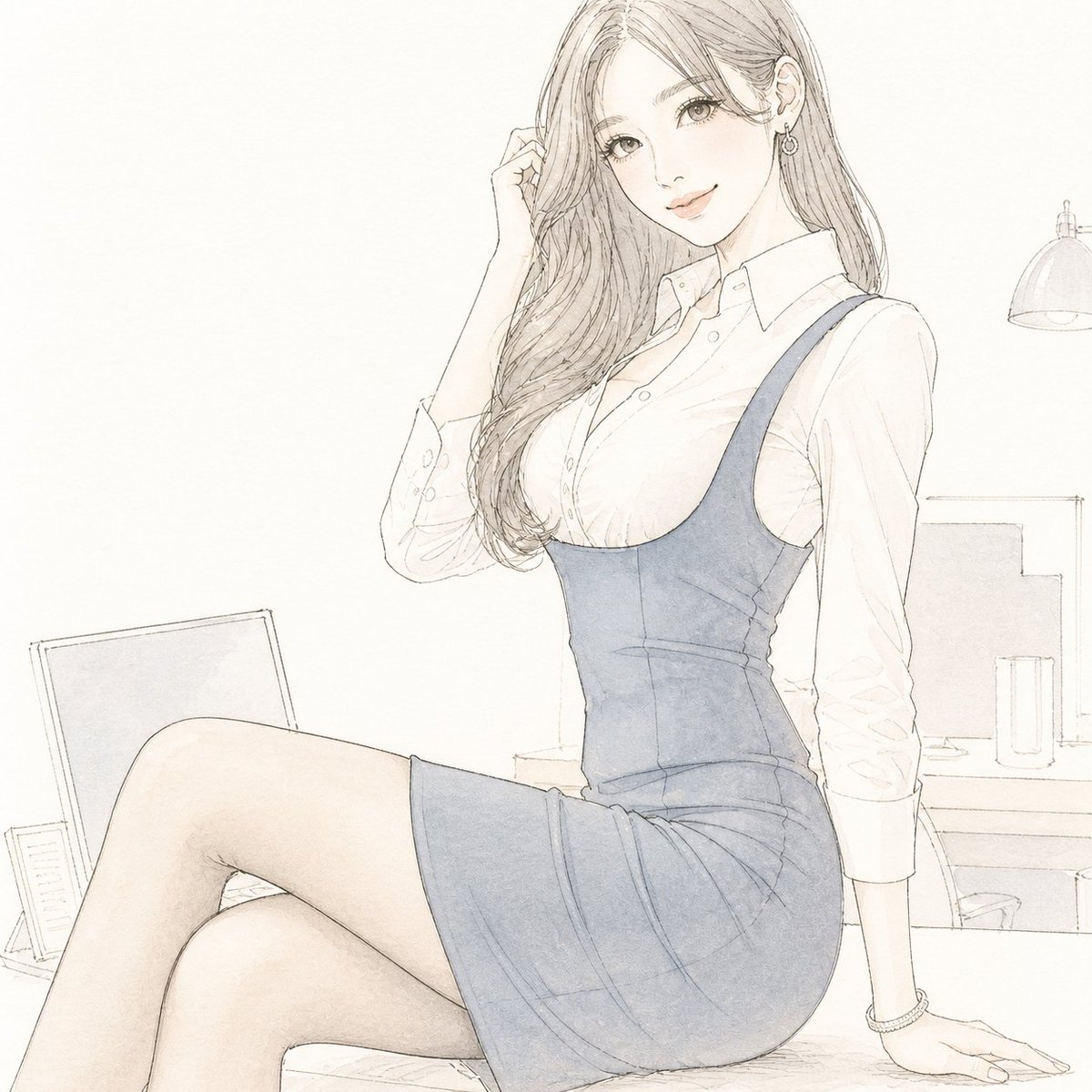
Pale Watercolor Line Art Transformation

Infinite Decorative Text Generator Prompt for Nano Banana 2
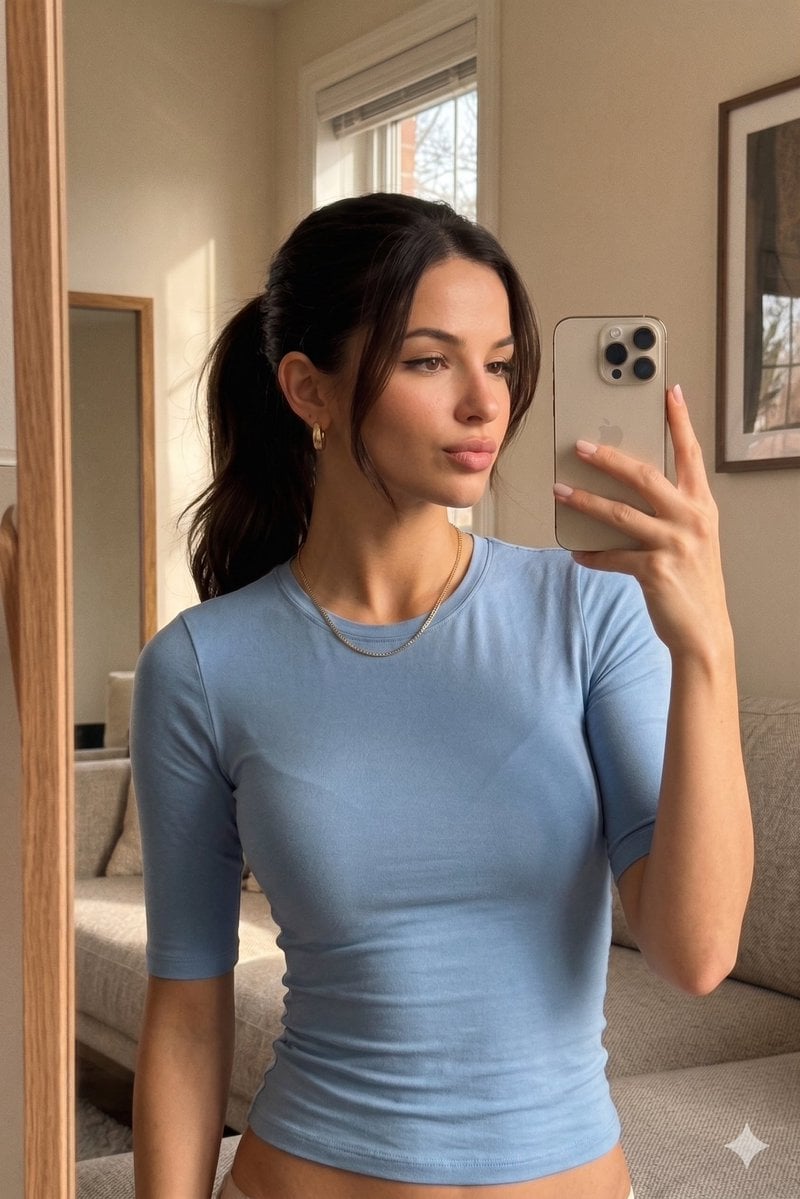
Realistic iPhone Mirror Selfie
Japanese Google Homepage Screenshot
Browse template categories
Vintage Glamour Piano Series Prompt questions
How do I use the Vintage Glamour Piano Series Prompt template?
Add your photo if the template asks for one, edit the prompt if you like — the template's model and format are already selected — and press Generate. Your version opens in PicX Studio.
Can I customize the Vintage Glamour Piano Series Prompt template?
Yes. You can change the subject, setting, lighting, mood, format, and available model controls before creating your image.
Is the Vintage Glamour Piano Series Prompt template free?
Opening and editing this template is free. Generating uses credits, shown on the Generate button when you are signed in.
Which AI model should I use?
Start with Nano Banana 2, which is the model associated with this template. You can compare another compatible model for a different finish.
Looking for something else? Browse all templates.

Your photo, any look
Thousands of ready templates for every top image and video model, from one credit balance.