
Realistic iPhone Mirror Selfie
Generates a warm indoor waist-up iPhone mirror selfie of a seated woman on a sofa with realistic lighting and a censored face.
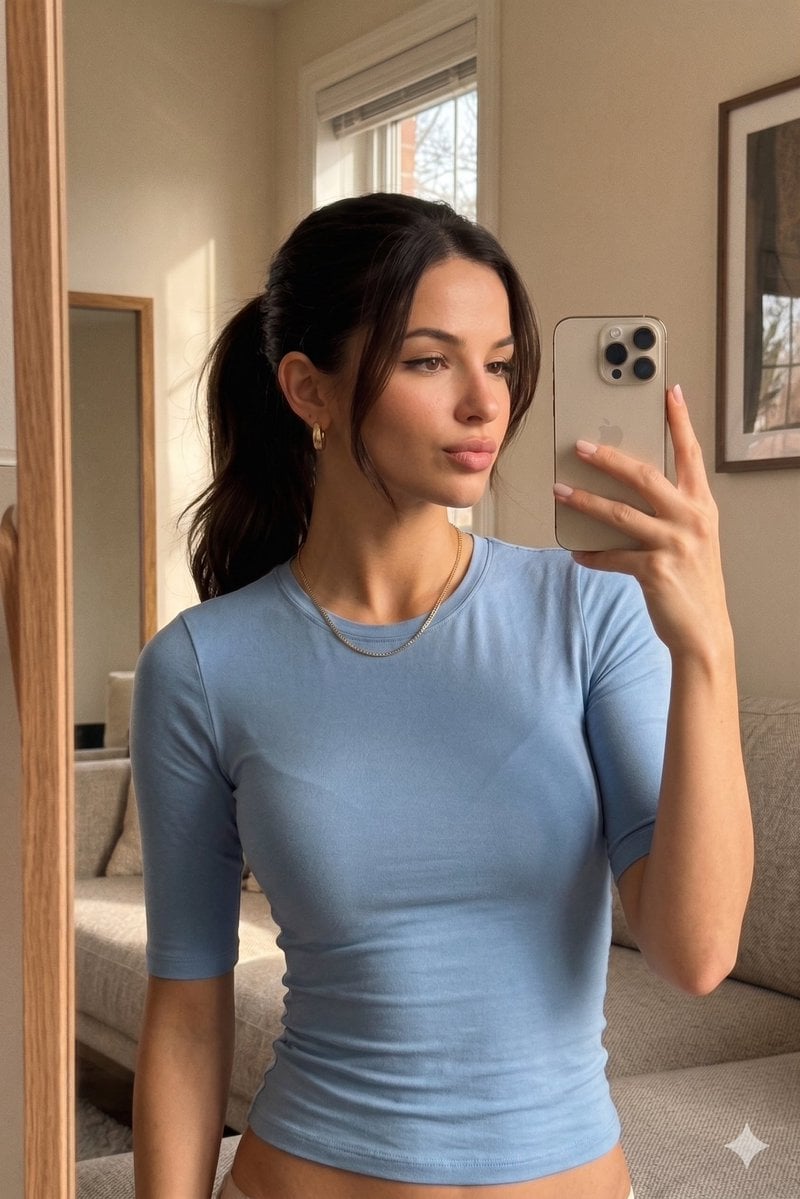
- Prompt included
- Model and format preset
- Free template
The prompt behind this image
Copy the exact prompt behind Realistic iPhone Mirror Selfie, or open it in the studio and make it yours.
Create an ultra-realistic vertical iPhone mirror selfie of {argument name="subject" default="a young woman"} seated casually on a beige modern sofa in a warm, softly lit living room. The composition is waist-up with the lower body almost entirely cropped out, shot through a tall wooden-framed mirror on the left edge of the image. She wears a fitted {argument name="top color" default="light blue"} half-sleeve crew-neck top with subtle fabric wrinkles, a delicate gold necklace, small gold hoop earrings, and natural pale pink manicured nails. Her {argument name="hair color" default="dark brown"} hair is tied back in a neat low ponytail with a few loose strands around the face. She holds a beige/silver iPhone with three rear cameras in her right hand at chest height, angled slightly outward, partially covering the right side of her face. Add a solid rectangular {argument name="face censor color" default="warm brown"} block over the center of her face, obscuring facial identity. The room has beige walls, a window behind her with daylight and blinds, a framed picture on the wall to the right, a second mirror or framed object in the background, wooden textures, and a clean cozy lived-in interior. Use soft natural indoor daylight with warm color grading, gentle shadows, shallow depth of field, slight mirror reflection imperfections, subtle grain, realistic skin texture, and an authentic casual front-camera selfie look.
How to use Realistic iPhone Mirror Selfie in 3 steps
- 1Upload ImagePNG, JPG or paste
Add your photo
Upload the photo the template builds on. The prompt, model and format are already set.
- 2…a portrait of your subject in softgolden-hour light, 85mm…
Personalize
Edit the subject and creative details for your destination.
- 3Generate
Generate
Press Generate — your image is created in PicX Studio, so you can compare it with the original and refine one variable at a time.
More like this
Templates with the same subject, style or setup. Open one to see its prompt.

Rooftop Fisheye — Cat-Ear Balaclava at Golden Hour

Felt & Knit 3D Character — Photo-Exact Face, Pixar-Quality Plush Figurine

Eid al-Adha Cute Chaos — Fisheye Selfie with Farm Selfie, Mosque & Animals

Cat Photobomb Selfie — 0.5x Wide Angle Café Chaos

Gen Z Triple Selfie Collage — Y2K Flash Photography

Surreal Cat Astronaut — Humanoid Face Freefall

4x4 Grid - Candid Nostalgic Vacation Selfies

Nano Banana - Peace Sign Bedroom Selfie

Nano Banana Grwm Mirror Selfie Pink
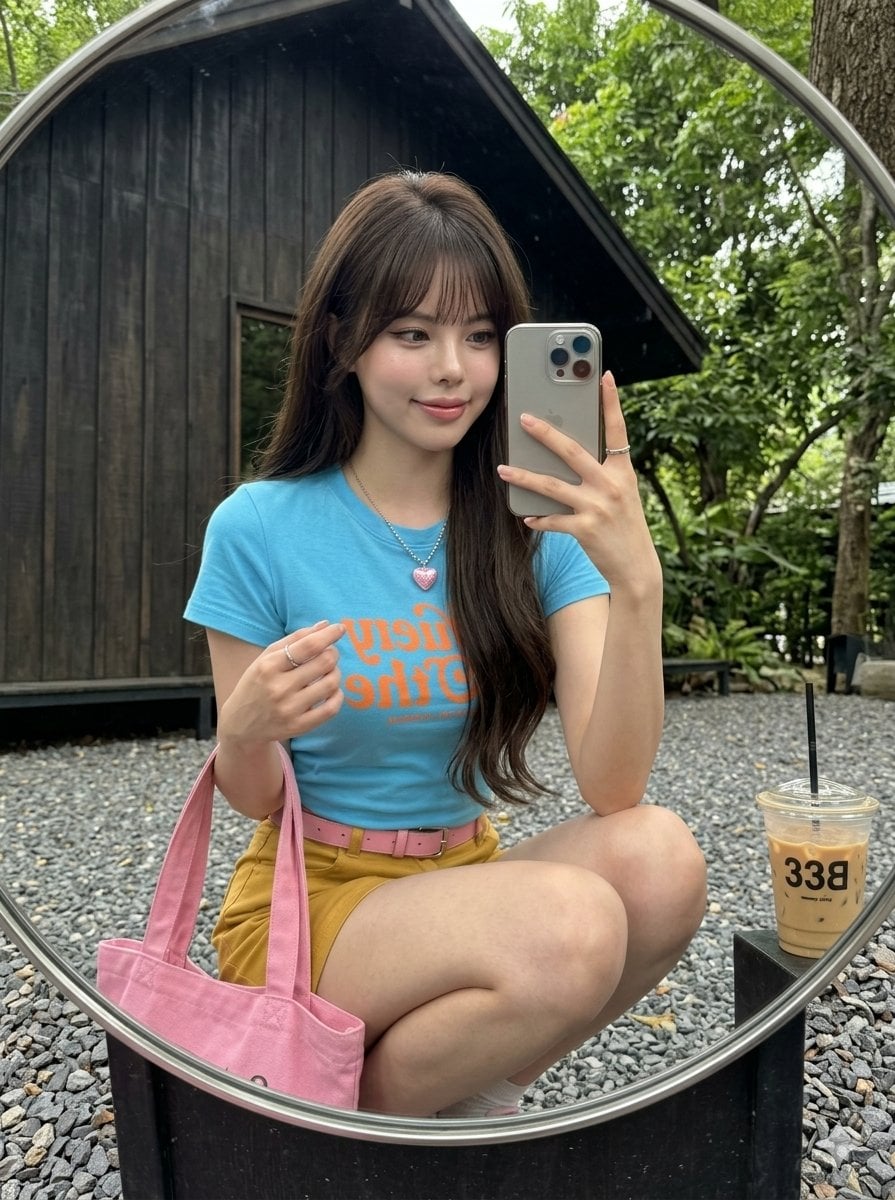
iPhone Mirror Selfie Realism
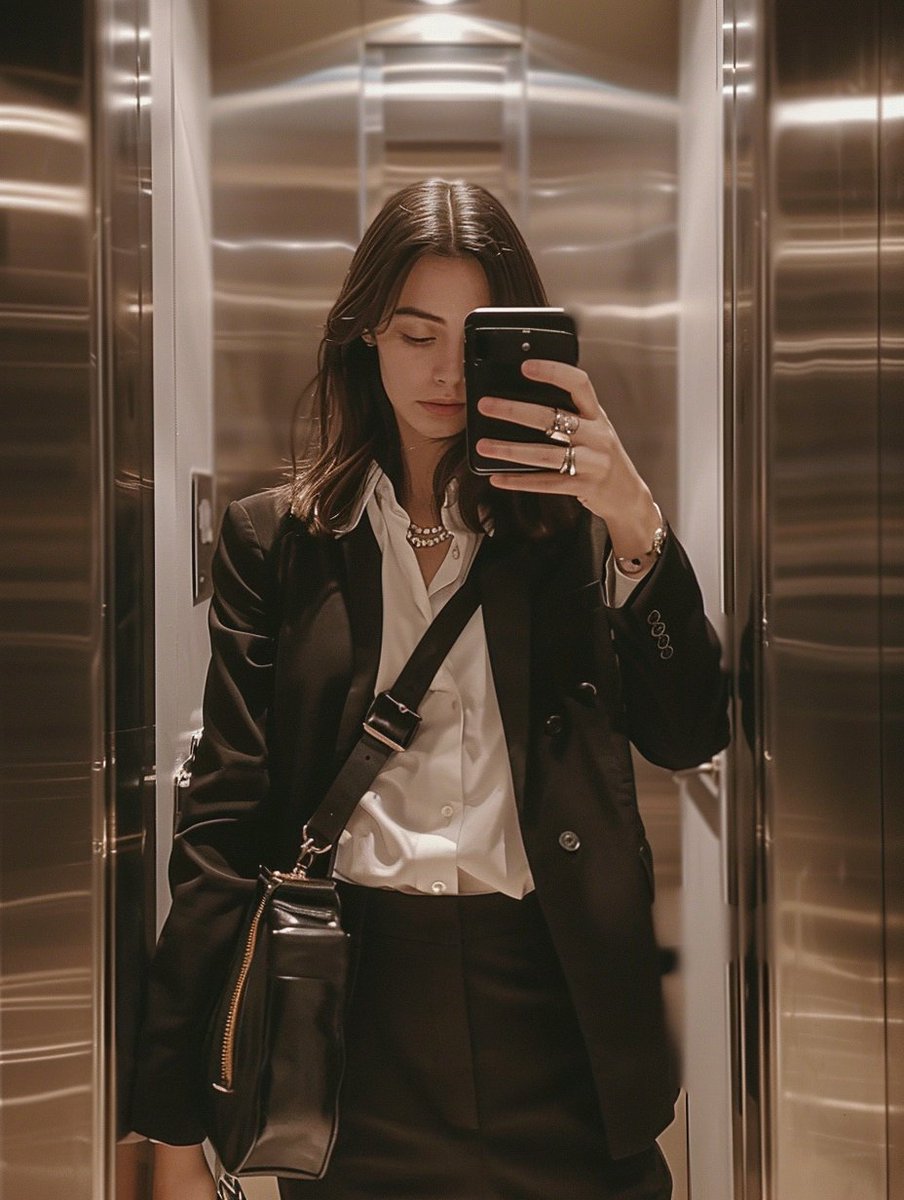
iPhone Mirror Selfie with Old Money Corporate Elegance Vibe

Retro Mirror Luxury Fashion Campaign Poster
Make it yours
Realistic iPhone Mirror Selfie works as-is. These are the safest ways to change it without losing the look.
Change one field
Copy a single group, rewrite it, and generate again so you can see what that field is doing.
Keep the frame, change the subject
Hold the composition and light of Realistic iPhone Mirror Selfie, then swap wardrobe, props or the person for a new take.
| If the result… | Why | Fix |
|---|---|---|
| The result drifts from the preview | Too many fields changed at once. | Reuse Realistic iPhone Mirror Selfie as-is first, then change one group — subject, light, or setting. |
| The model over-stylizes the scene | The prose prompt leaves finish and camera underspecified. | Add one camera or lighting sentence and stay on GPT Image 2. |
More GPT Image 2 templates
Other prompts made for GPT Image 2.

Six VTuber Japanese Logo Sheet

Realistic Portrait of Woman and Deer

The Vista Modular Condo Poster

AI Model Routing Comparison Infographic

2.5D Anime Art Board

Isometric Productivity Desk Scene

New York Double Exposure Poster

Four-Panel AI Landscape Comparison

Japanese Tatami Lifestyle Magazine Cover

NESCAFÉ Coffee Map Poster
More image prompts
Fresh picks from across the catalog.
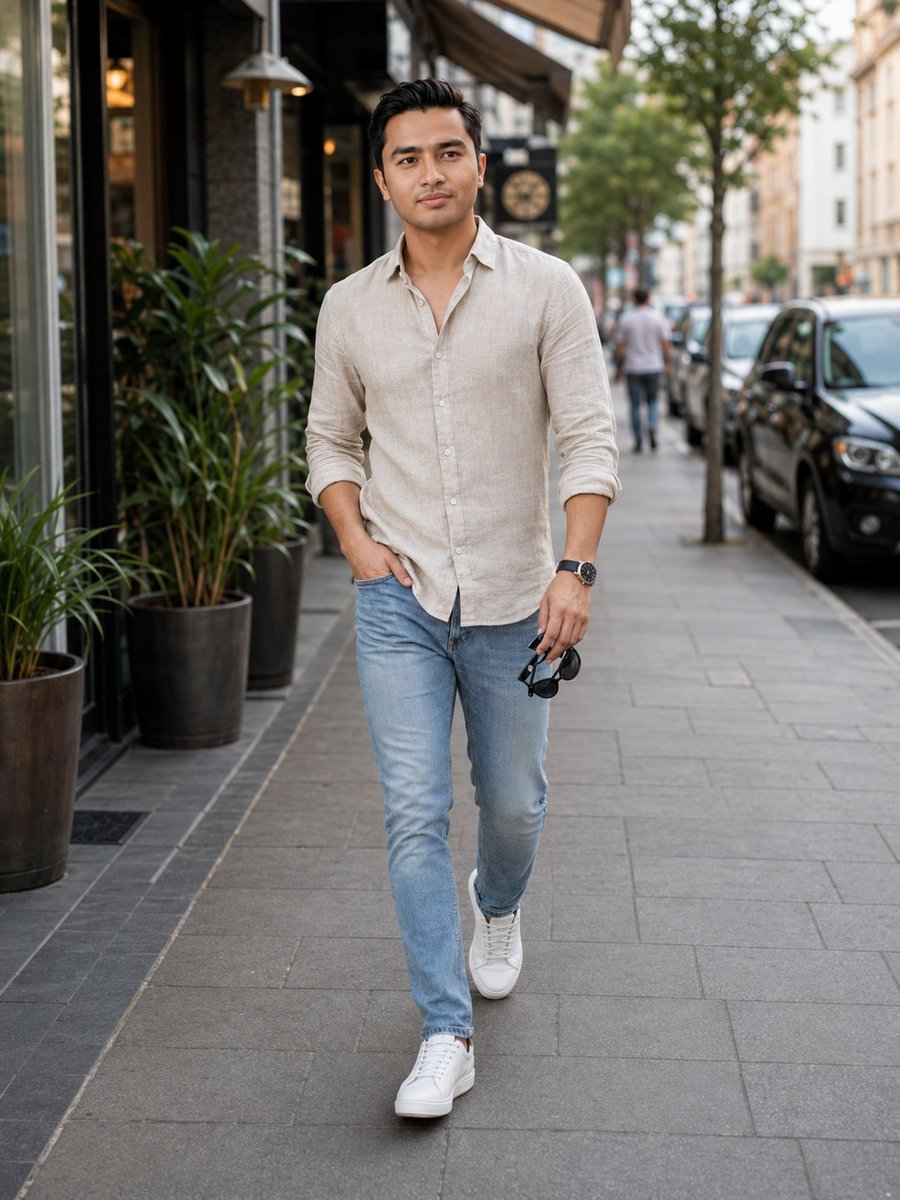
Urban Male Fashion Editorial
Colorful Anime Twin Poster

Futuristic Sunset Megacity

Kentucky Derby Champion Poster
Year of the Horse Pochibukuro (Envelope) Prompt

Macro Realism: Miniature Taj Mahal on a Vintage Indian Coin
Black and White Vogue Fashion Shoot with Motion Blur

3D Tiny Anime Girl 'Gugu' Sequence

Stylish Anthropomorphic Cat in Tracksuit

Pink Fur Fashion Editorial with Calf
Browse template categories
Realistic iPhone Mirror Selfie questions
How do I use the Realistic iPhone Mirror Selfie template?
Add your photo if the template asks for one, edit the prompt if you like — the template's model and format are already selected — and press Generate. Your version opens in PicX Studio.
Can I customize the Realistic iPhone Mirror Selfie template?
Yes. You can change the subject, setting, lighting, mood, format, and available model controls before creating your image.
Is the Realistic iPhone Mirror Selfie template free?
Opening and editing this template is free. Generating uses credits, shown on the Generate button when you are signed in.
Which AI model should I use?
Start with GPT Image 2, which is the model associated with this template. You can compare another compatible model for a different finish.
Looking for something else? Browse all templates.

Your photo, any look
Thousands of ready templates for every top image and video model, from one credit balance.