
Colorful Anime Twin Poster
Generates a vibrant mixed-media anime poster of two stylish twin girls surrounded by school, art, and science collage elements.
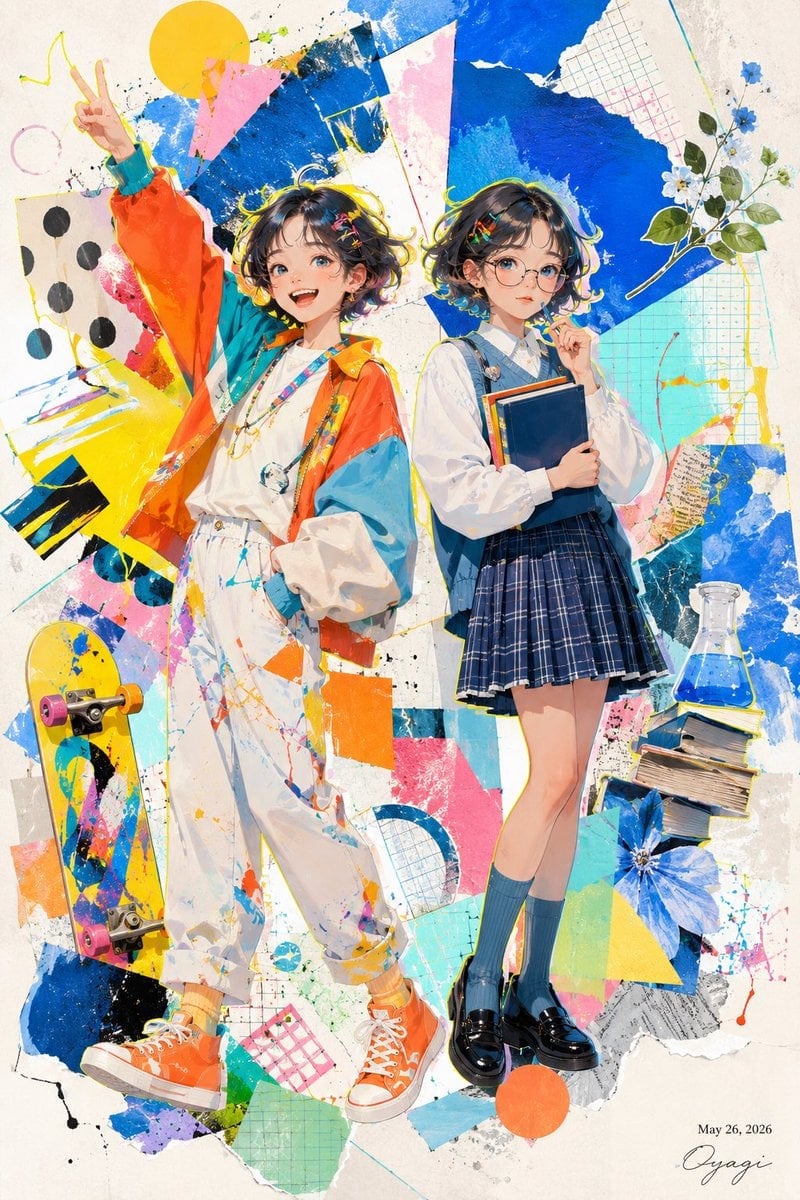
- Prompt included
- Model and format preset
- Free template
The prompt behind this image
Copy the exact prompt behind Colorful Anime Twin Poster, or open it in the studio and make it yours.
Create a vibrant full-body anime-style mixed-media illustration of {argument name="character theme" default="twins"} standing side by side on a vertical poster canvas. The scene features exactly 2 teenage twin girls with short wavy dark-brown bob hair, similar hairstyles, and their faces intentionally covered by soft rectangular beige blur blocks. The left twin stands casually with one hand in her pocket and her other arm raised high making a peace sign; she wears a bright oversized color-block windbreaker in orange, turquoise, yellow, and white over a white shirt, loose white paint-splattered pants, layered necklaces, yellow socks, and orange high-top sneakers. The right twin stands shyly with one finger near her chin while hugging exactly 2 books to her chest; she wears a crisp white blouse, blue denim-style pinafore straps or vest, a navy plaid pleated skirt, teal knee socks, and shiny black loafers. Surround them with an energetic abstract collage background on warm off-white paper: torn-paper shapes, graph paper scraps, thick cobalt-blue paint swaths, pink and yellow triangles, turquoise blocks, orange circles, black ink splatters, hand-drawn scribbles, and painterly brush strokes. Include exactly 5 prominent accessory objects around the twins: 1 yellow skateboard with pink wheels leaning on the lower left, 1 stack of several books on the lower right, 1 glass laboratory flask filled with blue liquid above the books, 1 cluster of small white and blue flowers with green leaves on the upper right, and 1 large blue flower near the lower right. Use saturated pop colors, crisp anime linework, watercolor and gouache textures, fashion-illustration proportions, high detail in clothing folds and splatter paint, and a cheerful youthful mood. Add a small handwritten signature and date {argument name="date text" default="May 26, 2026"} in the bottom-right corner. Keep the composition centered, full-body, poster-like, with no extra characters and no readable typography besides the date and signature.
How to use Colorful Anime Twin Poster in 3 steps
- 1Upload ImagePNG, JPG or paste
Add your photo
Upload the photo the template builds on. The prompt, model and format are already set.
- 2…a portrait of your subject in softgolden-hour light, 85mm…
Personalize
Edit the subject and creative details for your destination.
- 3Generate
Generate
Press Generate — your image is created in PicX Studio, so you can compare it with the original and refine one variable at a time.
More like this
Templates with the same subject, style or setup. Open one to see its prompt.

Captain Tsubasa Anime World Cup Poster

Gpt2 Youtube Thumbnail Anime Music Bootcamp Promo Poster

Japan Travel Brochure Poster
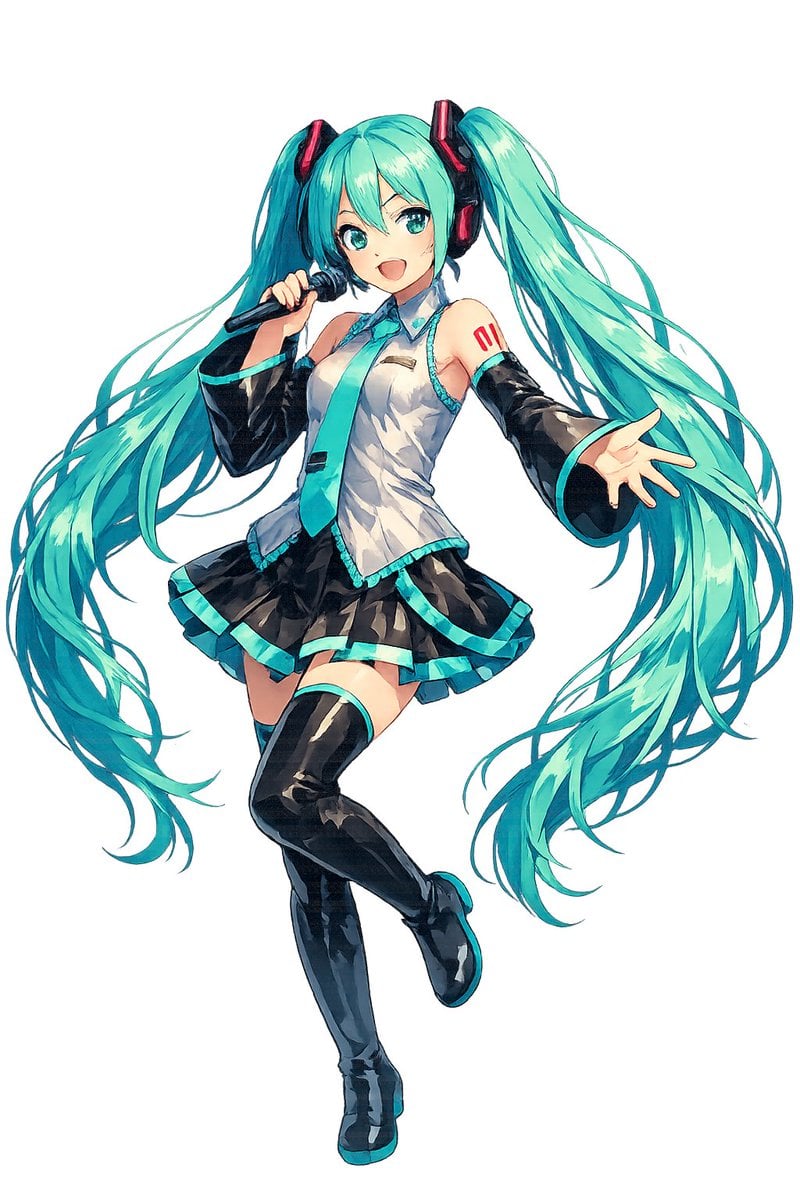
Full-Body Teal Twin-Tail Anime Idol
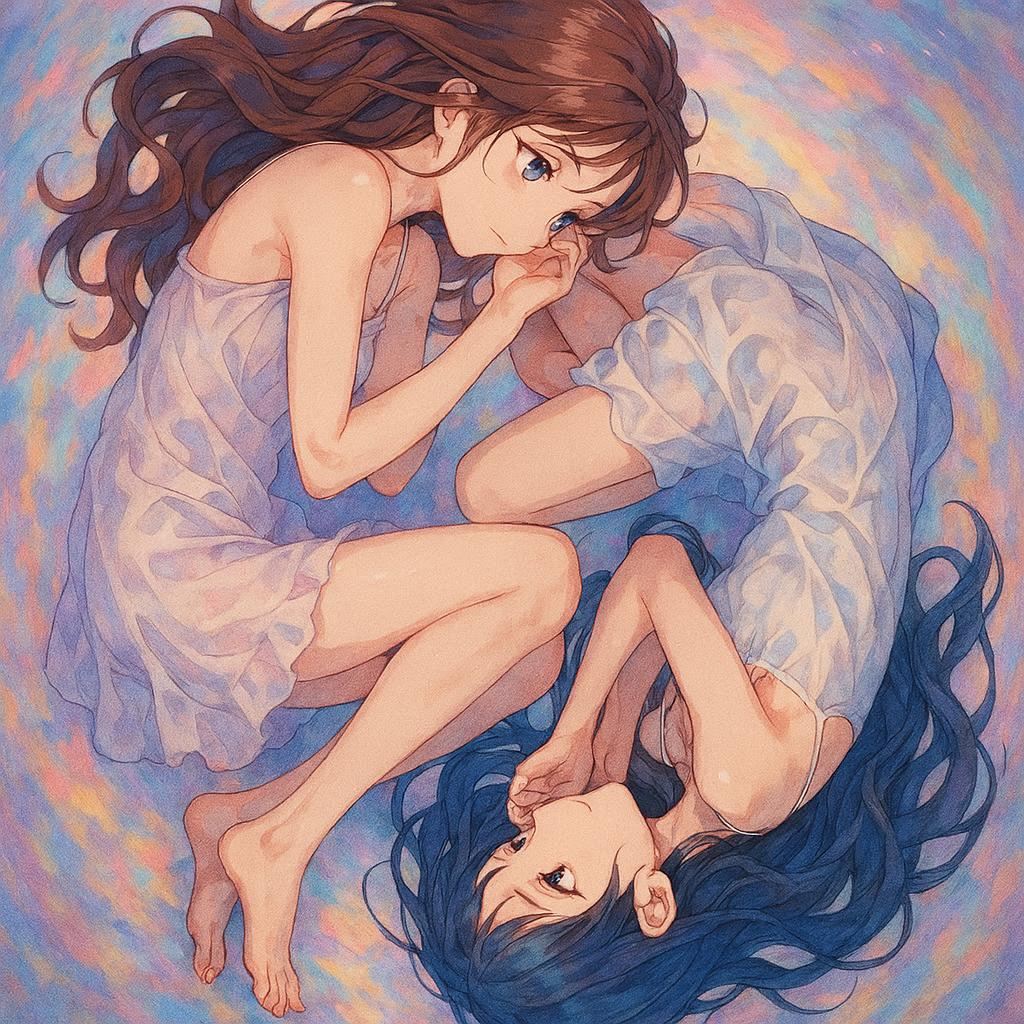
Anime Yin-Yang Twin Girls
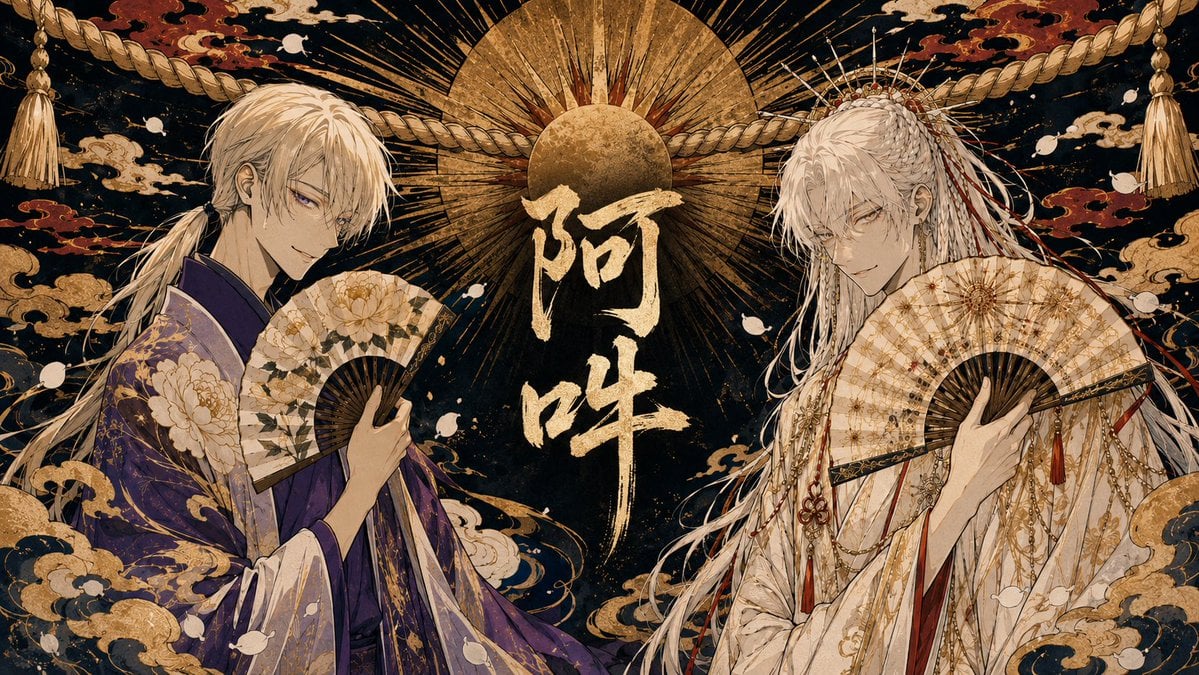
Twin Deity Anime Calligraphy Art

Nice Day Anime Poster

Paper Cut Craft Illustration

Cel 2D Finale Fireworks

Cel 2D Garden Maze

Cel 2D Rooftop Concert

Cel 2D Bicycle Coast
Make it yours
Colorful Anime Twin Poster works as-is. These are the safest ways to change it without losing the look.
Change one field
Copy a single group, rewrite it, and generate again so you can see what that field is doing.
Keep the frame, change the subject
Hold the composition and light of Colorful Anime Twin Poster, then swap wardrobe, props or the person for a new take.
| If the result… | Why | Fix |
|---|---|---|
| The result drifts from the preview | Too many fields changed at once. | Reuse Colorful Anime Twin Poster as-is first, then change one group — subject, light, or setting. |
| The model over-stylizes the scene | The prose prompt leaves finish and camera underspecified. | Add one camera or lighting sentence and stay on GPT Image 2. |
More GPT Image 2 templates
Other prompts made for GPT Image 2.

Six VTuber Japanese Logo Sheet

Realistic Portrait of Woman and Deer

The Vista Modular Condo Poster

AI Model Routing Comparison Infographic

2.5D Anime Art Board

Isometric Productivity Desk Scene

New York Double Exposure Poster

Four-Panel AI Landscape Comparison

Japanese Tatami Lifestyle Magazine Cover

NESCAFÉ Coffee Map Poster
More image prompts
Fresh picks from across the catalog.
Cute Retro Chengdu Cartoon Poster
Mustard Flower Field Summer
Add Santa Hat to Profile Picture (Image-to-Image)
Japanese gyaru magazine spread on school uniforms
Vintage Technical Illustration Macro Shot
French Indie Album Cover
System Prompt for 80s VHS Aesthetic Image Generation (REWIND)
South Asian Streetwear Portrait

Kids Crayon Travel Journal Illustration
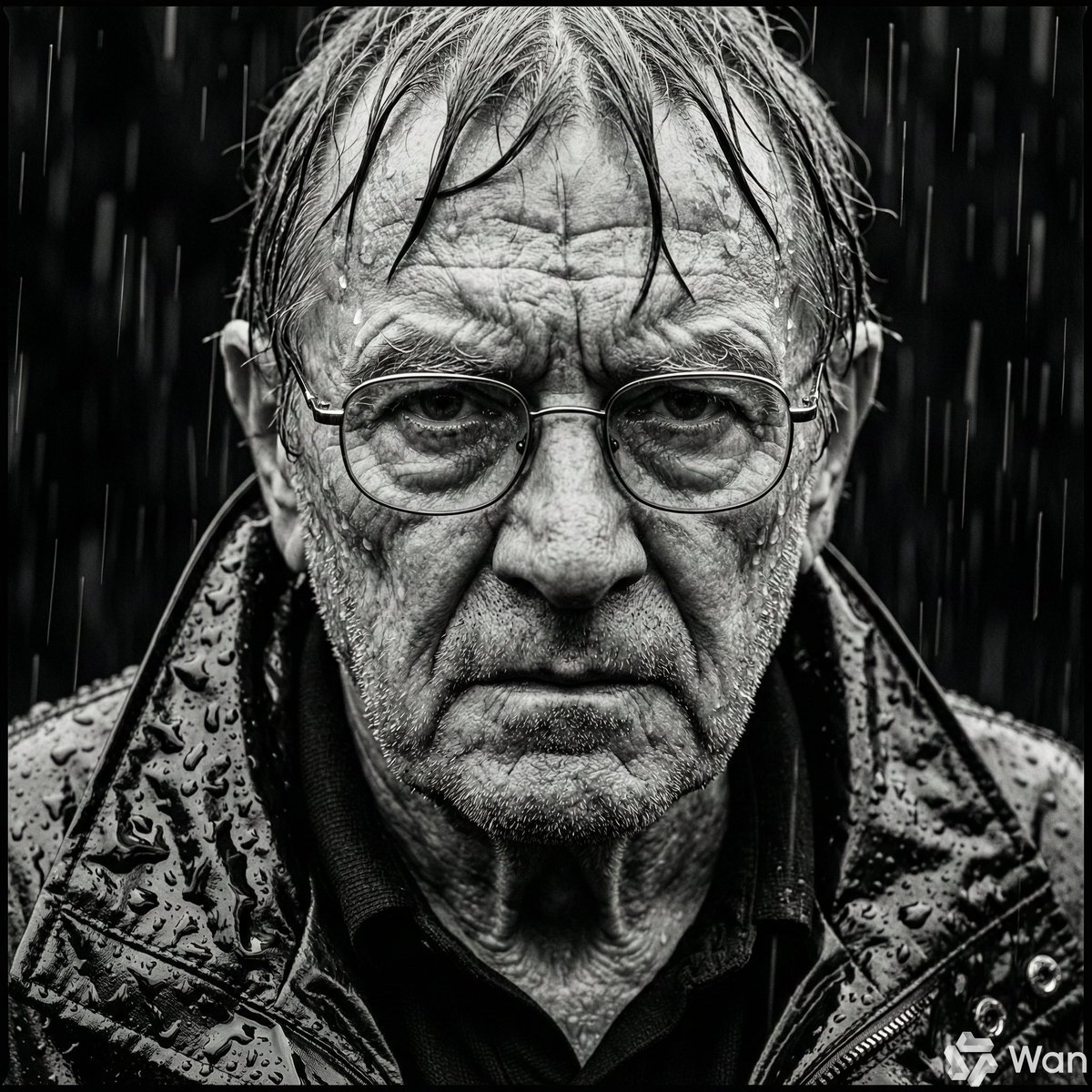
Monochrome Portrait of Elderly Man in Heavy Rain
Browse template categories
Colorful Anime Twin Poster questions
How do I use the Colorful Anime Twin Poster template?
Add your photo if the template asks for one, edit the prompt if you like — the template's model and format are already selected — and press Generate. Your version opens in PicX Studio.
Can I customize the Colorful Anime Twin Poster template?
Yes. You can change the subject, setting, lighting, mood, format, and available model controls before creating your image.
Is the Colorful Anime Twin Poster template free?
Opening and editing this template is free. Generating uses credits, shown on the Generate button when you are signed in.
Which AI model should I use?
Start with GPT Image 2, which is the model associated with this template. You can compare another compatible model for a different finish.
Looking for something else? Browse all templates.

Your photo, any look
Thousands of ready templates for every top image and video model, from one credit balance.