
Twin Deity Anime Calligraphy Art
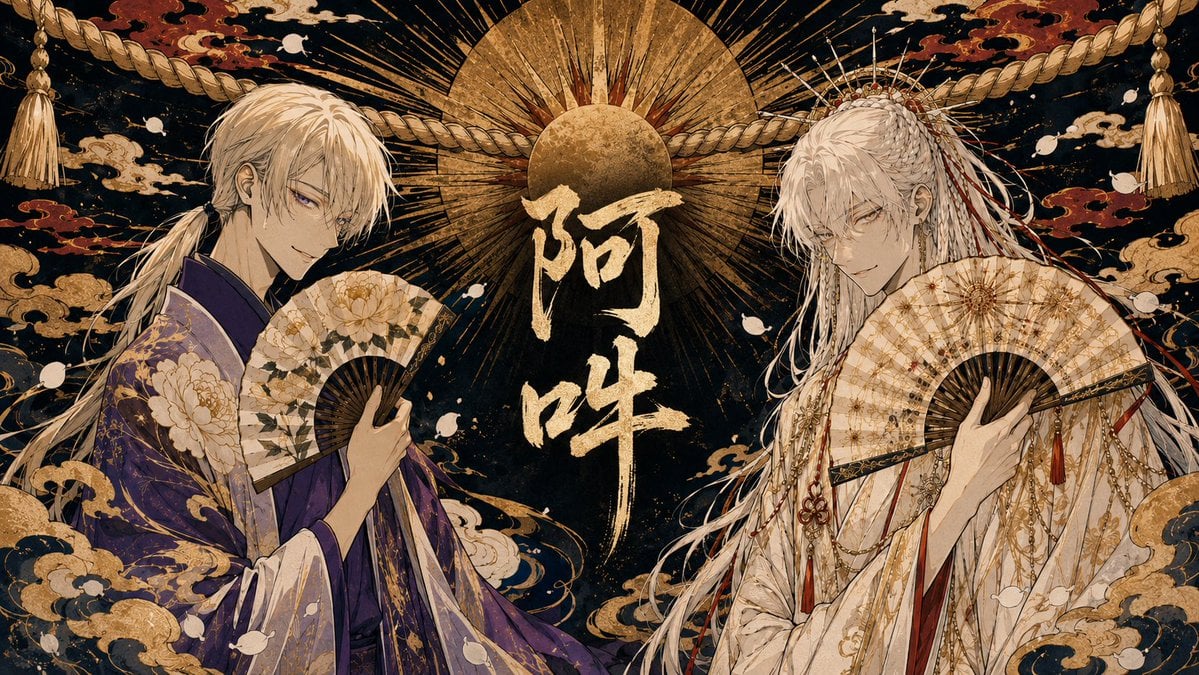
A lavish widescreen Japanese fantasy illustration of two ornate white-haired deity-like men with folding fans framing gold calligraphy.
- Prompt included
- Model and format preset
- Free template
The prompt behind this image
Copy the exact prompt behind Twin Deity Anime Calligraphy Art, or open it in the studio and make it yours.
Create a wide horizontal anime-style Japanese mythological illustration featuring two elegant white-haired male shrine-deity figures facing inward toward the center. The left character has long pale blond-white hair tied low, sharp purple eyes, a calm sly smile, and wears a luxurious deep {argument name="left robe color" default="purple"} kimono with gold peony and cloud patterns; he holds an open folding fan decorated with cream peonies and dark ribs. The right character has very long silver-white hair with braids, ornaments, dangling red cords, a radiant crown-like hairpiece, pale intense eyes, and wears an ornate ivory-white ceremonial robe layered with gold chains, red tassels, floral motifs, and fine embroidery; he holds an open cream-and-gold folding fan across his chest. Place them symmetrically on the left and right sides with their bodies angled inward, occupying most of the frame. In the center, add large vertical Japanese calligraphy reading {argument name="central calligraphy" default="阿吽"} in rough metallic gold brush strokes. Behind the text, depict a huge golden sun disk with a smaller dark-gold circular disk and many radiating black and gold rays, like a sacred halo. Across the upper background, stretch one thick twisted shimenawa rope from left to right with tassels hanging at both far corners. The background is deep black-blue with antique gold texture, red and gold swirling clouds, scattered white petal-like shapes, and dense ukiyo-e decorative patterns. Use a lavish Edo-period fantasy aesthetic, highly detailed line art, metallic gold leaf texture, ornate kimono fabric patterns, dramatic symmetry, refined bishonen character design, cinematic composition, no modern objects, no watermark, and keep the image in a 16:9 landscape ratio.
How to use Twin Deity Anime Calligraphy Art in 3 steps
- 1Upload ImagePNG, JPG or paste
Add your photo
Upload the photo the template builds on. The prompt, model and format are already set.
- 2…a portrait of your subject in softgolden-hour light, 85mm…
Personalize
Edit the subject and creative details for your destination.
- 3Generate
Generate
Press Generate — your image is created in PicX Studio, so you can compare it with the original and refine one variable at a time.
More like this
Templates with the same subject, style or setup. Open one to see its prompt.












Make it yours
Twin Deity Anime Calligraphy Art works as-is. These are the safest ways to change it without losing the look.
Change one field
Copy a single group, rewrite it, and generate again so you can see what that field is doing.
Keep the frame, change the subject
Hold the composition and light of Twin Deity Anime Calligraphy Art, then swap wardrobe, props or the person for a new take.
| If the result… | Why | Fix |
|---|---|---|
| The result drifts from the preview | Too many fields changed at once. | Reuse Twin Deity Anime Calligraphy Art as-is first, then change one group — subject, light, or setting. |
| The model over-stylizes the scene | The prose prompt leaves finish and camera underspecified. | Add one camera or lighting sentence and stay on GPT Image 2. |
More GPT Image 2 templates
Other prompts made for GPT Image 2.

Six VTuber Japanese Logo Sheet

Realistic Portrait of Woman and Deer

The Vista Modular Condo Poster

AI Model Routing Comparison Infographic

2.5D Anime Art Board

Isometric Productivity Desk Scene

New York Double Exposure Poster

Four-Panel AI Landscape Comparison

Japanese Tatami Lifestyle Magazine Cover

NESCAFÉ Coffee Map Poster
More image prompts
Fresh picks from across the catalog.
untitled
Elemental Physics Spill Collage Prompt
Urban Fashion Hijab Portrait
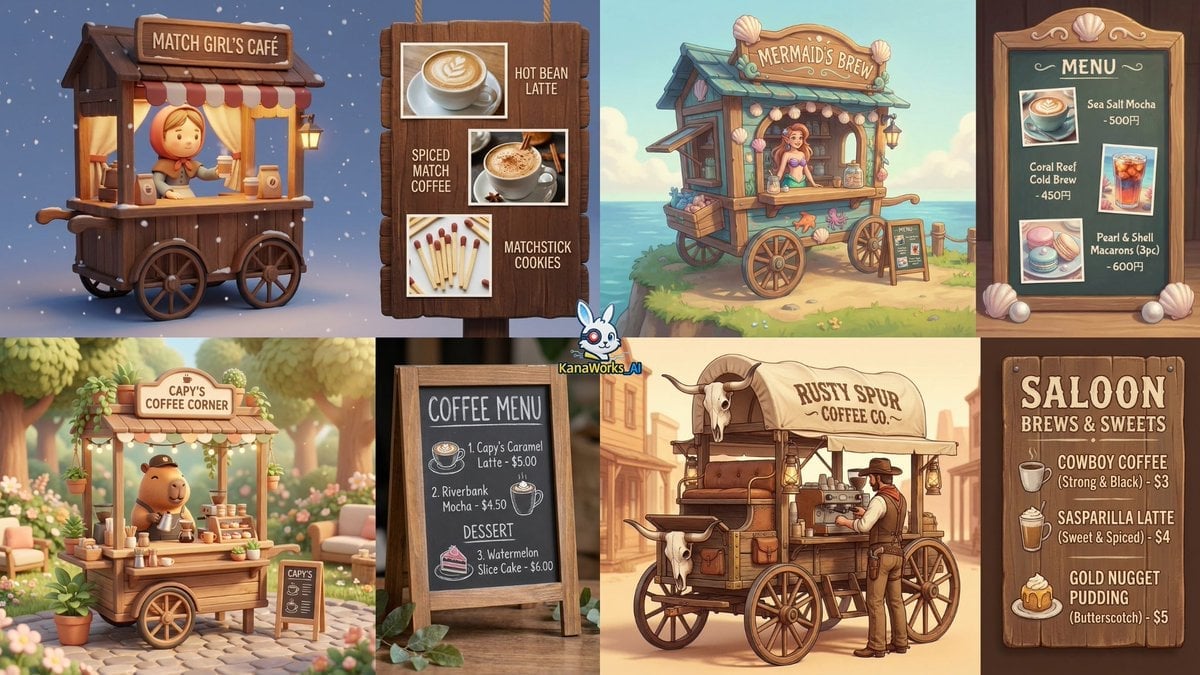
Coffee Cart Vendor Prompt
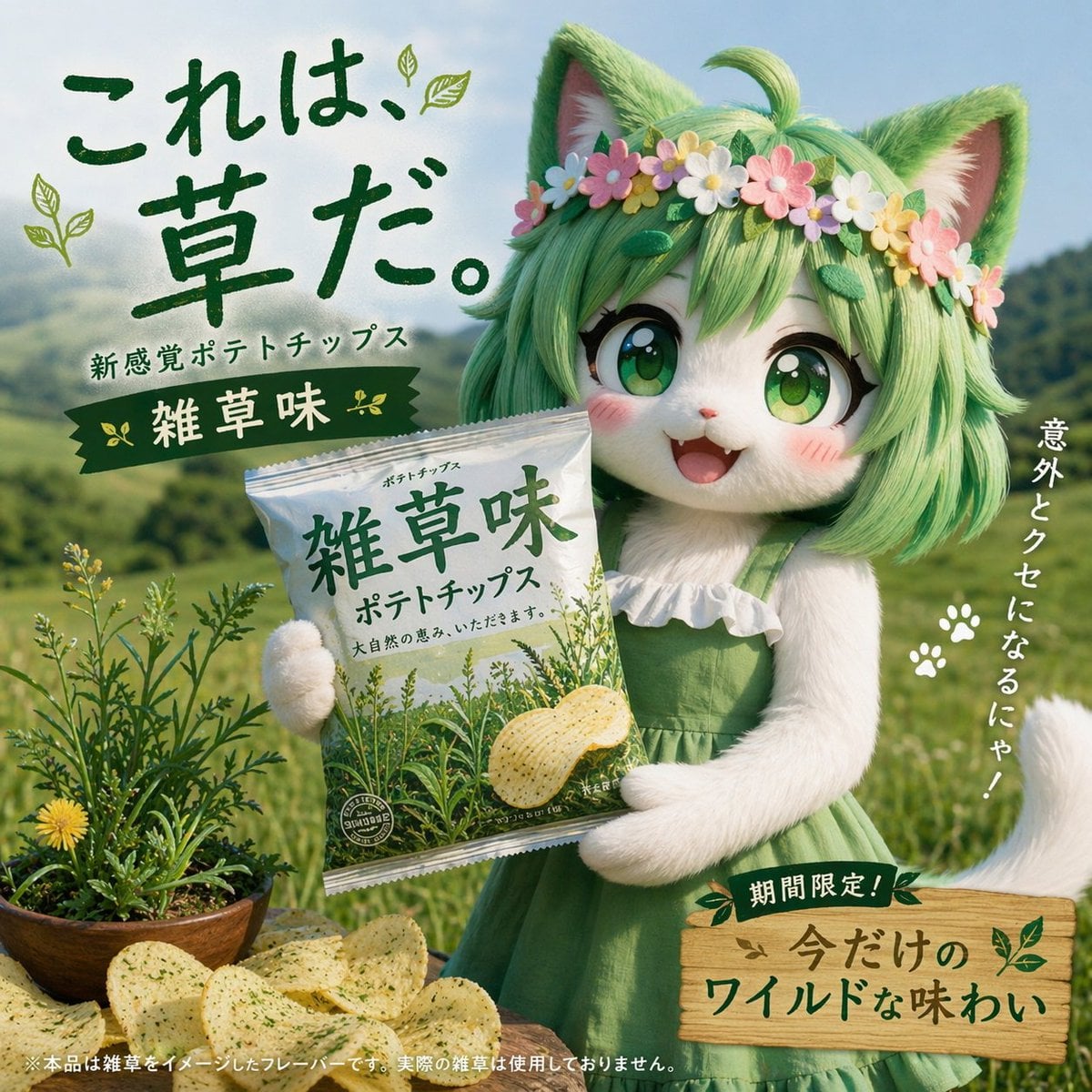
Japanese Potato Chip Advertisement
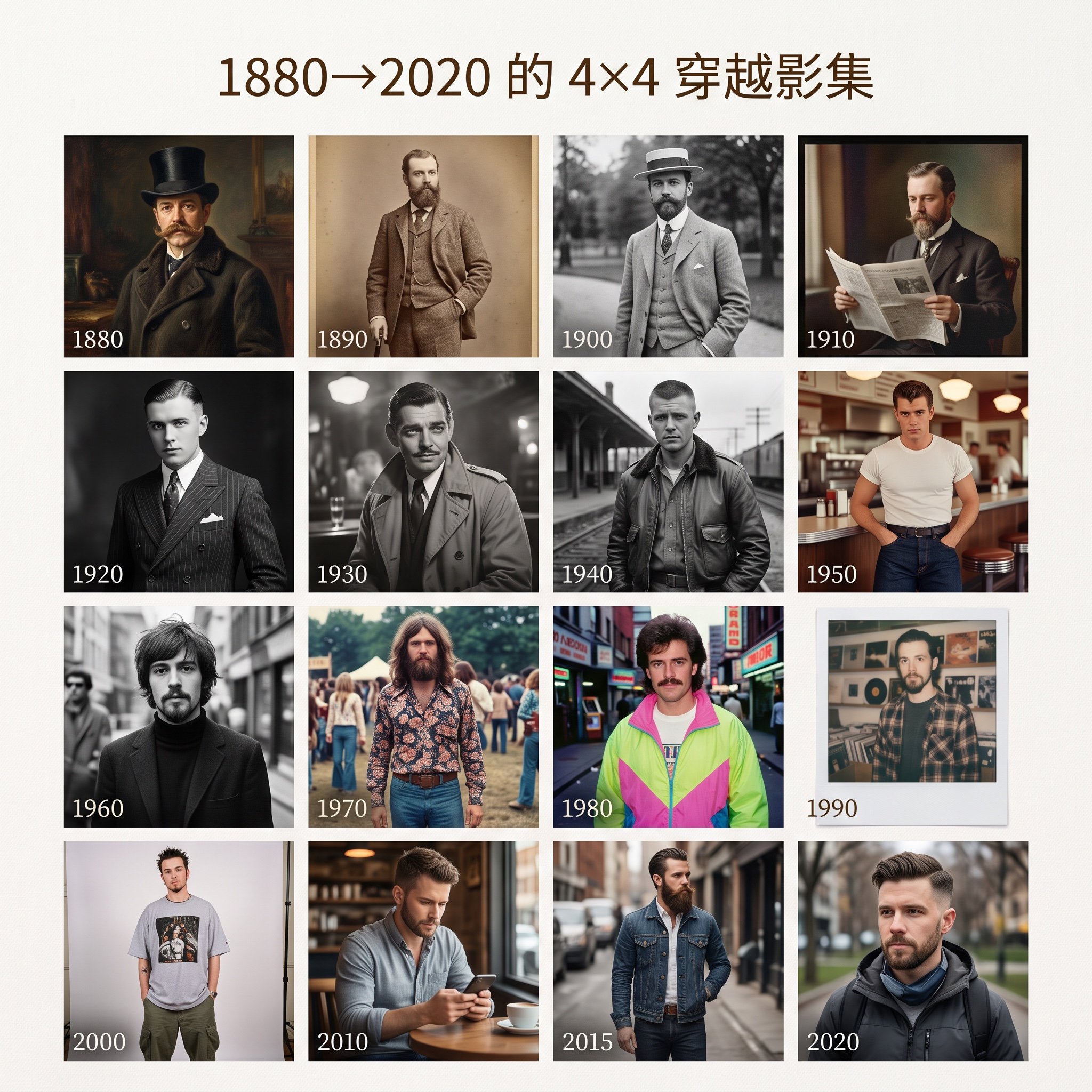
4x4 Time Travel Photo Album
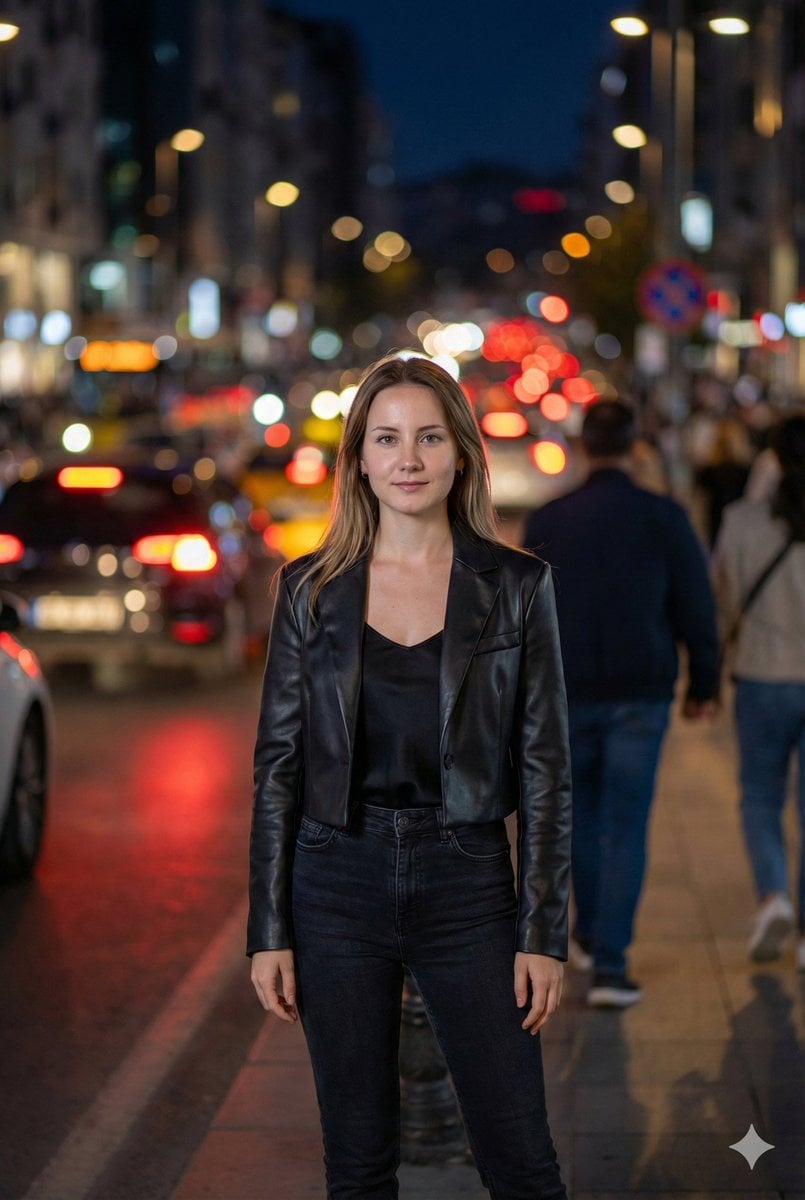
Street Fashion Editorial at Night with Motion Blur
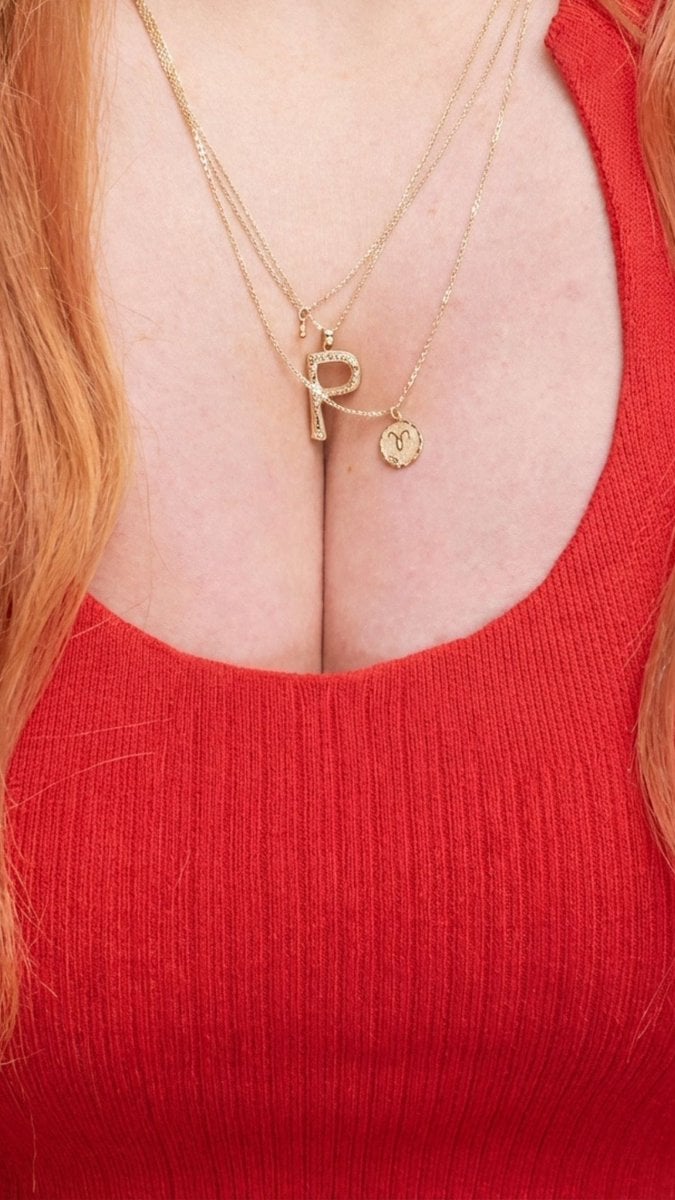
Jewelry Product Photography of Layered Gold Necklace
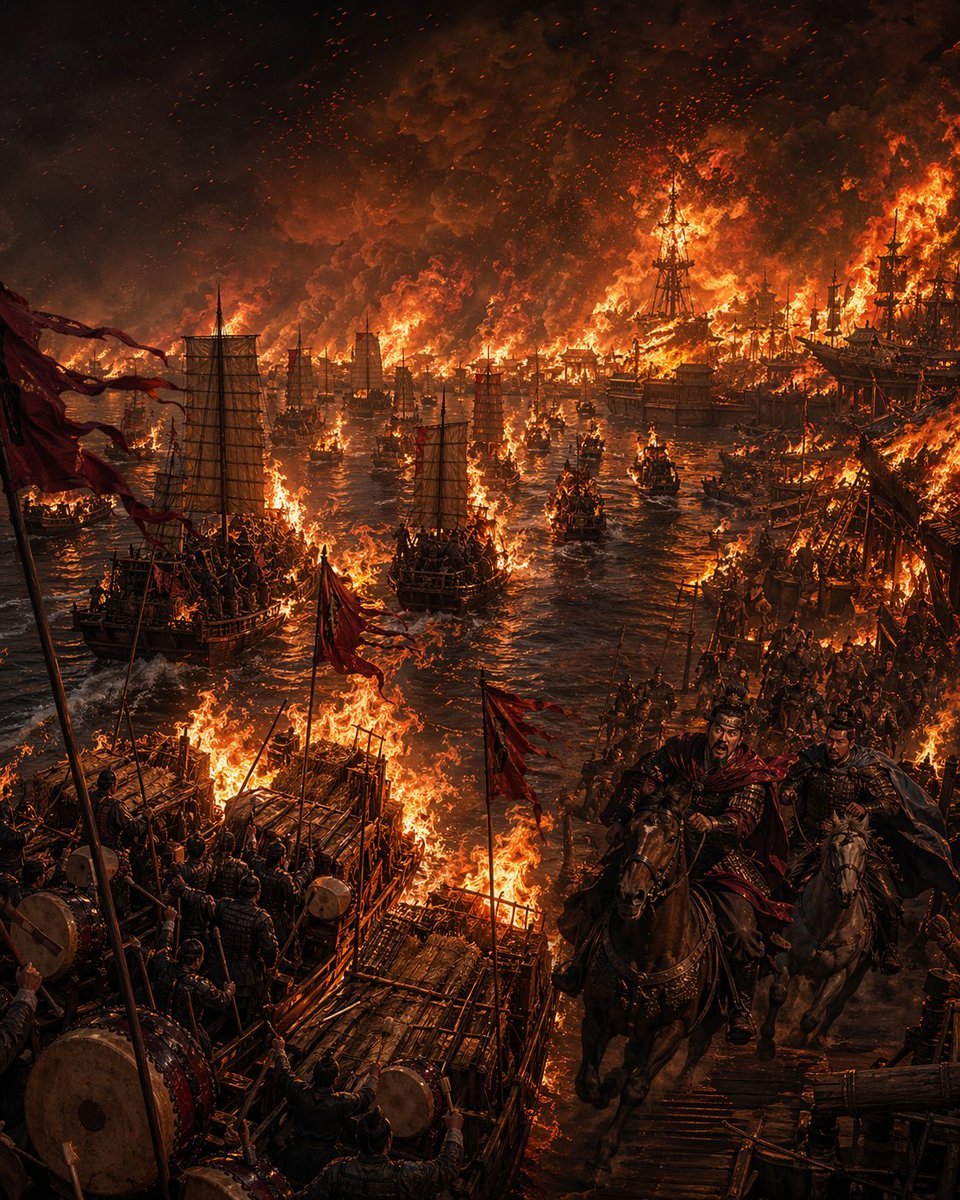
Burning Red Cliffs Night Battle
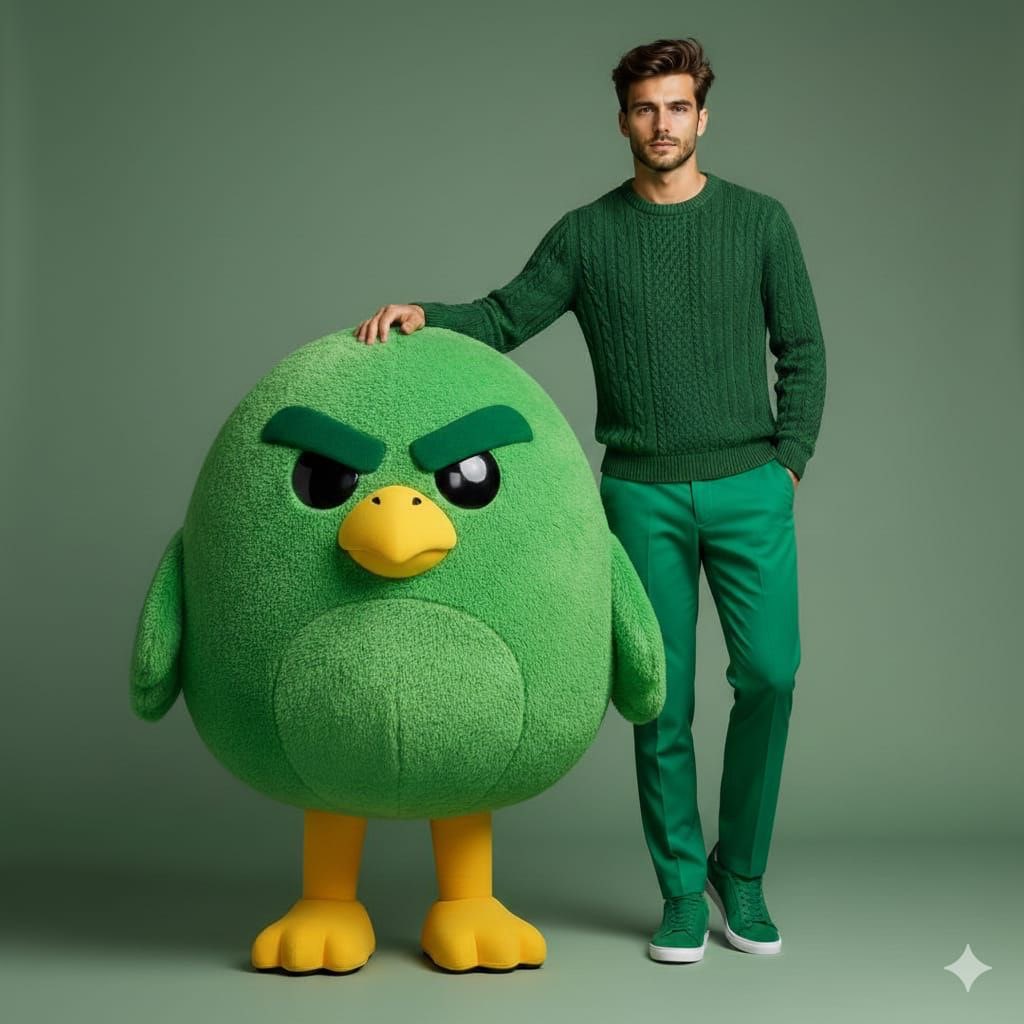
High-end fashion portrait with plush cartoon mascot
Browse template categories
Twin Deity Anime Calligraphy Art questions
How do I use the Twin Deity Anime Calligraphy Art template?
Add your photo if the template asks for one, edit the prompt if you like — the template's model and format are already selected — and press Generate. Your version opens in PicX Studio.
Can I customize the Twin Deity Anime Calligraphy Art template?
Yes. You can change the subject, setting, lighting, mood, format, and available model controls before creating your image.
Is the Twin Deity Anime Calligraphy Art template free?
Opening and editing this template is free. Generating uses credits, shown on the Generate button when you are signed in.
Which AI model should I use?
Start with GPT Image 2, which is the model associated with this template. You can compare another compatible model for a different finish.
Looking for something else? Browse all templates.

Your photo, any look
Thousands of ready templates for every top image and video model, from one credit balance.