
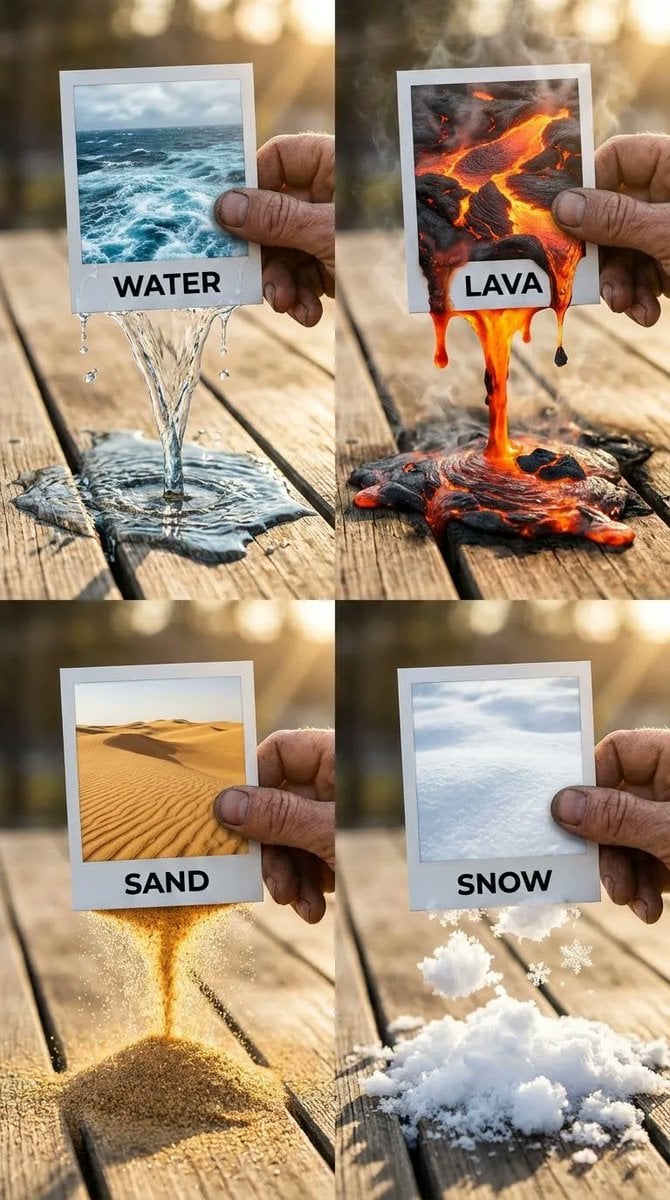
Elemental Physics Spill Collage Prompt
A complex, structured prompt for generating a 2x2 grid collage that visualizes elemental physics simulations (Water, Lava, Sand, Snow) spilling out of 2D photographs and interacting realistically with a 3D wooden…
- Prompt included
- Model and format preset
- Free template
The prompt behind this image
Copy the exact prompt behind Elemental Physics Spill Collage Prompt, or open it in the studio and make it yours.
{ "panels": { "top_left": { "element": "WATER", "visuals": { "text_label": "WATER", "spill_effect": { "details": "Caustics, refraction of light through the clear stream, wet darkening effect on the wood, small splashing droplets", "physics": "Fluid dynamics, low viscosity liquid pouring", "interaction": "Water breaching the bottom paper edge, forming a continuous stream", "surface_contact": "Creating a spreading puddle on the wood, surface tension visible at edges" }, "photo_content": "Turbulent blue ocean surface with white foam" } }, "top_right": { "element": "LAVA", "visuals": { "text_label": "LAVA", "spill_effect": { "details": "Smoke and steam wisps rising (volumetric effects), incandescence, heat haze distortion, charred edges where lava meets wood, black solidifying rock floating in the liquid magma", "physics": "High viscosity fluid simulation, thick and gooey", "interaction": "Molten rock dripping heavily from the frame", "surface_contact": "Pooling on the table, glowing intense orange/red" }, "photo_content": "Molten magma with cooling black crust" } }, "bottom_left": { "element": "SAND", "visuals": { "text_label": "SAND", "spill_effect": { "details": "Individual grains visible in macro focus, golden light catching facets of the sand, dust particles in the air, seamless transition from the 2D dune image to the 3D falling stream", "physics": "Granular particle simulation, dry flow", "interaction": "Sand pouring like an hourglass from the photo edge", "surface_contact": "Forming a conical pile on the wooden surface" }, "photo_content": "Golden desert dunes with ripple textures" } }, "bottom_right": { "element": "SNOW", "visuals": { "text_label": "SNOW", "spill_effect": { "details": "Crystalline structure of snowflakes, glistening highlights, high contrast between the cold white snow and the warm brown wood, soft diffused shadows, texture of packed powder versus loose flakes", "physics": "Soft body powder simulation, clumping snow", "interaction": "Tumbling snow clumps falling from the frame", "surface_contact": "Accumulating in a fluffy mound on the table" }, "photo_content": "Pristine white snow field, soft texture" } } }, "composition": { "type": "2x2 Grid Collage", "aspect_ratio": "1:1 square", "overall_theme": "Surreal transition between 2D photography and 3D reality, featuring elemental physics simulations spilling from Polaroid frames.", "camera_settings": { "lighting": "Golden hour natural sunlight, warm backlighting causing rim light on the hands and elements", "perspective": "Clos"
How to use Elemental Physics Spill Collage Prompt in 3 steps
- 1Upload ImagePNG, JPG or paste
Add your photo
Upload the photo the template builds on. The prompt, model and format are already set.
- 2…a portrait of your subject in softgolden-hour light, 85mm…
Personalize
Edit the subject and creative details for your destination.
- 3Generate
Generate
Press Generate — your image is created in PicX Studio, so you can compare it with the original and refine one variable at a time.
More like this
Templates with the same subject, style or setup. Open one to see its prompt.





Make it yours
Elemental Physics Spill Collage Prompt works as-is. These are the safest ways to change it without losing the look.
Change one field
Copy a single group, rewrite it, and generate again so you can see what that field is doing.
Keep the frame, change the subject
Hold the composition and light of Elemental Physics Spill Collage Prompt, then swap wardrobe, props or the person for a new take.
| If the result… | Why | Fix |
|---|---|---|
| The result drifts from the preview | Too many fields changed at once. | Reuse Elemental Physics Spill Collage Prompt as-is first, then change one group — subject, light, or setting. |
| The model over-stylizes the scene | The prose prompt leaves finish and camera underspecified. | Add one camera or lighting sentence and stay on Nano Banana 2. |
More Nano Banana 2 templates
Other prompts made for Nano Banana 2.

Photorealistic Leaf Shaped Like a Dragon

K-Pop Idol Portrait Grid for Rapid Selection

Poetic Rain Forest Portrait During Golden Hour

Urban Street Portrait with Cartoon Inner Self Duo

Candid Nighttime Photo with Cat Prompt

High-Concept 3D Diorama Generation Prompt

Cinematic Futuristic Studio Portrait Template

Skincare Editorial Photography Collage Prompt

Hyper-Realistic Commercial Product Photography (Splash Effect)

Hyper-Realistic Nightclub Portrait Prompt
More image prompts
Fresh picks from across the catalog.
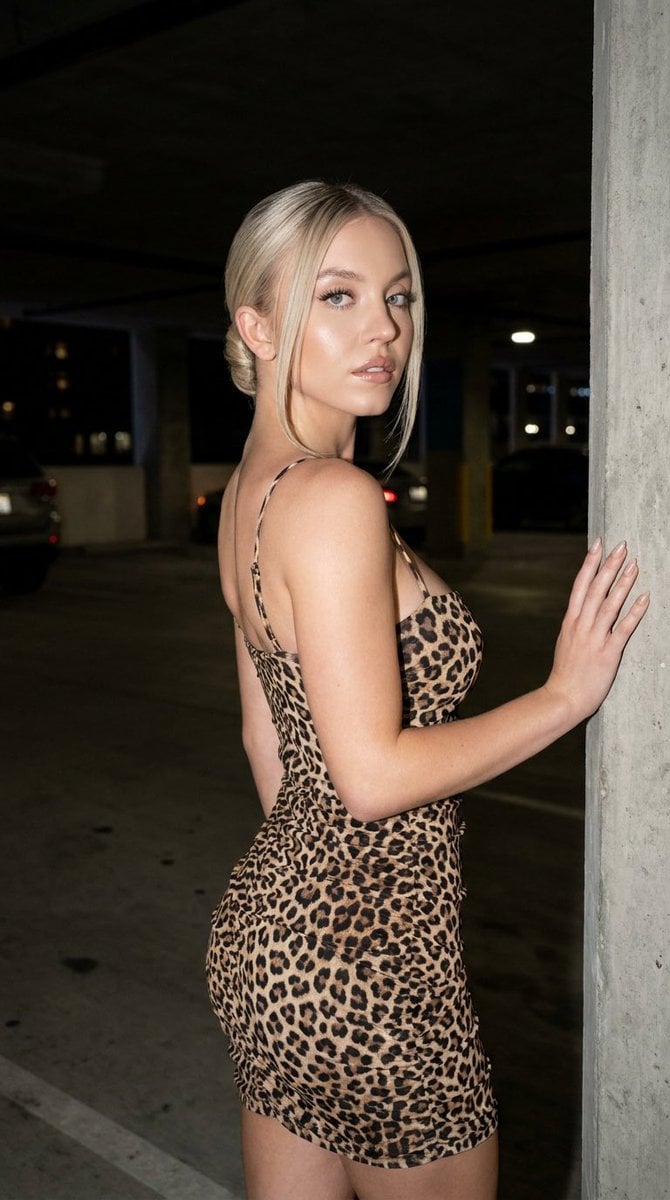
Fashion Editorial Parking Garage Portrait
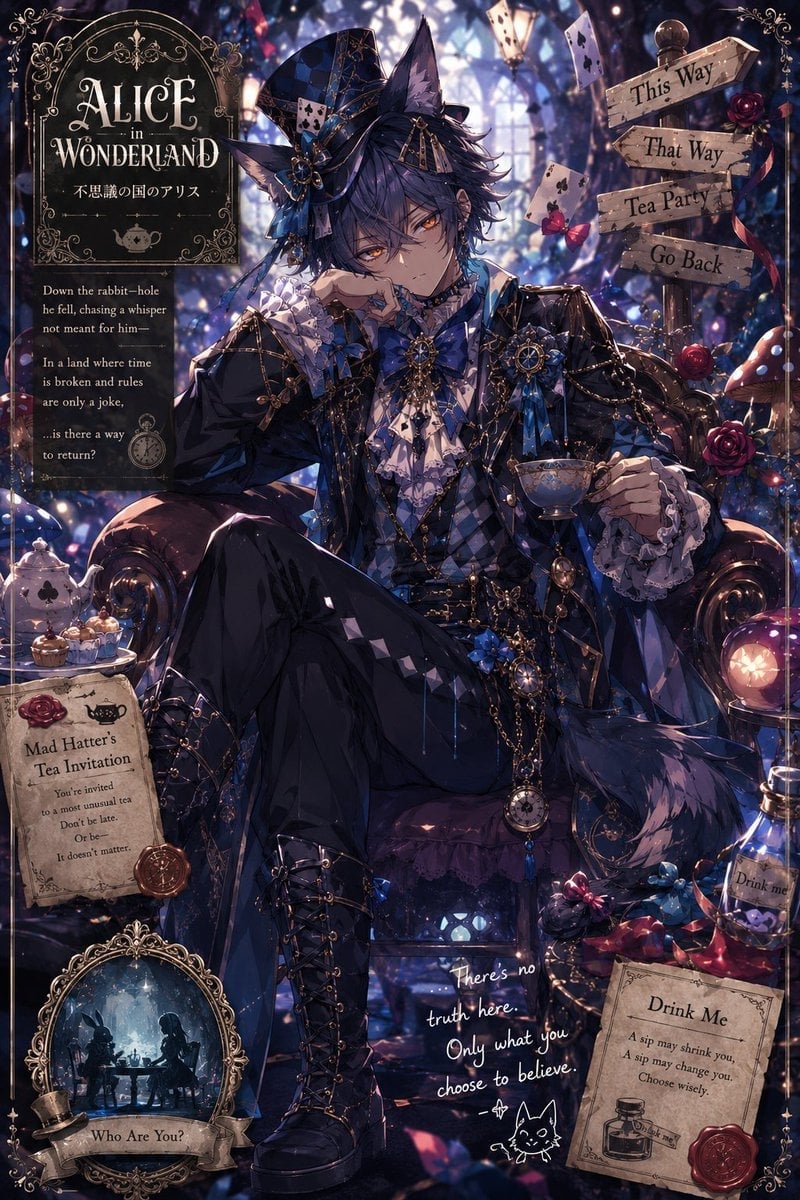
Gothic Alice Tea Party Poster
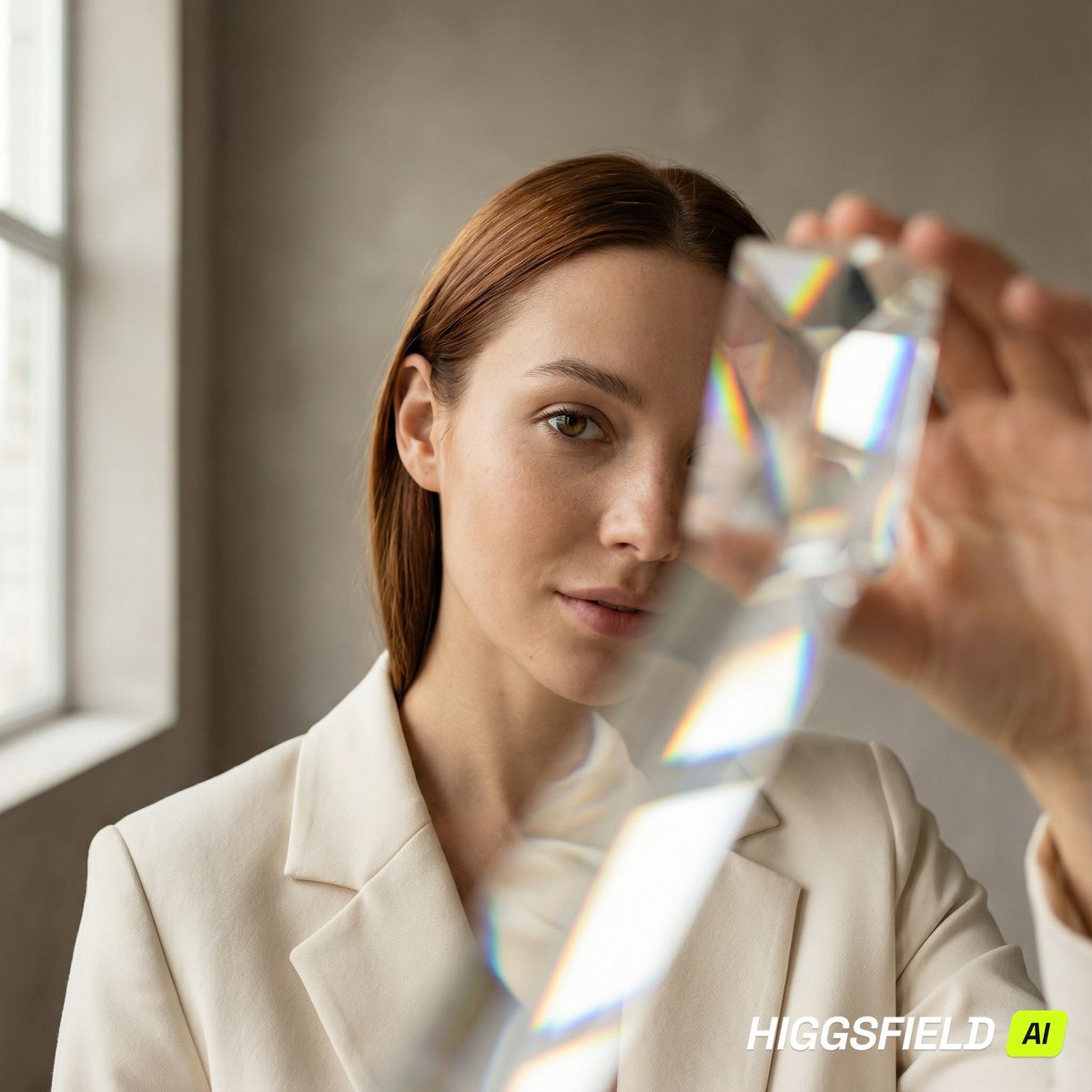
Prism Refraction Editorial Close-Up Prompt
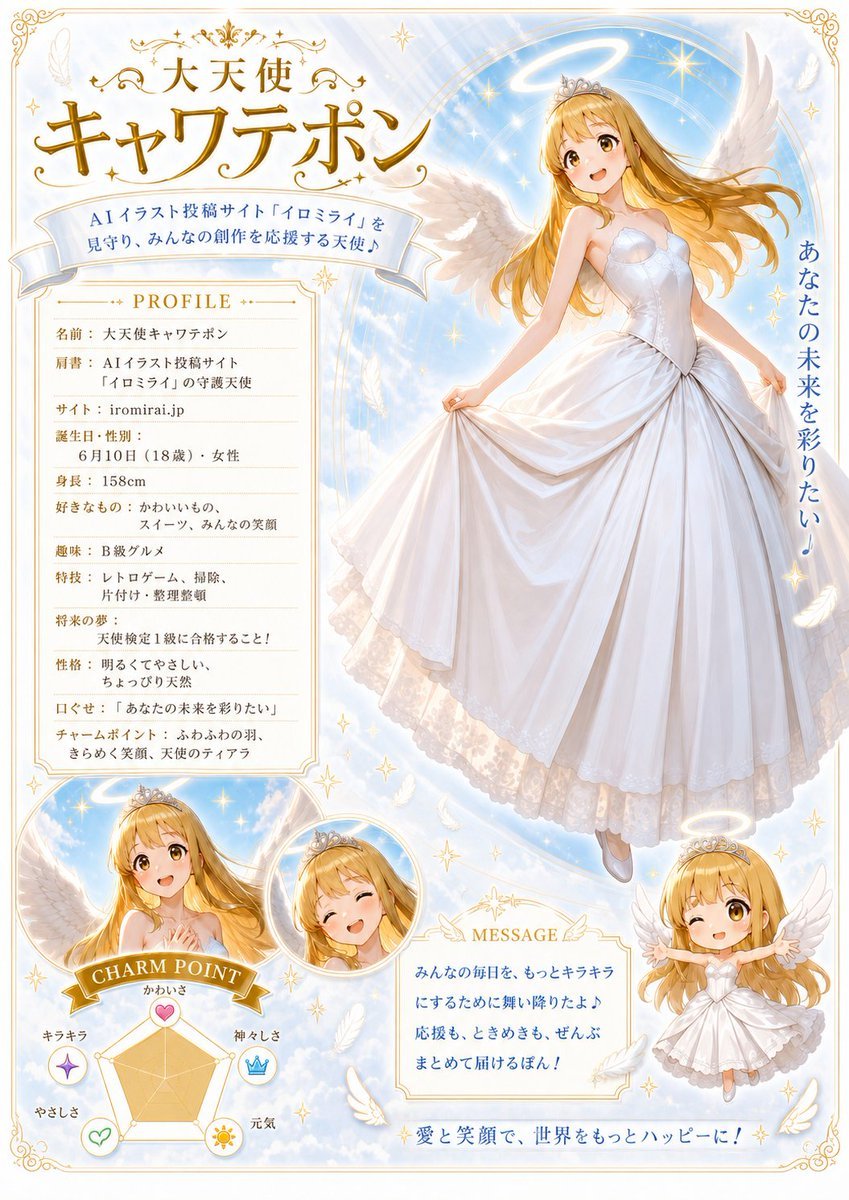
Celestial Angel Character Profile Poster

Mushi Tanka (Insect Haiku) Gravure Photo

Out the Window meme comic prompt
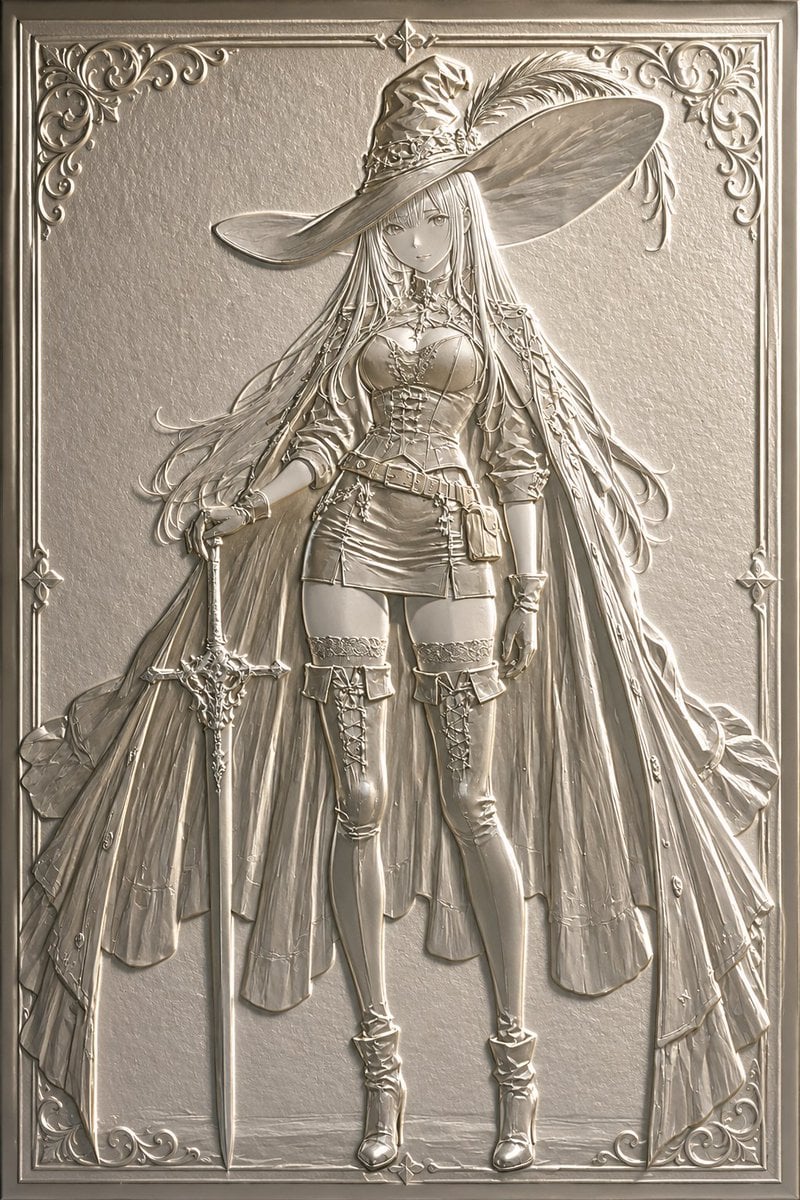
Embossed Luxury Card Relief Prompt
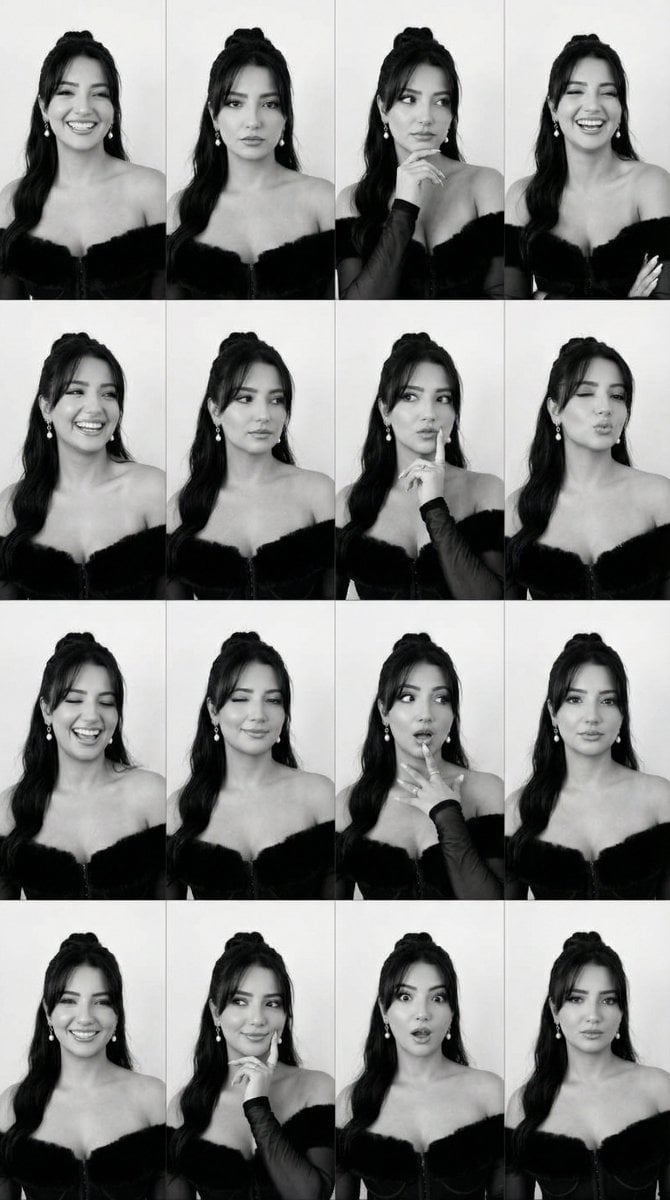
Identity Swap on Expression Grid (4x4)
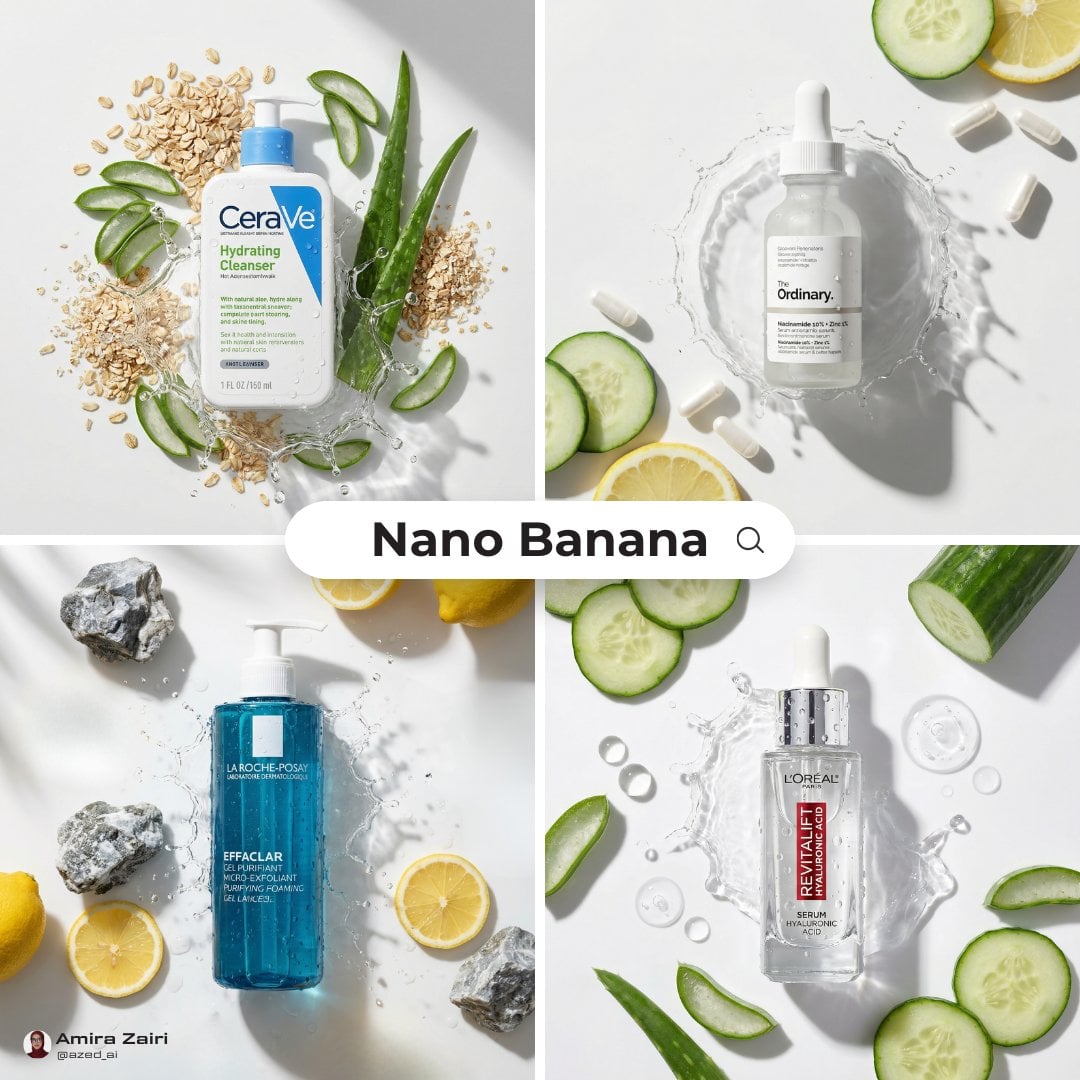
High-End Skincare Product Macro Photography Ad
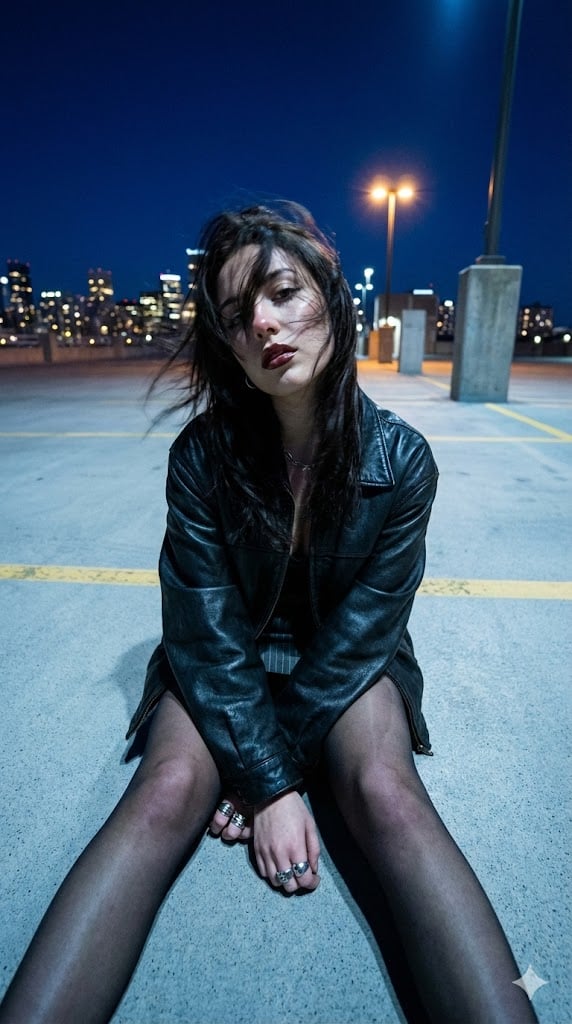
Structured Prompt for Urban Melancholia Portrait
Browse template categories
Elemental Physics Spill Collage Prompt questions
How do I use the Elemental Physics Spill Collage Prompt template?
Add your photo if the template asks for one, edit the prompt if you like — the template's model and format are already selected — and press Generate. Your version opens in PicX Studio.
Can I customize the Elemental Physics Spill Collage Prompt template?
Yes. You can change the subject, setting, lighting, mood, format, and available model controls before creating your image.
Is the Elemental Physics Spill Collage Prompt template free?
Opening and editing this template is free. Generating uses credits, shown on the Generate button when you are signed in.
Which AI model should I use?
Start with Nano Banana 2, which is the model associated with this template. You can compare another compatible model for a different finish.
Looking for something else? Browse all templates.

Your photo, any look
Thousands of ready templates for every top image and video model, from one credit balance.