
Out the Window meme comic prompt
A detailed prompt to generate a four-panel comic in the style of the 'Out the Window' meme, including character descriptions and panel content.
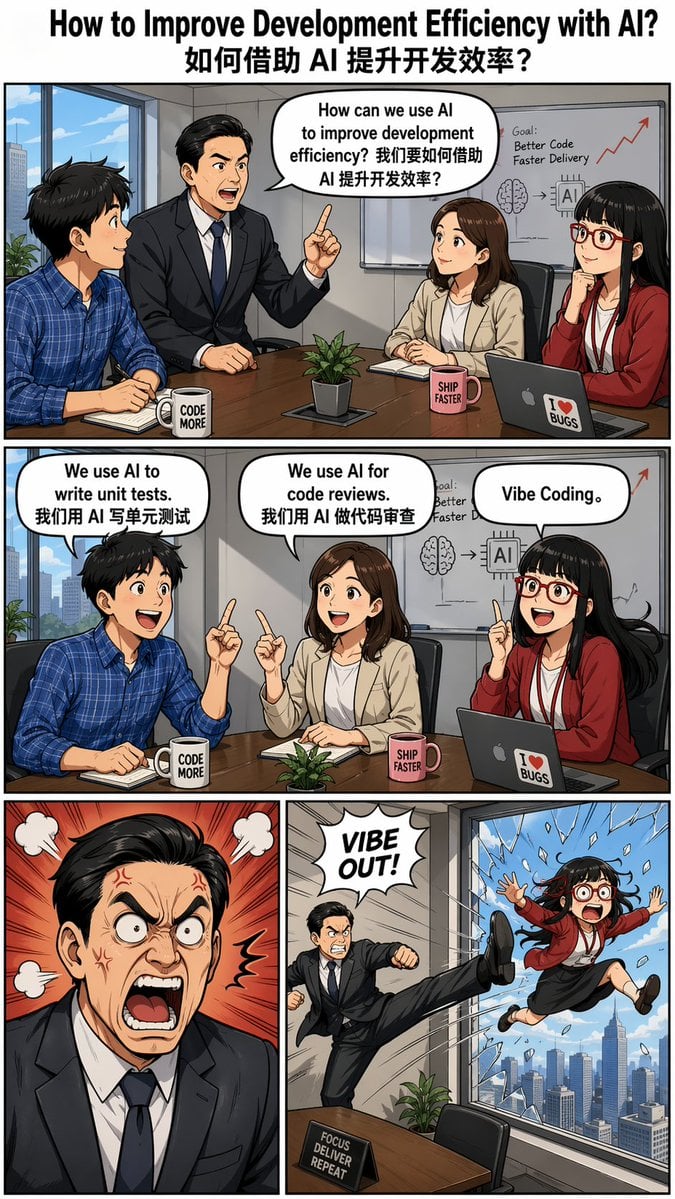
- Prompt included
- Model and format preset
- Free template
The prompt behind this image
Copy the exact prompt behind Out the Window meme comic prompt, or open it in the studio and make it yours.
Create an "{argument name="meme style" default="Out the Window"}" meme-style four-panel comic titled "{argument name="title" default="How to Improve Development Efficiency with AI? 如何借助 AI 提升开发效率?"}", featuring dialogues in speech bubbles. --ar 9:16 Characters: - Boss: Asian male wearing a suit, with neatly parted hair. - Employee Xiaoming: Male, wearing a blue checkered shirt. - Employee Xiaohong: Female. - Employee Xiaohu: Female, Asian, straight bangs hairstyle, wearing red-framed glasses. Panel Descriptions: - Top panel (single wide panel): The boss asks during a meeting: "How can we use AI to improve development efficiency? 我们要如何借助 AI 提升开发效率?" Three employees sit listening. - Second panel (single wide panel): Each employee responds individually: - Xiaoming: "We use AI to write unit tests. 我们用 AI 写单元测试" - Xiaohong: "We use AI for code reviews. 我们用 AI 做代码审查" - Xiaohu: “Vibe Coding。” - Third row (two panels): - Left panel: The boss looks furious. - Right panel: Employee Xiaohu is humorously kicked out of a high-rise window.
How to use Out the Window meme comic prompt in 3 steps
- 1
Open
The prompt is already in the box next to the preview, with the template's model and format selected.
- 2…a portrait of your subject in softgolden-hour light, 85mm…
Personalize
Edit the subject and creative details for your destination.
- 3Generate
Generate
Press Generate — your image is created in PicX Studio, so you can compare it with the original and refine one variable at a time.
More like this
Templates with the same subject, style or setup. Open one to see its prompt.

Rainy Café Window Moody Portrait

Pop Art Superhero Explosion Poster

Hero Portrait Comic Multi-Panel Poster

Spider-Man Noir Detective Rain Alley

Minecraft You Died Winter Death Screen
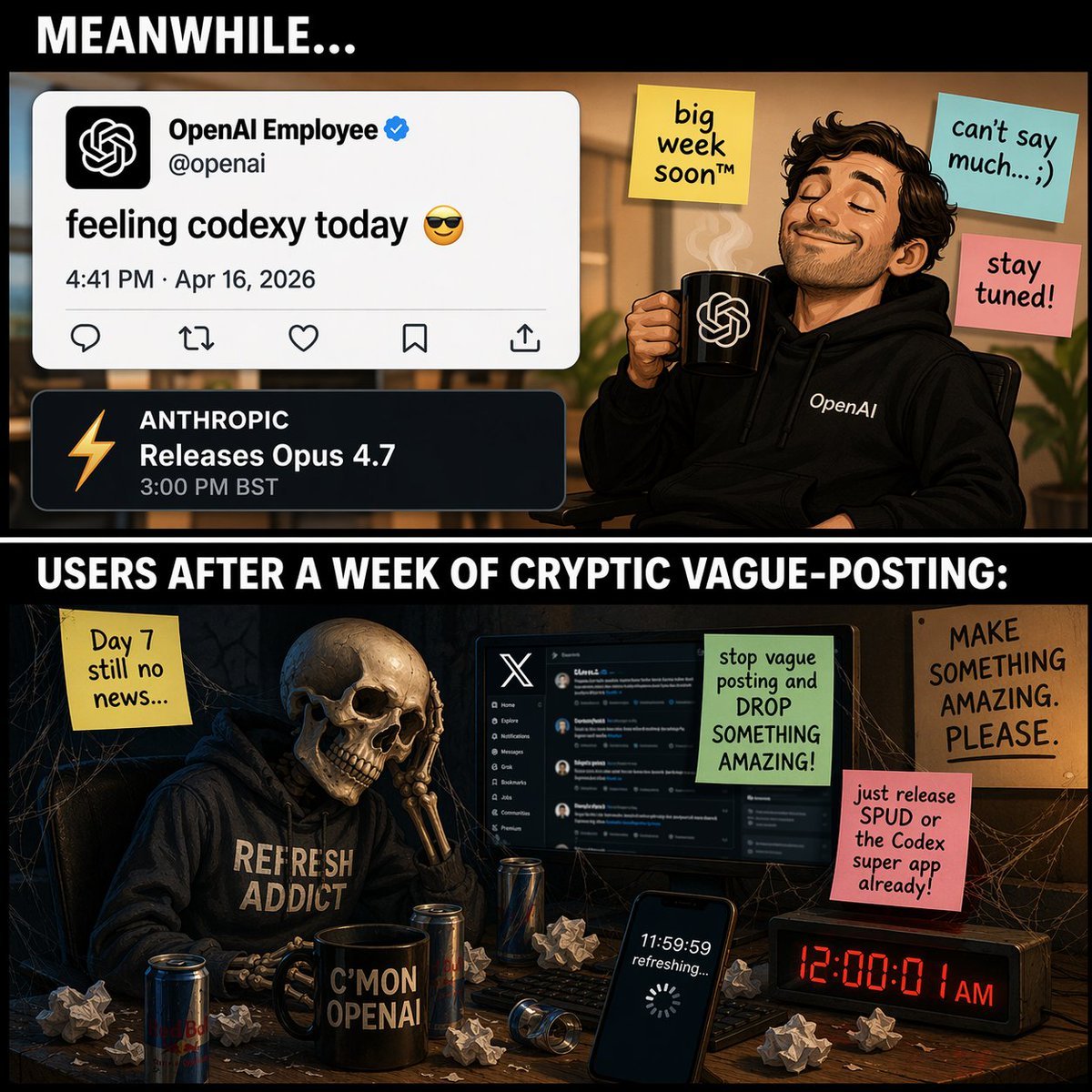
Two-Panel Tech Meme Comic

Gpt2 E Commerce Main Image 9 Panel Product Tvc Storyboard
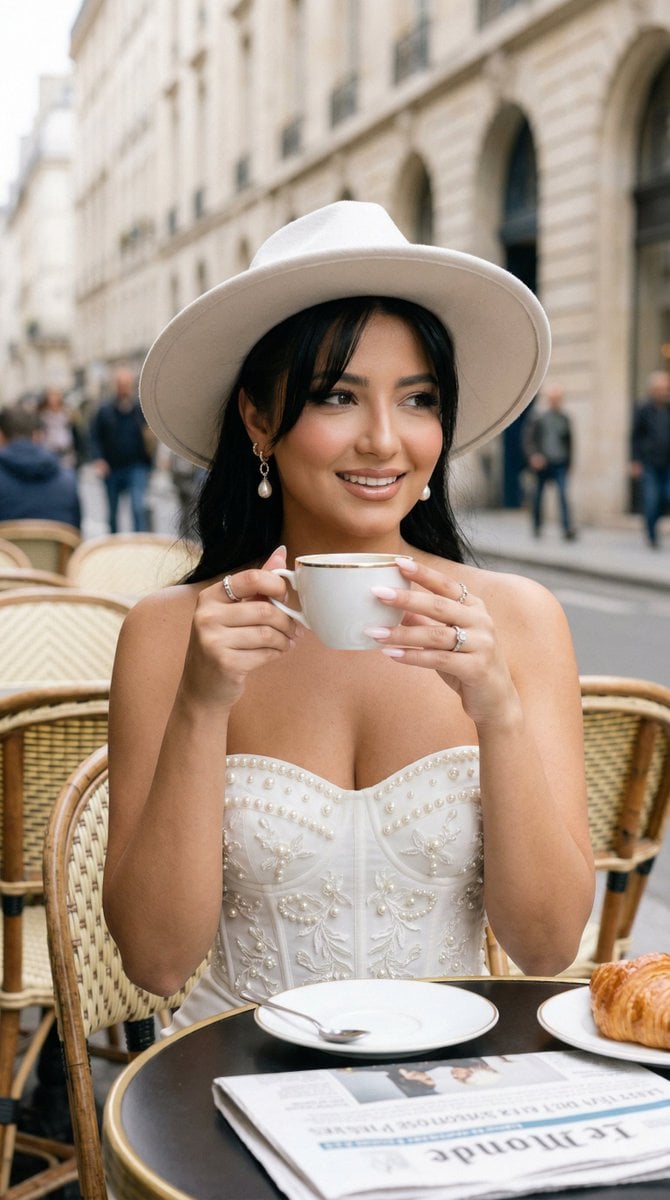
Nano Banana - Window Wine Red Dress

LIGHTING each element still lit by its original source, windows casting
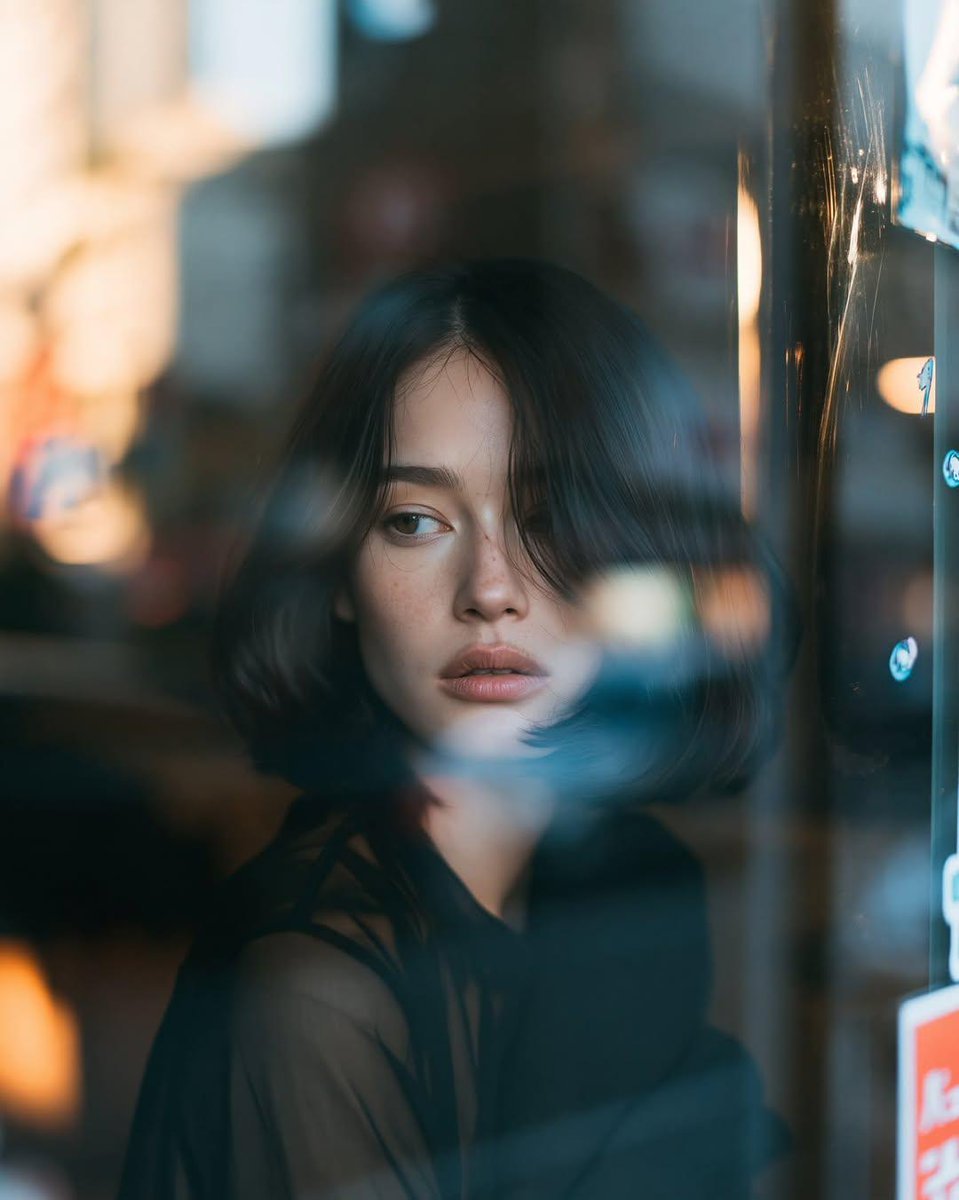
Reflective Urban Cafe Window Portrait
Melancholic Pre-dawn Window Portrait
AI Dragon Multiverse Meme
Make it yours
Out the Window meme comic prompt works as-is. These are the safest ways to change it without losing the look.
Change one field
Copy a single group, rewrite it, and generate again so you can see what that field is doing.
Keep the frame, change the subject
Hold the composition and light of Out the Window meme comic prompt, then swap wardrobe, props or the person for a new take.
| If the result… | Why | Fix |
|---|---|---|
| The result drifts from the preview | Too many fields changed at once. | Reuse Out the Window meme comic prompt as-is first, then change one group — subject, light, or setting. |
| The model over-stylizes the scene | The prose prompt leaves finish and camera underspecified. | Add one camera or lighting sentence and stay on GPT Image 2. |
More GPT Image 2 templates
Other prompts made for GPT Image 2.

Six VTuber Japanese Logo Sheet

Realistic Portrait of Woman and Deer

The Vista Modular Condo Poster

AI Model Routing Comparison Infographic

2.5D Anime Art Board

Isometric Productivity Desk Scene

New York Double Exposure Poster

Four-Panel AI Landscape Comparison

Japanese Tatami Lifestyle Magazine Cover

NESCAFÉ Coffee Map Poster
More image prompts
Fresh picks from across the catalog.
Ultra-realistic Indian Bridal Portrait Collage
Asimov Visionary Split-Scene Concept Art Prompt
Messy Kitchen Mirror Selfie
Whimsical Programmer Almanac Infographic
Add dialogue to a manga based on its content
Hokusai Style Woodblock Print Generation
Japanese Earth Day Anime Poster
Luxury Lifestyle Editorial Portrait
Sunset Classroom Drama Manga Page
VTuber and Street Style Logo Prompt for Gemini (Nano Banana)
Browse template categories
Out the Window meme comic prompt questions
How do I use the Out the Window meme comic prompt template?
Add your photo if the template asks for one, edit the prompt if you like — the template's model and format are already selected — and press Generate. Your version opens in PicX Studio.
Can I customize the Out the Window meme comic prompt template?
Yes. You can change the subject, setting, lighting, mood, format, and available model controls before creating your image.
Is the Out the Window meme comic prompt template free?
Opening and editing this template is free. Generating uses credits, shown on the Generate button when you are signed in.
Which AI model should I use?
Start with GPT Image 2, which is the model associated with this template. You can compare another compatible model for a different finish.
Looking for something else? Browse all templates.

Your photo, any look
Thousands of ready templates for every top image and video model, from one credit balance.