
Melancholic Pre-dawn Window Portrait
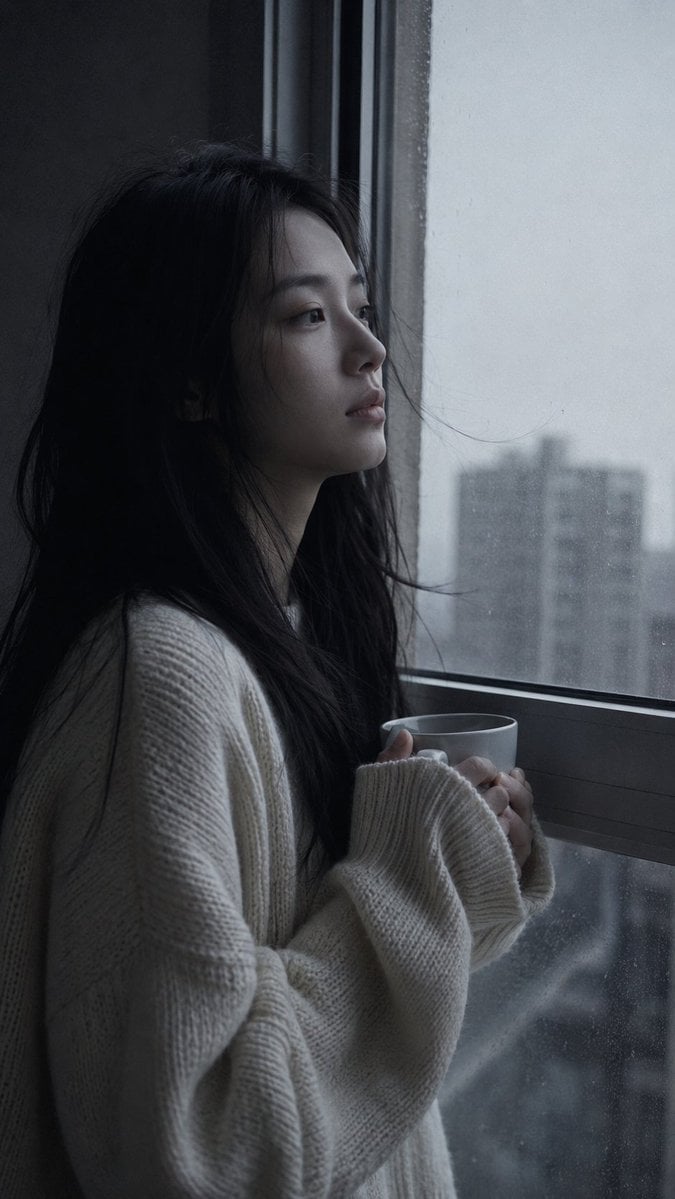
A cinematic and moody photography prompt capturing a quiet, atmospheric moment of a young woman at an apartment window during the cold grey light of dawn.
- Prompt included
- Model and format preset
- Free template
The prompt behind this image
Copy the exact prompt behind Melancholic Pre-dawn Window Portrait, or open it in the studio and make it yours.
Medium close-up portrait, 85mm f/1.8, a {argument name="subject" default="young East Asian woman in her early 20s"} stands at the apartment window in pre-dawn light, holding a {argument name="object" default="cup of something warm"} with both hands, not drinking, looking out at the grey sky beginning to pale, authentic daily life photography, natural candid moment. Almond-shaped eyes aimed outward at the sky — not searching, just witnessing. Face with a settled blankness, past the night's weight. Straight black hair loose, unstyled from the night, some pieces resting against the glass. Fair skin under pre-dawn cold grey light, all warmth drained from the palette. Subsurface scattering visible in the flat cool light, skin tone pale and slightly grey-cool. She wears an {argument name="clothing" default="oversized cream knit sweater"} over whatever she has on, sleeves loose over hands holding the cup. Window condensation faint on glass. City buildings in grey pre-dawn visible outside, no color, shapes only. One or two stray hairs resting on the glass or drifting free. Pre-dawn cold grey light from window — no warmth, no color, just the light that comes before light. Palette: pale grey-white outside, cool blue-grey interior shadow, cream sweater the only warm element — even it appears desaturated. Morandi pre-dawn palette at its most drained. Subtle ISO 400 film grain in mid- tones and shadow, photographic texture not CG render smoothness. Aspect ratio 9:16. No watermark, no text overlay, not cartoon, not digitally painted, not illustration, not anime.
How to use Melancholic Pre-dawn Window Portrait in 3 steps
- 1
Open
The prompt is already in the box next to the preview, with the template's model and format selected.
- 2…a portrait of your subject in softgolden-hour light, 85mm…
Personalize
Edit the subject and creative details for your destination.
- 3Generate
Generate
Press Generate — your image is created in PicX Studio, so you can compare it with the original and refine one variable at a time.
More like this
Templates with the same subject, style or setup. Open one to see its prompt.

Rainy Café Window Moody Portrait

B&W Photobooth Expression Grid 4x4 — Nano Banana

Gen Z TikTok Viral Expression Grid 4x4 — Nano Banana
Melancholic Night Apartment Window Portrait

Found Photograph: Us, 1970

80s Couple Studio Portrait

80s Bollywood Star

80s Golden Hour Cinema

Me in 1985

1985 Studio Portrait
Pre-Dawn Futuristic Meadow

Hyper-Realistic Minecraft POV Portrait
Make it yours
Melancholic Pre-dawn Window Portrait works as-is. These are the safest ways to change it without losing the look.
Change one field
Copy a single group, rewrite it, and generate again so you can see what that field is doing.
Keep the frame, change the subject
Hold the composition and light of Melancholic Pre-dawn Window Portrait, then swap wardrobe, props or the person for a new take.
| If the result… | Why | Fix |
|---|---|---|
| The result drifts from the preview | Too many fields changed at once. | Reuse Melancholic Pre-dawn Window Portrait as-is first, then change one group — subject, light, or setting. |
| The model over-stylizes the scene | The prose prompt leaves finish and camera underspecified. | Add one camera or lighting sentence and stay on GPT Image 2. |
More GPT Image 2 templates
Other prompts made for GPT Image 2.

Six VTuber Japanese Logo Sheet

Realistic Portrait of Woman and Deer

The Vista Modular Condo Poster

AI Model Routing Comparison Infographic

2.5D Anime Art Board

Isometric Productivity Desk Scene

New York Double Exposure Poster

Four-Panel AI Landscape Comparison

Japanese Tatami Lifestyle Magazine Cover

NESCAFÉ Coffee Map Poster
More image prompts
Fresh picks from across the catalog.
05 Santa Monica Pier — California Series
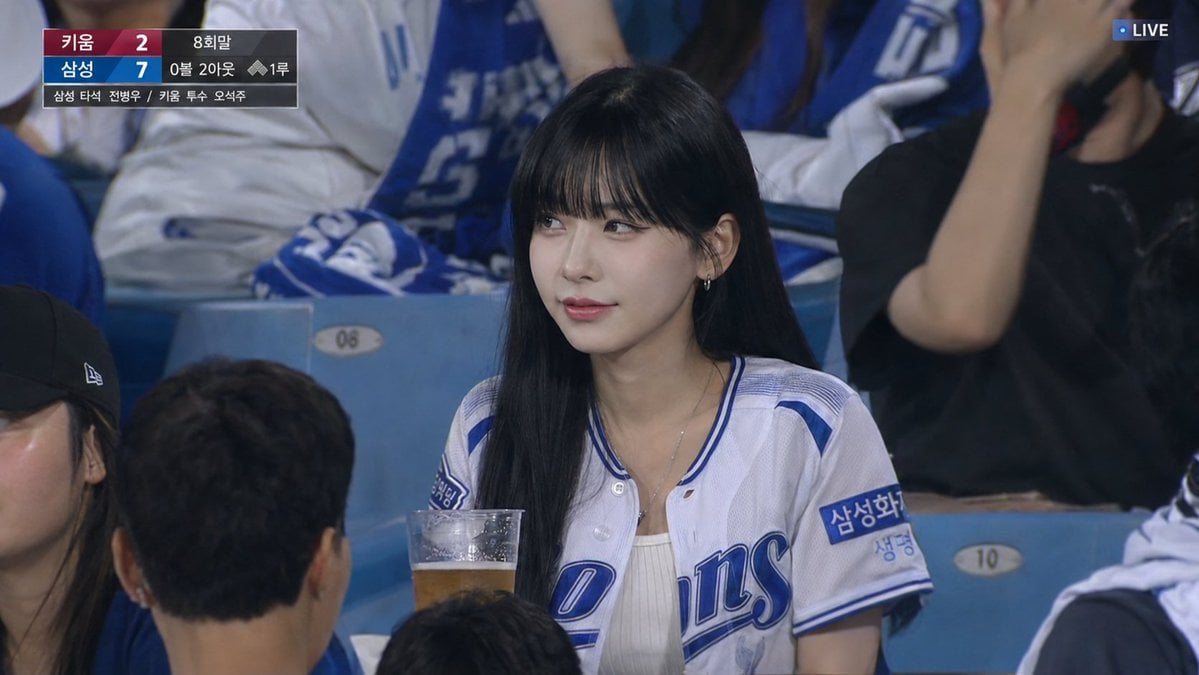
Korean Baseball Live TV Screenshot
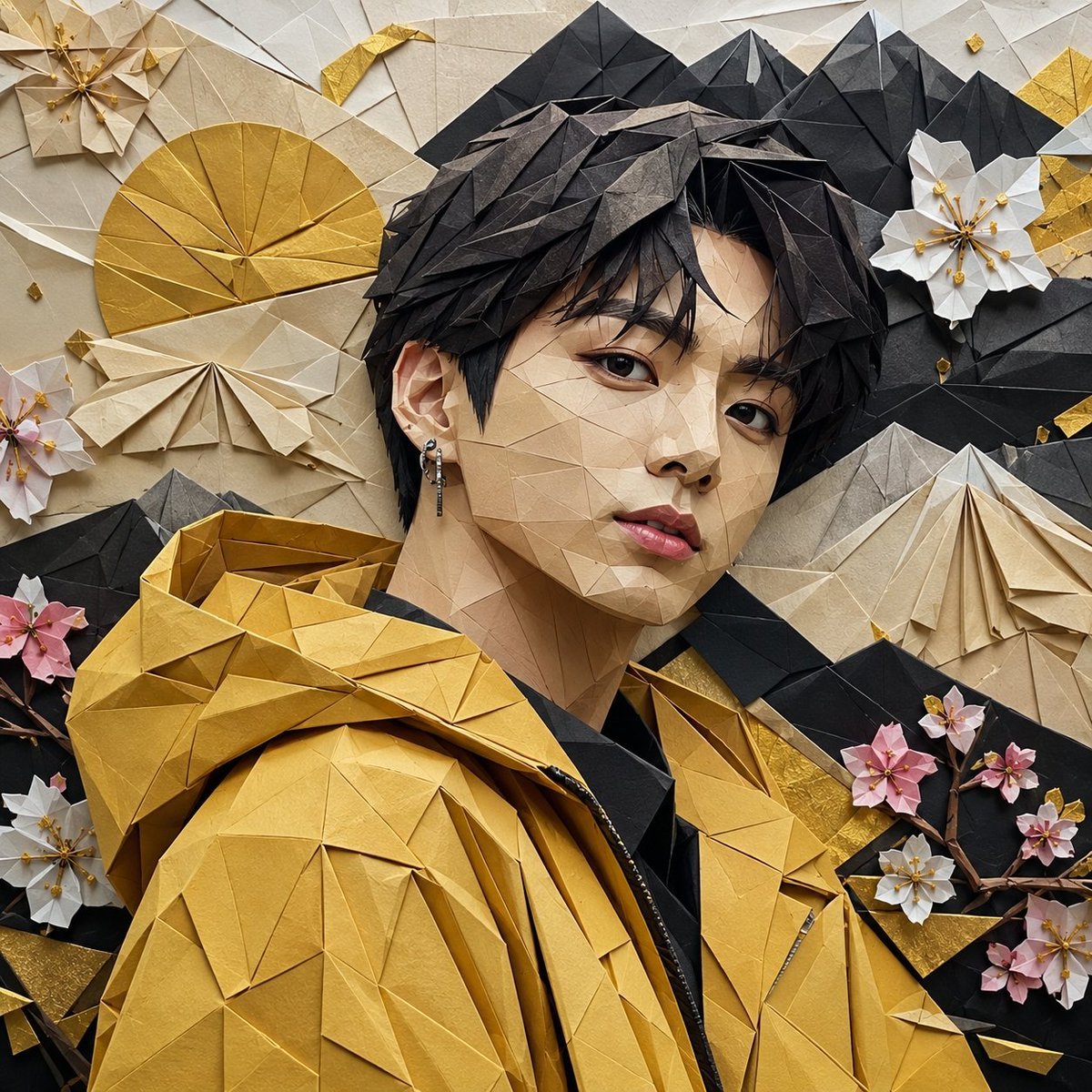
Origami K-Pop Idol Portrait
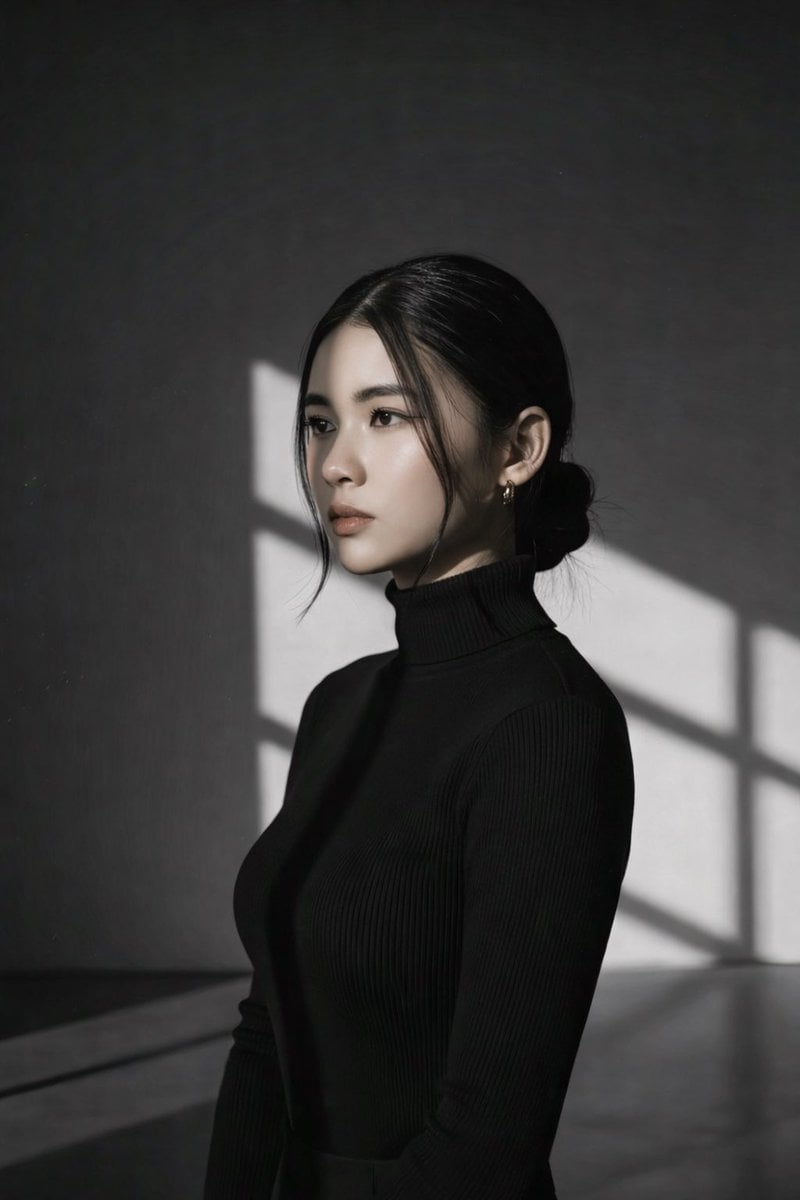
High Contrast Black and White Studio Portrait Prompt

Cyber AI Webinar Thumbnail
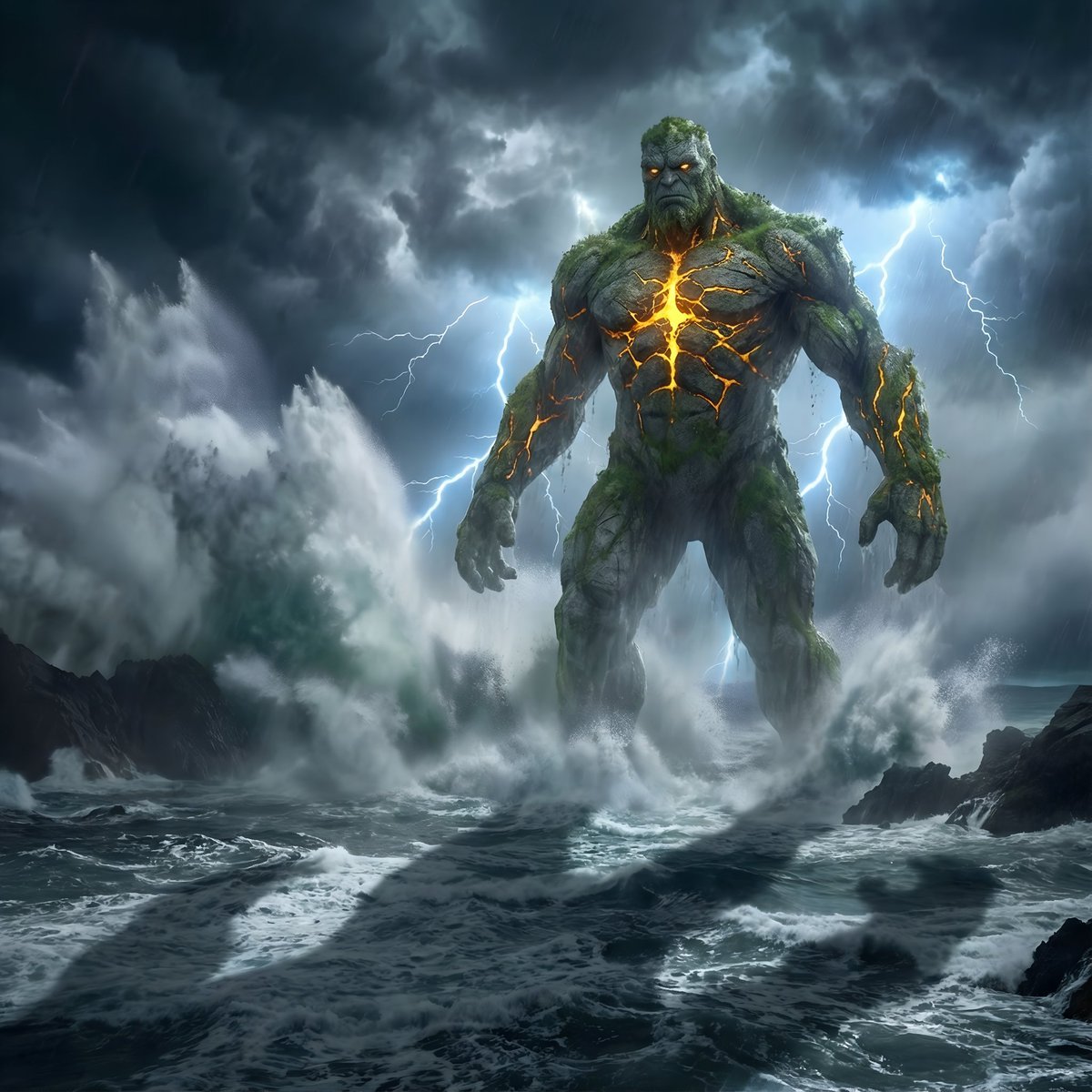
Colossal Stone Titan Rising from Ocean
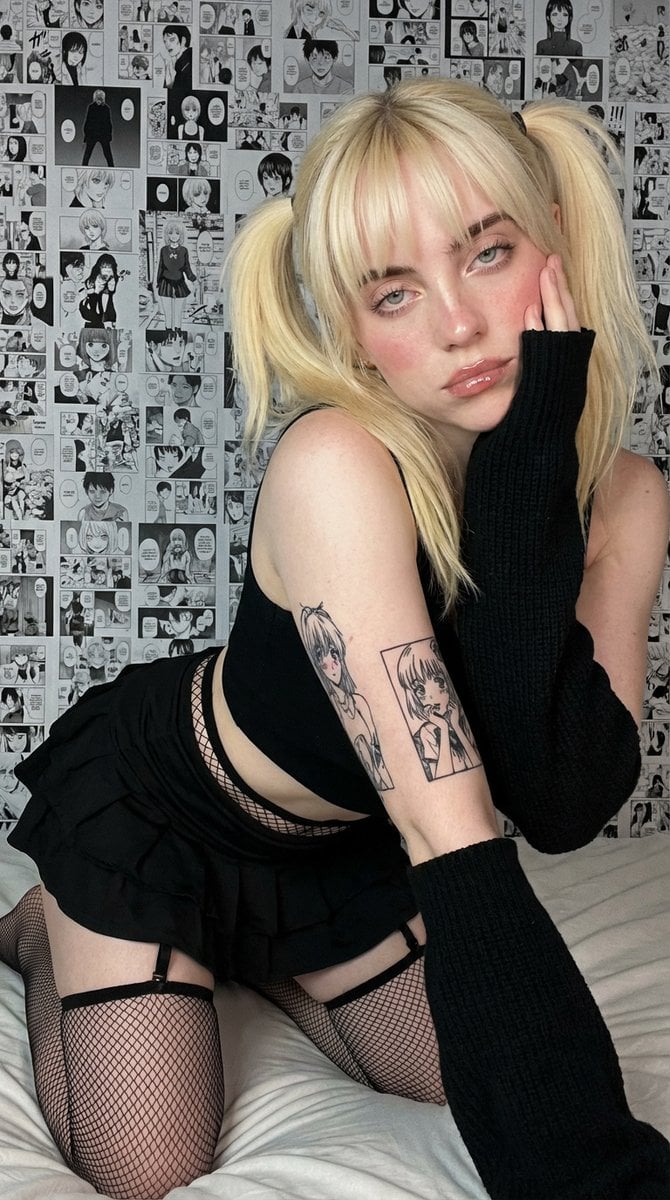
Anime-Inspired Manga Wall Portrait
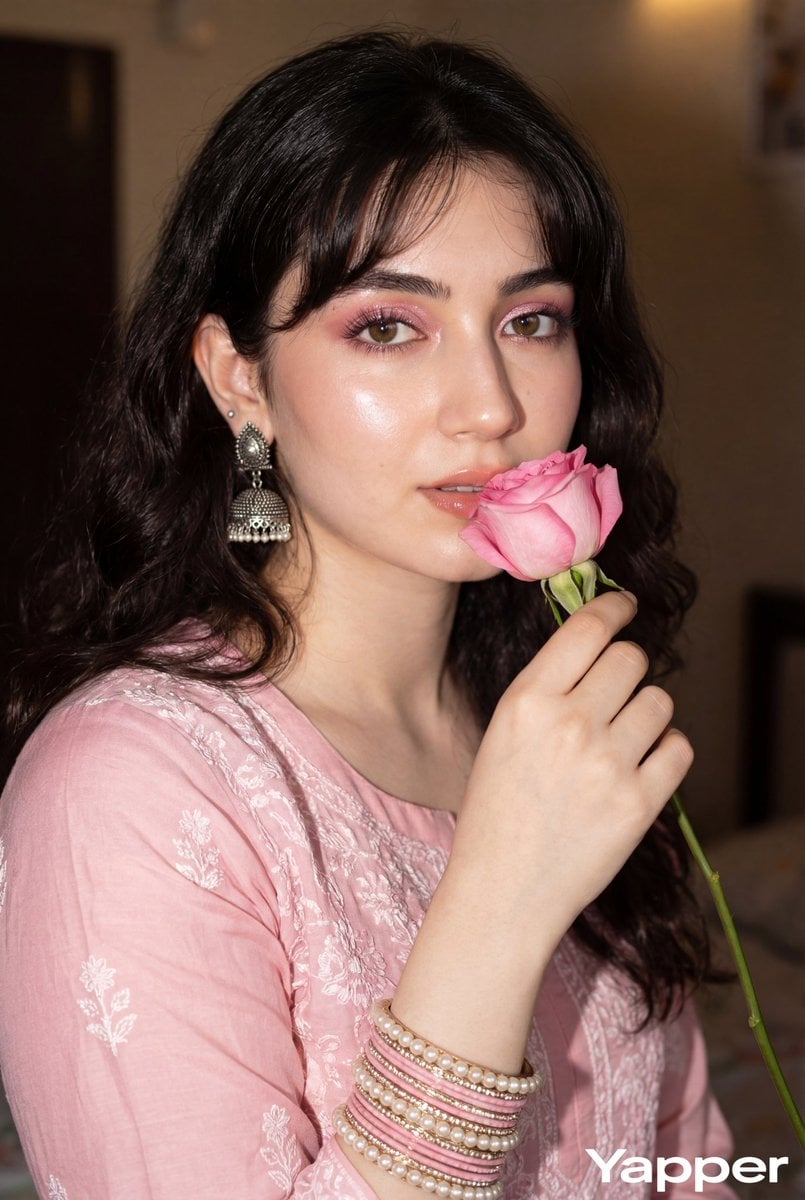
Glamorous Close-up Portrait with Traditional Outfit and Rose
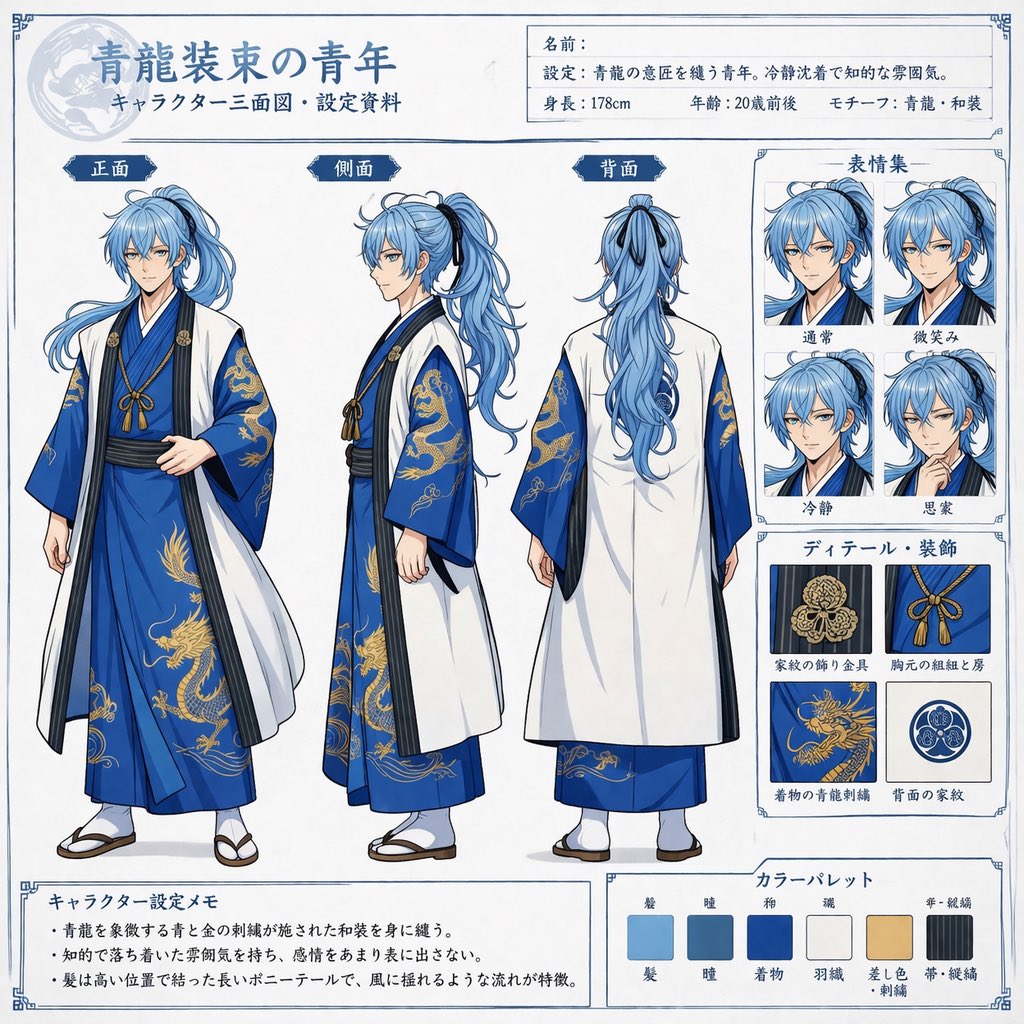
Comprehensive Anime Character Reference Sheet

Ultra-Realistic Commercial Food Photography Prompt (Biscuits)
Browse template categories
Melancholic Pre-dawn Window Portrait questions
How do I use the Melancholic Pre-dawn Window Portrait template?
Add your photo if the template asks for one, edit the prompt if you like — the template's model and format are already selected — and press Generate. Your version opens in PicX Studio.
Can I customize the Melancholic Pre-dawn Window Portrait template?
Yes. You can change the subject, setting, lighting, mood, format, and available model controls before creating your image.
Is the Melancholic Pre-dawn Window Portrait template free?
Opening and editing this template is free. Generating uses credits, shown on the Generate button when you are signed in.
Which AI model should I use?
Start with GPT Image 2, which is the model associated with this template. You can compare another compatible model for a different finish.
Looking for something else? Browse all templates.

Your photo, any look
Thousands of ready templates for every top image and video model, from one credit balance.