
Cyber AI Webinar Thumbnail
This prompt generates a bold Japanese cyber-style livestream thumbnail with electric typography, a mascot character, and three feature panels for tech talks, AI webinars, or promotional streams.
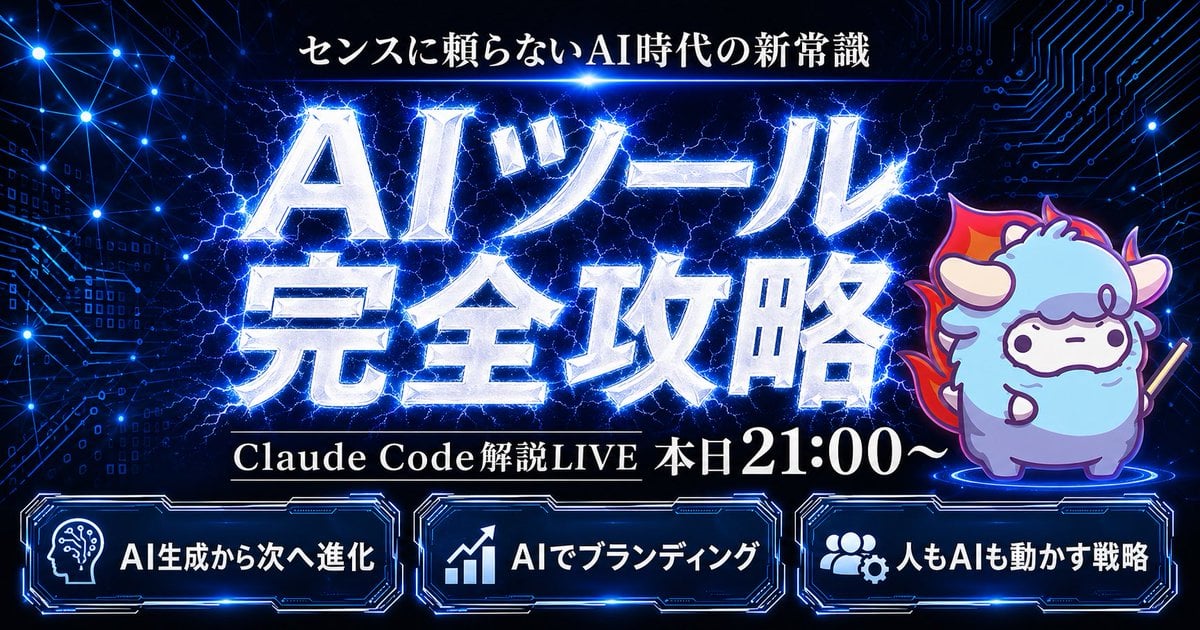
- Prompt included
- Model and format preset
- Premium template
The prompt behind this image
Copy the exact prompt behind Cyber AI Webinar Thumbnail, or open it in the studio and make it yours.
Create a flashy Japanese YouTube thumbnail in a dark futuristic cyber-tech style, 16:9 landscape composition, with a deep navy-to-black background filled with glowing blue circuit-board patterns, connected network nodes, tiny digital squares, and electric energy lines. At the top center, place a small white Japanese headline reading {argument name="headline text" default="センスに頼らないAI時代の新常識"}. In the center, add a massive 2-line Japanese title in metallic silver-white beveled lettering with intense neon-blue outer glow, electric lightning cracking behind and through the letters, reading {argument name="main title" default="AIツール 完全攻略"}. Beneath the main title, place one black horizontal banner with thin gold trim and white serif Japanese text reading {argument name="subheadline text" default="Claude Code 解説LIVE 本日21:00〜"}. On the right side, include 1 cute chibi sheep mascot standing on a glowing blue circular platform, with fluffy light blue and lavender fur, small horns, simple dot eyes, a neutral expression, outlined in purple-blue light, holding a short stick, and surrounded by a red-orange flame aura behind its body. Along the bottom, place 3 glowing futuristic rounded rectangular panels with blue neon borders and dark interiors, evenly spaced left to right. The left panel contains 1 white head-with-circuit icon and the Japanese text {argument name="bottom left label" default="AI生成から次へ進化"}. The center panel contains 1 white upward-trend chart icon and the text "AIでブランディング". The right panel contains 1 white group-and-gear icon and the text "人もAIも動かす戦略". Use extremely high contrast, glossy metallic text effects, layered blue rim lighting, energetic lightning, subtle lens glows, and a premium high-impact webinar thumbnail aesthetic.
How to use Cyber AI Webinar Thumbnail in 3 steps
- 1Upload ImagePNG, JPG or paste
Add your photo
Upload the photo the template builds on. The prompt, model and format are already set.
- 2…a portrait of your subject in softgolden-hour light, 85mm…
Personalize
Edit the subject and creative details for your destination.
- 3Generate
Generate
Press Generate — your image is created in PicX Studio, so you can compare it with the original and refine one variable at a time.
More like this
Templates with the same subject, style or setup. Open one to see its prompt.

Japanese AI Design Webinar Thumbnail

Cyber Samurai Empress Portrait
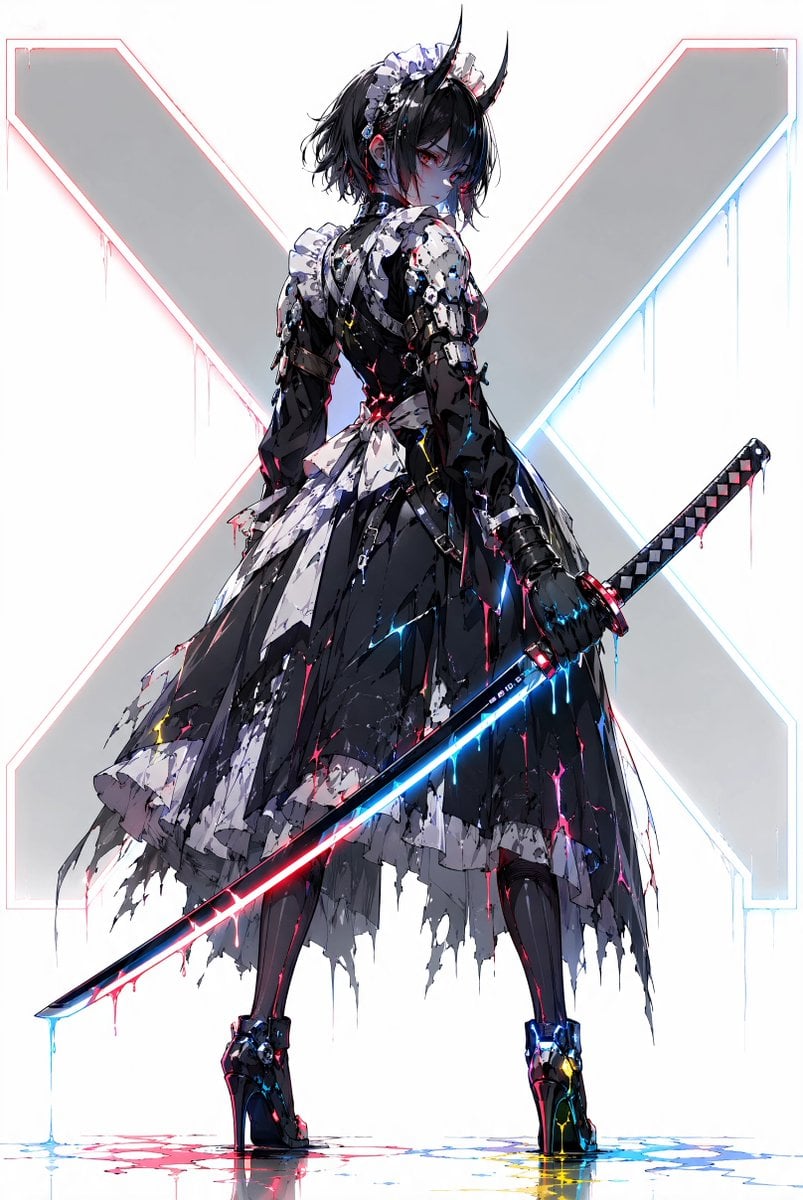
Cyber Demon Maid Katana
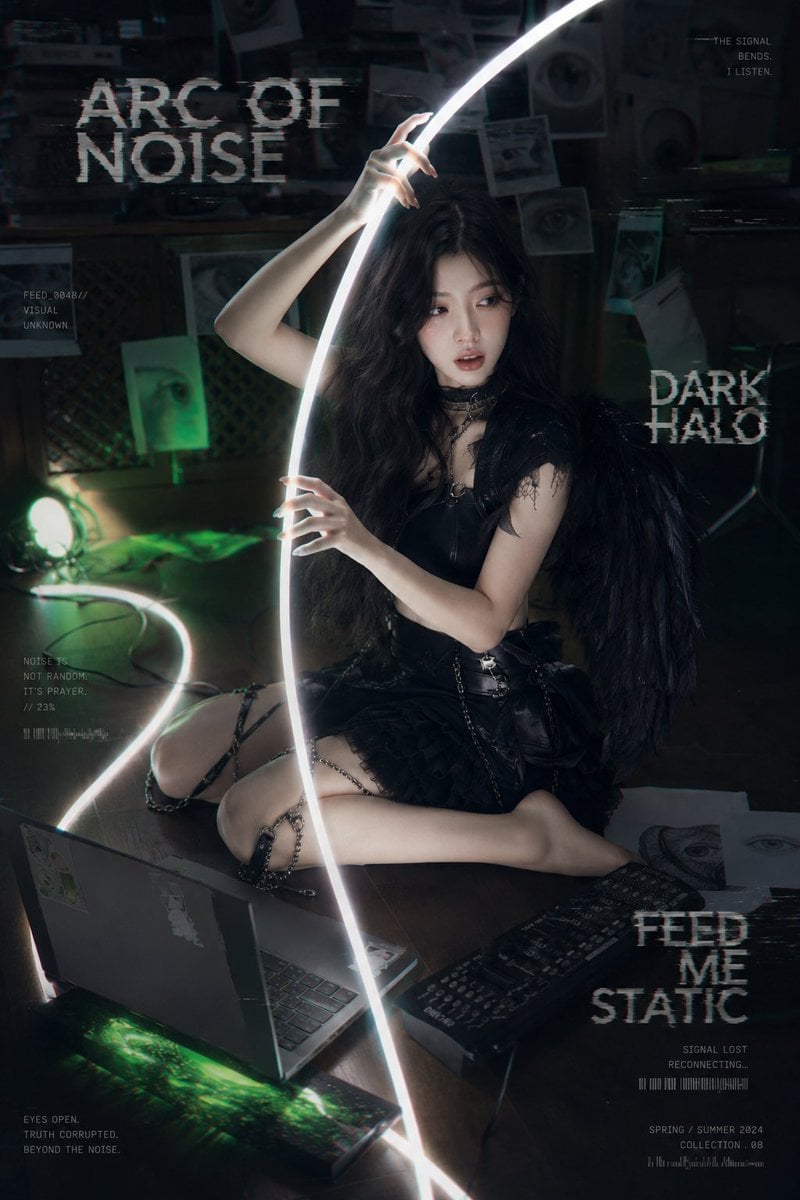
Dark Cyber-Goth Angel Poster
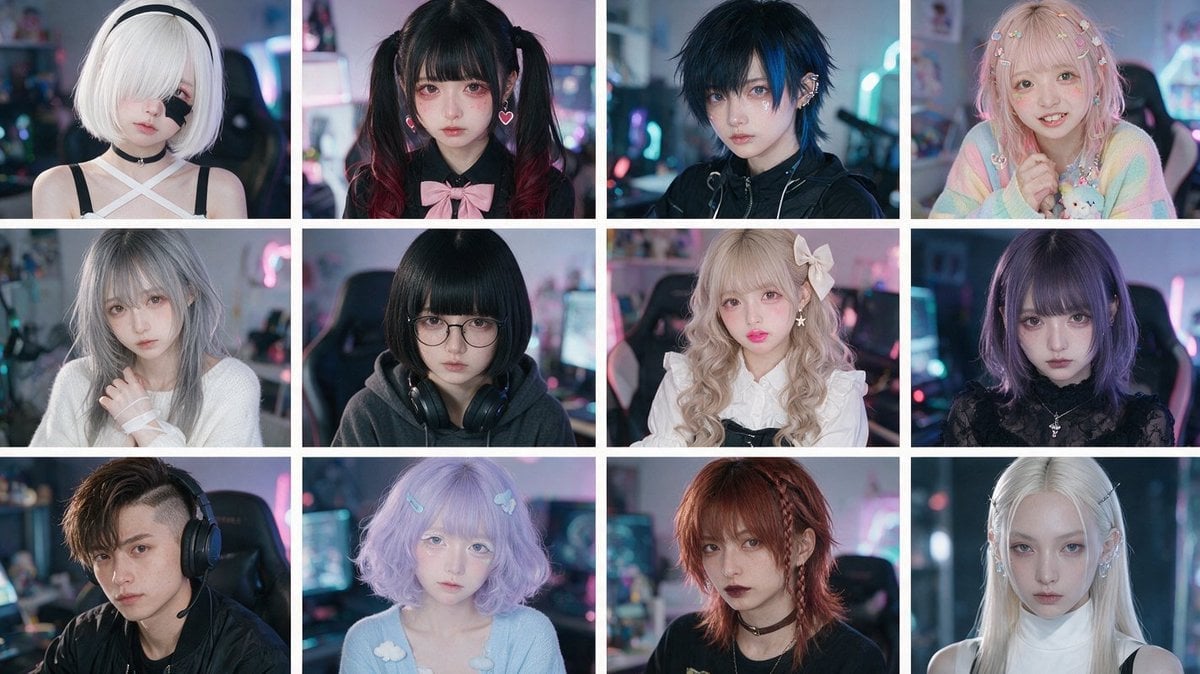
Cyber-Kawaii Influencer Portrait Grid
Cyber Ninja Character Sheet
Cyberpunk Samurai Character Sheet
Cyber Spiritualism Digital Monk
Cyberwave Pop-Art Illustration

Cyber Renaissance Cyborg Aristocrat
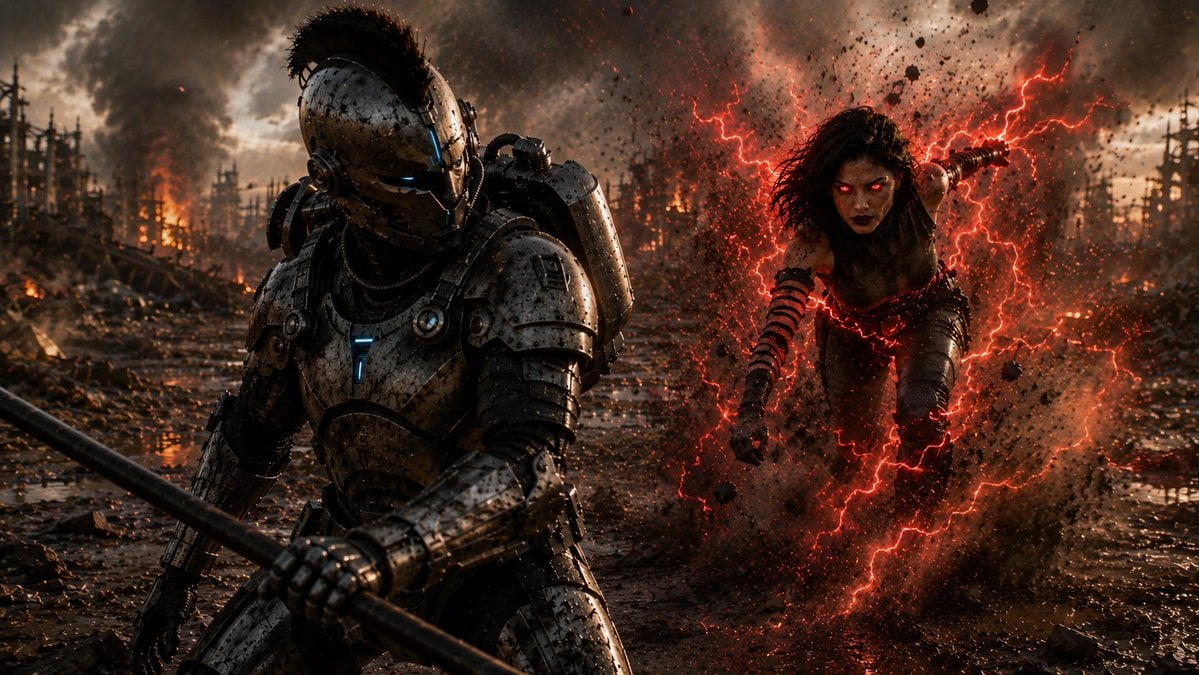
Cyber Knight vs Red Lightning Attacker
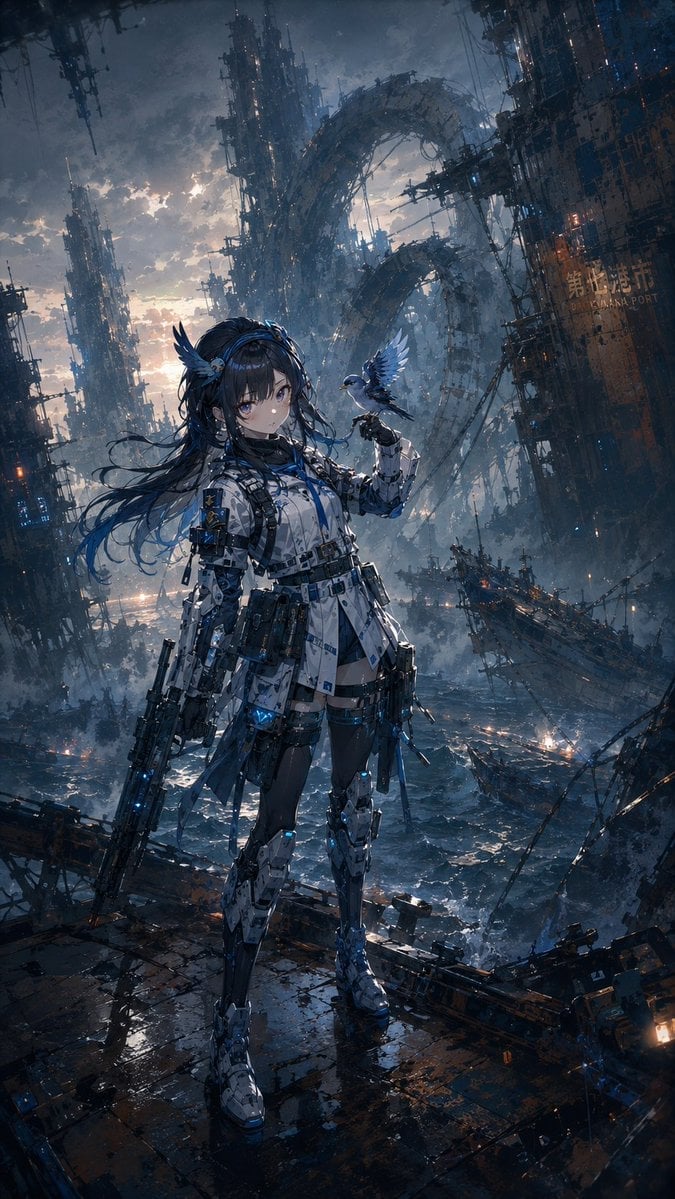
Cybernetic Girl in Ruined Harbor
Make it yours
Cyber AI Webinar Thumbnail works as-is. These are the safest ways to change it without losing the look.
Change one field
Copy a single group, rewrite it, and generate again so you can see what that field is doing.
Keep the frame, change the subject
Hold the composition and light of Cyber AI Webinar Thumbnail, then swap wardrobe, props or the person for a new take.
| If the result… | Why | Fix |
|---|---|---|
| The result drifts from the preview | Too many fields changed at once. | Reuse Cyber AI Webinar Thumbnail as-is first, then change one group — subject, light, or setting. |
| The model over-stylizes the scene | The prose prompt leaves finish and camera underspecified. | Add one camera or lighting sentence and stay on GPT Image 2. |
More GPT Image 2 templates
Other prompts made for GPT Image 2.

Six VTuber Japanese Logo Sheet

Realistic Portrait of Woman and Deer

The Vista Modular Condo Poster

AI Model Routing Comparison Infographic

2.5D Anime Art Board

Isometric Productivity Desk Scene

New York Double Exposure Poster

Four-Panel AI Landscape Comparison

Japanese Tatami Lifestyle Magazine Cover

NESCAFÉ Coffee Map Poster
More image prompts
Fresh picks from across the catalog.

Luxury Magazine Layout
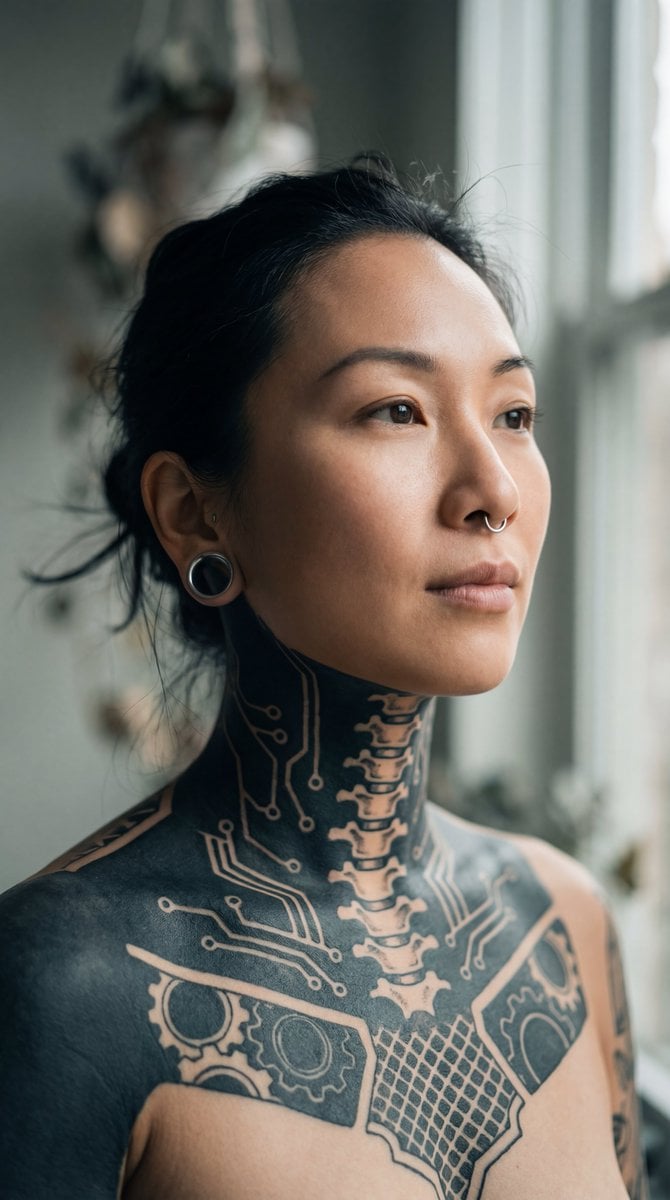
Intimate Portrait of East Asian Woman with Extensive Blackout Tattoos
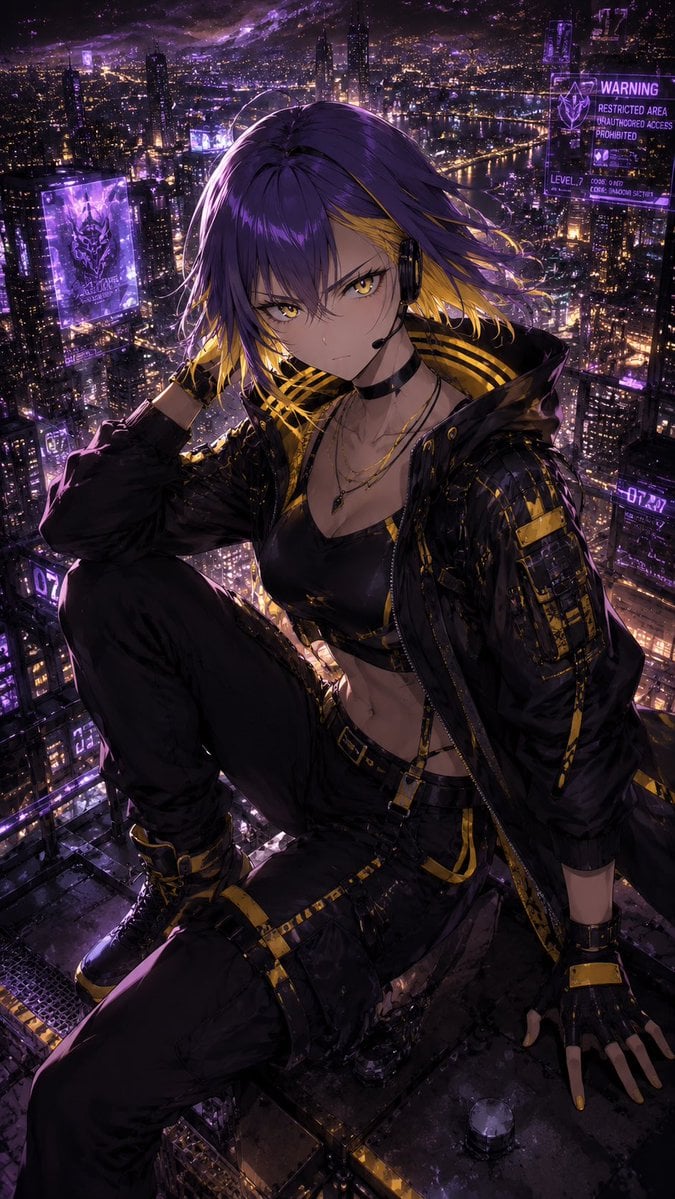
Consistent Character Illustration with Stylish Pose
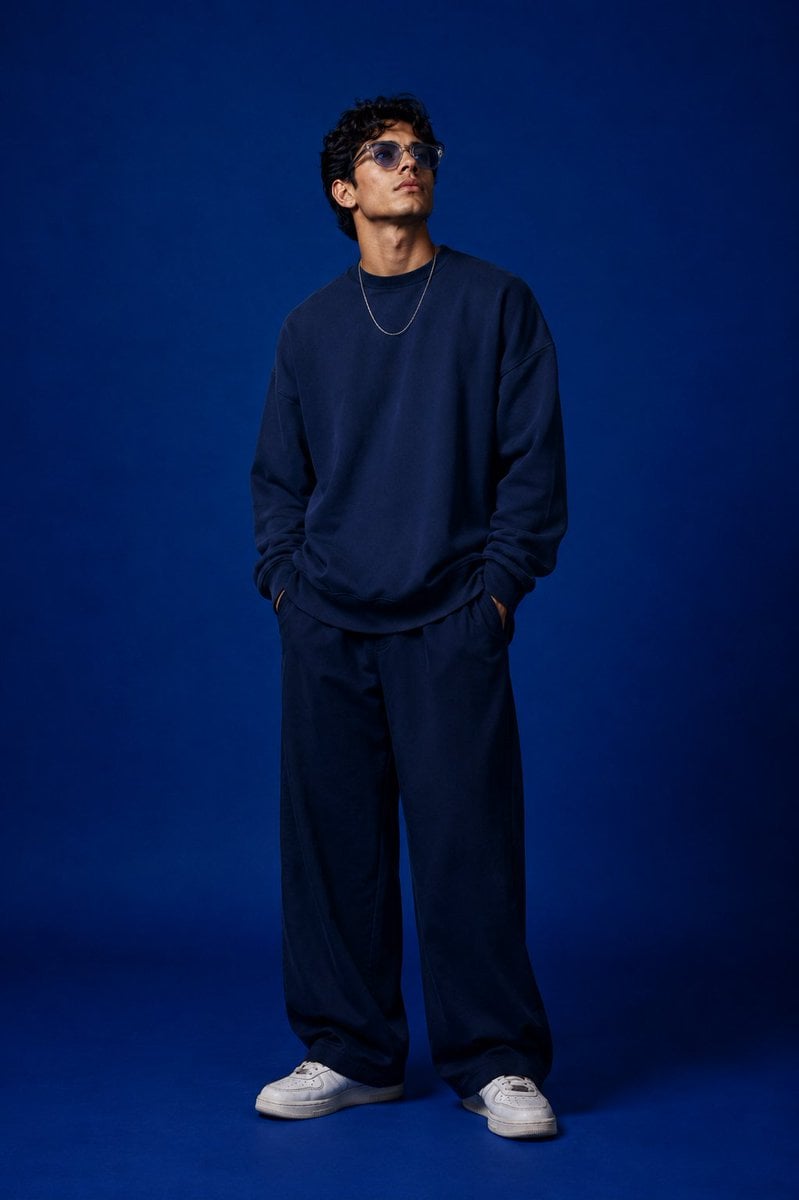
Studio Fashion Portrait Character Swap
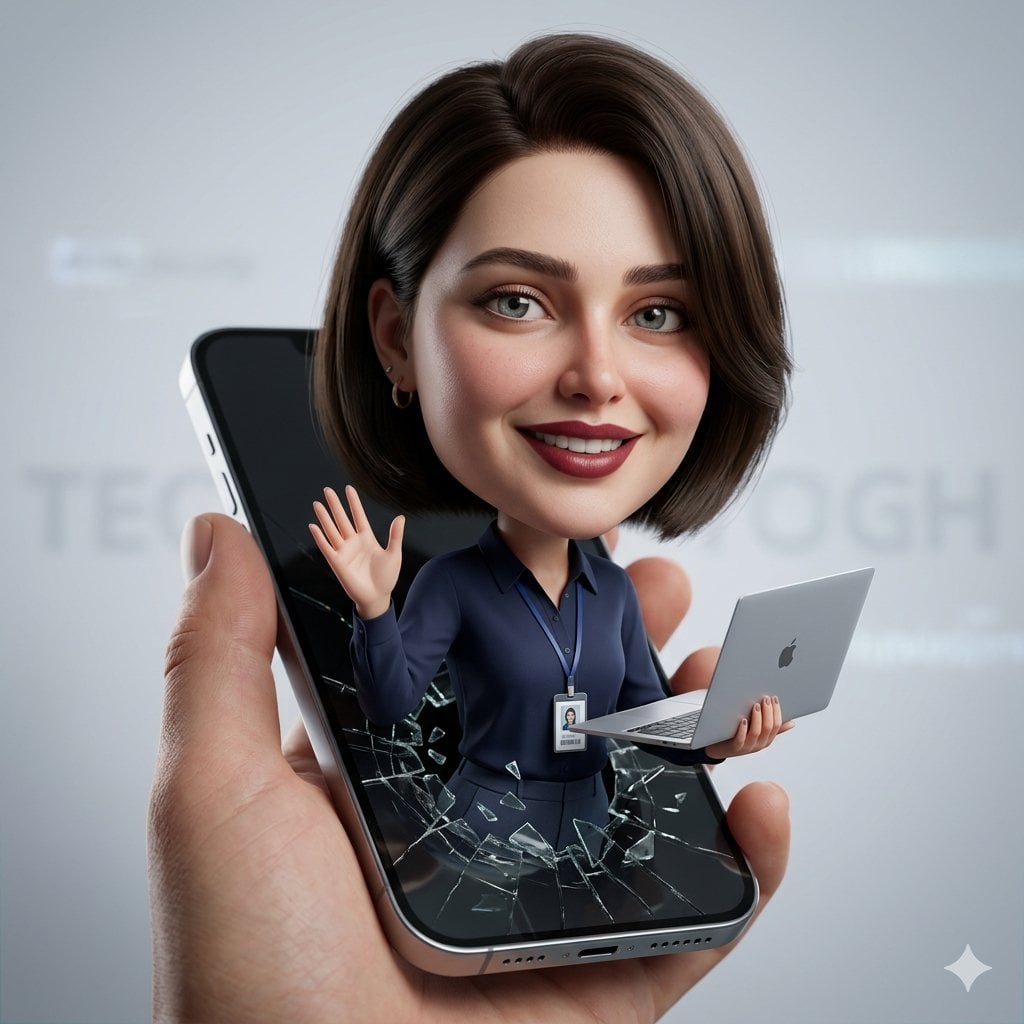
3D Caricature from Uploaded Face
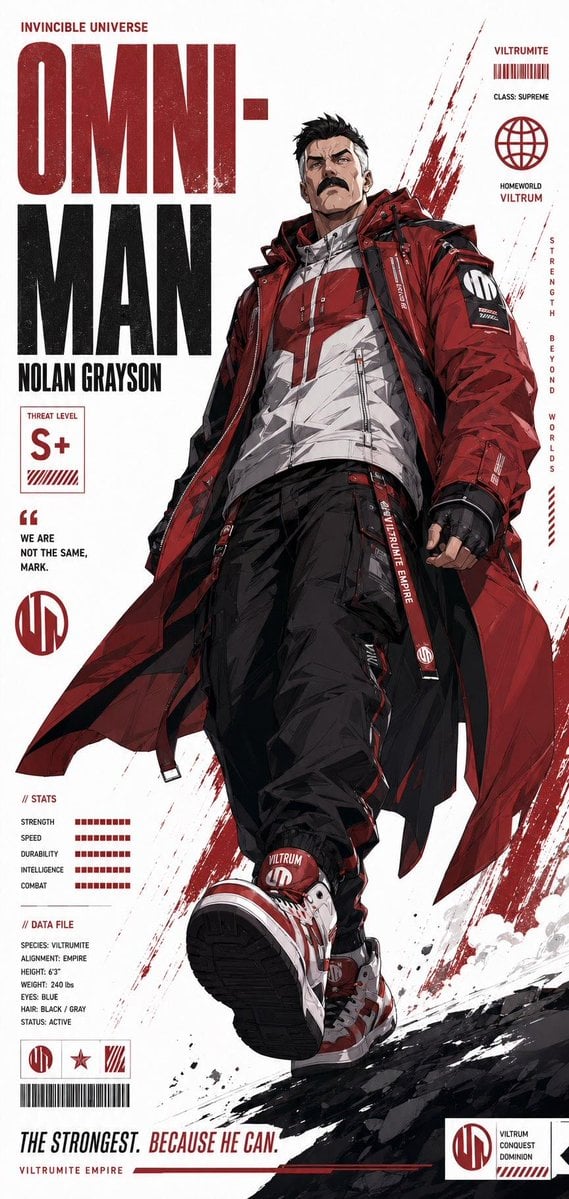
Futuristic Anime Superhero Techwear Poster
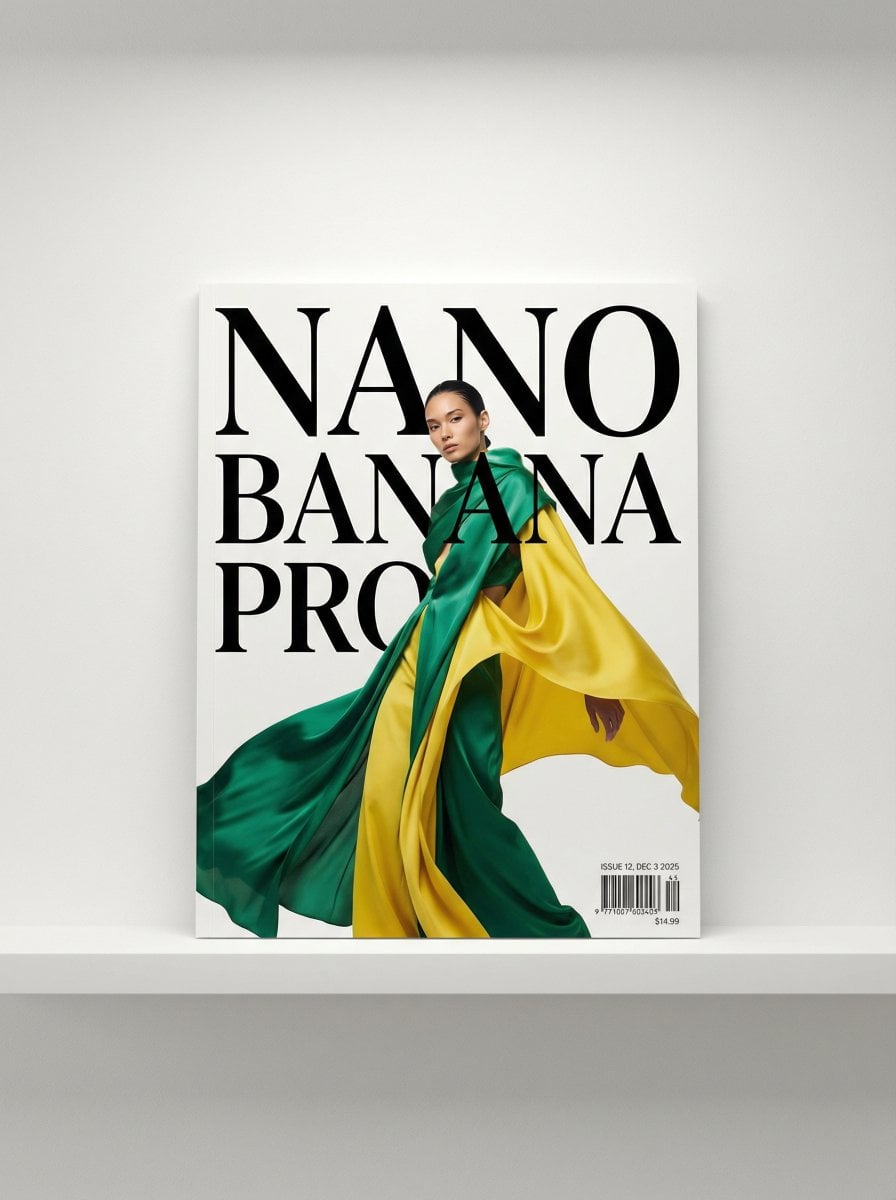
Magazine Cover Generation Prompt

Duo Panel Editorial with Identity Lock
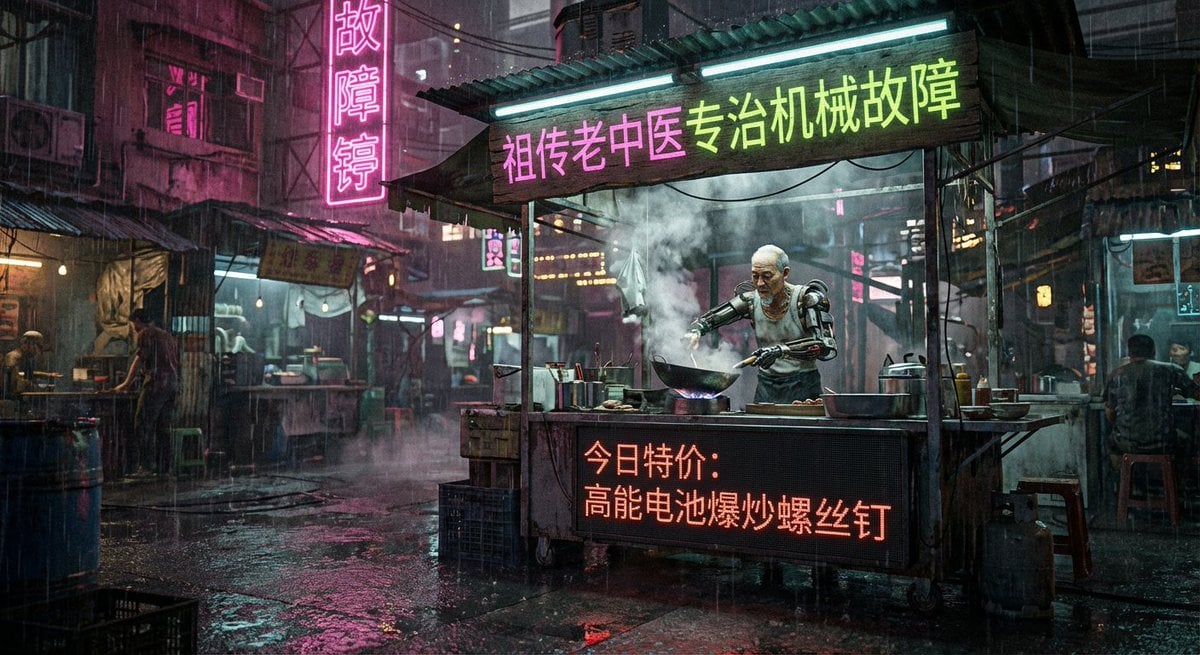
Cyberpunk 80s Chinese street stall scene
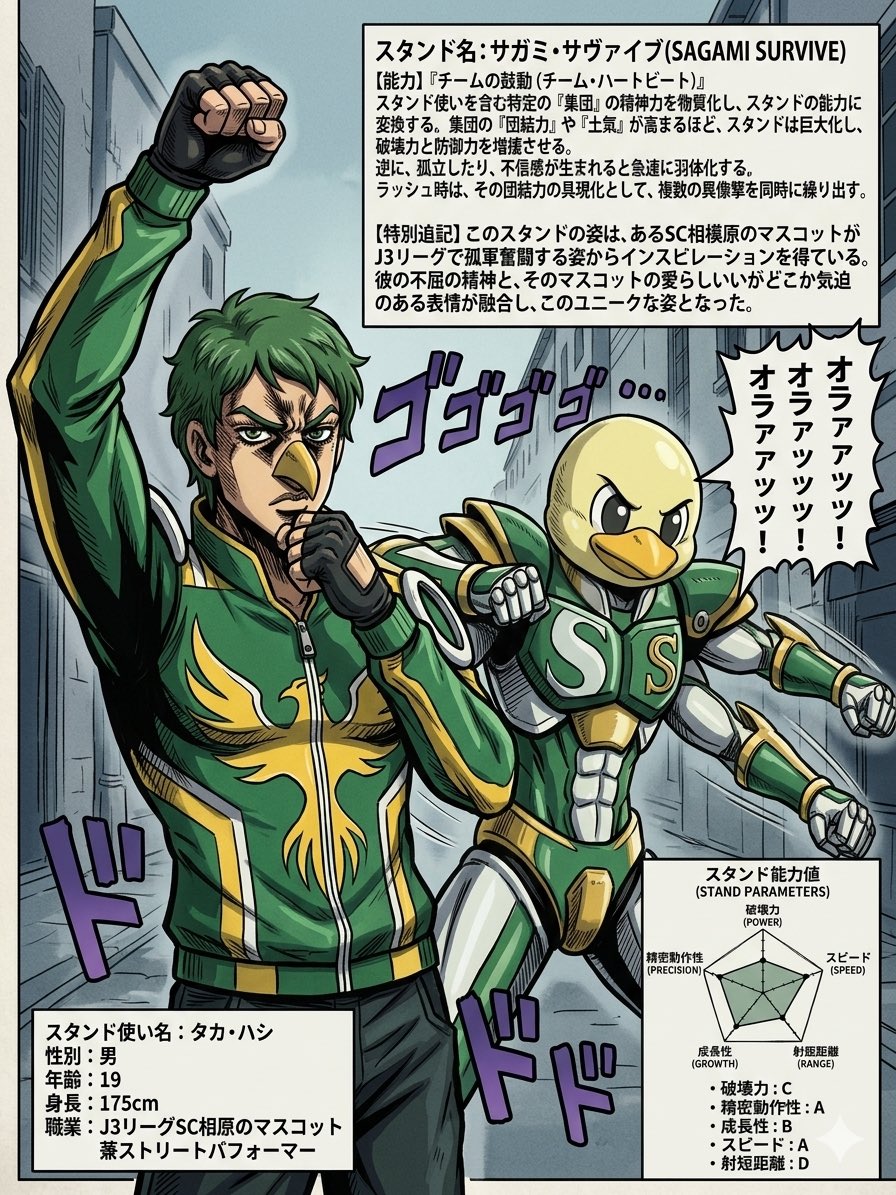
JoJo-Style Stand Character Poster
Browse template categories
Cyber AI Webinar Thumbnail questions
How do I use the Cyber AI Webinar Thumbnail template?
Add your photo if the template asks for one, edit the prompt if you like — the template's model and format are already selected — and press Generate. Your version opens in PicX Studio.
Can I customize the Cyber AI Webinar Thumbnail template?
Yes. You can change the subject, setting, lighting, mood, format, and available model controls before creating your image.
Is the Cyber AI Webinar Thumbnail template free?
Opening and editing this template is free. Generating uses credits, shown on the Generate button when you are signed in.
Which AI model should I use?
Start with GPT Image 2, which is the model associated with this template. You can compare another compatible model for a different finish.
Looking for something else? Browse all templates.

Your photo, any look
Thousands of ready templates for every top image and video model, from one credit balance.