
Cyber Knight vs Red Lightning Attacker
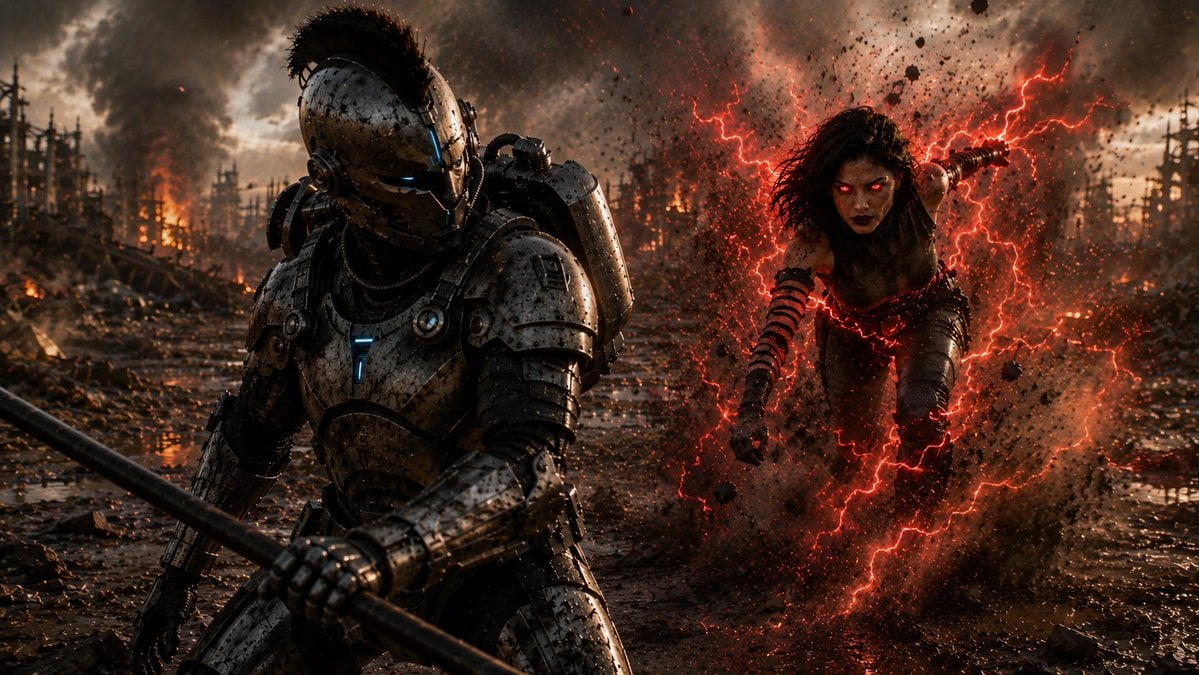
A cinematic prompt for generating a gritty sci-fi battlefield duel between an armored cyber-knight and a red-energy mutant attacker.
- Prompt included
- Model and format preset
- Free template
The prompt behind this image
Copy the exact prompt behind Cyber Knight vs Red Lightning Attacker, or open it in the studio and make it yours.
Create a cinematic dark sci-fi battle scene in a devastated muddy wasteland at sunset, wide 16:9 frame. In the left foreground, show a towering futuristic armored knight/cyborg warrior in heavy scratched gunmetal exosuit armor, crouched and bracing forward while gripping a long black spear or staff diagonally across the bottom of the image; the helmet has a Roman-style black crest, narrow glowing blue eye slits, and small cyan light accents on the chest and gear. In the right midground, show one feral female humanoid attacker with wild dark hair, athletic body, ragged dark clothing and bandaged striped forearms, lunging toward the armored warrior through an explosion of mud and debris; her face is obscured by a soft square blur/censor block. Surround her with vivid branching red lightning and crimson energy arcs, making the mud and particles glow red. The environment is a ruined battlefield with shallow reflective puddles, churned mud, scattered wreckage, burning dead trees or industrial ruins in the distance, orange fires, smoke columns, ash, sparks, and a stormy cloud-filled sky. Use ultra-detailed photorealistic concept art, high contrast, gritty texture, dramatic rim lighting, volumetric smoke, motion blur on debris, wet reflections, cinematic color grading with cold steel blues against fiery orange and electric red. Emphasize two discrete characters: 1 armored cyber-knight with spear, 1 red-lightning attacker. No text, no watermark.
How to use Cyber Knight vs Red Lightning Attacker in 3 steps
- 1Upload ImagePNG, JPG or paste
Add your photo
Upload the photo the template builds on. The prompt, model and format are already set.
- 2…a portrait of your subject in softgolden-hour light, 85mm…
Personalize
Edit the subject and creative details for your destination.
- 3Generate
Generate
Press Generate — your image is created in PicX Studio, so you can compare it with the original and refine one variable at a time.
More like this
Templates with the same subject, style or setup. Open one to see its prompt.
Red Lightning Hero Meteor City

Bold Red Contrast Fashion Editorial Newspaper Room

Panning Motion Soccer Kick Poster
Kneeling Blue Armored Knight
Cyberpunk Character Redesign

Dancer Character - Four View Reference Sheet
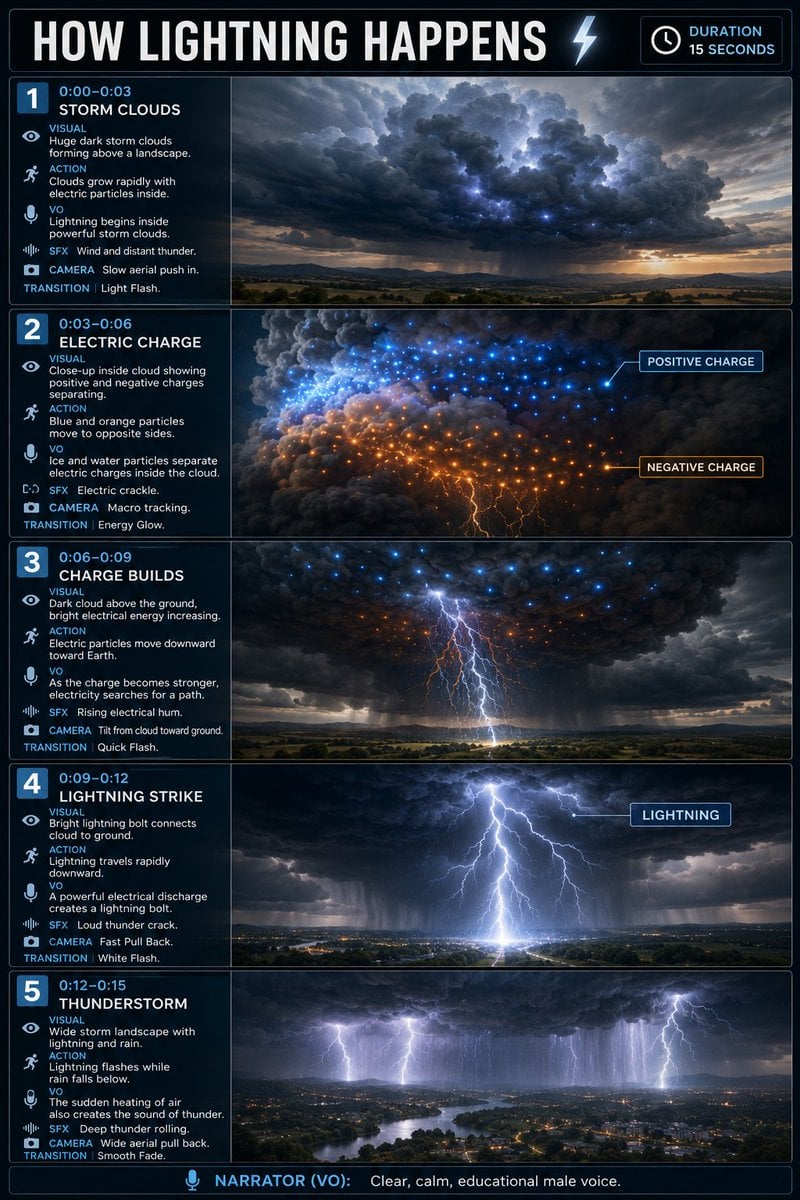
Educational Lightning Storyboard Infographic
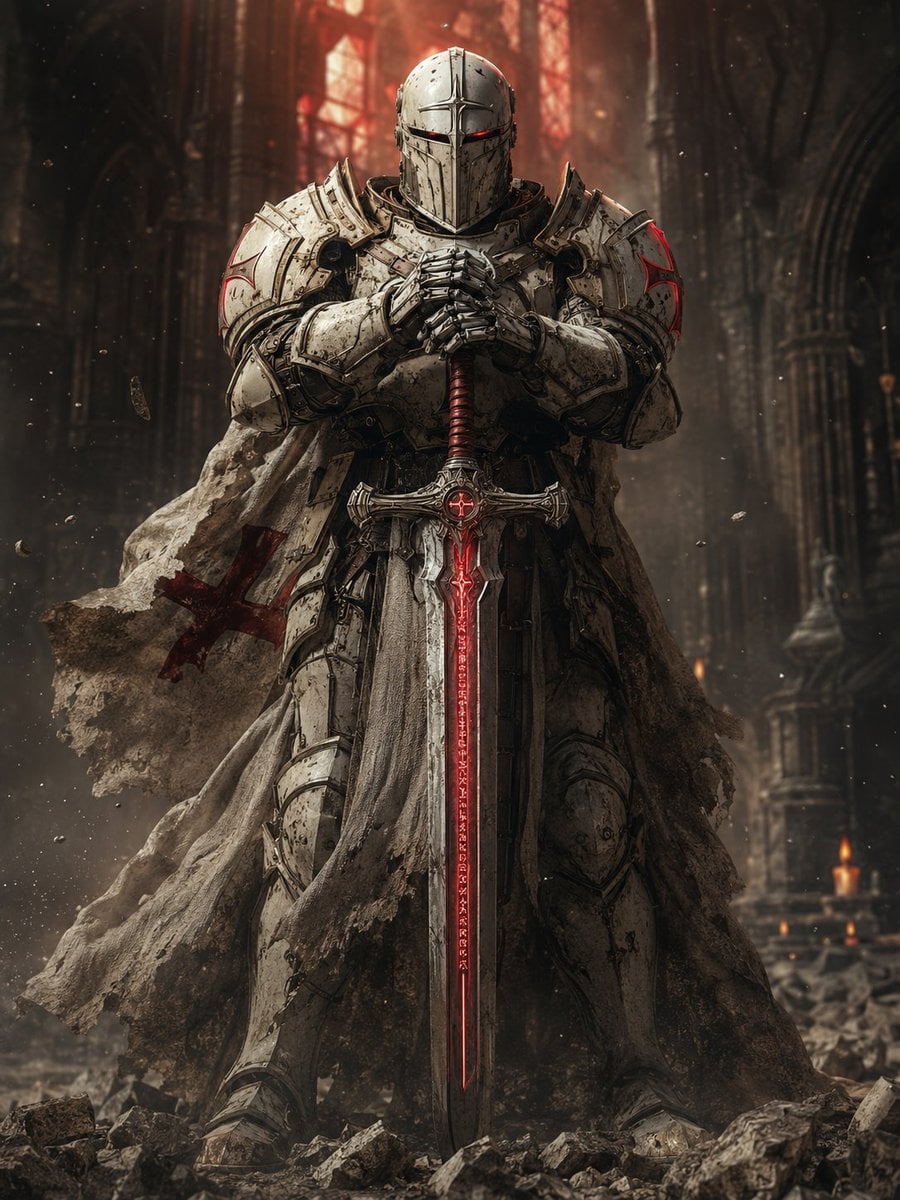
Sci-Fi Knight of the Order

Cyber Samurai Empress Portrait
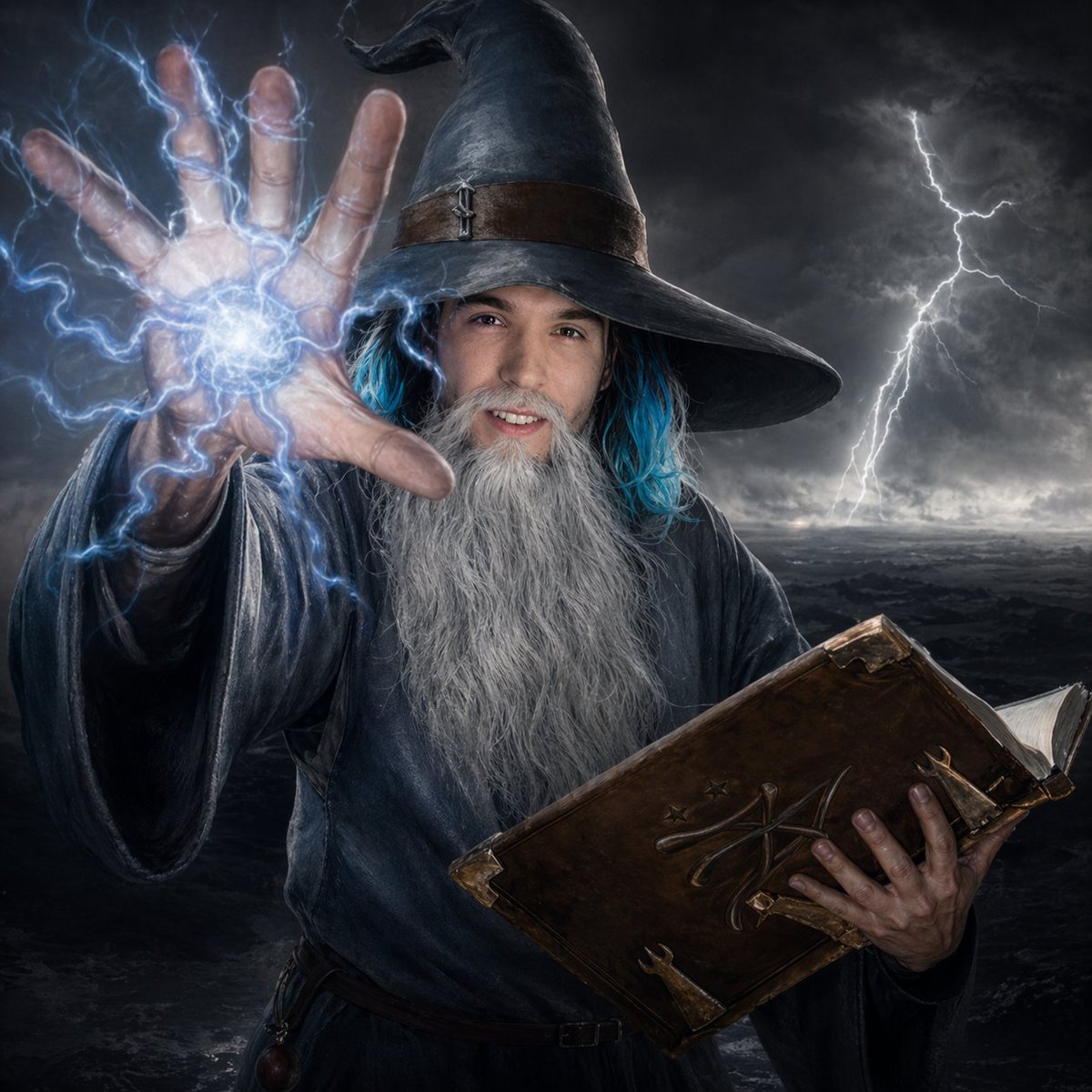
Storm Wizard Casting Lightning
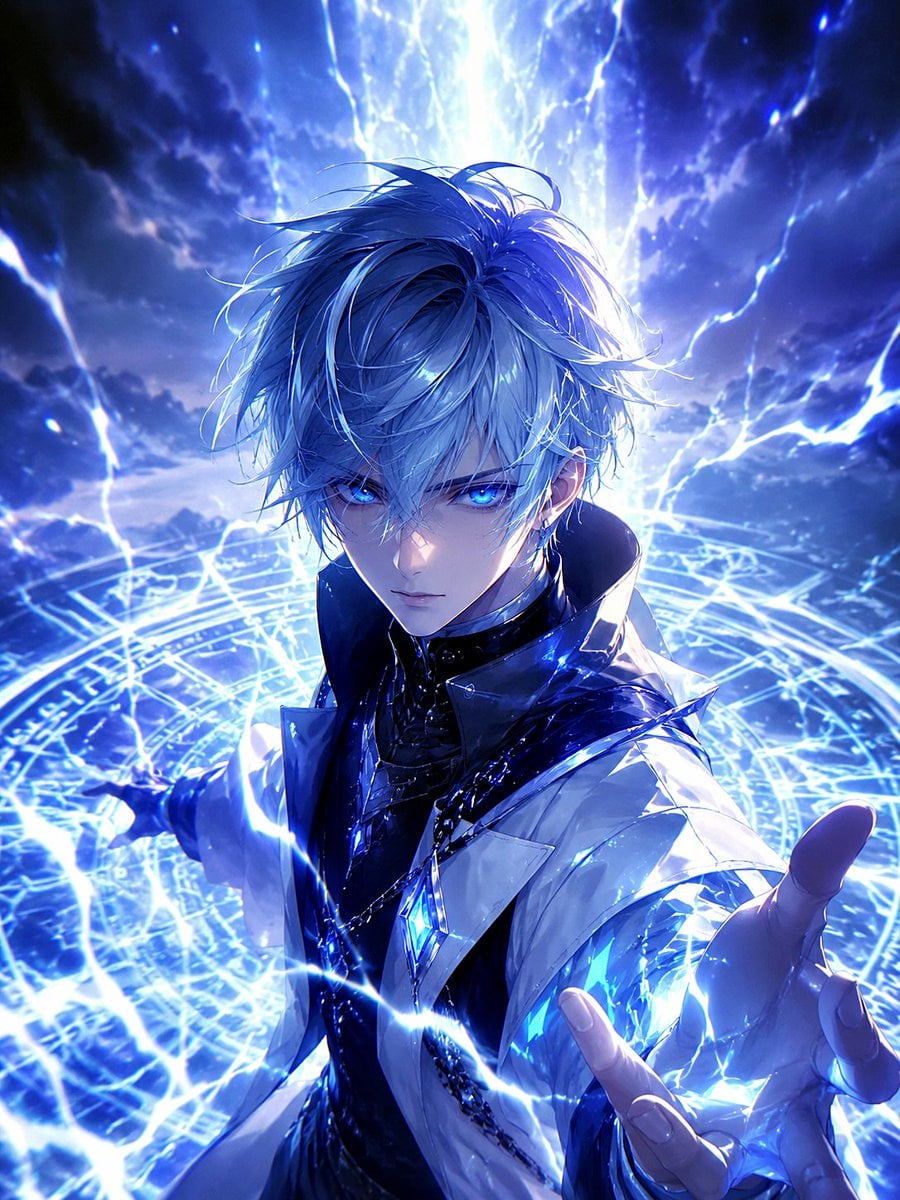
Blue Lightning Anime Mage

Knight Facing Cathedral Giant
Make it yours
Cyber Knight vs Red Lightning Attacker works as-is. These are the safest ways to change it without losing the look.
Change one field
Copy a single group, rewrite it, and generate again so you can see what that field is doing.
Keep the frame, change the subject
Hold the composition and light of Cyber Knight vs Red Lightning Attacker, then swap wardrobe, props or the person for a new take.
| If the result… | Why | Fix |
|---|---|---|
| The result drifts from the preview | Too many fields changed at once. | Reuse Cyber Knight vs Red Lightning Attacker as-is first, then change one group — subject, light, or setting. |
| The model over-stylizes the scene | The prose prompt leaves finish and camera underspecified. | Add one camera or lighting sentence and stay on GPT Image 2. |
More GPT Image 2 templates
Other prompts made for GPT Image 2.

Six VTuber Japanese Logo Sheet

Realistic Portrait of Woman and Deer

The Vista Modular Condo Poster

AI Model Routing Comparison Infographic

2.5D Anime Art Board

Isometric Productivity Desk Scene

New York Double Exposure Poster

Four-Panel AI Landscape Comparison

Japanese Tatami Lifestyle Magazine Cover

NESCAFÉ Coffee Map Poster
More image prompts
Fresh picks from across the catalog.

Japanese Kids English LP Hero
Dark Moonlit Noir Album Cover
Four-Panel Comic Prompt: Gargle (English Version)
Synthetic iPhone Photos Metadata Screenshot
Anime Girl with Umbrella and Rainbow
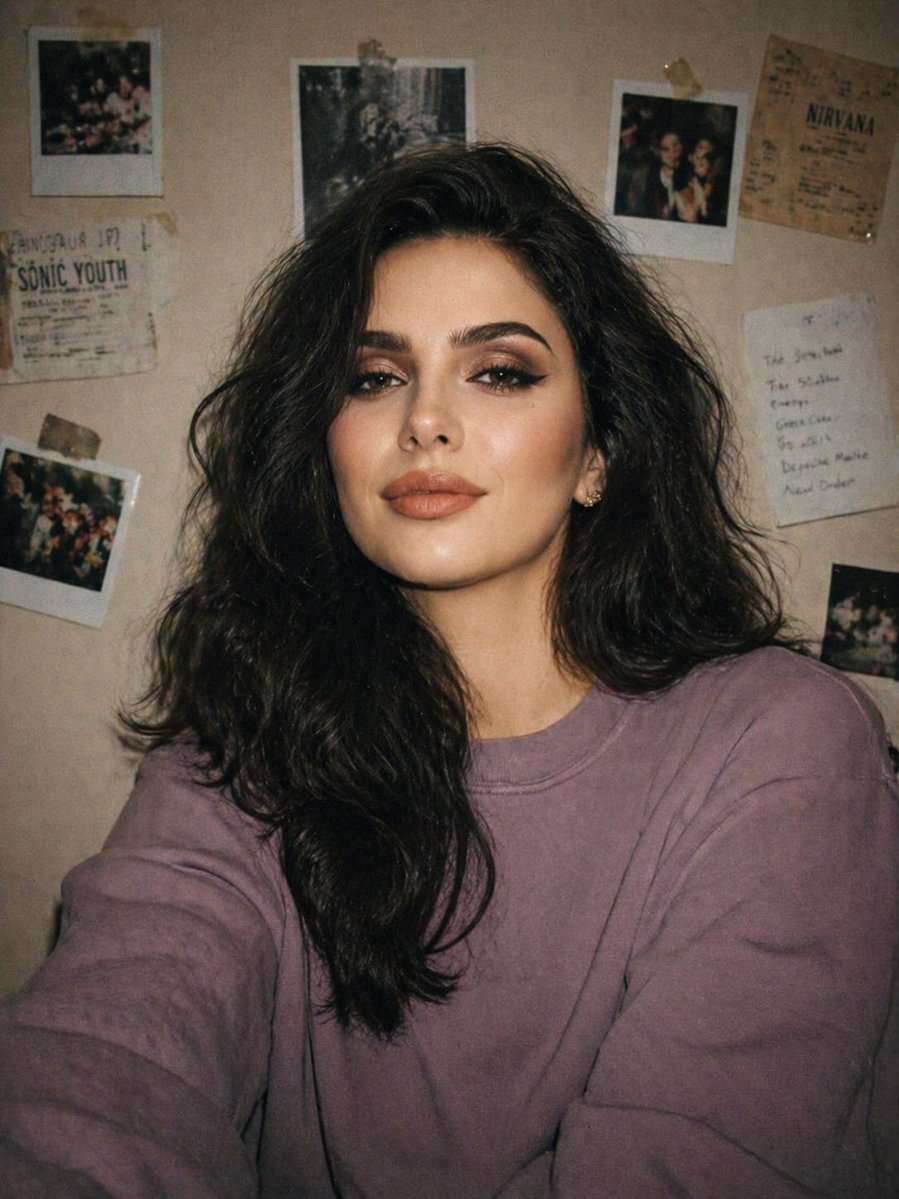
Disposable Camera Bedroom Portrait
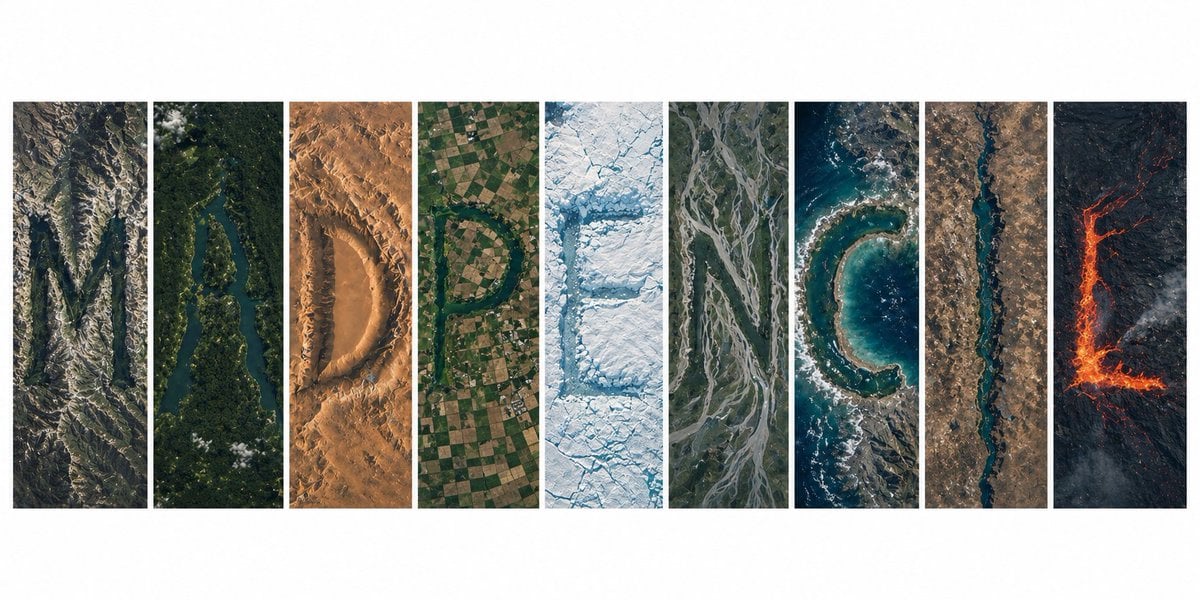
Topography Typography Satellite View
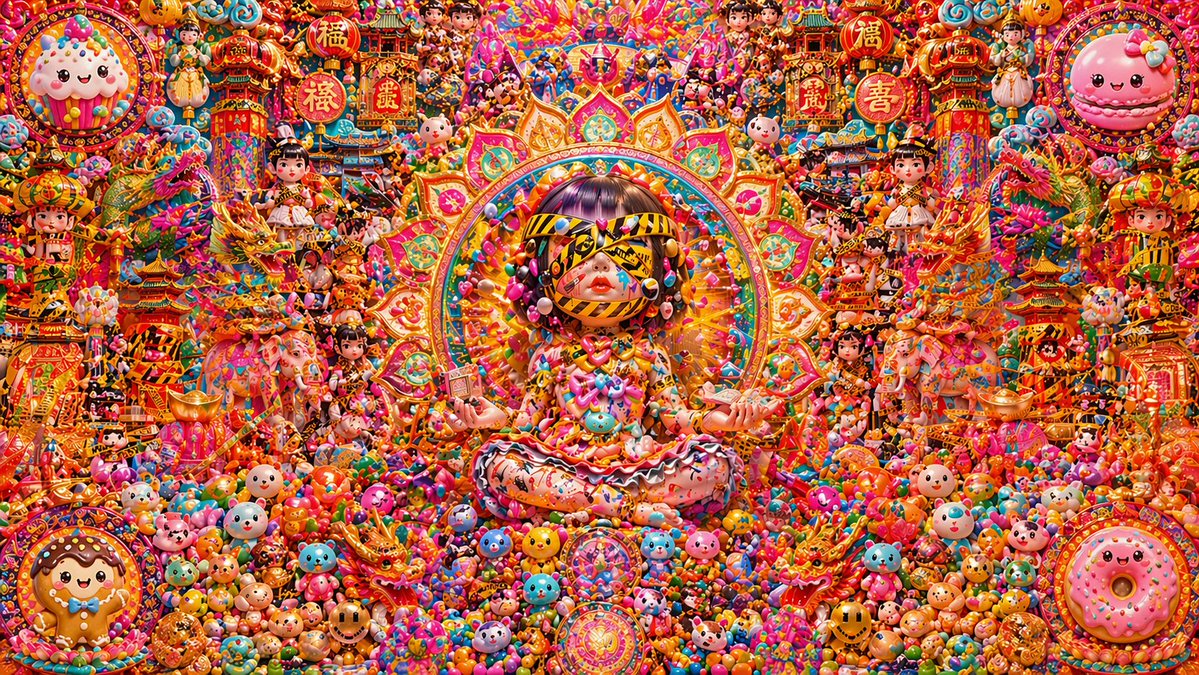
Candy Lunar New Year Shrine
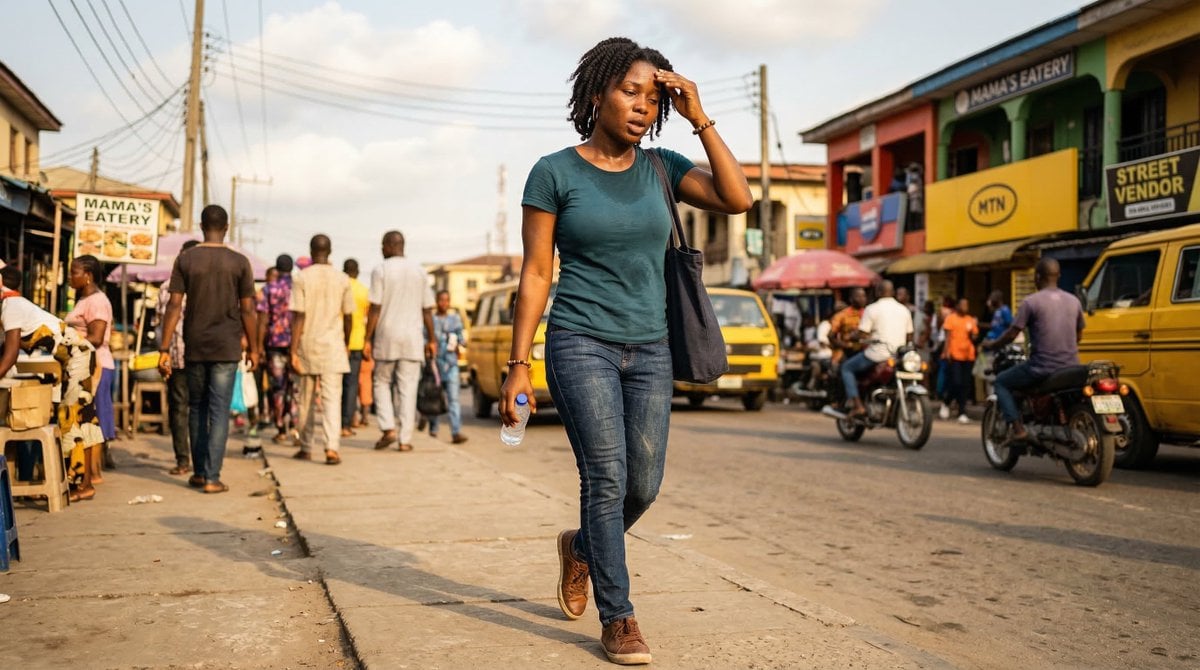
Nigerian Adult in Casual Daytime Clothing
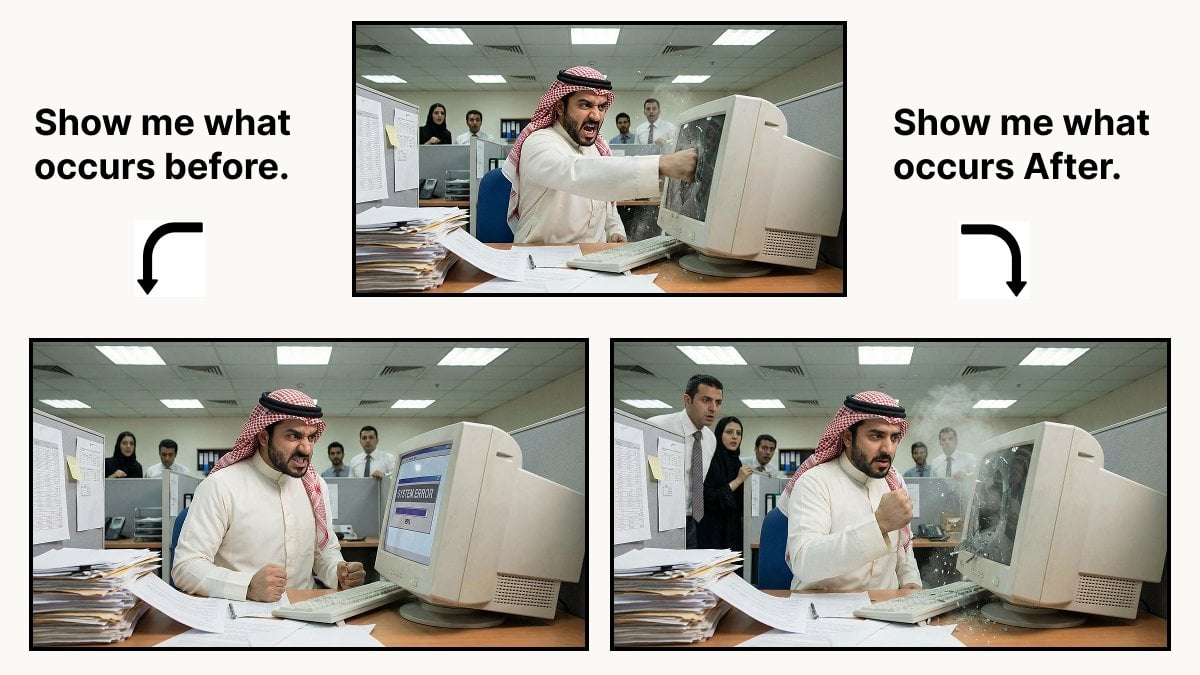
Prompt for Controlling Event Timing in Nano Banana Pro
Browse template categories
Cyber Knight vs Red Lightning Attacker questions
How do I use the Cyber Knight vs Red Lightning Attacker template?
Add your photo if the template asks for one, edit the prompt if you like — the template's model and format are already selected — and press Generate. Your version opens in PicX Studio.
Can I customize the Cyber Knight vs Red Lightning Attacker template?
Yes. You can change the subject, setting, lighting, mood, format, and available model controls before creating your image.
Is the Cyber Knight vs Red Lightning Attacker template free?
Opening and editing this template is free. Generating uses credits, shown on the Generate button when you are signed in.
Which AI model should I use?
Start with GPT Image 2, which is the model associated with this template. You can compare another compatible model for a different finish.
Looking for something else? Browse all templates.

Your photo, any look
Thousands of ready templates for every top image and video model, from one credit balance.