
Candy Lunar New Year Shrine
A hyper-detailed symmetrical candycore festival shrine illustration, ideal for generating maximalist celebratory fantasy art with kawaii and Lunar New Year motifs.
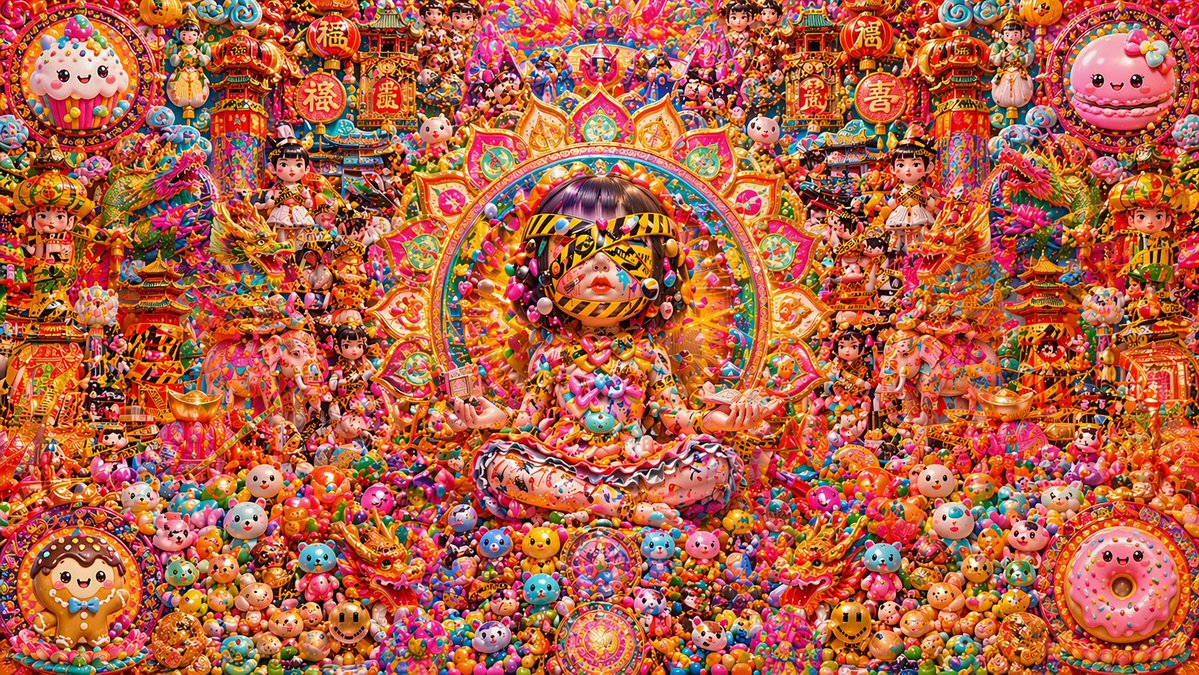
- Prompt included
- Model and format preset
- Free template
The prompt behind this image
Copy the exact prompt behind Candy Lunar New Year Shrine, or open it in the studio and make it yours.
An ultra-dense maximalist fantasy illustration in a perfectly symmetrical front-facing composition, depicting a candy-themed Lunar New Year shrine scene exploding with color and detail. At the exact center, a kawaii doll-like girl deity sits cross-legged in a meditative lotus pose on a mound of sweets, framed by a huge radiant mandala halo shaped like layered lotus petals and ornamental festival patterns in gold, pink, orange, teal, and neon rainbow hues. She has a glossy bob haircut with blunt bangs in dark brown with purple sheen, a porcelain face with red lips, and her eyes are covered by a dramatic striped visor or blindfold made of yellow-and-black caution-tape-like ribbons. Her hair is decorated with oversized candy beads and lollipops, and her outfit is an extravagant sculptural dress made of frosting, sprinkles, bows, hearts, candy charms, pastel mascot faces, and dripping confection textures. Her hands rest open on her knees, palms up, in a serene ceremonial pose. Surrounding her is a packed altar-city of miniature pagodas, lantern towers, dragons, dolls, sweets, toys, and lucky symbols, all arranged in mirrored abundance. Include 4 large circular framed dessert mascots in the corners: top left a smiling pink frosted cupcake, top right a smiling pink macaron with a bow, bottom left a smiling gingerbread cookie, bottom right a smiling pink sprinkled donut. Include 6 prominent red-and-gold round festival signs across the upper half with Chinese characters such as fortune, prosperity, joy, and luck. Add 2 ornate dragon figures flanking the center, 2 decorated elephants in the mid-lower left and right, and 2 gold ingot bowls near them. Scatter many small doll girls in traditional festive dress throughout the background like collectible figurines. The entire foreground should be buried under countless colorful gumballs, candies, tiny teddy bears, smiley-face sweets, lollipops, beads, and toy-like creatures, with no empty space anywhere. Style: hyper-detailed, glossy 3D digital art, candycore, pop surrealism, toy diorama, festival altar, Chinese New Year iconography, saturated reds, pinks, oranges, and golds, sparkling highlights, crisp focus, intricate textures, celebratory and divine atmosphere.
How to use Candy Lunar New Year Shrine in 3 steps
- 1Upload ImagePNG, JPG or paste
Add your photo
Upload the photo the template builds on. The prompt, model and format are already set.
- 2…a portrait of your subject in softgolden-hour light, 85mm…
Personalize
Edit the subject and creative details for your destination.
- 3Generate
Generate
Press Generate — your image is created in PicX Studio, so you can compare it with the original and refine one variable at a time.
More like this
Templates with the same subject, style or setup. Open one to see its prompt.
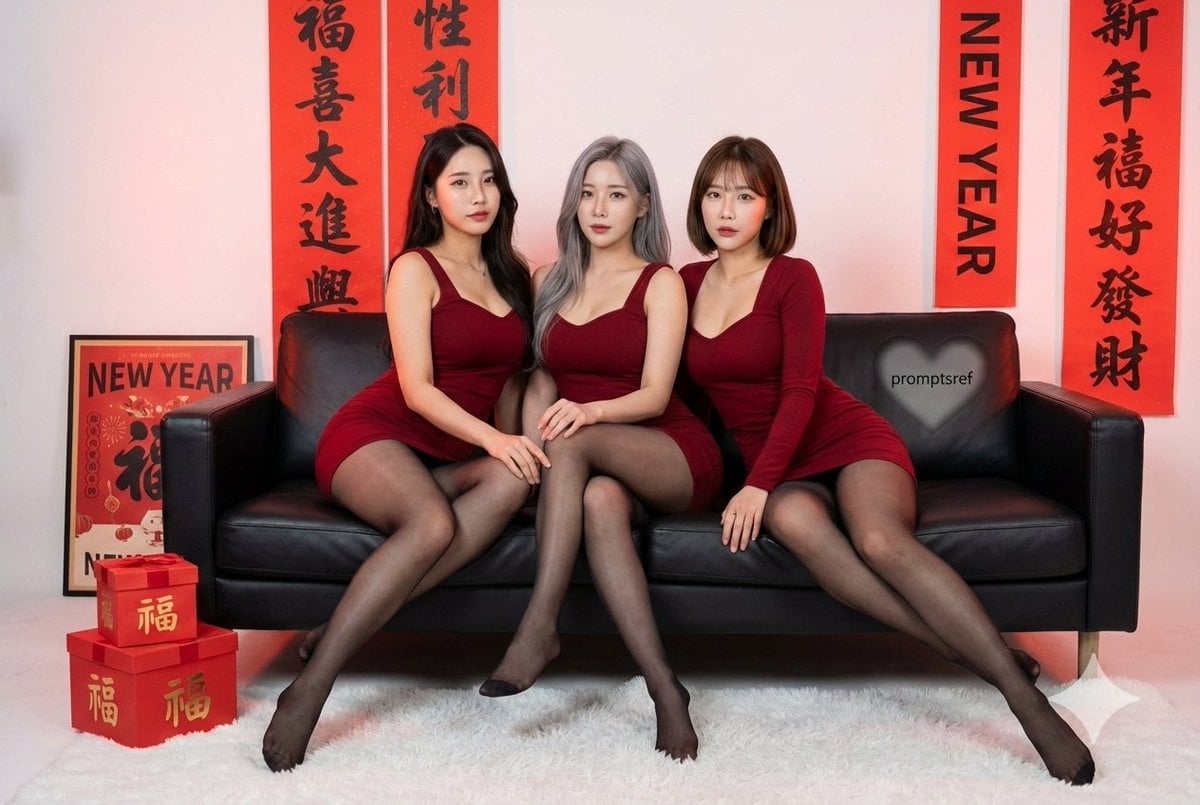
Lunar New Year Studio Photo Prompt
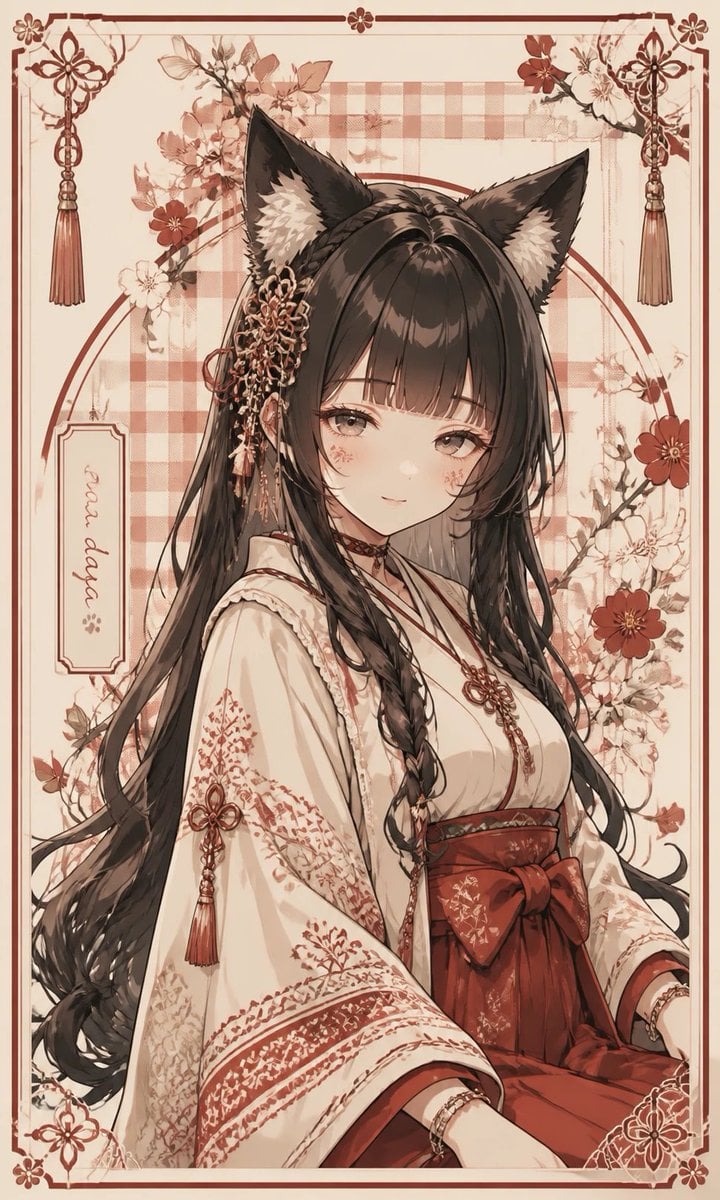
Fox Shrine Maiden Postcard
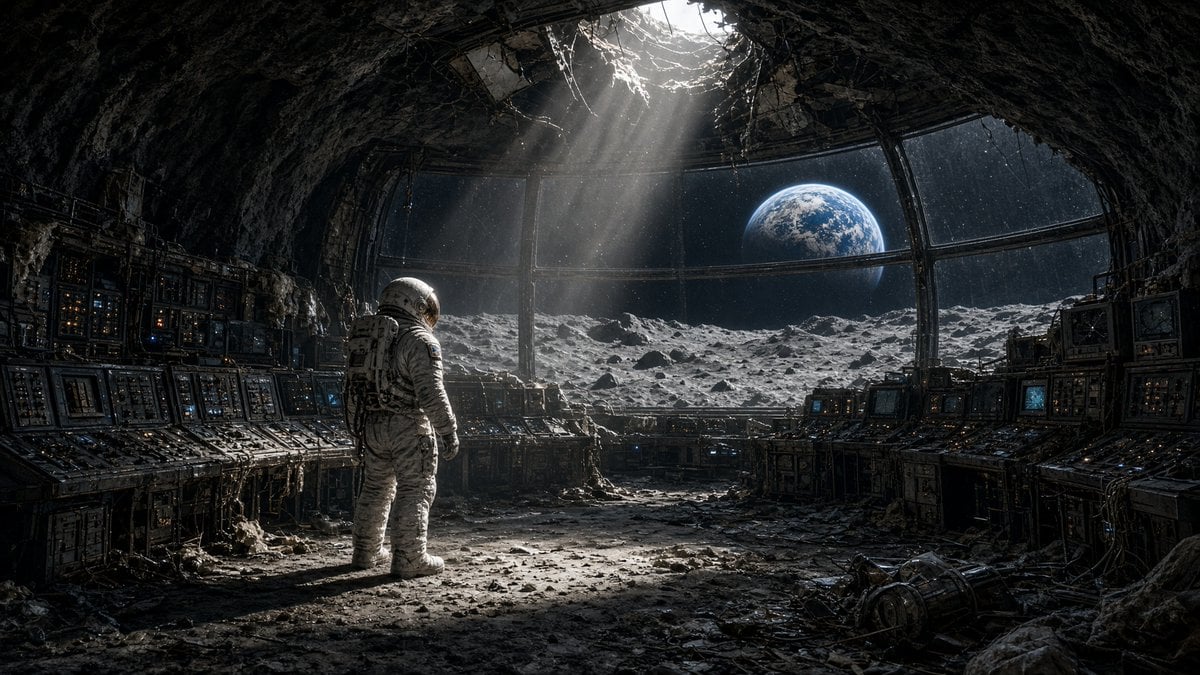
Astronaut in Abandoned Lunar Base
Blonde Gothic Lolita Sakura Shrine
Fox Shrine Maiden on Hover Scooter
Mandarin Spawn at Shinto Shrine
Police Robot Pruning Shrine Trees
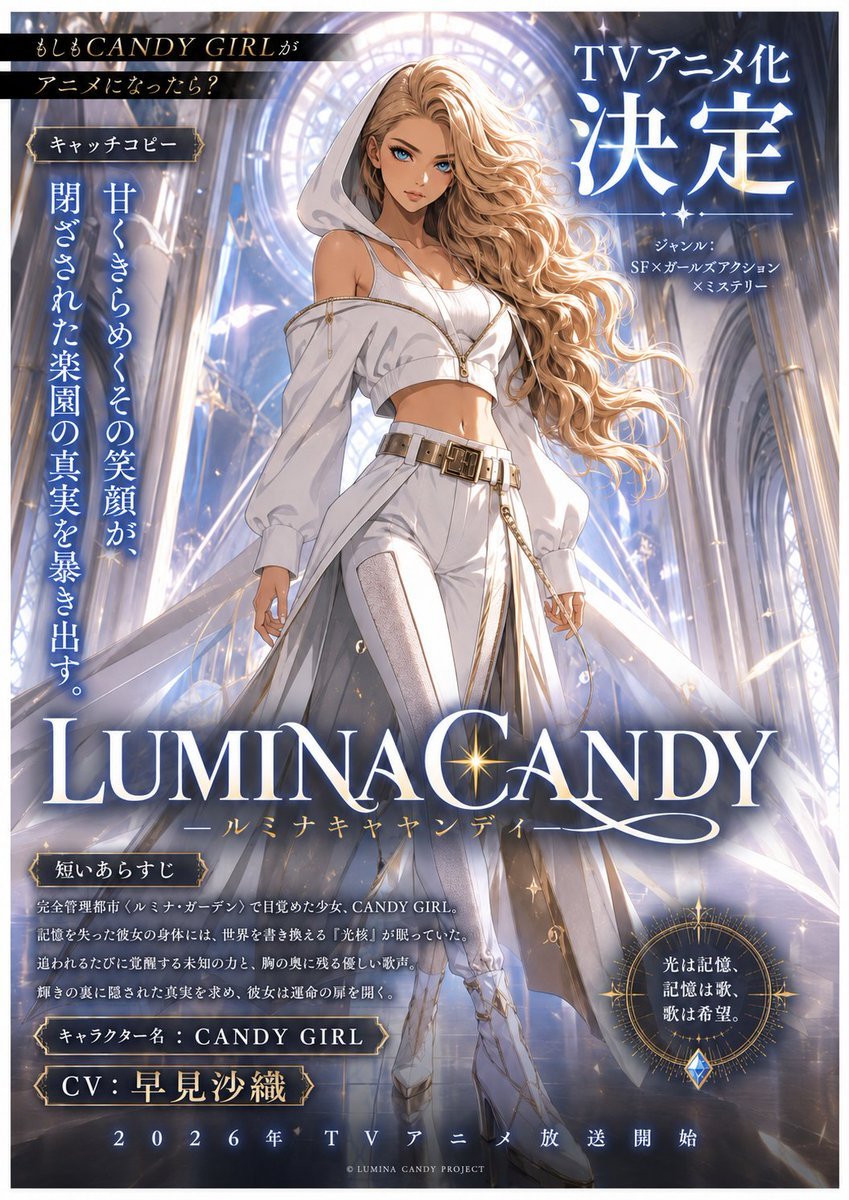
LUMINA CANDY Anime Announcement Poster
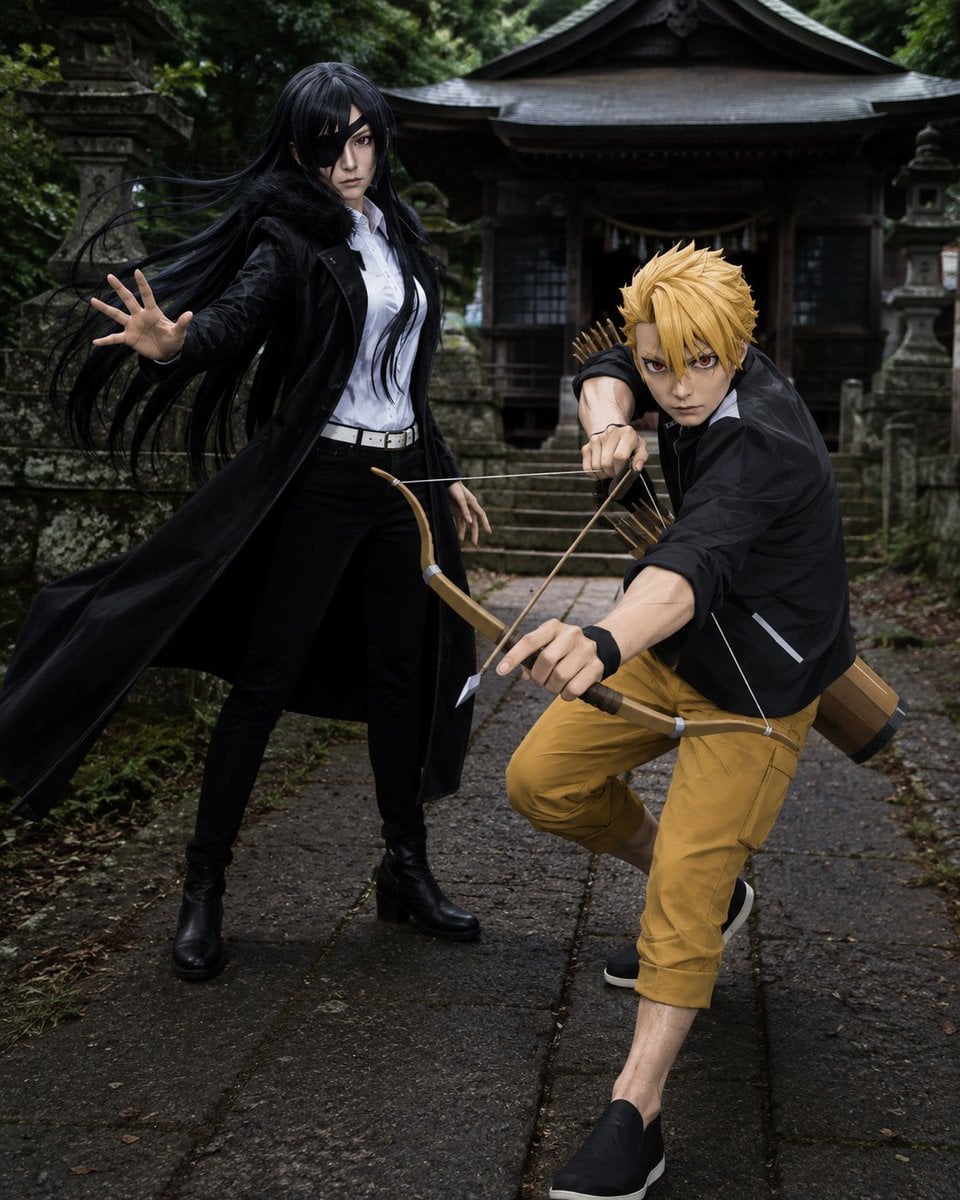
Anime Cosplay Duo at Forest Shrine
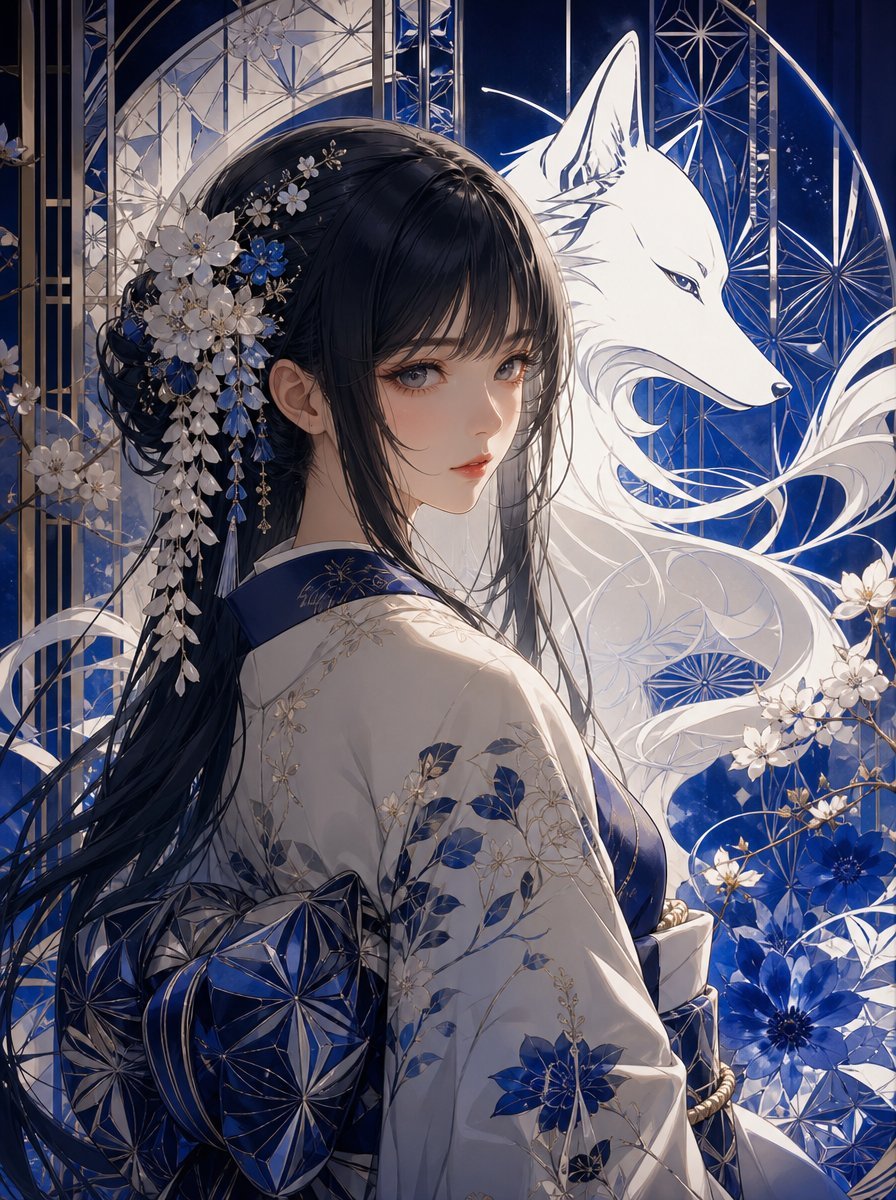
Blue Kiriko Fox Shrine Maiden
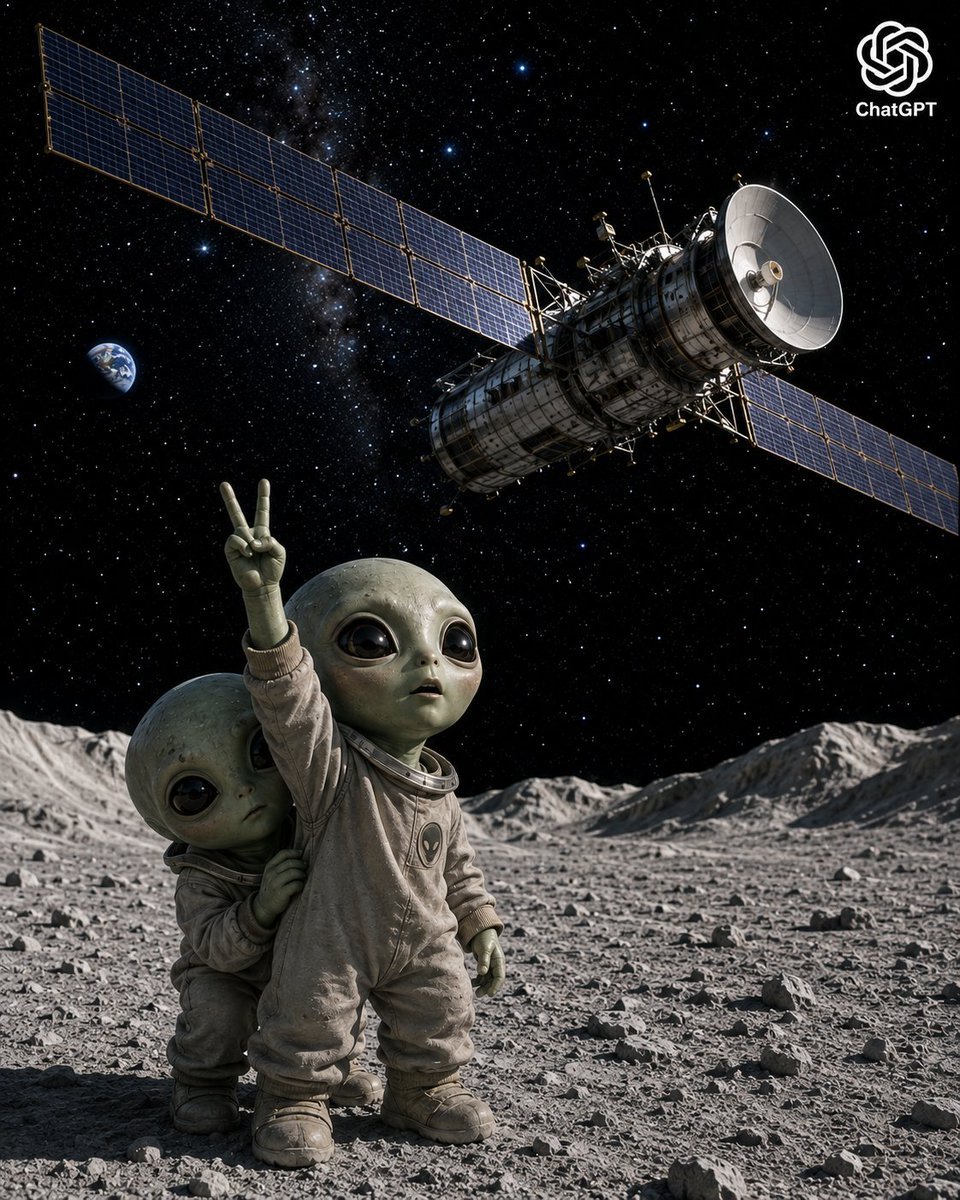
Lunar Alien Babies and Satellite
Anime Lunar Eclipse Swordswoman Poster
Make it yours
Candy Lunar New Year Shrine works as-is. These are the safest ways to change it without losing the look.
Change one field
Copy a single group, rewrite it, and generate again so you can see what that field is doing.
Keep the frame, change the subject
Hold the composition and light of Candy Lunar New Year Shrine, then swap wardrobe, props or the person for a new take.
| If the result… | Why | Fix |
|---|---|---|
| The result drifts from the preview | Too many fields changed at once. | Reuse Candy Lunar New Year Shrine as-is first, then change one group — subject, light, or setting. |
| The model over-stylizes the scene | The prose prompt leaves finish and camera underspecified. | Add one camera or lighting sentence and stay on GPT Image 2. |
More GPT Image 2 templates
Other prompts made for GPT Image 2.

Six VTuber Japanese Logo Sheet

Realistic Portrait of Woman and Deer

The Vista Modular Condo Poster

AI Model Routing Comparison Infographic

2.5D Anime Art Board

Isometric Productivity Desk Scene

New York Double Exposure Poster

Four-Panel AI Landscape Comparison

Japanese Tatami Lifestyle Magazine Cover

NESCAFÉ Coffee Map Poster
More image prompts
Fresh picks from across the catalog.
Sparkling Beverage Ad Banner
Low-Key Profile Portrait with Single Rim Light
Triptych Collage of Vintage American Cars
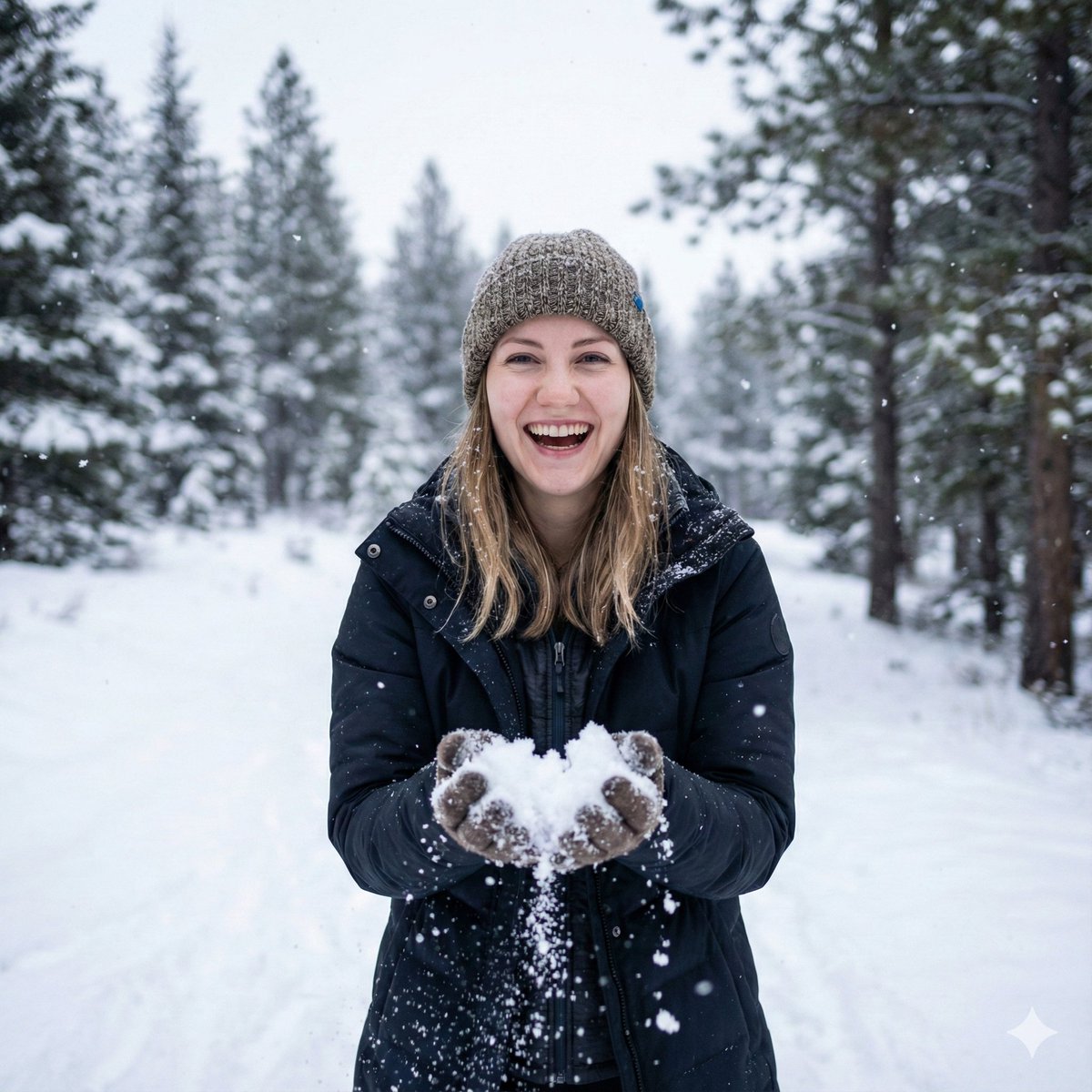
Photorealistic Winter Portrait with Identity Preservation
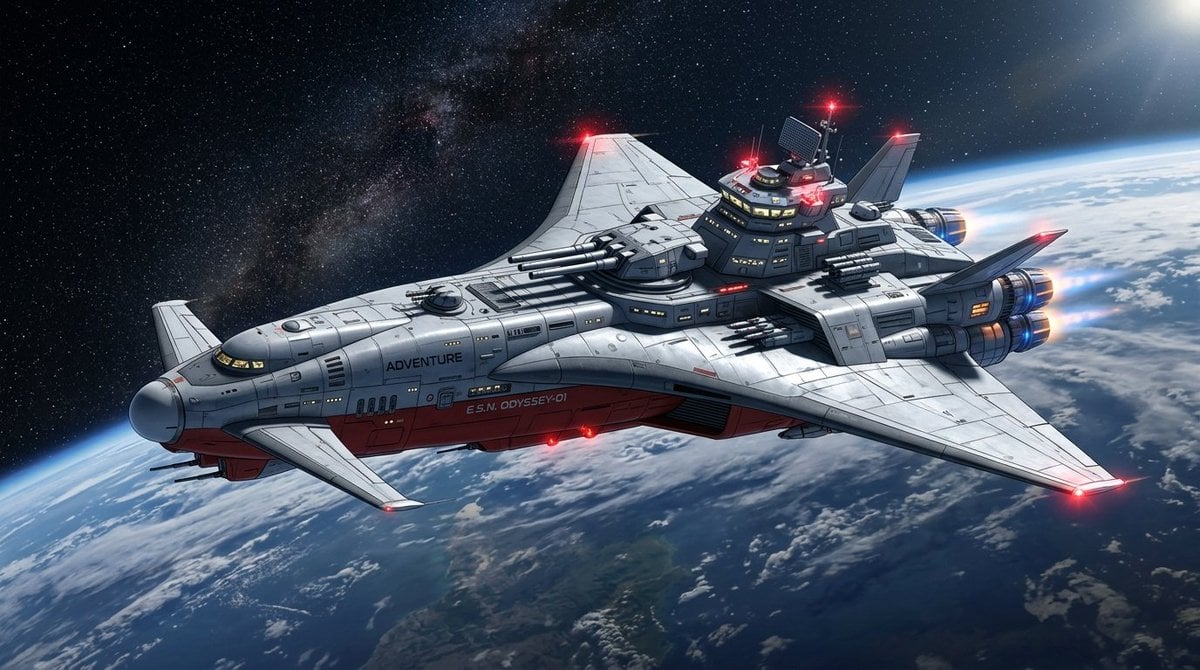
High-Resolution 2.5D Illustration Prompt for Winged Space Battleship

X Profile Mockup Generator (Clean and Modern)
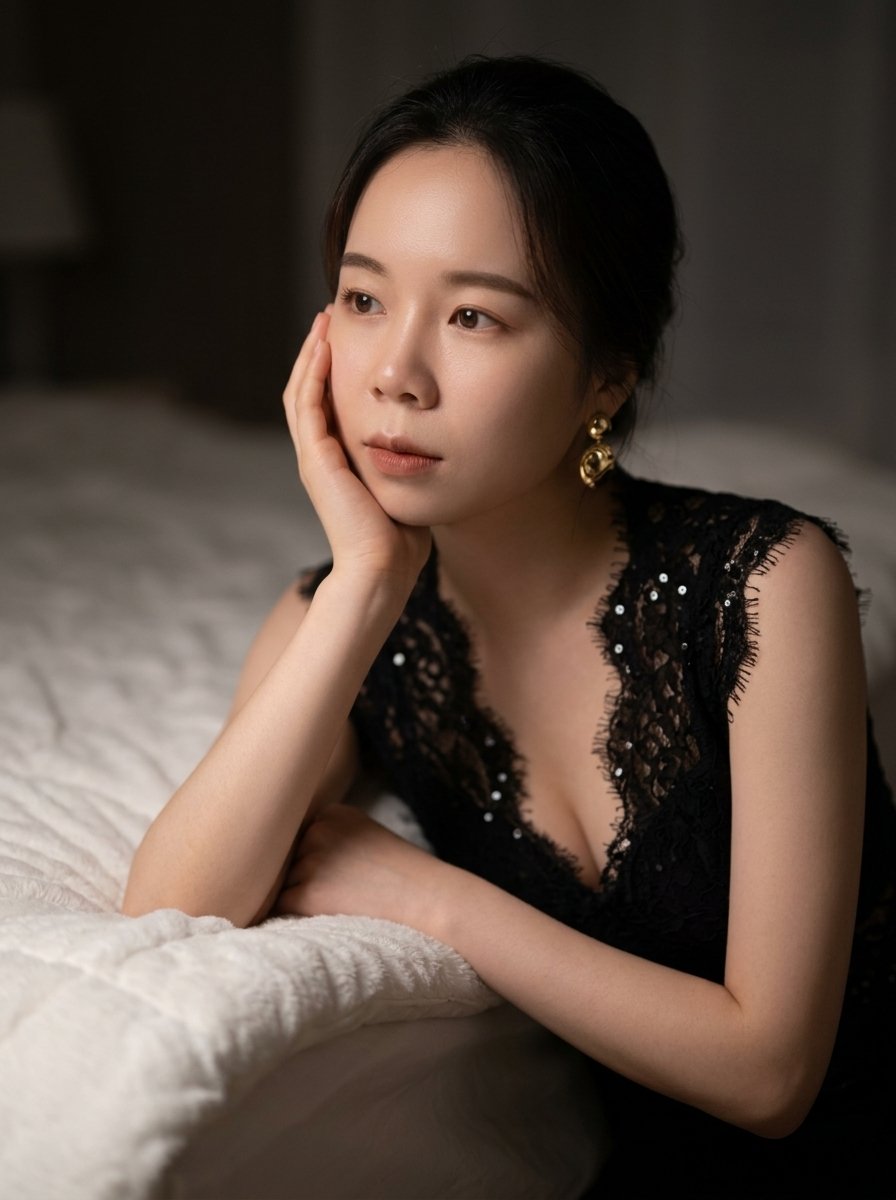
Moody East Asian Fashion Portrait in Bedroom
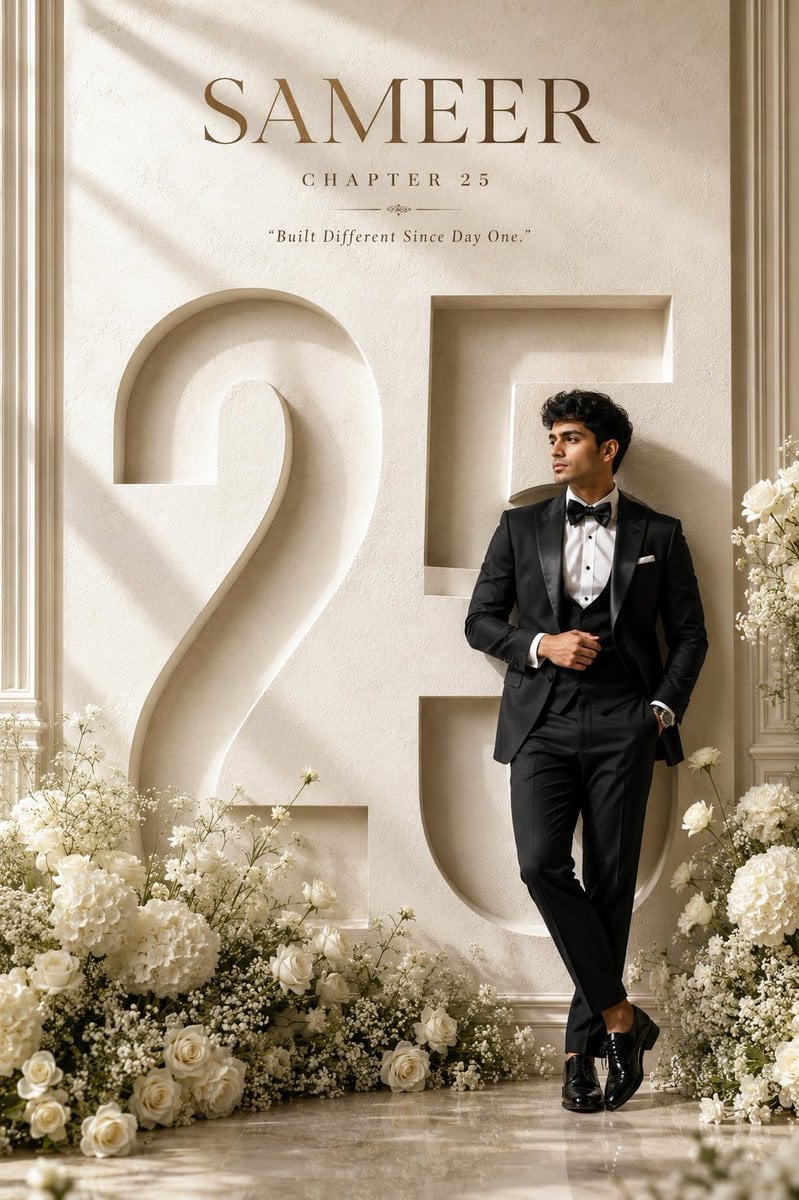
Luxury 25th Birthday Poster
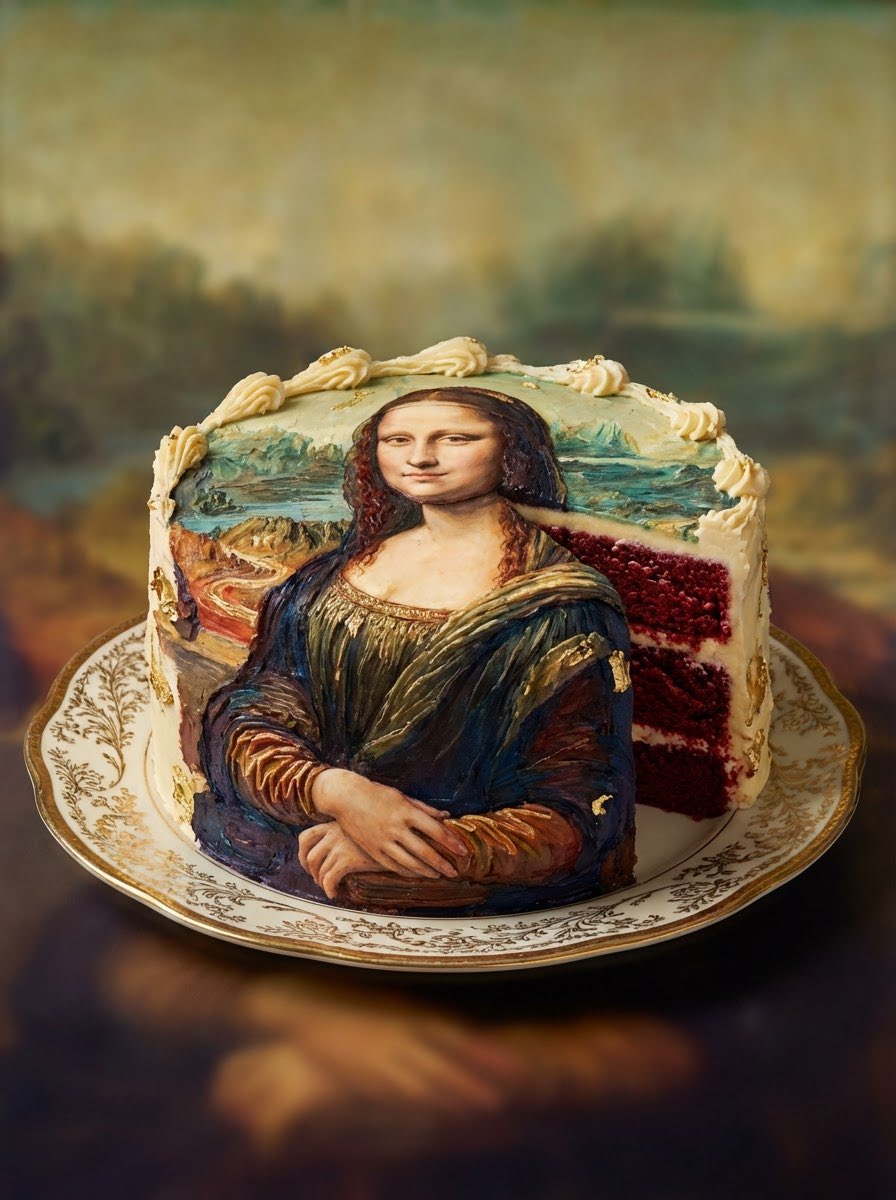
Red Velvet Cake Painting Recreation Food Photography Prompt
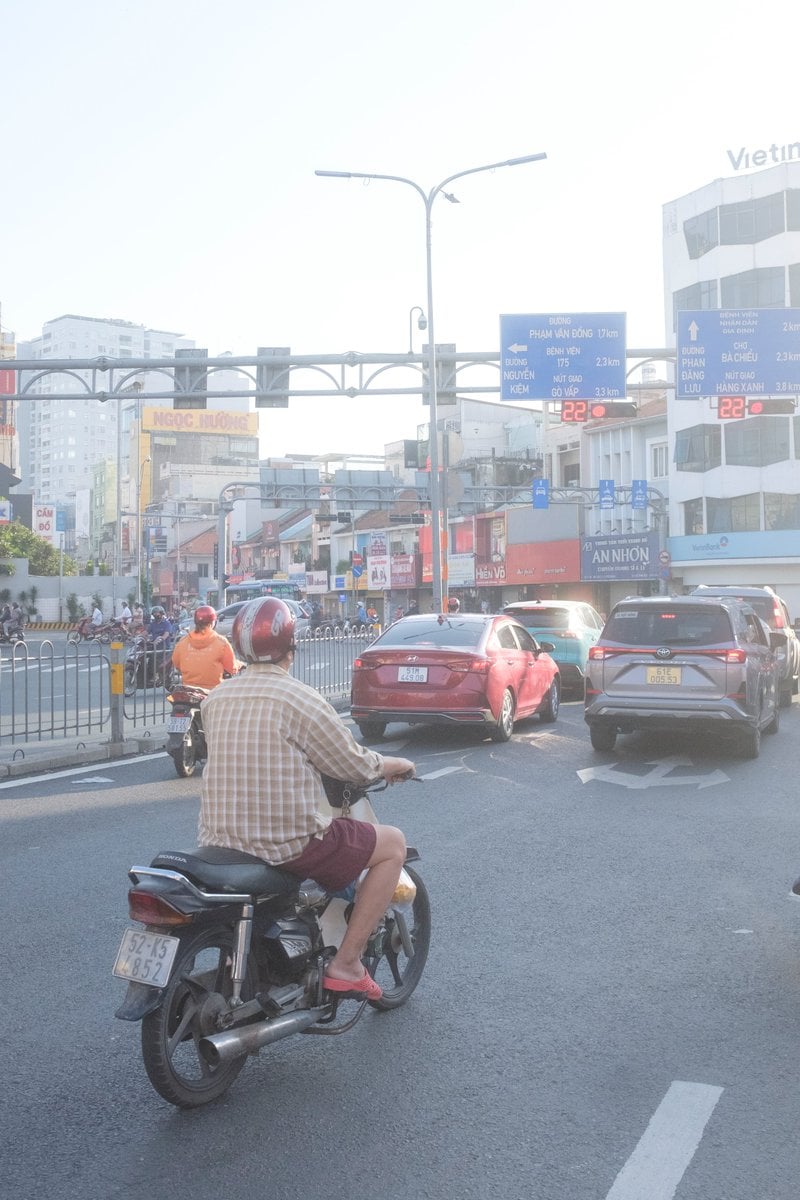
Edit city photo into rainy scene with Vietnamese bikers
Browse template categories
Candy Lunar New Year Shrine questions
How do I use the Candy Lunar New Year Shrine template?
Add your photo if the template asks for one, edit the prompt if you like — the template's model and format are already selected — and press Generate. Your version opens in PicX Studio.
Can I customize the Candy Lunar New Year Shrine template?
Yes. You can change the subject, setting, lighting, mood, format, and available model controls before creating your image.
Is the Candy Lunar New Year Shrine template free?
Opening and editing this template is free. Generating uses credits, shown on the Generate button when you are signed in.
Which AI model should I use?
Start with GPT Image 2, which is the model associated with this template. You can compare another compatible model for a different finish.
Looking for something else? Browse all templates.

Your photo, any look
Thousands of ready templates for every top image and video model, from one credit balance.