
Anime Lunar Eclipse Swordswoman Poster
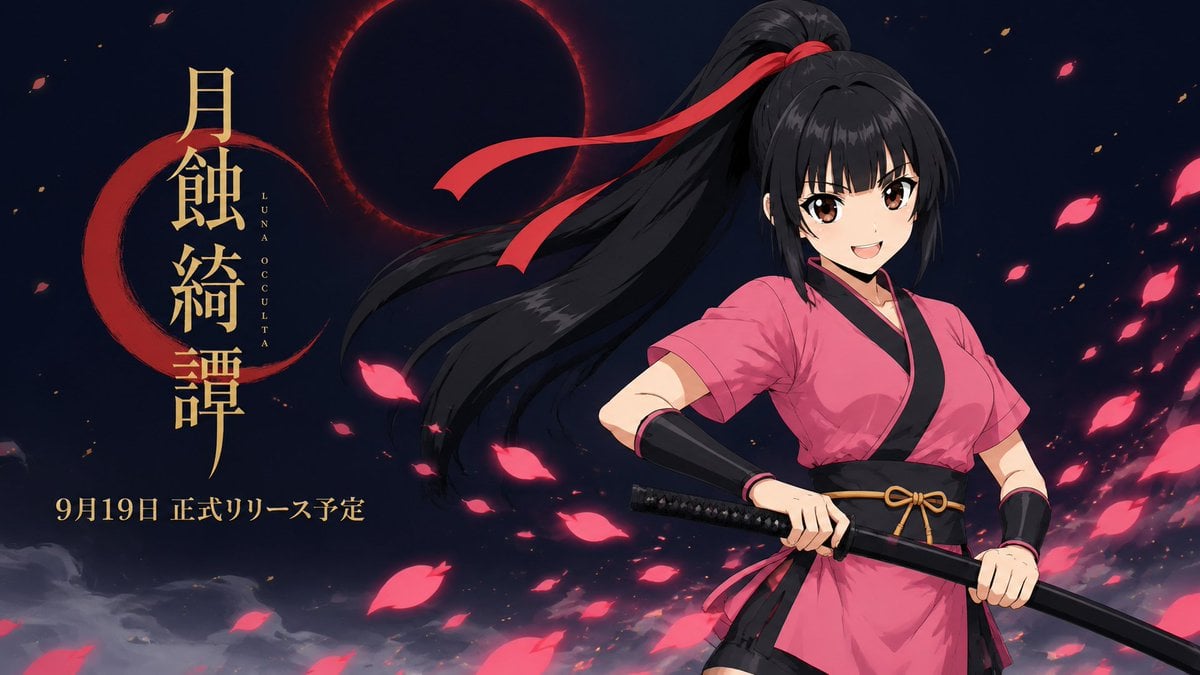
Creates a widescreen anime game announcement key visual with a smiling katana-wielding heroine, eclipse backdrop, Japanese title typography, and drifting petals.
- Prompt included
- Model and format preset
- Free template
The prompt behind this image
Copy the exact prompt behind Anime Lunar Eclipse Swordswoman Poster, or open it in the studio and make it yours.
Goal: Create a cinematic anime game announcement key visual for {argument name="title text" default="月蝕綺譚"}, featuring a cheerful young swordswoman in front of a dark lunar eclipse. Canvas: Wide 16:9 horizontal poster, 1200x675 composition, dark navy night-sky background with high contrast red and gold accents. Layout: Place the character on the right half, cropped from mid-thigh upward, leaning slightly forward with confident energy. Put the large vertical Japanese title on the left in metallic gold calligraphy, with a red crescent brushstroke behind it and small vertical romanization reading “LUNA OCCULTA” beside the title. Add the release line {argument name="release date text" default="9月19日 正式リリース予定"} in gold along the lower left. In the upper center-left, show one large black solar/lunar eclipse disk with a glowing crimson corona. Subject details: One anime swordswoman, teenage to young adult, bright smile, large brown eyes, fair skin, long black hair in a high ponytail flowing dramatically leftward, tied with a red ribbon whose two long tails stream in the wind. She wears a vivid pink short-sleeved kimono-style ninja/samurai top with black trim, a wide black obi belt tied with a small gold cord bow, black forearm guards, and a short dark underlayer visible at the hem. She grips one katana horizontally across her waist with both hands; the handle is black with subtle diamond wrapping and the blade/scabbard extends toward the lower right. Visible counted elements: Include exactly 1 character, 1 katana, 1 red hair ribbon with 2 trailing ribbon tails, 1 eclipse, 1 red crescent brushstroke behind the title, 1 vertical title block, 1 small vertical romanization label, and 1 release-date text line. Scatter exactly 24 glowing pink petal shapes across the scene, with the largest cluster on the right side and a few drifting near the title; add exactly 8 tiny orange ember flecks for depth. Visual style: Polished modern anime illustration, crisp linework, dramatic rim lighting, saturated pink petals, glossy black hair highlights, subtle wind motion, dark fantasy promotional poster atmosphere, clean readable typography, no watermark, no logos other than the specified text.
How to use Anime Lunar Eclipse Swordswoman Poster in 3 steps
- 1Upload ImagePNG, JPG or paste
Add your photo
Upload the photo the template builds on. The prompt, model and format are already set.
- 2…a portrait of your subject in softgolden-hour light, 85mm…
Personalize
Edit the subject and creative details for your destination.
- 3Generate
Generate
Press Generate — your image is created in PicX Studio, so you can compare it with the original and refine one variable at a time.
More like this
Templates with the same subject, style or setup. Open one to see its prompt.

Captain Tsubasa Anime World Cup Poster

Gpt2 Youtube Thumbnail Anime Music Bootcamp Promo Poster

Japan Travel Brochure Poster
Shadow Slash Swordswoman Poster

Nice Day Anime Poster

Cel 2D Finale Fireworks

Cel 2D Garden Maze

Cel 2D Rooftop Concert

Cel 2D Bicycle Coast

Cel 2D Castle Gate

Cel 2D Kitchen Chaos

Cel 2D Carnival Ride
Make it yours
Anime Lunar Eclipse Swordswoman Poster works as-is. These are the safest ways to change it without losing the look.
Change one field
Copy a single group, rewrite it, and generate again so you can see what that field is doing.
Keep the frame, change the subject
Hold the composition and light of Anime Lunar Eclipse Swordswoman Poster, then swap wardrobe, props or the person for a new take.
| If the result… | Why | Fix |
|---|---|---|
| The result drifts from the preview | Too many fields changed at once. | Reuse Anime Lunar Eclipse Swordswoman Poster as-is first, then change one group — subject, light, or setting. |
| The model over-stylizes the scene | The prose prompt leaves finish and camera underspecified. | Add one camera or lighting sentence and stay on GPT Image 2. |
More GPT Image 2 templates
Other prompts made for GPT Image 2.

Six VTuber Japanese Logo Sheet

Realistic Portrait of Woman and Deer

The Vista Modular Condo Poster

AI Model Routing Comparison Infographic

2.5D Anime Art Board

Isometric Productivity Desk Scene

New York Double Exposure Poster

Four-Panel AI Landscape Comparison

Japanese Tatami Lifestyle Magazine Cover

NESCAFÉ Coffee Map Poster
More image prompts
Fresh picks from across the catalog.
Digital Camera Screen Portrait
Candid Hookah Lounge Lifestyle Photo
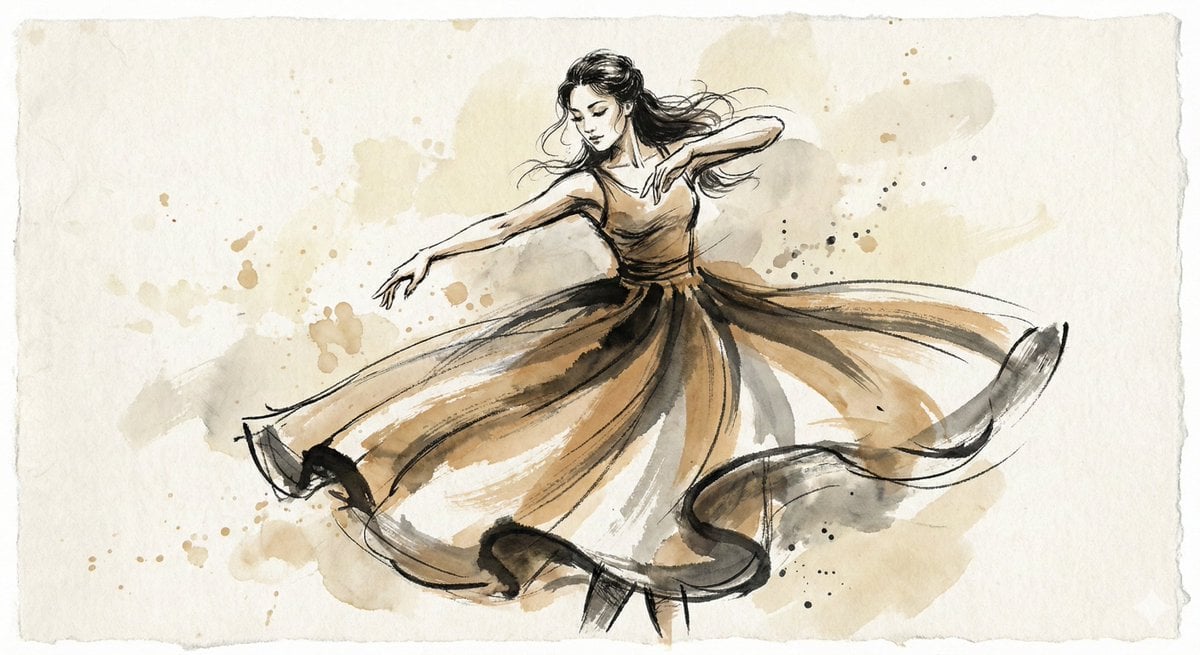
Ink and Wash Illustration Generator
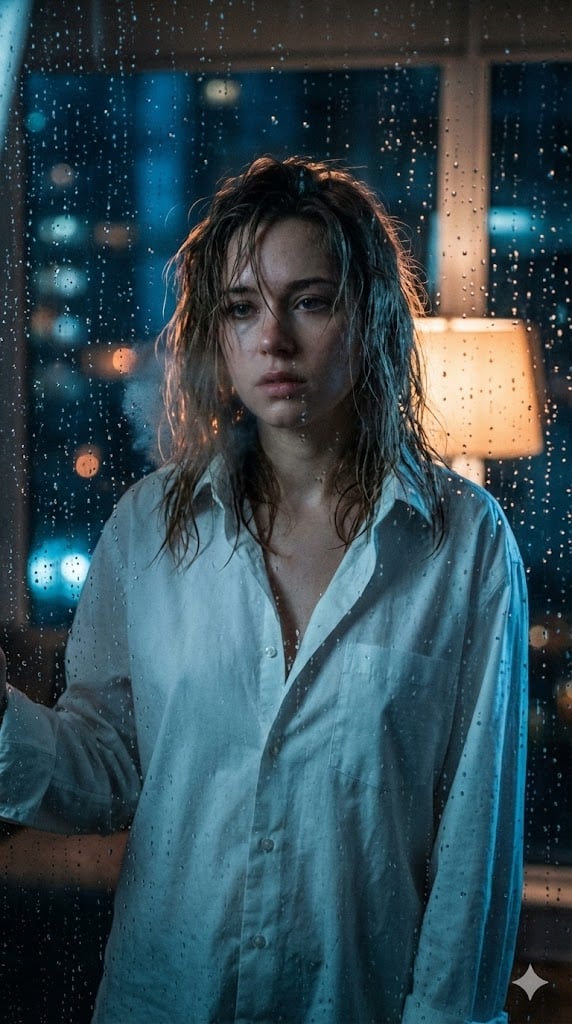
Cinematic Voyeuristic Portrait through Rain-Streaked Window
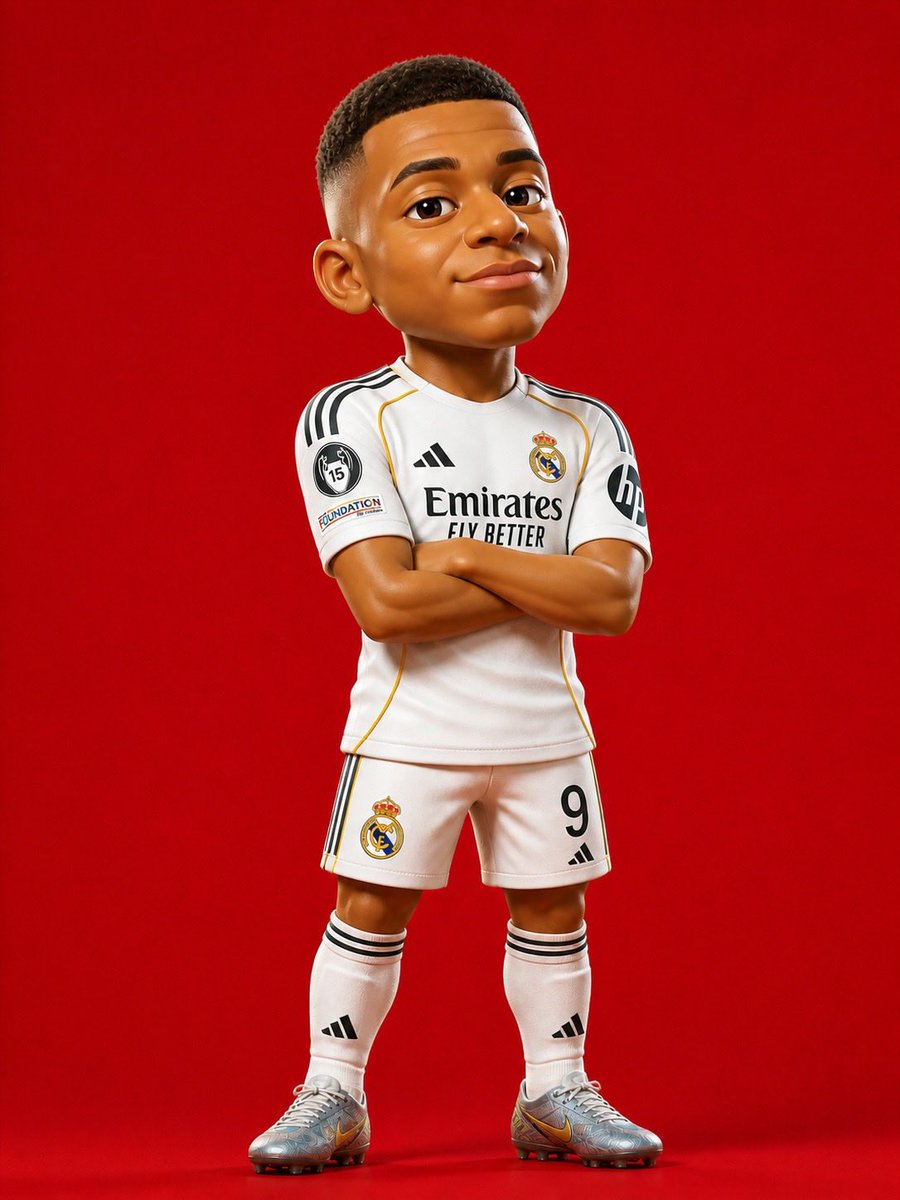
3D Stylized Soccer Player
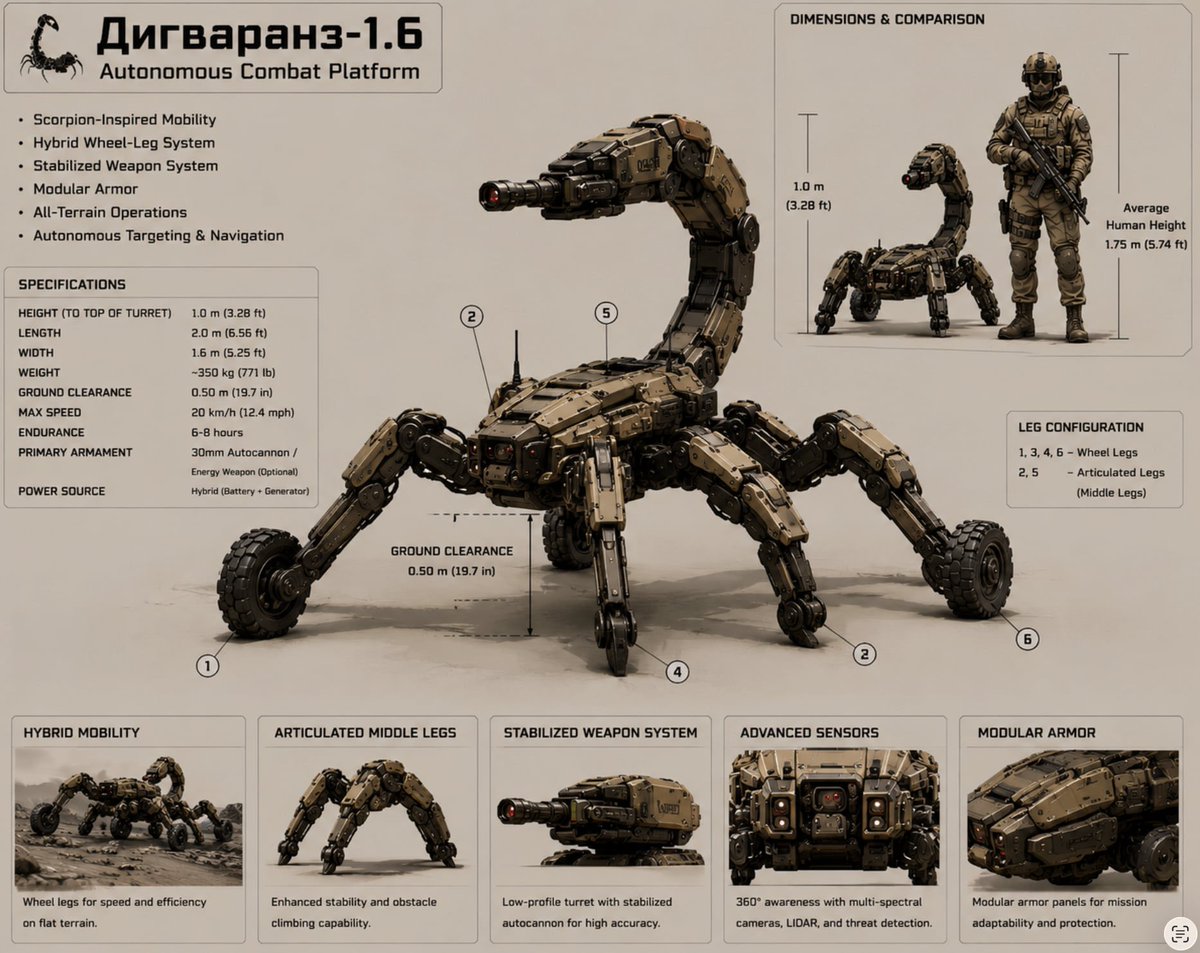
Scorpion Combat Robot Spec Sheet
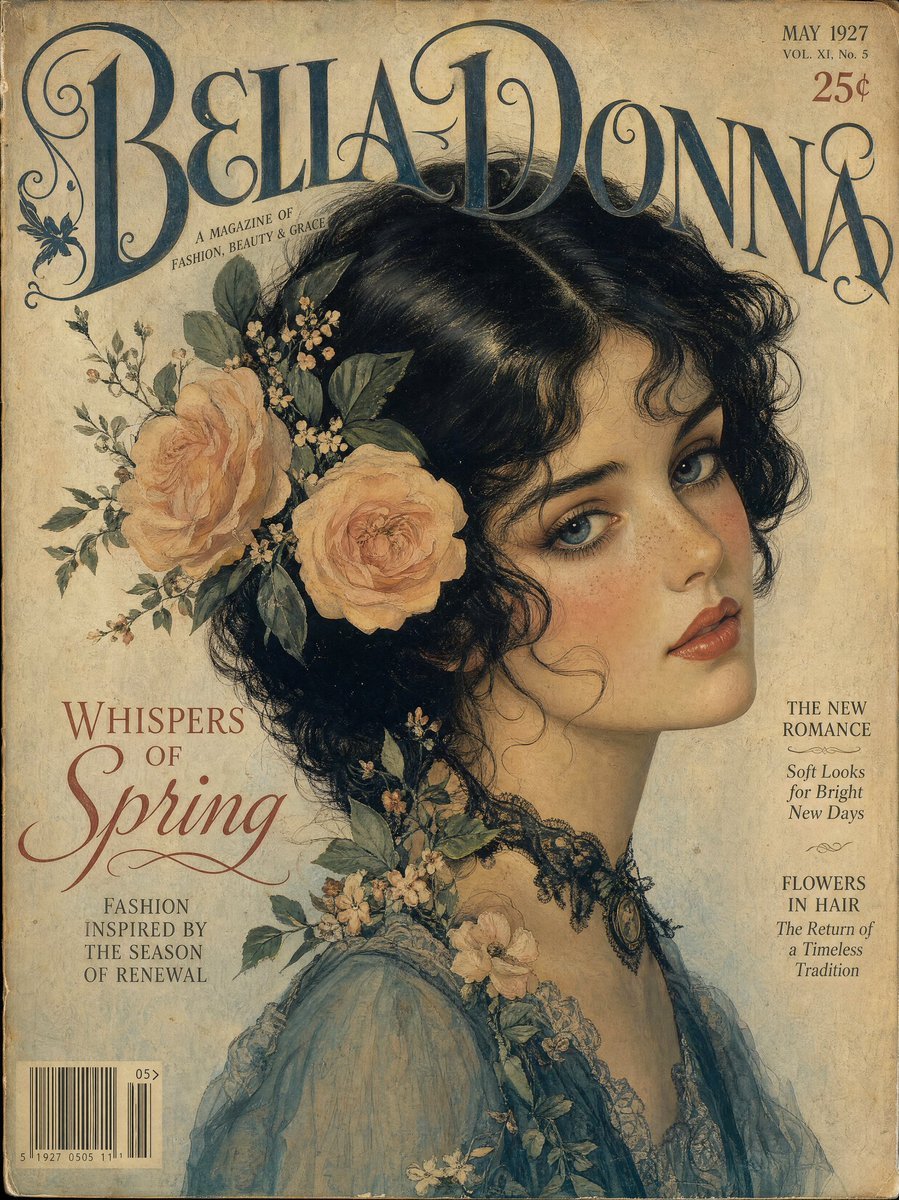
Vintage Gouache Fashion Magazine Cover
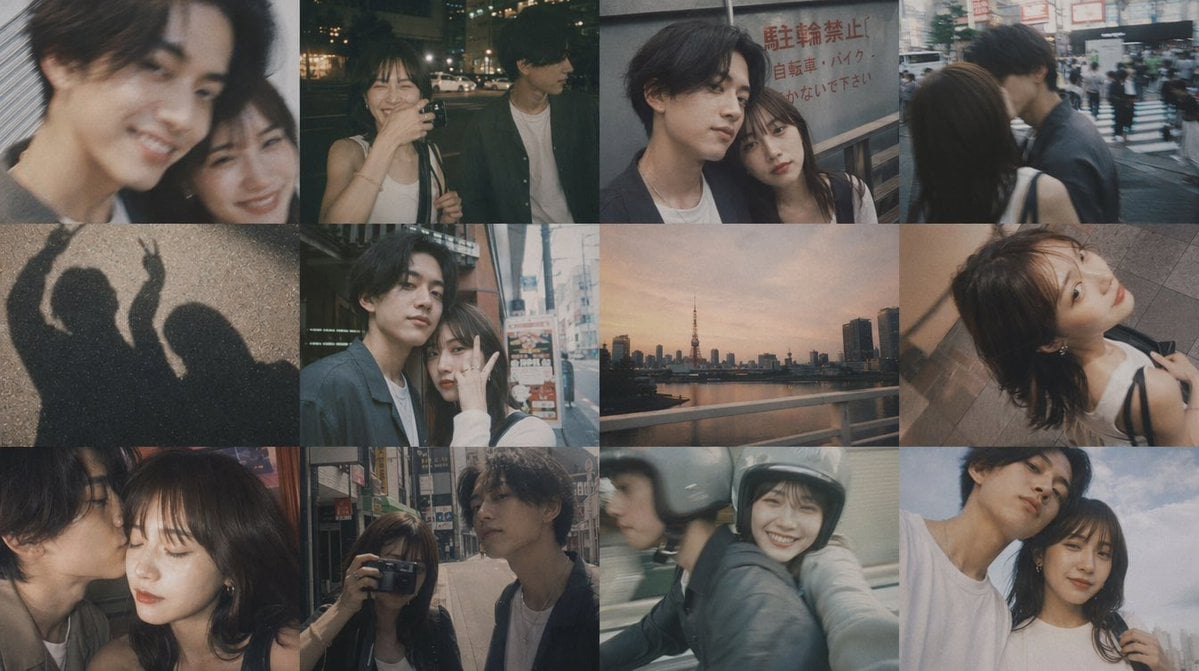
Romantic Tokyo Couple Photo Collage
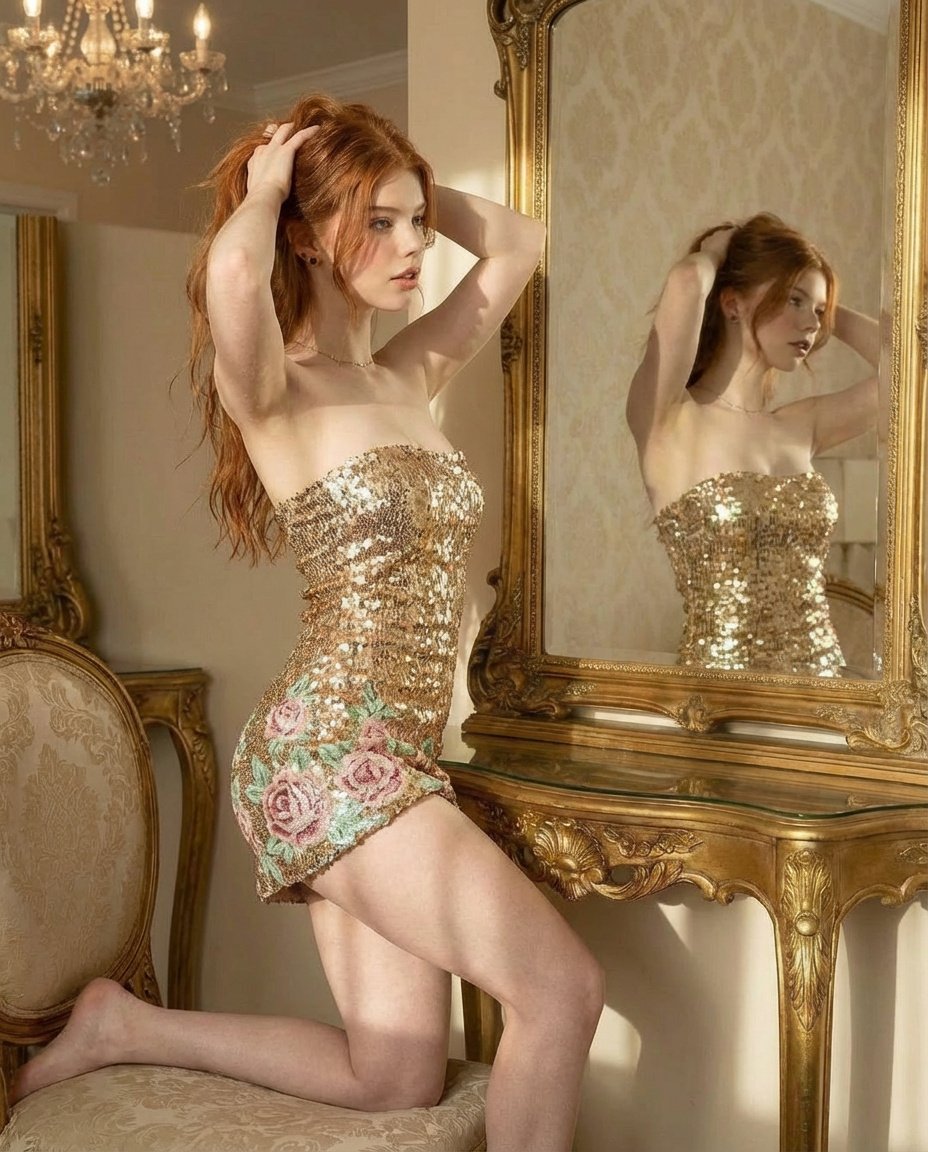
Ultra Photorealistic Glamorous Portrait in Classical Interior

Cozy Christmas Market Portrait with Identity Preservation
Browse template categories
Anime Lunar Eclipse Swordswoman Poster questions
How do I use the Anime Lunar Eclipse Swordswoman Poster template?
Add your photo if the template asks for one, edit the prompt if you like — the template's model and format are already selected — and press Generate. Your version opens in PicX Studio.
Can I customize the Anime Lunar Eclipse Swordswoman Poster template?
Yes. You can change the subject, setting, lighting, mood, format, and available model controls before creating your image.
Is the Anime Lunar Eclipse Swordswoman Poster template free?
Opening and editing this template is free. Generating uses credits, shown on the Generate button when you are signed in.
Which AI model should I use?
Start with GPT Image 2, which is the model associated with this template. You can compare another compatible model for a different finish.
Looking for something else? Browse all templates.

Your photo, any look
Thousands of ready templates for every top image and video model, from one credit balance.