
Shadow Slash Swordswoman Poster
Generates a photorealistic cyber-action poster of an Asian swordswoman holding a katana with blade aura and glitch typography.
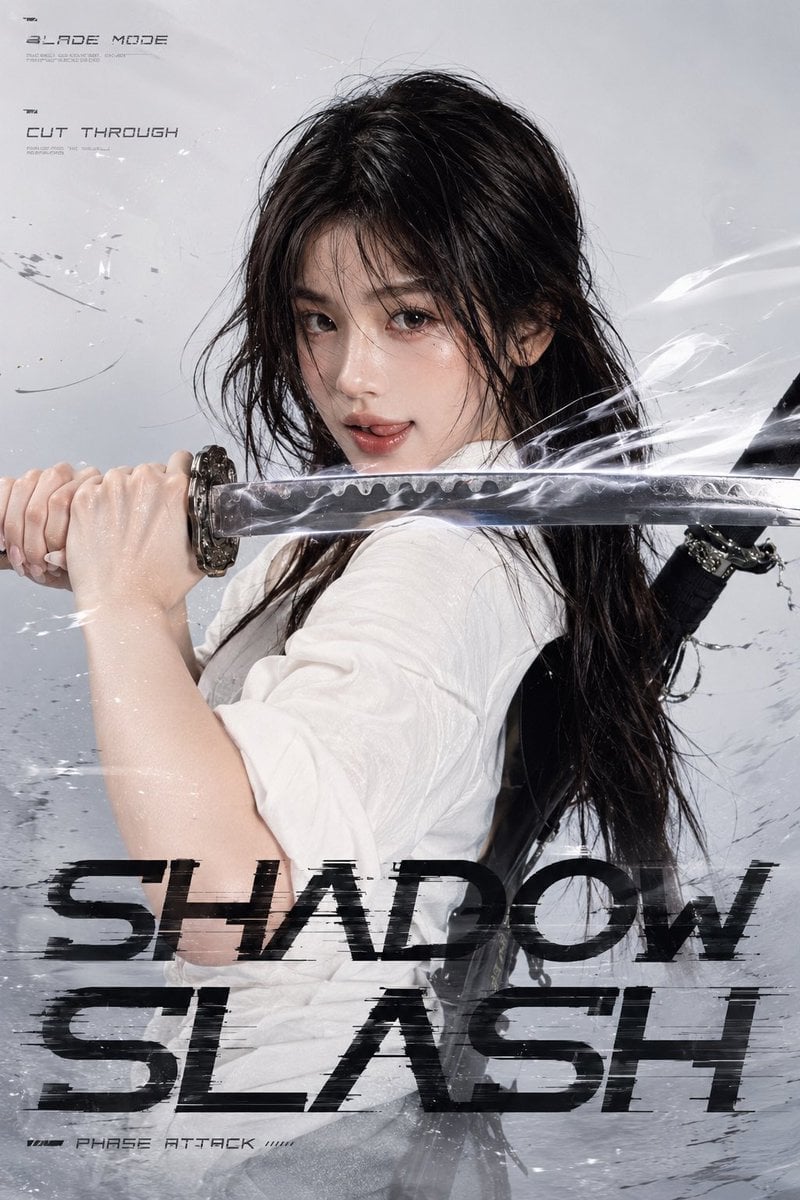
- Prompt included
- Model and format preset
- Premium template
The prompt behind this image
Copy the exact prompt behind Shadow Slash Swordswoman Poster, or open it in the studio and make it yours.
Create a vertical cinematic action poster featuring {argument name="character description" default="an adult Asian female swordswoman with cool beautiful features, translucent fair skin, subtle makeup, long black wet-looking hair with messy strands blown by high-speed wind, and calm sharp eyes looking directly at the viewer"}. She is posed in a close-up three-quarter stance, gripping a Japanese katana horizontally across the frame at chest and mouth level, the blade running from the left edge toward the right edge and passing directly in front of her face. Her hands are clenched around the hilt on the left, the ornate guard is visible, and the polished blade has a wavy hamon pattern. Add bright white blade aura, smoky air trails, thin slash streaks, sparks, glassy particles, and motion distortion around the sword so it feels like the cut is already slicing through the air. Dress her in {argument name="outfit" default="a loose slightly wrinkled white shirt with rolled sleeves, a gray knit cardigan tied at the waist, a dark gray-black plaid pleated skirt, black over-knee socks, and black academy-style leather shoes"}; show two black Japanese long swords crossed and strapped on her back, with black scabbards and dangling cords visible over her shoulder. Use a pale gray studio background with subtle grunge scratches, ink smears, wind lines, and faint debris, high-fashion editorial lighting, sharp photorealistic detail, glossy skin highlights, and a cold silver-white color palette. Make the composition intense and dynamic, with her face centered in the upper half and the sword dominating the middle. Add exactly 4 visible futuristic typography elements: small top-left label “BLADE MODE”, small left label beneath it “CUT THROUGH”, huge distressed black glitch title across the lower third “SHADOW SLASH”, and tiny bottom-left label “PHASE ATTACK”. The main title should be bold, stretched, fragmented, and partially transparent with horizontal scanline breaks, while the small labels use thin sci-fi technical lettering. No extra characters, no watermark, no logo, no additional readable text.
How to use Shadow Slash Swordswoman Poster in 3 steps
- 1Upload ImagePNG, JPG or paste
Add your photo
Upload the photo the template builds on. The prompt, model and format are already set.
- 2…a portrait of your subject in softgolden-hour light, 85mm…
Personalize
Edit the subject and creative details for your destination.
- 3Generate
Generate
Press Generate — your image is created in PicX Studio, so you can compare it with the original and refine one variable at a time.
More like this
Templates with the same subject, style or setup. Open one to see its prompt.
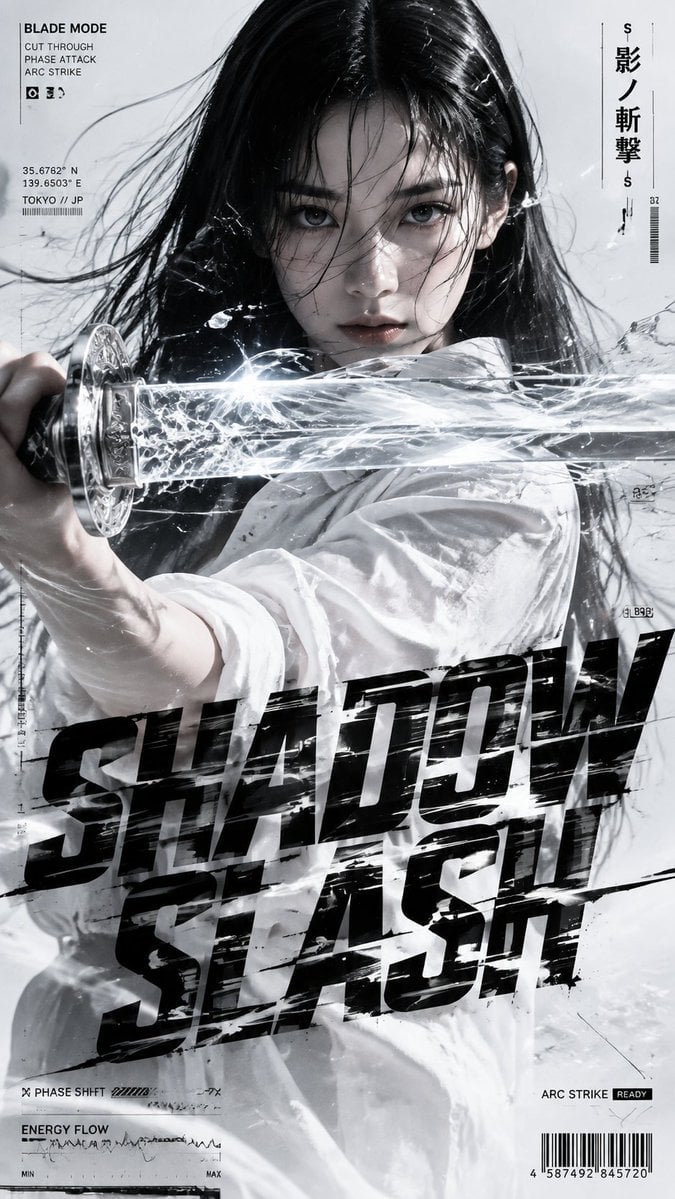
Shadow Slash Fashion Poster

Japan Travel Brochure Poster

Cartoon TV Show Poster Pack

Trendy Cafe Drink Promo Poster

Urban Fashion Editorial Collage Streetwear Poster

Premium Fashion Editorial Cover Layout System

Polo Ralph Lauren Luxury American Heritage Fashion Campaign

Monochrome Halftone Editorial Fashion Poster

Retro Mirror Luxury Fashion Campaign Poster

Luxury Fashion Campaign Typography Poster System

Premium Fashion Editorial Campaign Poster System

Ultra-Stylized High-Fashion Streetwear Poster
Make it yours
Shadow Slash Swordswoman Poster works as-is. These are the safest ways to change it without losing the look.
Change one field
Copy a single group, rewrite it, and generate again so you can see what that field is doing.
Keep the frame, change the subject
Hold the composition and light of Shadow Slash Swordswoman Poster, then swap wardrobe, props or the person for a new take.
| If the result… | Why | Fix |
|---|---|---|
| The result drifts from the preview | Too many fields changed at once. | Reuse Shadow Slash Swordswoman Poster as-is first, then change one group — subject, light, or setting. |
| The model over-stylizes the scene | The prose prompt leaves finish and camera underspecified. | Add one camera or lighting sentence and stay on GPT Image 2. |
More GPT Image 2 templates
Other prompts made for GPT Image 2.

Six VTuber Japanese Logo Sheet

Realistic Portrait of Woman and Deer

The Vista Modular Condo Poster

AI Model Routing Comparison Infographic

2.5D Anime Art Board

Isometric Productivity Desk Scene

New York Double Exposure Poster

Four-Panel AI Landscape Comparison

Japanese Tatami Lifestyle Magazine Cover

NESCAFÉ Coffee Map Poster
More image prompts
Fresh picks from across the catalog.
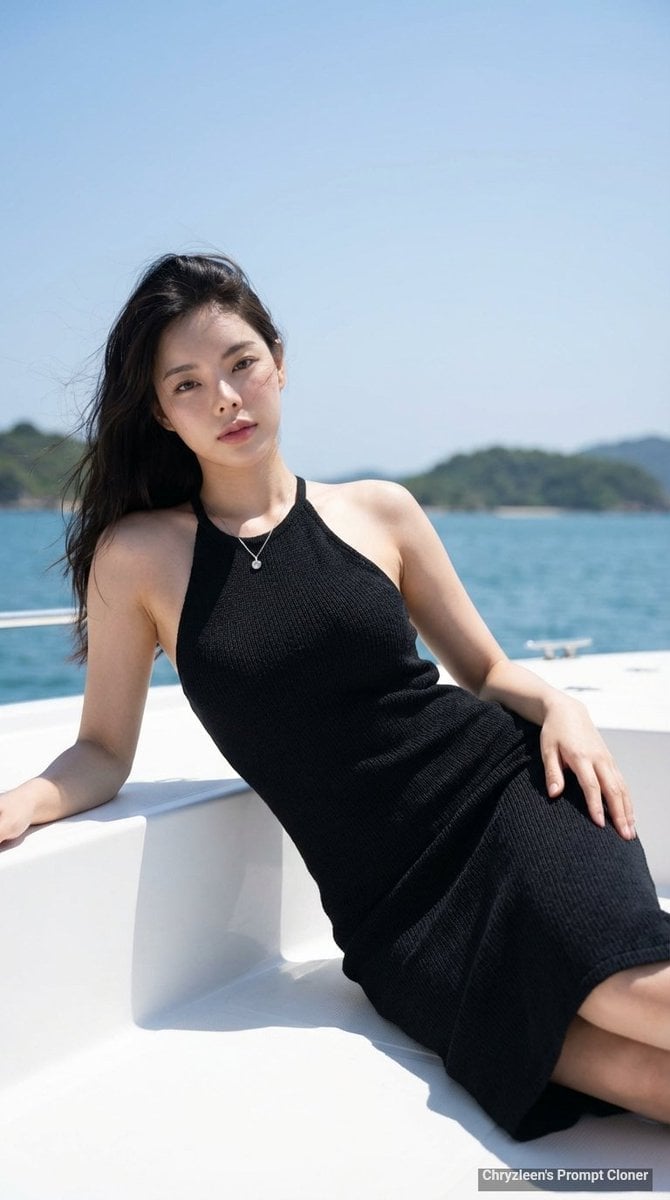
Hyper-Realistic Portrait on a Boat
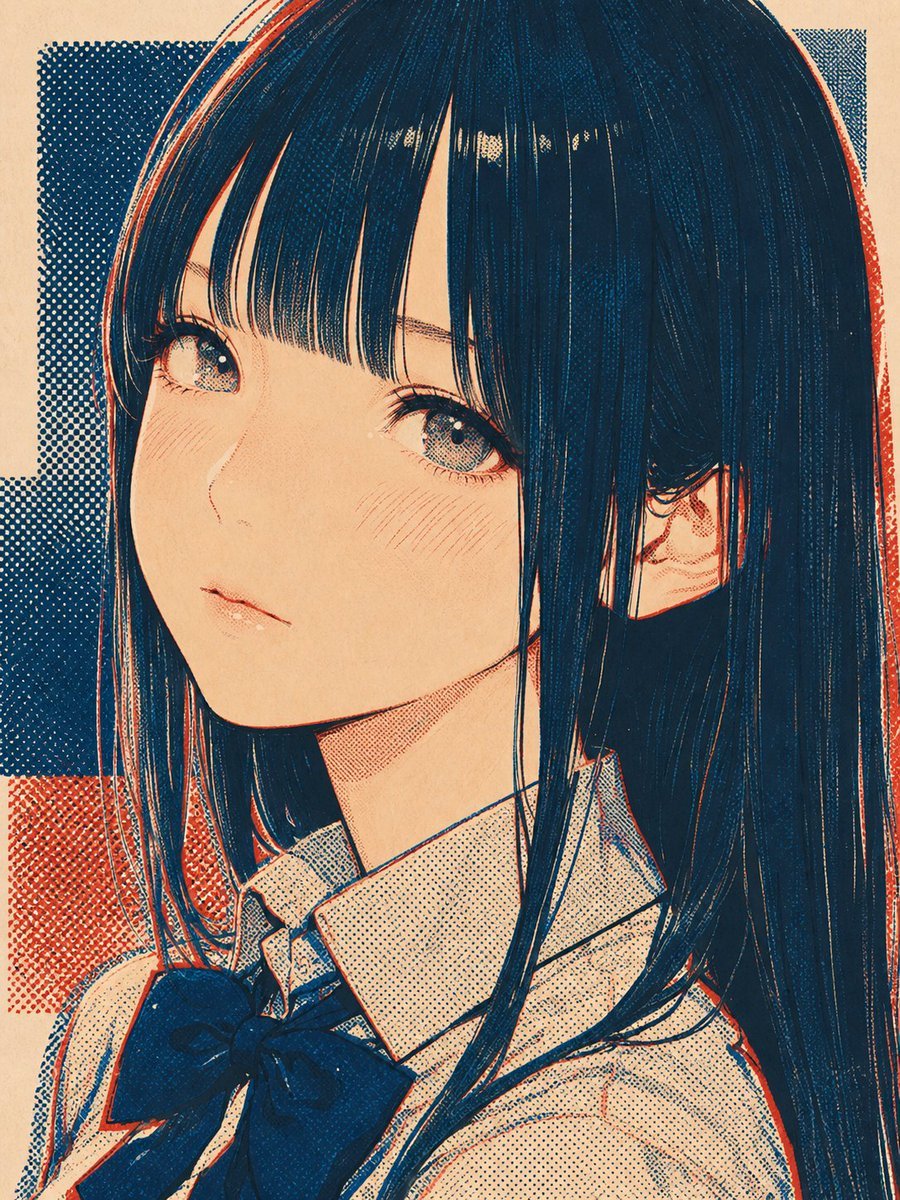
Halftone Screen Print Style
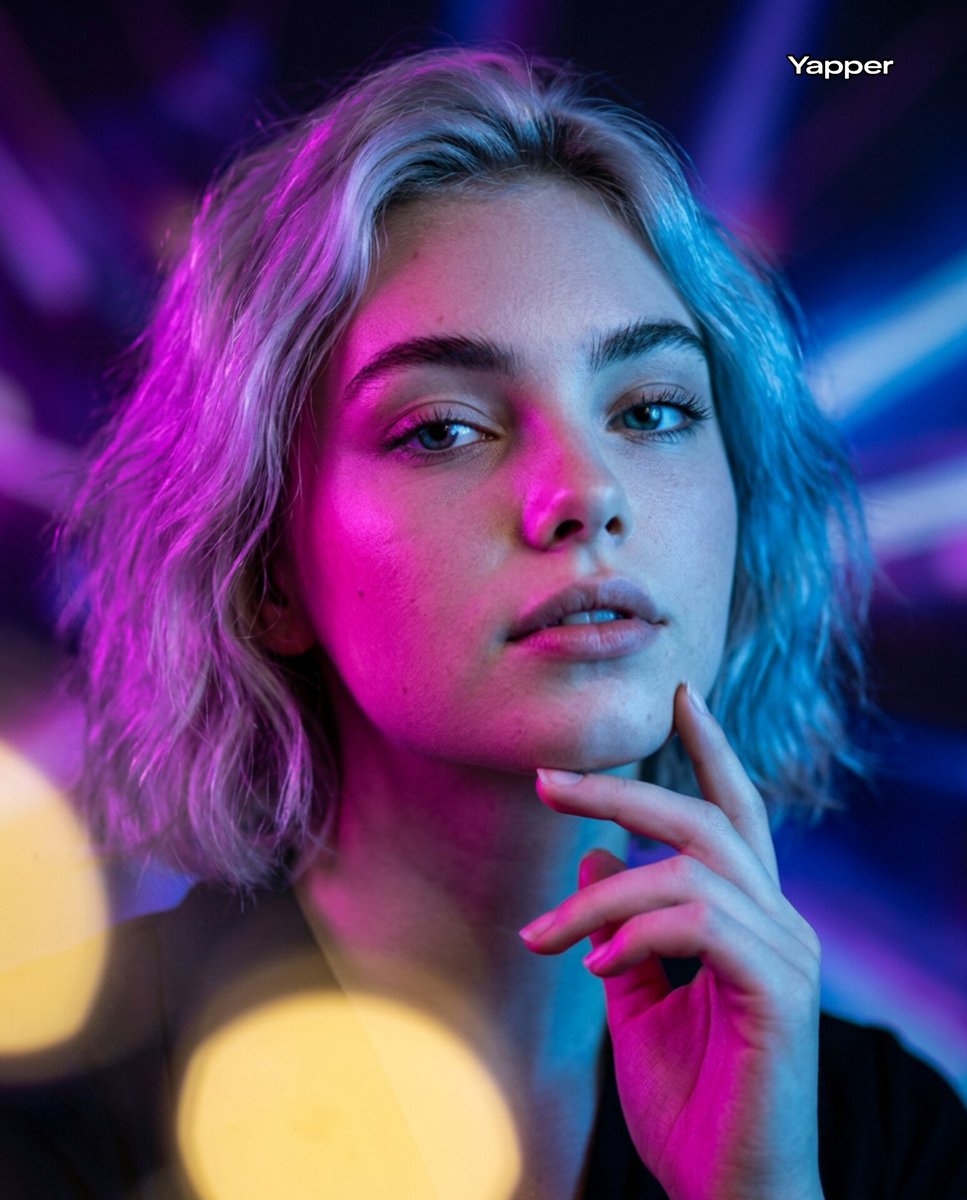
Neon Bi-Color Cinematic Portrait

World Cup Champion Tunnel Poster
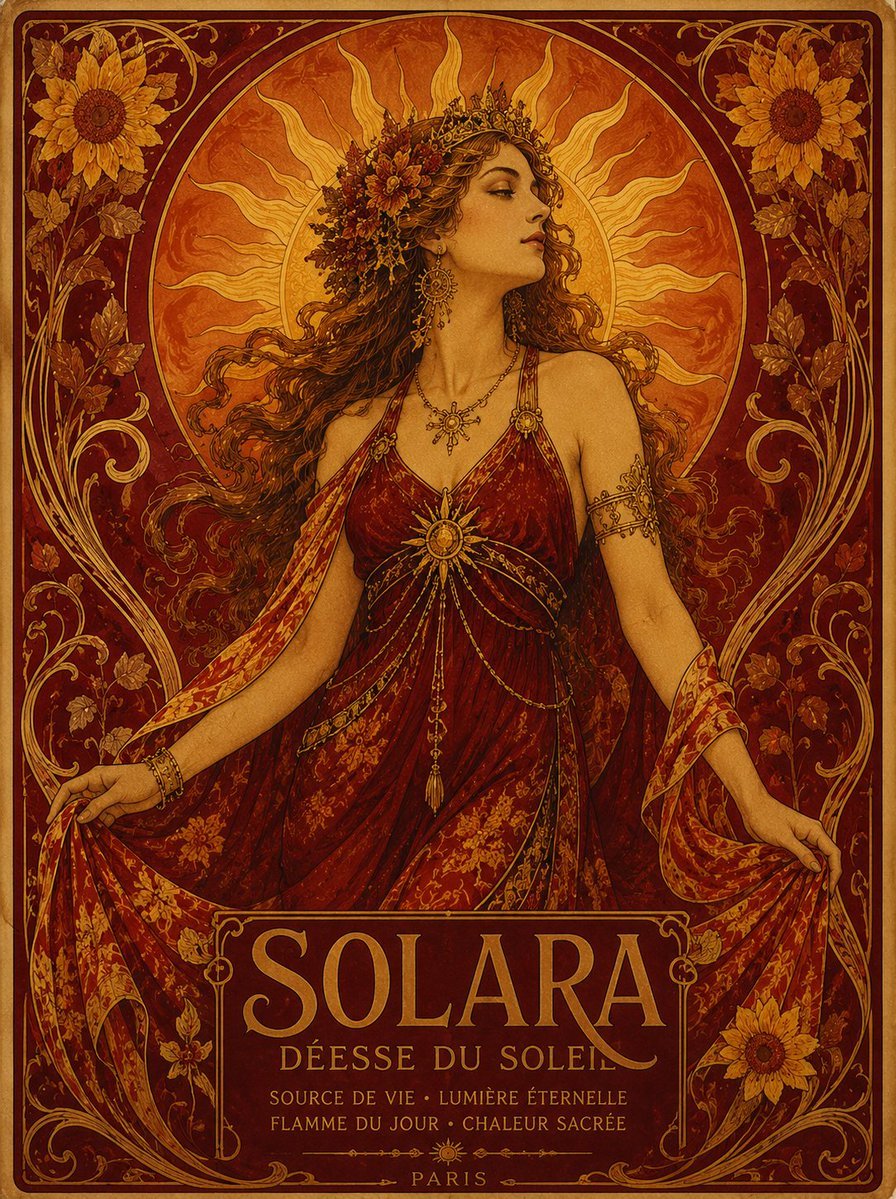
Solara Art Nouveau Sun Goddess Poster
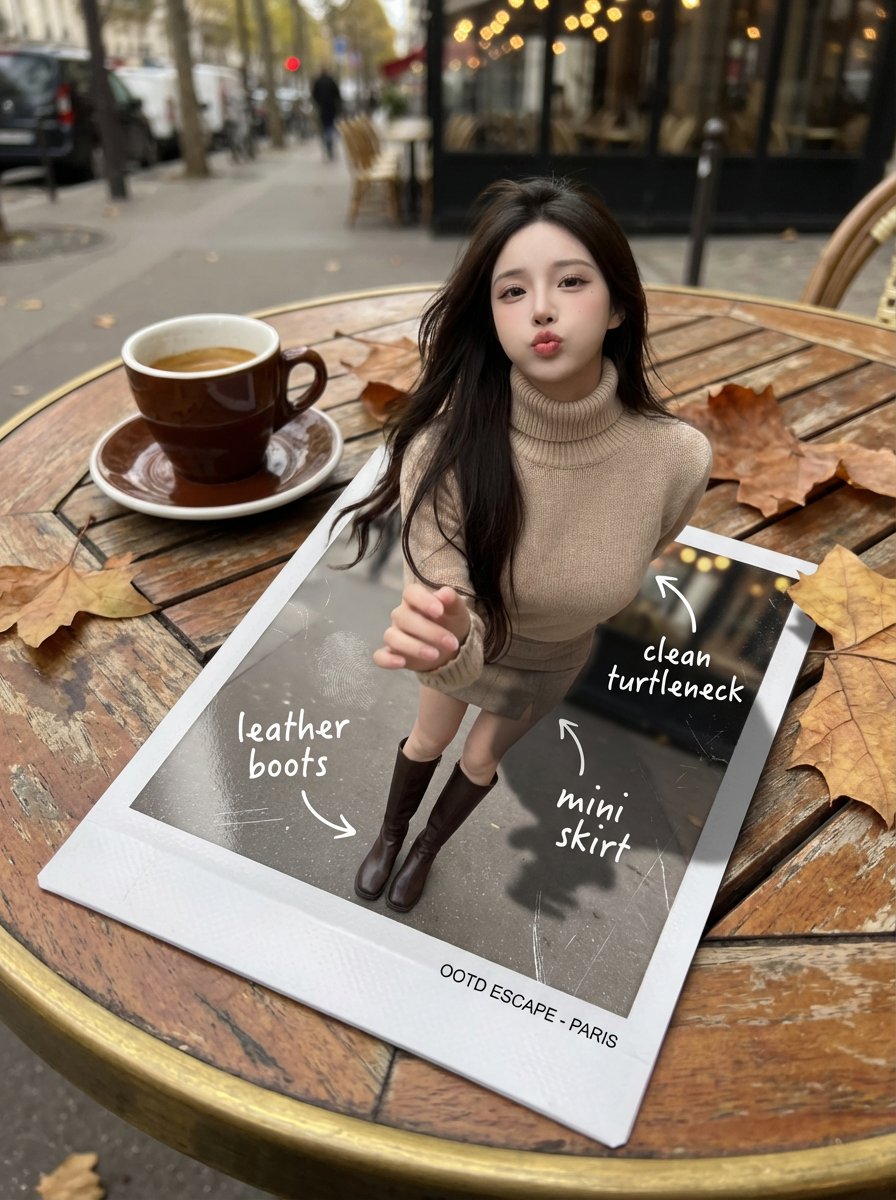
Instant Polaroid Portal Optical Illusion Prompt

Chinese AI Retirement Planning Infographic
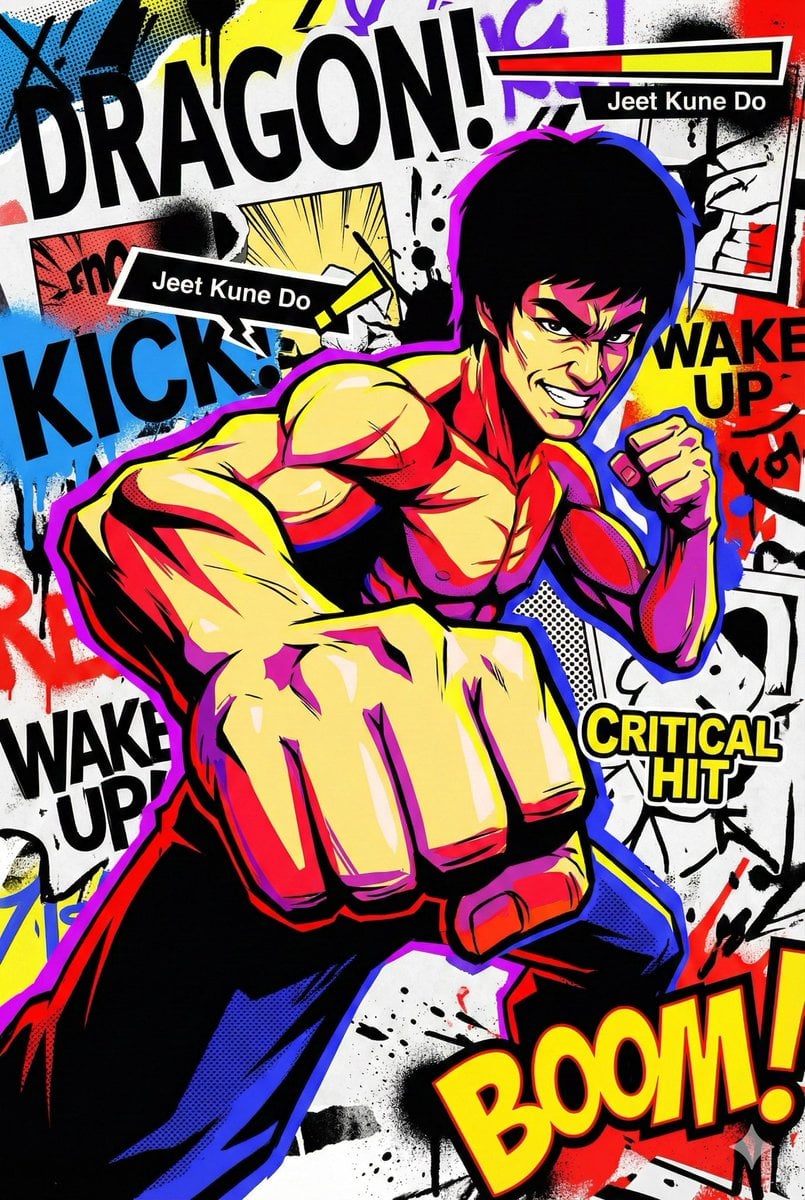
Persona 5-inspired pop-art anime poster for a custom chuunibyou character

JSON Prompt for Minimalist Mirror Selfie
Space shuttle diagram in space
Browse template categories
Shadow Slash Swordswoman Poster questions
How do I use the Shadow Slash Swordswoman Poster template?
Add your photo if the template asks for one, edit the prompt if you like — the template's model and format are already selected — and press Generate. Your version opens in PicX Studio.
Can I customize the Shadow Slash Swordswoman Poster template?
Yes. You can change the subject, setting, lighting, mood, format, and available model controls before creating your image.
Is the Shadow Slash Swordswoman Poster template free?
Opening and editing this template is free. Generating uses credits, shown on the Generate button when you are signed in.
Which AI model should I use?
Start with GPT Image 2, which is the model associated with this template. You can compare another compatible model for a different finish.
Looking for something else? Browse all templates.

Your photo, any look
Thousands of ready templates for every top image and video model, from one credit balance.