
Instant Polaroid Portal Optical Illusion Prompt
A highly complex JSON prompt for generating a hyper-realistic optical illusion photograph where a subject appears to be emerging from a Polaroid instant photo lying on a cafe table, requiring a reference image for…
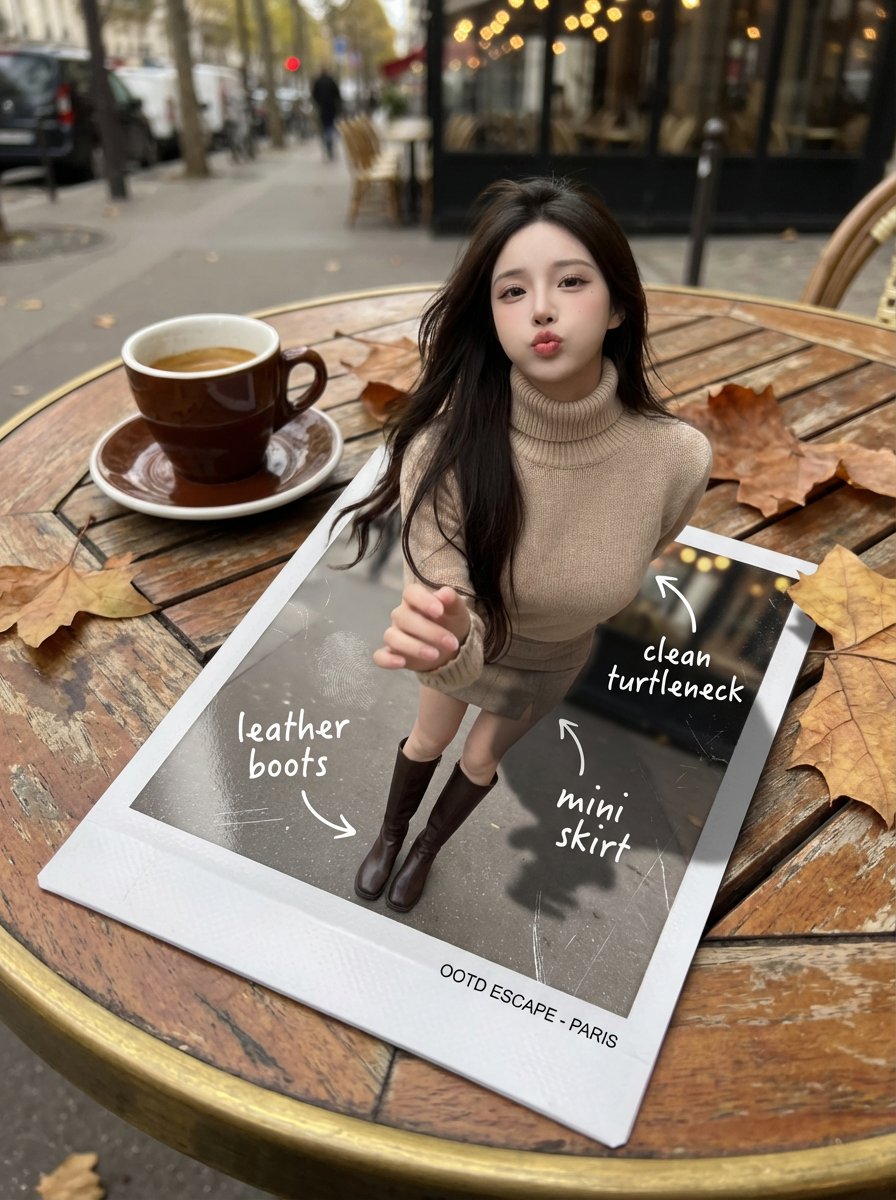
- Prompt included
- Model and format preset
- Free template
The prompt behind this image
Copy the exact prompt behind Instant Polaroid Portal Optical Illusion Prompt, or open it in the studio and make it yours.
{ "subject": { "description": "A hyper-realistic optical-illusion photograph. The woman from the uploaded reference portrait appears to be emerging from a freshly developed instant photo (Polaroid-style) lying on a small cafe table. In the instant photo frame, her full outfit is visible; in reality, her upper body and head rise out of the glossy print, casting a real shadow onto the table.", "reference_image_rules": { "use_uploaded_reference_portrait": true, "preserve_identity": true, "preserve_hairline_and_facial_structure": true, "no_face_morphing": true }, "age": "20s", "expression": { "eyes": { "look": "Playful and confident", "direction": "Looking at the viewer" }, "mouth": { "position": "Pouting or blowing a kiss", "energy": "Chic and charming" }, "overall": "Lifelike, engaging interaction" }, "hair": { "style": "Long, loose waves", "effect": "Realistic shine, slight wind movement" }, "pose": { "position": "Upper torso emerging out of the instant photo, one hand slightly forward as if stepping into reality", "overall": "Energetic, spontaneous, full of life" }, "clothing": { "top": "High-neck knit turtleneck, premium textile detail", "bottom": "Mini skirt and leather boots (boots visible clearly inside the instant photo)" } }, "mirror_rules": "All handwritten annotations must be perfectly legible and NOT mirrored. Keep printed text on the instant photo frame readable.", "props": { "instant_photo": { "look": "Glossy Polaroid print with subtle fingerprint smudges and micro-scratches", "frame_text": "Small printed caption line at the bottom of the frame (readable, not mirrored)" }, "annotations_on_print": [ { "text": "leather boots", "style": "white handwritten marker", "arrow_to": "boots inside the print" }, { "text": "clean turtleneck", "style": "white handwritten marker", "arrow_to": "top inside the print" }, { "text": "mini skirt", "style": "white handwritten marker", "arrow_to": "skirt inside the print" } ] }, "photography": { "camera_style": "DSLR photorealism, macro lens for print texture", "shot_type": "Forced-perspective composite realism", "angle": "Top-down 3/4 angle, close and intimate POV", "aspect_ratio": "3:4", "lighting": "Soft overcast daylight, natural shadows", "depth_of_field": "Shallow DOF, t"
How to use Instant Polaroid Portal Optical Illusion Prompt in 3 steps
- 1Upload ImagePNG, JPG or paste
Add your photo
Upload the photo the template builds on. The prompt, model and format are already set.
- 2…a portrait of your subject in softgolden-hour light, 85mm…
Personalize
Edit the subject and creative details for your destination.
- 3Generate
Generate
Press Generate — your image is created in PicX Studio, so you can compare it with the original and refine one variable at a time.
More like this
Templates with the same subject, style or setup. Open one to see its prompt.
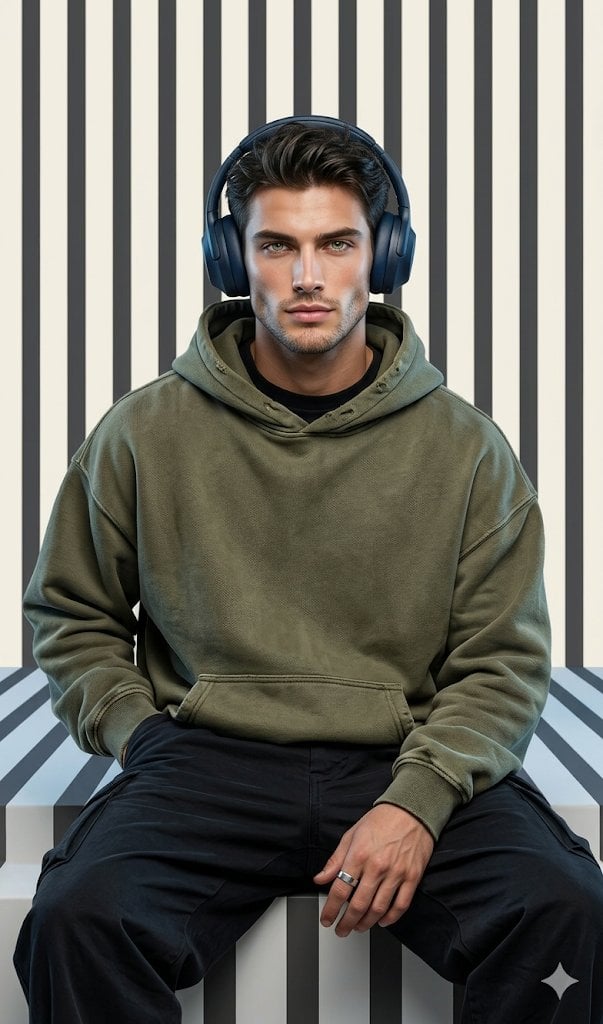
Graphic Portrait with Optical Illusion Background
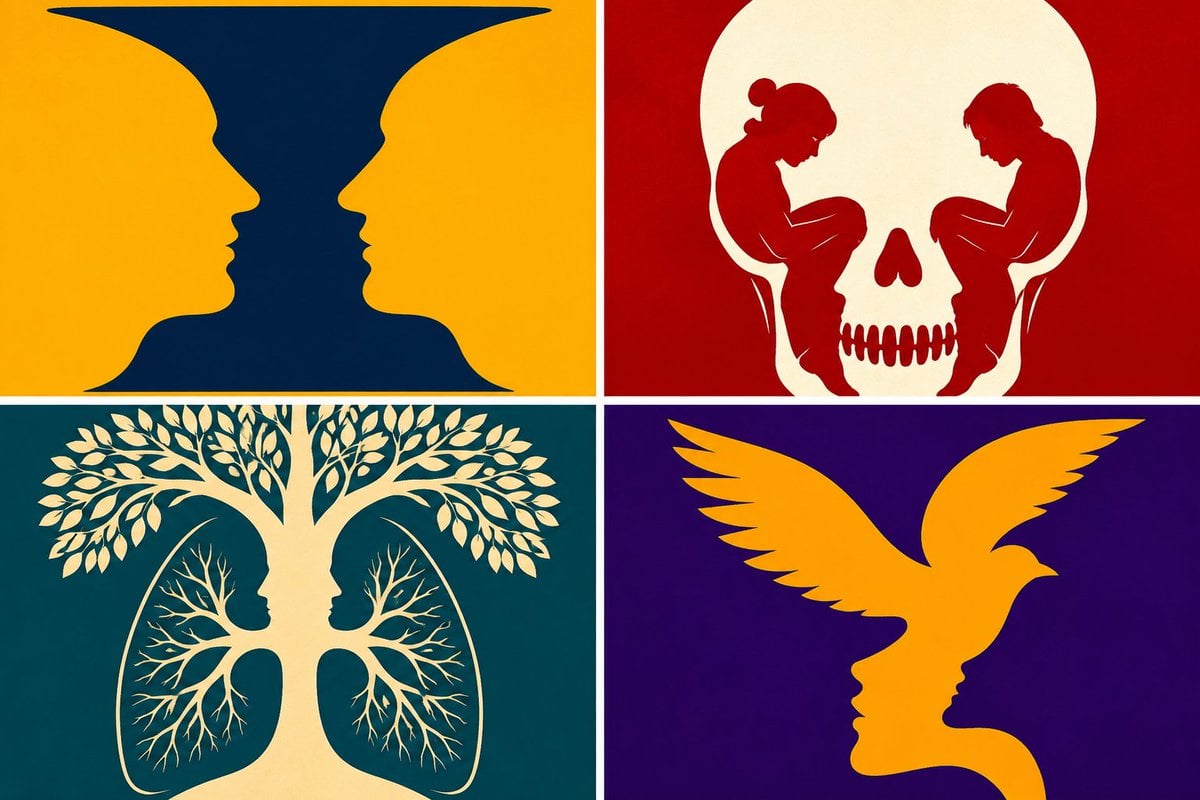
Parametric Optical Illusion Poster
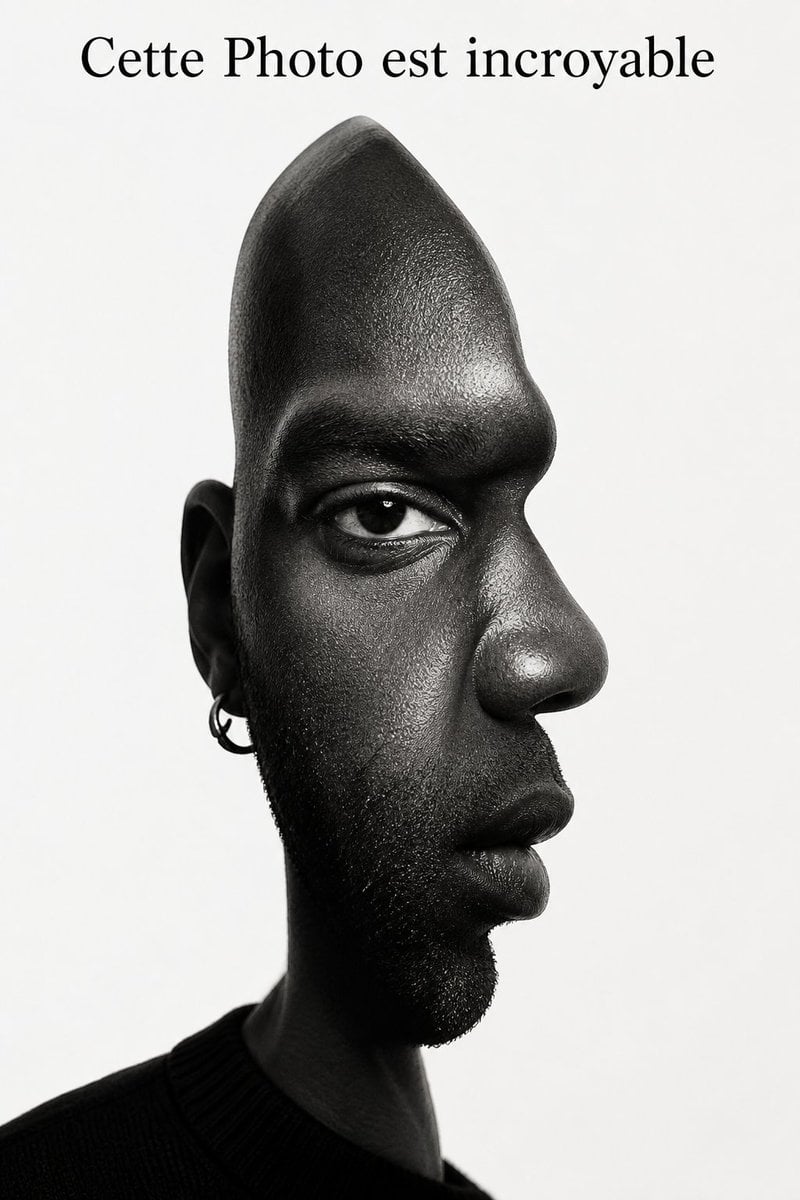
Surreal Optical Illusion Portrait
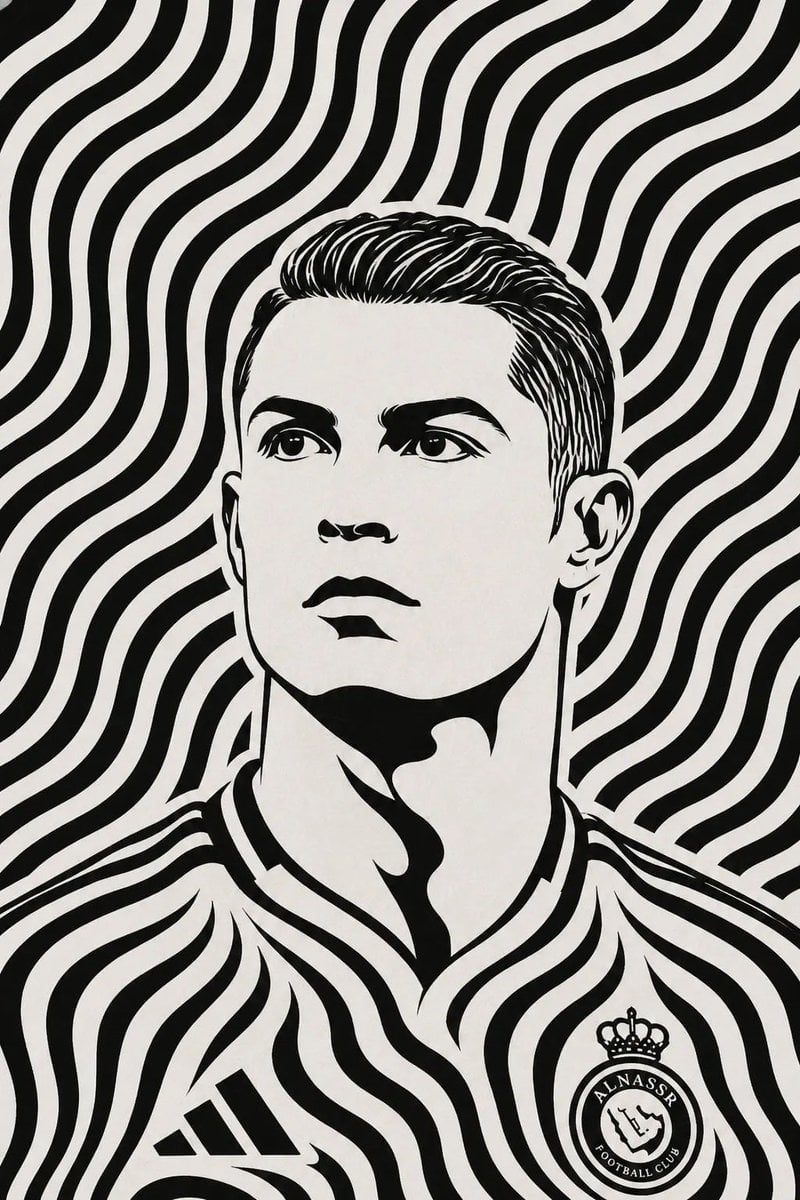
Black and White Optical Illusion Portrait
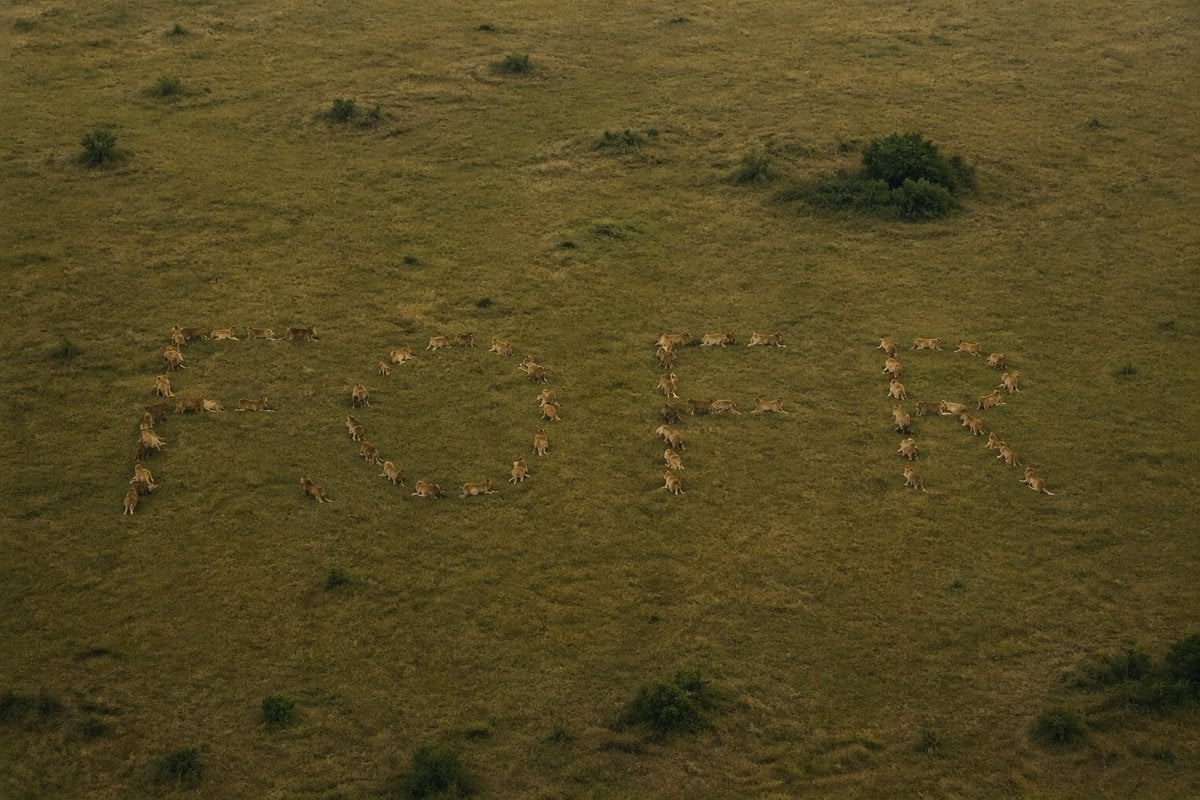
Hidden Word Optical Illusion Prompt
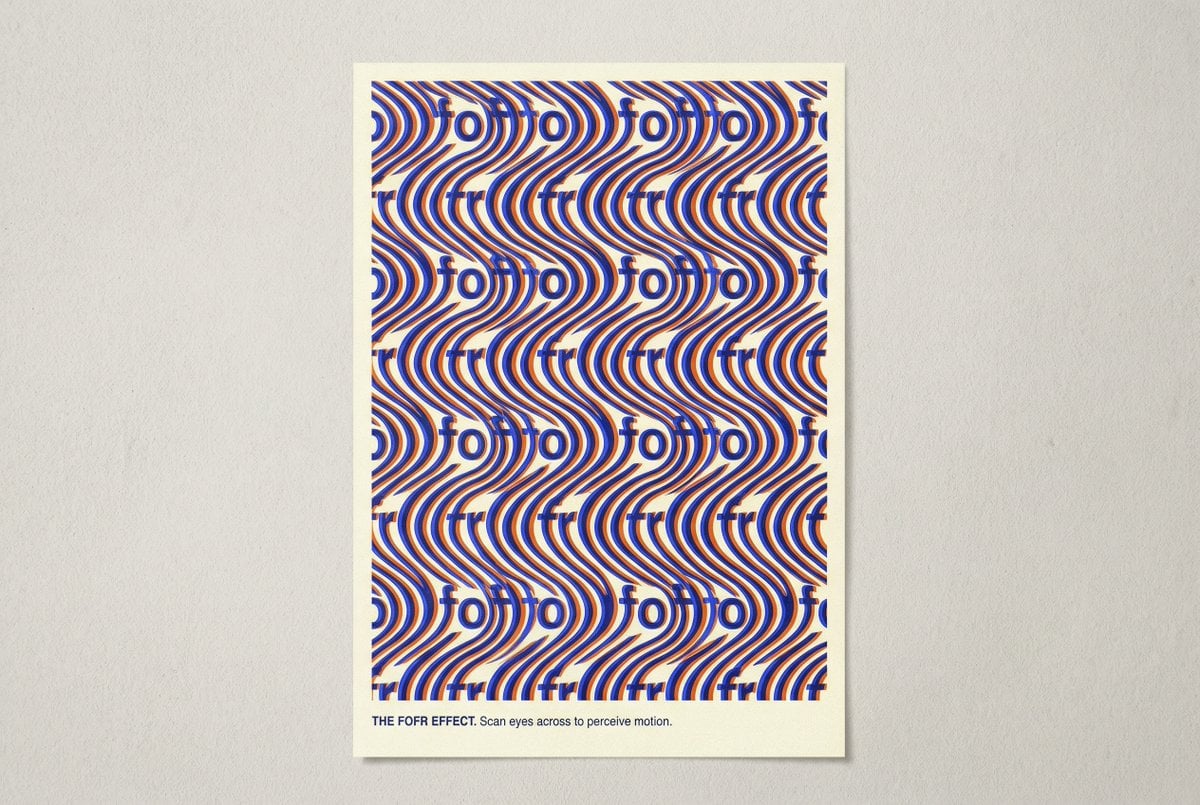
Novel Optical Illusion Generation
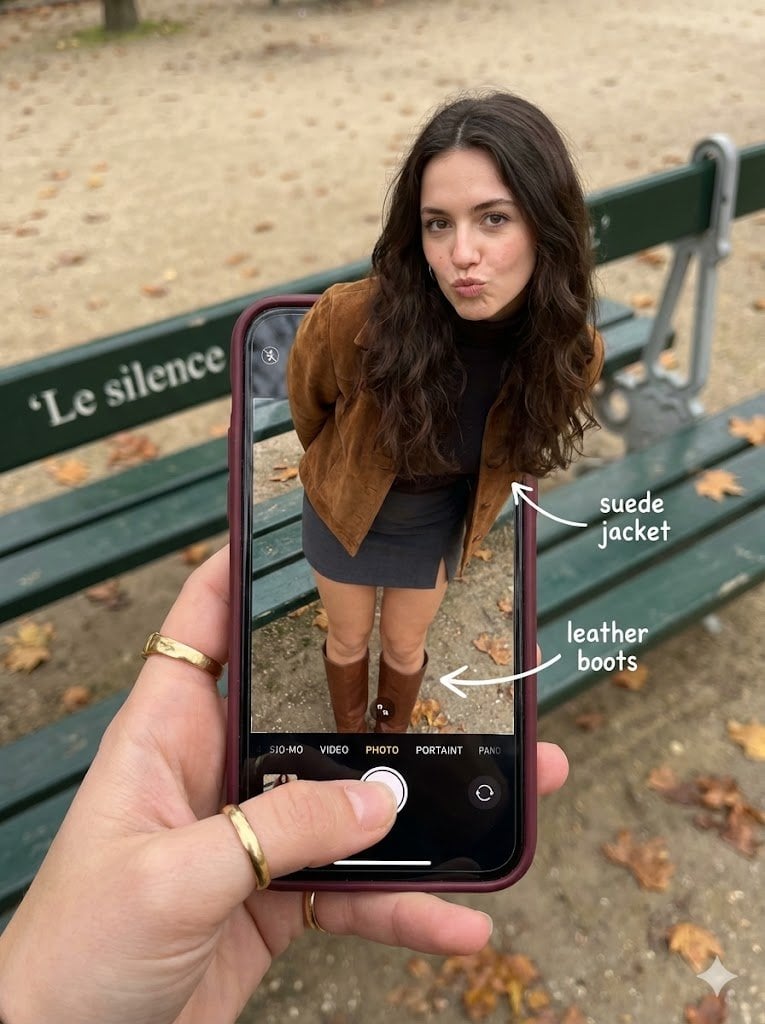
Hyper-Realistic Optical Illusion: Woman Emerging from Smartphone Screen
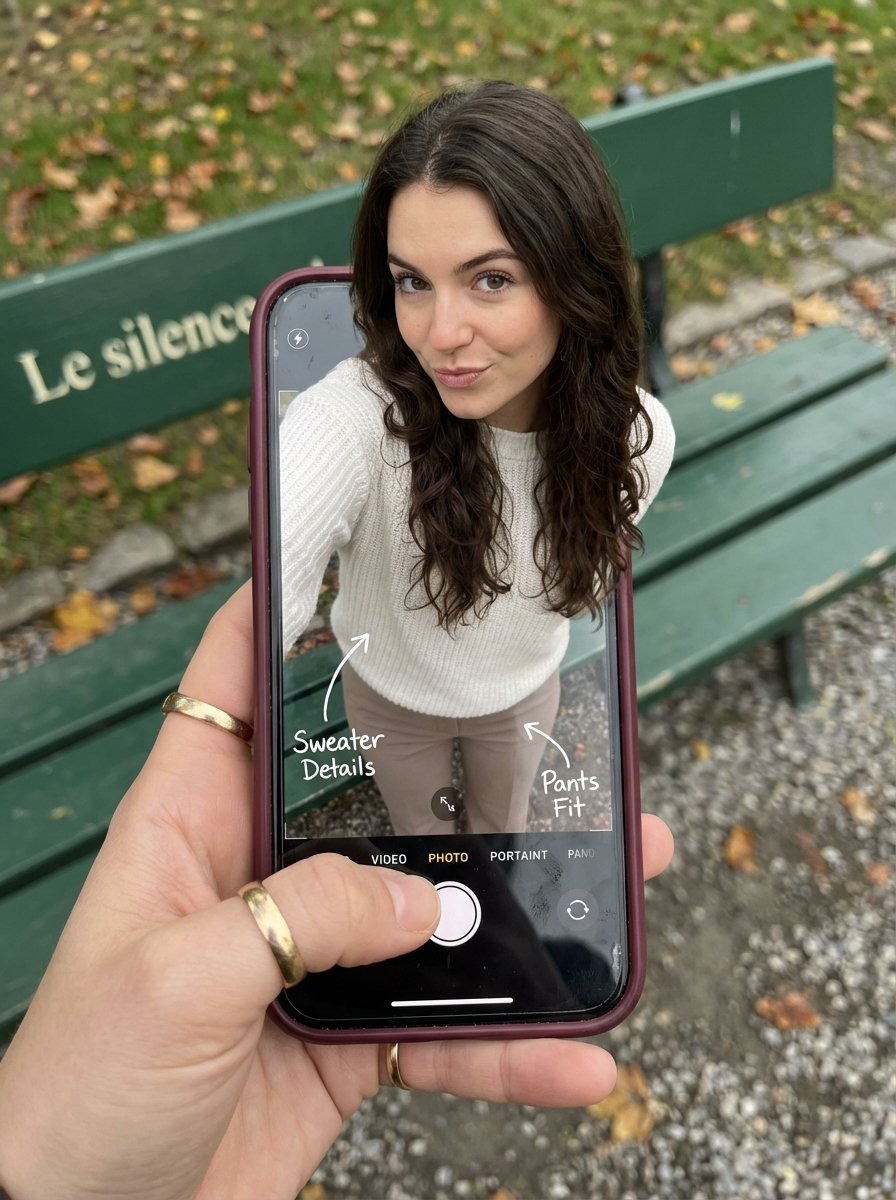
Optical Illusion: Stepping Out of a Smartphone Screen
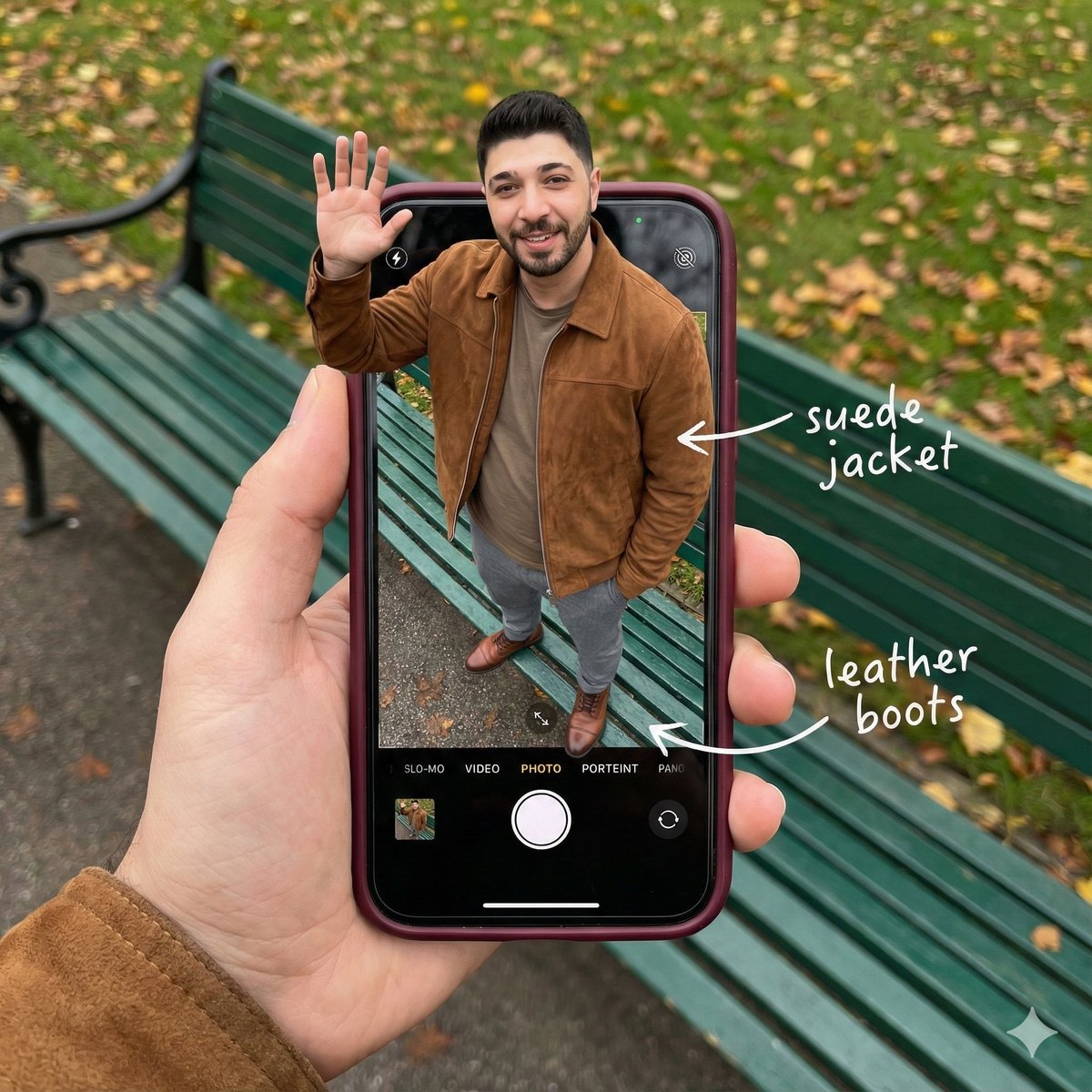
Smartphone Screen Stepping Out Optical Illusion Prompt
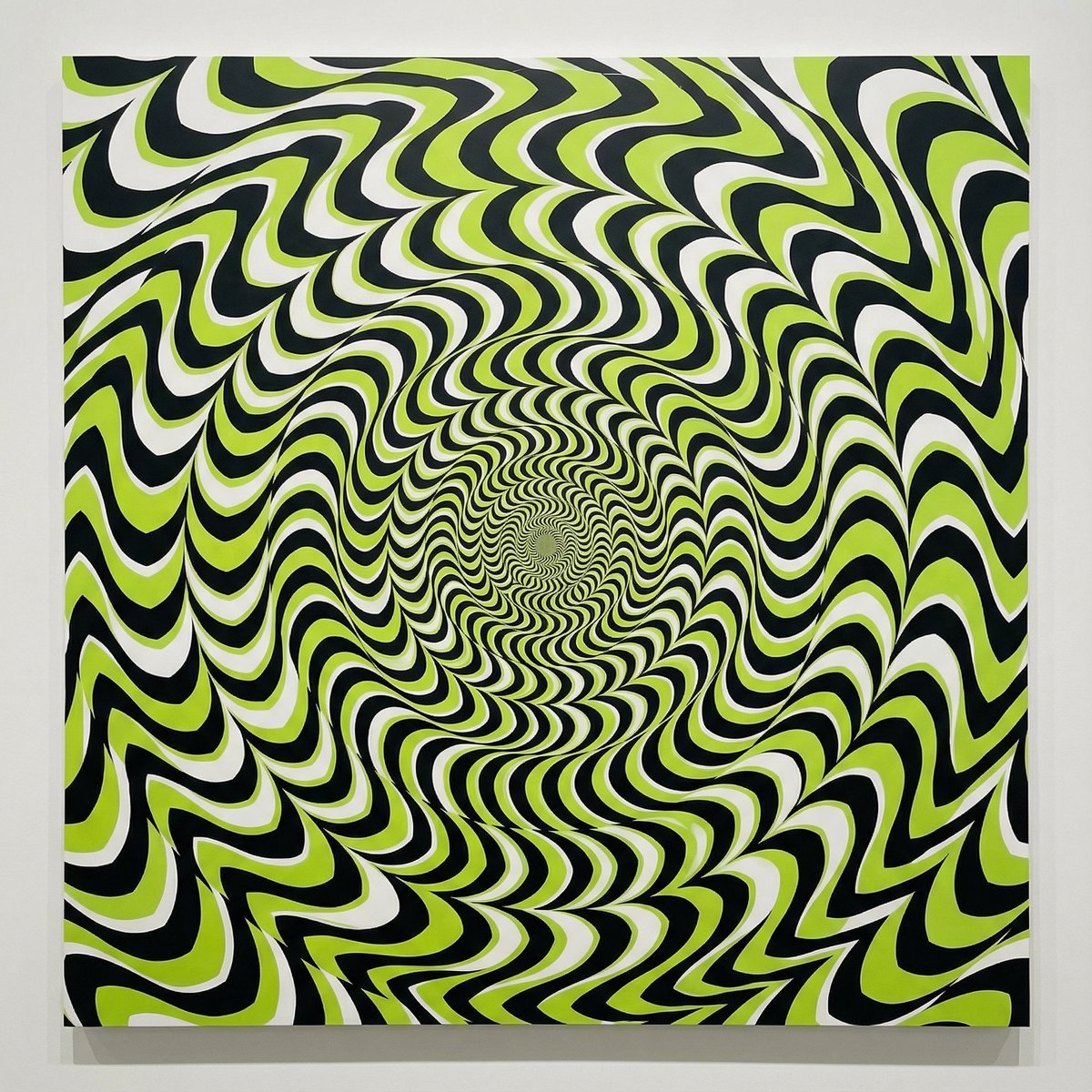
Optical Illusion of Illusory Motion
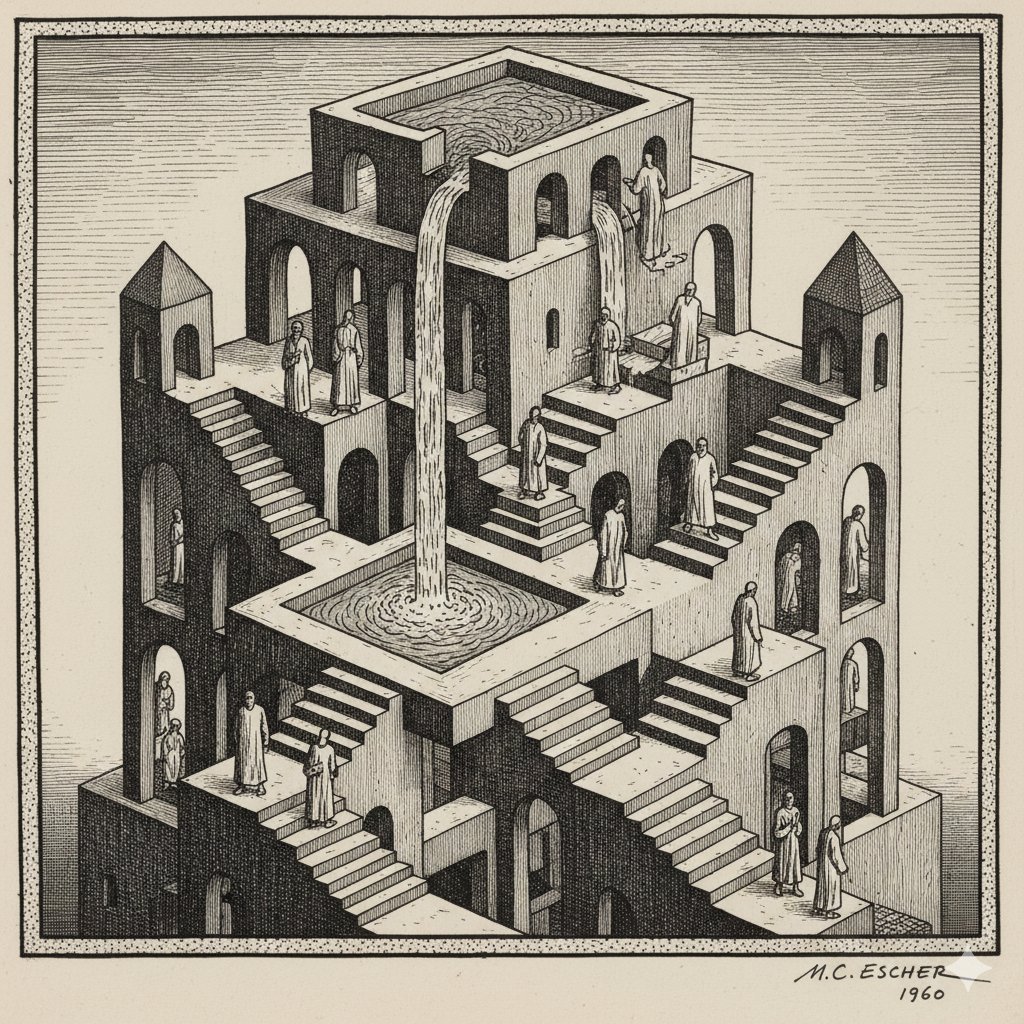
Escher-style Optical Illusion Generation
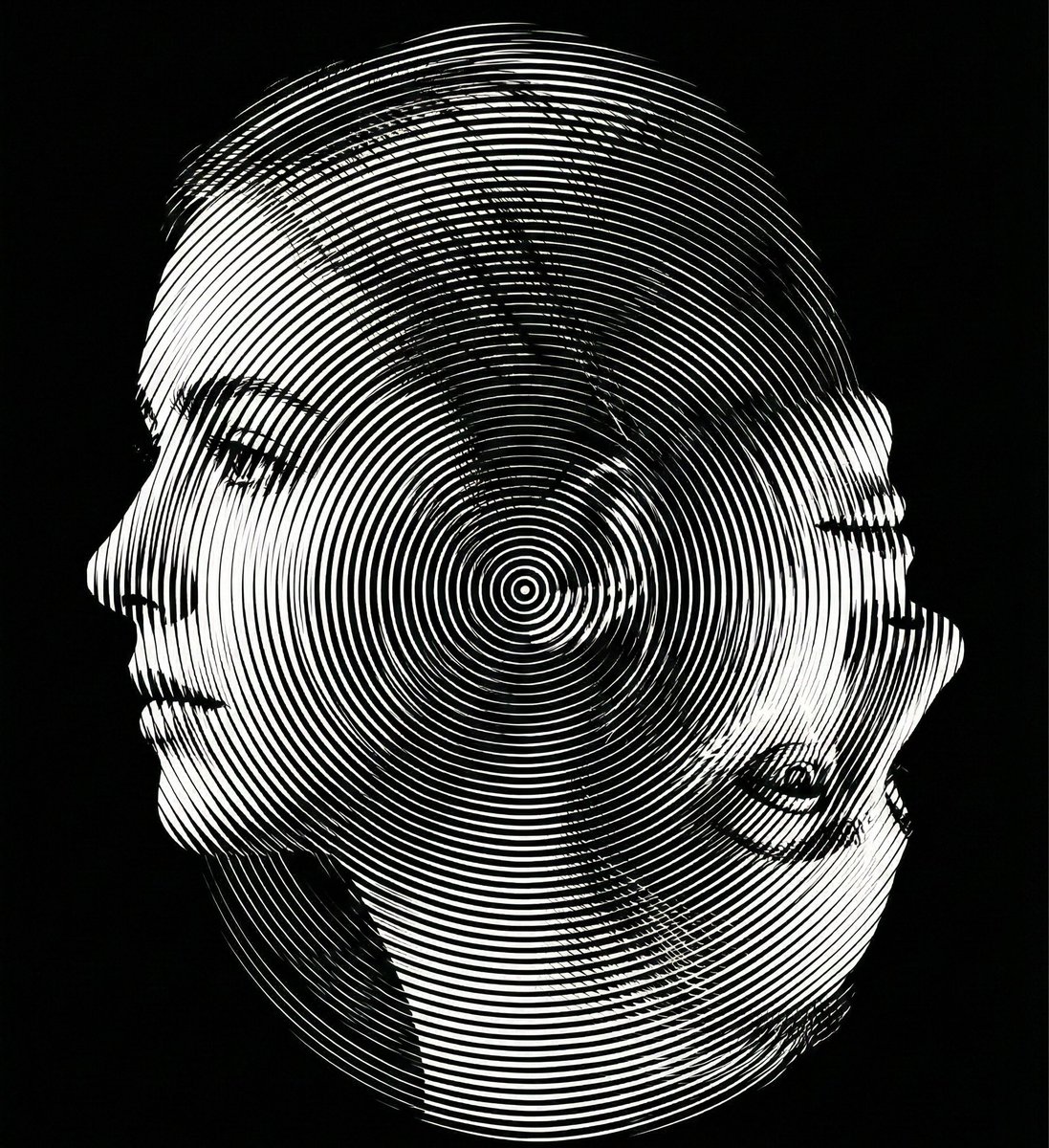
Dual-Orientation Optical Illusion Portrait
Make it yours
Instant Polaroid Portal Optical Illusion Prompt works as-is. These are the safest ways to change it without losing the look.
Change one field
Copy a single group, rewrite it, and generate again so you can see what that field is doing.
Keep the frame, change the subject
Hold the composition and light of Instant Polaroid Portal Optical Illusion Prompt, then swap wardrobe, props or the person for a new take.
| If the result… | Why | Fix |
|---|---|---|
| The result drifts from the preview | Too many fields changed at once. | Reuse Instant Polaroid Portal Optical Illusion Prompt as-is first, then change one group — subject, light, or setting. |
| The model over-stylizes the scene | The prose prompt leaves finish and camera underspecified. | Add one camera or lighting sentence and stay on Nano Banana 2. |
More Nano Banana 2 templates
Other prompts made for Nano Banana 2.

Photorealistic Leaf Shaped Like a Dragon

K-Pop Idol Portrait Grid for Rapid Selection

Poetic Rain Forest Portrait During Golden Hour

Urban Street Portrait with Cartoon Inner Self Duo

Candid Nighttime Photo with Cat Prompt

High-Concept 3D Diorama Generation Prompt

Cinematic Futuristic Studio Portrait Template

Skincare Editorial Photography Collage Prompt

Hyper-Realistic Commercial Product Photography (Splash Effect)

Hyper-Realistic Nightclub Portrait Prompt
More image prompts
Fresh picks from across the catalog.
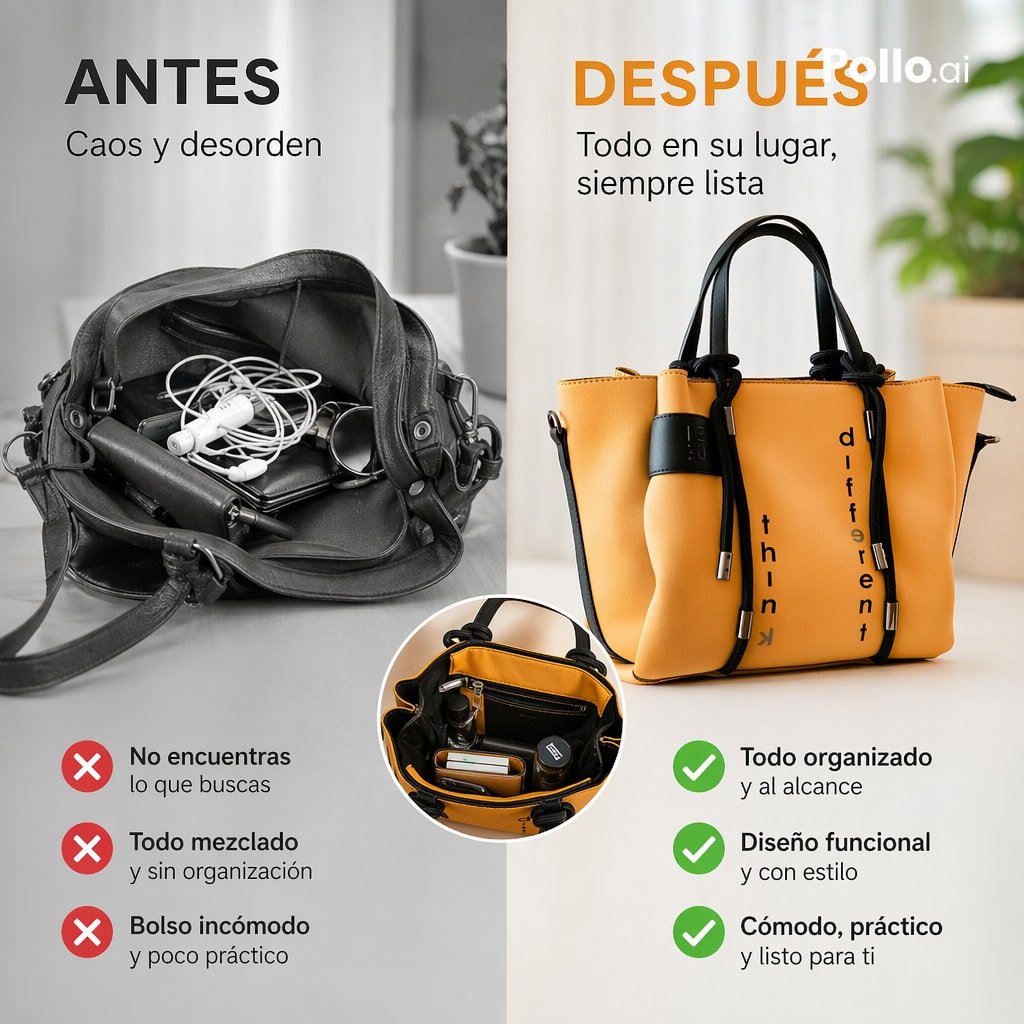
Before and After Handbag Ad
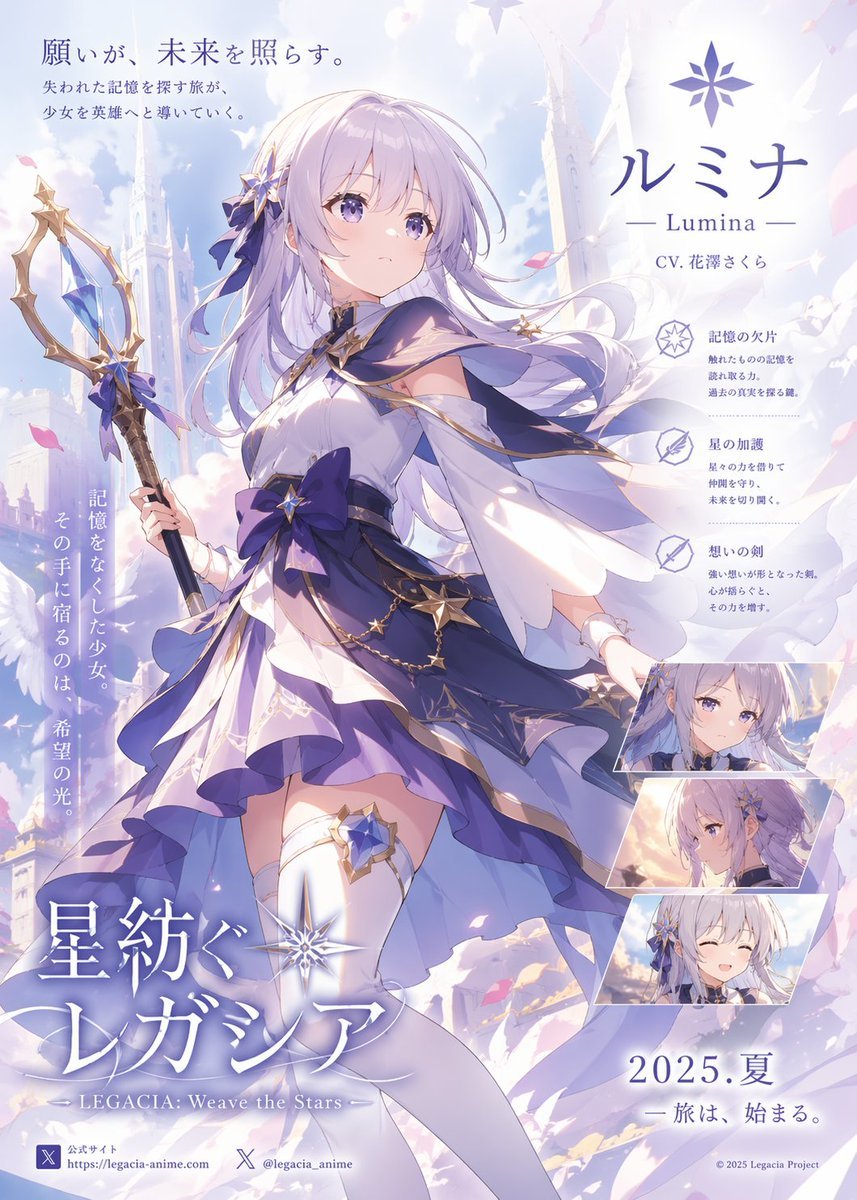
Pastel Anime Fantasy Poster with Heroine
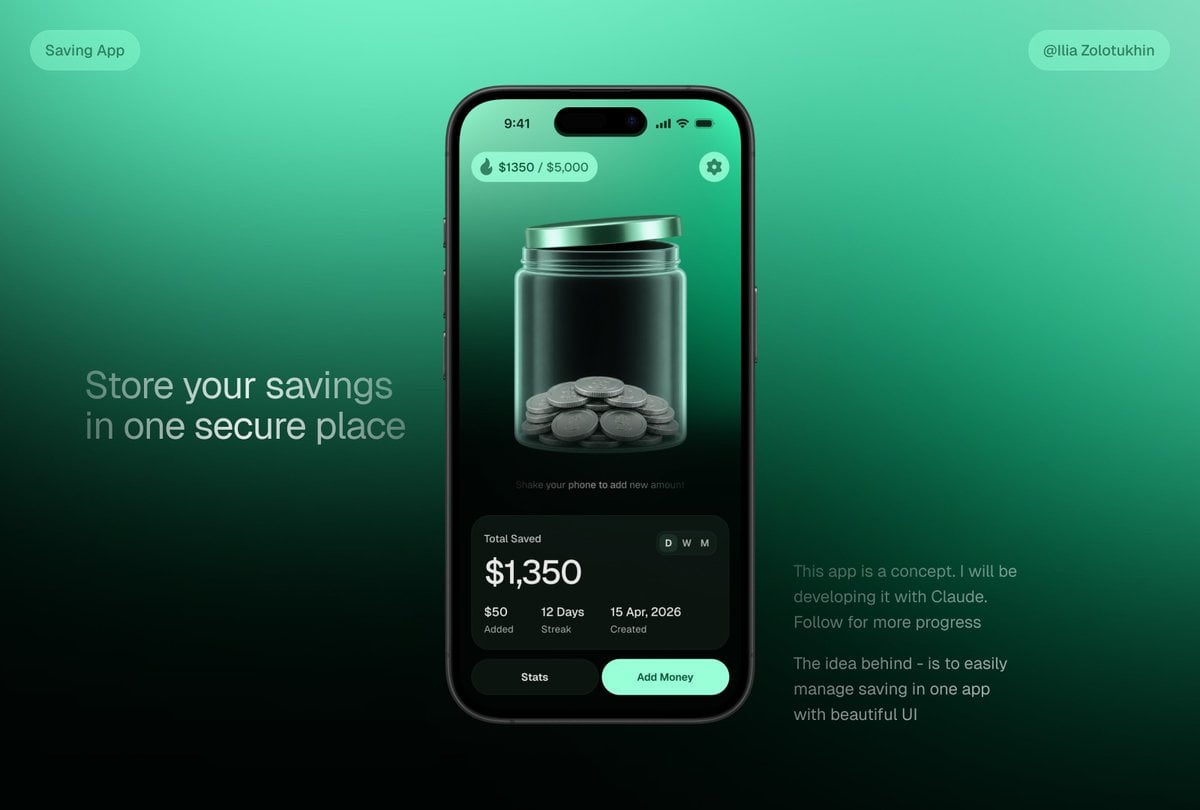
3D Savings App Jar UI Mockup
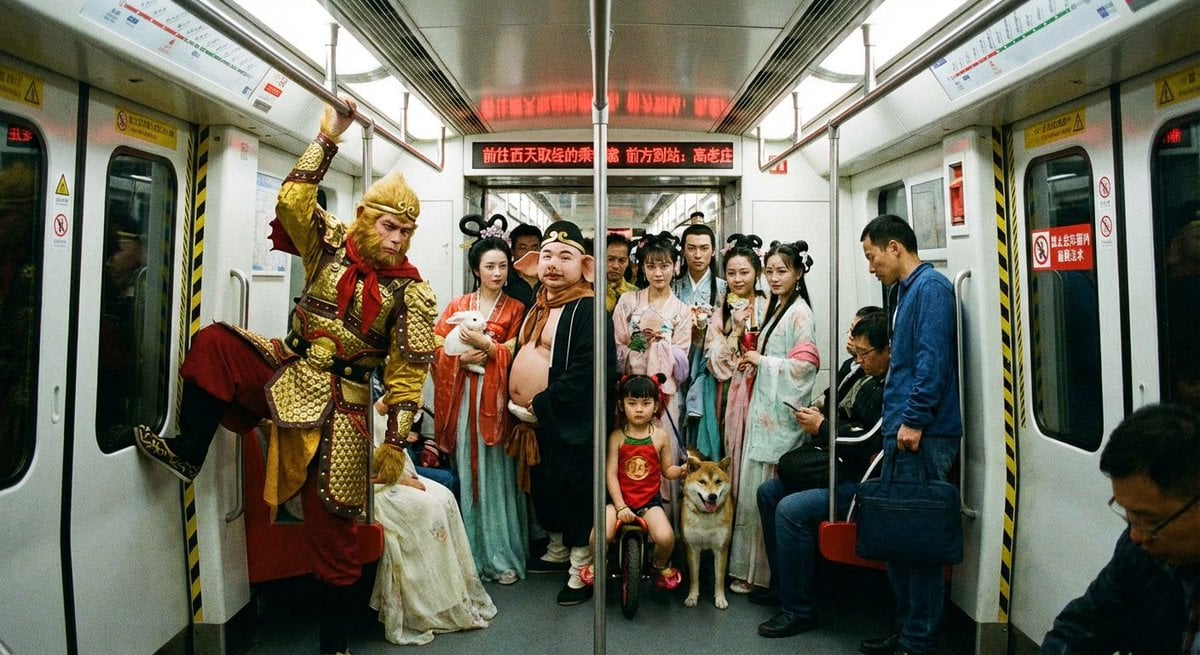
Mythical characters on a crowded Beijing subway
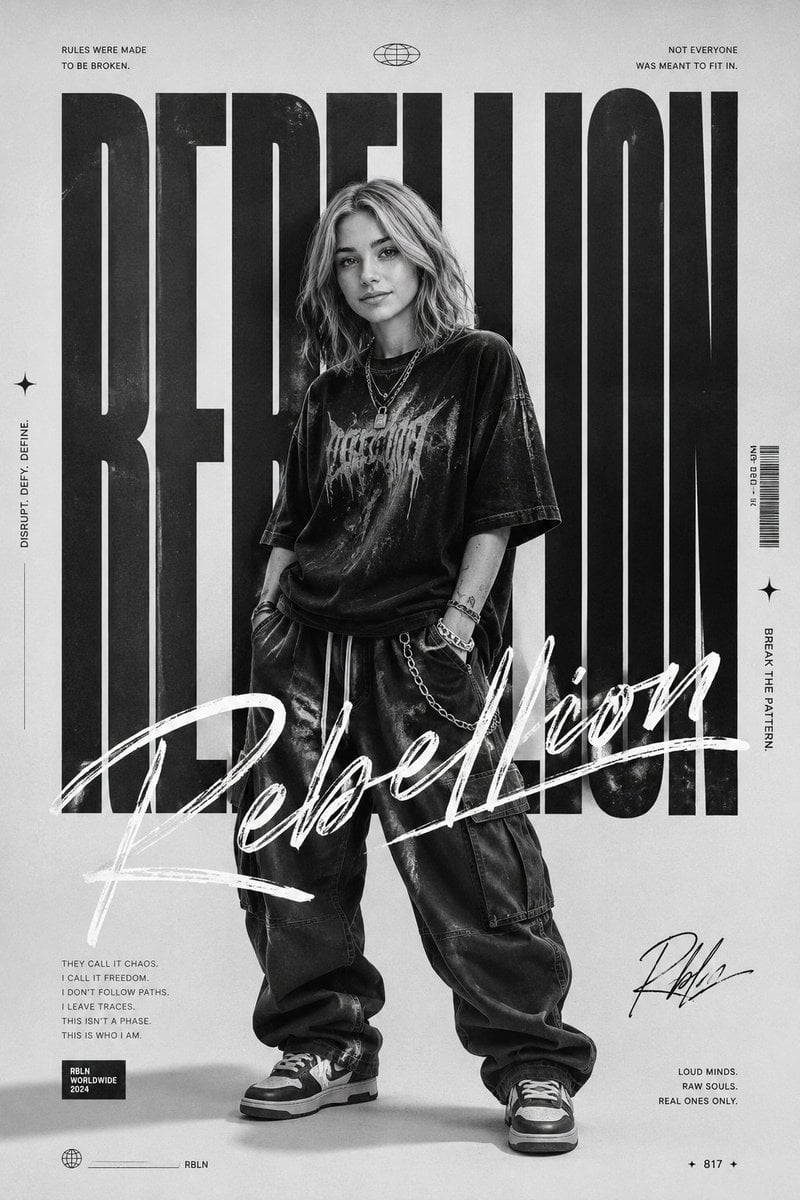
Monochrome Rebellion Streetwear Poster
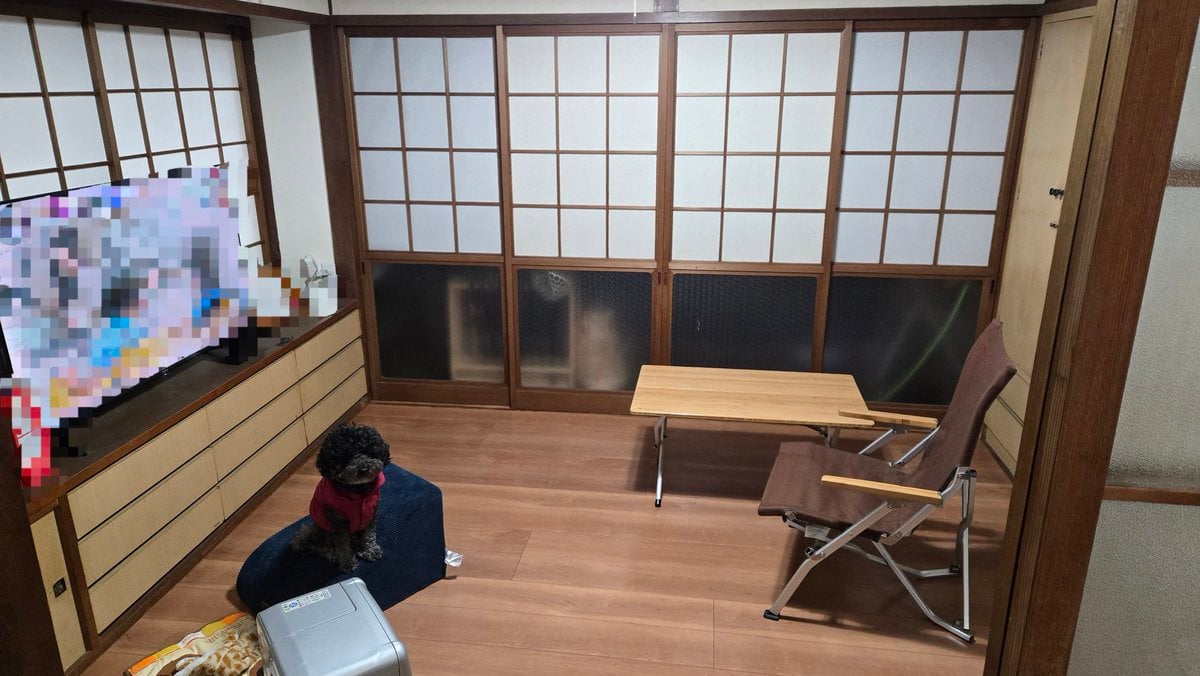
Interior Design Simulation Prompt for Nano Banana
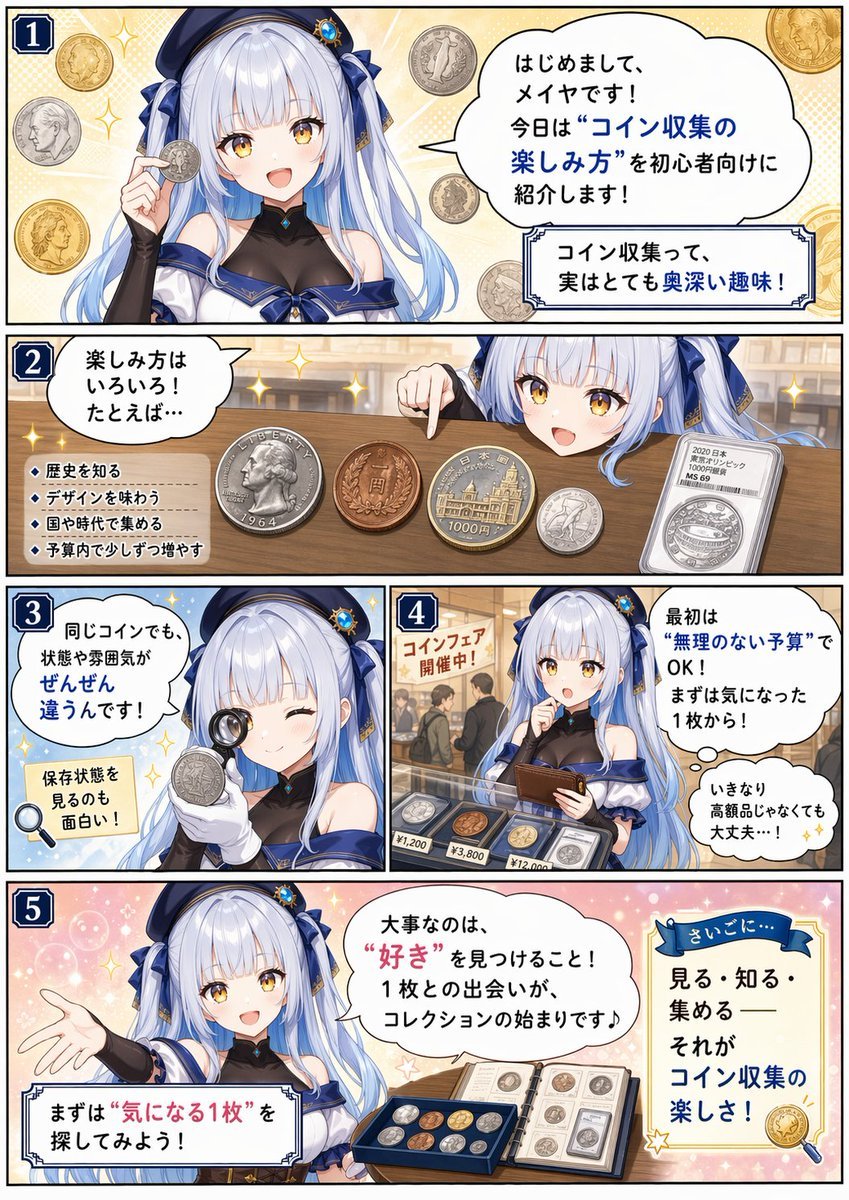
Beginner Coin Collecting Manga Page
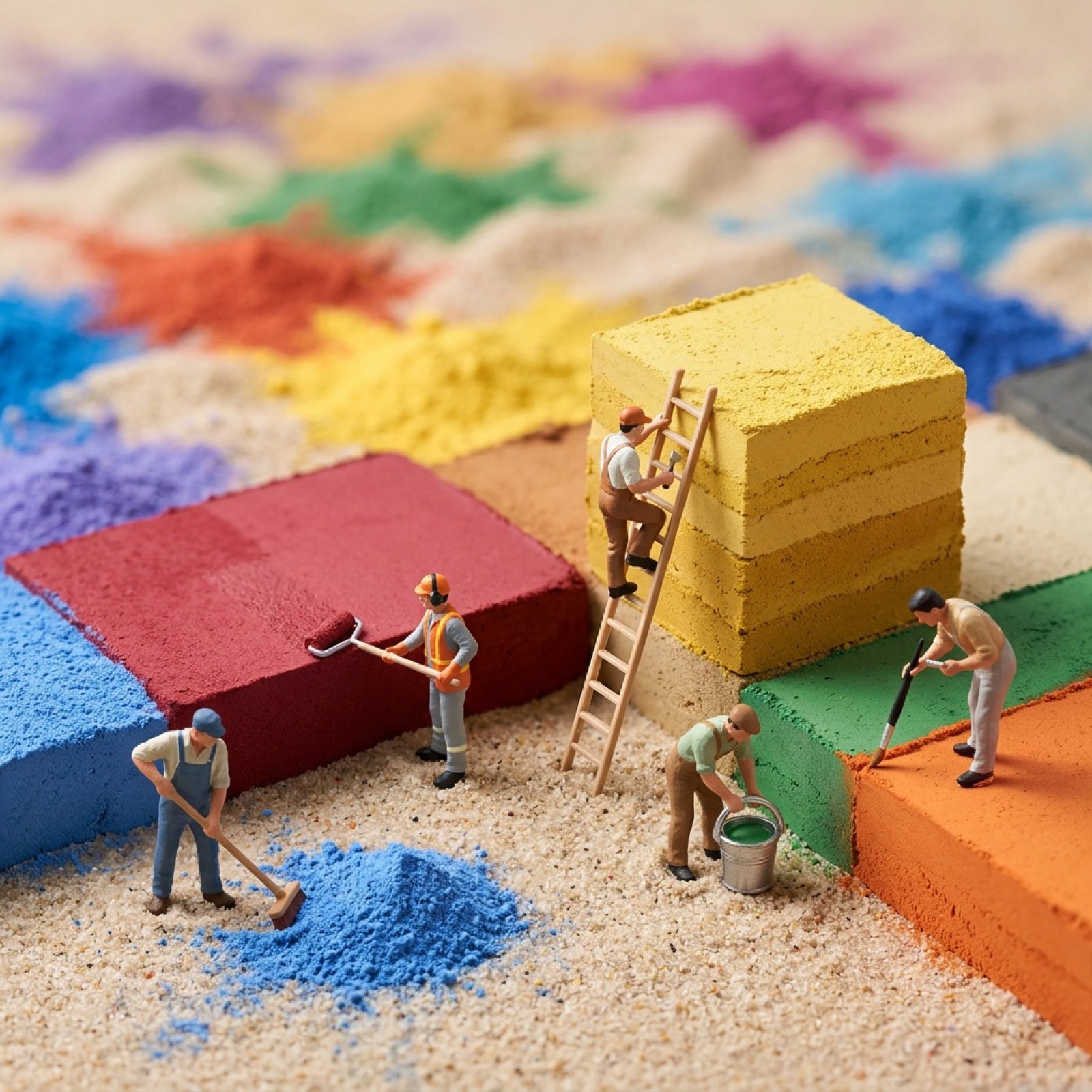
Image-to-Image Transformation with Tiny Workers
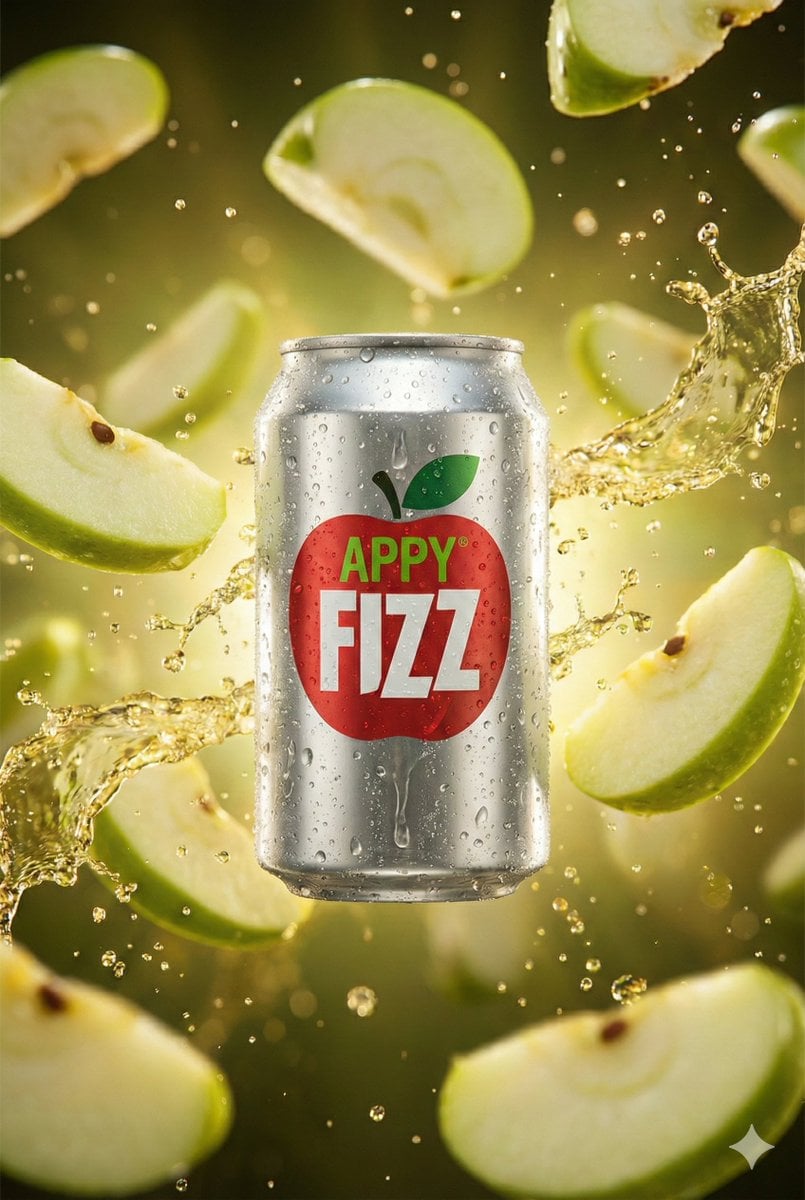
Hyper-realistic cinematic product shot of Appy Fizz can with exploding apple slices
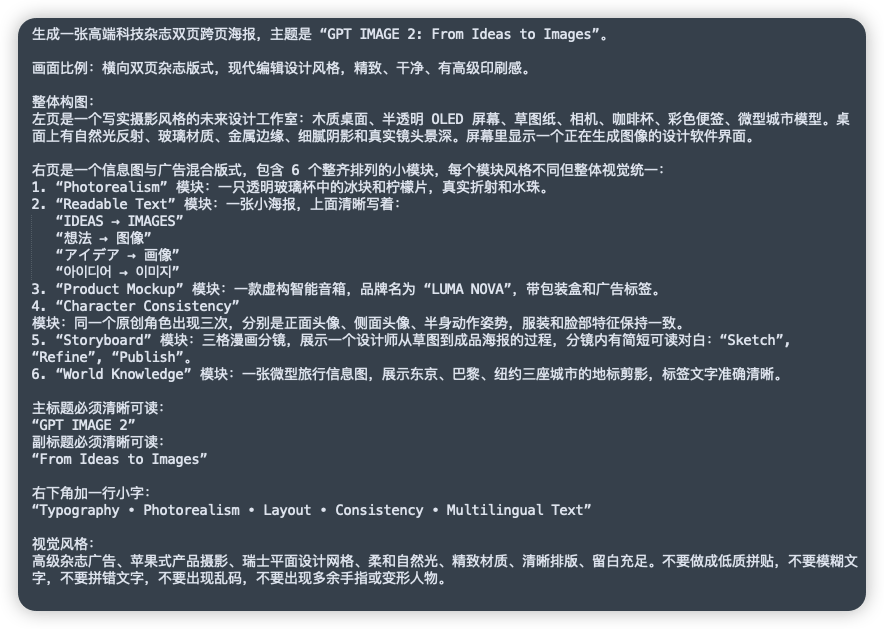
Chinese Prompt Sheet for GPT IMAGE 2
Browse template categories
Instant Polaroid Portal Optical Illusion Prompt questions
How do I use the Instant Polaroid Portal Optical Illusion Prompt template?
Add your photo if the template asks for one, edit the prompt if you like — the template's model and format are already selected — and press Generate. Your version opens in PicX Studio.
Can I customize the Instant Polaroid Portal Optical Illusion Prompt template?
Yes. You can change the subject, setting, lighting, mood, format, and available model controls before creating your image.
Is the Instant Polaroid Portal Optical Illusion Prompt template free?
Opening and editing this template is free. Generating uses credits, shown on the Generate button when you are signed in.
Which AI model should I use?
Start with Nano Banana 2, which is the model associated with this template. You can compare another compatible model for a different finish.
Looking for something else? Browse all templates.

Your photo, any look
Thousands of ready templates for every top image and video model, from one credit balance.