
Pastel Anime Fantasy Poster with Heroine
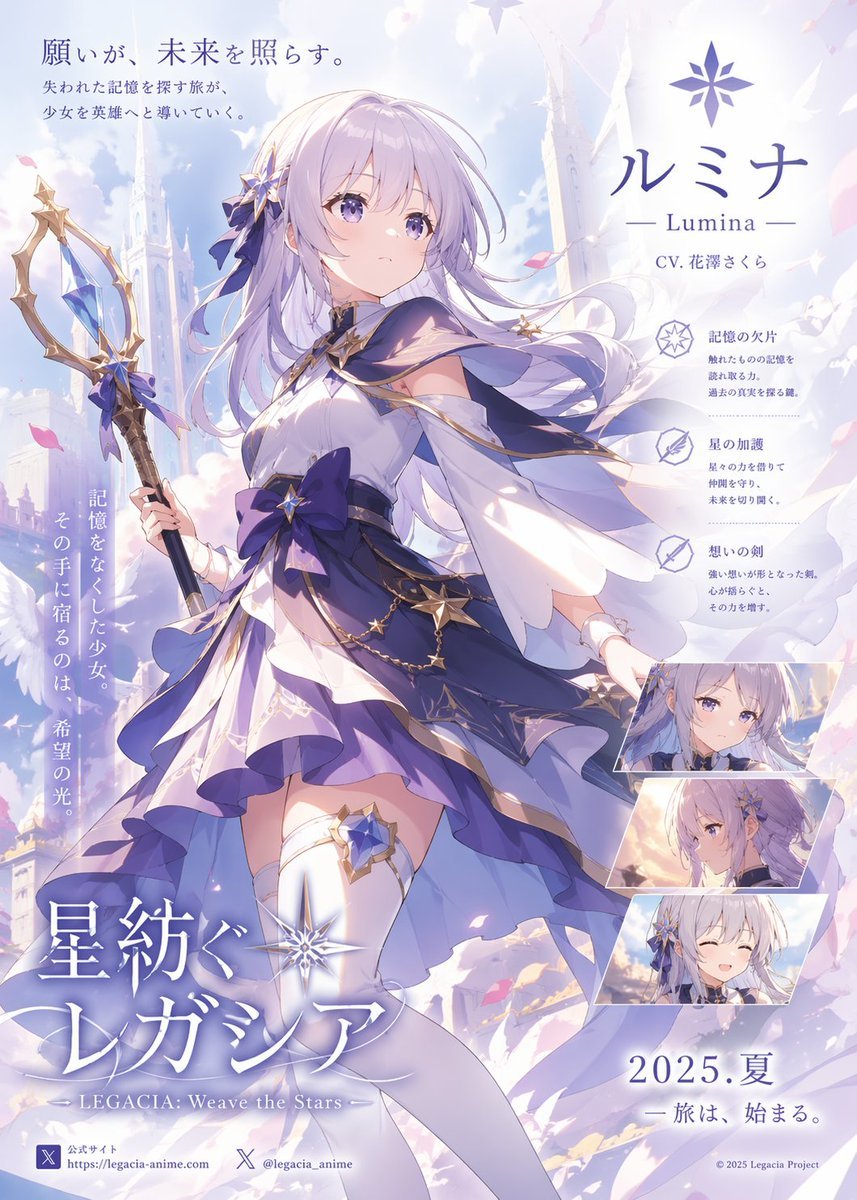
This prompt generates a polished vertical Japanese anime fantasy promotional poster with one magical heroine, integrated title typography, character callouts, and inset expression portraits for game, novel, or anime key…
- Prompt included
- Model and format preset
- Premium template
The prompt behind this image
Copy the exact prompt behind Pastel Anime Fantasy Poster with Heroine, or open it in the studio and make it yours.
A vertical Japanese anime fantasy game or light-novel promotional poster in a soft pastel lavender, white, and gold palette, featuring a single heroic teenage girl as the main subject in a grand celestial city. She stands in a dynamic three-quarter full-body pose, slightly turned left, holding an ornate staff in her left hand, with her right arm extended behind her as if caught in wind. Her face is obscured by a flat pale square censor block centered over the head, but the visible design suggests a delicate anime heroine with very long flowing silver-lilac hair, side bangs, loose strands, and star-shaped hair ornaments with dark indigo ribbon bows. She wears an elaborate magical-girl style dress: off-shoulder white bodice with navy and violet trim, gold star motifs, layered asymmetrical skirt in white, periwinkle, violet, and deep indigo, a very large dark blue waist bow with a gold star jewel, detached flowing sleeves, gold chains with tiny star charms draped at the hip, white thigh-high stockings, and a blue star-shaped garter ornament on one thigh. Her staff is tall and elegant, dark shaft with gold frame elements and a suspended faceted blue crystal near the top, decorated with bows and star accents. The background is an airy fantasy skyline of white towers, cathedral-like spires, clouds, feathers, and drifting pink petals, with bright ethereal backlighting and a dreamy heroic atmosphere. Compose it like a polished key visual poster with abundant Japanese typography integrated into the artwork. At the upper left, place the Japanese tagline text "願いが、未来を照らす。" with two smaller lines below it. At the upper right, place a star-like emblem, the large character name "ルミナ", the subtitle "— Lumina —", and a smaller CV credit line. On the right side, add 3 vertically stacked feature callouts, each with a small icon and a bold Japanese heading followed by 2 short lines of smaller text. On the left side, add 1 vertical Japanese copy block running downward beside the character. At the lower right, include 3 small portrait inset panels of the same girl, stacked diagonally: 1 calm front-facing expression, 1 side-profile serious expression, and 1 smiling eyes-closed expression. At the lower left, place the large Japanese title "星紡ぐレガシア" with the English subtitle "— LEGACIA: Weave the Stars —" beneath it. At the bottom right, add the date text "2025. 夏" and one short Japanese tagline line below. At the very bottom edge, include 2 small social or website info blocks on the left and a tiny copyright line on the right. Render in high-end modern anime promotional illustration style, luminous pastel fantasy atmosphere, elegant composition, smooth linework and coloring, soft cel shading, delicate fabric movement, glossy highlights, intricate costume details, clean typography layout, and refined commercial poster finish.
How to use Pastel Anime Fantasy Poster with Heroine in 3 steps
- 1Upload ImagePNG, JPG or paste
Add your photo
Upload the photo the template builds on. The prompt, model and format are already set.
- 2…a portrait of your subject in softgolden-hour light, 85mm…
Personalize
Edit the subject and creative details for your destination.
- 3Generate
Generate
Press Generate — your image is created in PicX Studio, so you can compare it with the original and refine one variable at a time.
More like this
Templates with the same subject, style or setup. Open one to see its prompt.

Captain Tsubasa Anime World Cup Poster
Oriental Fantasy Heroine 3D Poster

Premium Vintage Travel Poster Landscape
Premium Vintage Travel Poster Landscape
Anime Heroine Promo Poster

Gpt2 Youtube Thumbnail Anime Music Bootcamp Promo Poster
Anime Losing Heroines Classroom Still
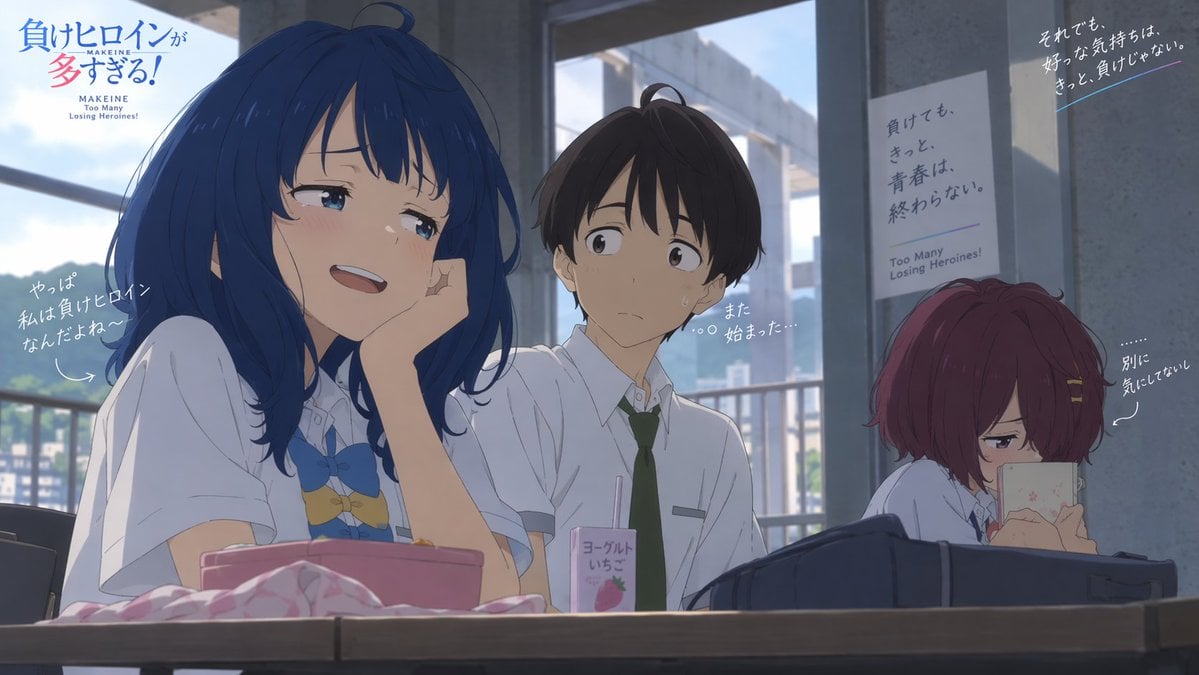
Anime Classroom Losing Heroine Key Visual

Anime Classroom Losing Heroines Key Visual

Anime Losing Heroines Classroom Key Visual
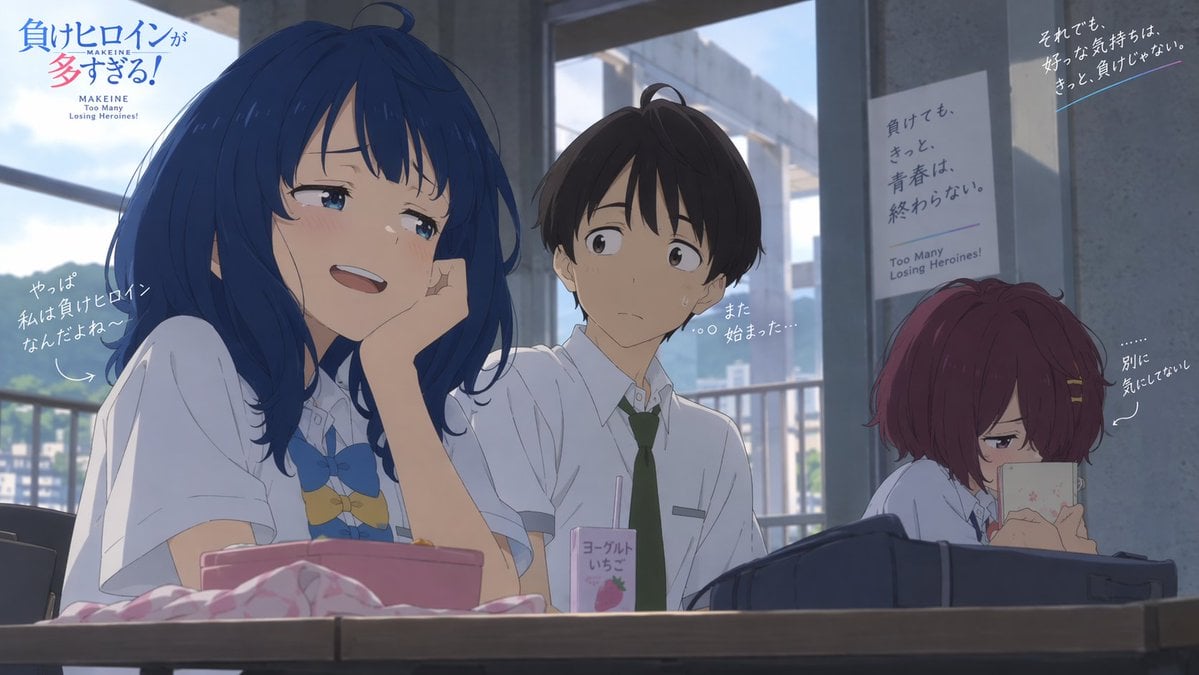
Anime Classroom Losing Heroines Key Visual

Japan Travel Brochure Poster
Make it yours
Pastel Anime Fantasy Poster with Heroine works as-is. These are the safest ways to change it without losing the look.
Change one field
Copy a single group, rewrite it, and generate again so you can see what that field is doing.
Keep the frame, change the subject
Hold the composition and light of Pastel Anime Fantasy Poster with Heroine, then swap wardrobe, props or the person for a new take.
| If the result… | Why | Fix |
|---|---|---|
| The result drifts from the preview | Too many fields changed at once. | Reuse Pastel Anime Fantasy Poster with Heroine as-is first, then change one group — subject, light, or setting. |
| The model over-stylizes the scene | The prose prompt leaves finish and camera underspecified. | Add one camera or lighting sentence and stay on GPT Image 2. |
More GPT Image 2 templates
Other prompts made for GPT Image 2.

Six VTuber Japanese Logo Sheet

Realistic Portrait of Woman and Deer

The Vista Modular Condo Poster

AI Model Routing Comparison Infographic

2.5D Anime Art Board

Isometric Productivity Desk Scene

New York Double Exposure Poster

Four-Panel AI Landscape Comparison

Japanese Tatami Lifestyle Magazine Cover

NESCAFÉ Coffee Map Poster
More image prompts
Fresh picks from across the catalog.

Cinematic Studio Portrait of an Intellectual Man
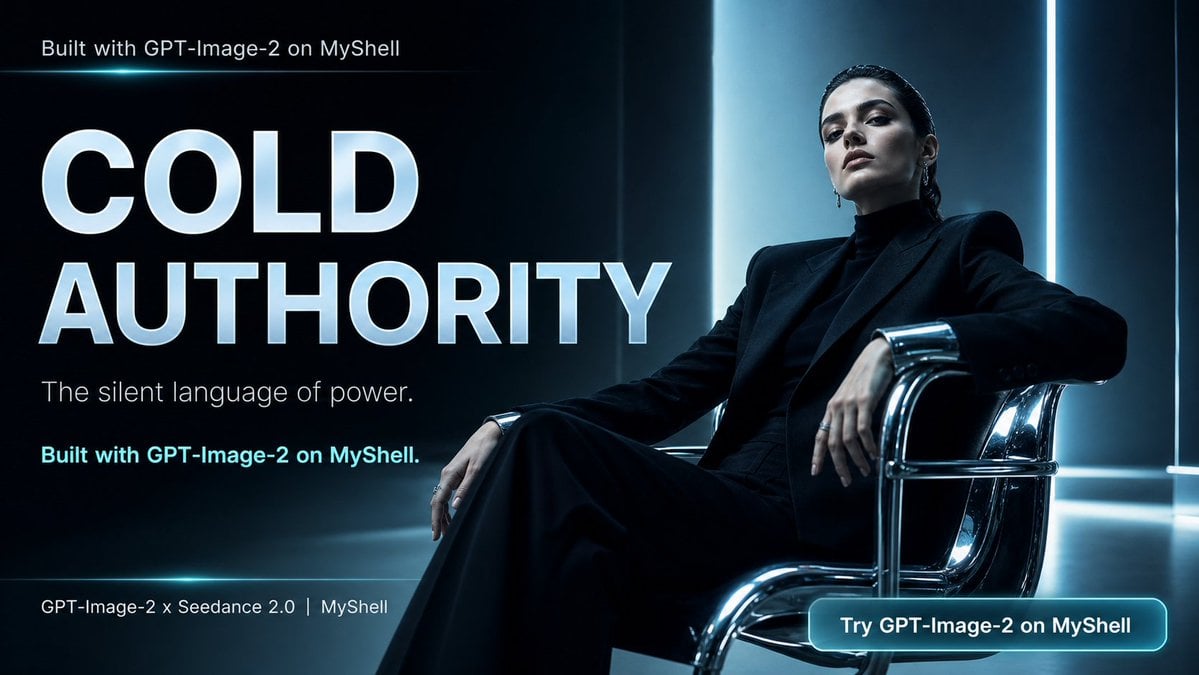
Cold Authority Tech Poster
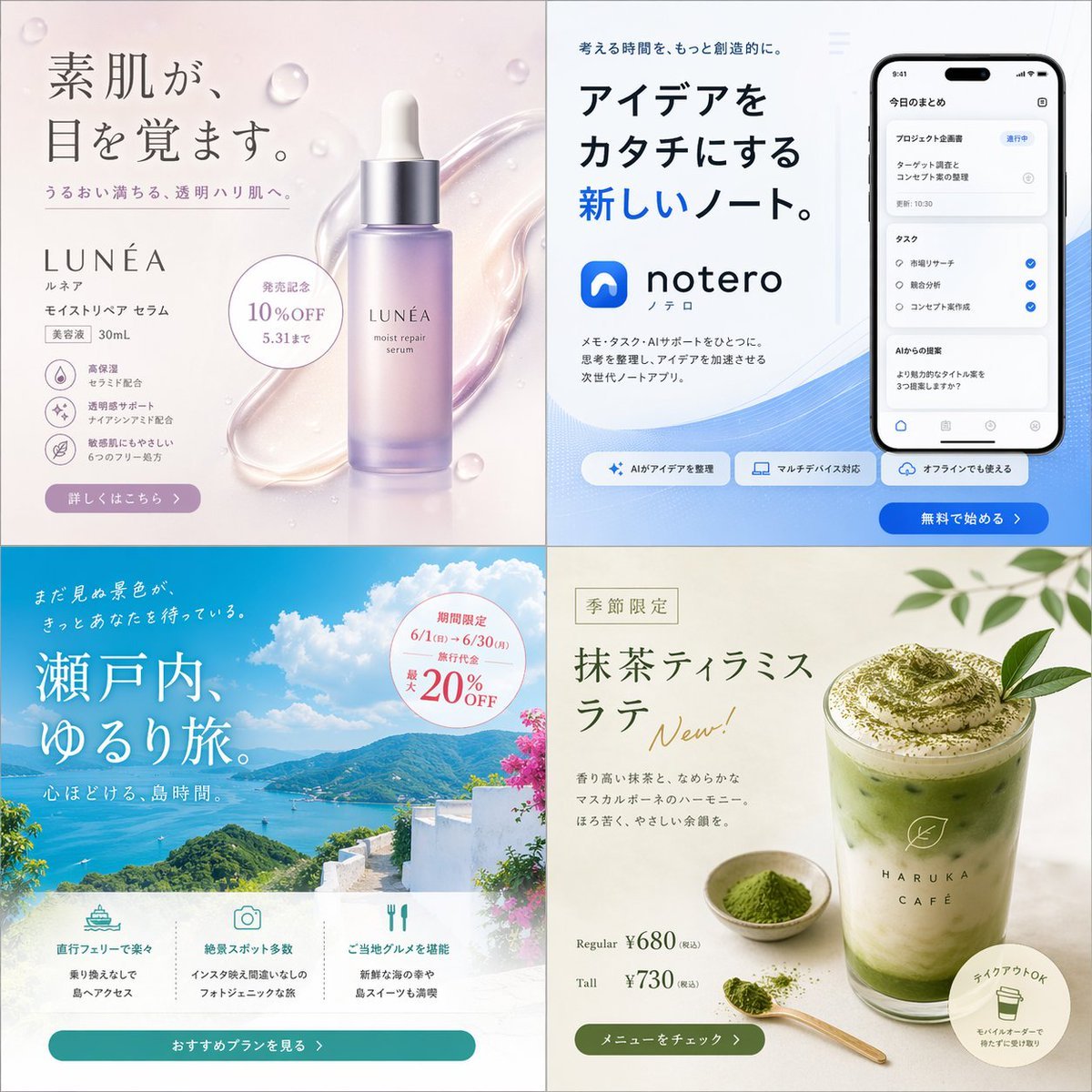
Four Japanese Ad Banner Concepts
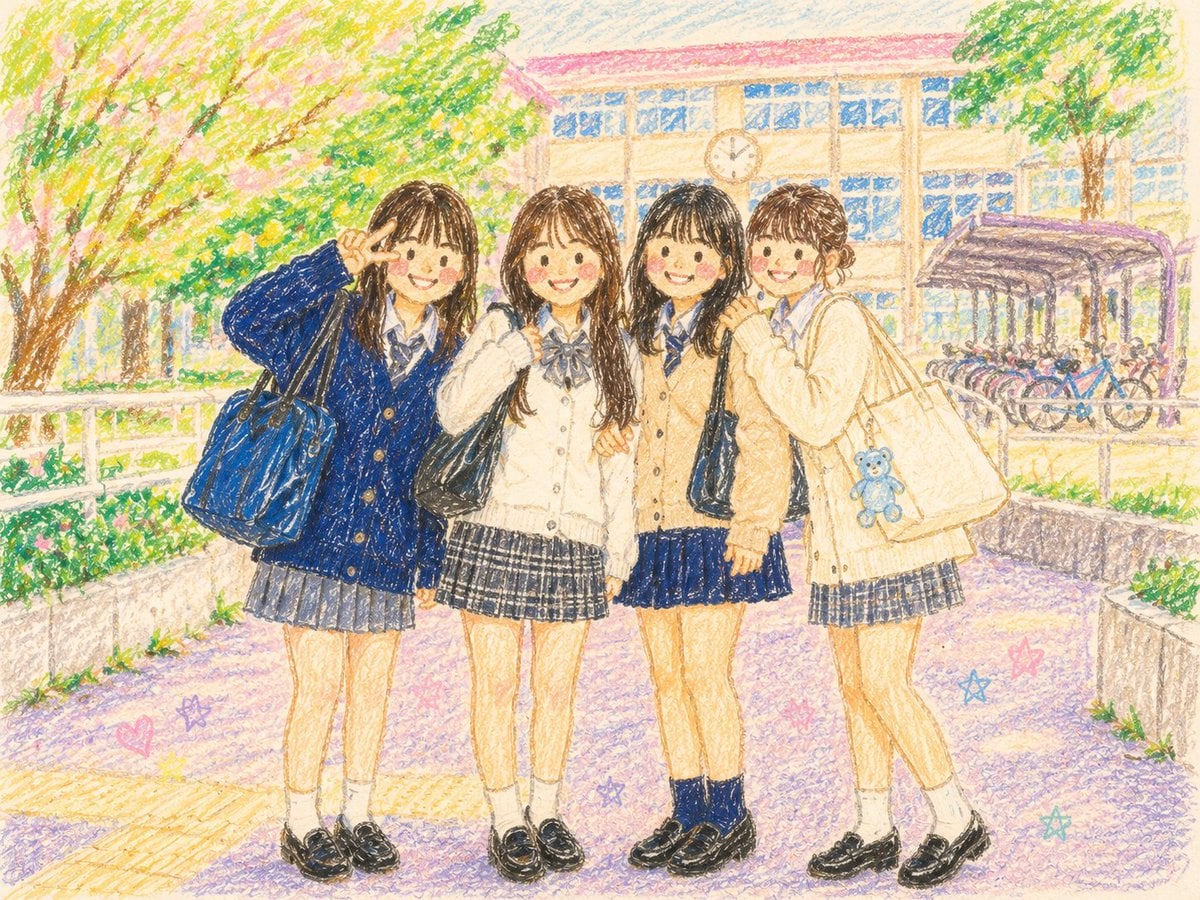
Crayon Style Picture Book Illustration

Close-Up Portrait with Facial Reference and Glasses
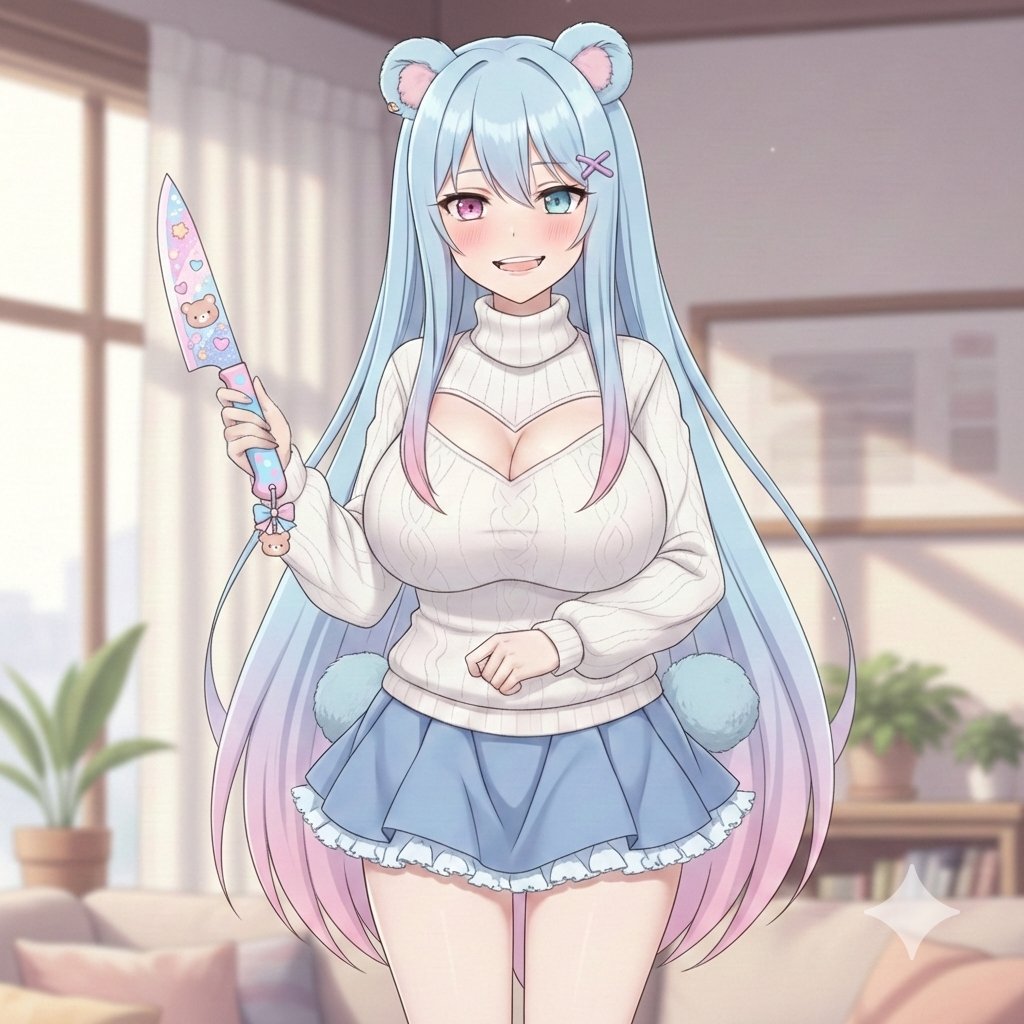
Welcome Home Scenario Prompt
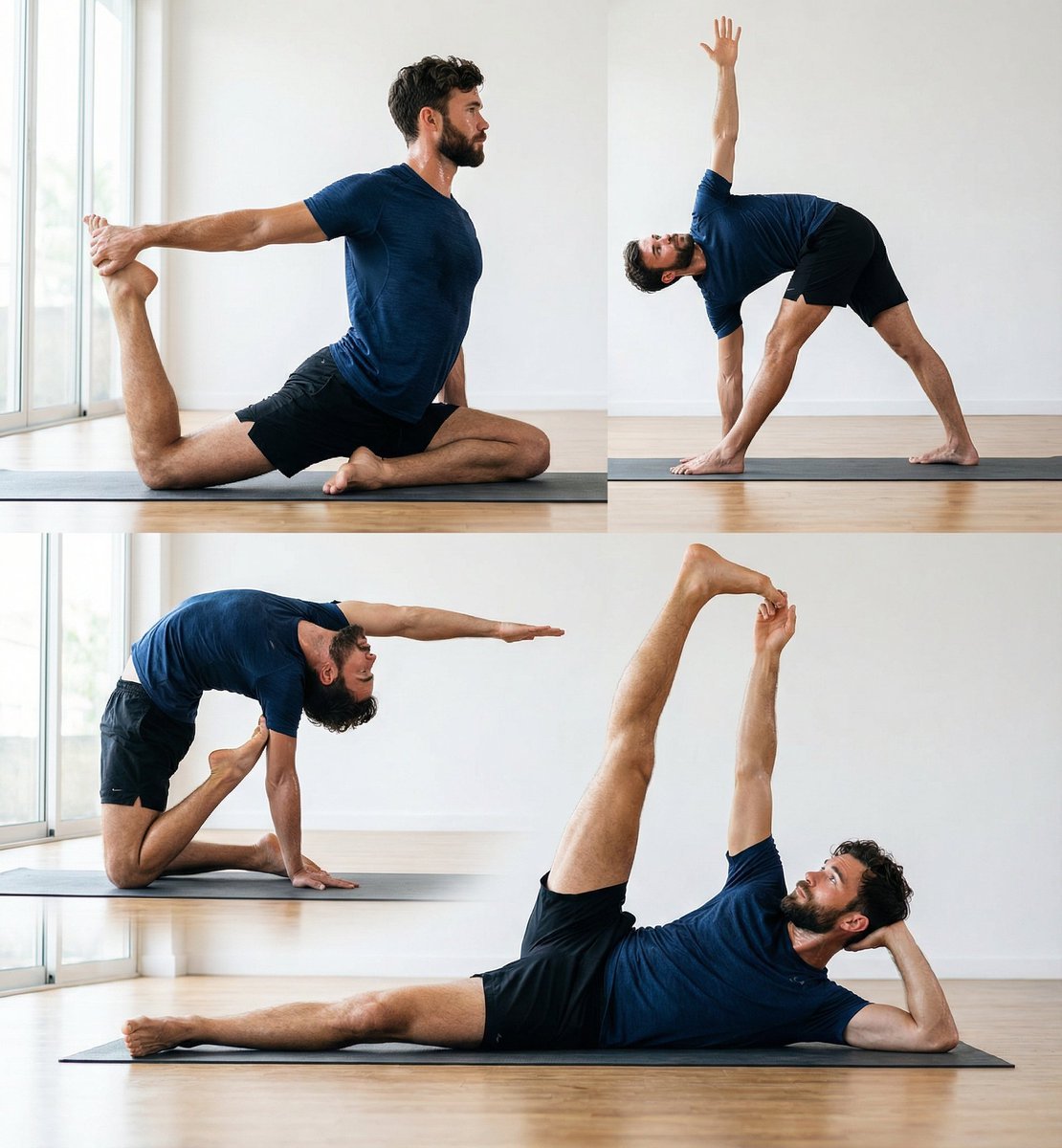
Pose transfer for fitness shots
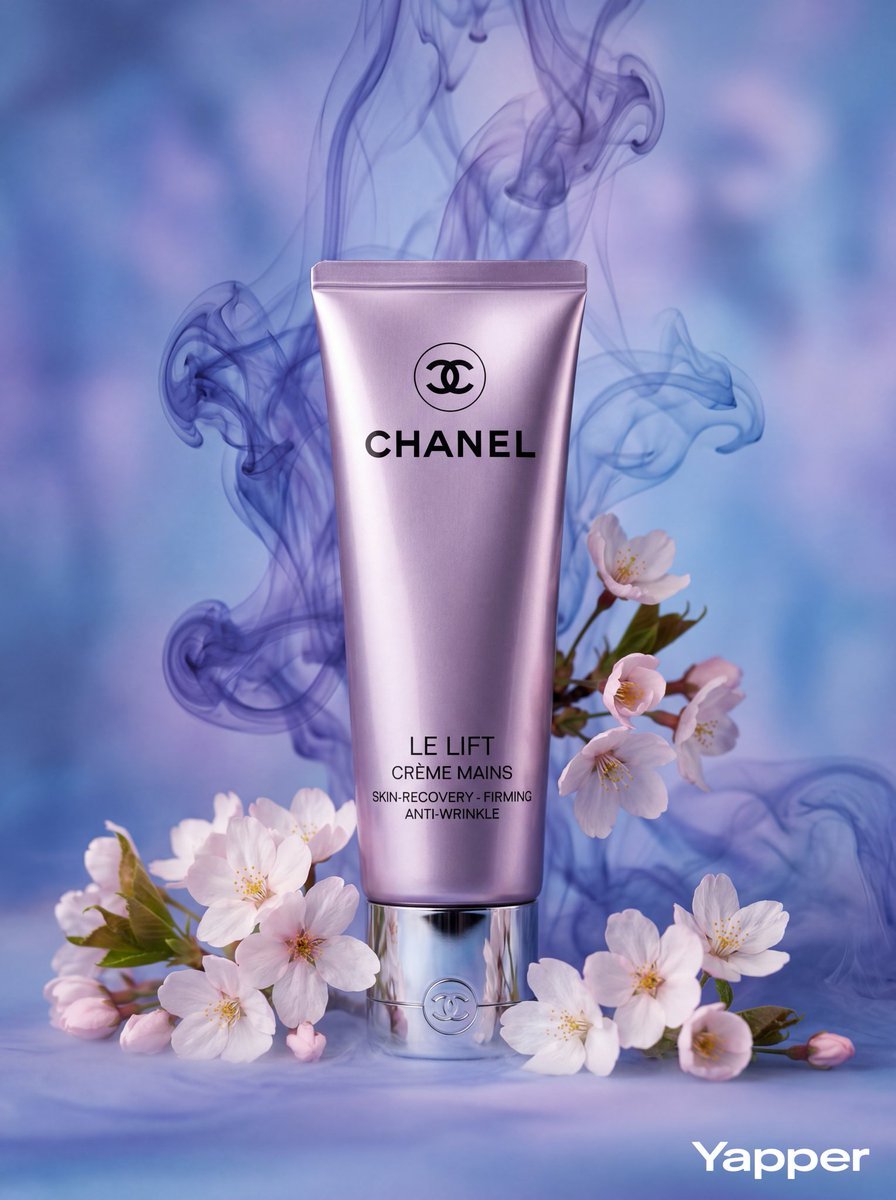
Slow-Motion Cosmetic Ad Animation Prompt
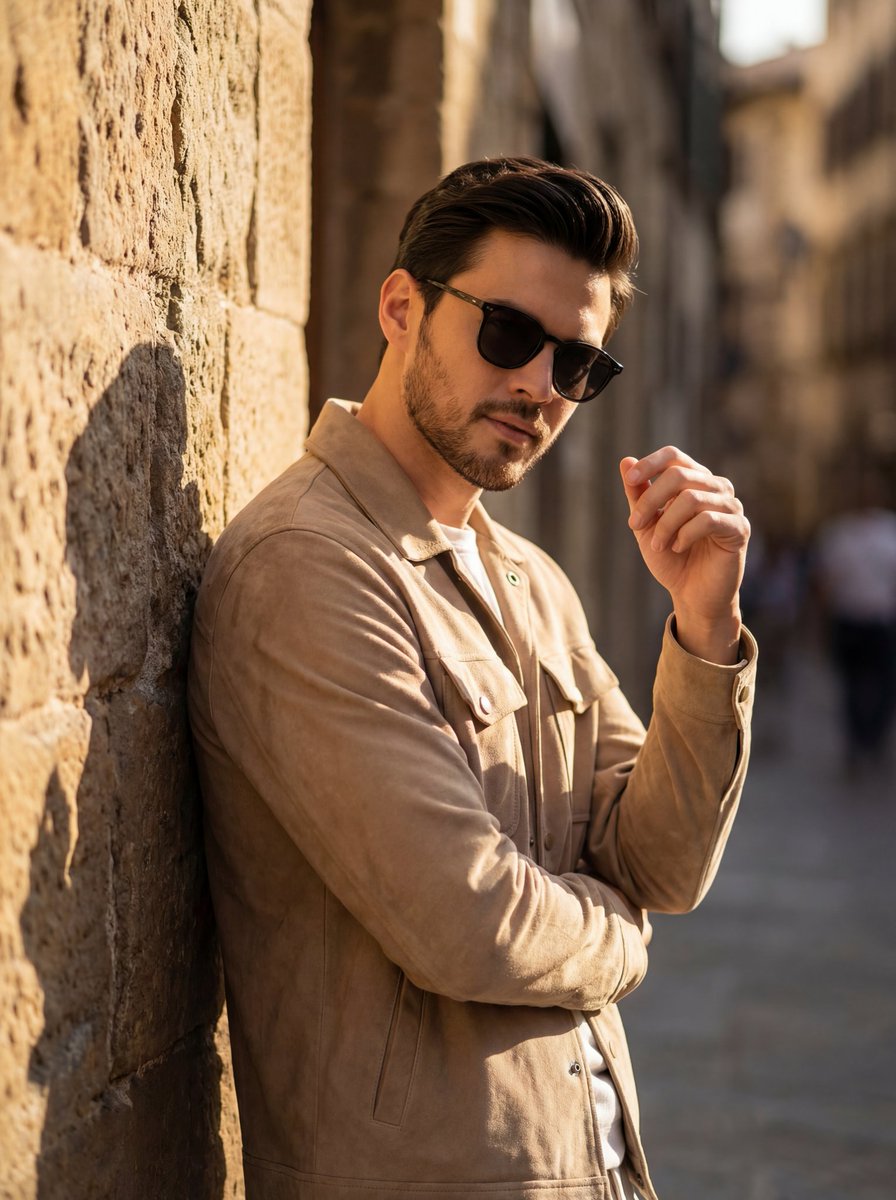
Cinematic Golden Hour Portrait of Stylish Man
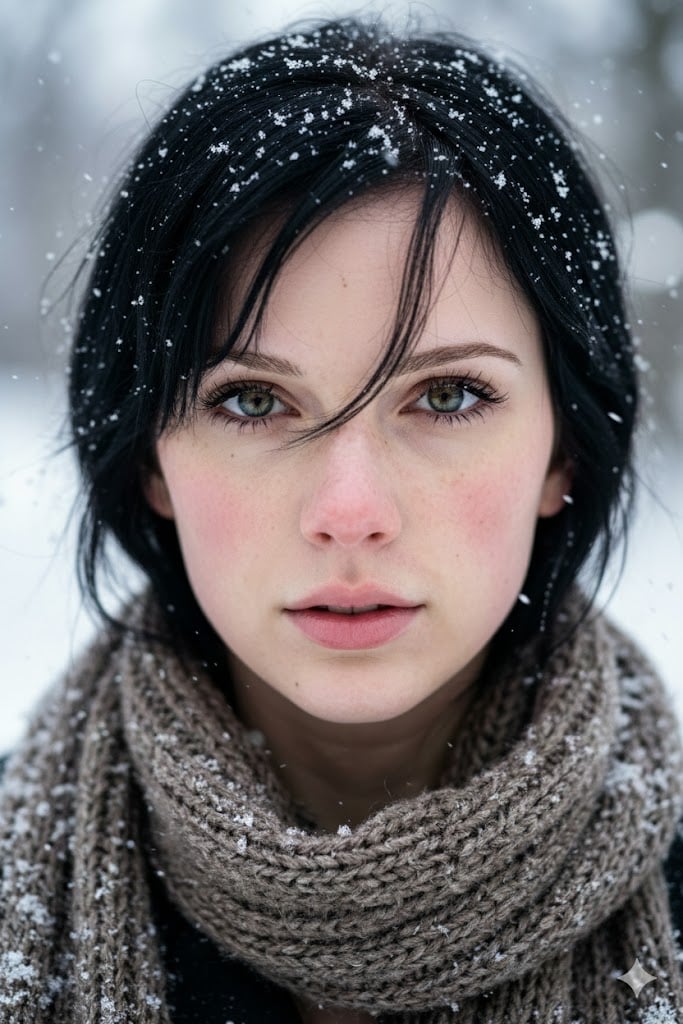
Extreme Close-Up Winter Portrait with Snow
Browse template categories
Pastel Anime Fantasy Poster with Heroine questions
How do I use the Pastel Anime Fantasy Poster with Heroine template?
Add your photo if the template asks for one, edit the prompt if you like — the template's model and format are already selected — and press Generate. Your version opens in PicX Studio.
Can I customize the Pastel Anime Fantasy Poster with Heroine template?
Yes. You can change the subject, setting, lighting, mood, format, and available model controls before creating your image.
Is the Pastel Anime Fantasy Poster with Heroine template free?
Opening and editing this template is free. Generating uses credits, shown on the Generate button when you are signed in.
Which AI model should I use?
Start with GPT Image 2, which is the model associated with this template. You can compare another compatible model for a different finish.
Looking for something else? Browse all templates.

Your photo, any look
Thousands of ready templates for every top image and video model, from one credit balance.