
Surreal Optical Illusion Portrait
A complex structured prompt for generating a surrealist, high-contrast black and white portrait that blends front and profile views in a Cubist style with photorealistic textures.
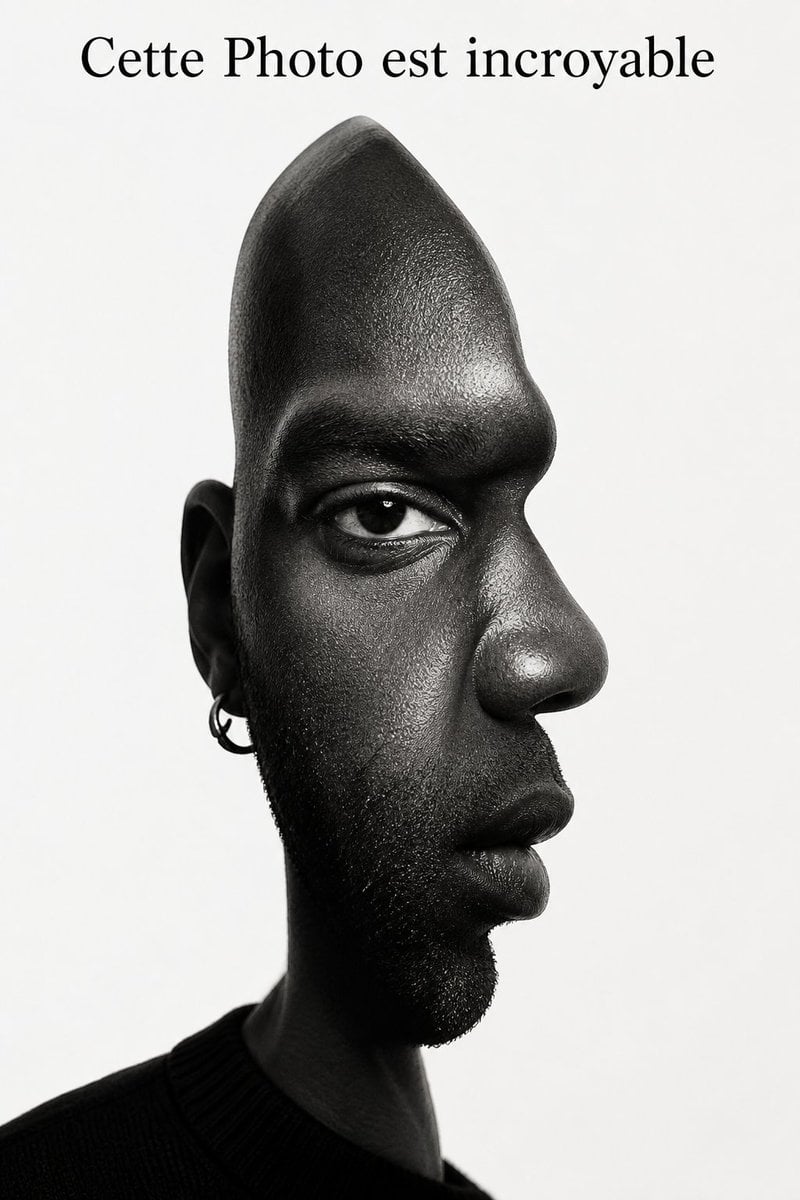
- Prompt included
- Model and format preset
- Free template
The prompt behind this image
Copy the exact prompt behind Surreal Optical Illusion Portrait, or open it in the studio and make it yours.
- Image Prompt › Subject › Description
- A surreal optical-illusion portrait that fuses two viewpoints into a single face.
- Image Prompt › Subject › Demographics
- Male, of African descent.
- Image Prompt › Subject › Hair
- Bald (shaved head), with short, textured stubble on the chin and jawline.
- Image Prompt › Subject › Expression
- Calm and restrained expression, gaze intensely fixed forward, mouth held neutral.
- Image Prompt › Optical Illusion Structure › Concept
- Frontal and profile viewpoints exist simultaneously (presented as a cubist concept, but rendered at a photorealistic level).
- Image Prompt › Optical Illusion Structure › Morphology
- The right side of the face (nose, lips, forehead, chin) forms a clear, sharp profile silhouette against the background; the left side of the face (ear, cheek) suggests a frontal viewpoint. The top of the head is elongated and gradually tapers, approximating a cone shape, to accommodate the shift in viewpoint.
- Image Prompt › Optical Illusion Structure › Eye Placement
- Only one realistic eye sits on the frontal plane, looking straight at the viewer, while the nose and mouth beneath it are rotated 90 degrees to face in profile.
- Image Prompt › Details And Texture › Skin
- Hyper-realistic skin texture, with visible pores, skin texture, and fine wrinkles around the eyes and mouth.
- Image Prompt › Details And Texture › Facial Hair
- Highly detailed stubble texture on the chin and sideburn areas.
- Image Prompt › Details And Texture › Accessories
- A small silver hoop earring worn on the visible ear on the left side.
- Image Prompt › Clothing › Outfit
- A simple dark-colored crew-neck top or sweater, only faintly visible in the lower left corner, forming a dark base for the neck.
- Image Prompt › Clothing › Color
- Black or very dark gray.
- Image Prompt › Style And Medium › Art Style
- Surrealist photography, photorealistic-level digital image processing, psychological optical illusion.
- Image Prompt › Style And Medium › Color Palette
- Black-and-white monochrome (grayscale).
- Image Prompt › Style And Medium › Aesthetic
- High contrast, sharp and avant-garde, in a style reminiscent of Picasso's dual-viewpoint compositions, but rendered with a true photographic texture.
- Image Prompt › Lighting And Environment › Lighting Setup
- Studio-level high-contrast lighting (chiaroscuro). Bright highlights on the forehead, cheekbones, and nose bridge; the side of the face and neck sink into deep, heavy shadow to reinforce the structural modeling.
- Image Prompt › Lighting And Environment › Background
- Pure white or very light gray solid background, creating strong negative space that emphasizes the profile silhouette.
- Image Prompt › Composition › Framing
- Close-up portrait composition, overall centered, but asymmetrical due to the illusion structure. Head-and-shoulders portrait.
- Image Prompt › Composition › Text Overlay Reference
- Blank space reserved at the top. (Note: the top edge of the original image contains the text "Cette Photo est incroyable".)
- Image Prompt › Technical Specs › Camera
- Portrait lens (e.g., 85mm), focus precisely on the eyes.
- Image Prompt › Technical Specs › Quality
- 8K resolution, extremely high detail, crisp, sharp, masterpiece-level image quality.
Raw JSON
{
  "image_prompt": {
  "subject": {
  "description": "A surreal optical-illusion portrait that fuses two viewpoints into a single face.",
  "demographics": "Male, of African descent.",
  "hair": "Bald (shaved head), with short, textured stubble on the chin and jawline.",
  "expression": "Calm and restrained expression, gaze intensely fixed forward, mouth held neutral."
  },
  "optical_illusion_structure": {
  "concept": "Frontal and profile viewpoints exist simultaneously (presented as a cubist concept, but rendered at a photorealistic level).",
  "morphology": "The right side of the face (nose, lips, forehead, chin) forms a clear, sharp profile silhouette against the background; the left side of the face (ear, cheek) suggests a frontal viewpoint. The top of the head is elongated and gradually tapers, approximating a cone shape, to accommodate the shift in viewpoint.",
  "eye_placement": "Only one realistic eye sits on the frontal plane, looking straight at the viewer, while the nose and mouth beneath it are rotated 90 degrees to face in profile."
  },
  "details_and_texture": {
  "skin": "Hyper-realistic skin texture, with visible pores, skin texture, and fine wrinkles around the eyes and mouth.",
  "facial_hair": "Highly detailed stubble texture on the chin and sideburn areas.",
  "accessories": "A small silver hoop earring worn on the visible ear on the left side."
  },
  "clothing": {
  "outfit": "A simple dark-colored crew-neck top or sweater, only faintly visible in the lower left corner, forming a dark base for the neck.",
  "color": "Black or very dark gray."
  },
  "style_and_medium": {
  "art_style": "Surrealist photography, photorealistic-level digital image processing, psychological optical illusion.",
  "color_palette": "Black-and-white monochrome (grayscale).",
  "aesthetic": "High contrast, sharp and avant-garde, in a style reminiscent of Picasso's dual-viewpoint compositions, but rendered with a true photographic texture."
  },
  "lighting_and_environment": {
  "lighting_setup": "Studio-level high-contrast lighting (chiaroscuro). Bright highlights on the forehead, cheekbones, and nose bridge; the side of the face and neck sink into deep, heavy shadow to reinforce the structural modeling.",
  "background": "Pure white or very light gray solid background, creating strong negative space that emphasizes the profile silhouette."
  },
  "composition": {
  "framing": "Close-up portrait composition, overall centered, but asymmetrical due to the illusion structure. Head-and-shoulders portrait.",
  "text_overlay_reference": "Blank space reserved at the top. (Note: the top edge of the original image contains the text \"Cette Photo est incroyable\".)"
  },
  "technical_specs": {
  "camera": "Portrait lens (e.g., 85mm), focus precisely on the eyes.",
  "quality": "8K resolution, extremely high detail, crisp, sharp, masterpiece-level image quality."
  }
  }
}How to use Surreal Optical Illusion Portrait in 3 steps
- 1Upload ImagePNG, JPG or paste
Add your photo
Upload the photo the template builds on. The prompt, model and format are already set.
- 2…a portrait of your subject in softgolden-hour light, 85mm…
Personalize
Edit the subject and creative details for your destination.
- 3Generate
Generate
Press Generate — your image is created in PicX Studio, so you can compare it with the original and refine one variable at a time.
More like this
Templates with the same subject, style or setup. Open one to see its prompt.
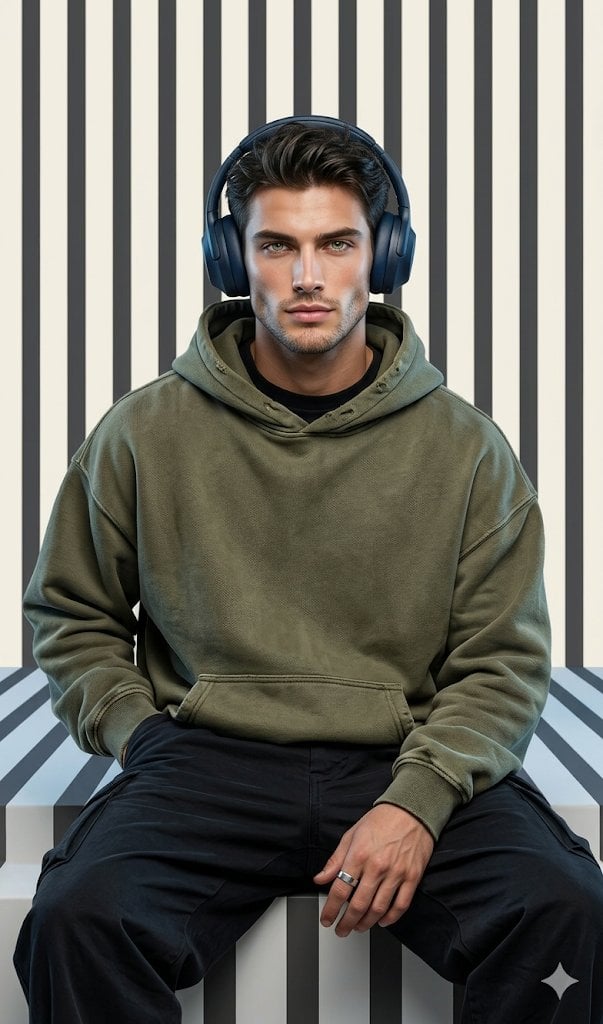
Graphic Portrait with Optical Illusion Background
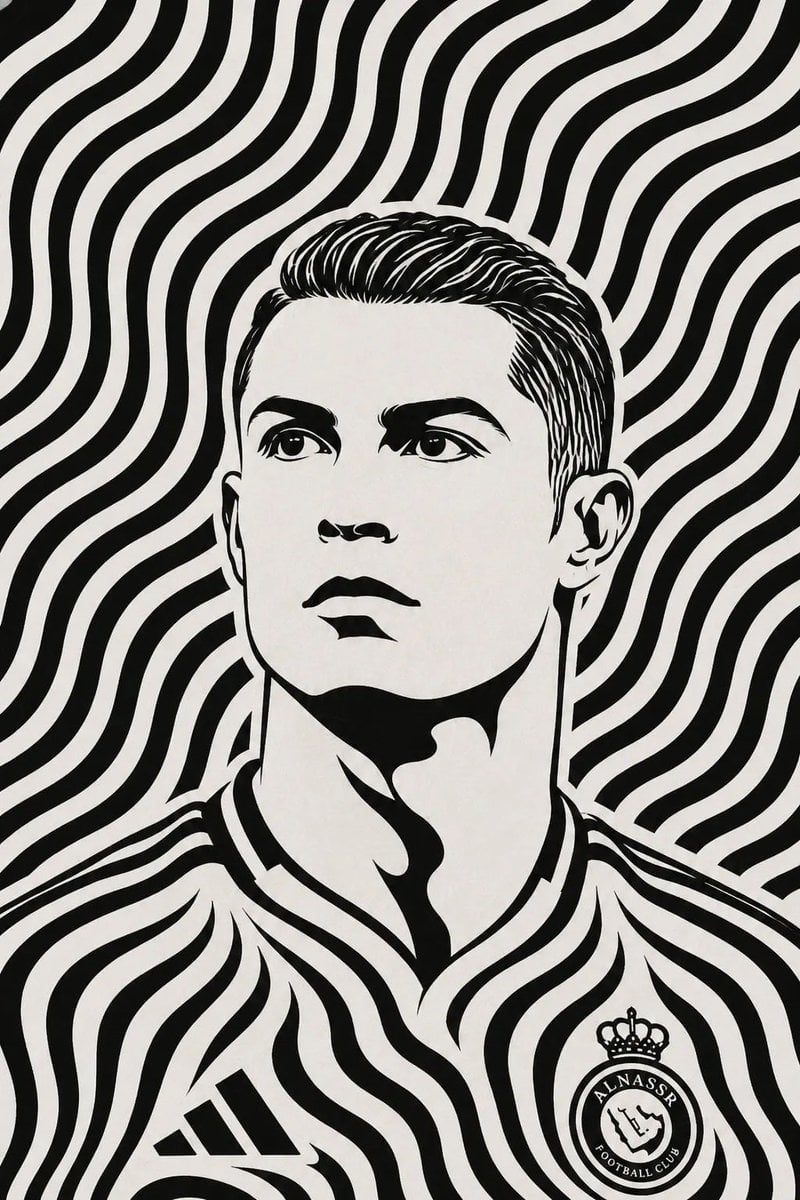
Black and White Optical Illusion Portrait
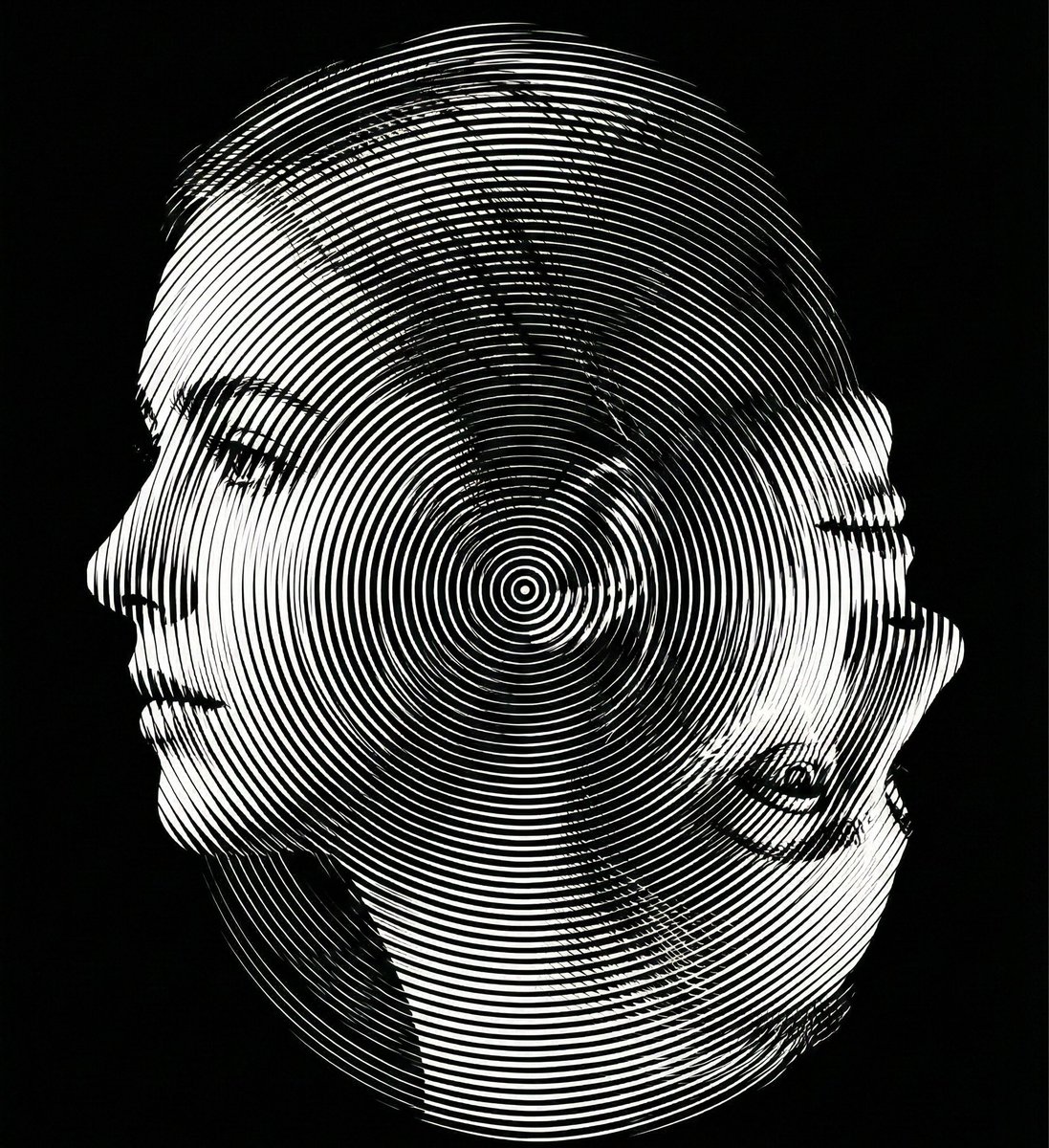
Dual-Orientation Optical Illusion Portrait

Found Photograph: Us, 1970

80s Couple Studio Portrait

80s Bollywood Star

80s Golden Hour Cinema

Me in 1985

1985 Studio Portrait

Hyper-Realistic Minecraft POV Portrait
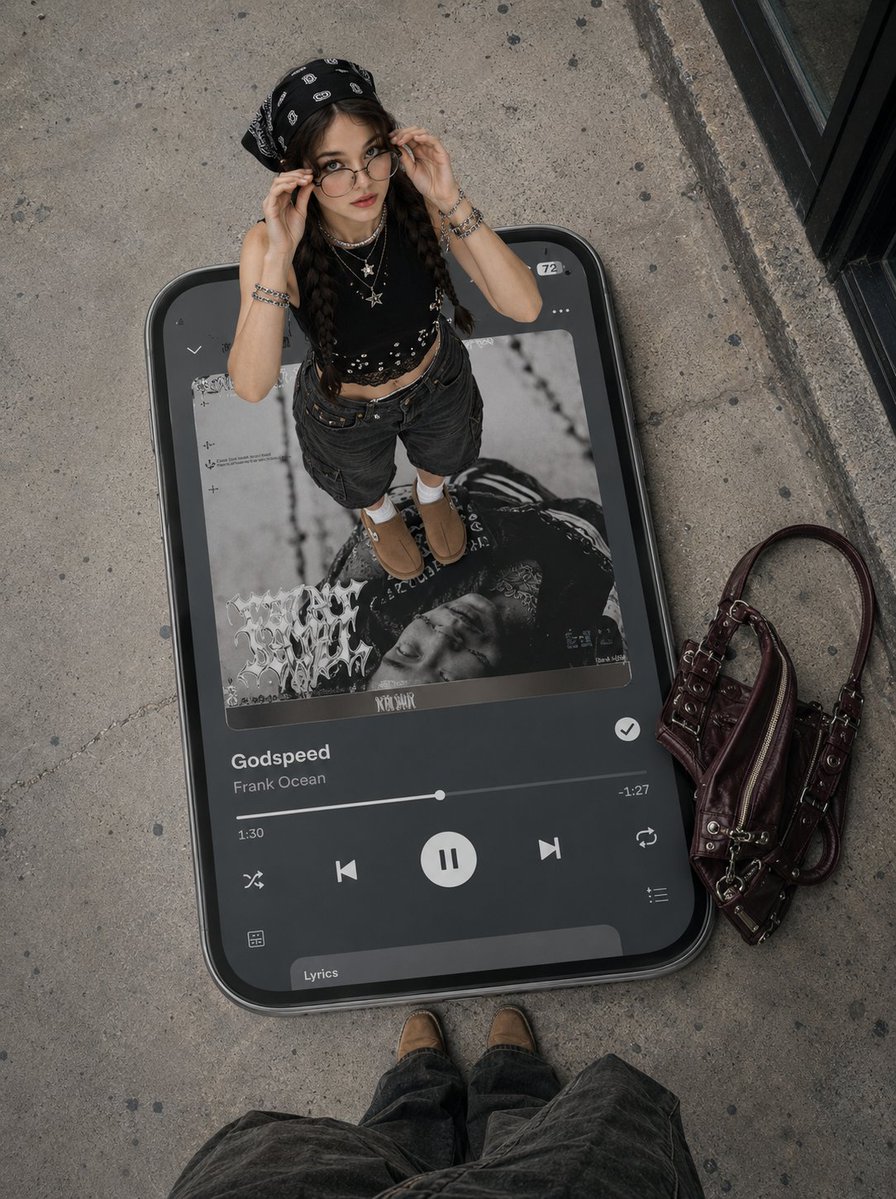
Surreal Y2K Street Fashion Smartphone Illusion

Rooftop Fisheye — Cat-Ear Balaclava at Golden Hour
Make it yours
Surreal Optical Illusion Portrait works as-is. These are the safest ways to change it without losing the look.
Swap the setting
Keep the rest of the prompt and replace the location block. The current setting is “Studio-level high-contrast lighting (chiaroscuro). Bright highlights on the fore”.
Swap the light
One lighting change is enough to compare takes. Current light: “Studio-level high-contrast lighting (chiaroscuro). Bright highlights on the fore”.
Change one field
Copy a single group, rewrite it, and generate again so you can see what that field is doing.
| If the result… | Why | Fix |
|---|---|---|
| The result drifts from the preview | Too many fields changed at once. | Reuse Surreal Optical Illusion Portrait as-is first, then change one group — subject, light, or setting. |
| GPT Image 2 ignores part of the JSON | Some models flatten or skip nested keys. | Keep the same values and paste them as a short paragraph instead. |
More GPT Image 2 templates
Other prompts made for GPT Image 2.

Six VTuber Japanese Logo Sheet

Realistic Portrait of Woman and Deer

The Vista Modular Condo Poster

AI Model Routing Comparison Infographic

2.5D Anime Art Board

Isometric Productivity Desk Scene

New York Double Exposure Poster

Four-Panel AI Landscape Comparison

Japanese Tatami Lifestyle Magazine Cover

NESCAFÉ Coffee Map Poster
More image prompts
Fresh picks from across the catalog.
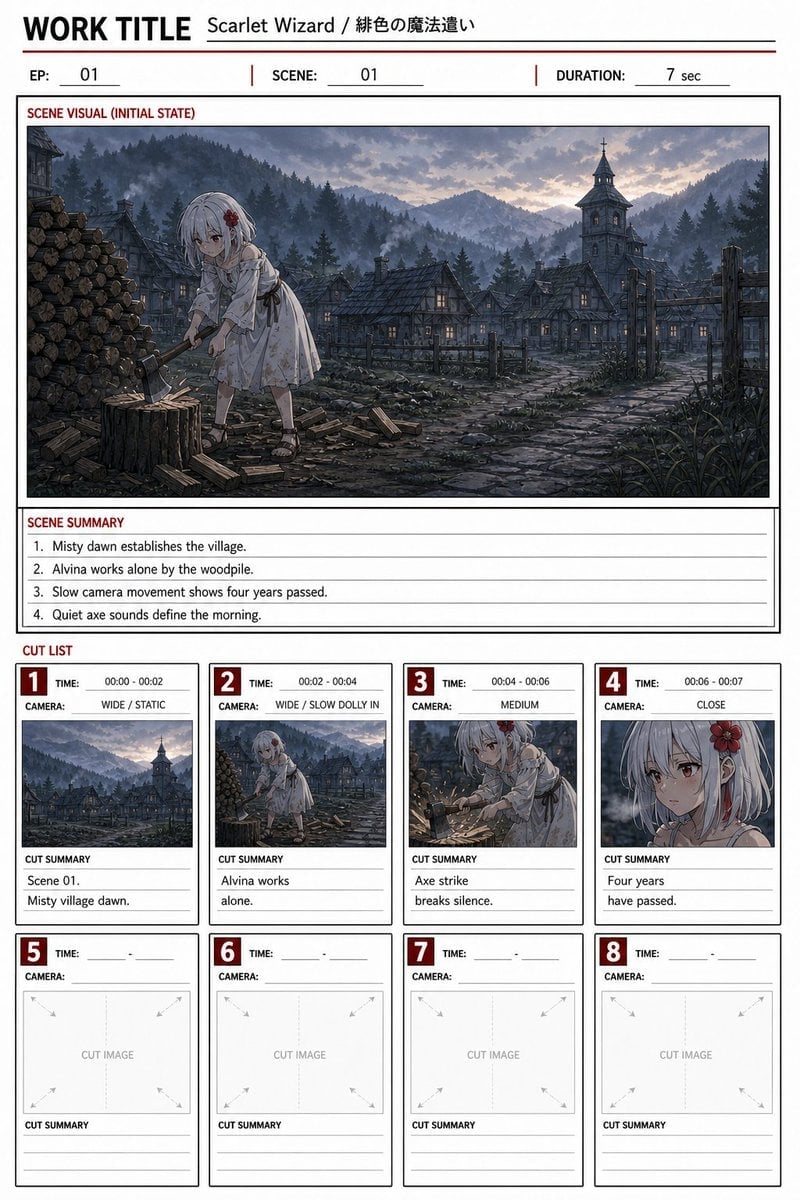
Anime Storyboard Sheet

Educational Infographic Generator
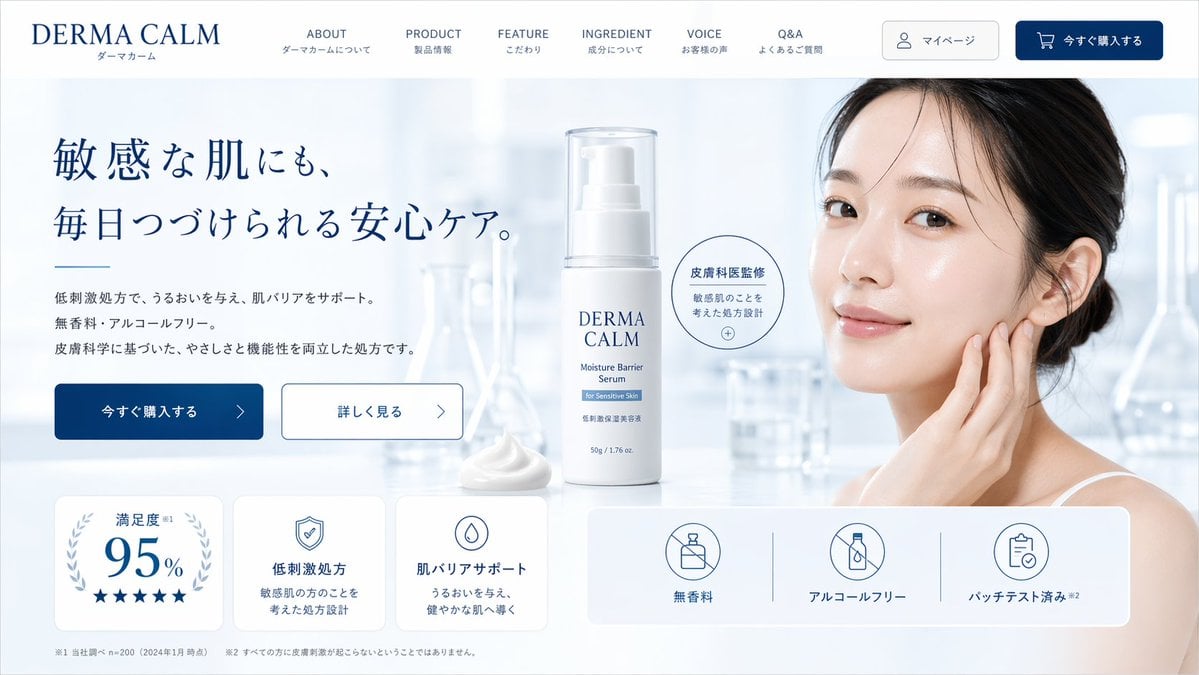
Skincare Landing Page Mockup
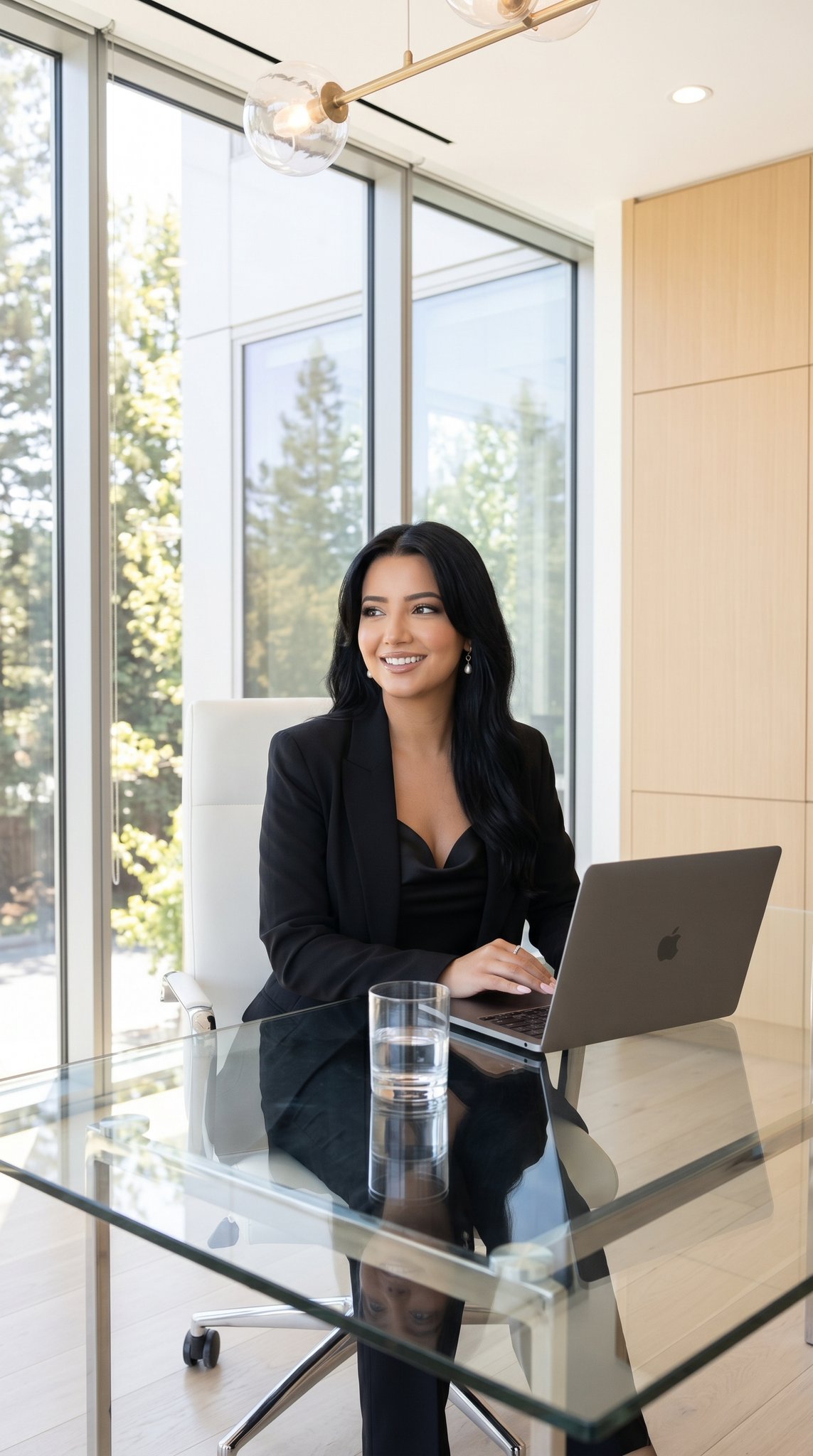
09 Silicon Valley Startup — California Series
Playful Portrait with Foreground Text and Gradient Background
Minimal Futuristic Anime Girl Portrait
Ethereal Angelic Woman Portrait Prompt for Nano Banana Pro
Four Prompts for Ultra-Realistic Female Portraits (Dubai, Floral, 90s, Western)
Racing Car Poster with Specs
Intoxicated Face 2x2 Grid Generator
Browse template categories
Surreal Optical Illusion Portrait questions
How do I use the Surreal Optical Illusion Portrait template?
Add your photo if the template asks for one, edit the prompt if you like — the template's model and format are already selected — and press Generate. Your version opens in PicX Studio.
Can I customize the Surreal Optical Illusion Portrait template?
Yes. You can change the subject, setting, lighting, mood, format, and available model controls before creating your image.
Is the Surreal Optical Illusion Portrait template free?
Opening and editing this template is free. Generating uses credits, shown on the Generate button when you are signed in.
Which AI model should I use?
Start with GPT Image 2, which is the model associated with this template. You can compare another compatible model for a different finish.
Looking for something else? Browse all templates.

Your photo, any look
Thousands of ready templates for every top image and video model, from one credit balance.